一、环境描述
|
OS版本
|
RHEL7.8
|
|
IRIS版本
|
2021.1.0.215.0
|
|
OS软件包
|
basic安装方式
|
二、操作系统配置
1、系统安装及网络配置略
2、关闭防火墙及selinux
|
systemctl stop firewalld
systemctl disable firewalld
systemctl status firewalld
systemctl start avahi-daemon.socket
setenforce 0
sed -i 's/enforcing/disabled/g' etc/selinux/config
|
3、修改主机名
|
hostnamectl --static set-hostname iris2021
|
4、添加用户和组
|
groupadd irisgp
useradd -g irisgp iris
|
5、创建目录
|
mkdir irissoft
mkdir tmp/iriskit
mkeir instancetest
chmod og+rx tmp/iriskit
|
|
chown iris:irisgp instancetest
|
6、上传软件到/irissoft目录
|
[root@iris2021 irissoft]# ls -l
total 789868
-rwxr-xr-x. 1 root root 808824440 Jul 2 19:20
|
7、解压软件包
|
gunzip -c irissoft/IRIS_Community-2021.1.0.215.0-lnxrhx64.tar.gz | ( cd tmp/iriskit ; tar xf - )
|
8、重启系统
三、软件安装
1、用root安装软件
|
[root@iris2021 irissoft]# cd tmp/iriskit/
[root@iris2021 iriskit]# cd IRIS_Community-2021.1.0.215.0-lnxrhx64/
[root@iris2021 IRIS_Community-2021.1.0.215.0-lnxrhx64]# ./irisinstall
Your system type is 'Red Hat Enterprise Linux (x64)'.
Enter instance name <IRIS>: test ##实例名
Enter a destination directory for the new instance.
Directory: instancetest
Select installation type.
1) Development - Install InterSystems IRIS server and all language bindings
2) Server only - Install InterSystems IRIS server
3) Custom
Setup type <1>? 1 选1
How restrictive do you want the initial Security settings to be?
"Minimal" is the least restrictive, "Locked Down" is the most secure.
1) Minimal
2) Normal
3) Locked Down
Initial Security settings <1>? 2 选2
What user should be the owner of this instance? iris
An InterSystems IRIS account will also be created for user iris.
Install will create the following InterSystems IRIS accounts for you:
_SYSTEM, Admin, SuperUser, iris and CSPSystem.
Please enter the common password for _SYSTEM, Admin, SuperUser and iris:
Re-enter the password to confirm it: iris ##密码不显示
Please enter the password for CSPSystem: iris ##密码不显示
Re-enter the password to confirm it: iris ##密码不显示
What group should be allowed to start and stop
this instance? irisgp 组名称
Do you want to install IRIS Unicode support <Yes>? yes
InterSystems IRIS did not detect a license key file
Do you want to enter a license key <No>? no
Please review the installation options:
------------------------------------------------------------------
Instance name: test
Destination directory: instancetest
InterSystems IRIS version to install: 2021.1.0.215.0com
Installation type: Development
Unicode support: Y
Initial Security settings: Normal
User who owns instance: iris
Group allowed to start and stop instance: irisgp
Effective group for InterSystems IRIS processes: irisusr
Effective user for InterSystems IRIS SuperServer: irisusr
SuperServer port: 1972
WebServer port: 52773
JDBC Gateway port: 53773
Web Gateway: using built-in web server
Not installing IntegratedML
------------------------------------------------------------------
Confirm InterSystems IRIS installation <Yes>? yes ##开始安装
|
以下为安装输出
|
Starting installation
Starting up InterSystems IRIS for loading...
../bin/irisinstall -s . -B -c c -C instancetest/iris.cpf*test -W 1 -g2
Starting Control Process
Allocated 239MB shared memory: 32MB global buffers, 80MB routine buffers
Creating a WIJ file to hold 32 megabytes of data
IRIS startup successful.
System locale setting is 'en_US.UTF-8'
This copy of InterSystems IRIS has been licensed for use exclusively by:
InterSystems IRIS Community
Copyright (c) 1986-2021 by InterSystems Corporation
Any other use is a violation of your license agreement
^^/instancetest/mgr/>
^^/instancetest/mgr/>
Start of IRIS initialization
Loading system routines
Updating system TEMP and LOCALDATA databases
Installing National Language support
Setting IRISTEMP default collation to IRIS standard (5)
Loading system classes
Updating Security database
Loading system source code
Building system indices
Updating Audit database
Updating Journal directory
Updating User database
Updating Interoperability databases
Scheduling inventory scan
IRIS initialization complete
See the iboot.log file for a record of the installation.
Starting up InterSystems IRIS...
Once this completes, users may access InterSystems IRIS
Starting TEST
Using 'iris.cpf' configuration file
Starting Control Process
Global buffer setting requires attention. Auto-selected 25% of total memory.
Allocated 683MB shared memory: 454MB global buffers, 80MB routine buffers
Creating a WIJ file to hold 99 megabytes of data
This copy of InterSystems IRIS has been licensed for use exclusively by:
InterSystems IRIS Community
Copyright (c) 1986-2021 by InterSystems Corporation
Any other use is a violation of your license agreement
You can point your browser to http://iris2021:52773/csp/sys/UtilHome.csp
to access the management portal.
Installation completed successfully
|
安装完成
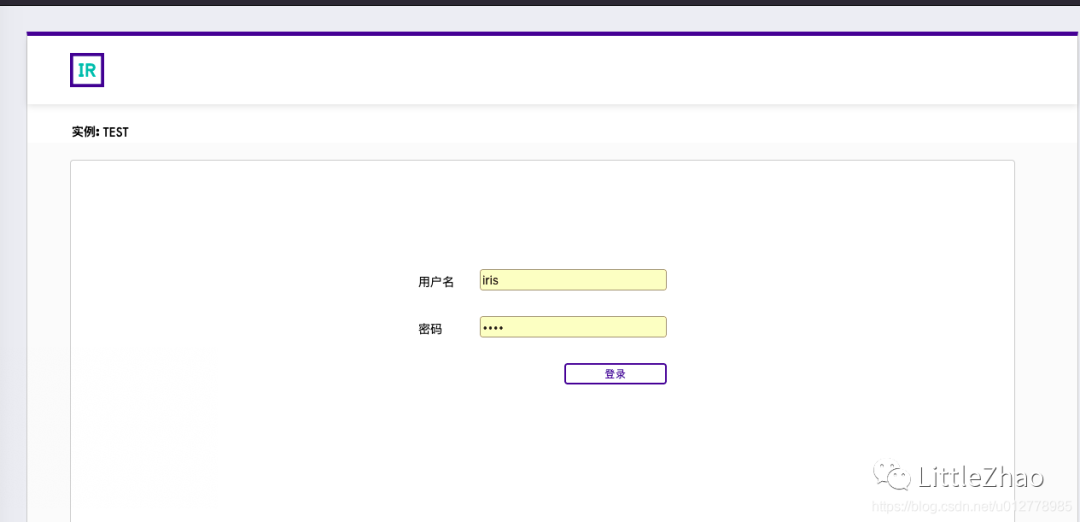
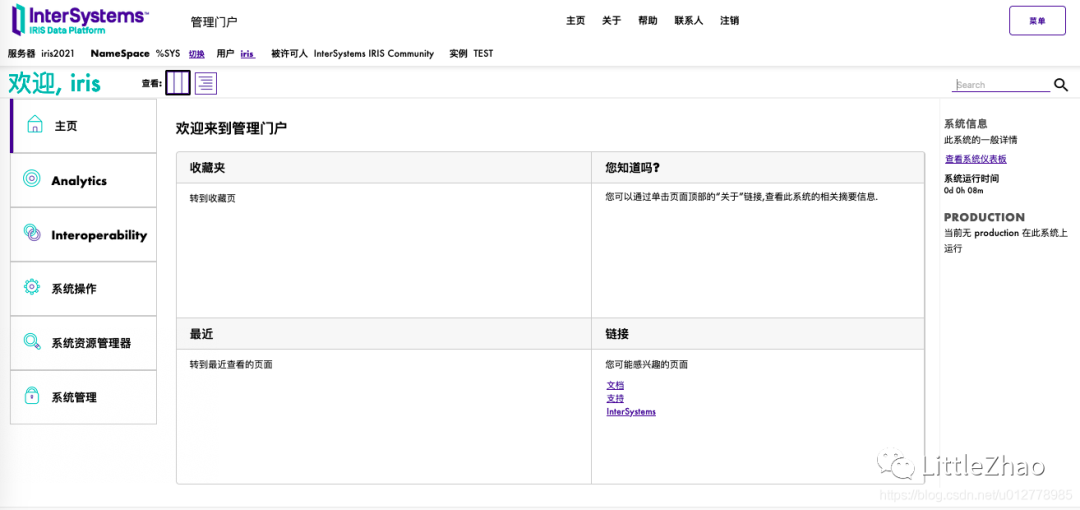
浏览器中输入地址
http://iris2021:52773/csp/sys/UtilHome.csp
进入管理界面
基本操作
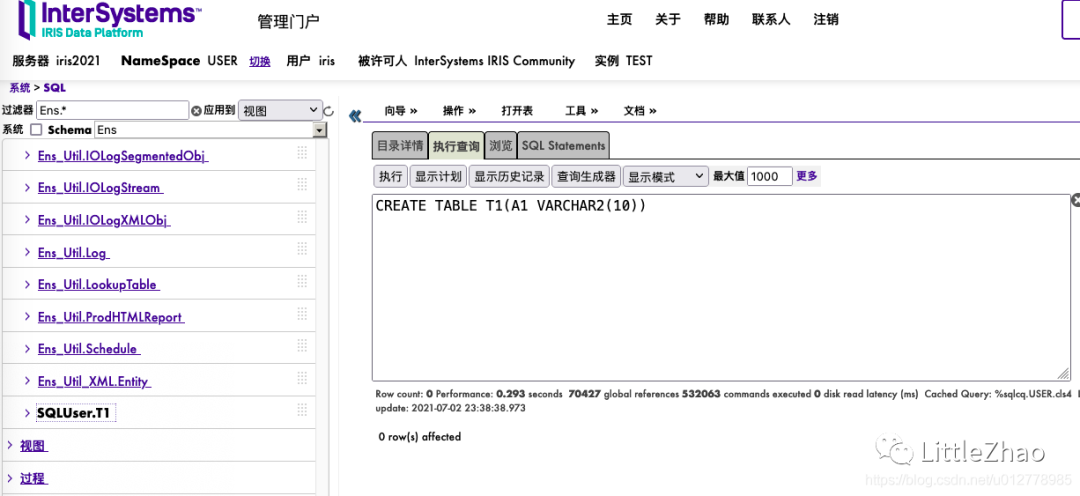
创建个表
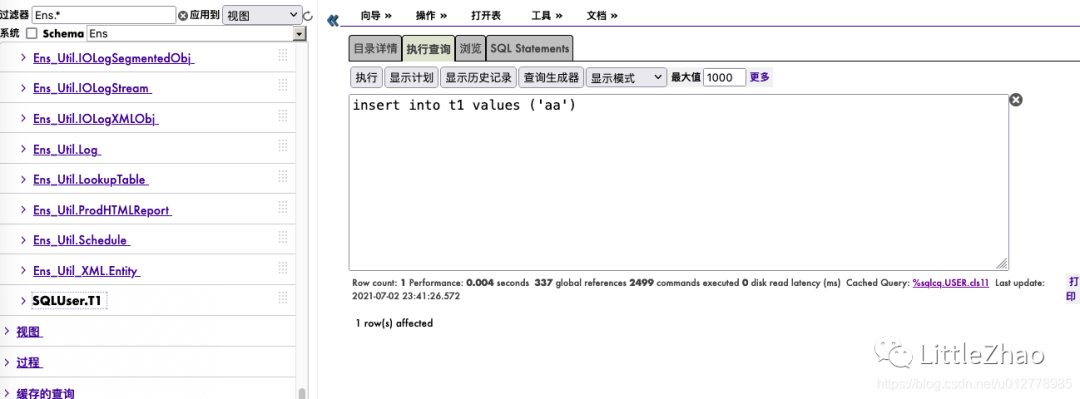
插入一条数据
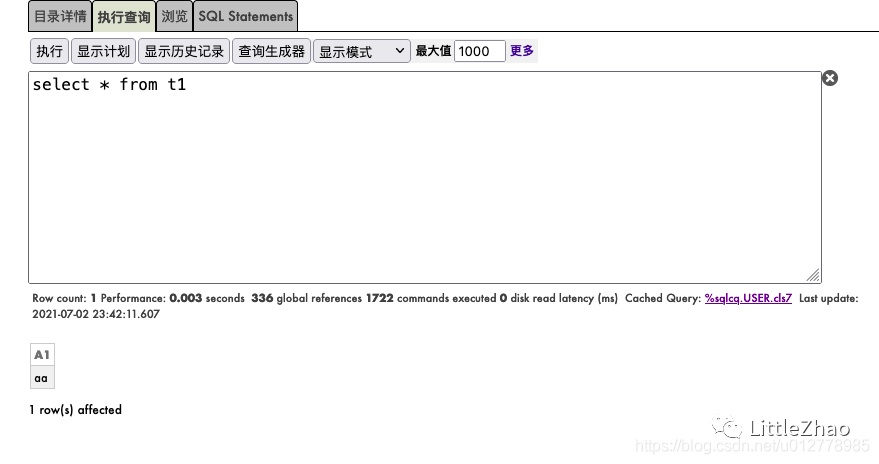
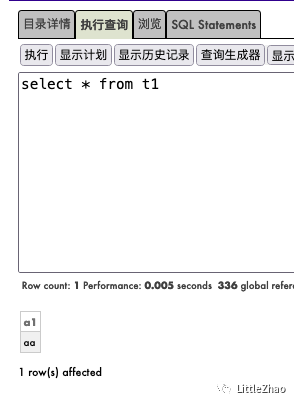
查询表
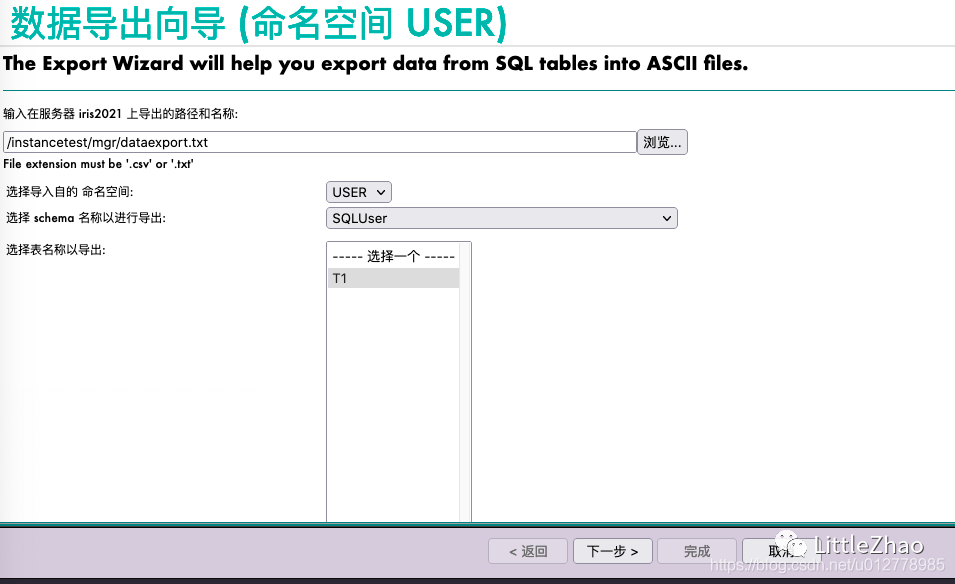
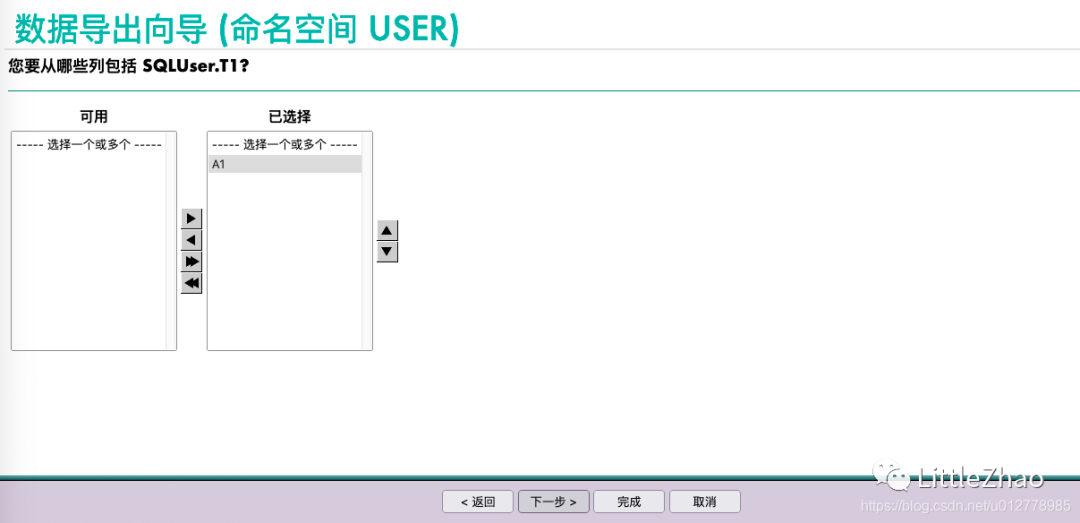
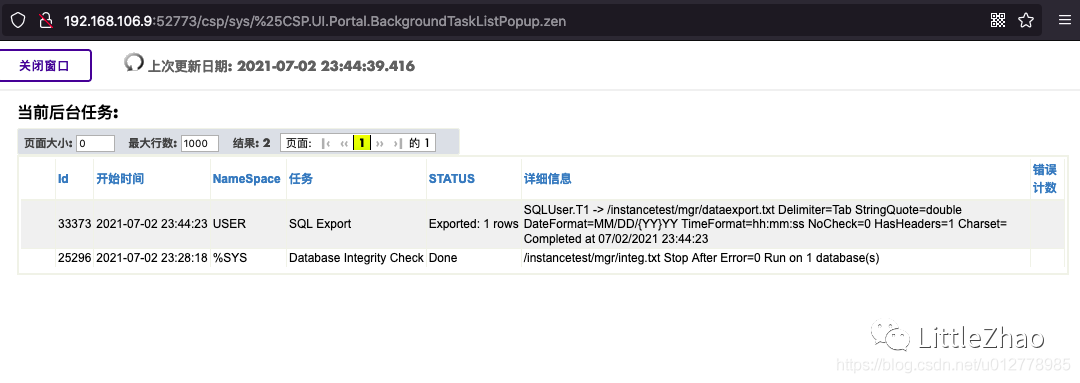
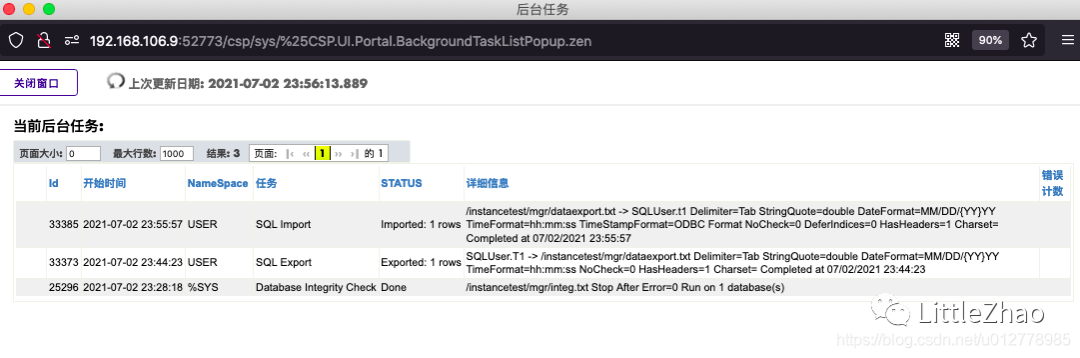
导出表
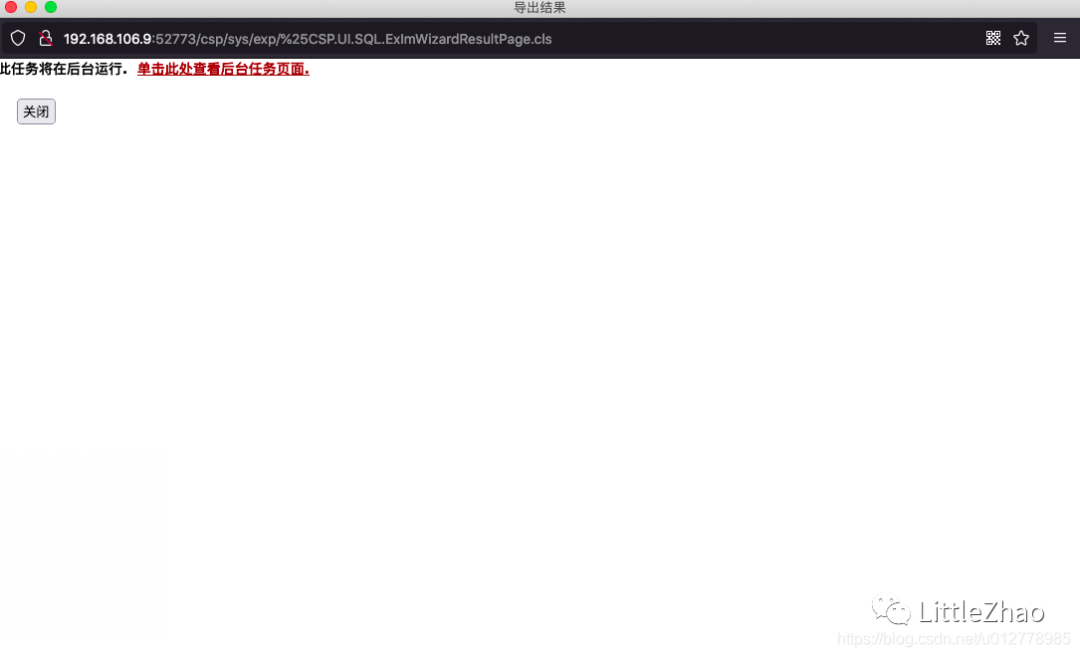
导出成功

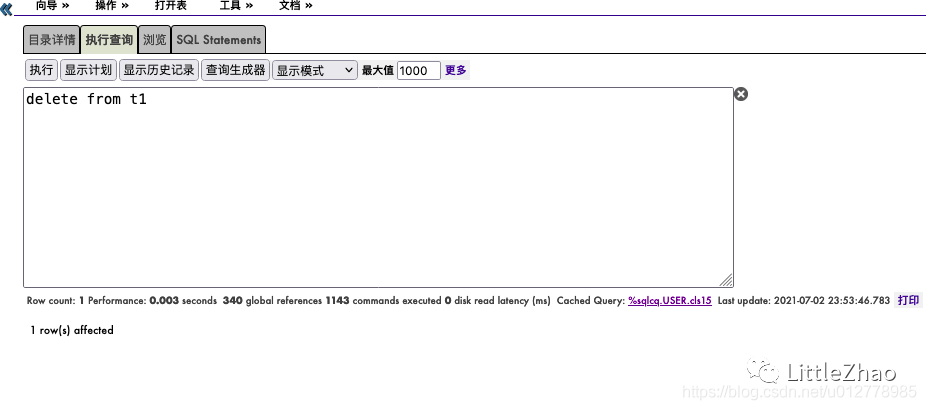
删除表中数据
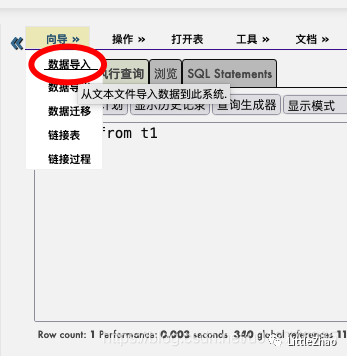
导入表中数据
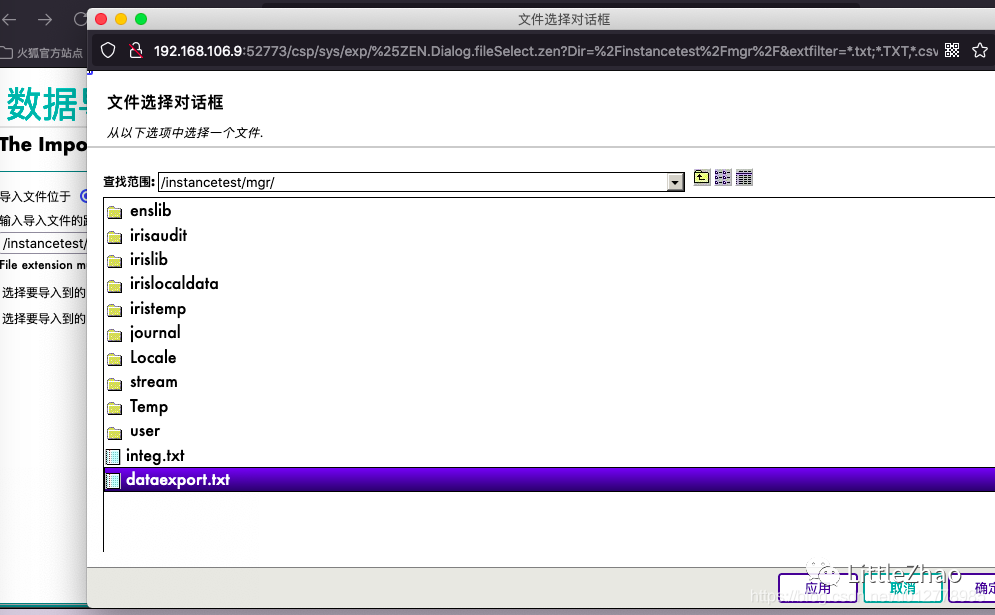
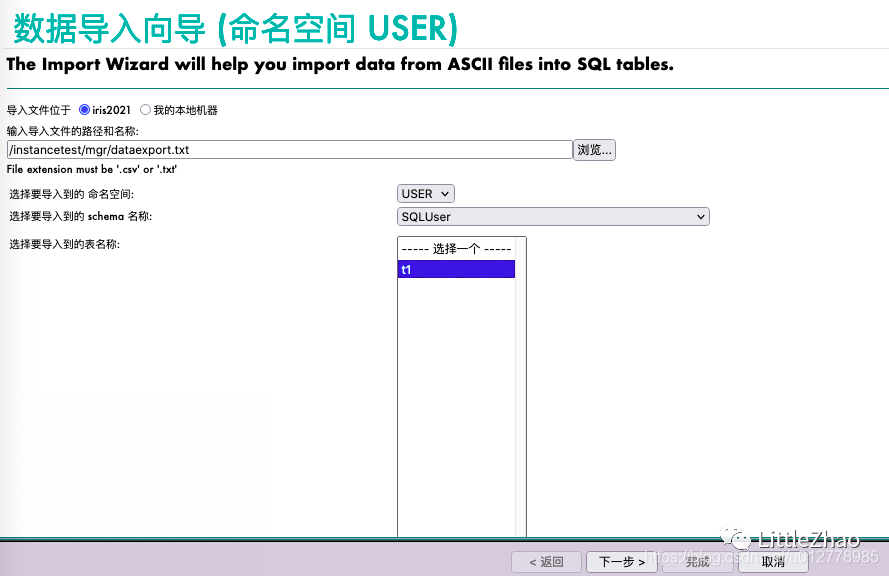
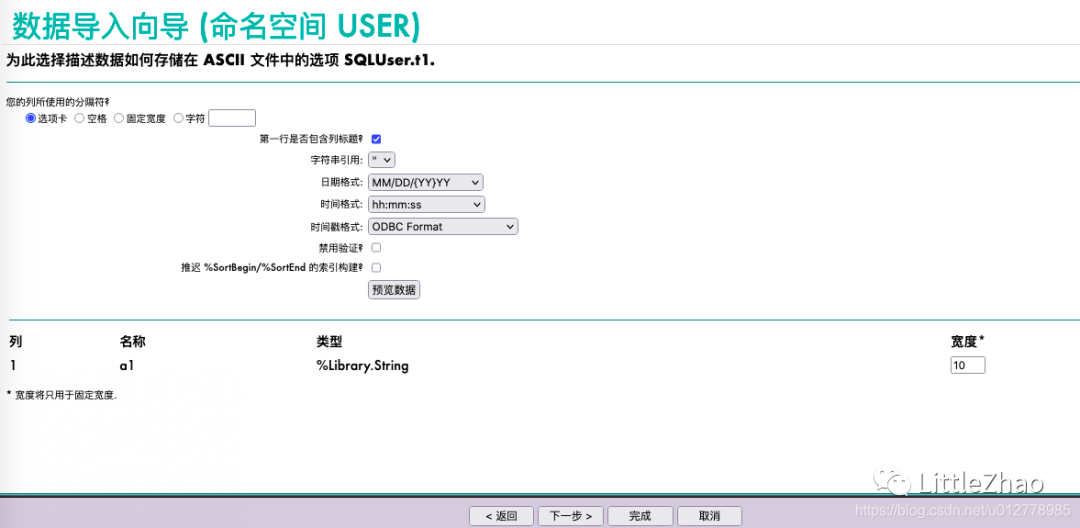
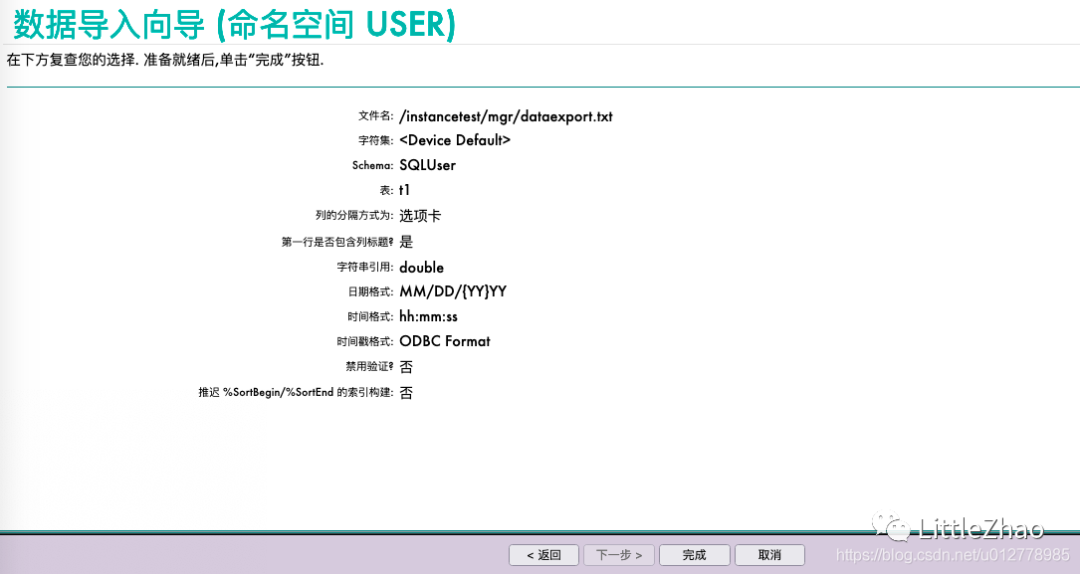
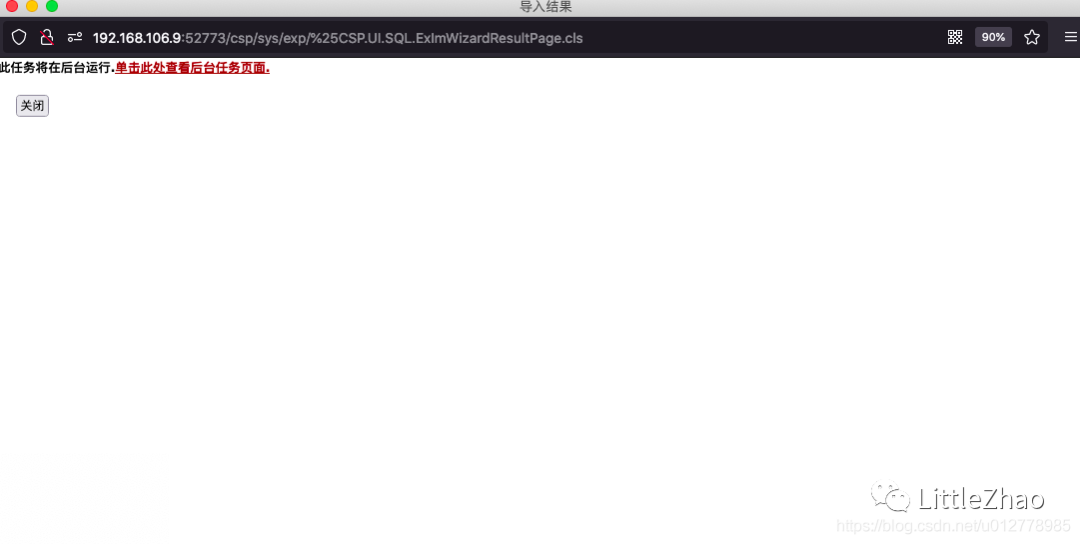
导入成功
验证数据
管理操作
关闭实例
|
[iris@iris2021 ~]$ irit test stop
-bash: irit: command not found
[iris@iris2021 ~]$ ir
iris irisdb irissession irqbalance
[iris@iris2021 ~]$ ir
iris irisdb irissession irqbalance
[iris@iris2021 ~]$ iris test stop
iris: invalid function 'test'
[iris@iris2021 ~]$ iris stop test
InterSystems IRIS Shutdown Status: 11:58 pm 02 Jul 2021
0 interactive jobs (Telnet/Lat)
0 background jobs (from job command)
7 CSP server jobs
0 ODBC server jobs
25 system jobs
Do you want to broadcast a message to anyone? No => No
Do you want to see the InterSystems IRIS status report? No => No
Do you want to run the user defined shutdown routine? Yes => Yes
Are you ready for the system to halt? Yes => Yes
23:58:26 Shutting down InterSystems IRIS
23:58:28 Notifying Clients
23:58:28 No user shutdown routines to execute
23:58:28 Stopping User Jobs
23:58:31 Stopping Network Servers
23:58:31 Withdrawing from License Domain
23:58:31 Waiting for users to stop
23:58:31 Stopping Client Networking
23:58:31 Removing database locks
23:58:31 Updating Journal File
23:58:32 Waiting for database updates to complete
23:58:32 Database updates complete
23:58:32 Stopping System Jobs
23:58:34 Shutdown complete
|
启动实例
|
[iris@iris2021 ~]$ iris start test
Starting TEST
Using 'iris.cpf' configuration file
Starting Control Process
Global buffer setting requires attention. Auto-selected 25% of total memory.
Allocated 683MB shared memory: 454MB global buffers, 80MB routine buffers
This copy of InterSystems IRIS has been licensed for use exclusively by:
InterSystems IRIS Community
Copyright (c) 1986-2021 by InterSystems Corporation
Any other use is a violation of your license agreement
|




