
Oracle 21C安装包下载地址
https://www.oracle.com/database/technologies/oracle-database-software-downloads.html

Oracle 21C文档位置
https://docs.oracle.com/en/database/oracle/oracle-database/index.html
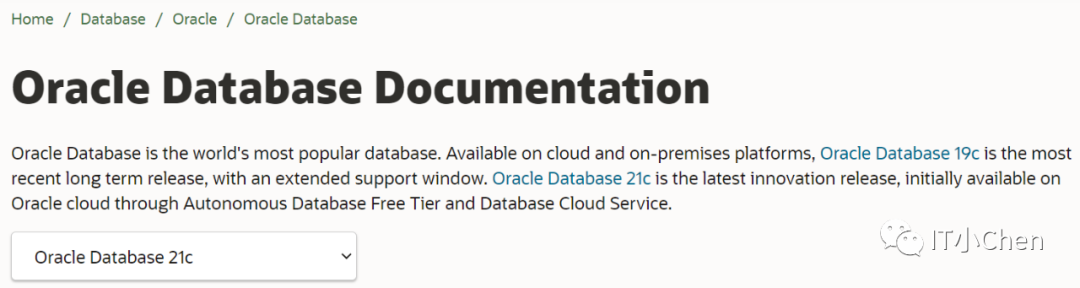
Database Installation Guide for Linux
https://docs.oracle.com/en/database/oracle/oracle-database/21/ladbi/database-installation-guide-linux.pdf
准备安装环境:
操作系统版本:Redhat 7.6
cd /home/oracle
touch install_db01.sh
chmod a+x install_db01.sh
vim install_db01.sh
#!/bin/bashSPATH=/softDATAPATH=/oradataFS_TYPE=ext4ORABASE=/oracle/productFNAME=LINUX.X64_213000_db_home.zipMT_PT=/oracleORAlnven=/oracleTPATH=/home/oracleORAHOME=/oracle/product/21.3/dbmem=$(free -g | grep Mem | awk {'print $2'})shm=$((mem*1024*1024*819))mall=$((shm/4096))sga=$((mem*512))Mpga=$((mem*153))Mcpu=$(cat proc/cpuinfo | grep process|wc -l)install_database_log=$TPATH/install_database.loginstall_database_rsp_file=$TPATH/install_database.rsp################################################################# Step 2: create oracle path##############################################################env_info(){echo "Os:" `cat etc/system-release`echo `grep MemTotal proc/meminfo`grep SwapTotal proc/meminfodf -h tmpfree -gdf -h dev/shmecho "Processor architecture: " `uname -m`}mk_path(){mkdir -p "$MT_PT"mkdir -p "$DATAPATH"}################################################################ Step 3: Change os properties##############################################################change_os(){if [[ -f usr/lib/systemd/system/ctrl-alt-del.target ]]; thenrm -f usr/lib/systemd/system/ctrl-alt-del.targetinit qsystemctl stop firewalldsystemctl stop avahi-daemonsystemctl stop bluetoothsystemctl disable firewalldsystemctl disable avahi-daemonsystemctl disable bluetoothecho "OS has been changed"elseecho "OS has been changed!!!!"fi}add_user(){id oracleif [[ $? == 0 ]]; thenecho "Oracle user has been add!!!!!!"else#user and groupgroupadd -g 301 oinstallgroupadd -g 300 dbagroupadd -g 303 opergroupadd -g 307 backupdbagroupadd -g 308 dgdbagroupadd -g 309 kmdbauseradd -m -d /home/oracle -u 500 -g oinstall -G dba,oper,backupdba,dgdba,kmdba oraclemkdir -p $ORAHOMEchown -R oracle:oinstall /oracleecho 'oracle' | passwd oracle --stdincp /etc/profile /etc/profile_orgcat <<eof >> /etc/profileif [ \$USER = "oracle" ]; thenif [ \$SHELL = "/bin/ksh" ]; thenulimit -p 16384ulimit -n 65536elseulimit -u 16384 -n 65536fifiexport HISTTIMEFORMAT="%F %T "export HISTSIZE=10000eofcat <<eof >> /home/oracle/.bash_profileexport ORACLE_BASE=/oracle/productexport ORACLE_HOME=$ORAHOMEexport PATH=\$PATH:\$ORACLE_HOME/bin:\$ORACLE_HOME/OPatch:\$ORACLE_HOME/suptools/oratopexport LD_LIBRARY_PATH=\$ORACLE_HOME/lib:\$LD_LIBRARY_PATHexport ORACLE_SID=$DBNAMEalias cdo='cd \$ORACLE_HOME'alias cdb='cd \$ORACLE_HOME/dbs'alias cdn='cd \$ORACLE_HOME/network/admin'alias cdal='cd \$ORACLE_BASE/diag/rdbms/*/$DBNAME/trace'alias sqp='sqlplus / as sysdba'eofecho "User has been changed"fi}change_param(){if [[ $(cat /etc/sysctl.conf | grep 'oracle parameter' |wc -l) == 1 ]]; thenecho "Parameter has been changed!!!!!!"elsecp /etc/sysctl.conf /etc/sysctl.conf_origcat <<eof >> /etc/sysctl.conf##oracle parameterkernel.shmmni = 4096kernel.shmall = $mallkernel.shmmax = $shmfs.aio-max-nr = 1048576fs.file-max = 6815744kernel.sem = 250 32000 100 128net.ipv4.ip_local_port_range = 9000 65500net.core.rmem_default = 262144net.core.rmem_max = 4194304net.core.wmem_default = 262144net.core.wmem_max = 1048586net.ipv4.ipfrag_high_thresh = 16777216net.ipv4.ipfrag_low_thresh = 15728640kernel.panic_on_oops = 1kernel.randomize_va_space = 0vm.min_free_kbytes= 524288vm.swappiness =10eofsysctl -pcat <<eof >> /etc/security/limits.conf##oracle parameter* - memlock unlimited* soft memlock unlimited* hard memlock unlimitedoracle soft nproc 16384oracle hard nproc 16384oracle soft nofile 65536oracle hard nofile 65536oracle soft stack 10240eofsed -i -e "s/4096/16384/g" /etc/security/limits.d/20-nproc.confcp /etc/pam.d/login /etc/pam.d/login_origecho "session required pam_limits.so" >> /etc/pam.d/loginecho "RemoveIPC=no" >> /etc/systemd/logind.confsystemctl daemon-reloadsystemctl restart systemd-logindecho "Parameter has been changed"fi}disable_thp(){if [[ $(cat /etc/default/grub | grep 'transparent_hugepage=never' |wc -l) == 1 ]]; thenecho "THP has been disabled !!!!!!!"elsecp /etc/default/grub /etc/default/grub_origcat /etc/default/grubsed -i 's#rhgb quiet#rhgb quiet transparent_hugepage=never NUMA=off#' /etc/default/grub#普通启动方式grub2-mkconfig -o /boot/grub2/grub.cfg#efi模式# grub2-mkconfig -o /boot/efi/EFI/redhat/grub.cfgif [[ $? != 0 ]]; thenecho "THP change failed, Please manual change!"elseecho "THP has been disabled!!!"fifi}unzip_soft(){chown oracle:oinstall $SPATH/$FNAMEecho "Begin unzip......"su - oracle -c "unzip -qo $SPATH/$FNAME -d $ORAHOME"}env_infomk_pathchange_osadd_userchange_paramunzip_soft
nohup ./install_db01.sh > 01.log &
开始安装数据库:
su - oracle
[oracle@cjc db]$ pwd
/oracle/product/21.3/db
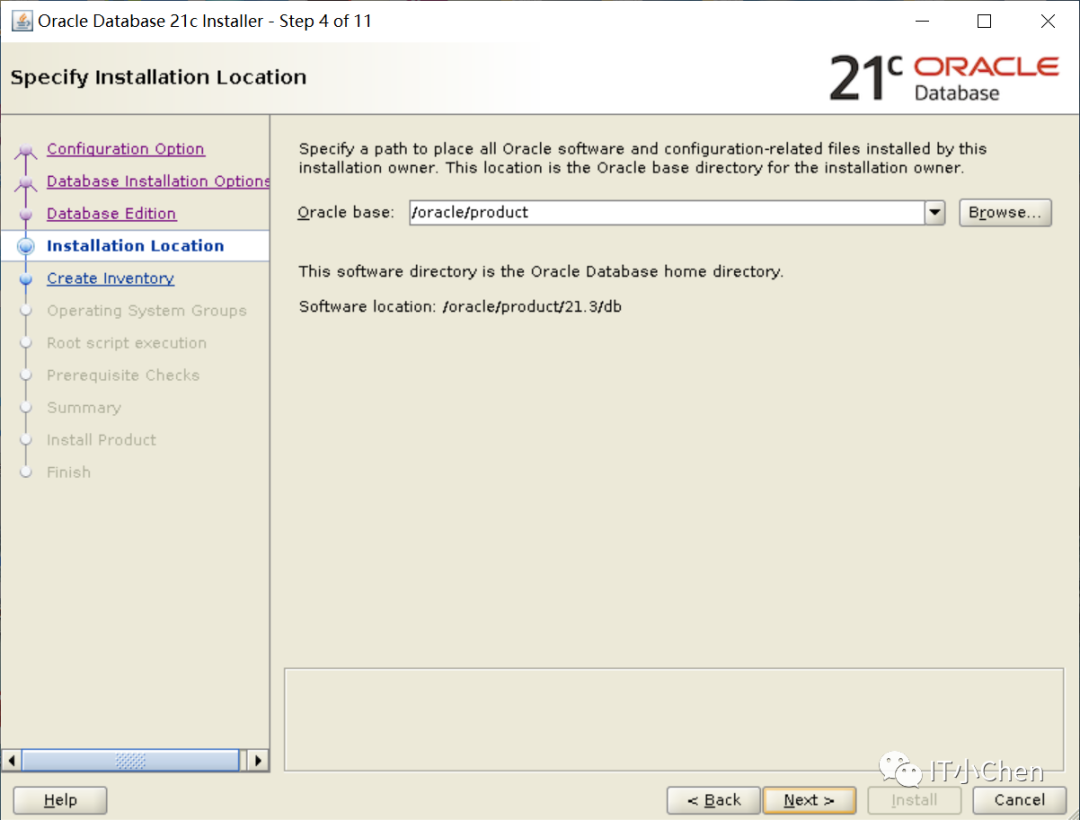
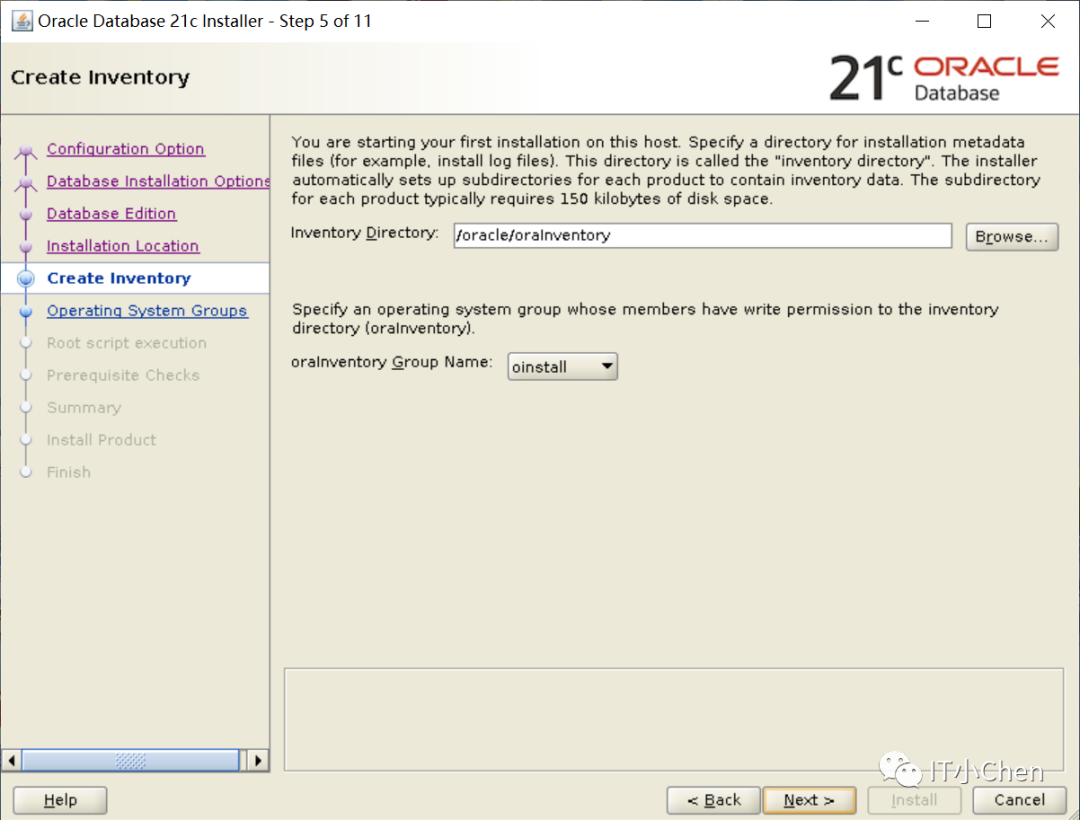
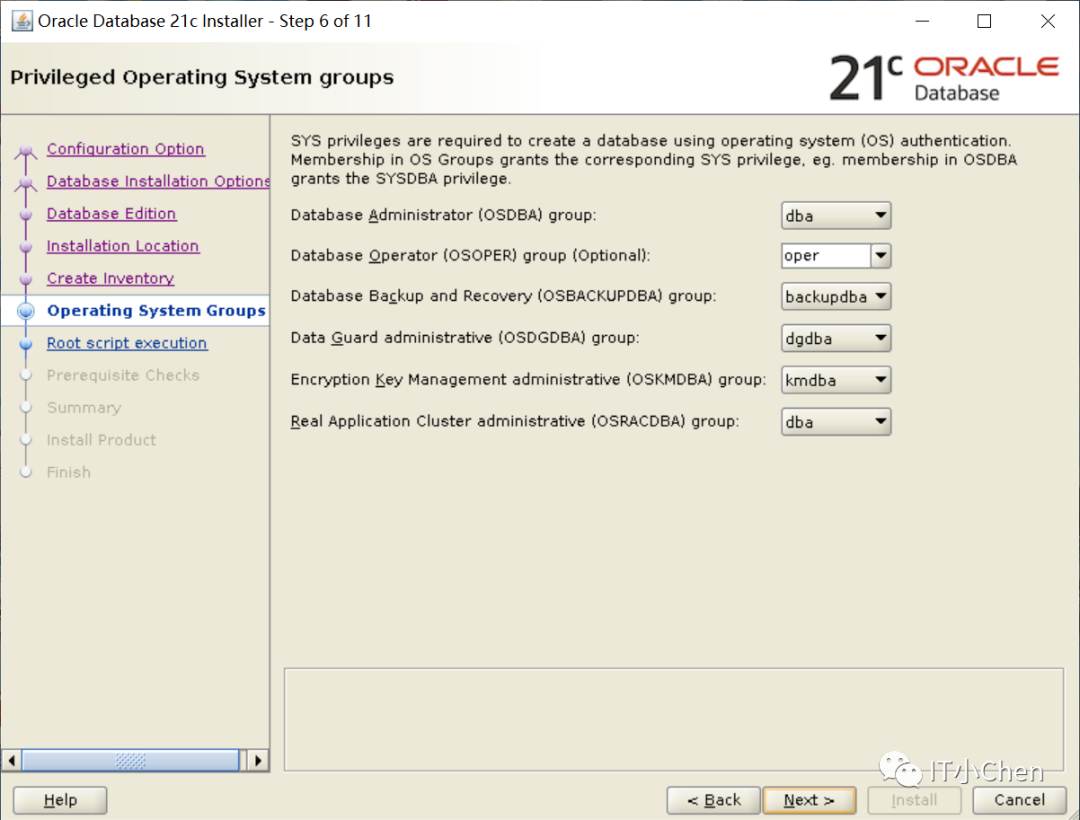
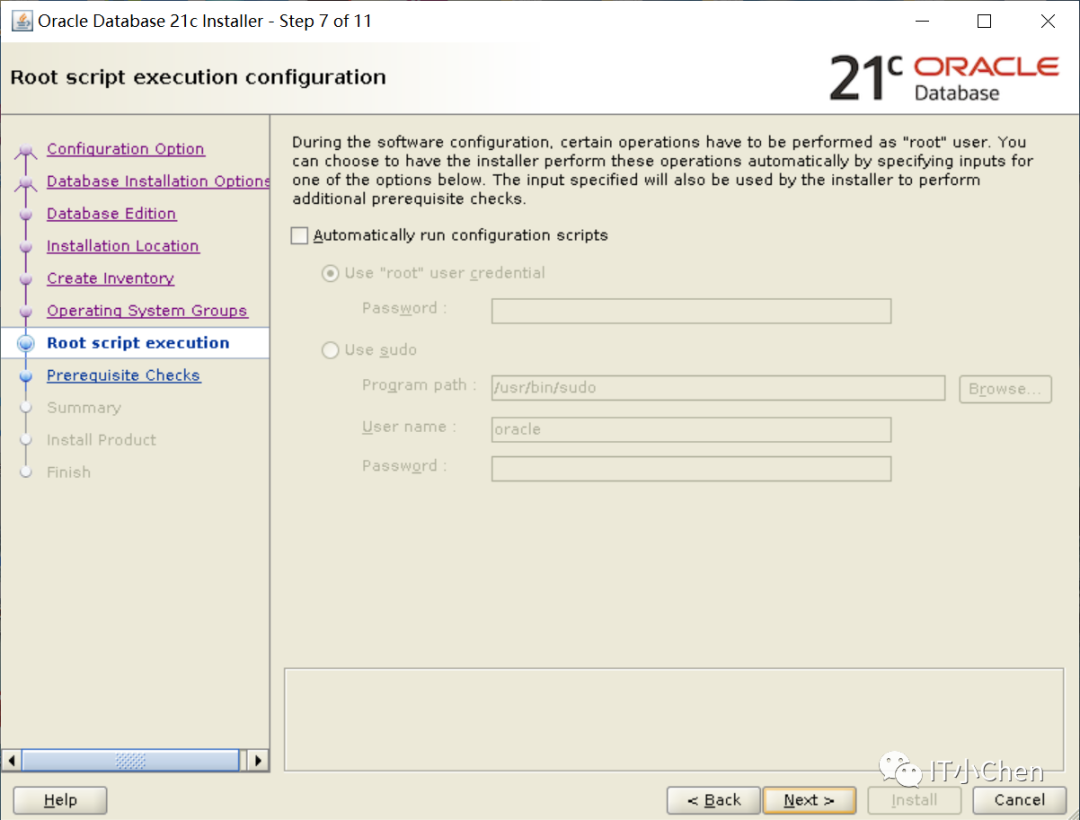
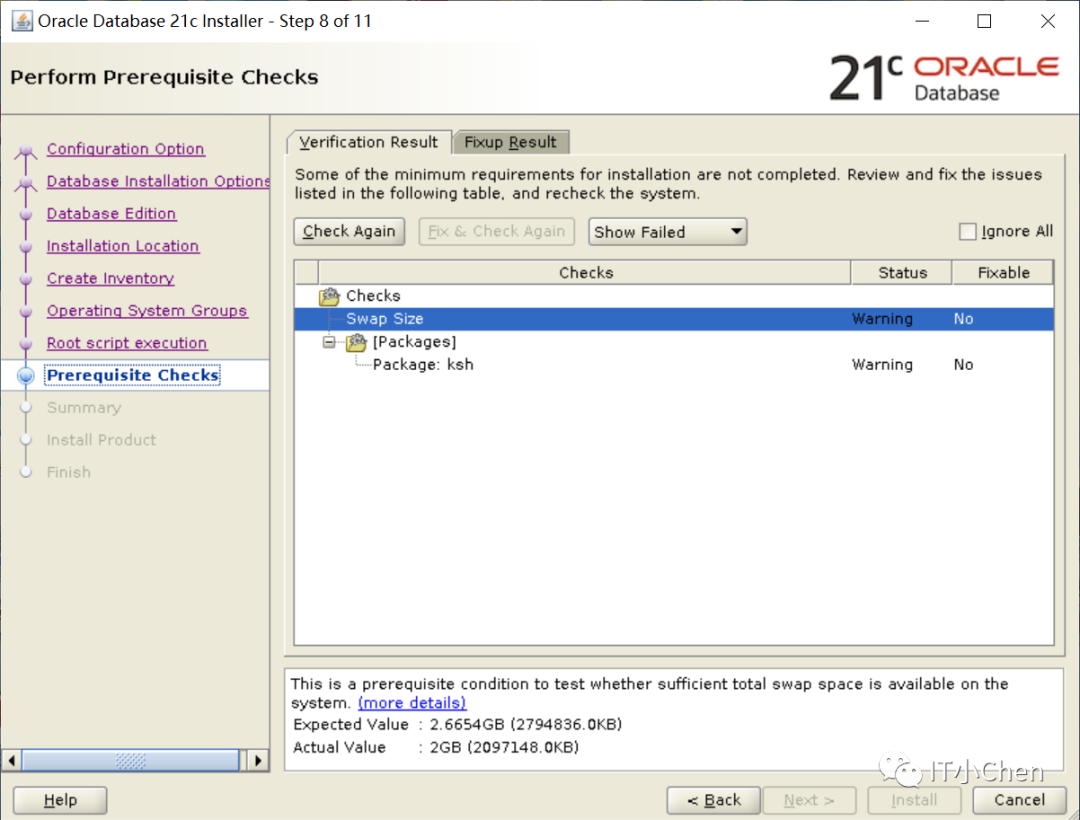
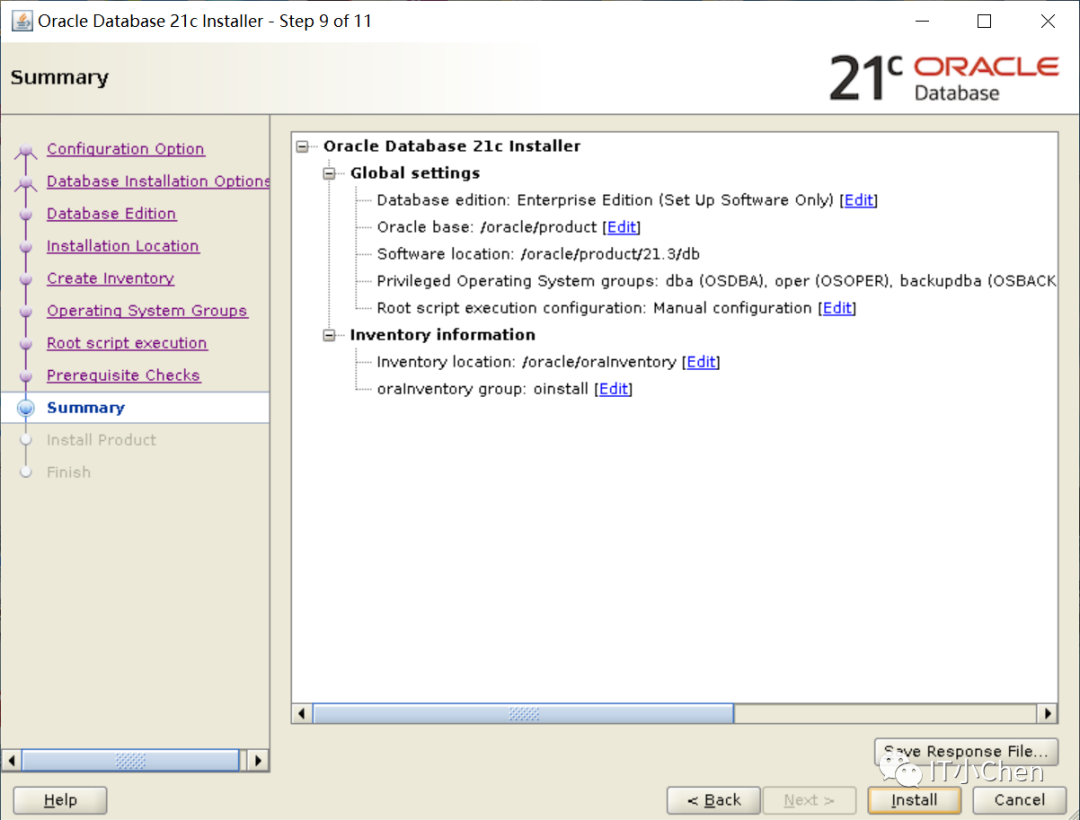
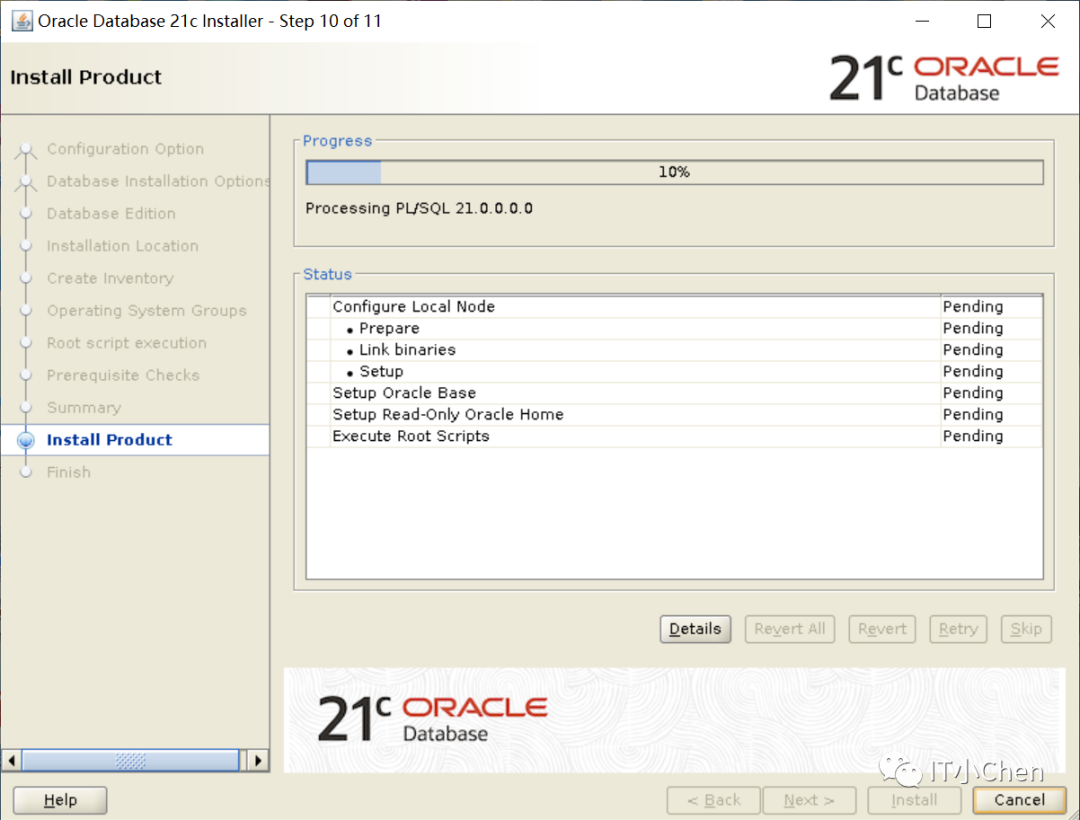
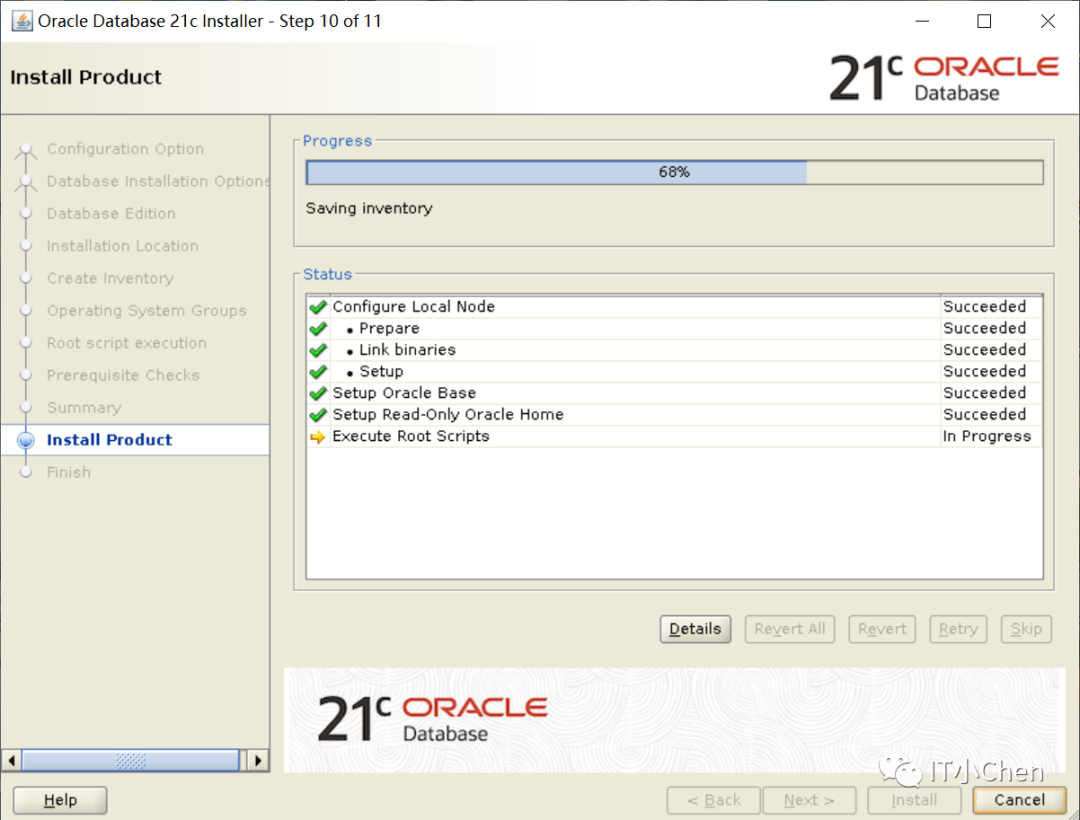
[oracle@cjc db]$ ./runInstaller

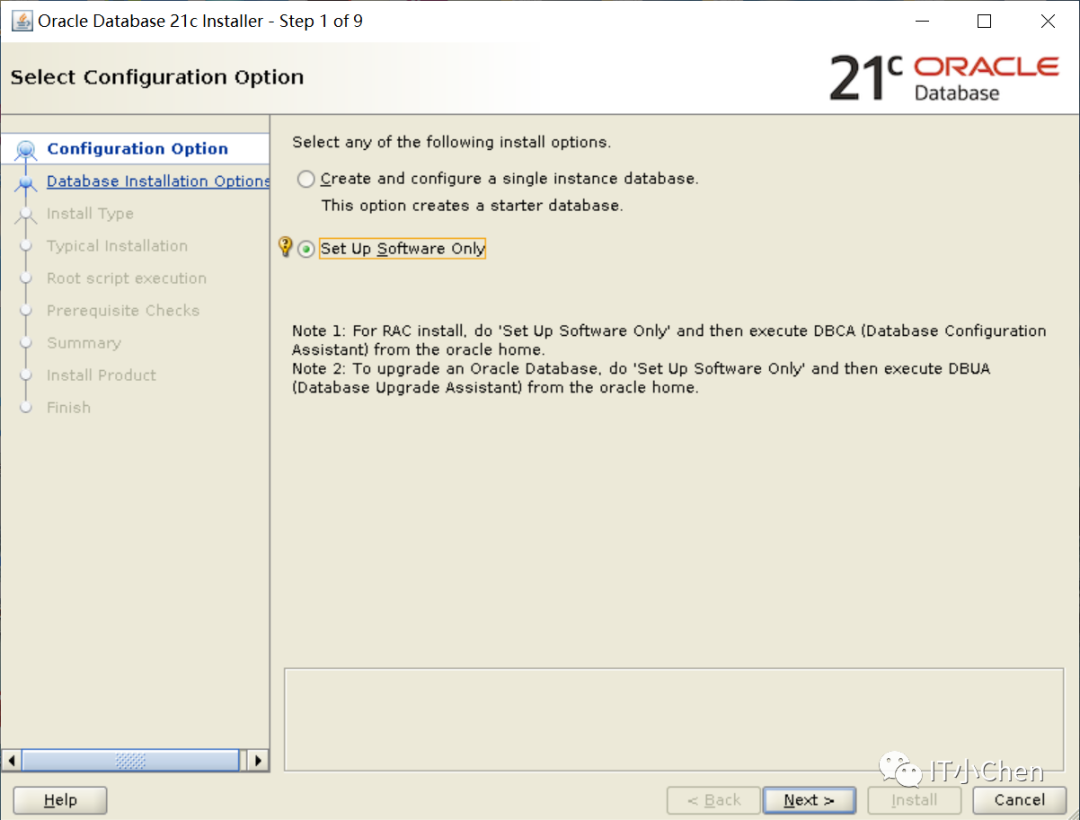
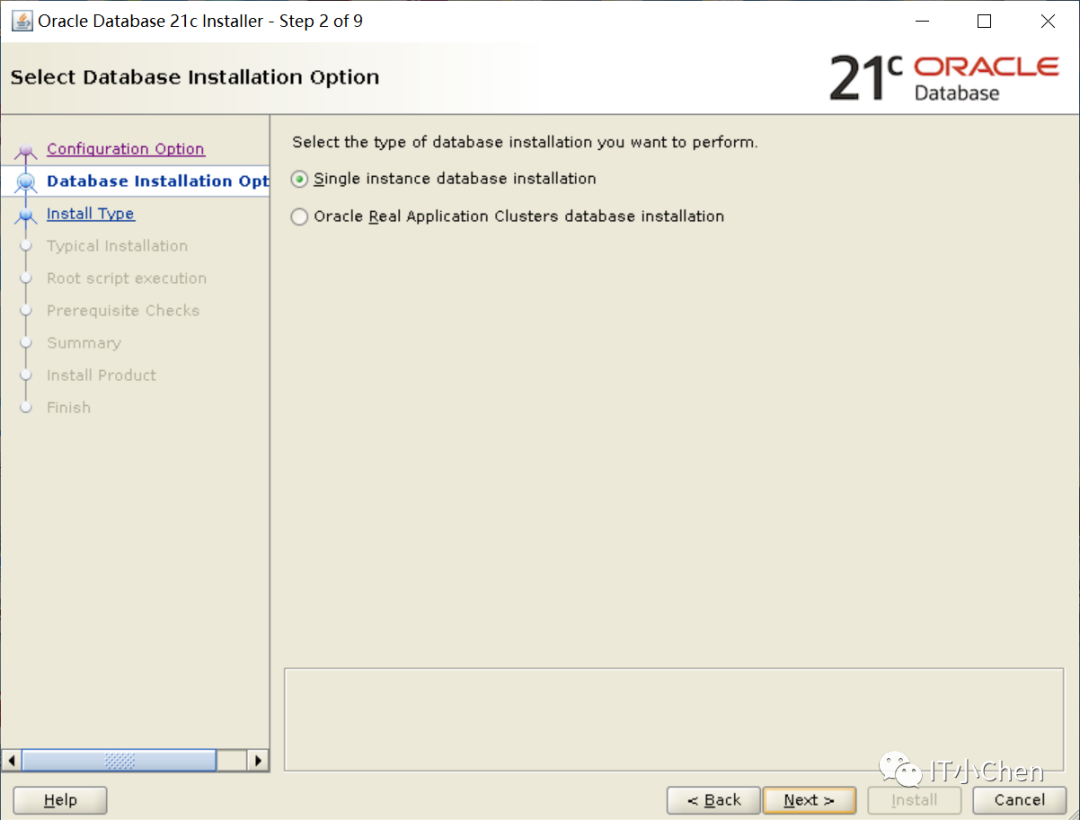
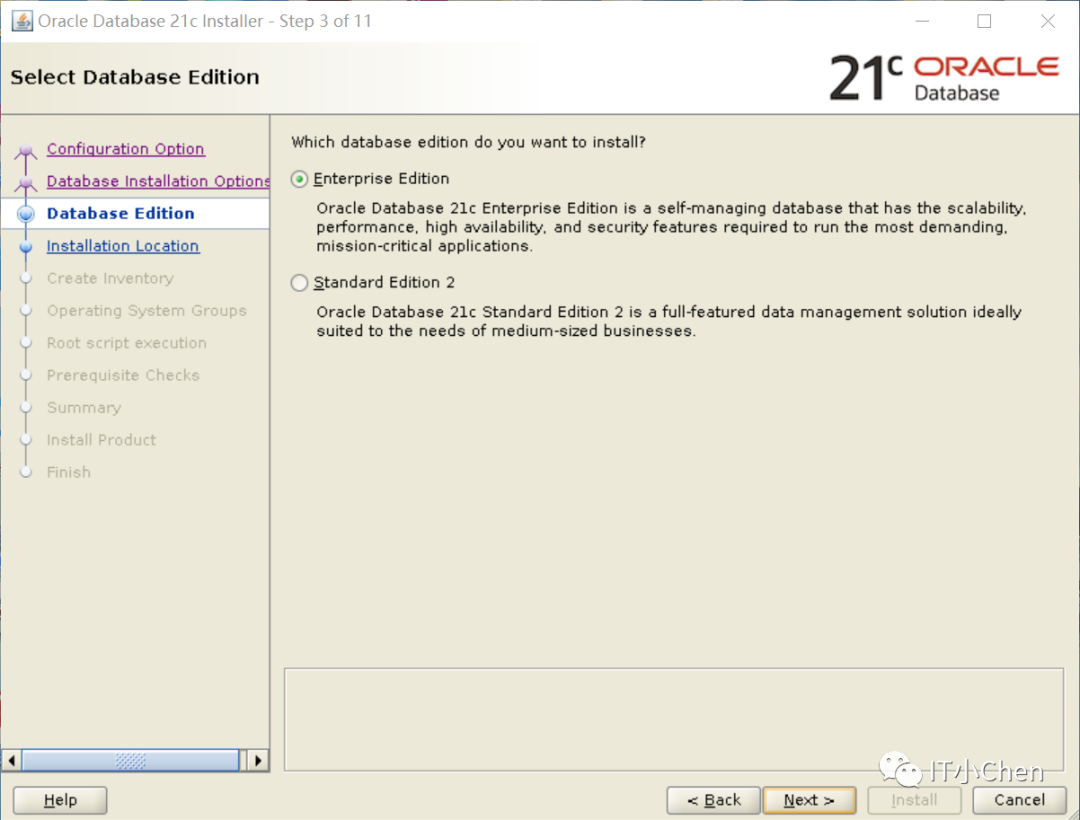


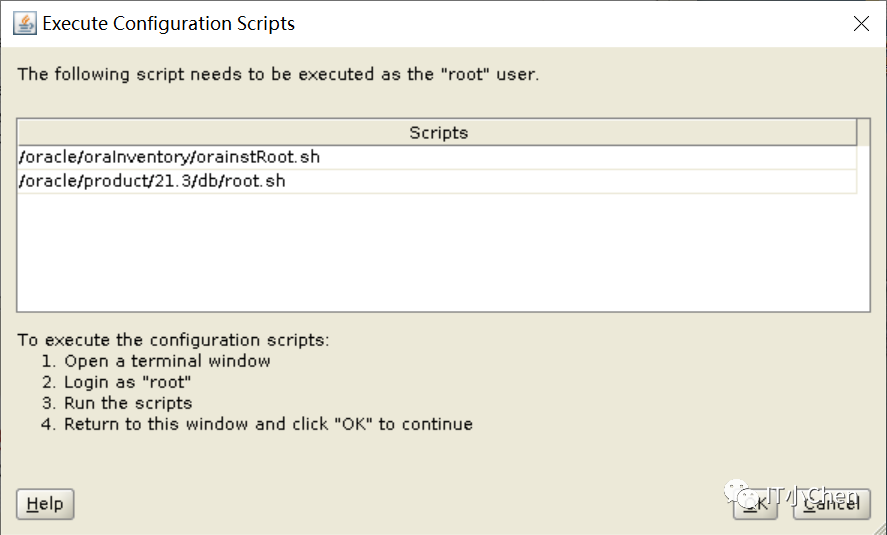
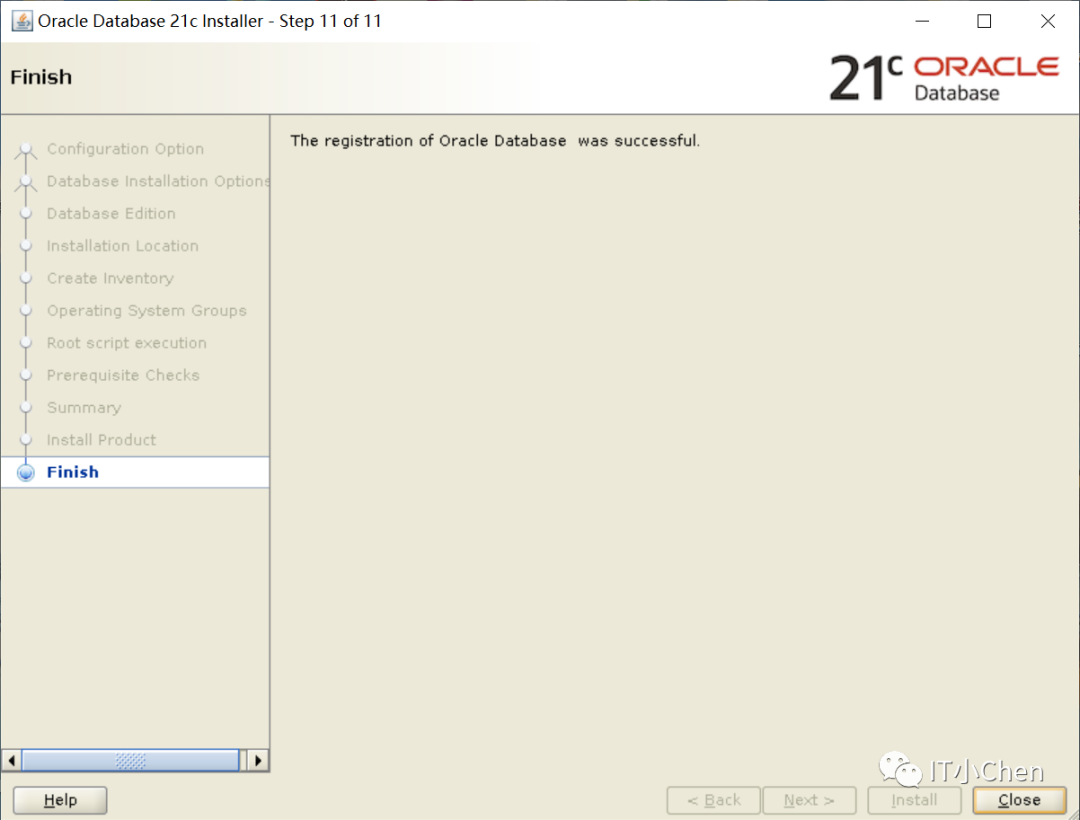
[oracle@cjc db]$ source /home/oracle/.bash_profile
[oracle@cjc db]$ sqlplus -v
SQL*Plus: Release 21.0.0.0.0 - Production
Version 21.3.0.0.0
[oracle@cjc db]$ netca
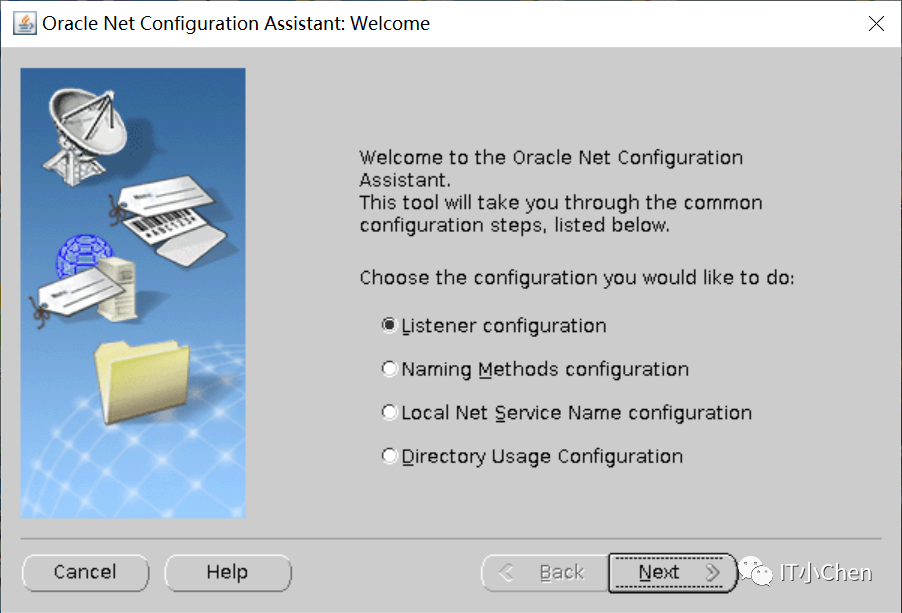
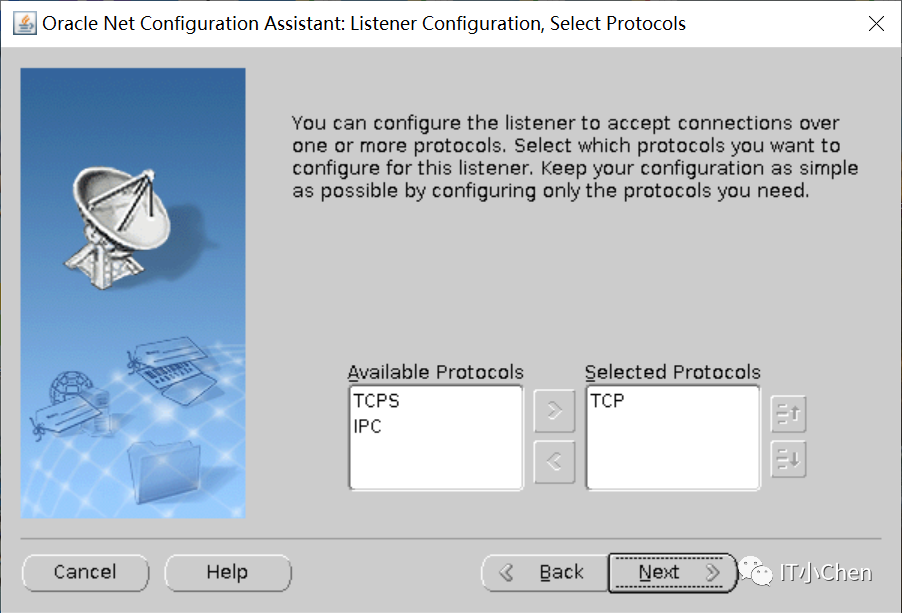
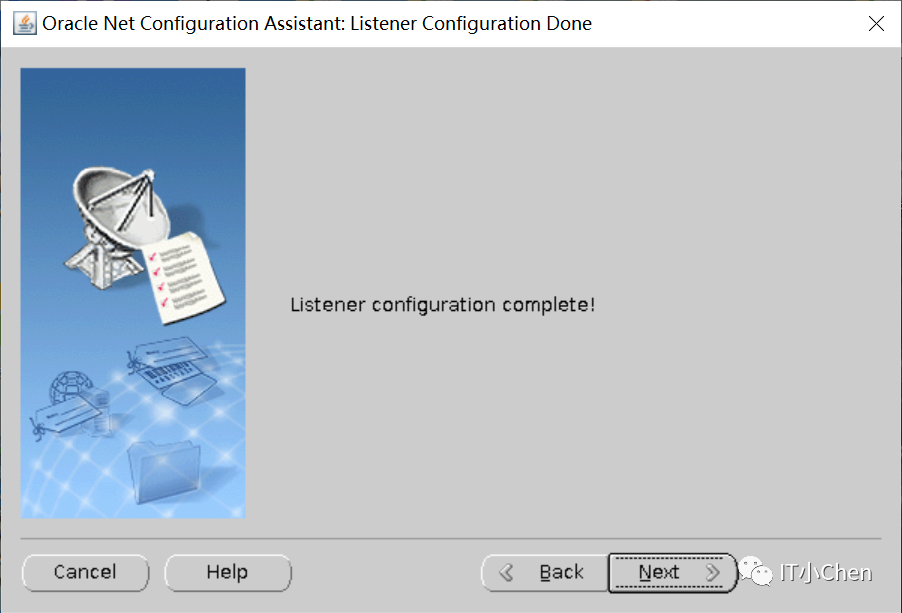
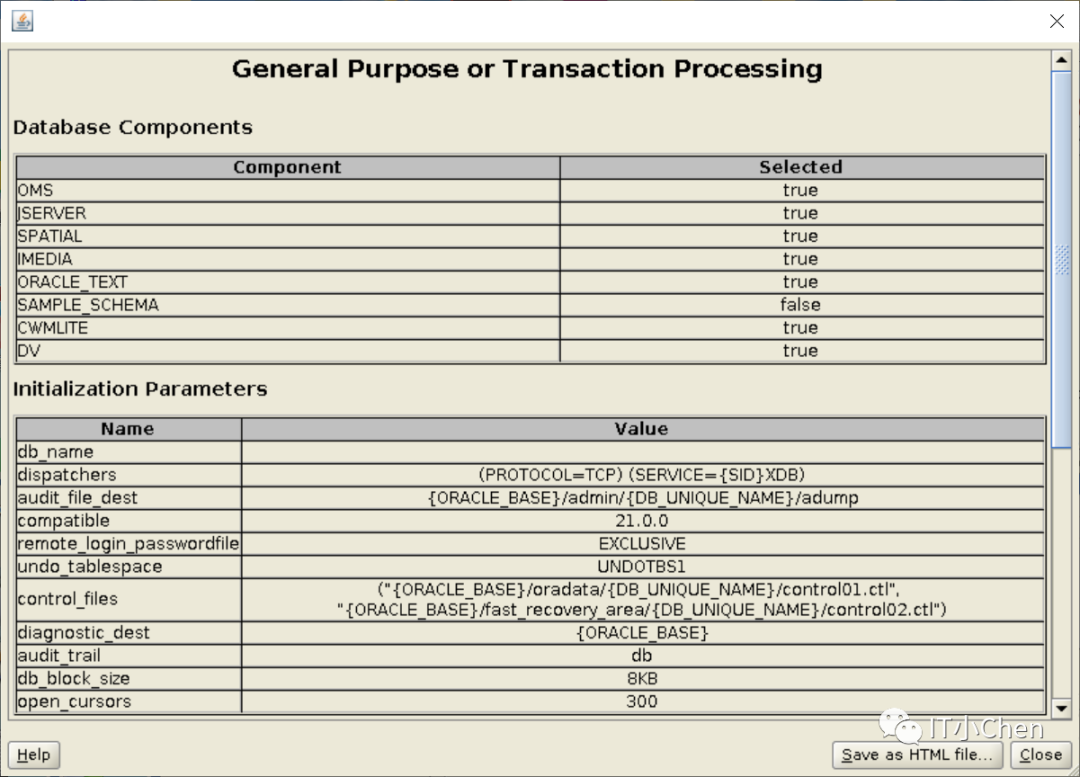
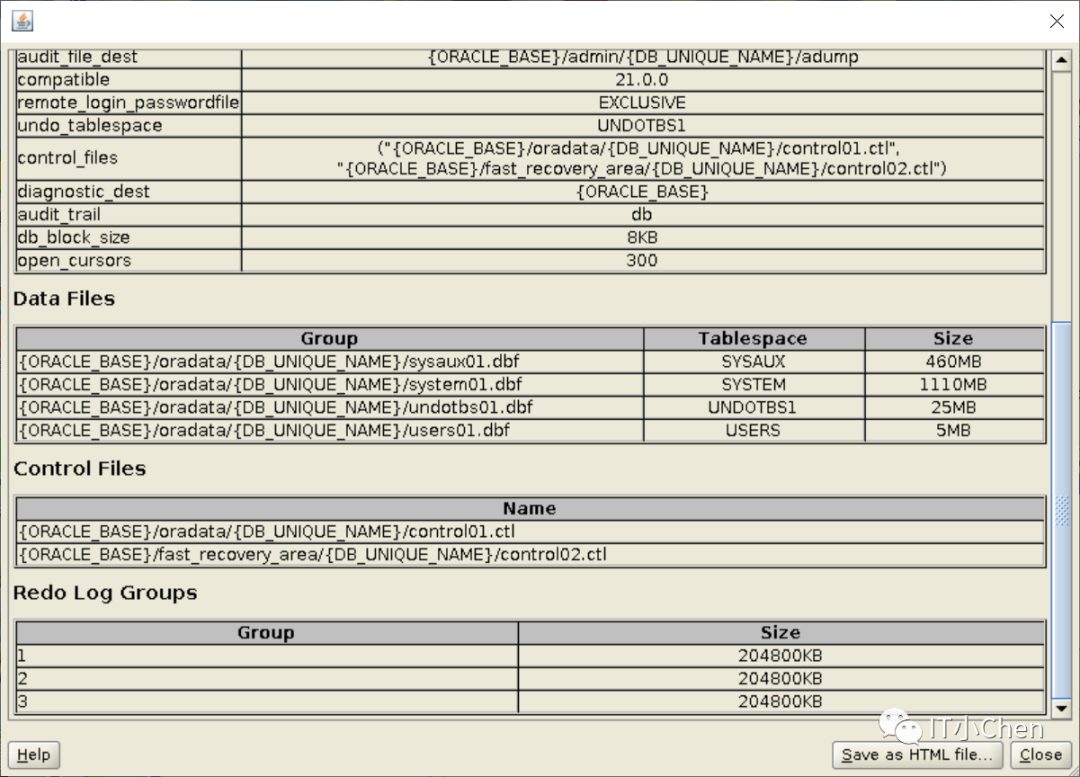
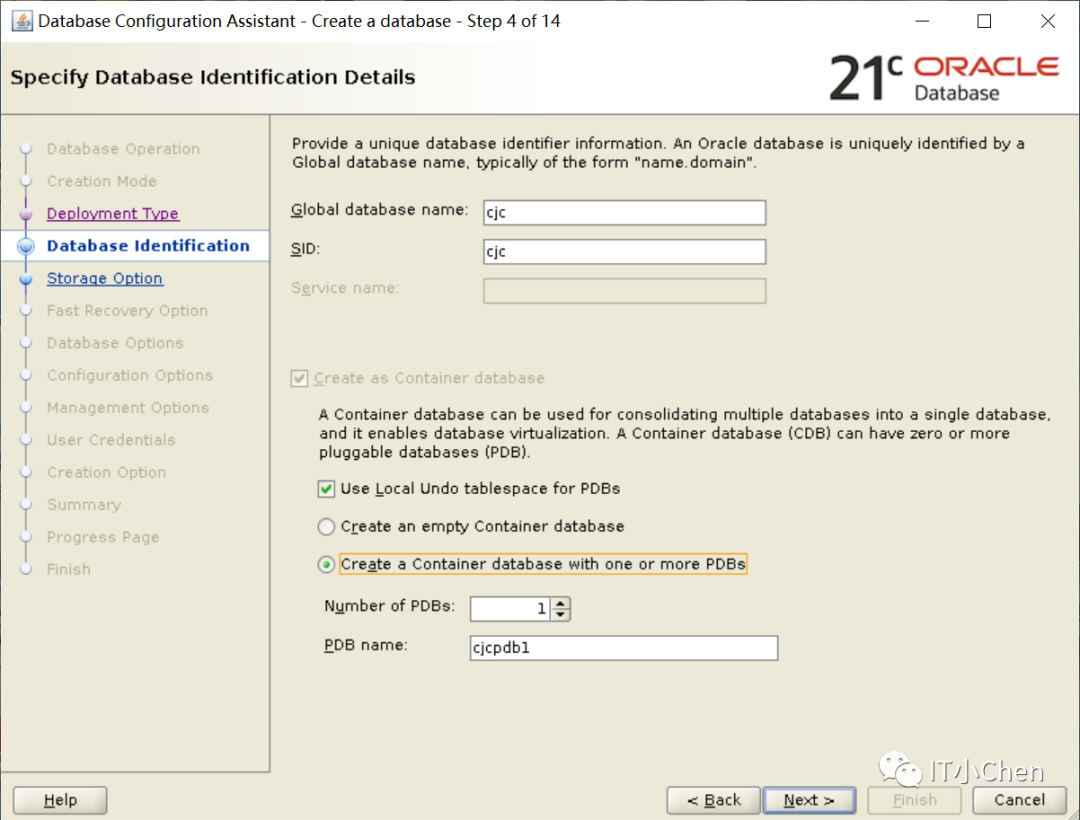
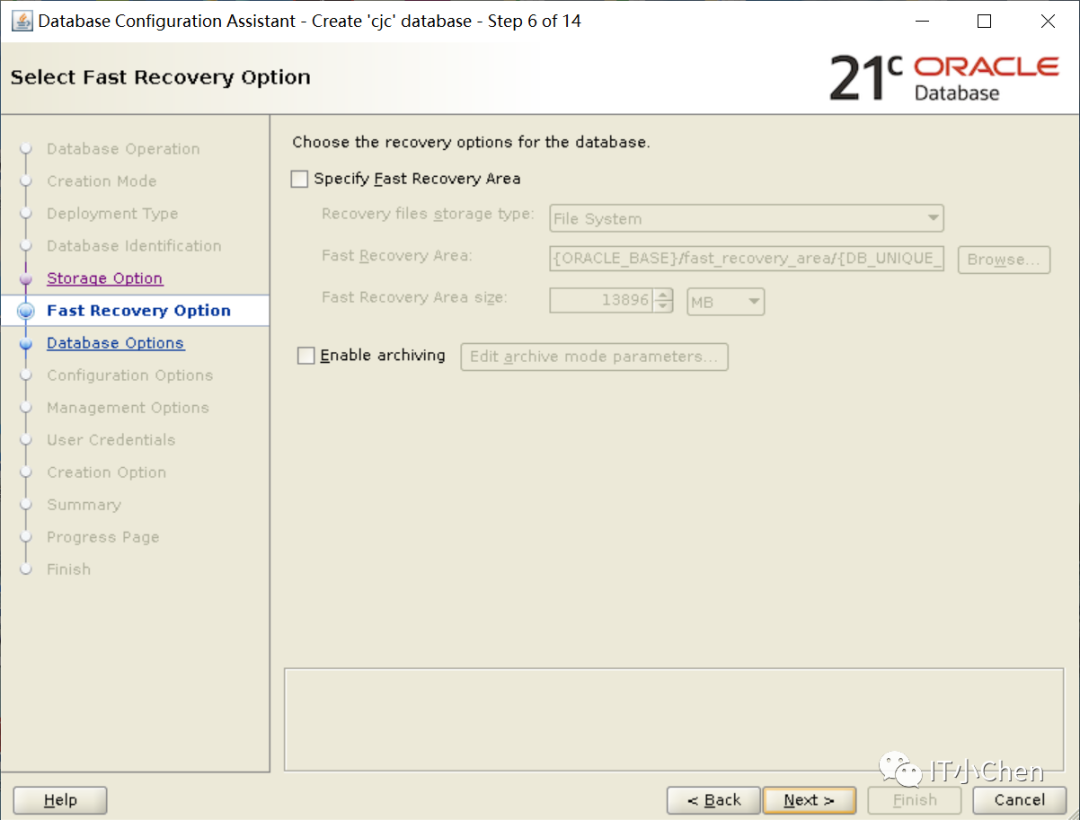
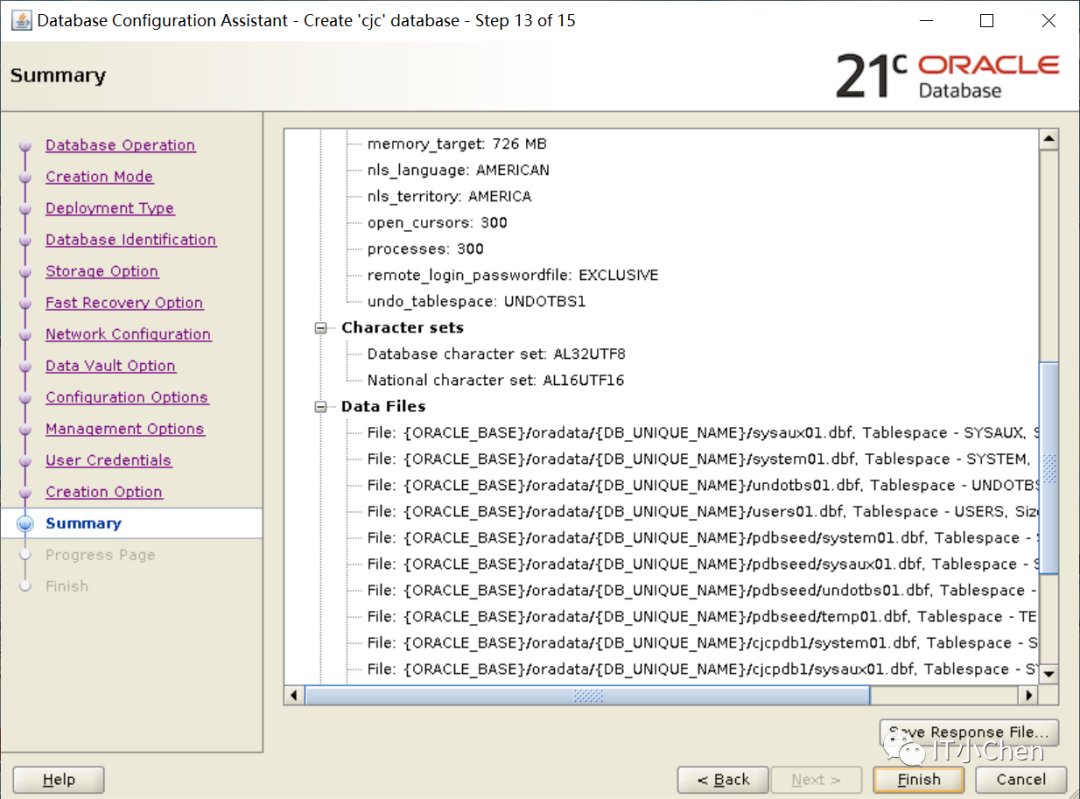
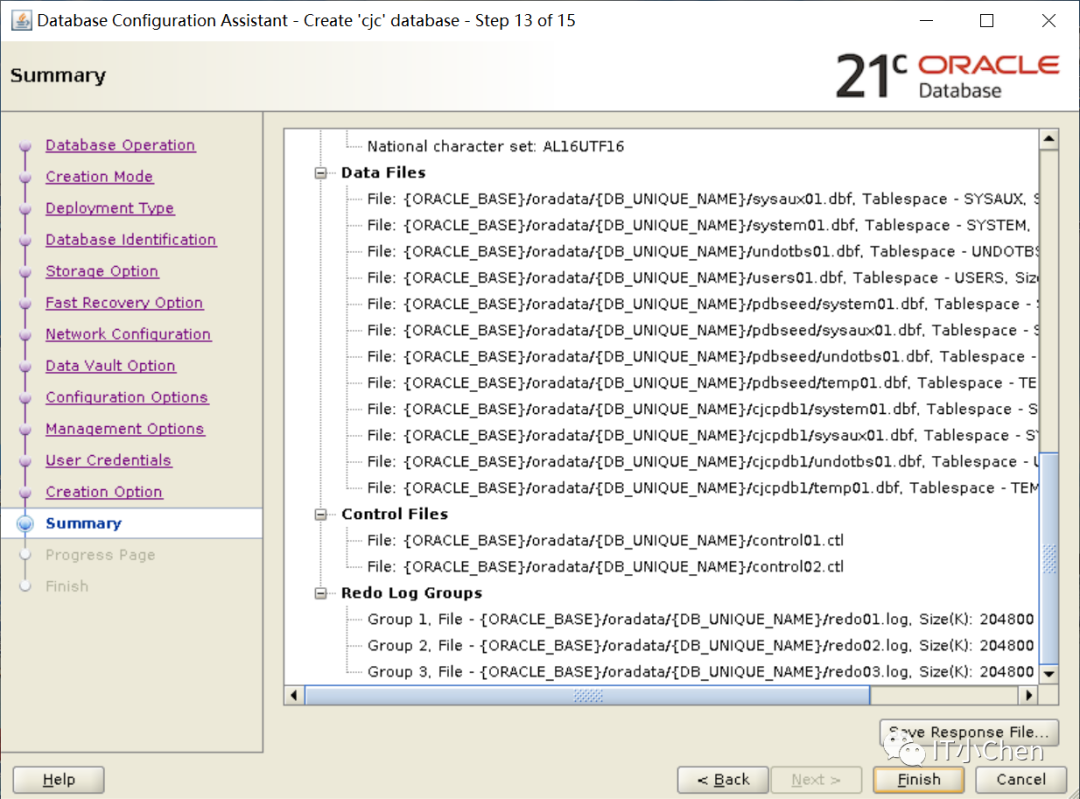
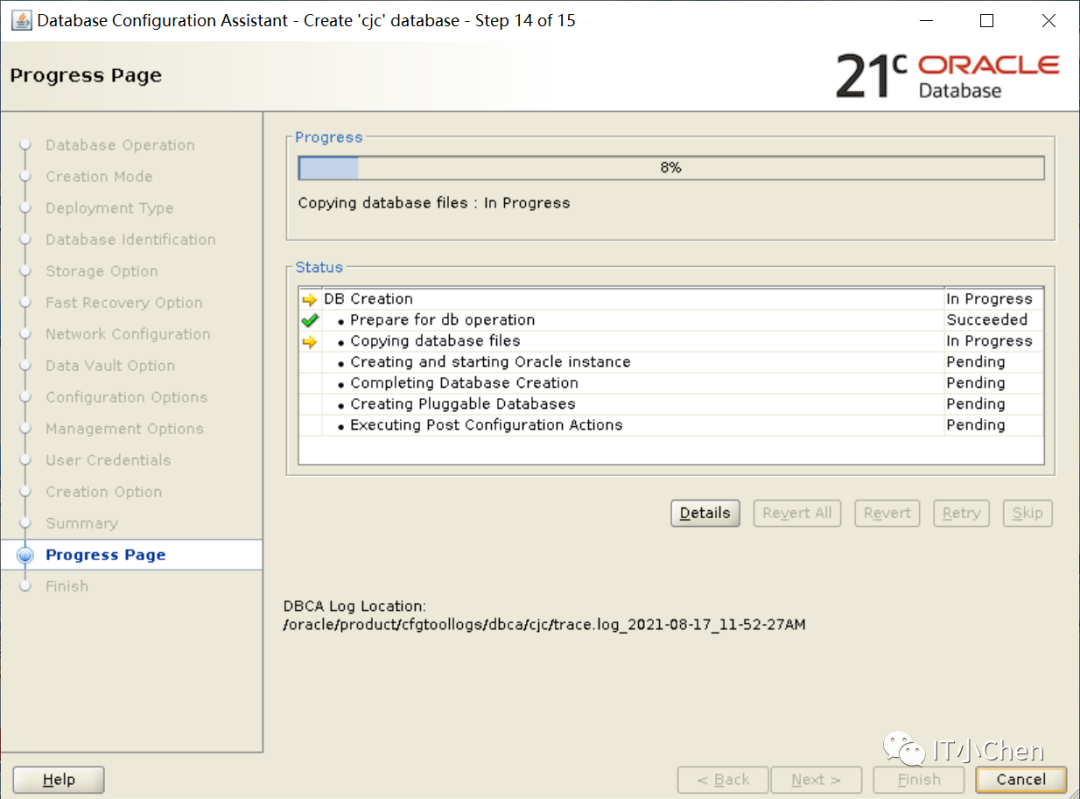
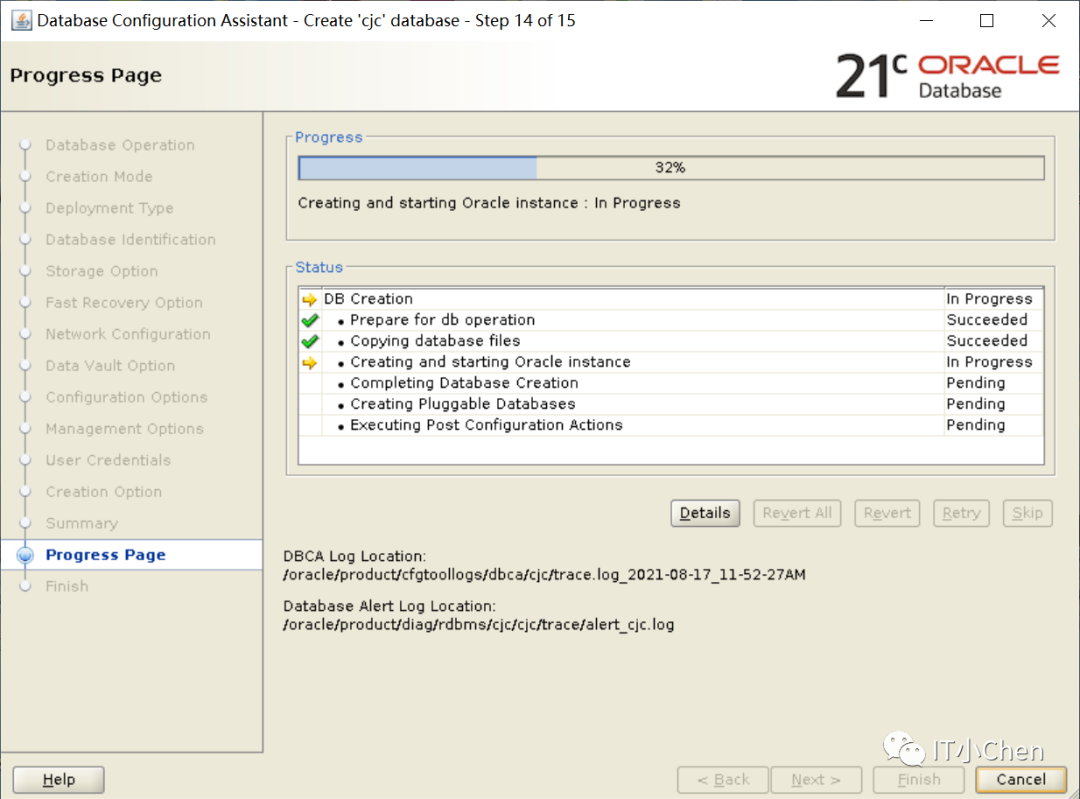
[oracle@cjc db]$ dbca

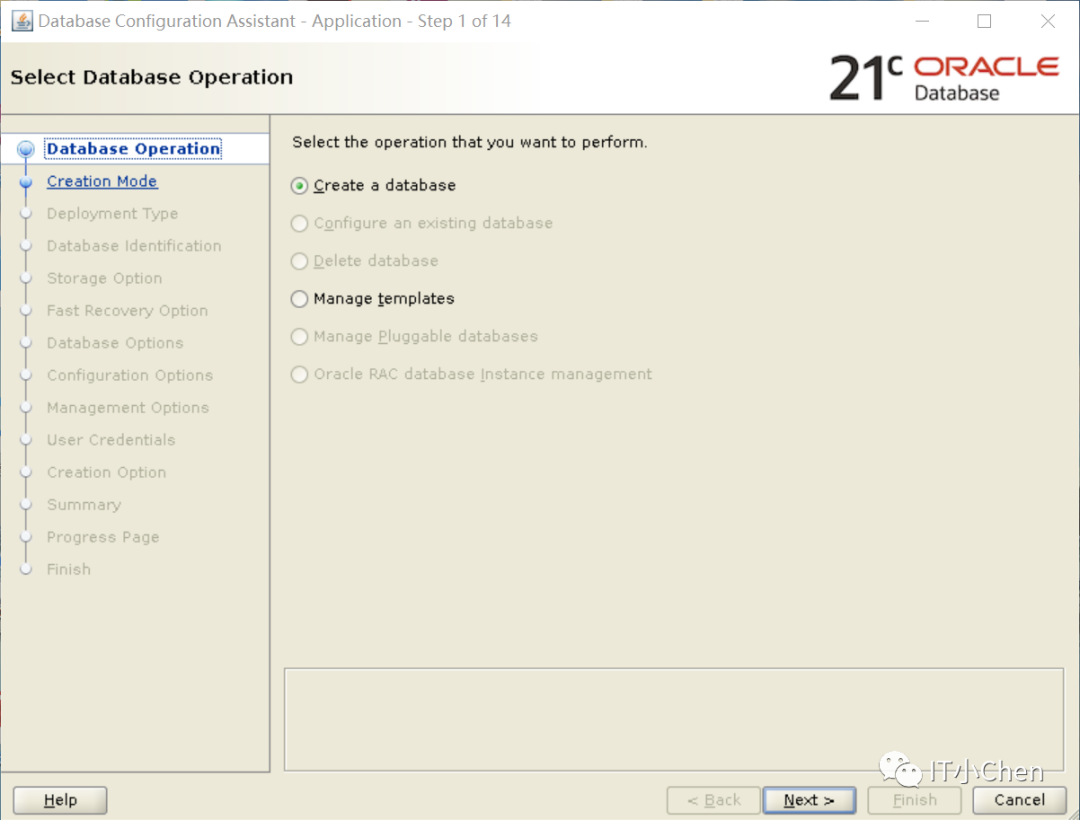
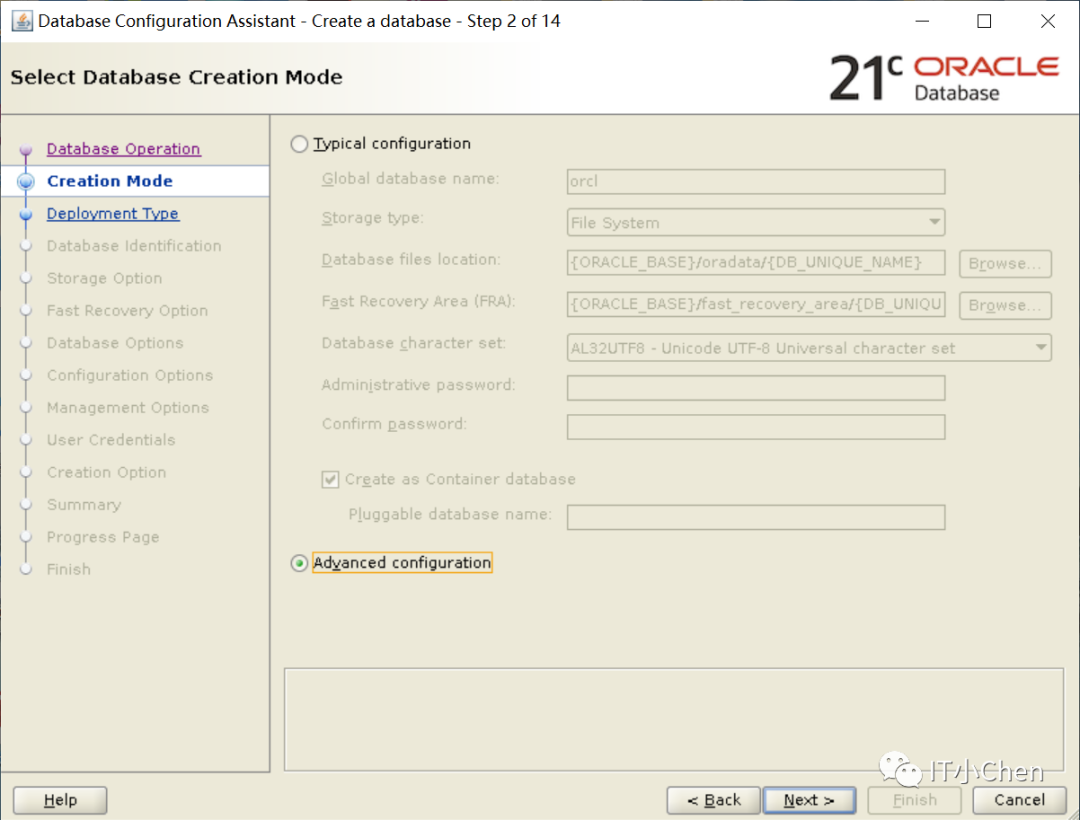
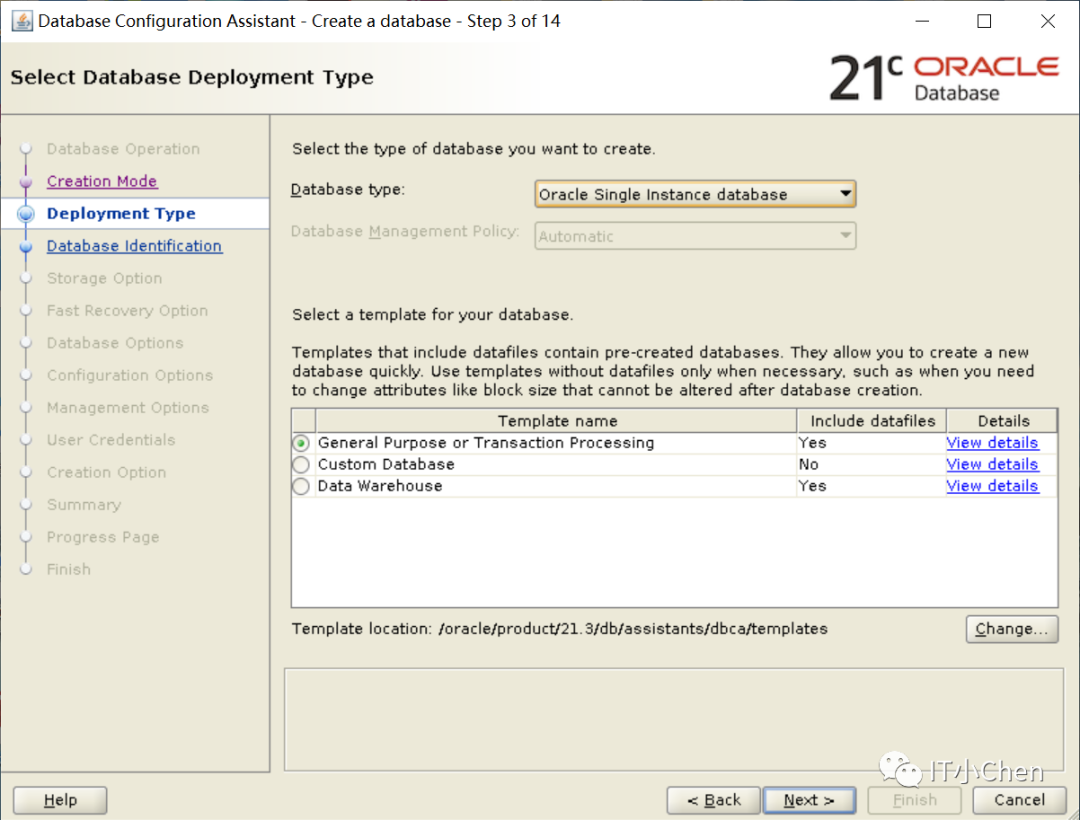

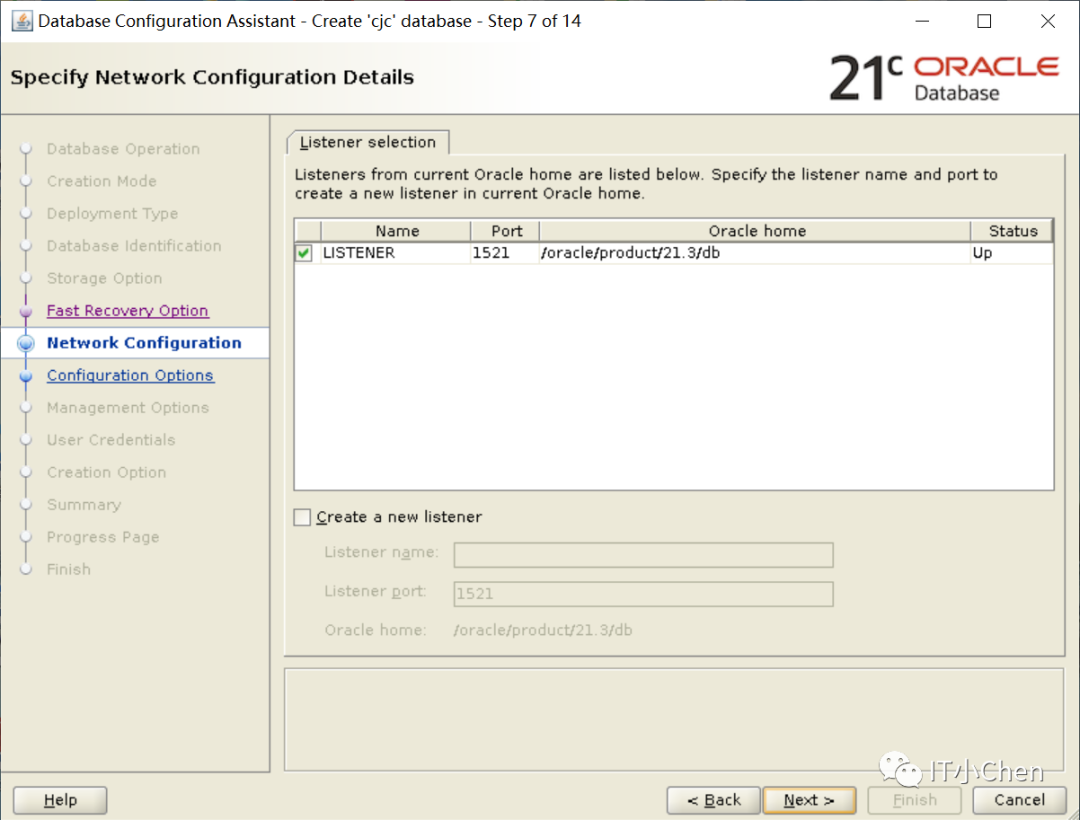
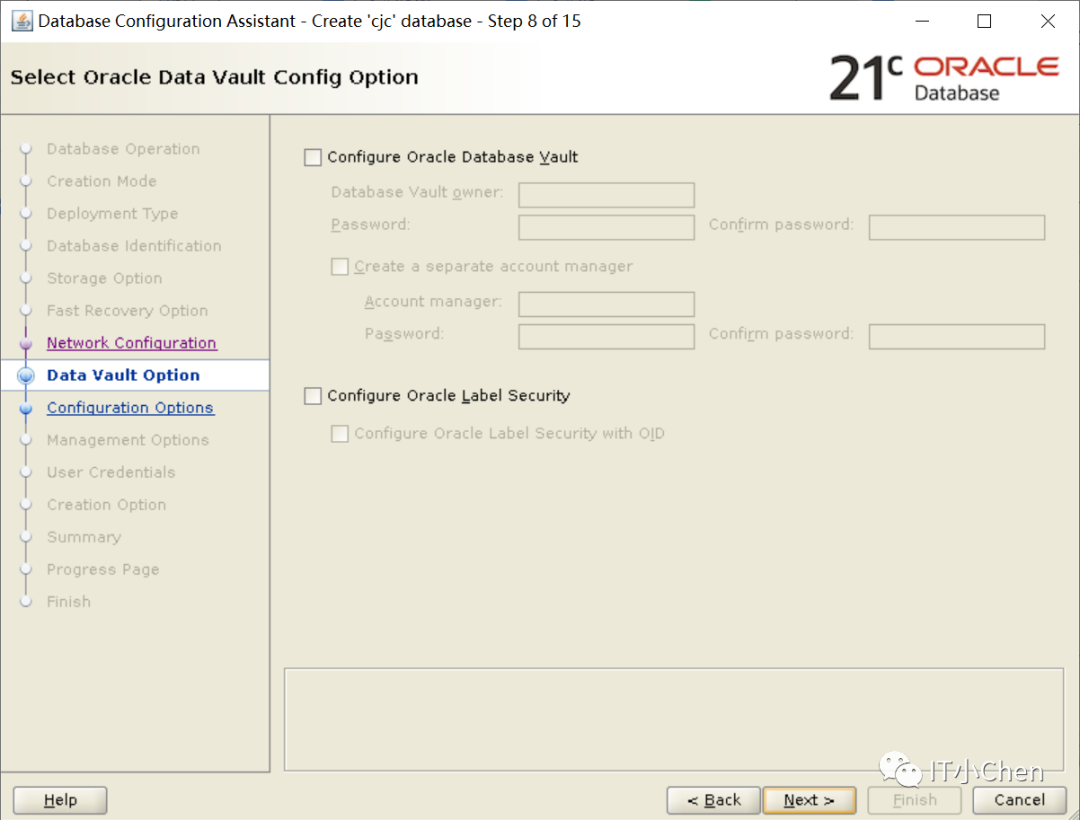
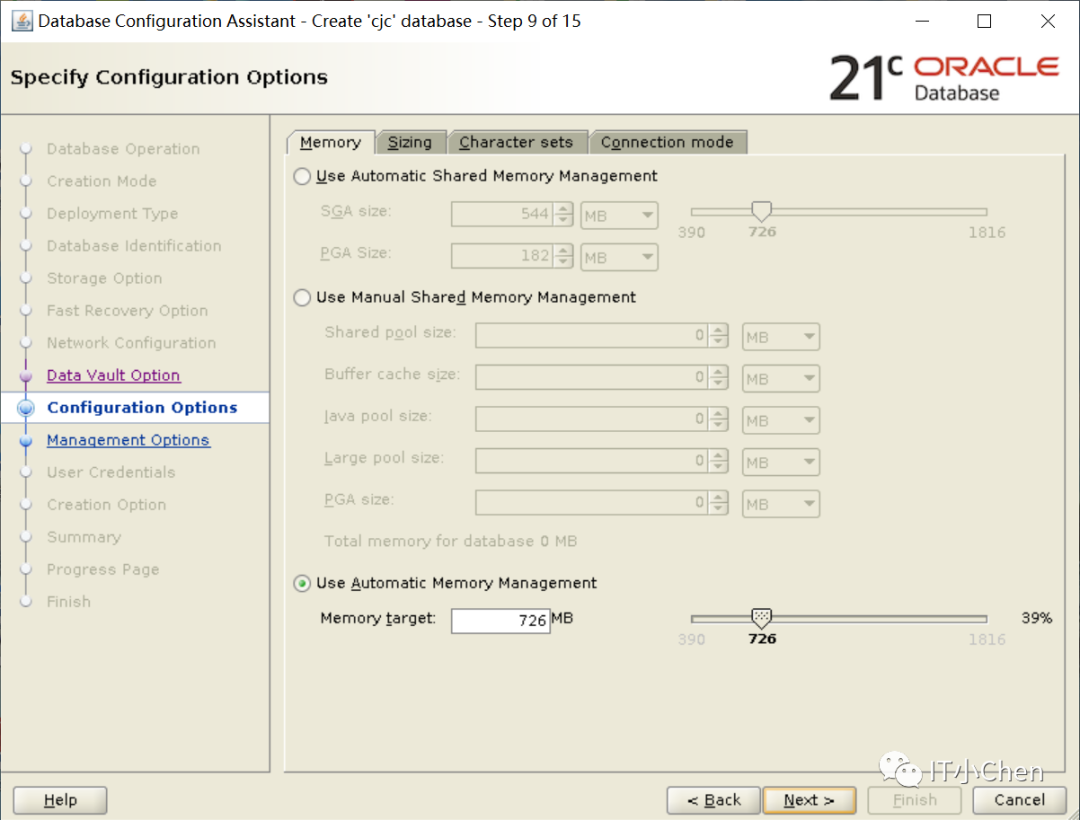
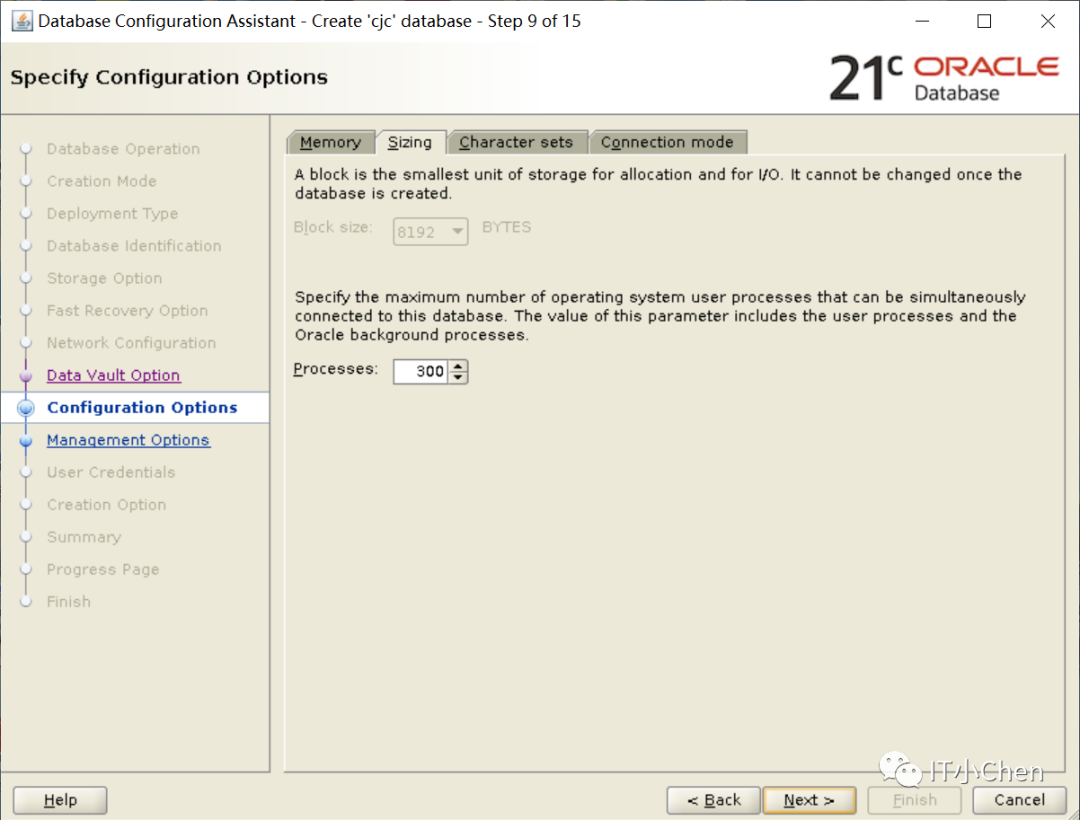
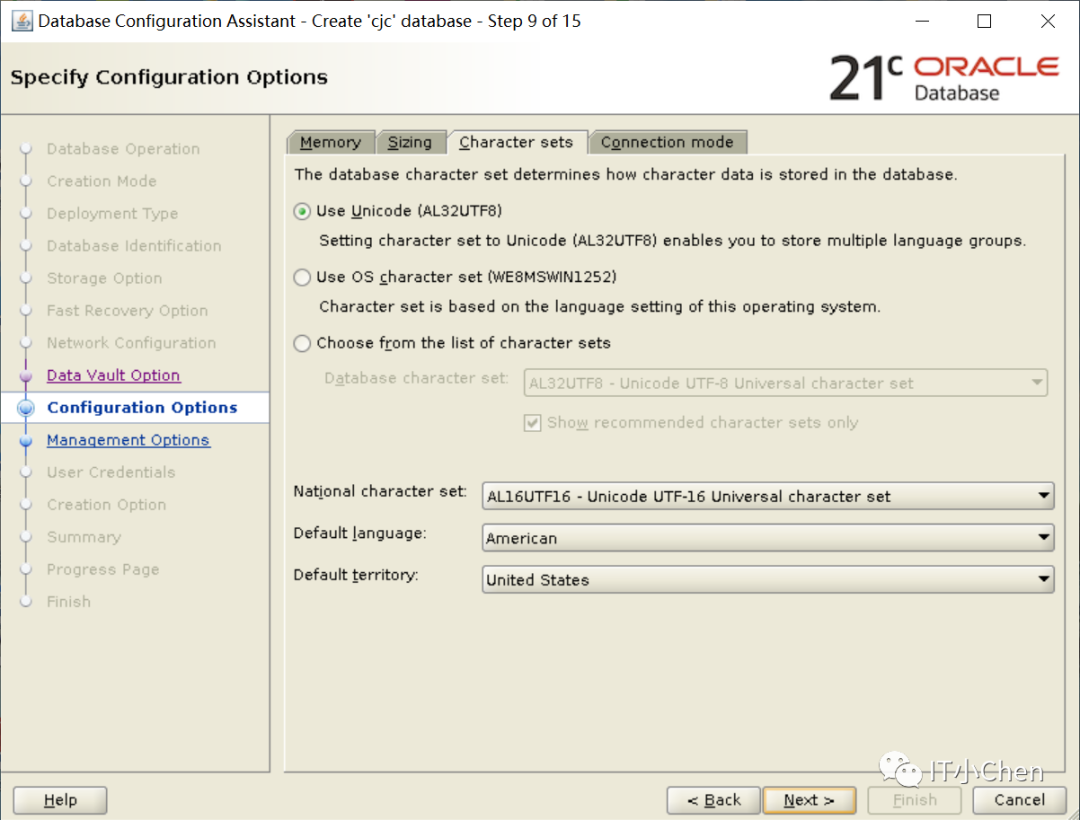
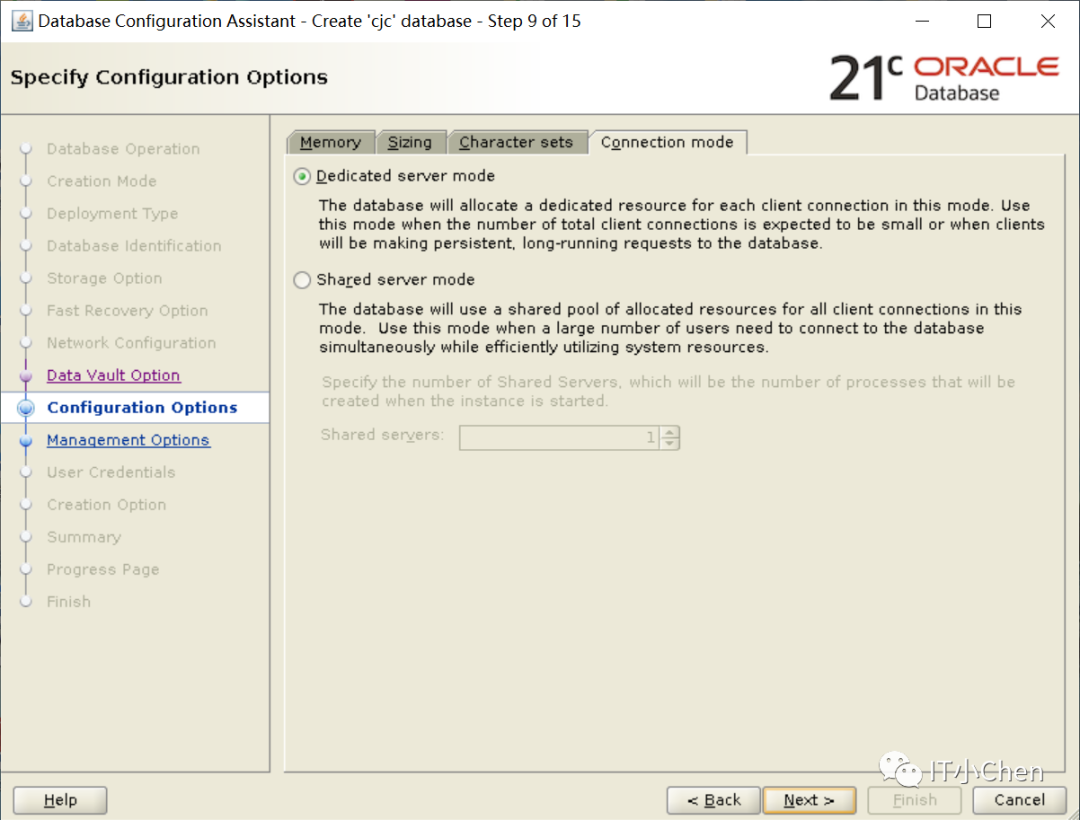
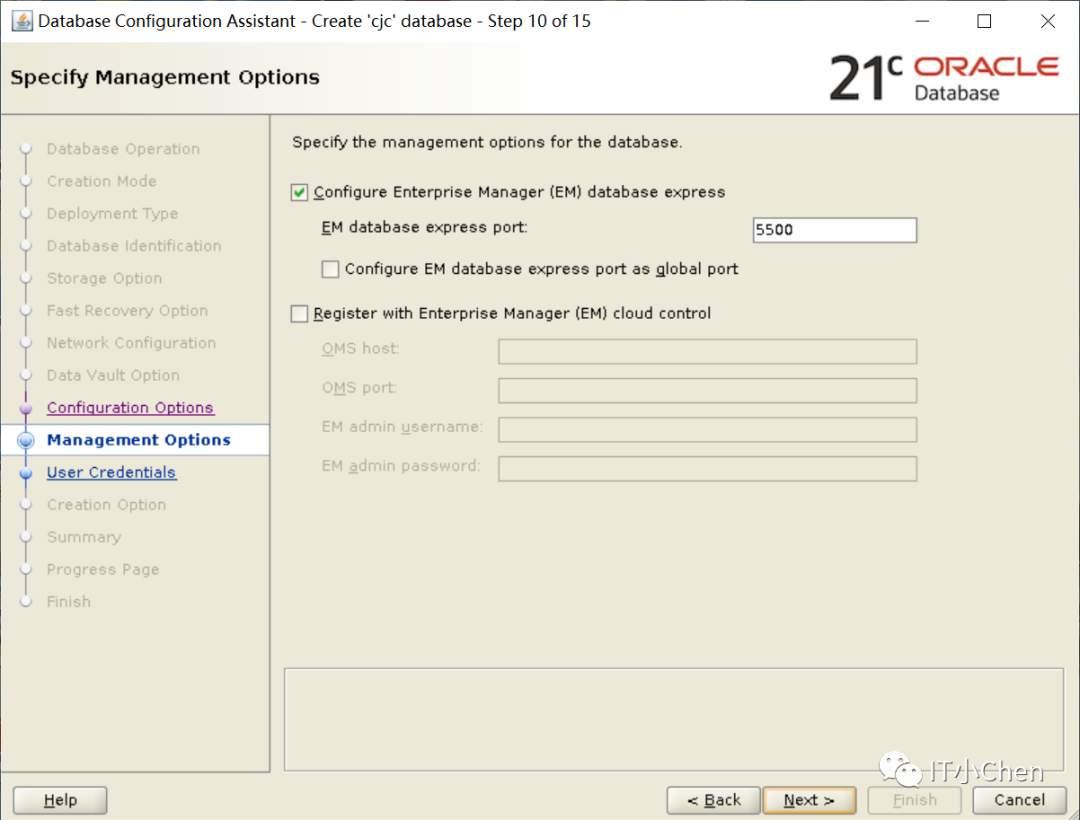
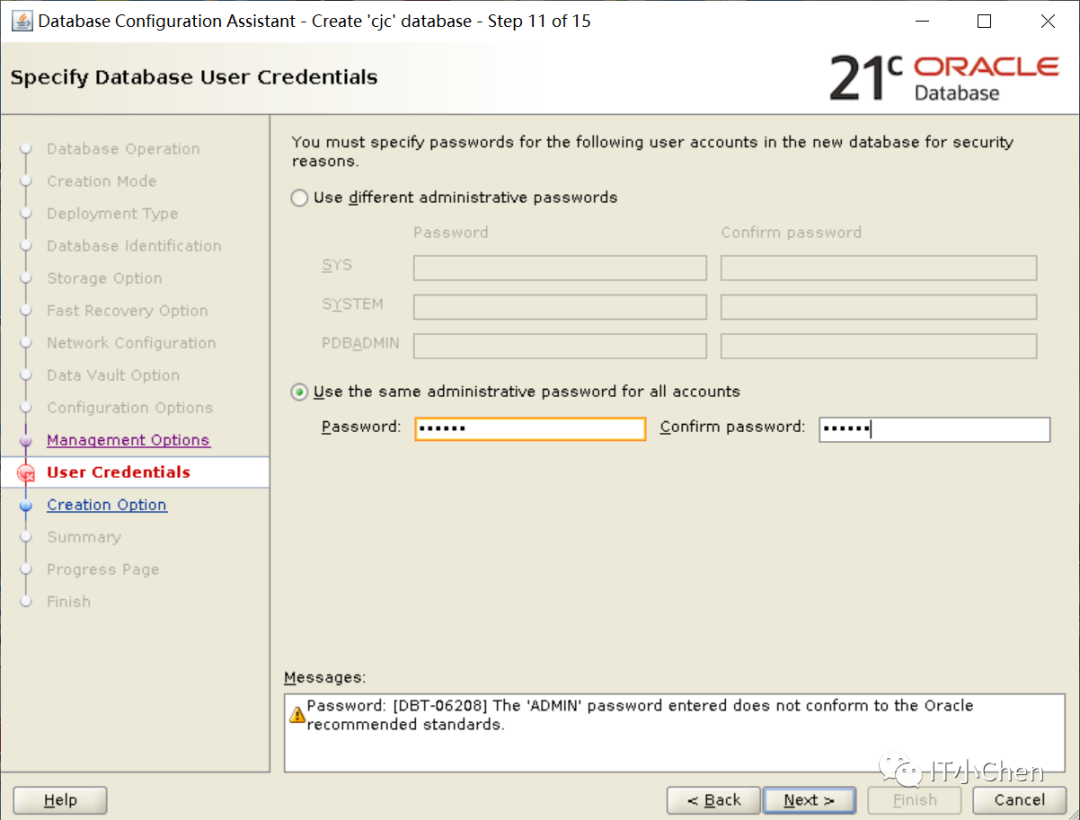
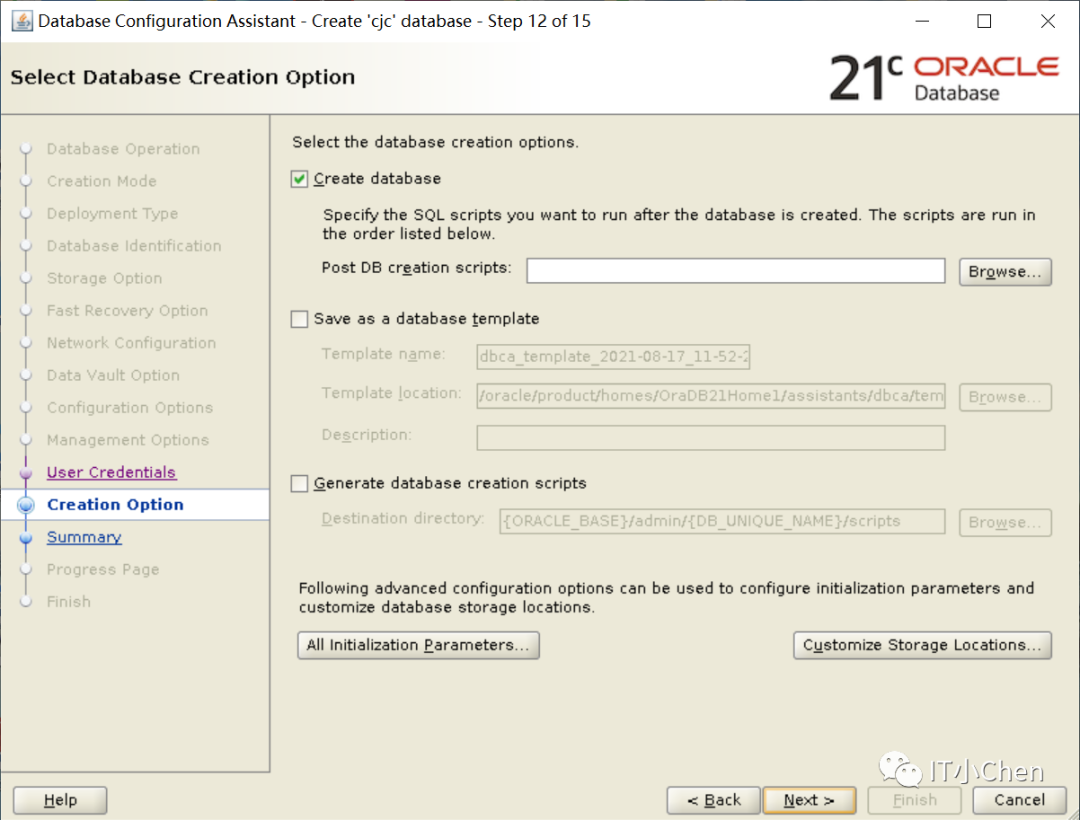
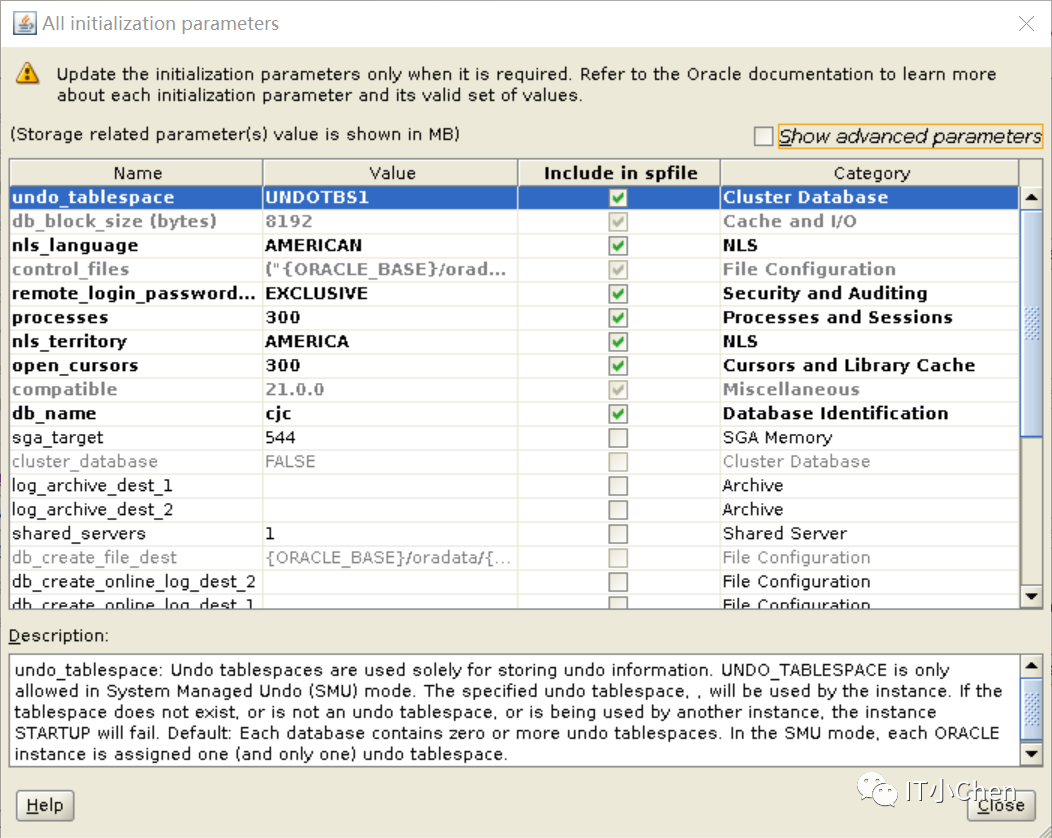
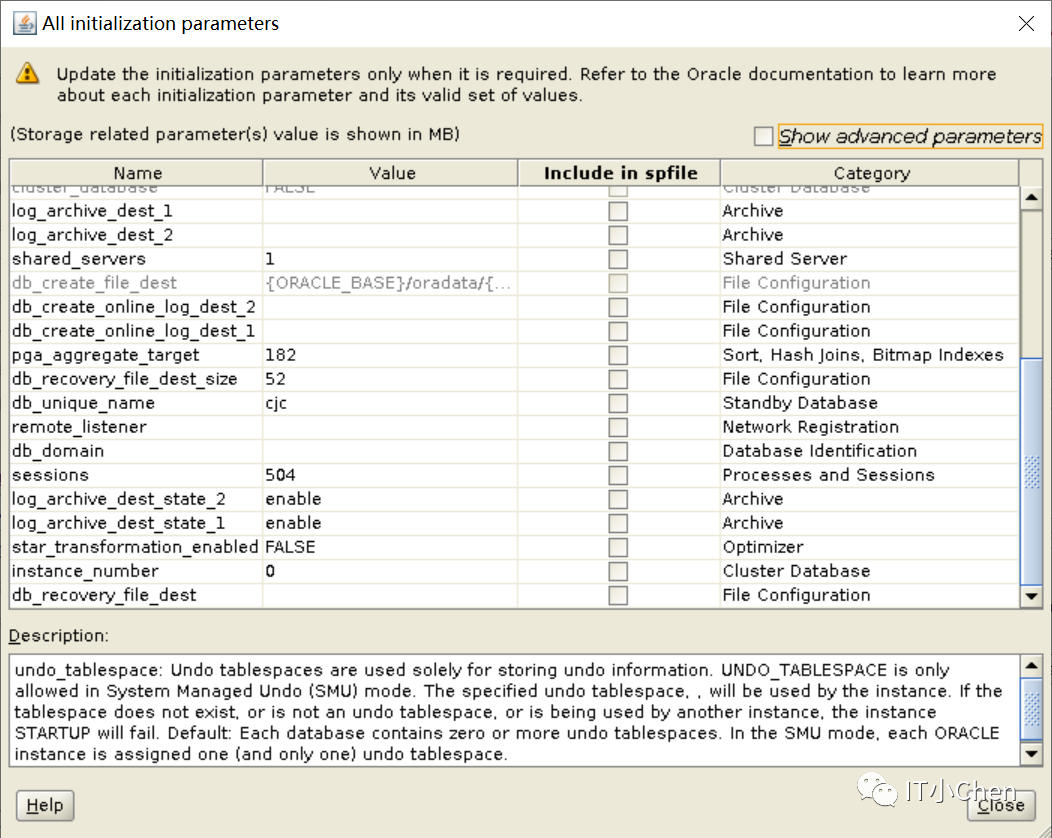
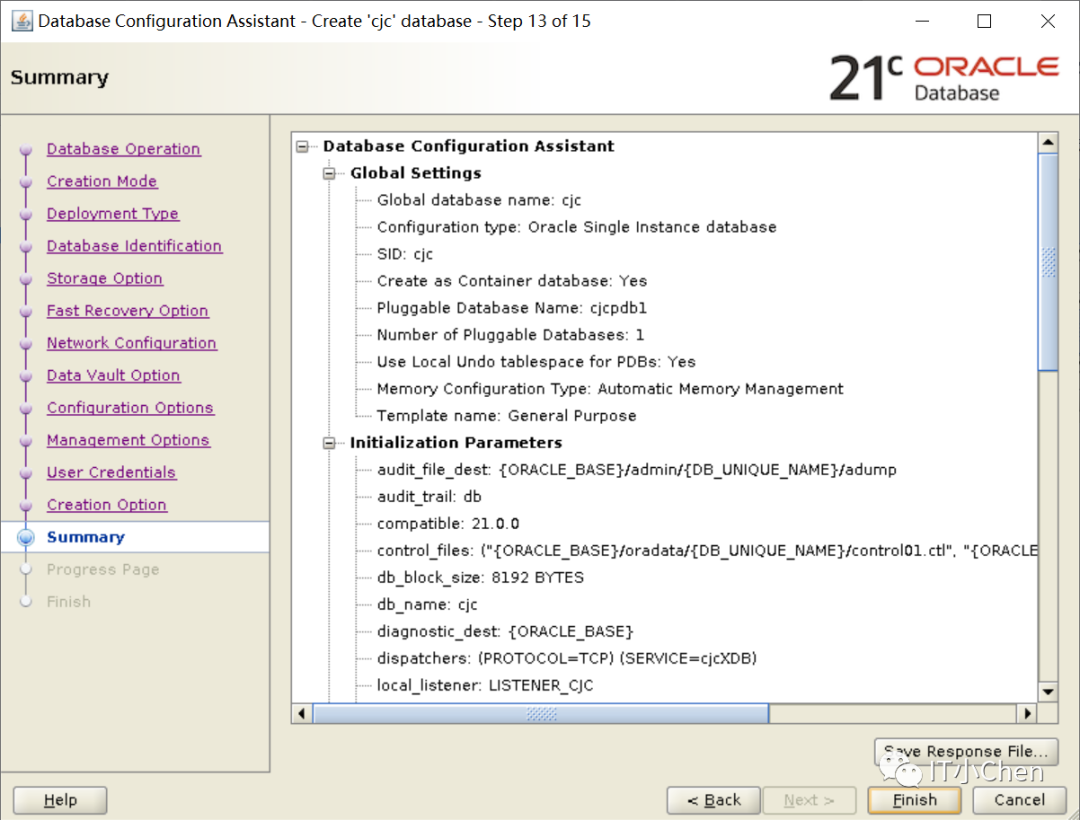
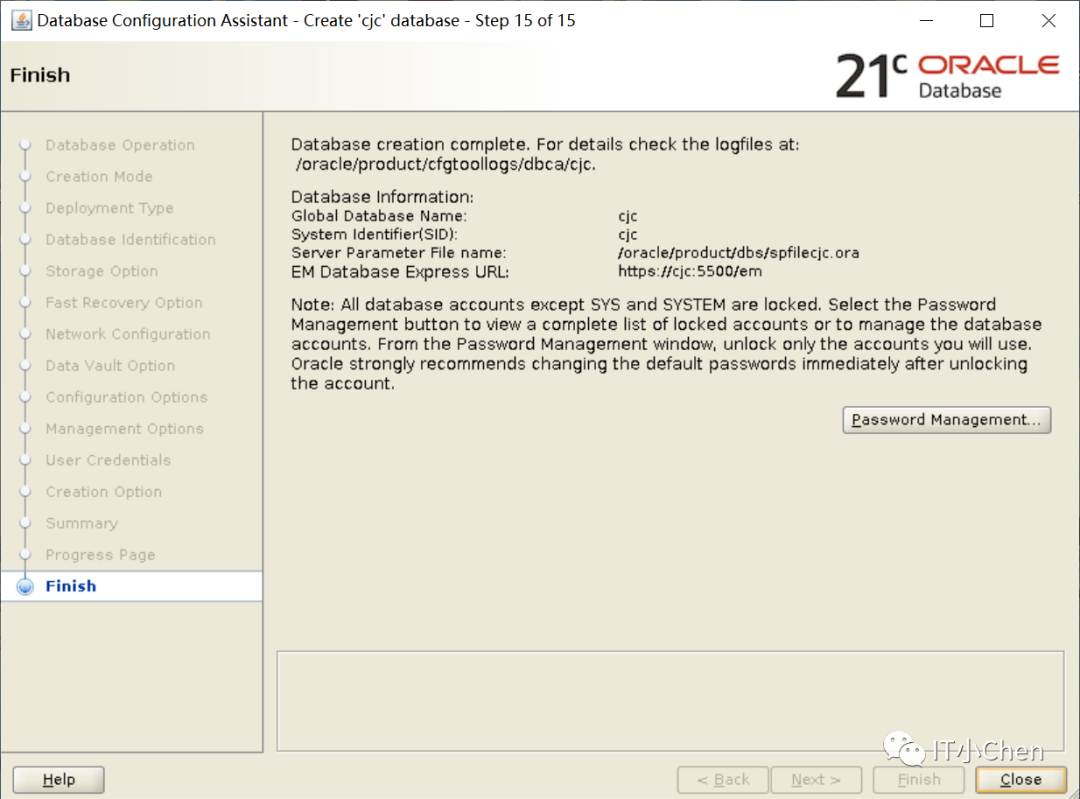
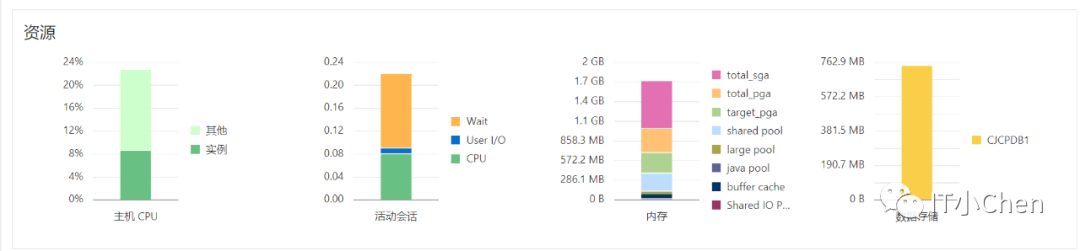
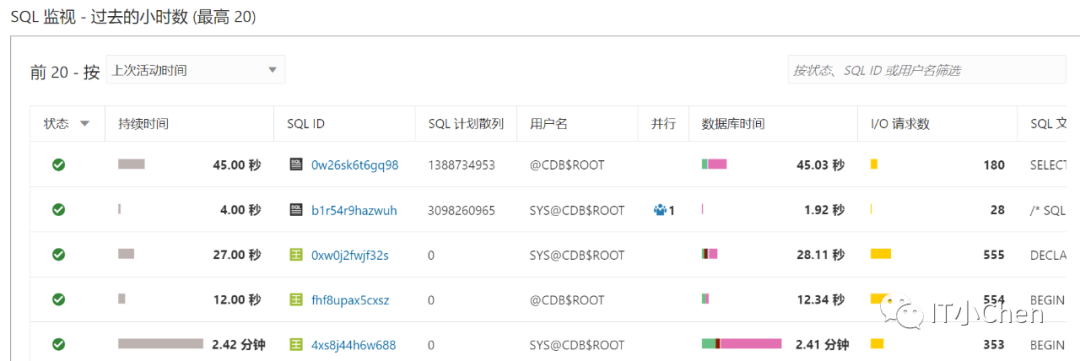
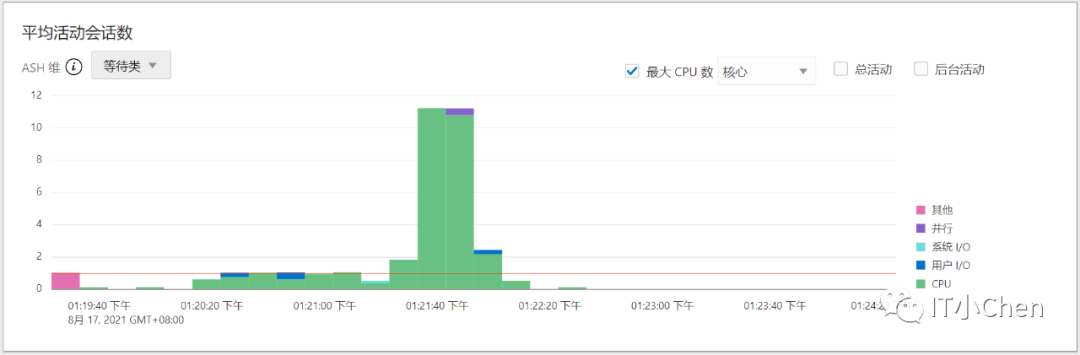
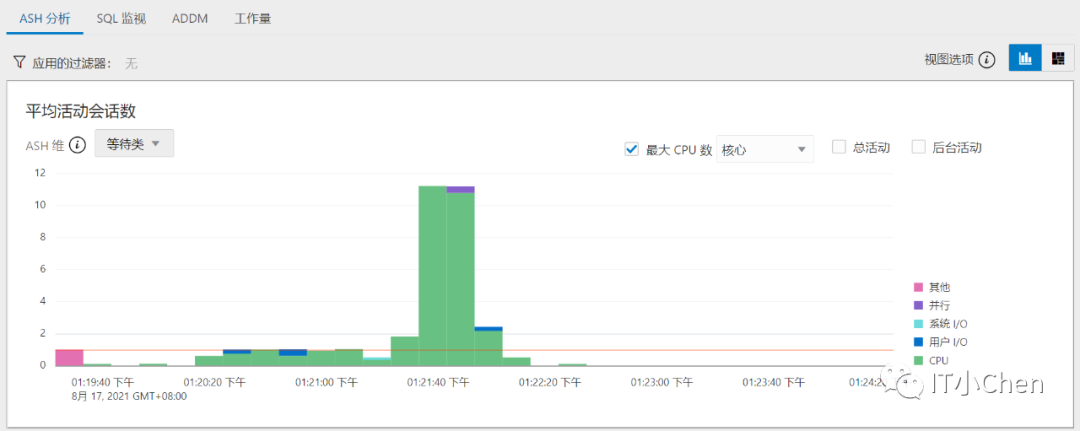
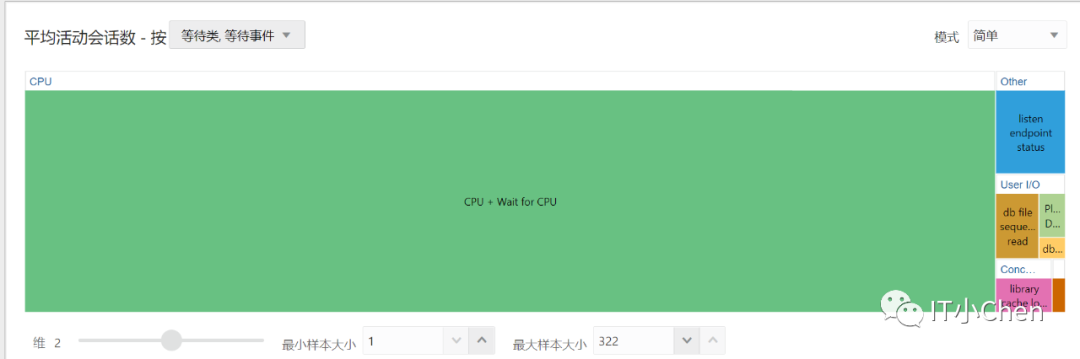
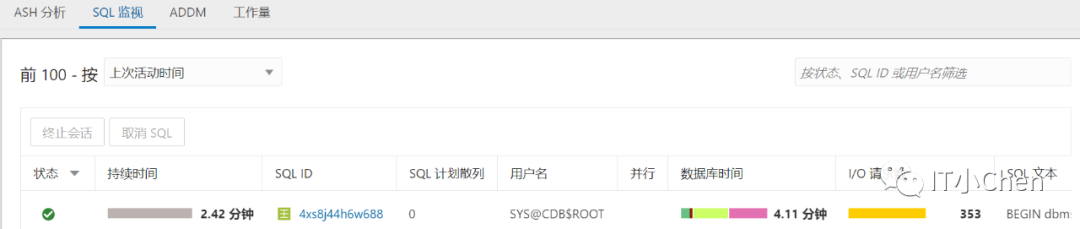
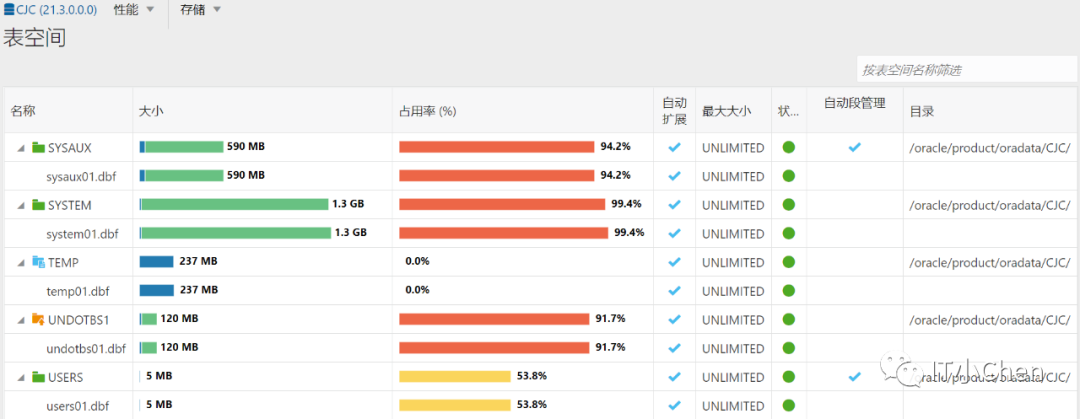
EM:
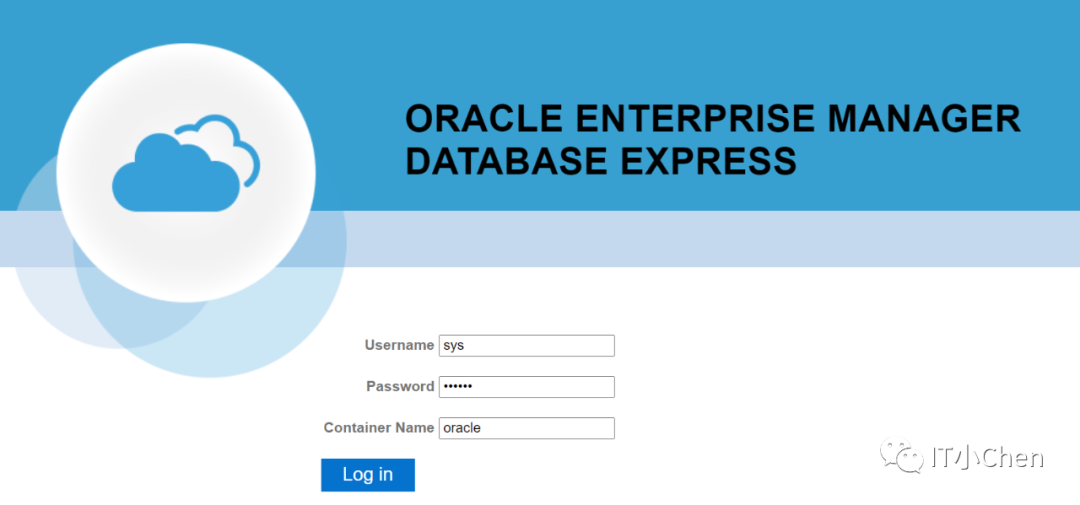
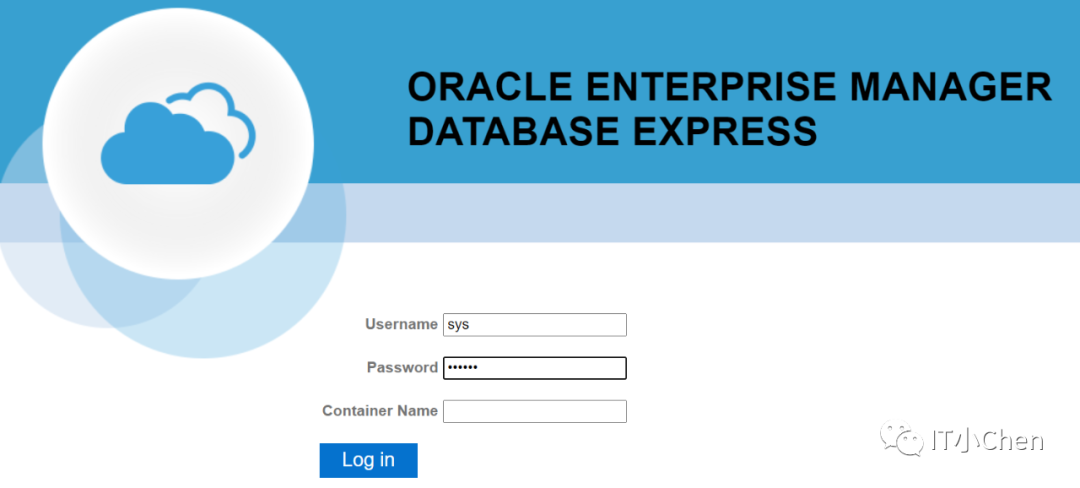
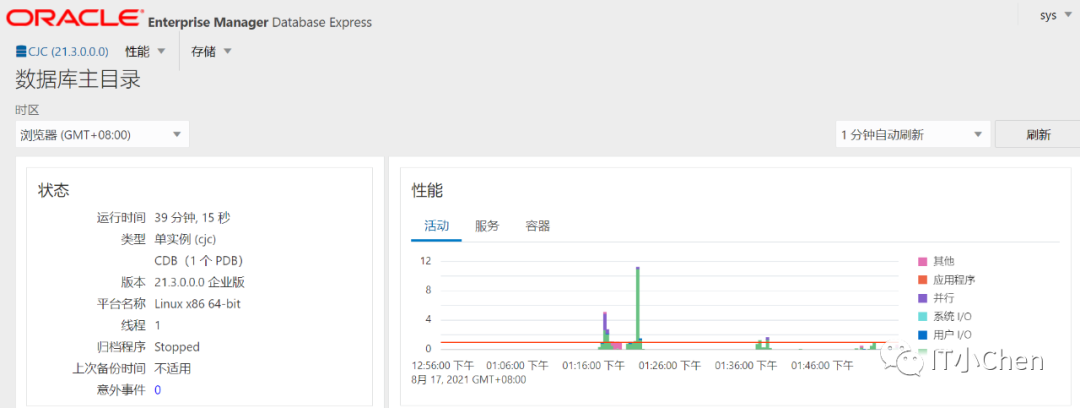
https://CJC:5500/em



#####chenjuchao 2021-08-27 18:00#####