



一、下载jar包
官网下载地址:
https://dev.mysql.com/downloads/file/?id=485766
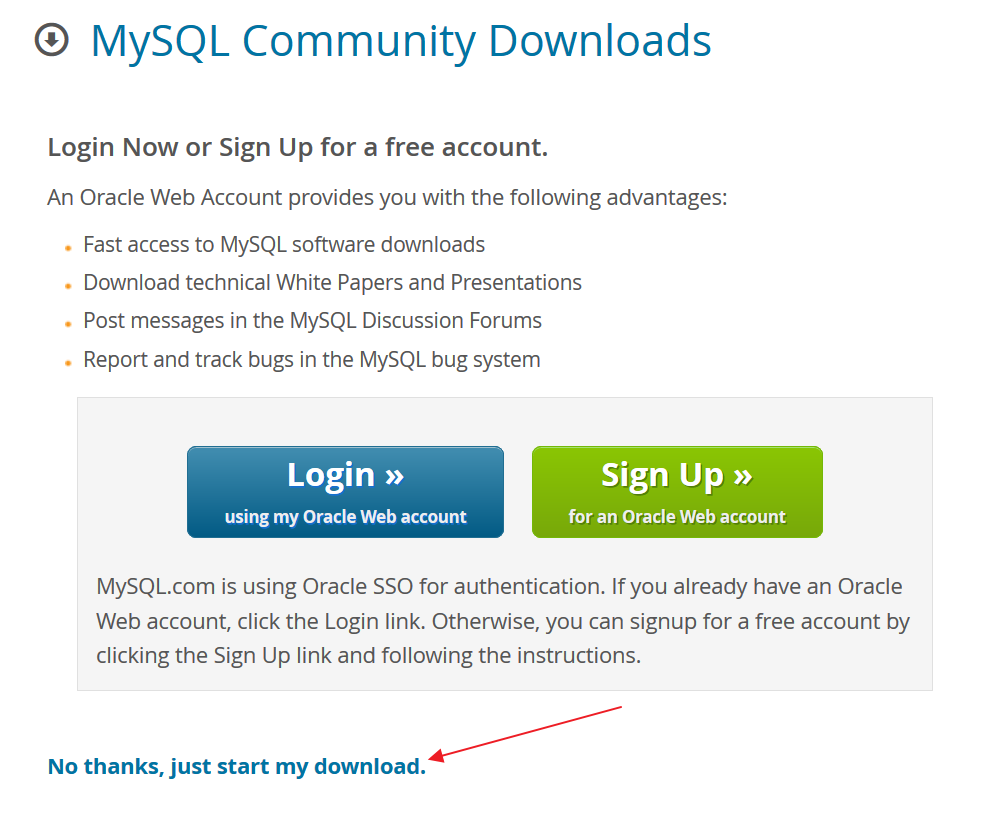
将下载下来的jar包添加到 eclipse 的项目中
二、编写代码
1. 连接数据库
//注册驱动Class.forName(JDBC_DRIVER);//获取连接Connection conn = (Connection) DriverManager.getConnection(URL,USER,PWD);
其中URL是本地数据库的地址,通常为
jdbc:mysql://localhost:3306/'数据库名'?useSSL=false&serverTimezone=UTC
USER和PWD为访问数据库时输入的用户名(如root)和密码
2. 编写并执行 sql 语句
Statement stat = conn.createStatement();String sql = "select * from new_students";ResultSet rs = stat.executeQuery(sql);
3. 输出查询结果
while(rs.next()){System.out.print(rs.getInt("newstuid")+" ");System.out.print(rs.getString("name")+" ");System.out.print(rs.getString("sex")+" ");System.out.print(rs.getInt("age"));System.out.print(rs.getString("phone"));System.out.print("\n");}
4. 使用完毕后关闭连接
rs.close();stat.close();conn.close();
欢迎关注微信公众号,您的支持是对我最大的鼓励

最后修改时间:2019-12-16 10:37:10
文章转载自我和软件测试,如果涉嫌侵权,请发送邮件至:contact@modb.pro进行举报,并提供相关证据,一经查实,墨天轮将立刻删除相关内容。
