【最近在做项目,有点忙。文章尽量上...感谢支持。】
11、Spring Cloud Config
Spring Cloud集成配置中心。所有Spring cloud项目的配置,都可以在Config Server中进行配置。配置文件,可以托管到SVN或git上。
1、快速入门
步1、创建spring boot项目
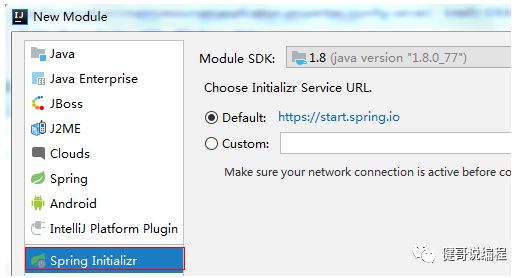
使用Spring init创建spring项目:
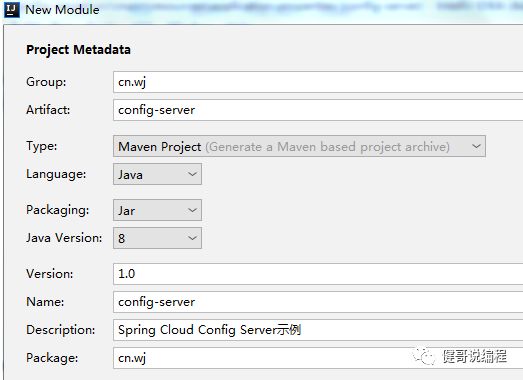
输入包名和项目名称:
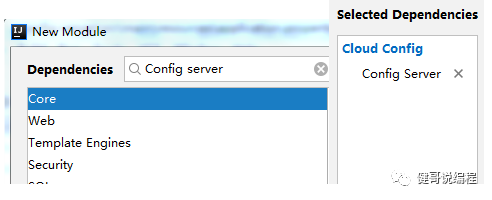
只选择Config Server即可:
创建成功以后的项目:
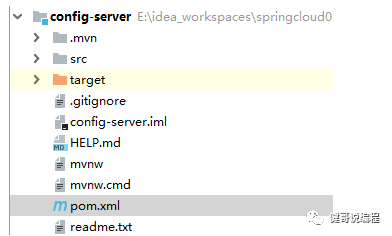
项目的完整依赖,注意依赖为:Spring-Cloud-Config-Server。
<dependency>
<groupId>org.springframework.cloud</groupId>
<artifactId>spring-cloud-config-server</artifactId>
</dependency>
步2、在gitee(码云)上创建项目用于保存Config Server的配置文件
Config Server的配置文件,可以保存到git上,也可以保存到svn上,我们先讲解保存到git上的示例。
1、注册成为www.gitee.com的用户。
2、登录www.gitee.com。
3、创建项目:
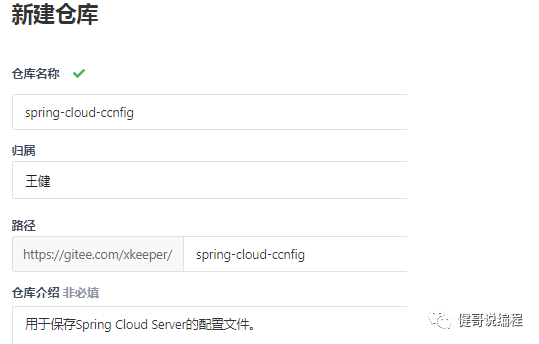
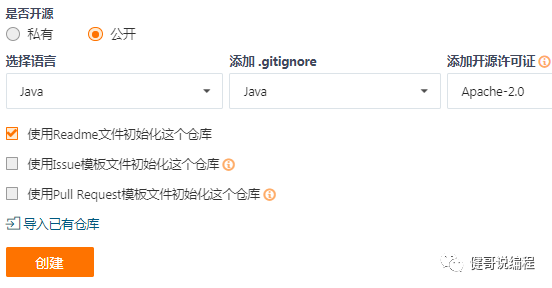
都选择完成以后,选择[创建]。
4、下载并安装git

5、输入用户标识
任意的位置打开git-bash:
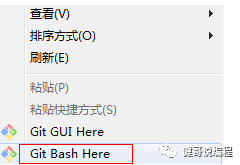
输入用户标识,就是一个user.name和一个user.email。可以输入任意值。
$ git config --global user.name wangjian
$ git config --global user.email wangjian_me@126.com
6、生成无密码登录的私钥
$ ssh-keygen -t rsa (然后多次加车即可)
7、将私钥保存到gitee.com上
$ cat ~/.ssh/id_rsa.pub 将读取到的字符,进行拷贝
添加到www.gitee.com的公钥位置:
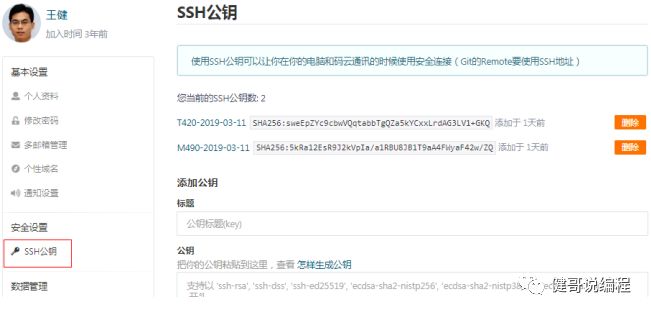
步3、修改application.properties
现在就可以修改本地项目的application.properties文件了。
添加以下内容:
#配置端口号,可选默认为8080server.port=7001#配置项目名称,可选注册到eureka可显示此名称spring.application.name=config-server#指定在gitee上创建的仓库地址,注意为https://..最后面的.git可以省略spring.cloud.config.server.git.uri=https://gitee.com/xkeeper/spring-cloud-config.git#可选的在git项目上创建一个子目录,用于保存某些分组的配置spring.cloud.config.server.git.search-paths=config1#连接成功以后,会pull所有配置文件到本地,可选的指定一个目录,默认将会下载到临时目录spring.cloud.config.server.git.basedir=E:/gits/spring-cloud-config#建议本地安装git并使用ssh-key生成私钥,否则就必须要明文指定用户名和密码#默认将使用.ssh下生成的私钥#spring.cloud.config.server.git.username=XXXXX#spring.cloud.config.server.git.password=XXXXX
其中,git.uri可以通过以下方式得到:
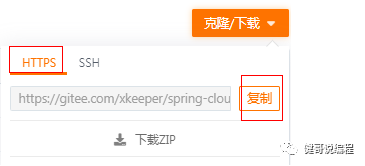
默认情况下,spring cloud config server会读取本地的ssh配置登录gitee服务器。并将服务器上的代码pull到本地basedir指定的目录。
步4、启动项目访问
以下是启动日志:
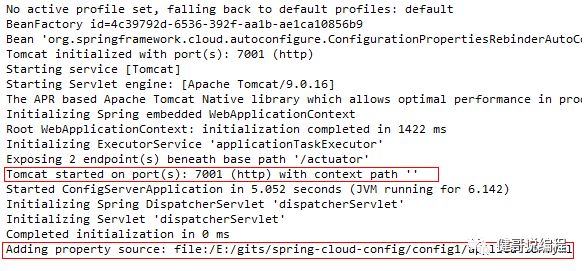
在本地的config1中添加application.yml,输入以下内容,并提交到服务器:
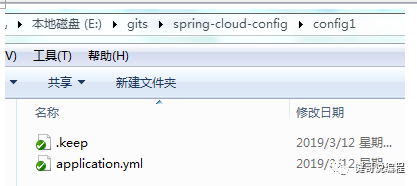
内容:
profile: profile-dft
提交到gitee服务器,请分另输入:
$ git add .
$ git commit -m “添加一个内容配置”
$ git push
访问:
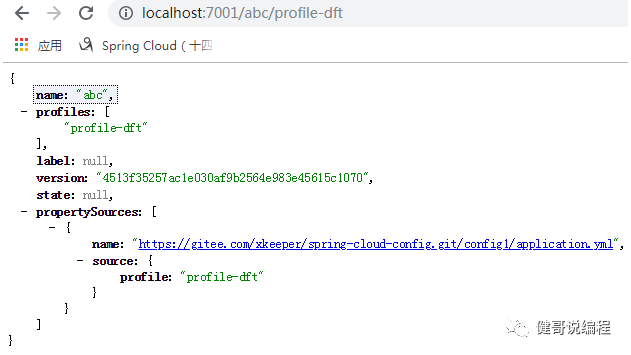
访问规则:
The HTTP service has resources in the following form:
/{application}/{profile}[/{label}]
/{application}-{profile}.yml
/{label}/{application}-{profile}.yml
/{application}-{profile}.properties
/{label}/{application}-{profile}.properties
如何使用config server。后续。