namespace: default
  labels:
    app: my-example
spec:
  type: LoadBalancer
  ports:
  # If there are multiple ports, then each port sub-section needs a name and a protocol (as needed)
  - port: 8080
    targetPort: 8080
    name: http
  - port: 22
    targetPort: 22
    name: ssh
    protocol: TCP
  selector:
    app: my-example
#install openssl-server. Below assumes container is on ubuntu
apt-get update
apt-get -y install openssh-server
#create testuser
useradd testuser
passwd testuser
Enter password and confirm password (assume password in this case is 'password' as well)
#restart ssh service
service ssh restart
最后…
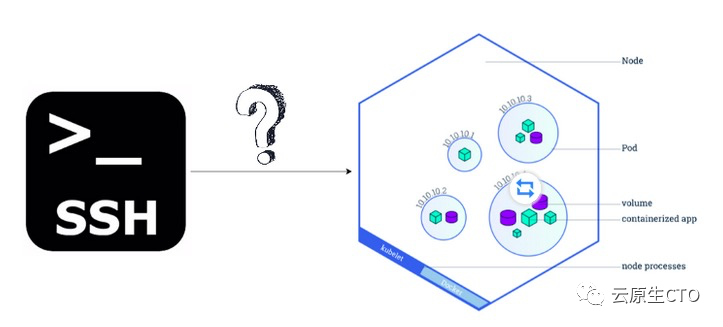
3 我们如何从Kubernetes集群外部SSH到K8 Pod中?
假定Pod可通过服务访问,并且可以通过LoadBalancer由公共负载平衡器提供服务的服务进行访问;用户可以通过执行以下经典ssh命令从Kubernetes集群外部通过SSH进入K8 Pod :
#Example
ssh -f testuser@<external-load-balancer-ip-address>(Enter password on prompt to establish the SSH connection)





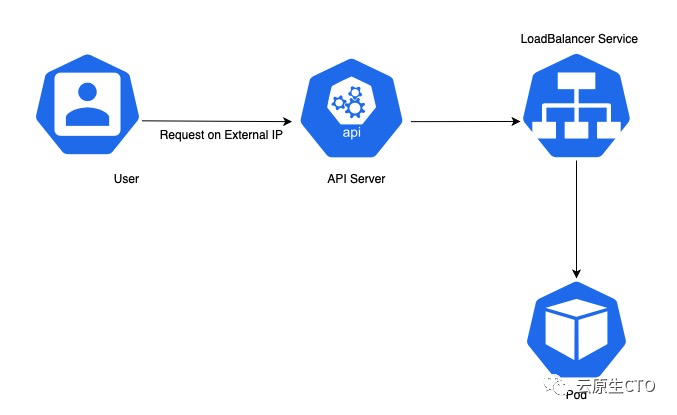 以下是LoadBalancer打开SSH端口进行通信的服务的代码段。