



由于最近软件(MySQLEd)用户提出需求,无法对带注释的语句进行很好的运行。所以针对带注释的语句进行一番调优。期间用了很多方法但是效果不是很理想,例如:正则表达式。
import java.util.regex.Matcher;import java.util.regex.Pattern;public class Main {public static void main(String[] args) {Pattern p = Pattern.compile("(?ms)('(?:''|[^'])*')|--.*?$|/\\*.*?\\*/|#.*?$|");String presult = p.matcher(sql).replaceAll("$1");System.out.printf("Message", presult);}}
这段代码在Java里运行基本上是可行的,于是原封不动就粘进Android里去了,但是问题来了。对于简单的语句都能出错。
解析前:select * from user where User = '';
解析后:select * from user where User =;
???,发现对于单引号给直接干掉了。这样的话完全就没办法运行,因为语法都是错误的。大致看了一下,Java是用的JDK,而Android实际并不是JDK而是OpenJDK,这两种JDK在细节上还是有所区别的。由于磁盘空间不是太足,所以没有下载源码去分析,毕竟经常在M级空间编程。
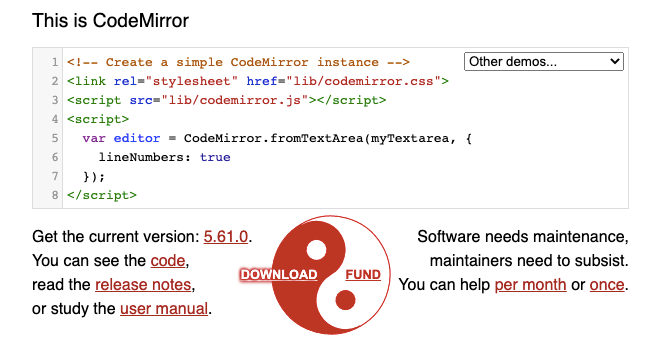
只能换个思路直接从编辑器入手,查看编辑器源码,发现一个很有意思的迭代器,会返回相应的Line。
doc.iter(from, to, function (line) {//...};
这里的Line是非常有用的,它返回了当前迭代行的一些结构信息。
Line {text: " select * from user where User = '111'; #我是注释", height: 58, parent: LeafChunk, stateAfter: {…}, styles: Array(39), …}height: 58markedSpans: undefinedorder: falseparent: LeafChunk {lines: Array(1), parent: Doc, height: 58}stateAfter: {context: null, tokenize: ƒ}styles: (39) [1, 1, null, 7, "keyword", 8, null, 9, "operator", 10, null, 14, "keyword", 15, null, 19, "keyword", 20, null, 25, "keyword", 26, null, 30, "keyword", 31, null, 32, "operator", 33, null, 38, "string", 39, "punctuation", 40, null, 45, "comment"]text: " select * from user where User = '111'; #我是注释"
其中的styles就是样式渲染结构,其中给出了哪些文本是注释。
0: 11: 12: null3: 74: "keyword"5: 86: null7: 98: "operator"9: 1010: null11: 1412: "keyword"13: 1514: null15: 1916: "keyword"17: 2018: null19: 2520: "keyword"21: 2622: null23: 3024: "keyword"25: 3126: null27: 3228: "operator"29: 3330: null31: 3832: "string"33: 3934: "punctuation"35: 4036: null37: 4538: "comment"
所以可以针对迭代器写一个小的判断
if (line.hasOwnProperty("styles") && line.styles.includes("comment")) {var t = "",allText = line.text,at = 0;for (var i$1 = 1; i$1 < line.styles.length; i$1 += 2) {let t_s = allText.slice(at, at = line.styles[i$1]);if (line.styles[i$1 + 1] != "comment") {t = t + t_s}}})
这样就可以解决注释的问题。而且由于是解析器做支撑,所以对于对齐也是非常完美的。

文章转载自上下博客,如果涉嫌侵权,请发送邮件至:contact@modb.pro进行举报,并提供相关证据,一经查实,墨天轮将立刻删除相关内容。
