



使用的是:Healthcheck_v4.7
是压缩文件解压缩,然后创建目录最好是指定oracle用户oinstall用户组,解压缩然后执行acshck.sh文件,命令如下:
sh ./acshck.sh -oh $ORACLE_HOME -sid $ORACLE_SID -healthchk
先期先执行帮助看看都能执行什么命令
./acshck.sh -h
sh ./acshck.sh
-v|-V|--version
+Current version.
-connstr <SQLPlus connect string>
+ For disabled OS authentication database login, default: '/ as sysdba'.
+ e.g. -connstr 'sys/oracle as sysdba'
+ Note: Must be in the first position.
-oh <ORACLE_HOME> -sid <ORACLE_SID>
+ When using connstr,the -oh and -sid options must be in the second and third positions.
+ When not using connstr,the -oh and -sid options must be in the first and second positions.
-healthchk
+ Equal to -oschk + -dbext + -dbchk + -dbalert(last 7 days) + -topsql + -metrics + -topevent.
+ e.g. sh ./acshck.sh -oh <ORACLE_HOME> -sid <ORACLE_SID> -healthchk
+ e.g. sh ./acshck.sh -oh <ORACLE_HOME> -sid <ORACLE_SID> -healthchk -awrreport '<values>'
-healthchkdg
+ Equal to -oschk + -dbext + -dbalert(last 7 days) + -dgchk
+ e.g. sh ./acshck.sh -oh <ORACLE_HOME> -sid <ORACLE_SID> -healthchkdg
-oschk
+ Collect current OS state info, and analyze OS parameter.
+ e.g. sh ./acshck.sh -oschk
-dbext
+ Extended db check,include DB alert log, trace file, listener, patches, ASM info, and so on.
+ e.g. sh ./acshck.sh -oh <ORACLE_HOME> -dbext
-dbchk
+ Collect database health check data.
+ e.g. sh ./acshck.sh -oh <ORACLE_HOME> -sid <ORACLE_SID> -dbchk
-metrics <N-days>
+ Database metrics and event history collection days, default 3 days.
+ e.g. sh ./acshck.sh -oh <ORACLE_HOME> -sid <ORACLE_SID> -metrics 7
-topevent '<N-days> day/night/all/<start_hour end_hour>'
+ Databsae top event history collection days, default 3 days.
+ possible values:
+ arg1 history days.
+ arg2
+ day day period, 9:00 -- 18:00
+ night night period, 18:00 -- 9:00
+ all whole day
+ <begin_hour end_hour> customize interval
+ e.g.
+ sh ./acshck.sh -oh <ORACLE_HOME> -sid <ORACLE_SID> -topevent 7 day
+ sh ./acshck.sh -oh <ORACLE_HOME> -sid <ORACLE_SID> -topevent 7 9 12
-topsql '<N-days> <Top N>'
+ collect Top N SQL(default top 10).
+ arg1 AWR history days
+ arg2 Top N SQL, default 10.
+ e.g. sh ./acshck.sh -oh <ORACLE_HOME> -sid <ORACLE_SID> -topsql 3 10
-topsqlhc
+ Collect top N SQL sqlhc, not collected by default, used with -topsql option.
+ WARNING: This will consume a lot of disk space.
+ e.g. sh ./acshck.sh -oh <ORACLE_HOME> -sid <ORACLE_SID> -topsql 3 10 -topsqlhc
-awrreport 'begin_time,end_time,report_type'
'begin_hour,end_hour,days,report_type'
'begin_hour,end_hour,begin_time,end_time,report_type'
+ begin_hour : Begin time to collect AWR reports.
+ end_hour : End time to collect AWR reports.
+ days : Collect AWR for a specific time period within the days.
+ report_type: html/text, default is html.
+ e.g. '20200709 08,20200709 12,html'
+ e.g. '09,12,3,html'
+ e.g. '09,12,20200705,20200709,html'
-pdbawr 'ALL/PDB_NAME'
+ Collection PDB awr report, used with -awrreport option.
+ ALL/all : Collect all PDB AWR reports for the specified time period.
+ PDB_NAME: Specify PDB name for PDB AWR collection,separated by comma.
+ e.g. -awrreport '09,12,3,html' -pdb 'all'
+ e.g. -awrreport '09,12,3,html' -pdb 'pdb1,pdb2,...'
-dbalert '<integer>'
+ <integer> days to collect db alert log.
+ e.g. sh ./acshck.sh -oh <ORACLE_HOME> -sid <ORACLE_SID> -dbalert 7
-osw '<integer>, <begin_hour>, <end_hour>, <catogary catogray catogray...>'
+ <integer> days to collect osw.
+ <begin_hour> begin hour.
+ <end_hour> end hour.
+ <catogary> log catogary to collect, separated by spaces. e.g. vmstat top ps, default all.
+ possible values:
ifconfig iostat meminfo mpstat netstat prvtnet ps top vmstat arp
slabinfo nfsiostat pidstatd xentop ib_diagnostics rds_diagnostics
-dgchk '{local | <remote_connect_string>}'
+ local only check the database about DG on the local system if the DG connection string is not provided.
+ <remote_connect_string> connecting to the standby database using the provided connect_string.
+ e.g. sh ./acshck.sh -oh <ORACLE_HOME> -sid <ORACLE_SID> -dgchk 'local'
+ sh ./acshck.sh -oh <ORACLE_HOME> -sid <ORACLE_SID> -dgchk 'system/oracle@standby_tns'
# note: querying x$kcvfh will fail if use system user connect to standby, ignore it.
-ogg '<OGGHOME>, [<mode> <mode>]'
+ OGGHOME GoldenGate Home
+ mode classic/integrated/microservice/official, determine OGG mode automatically when no value is provided.
When the mode is determined to be integration/microservices, the official script will be executed.
+ classsic custom commands, collect classic mode information.
+ integrated custom commands, collect integrated mode information.
+ microservice custom commands, collect microservce mode information.
+ official calling the OGG official healthcheck script, applied to integrated mode.
e.g. sh ./acshck.sh -oh <ORACLE_HOME> -sid <ORACLE_SID> -ogg '/oggsource'
sh ./acshck.sh -oh <ORACLE_HOME> -sid <ORACLE_SID> -ogg '/oggsource, classic'
sh ./acshck.sh -oh <ORACLE_HOME> -sid <ORACLE_SID> -ogg '/oggsource, integrated official'
-standby
+ Collect Standby database system details.
+ Only -oschk, -dbext, -dbalert, -dgchk are valid, other options are ignored.
+ e.g. sh ./acshck.sh -oh <ORACLE_HOME> -sid <ORACLE_SID> -standby
-outputdir '<dir>'
+ <dir>: Scripts output parent directory.
-node 'node1,node2,...'
+ e.g. sh ./acshck.sh -oschk -node 'dbnode3,dbnode4'
-repkg
+ Re-package output files.
-h|-H|--help|--HELP
+ Display this help and exit
然后就是把文件拷贝出来查看报告:
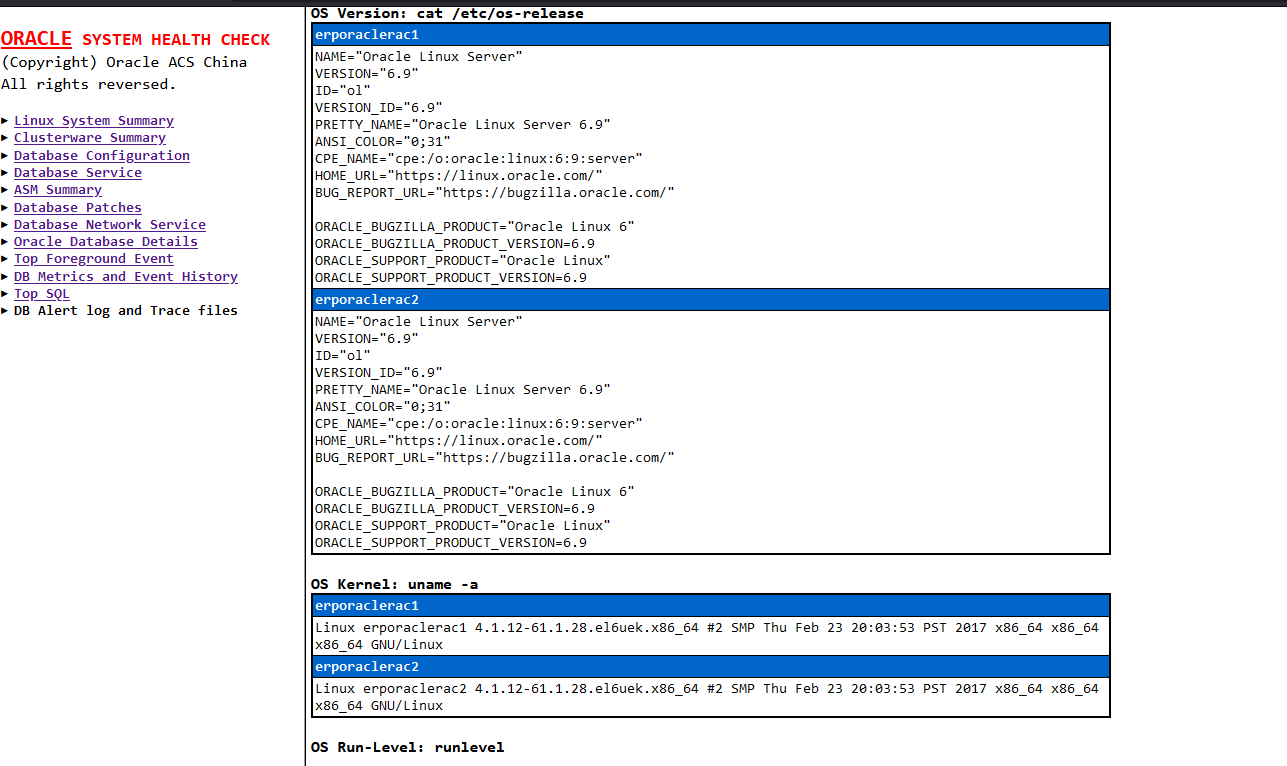
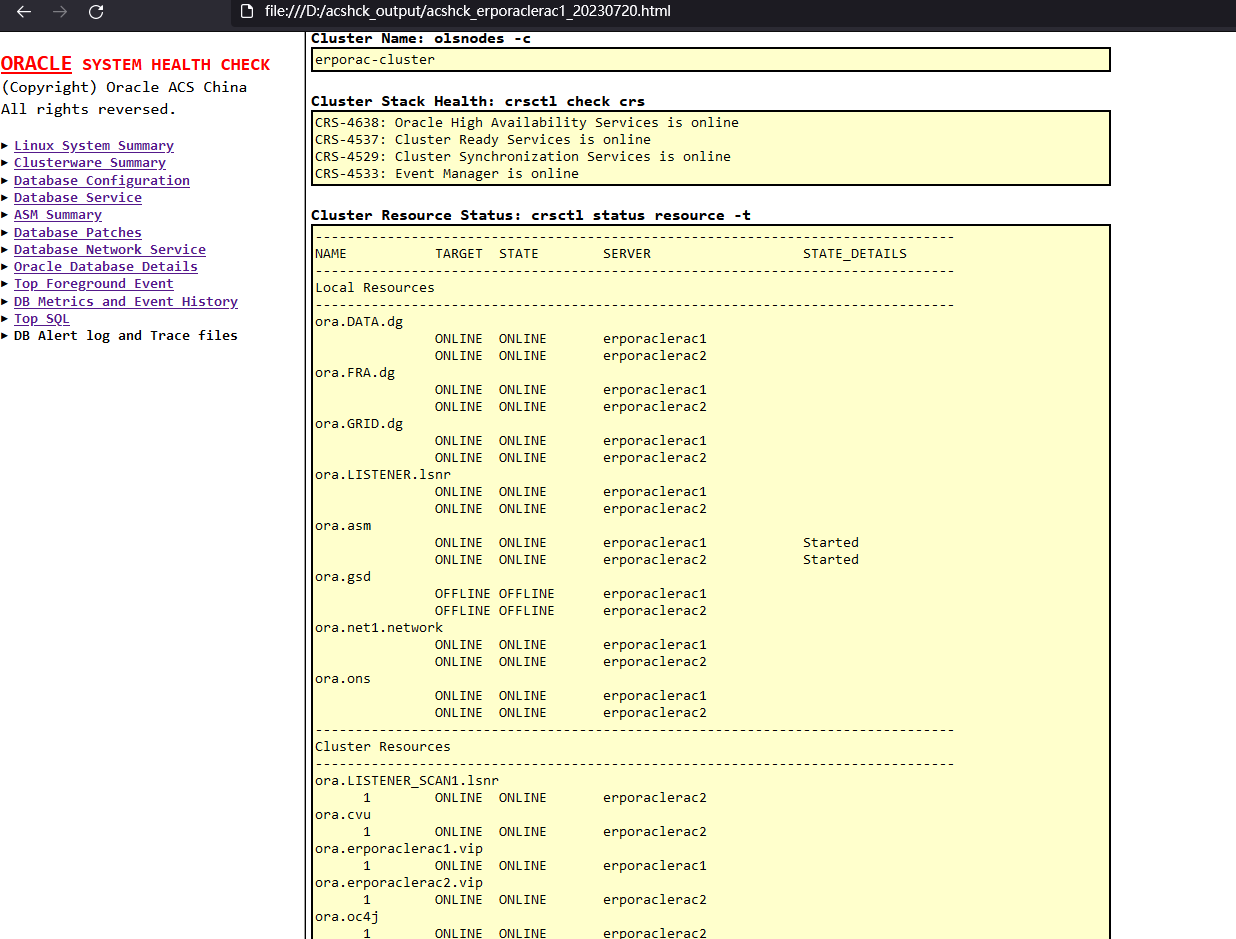
其他信息就不展示了 比较全,集群的信息,各种事务的执行情况都有。
