



1,考试页面
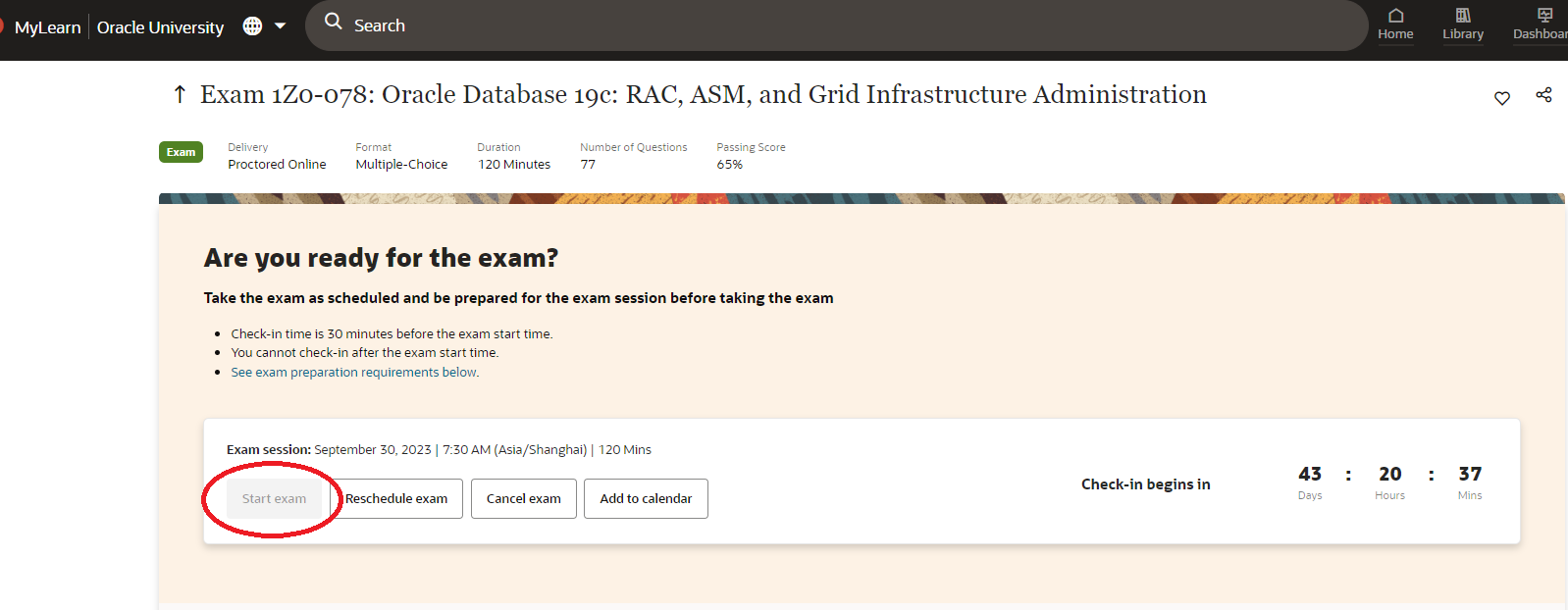
可以提前30分钟进入,检查考试环境,环境检查通过之后就可以开始考试
start exam 在开始30min 可以点击进入:
2,测试安全浏览器
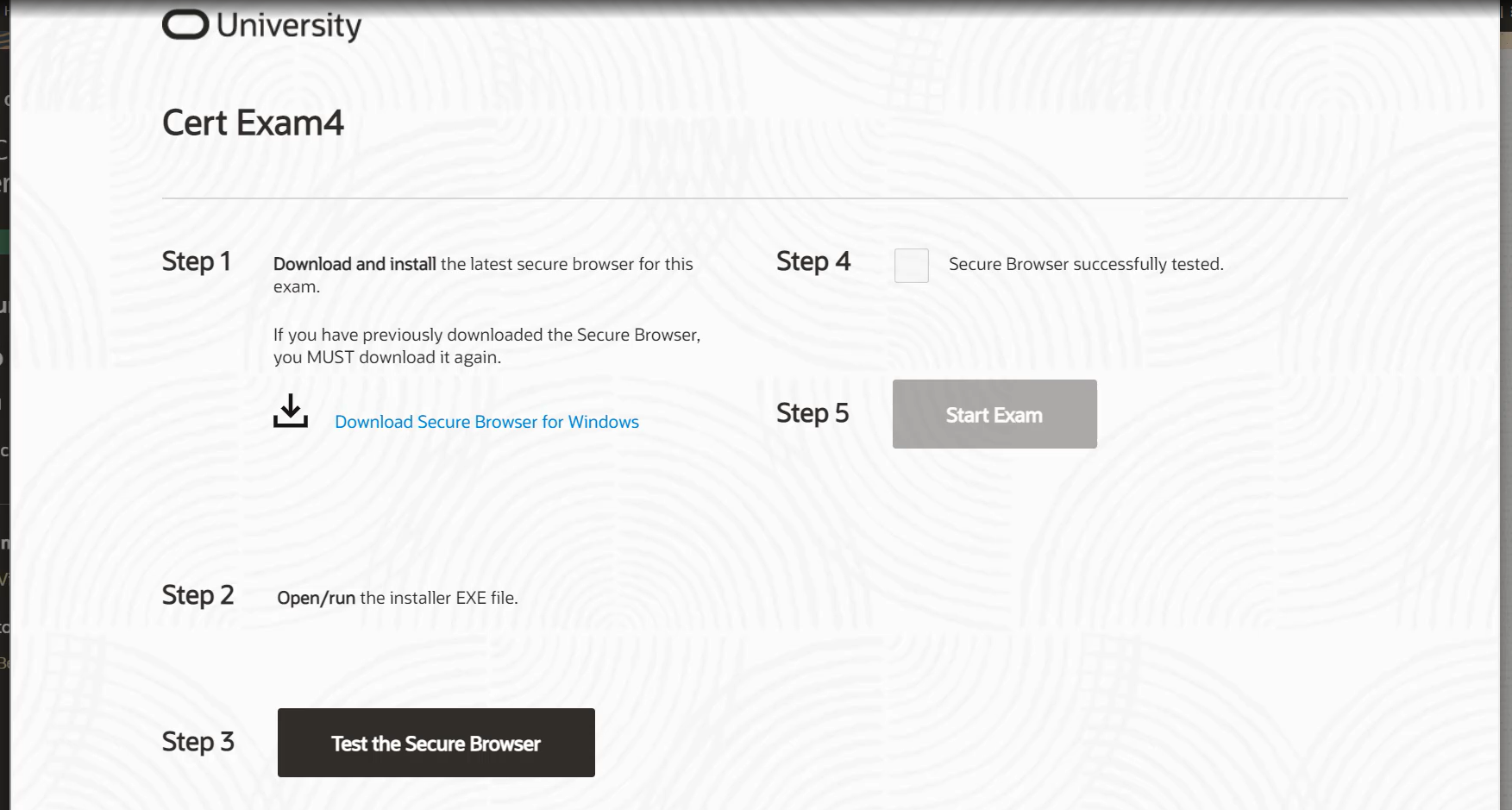
Download and Install Secure Browser: Windows | OSX
浏览器可以提前下载:
https://education.oracle.com/oracle-exam-prep#yourComp
#下载浏览器并安装Step 1 and Step 2
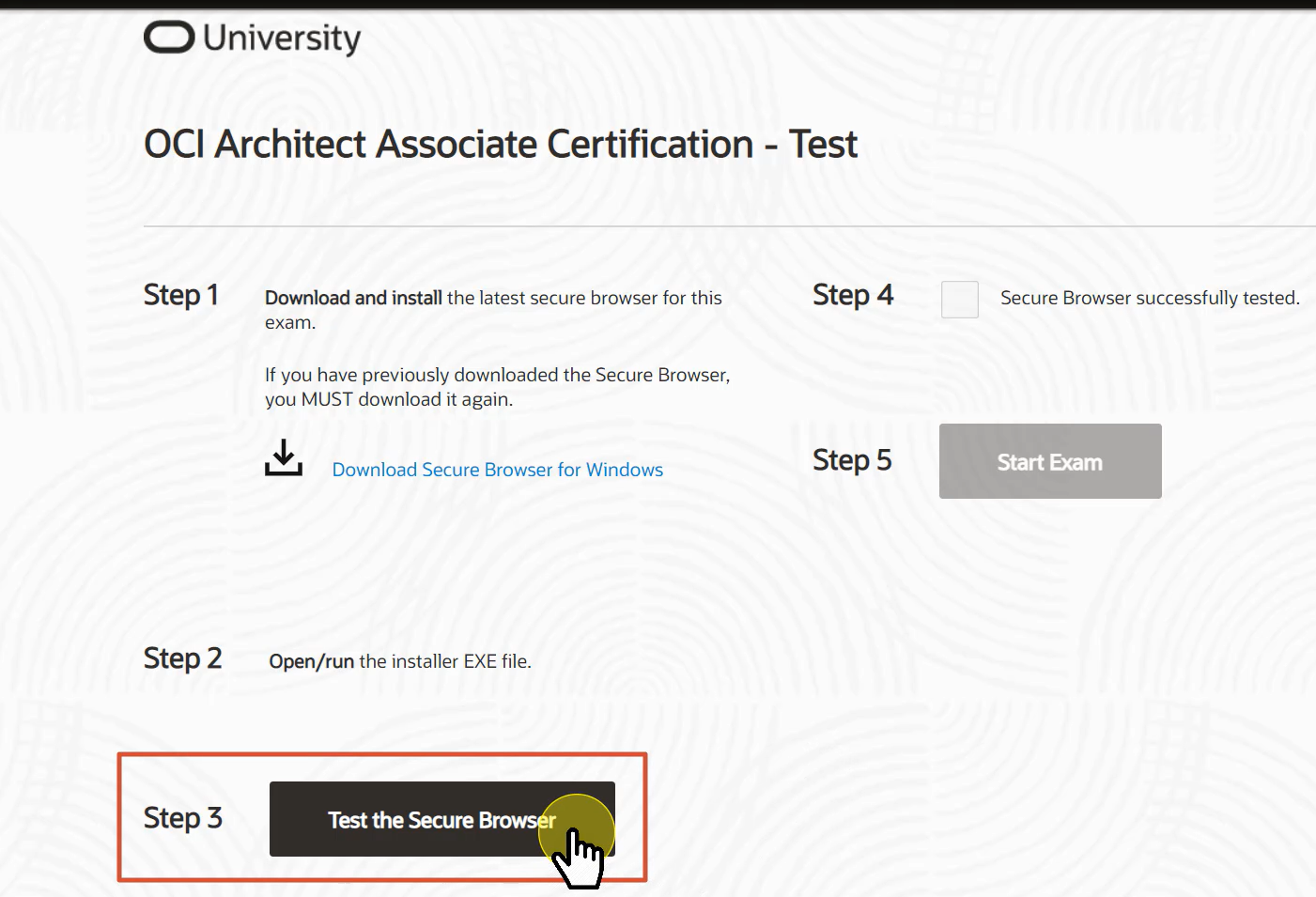
#测试浏览器 Step 3
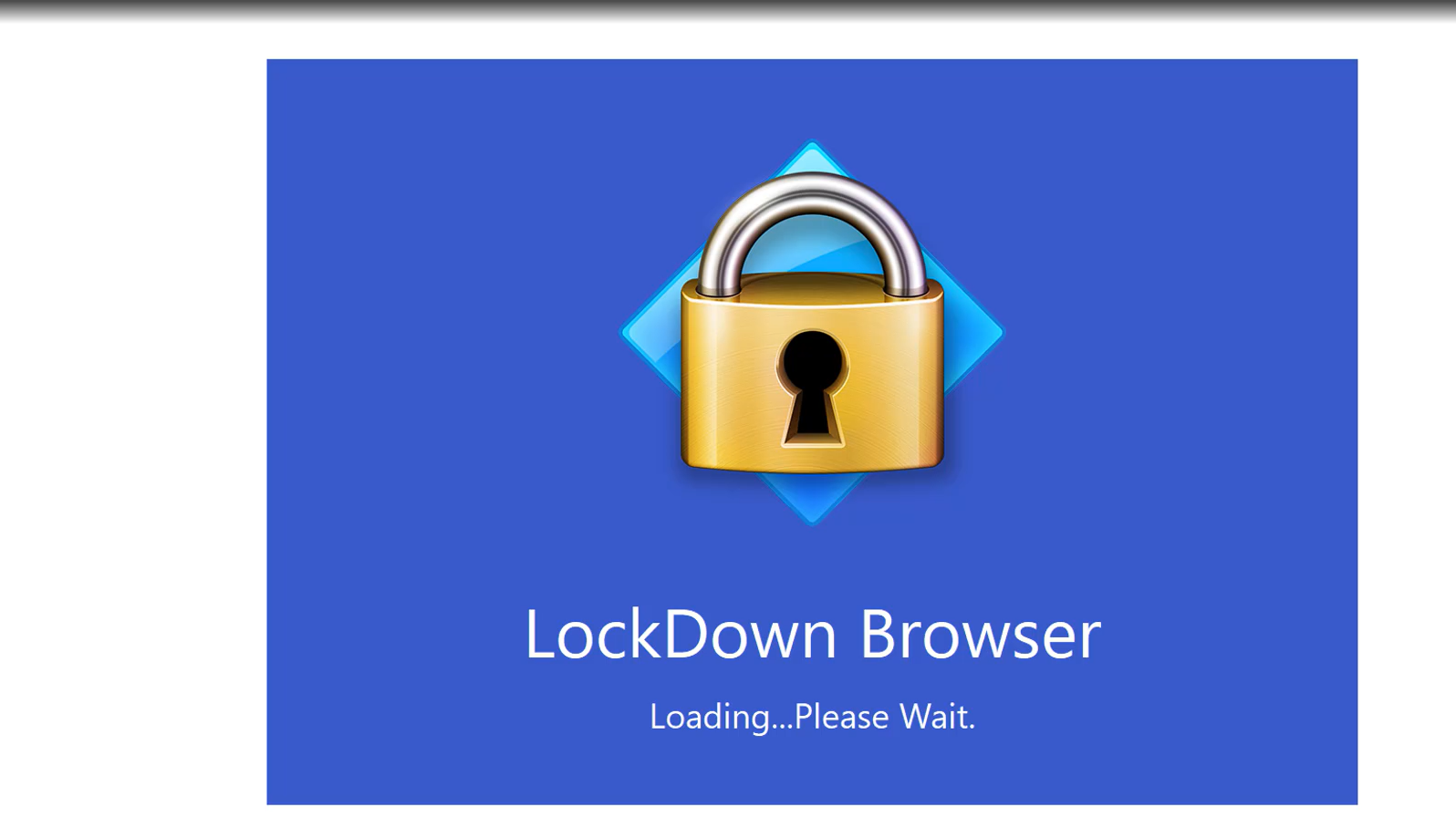
-- 加载安全浏览器
-- 关闭未检测通过应用软件

#Step 4 确认测试通过,Step 5开始考试。

3,进入考试(需要关闭其他应用程序,包括浏览器,后台相关录屏软件,远程软件)
进入之后就是一个zoom会议: (打开摄像头和话筒)
#加入会议:
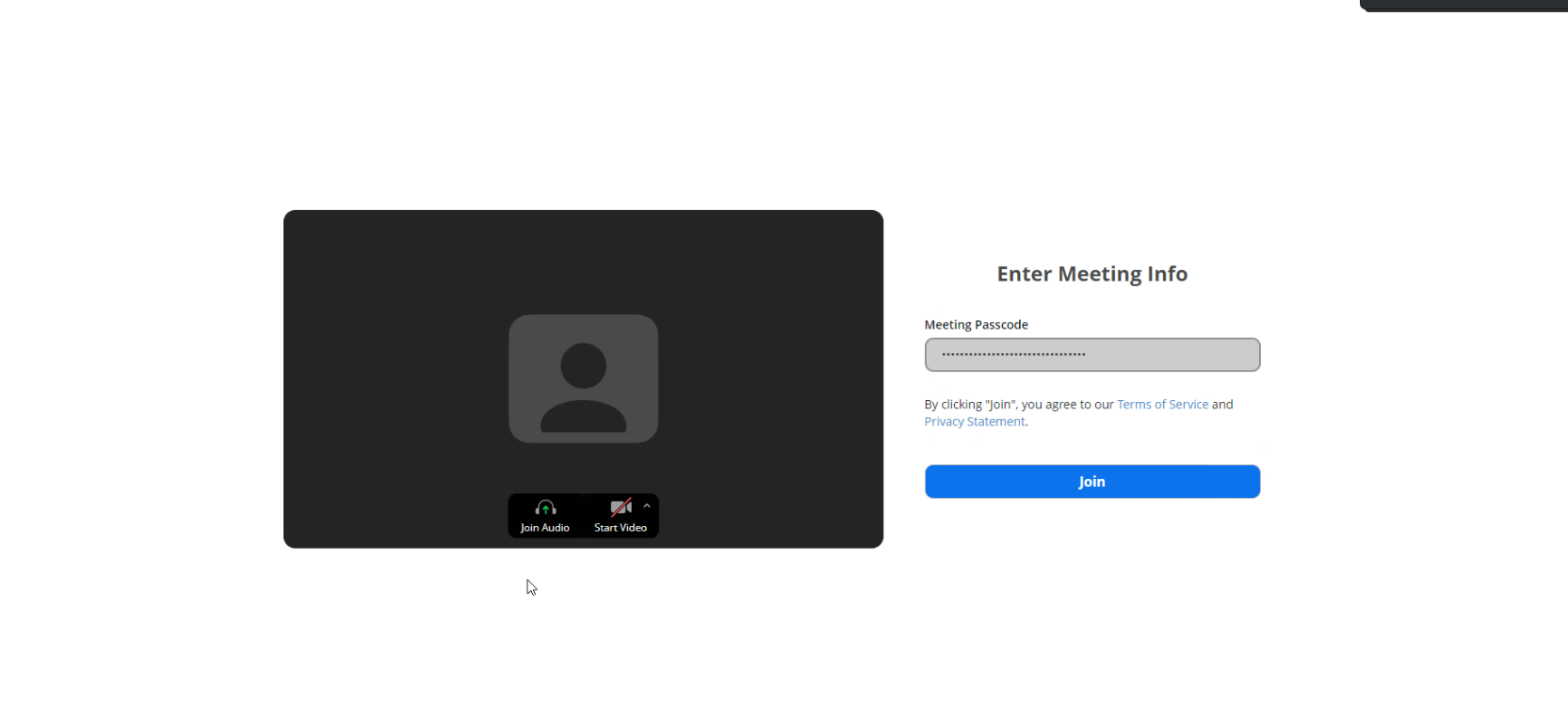
#准备进入考试页面
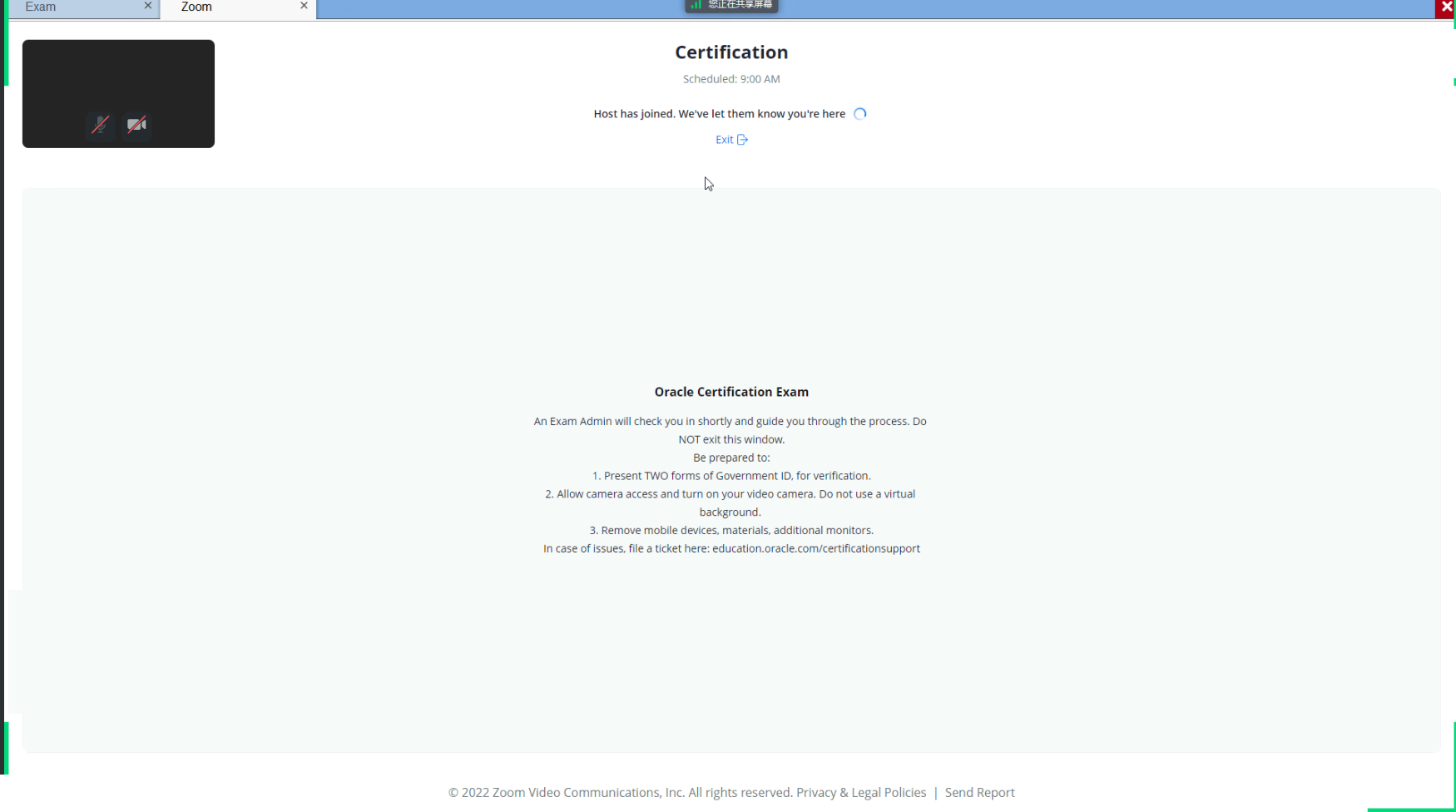
#对面应该是印度考官负责监考

#按照要求面对摄像头提供身份证信息
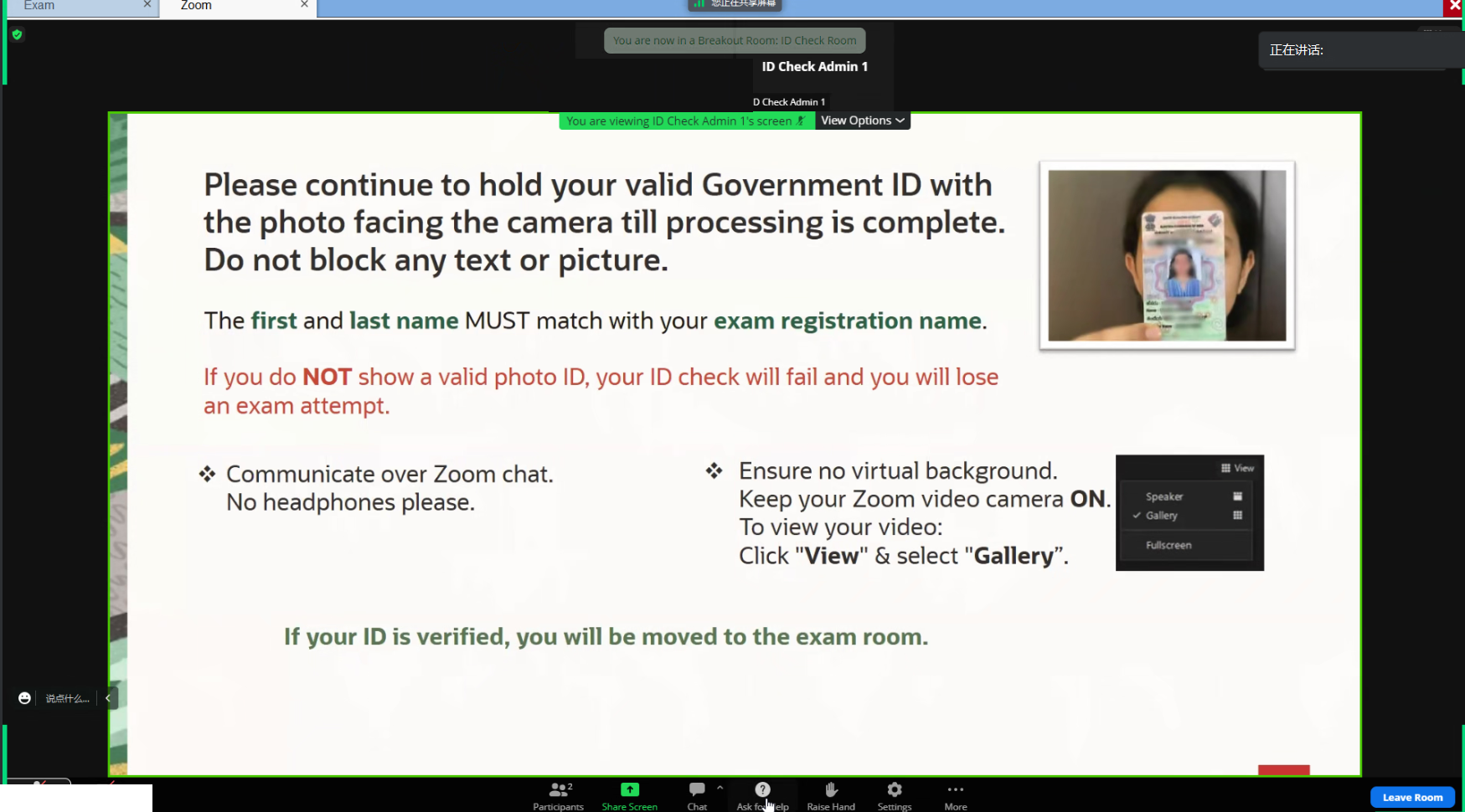
#身份证验证通过之后,注意聊天窗口可能需要提供考试邮箱
#身份证和邮箱验证通过之后,页面会显示Exam Access Code:xxxxx
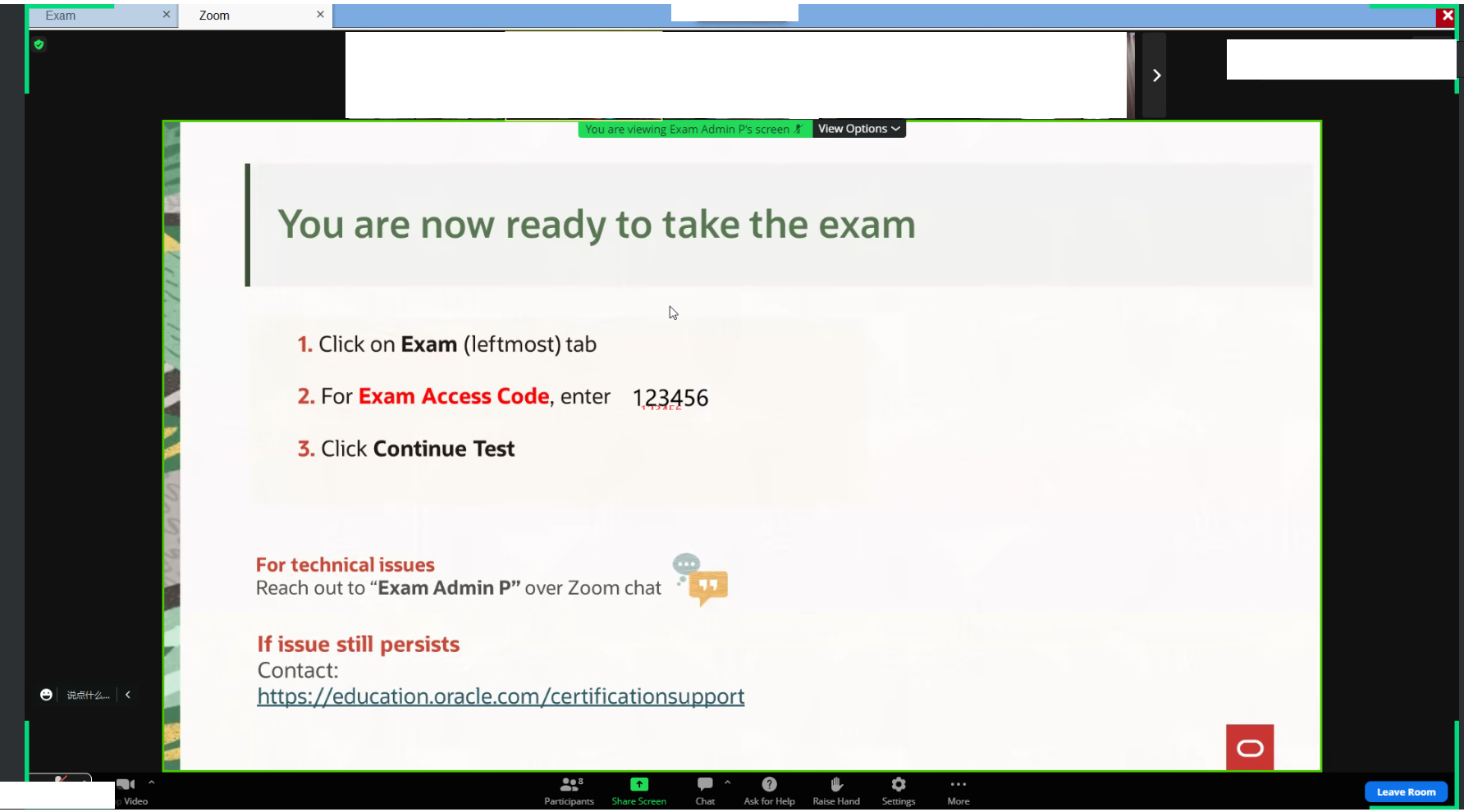
#点击标签Exam 输入Code进入考试
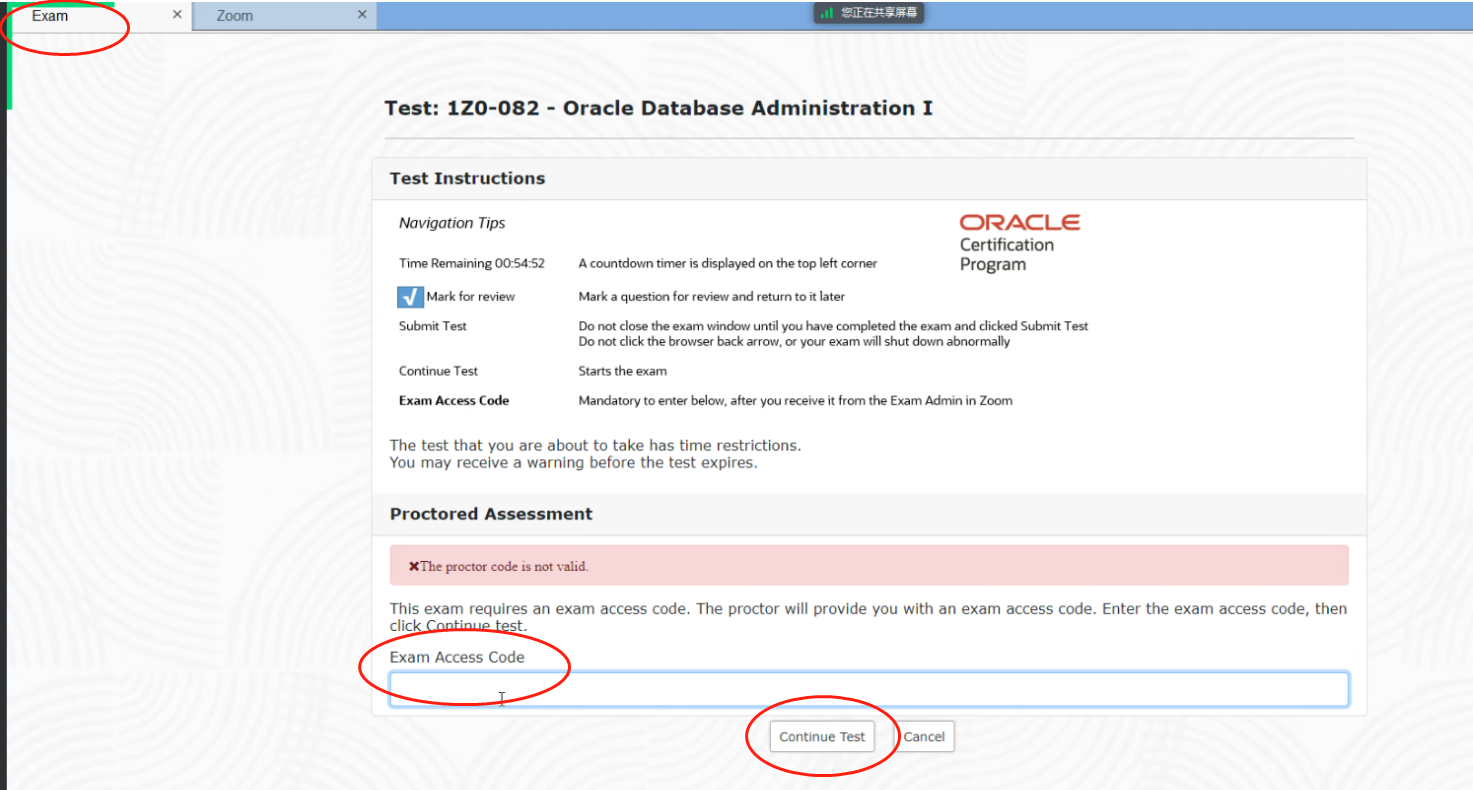
#开始考试

4,结束考试,当场显示考试成绩
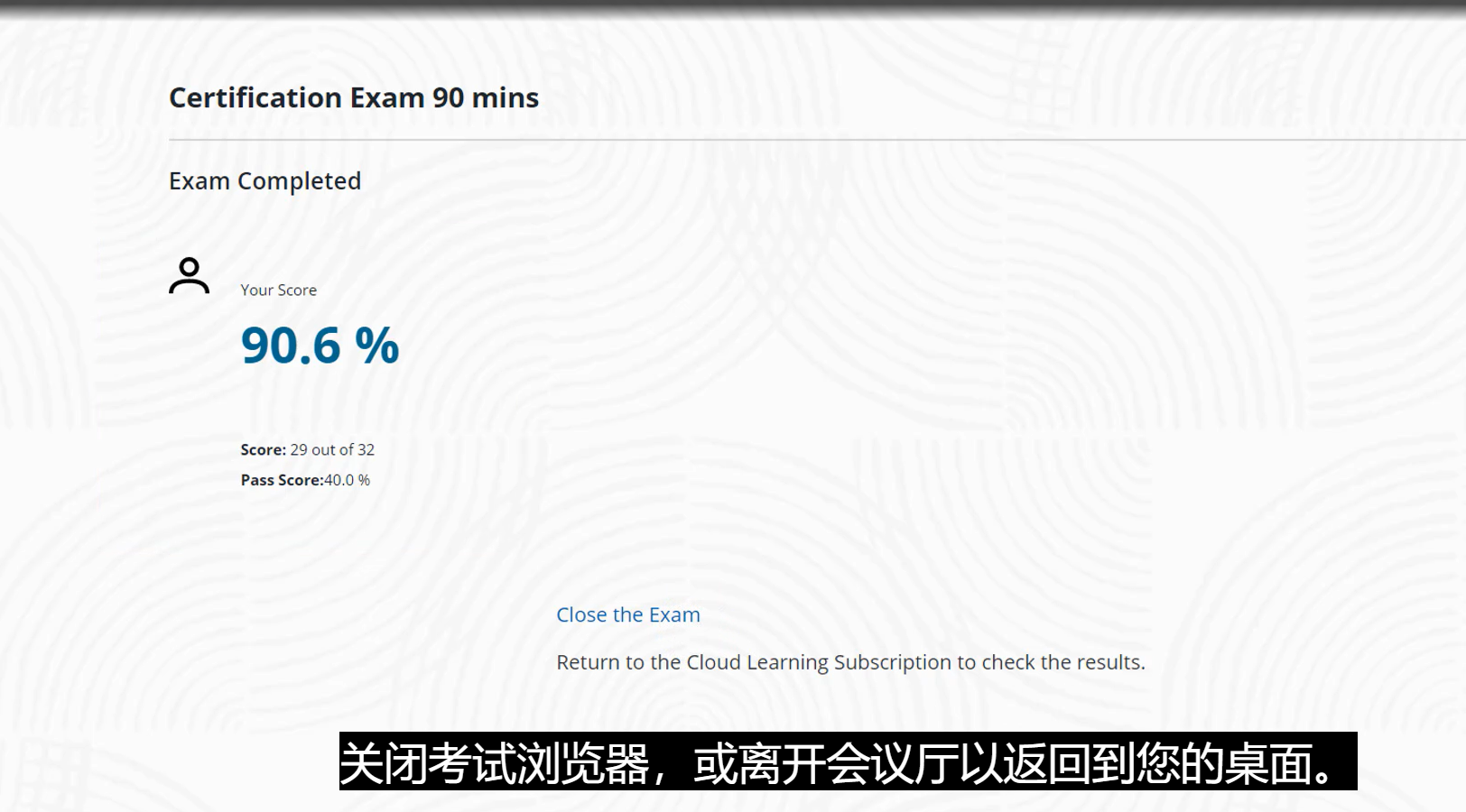
视频参考地址:https://education.oracle.com/oracle-exam-prep#yourComp
考试模拟测试:搜索:Pre-Exam System Check
--测试考试环境是否正确运行:
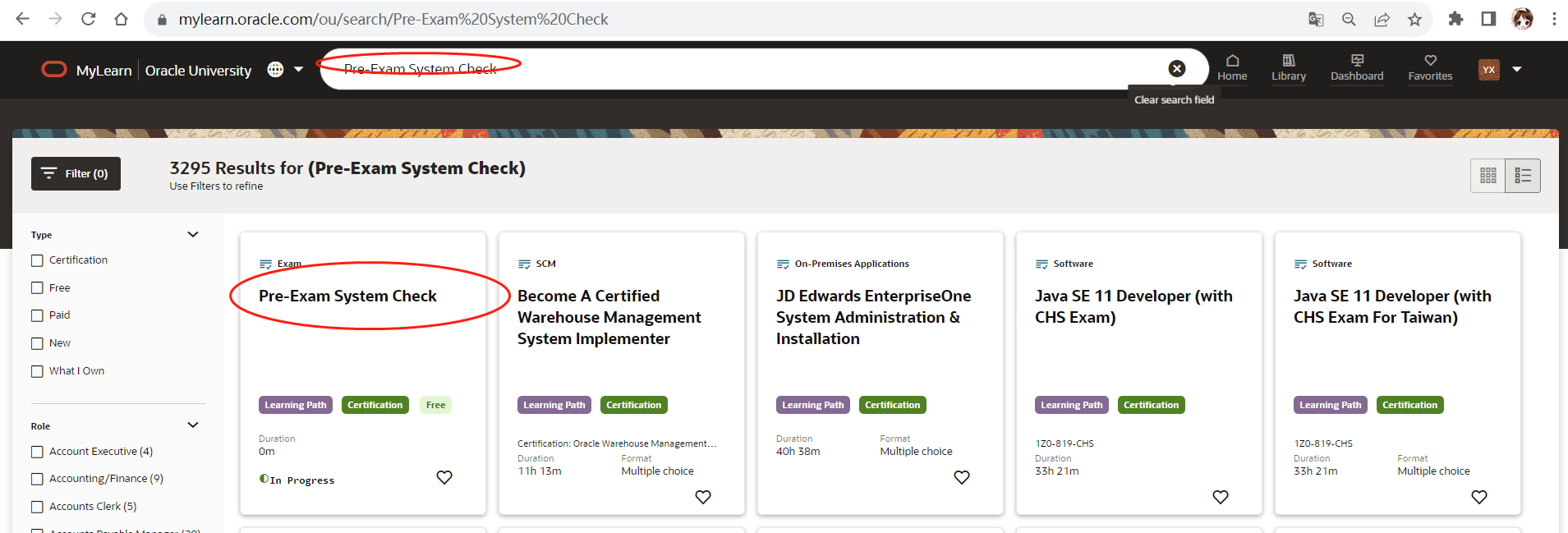
https://mylearn.oracle.com/ou/learning-path/pre-exam-system-check/120187
Pre-exam System check
This learning path helps you to do a pre-system check before you register for the exam or take the exam.
As part of the system check, you will need to install the secure lockdown browser and check if you are able to launch the exam. If you are unable to Launch/Begin the exam after you have downloaded the secure lockdown browser, you might have to consider using a different laptop or check your firewall settings.
