



部署环境
- postgresql 15.5
- CentOS Linux release 7.9.2009 (Core)
- VMware 17.5.0
- MobaXterm 22.1
获取安装包
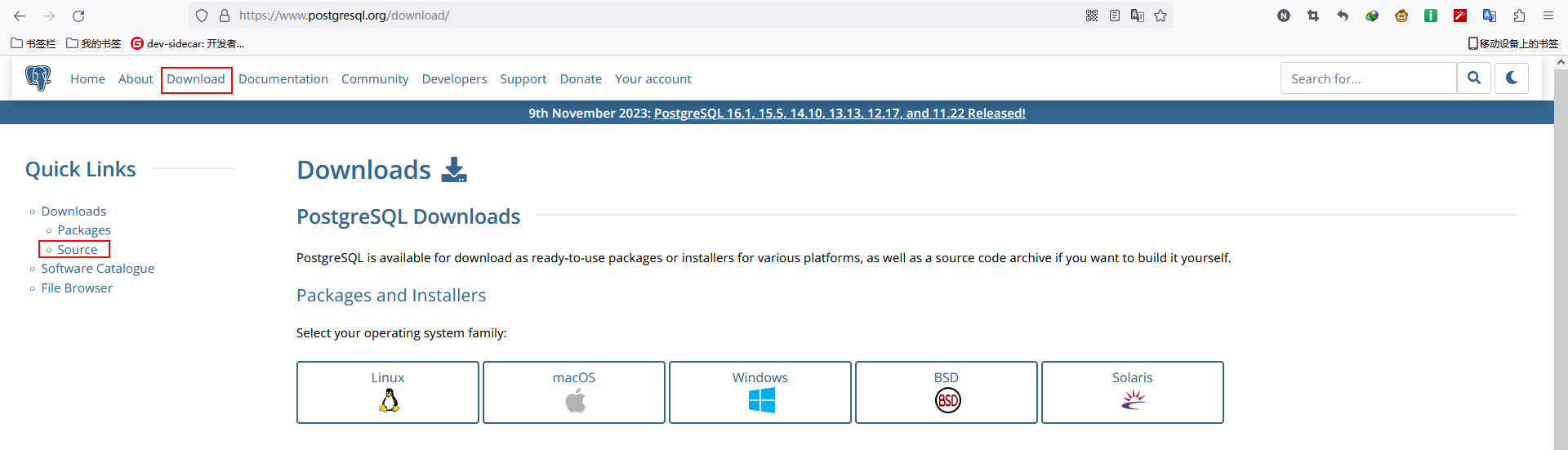
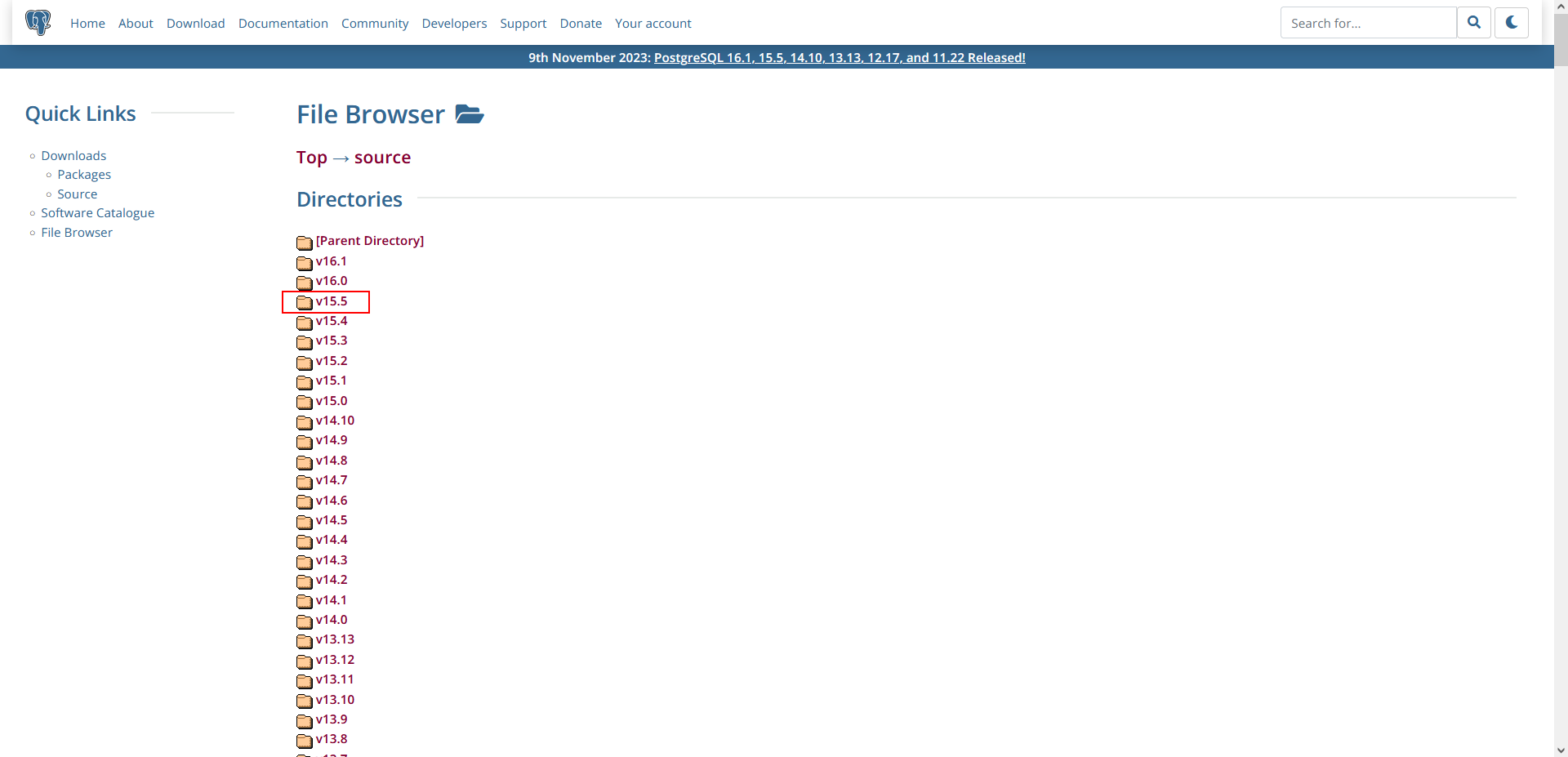
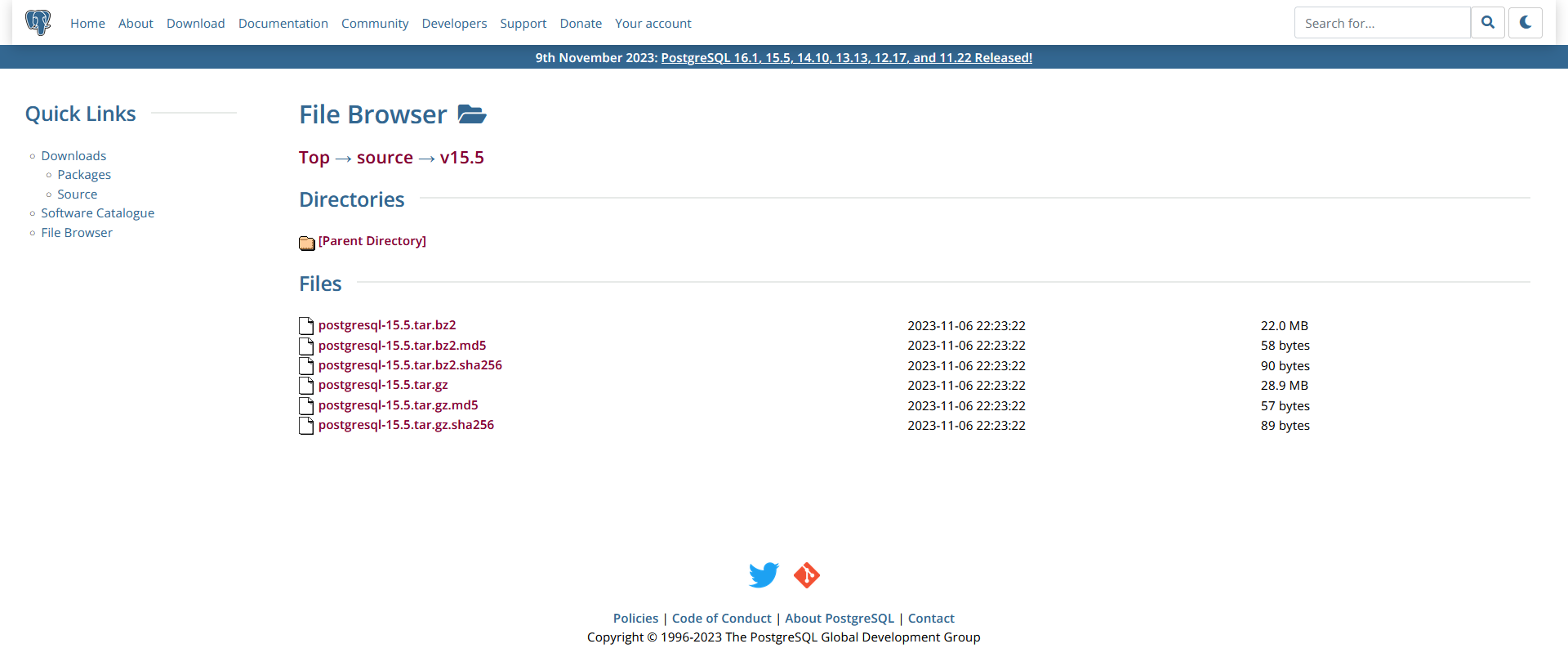
上传安装包到VMware的CentOS环境中。
安装依赖包
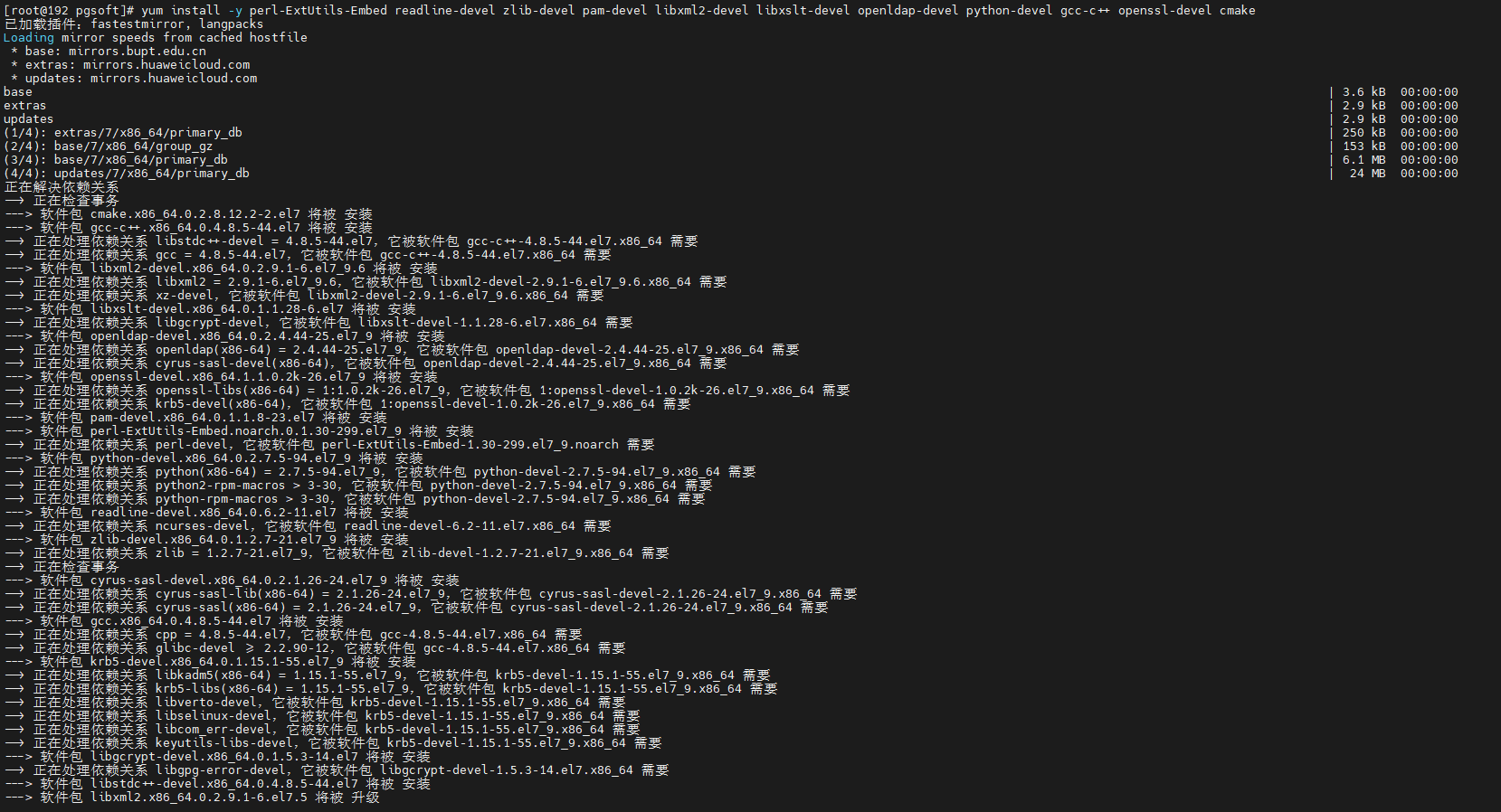
yum install -y perl-ExtUtils-Embed readline-devel zlib-devel pam-devel libxml2-devel libxslt-devel openldap-devel python-devel gcc-c++ openssl-devel cmake
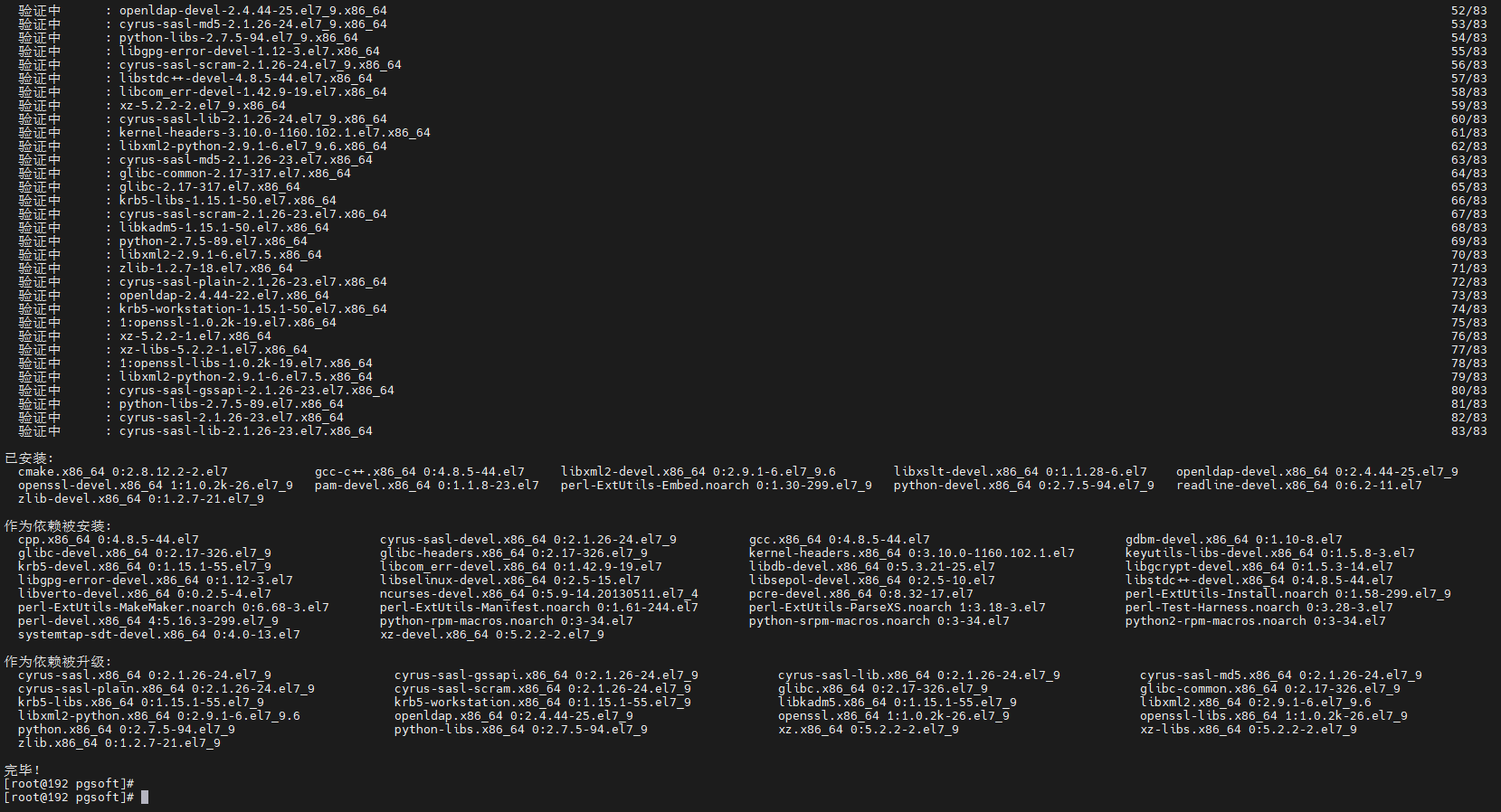
安装 postgresql
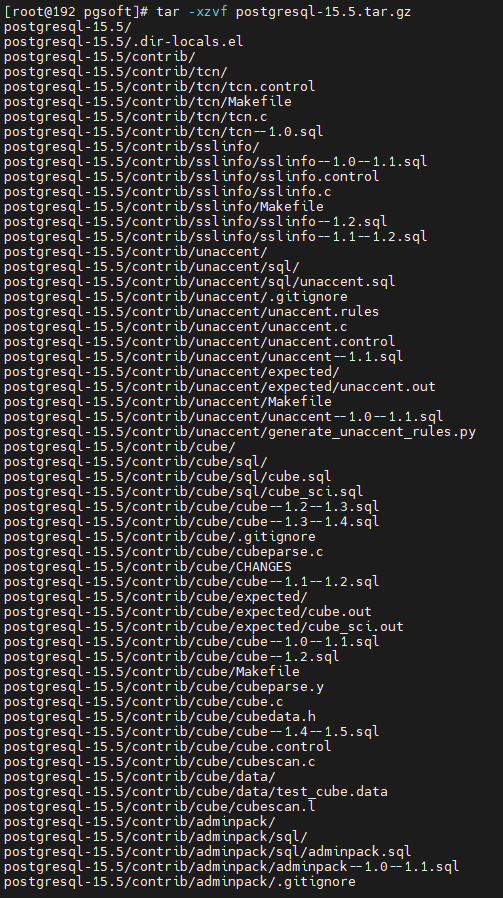
- 解压压缩包
tar -xzvf postgresql-15.5.tar.gz

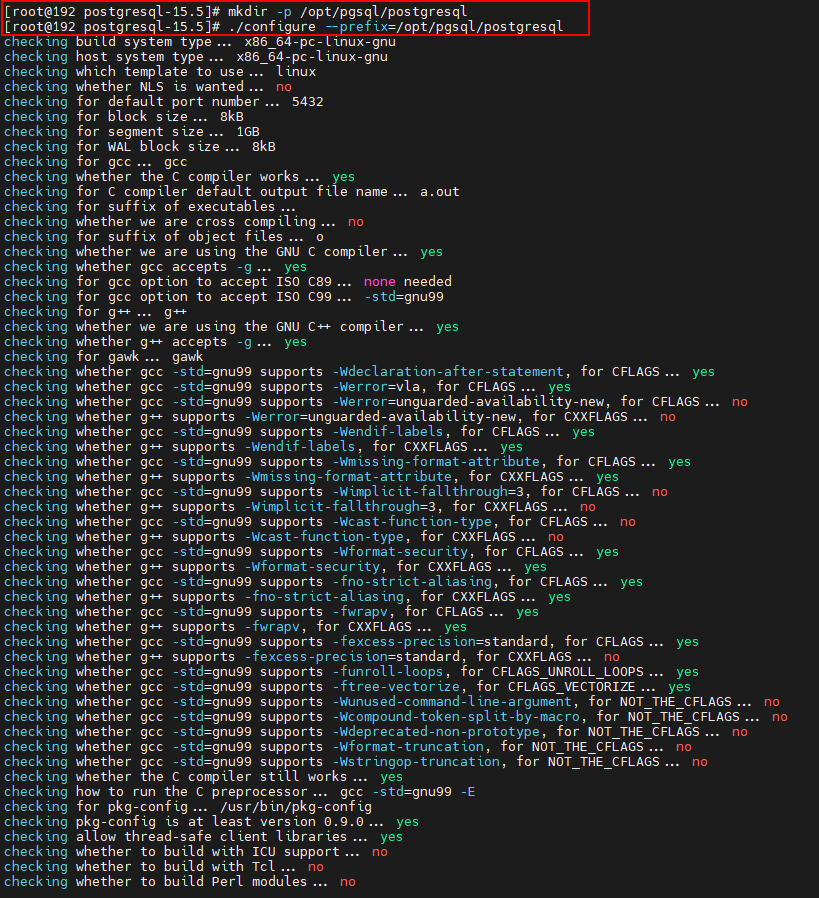
- 创建postgresql的目录,编译postgresql源码
mkdir -p /opt/pgsql/postgresql

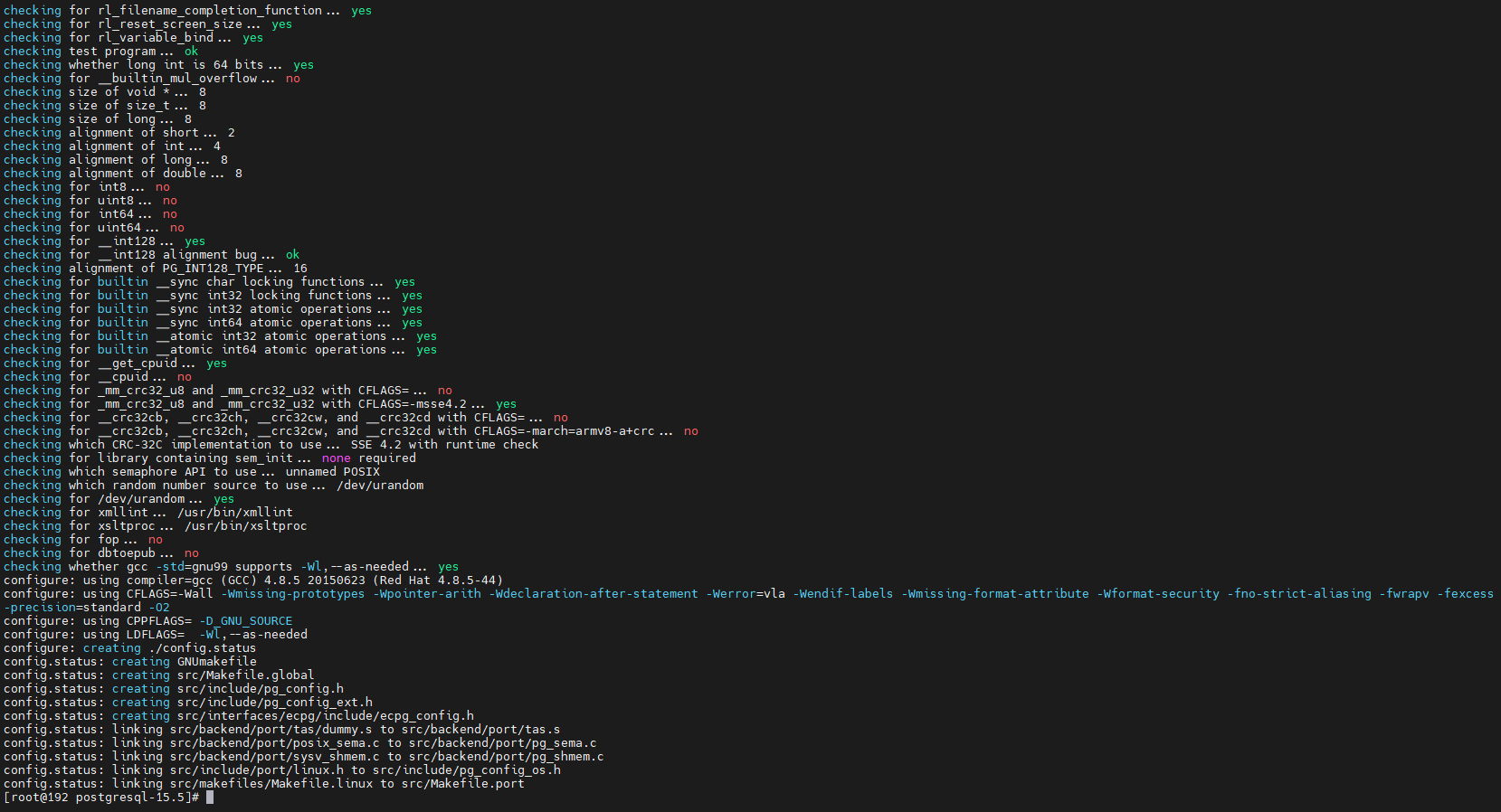
./configure --prefix=/opt/pgsql/postgresql
- 安装 postgresql
make

make install
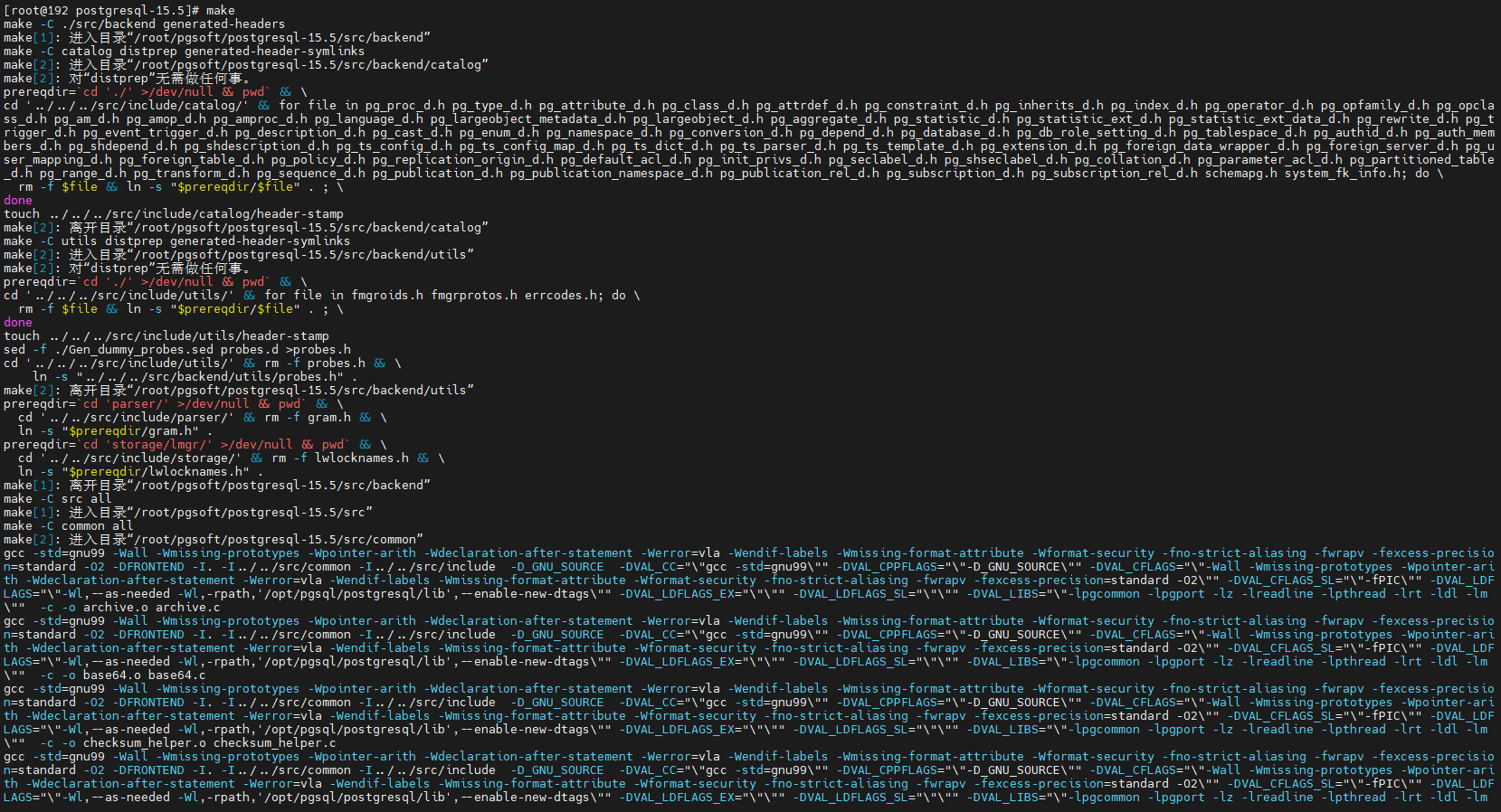
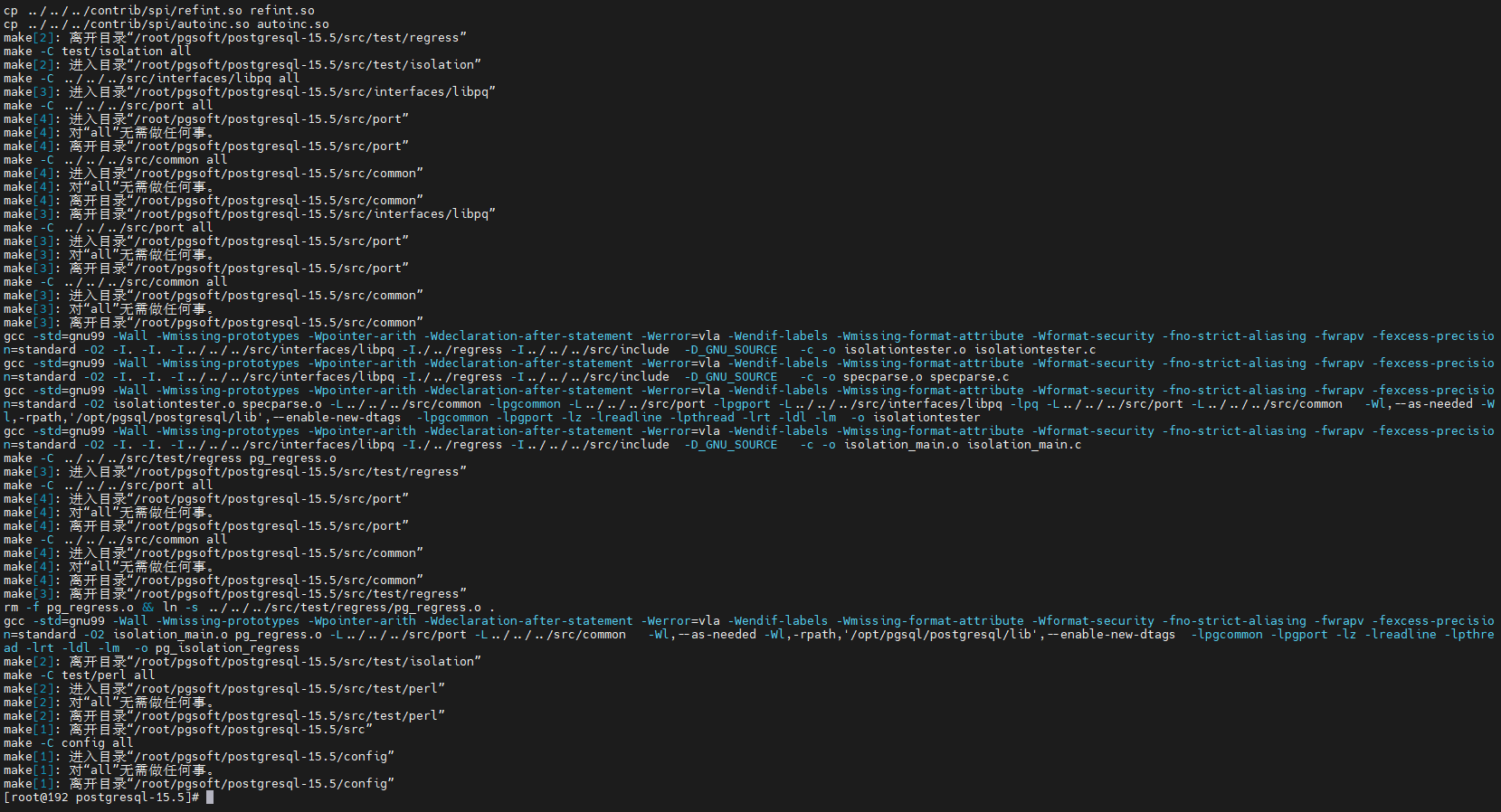
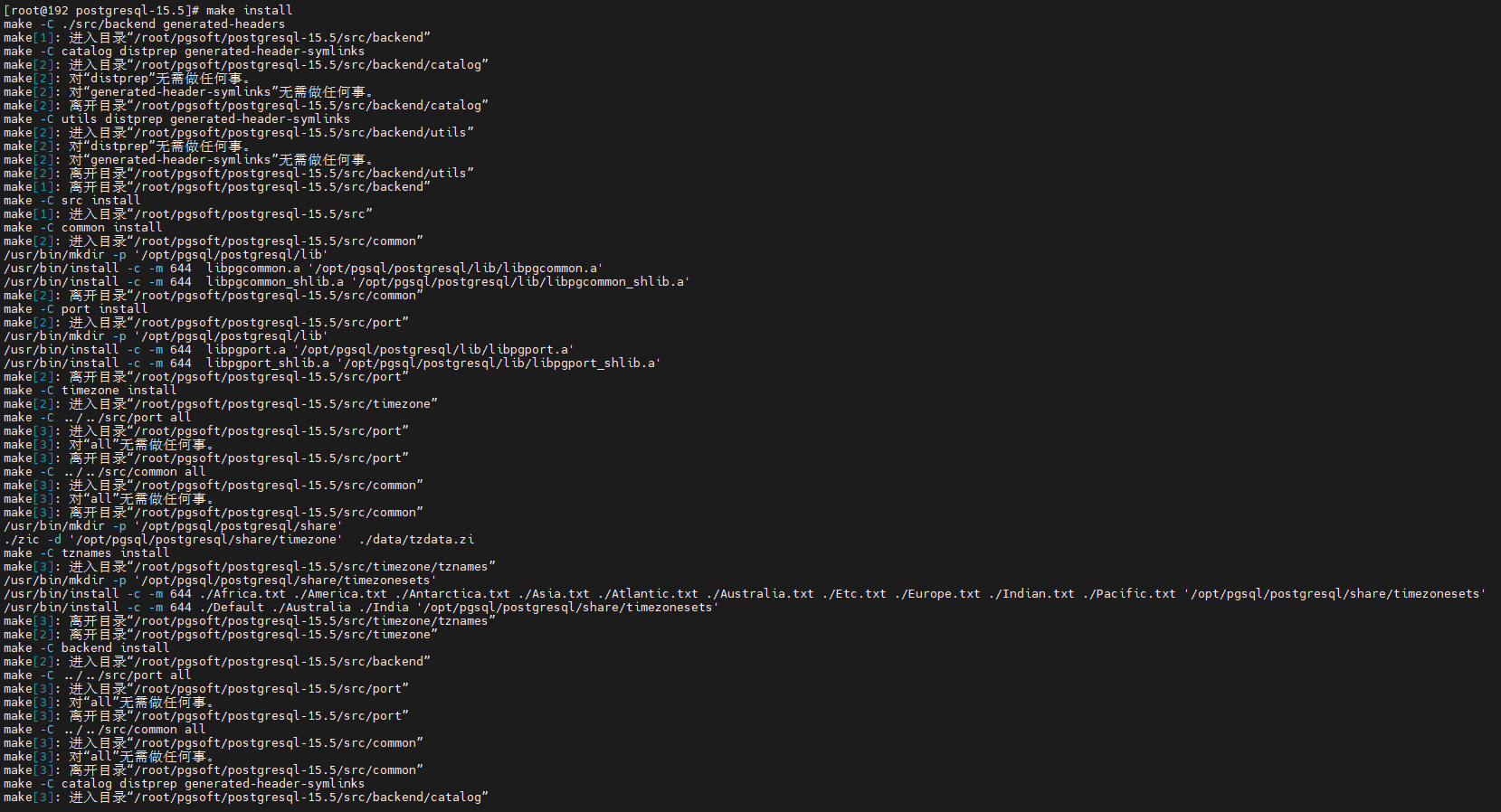
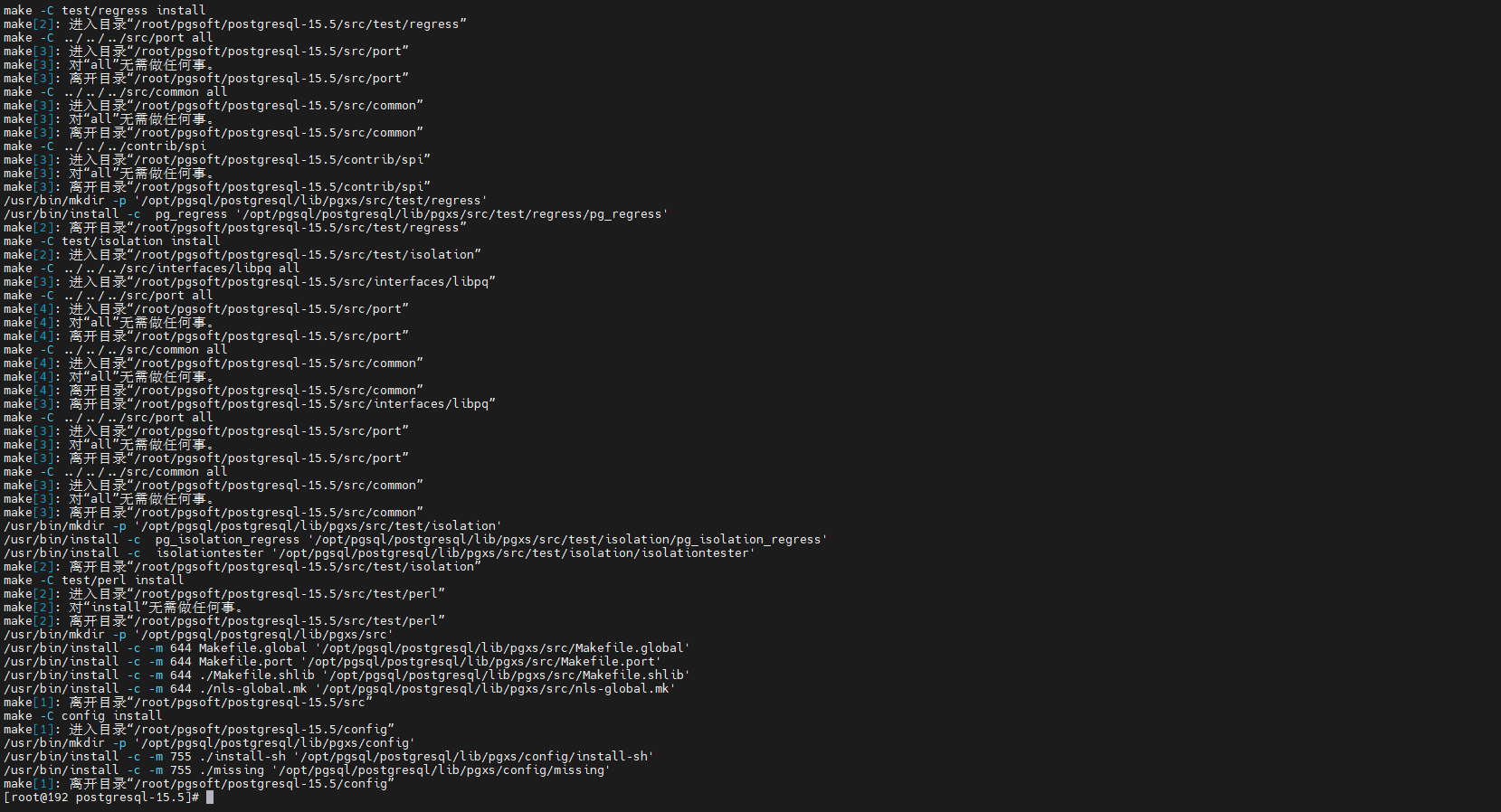
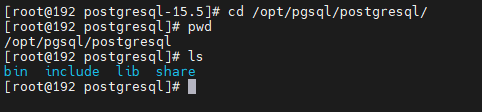
- 查看安装后的postgresql的文件
[root@192 postgresql-15.5]# cd /opt/pgsql/postgresql/
[root@192 postgresql]# pwd
/opt/pgsql/postgresql
[root@192 postgresql]# ls
bin  include  lib  share
[root@192 postgresql]#
创建用户 、用户组
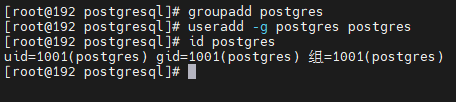
# 创建用户组postgres、用户postgres

[root@192 postgresql]# groupadd postgres
[root@192 postgresql]# useradd -g postgres postgres
[root@192 postgresql]# id postgres
uid=1001(postgres) gid=1001(postgres) 组=1001(postgres)
[root@192 postgresql]#
创建数据主目录
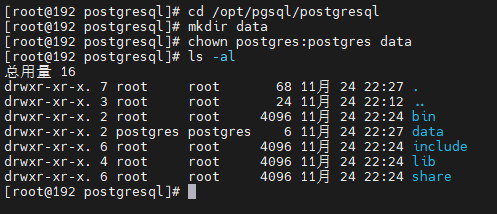
# 创建postgresql数据库的数据主目录并修改文件所有者
# 数据库主目录是随实际情况而不同,这里的主目录是在/pgsql/postgresql/data目录下

[root@192 postgresql]# cd /opt/pgsql/postgresql
[root@192 postgresql]# mkdir data
[root@192 postgresql]# chown postgres:postgres data
[root@192 postgresql]# ls -al
总用量 16
drwxr-xr-x. 7 root     root       68 11月 24 22:27 .
drwxr-xr-x. 3 root     root       24 11月 24 22:12 ..
drwxr-xr-x. 2 root     root     4096 11月 24 22:24 bin
drwxr-xr-x. 2 postgres postgres    6 11月 24 22:27 data
drwxr-xr-x. 6 root     root     4096 11月 24 22:24 include
drwxr-xr-x. 4 root     root     4096 11月 24 22:24 lib
drwxr-xr-x. 6 root     root     4096 11月 24 22:24 share
配置环境变量
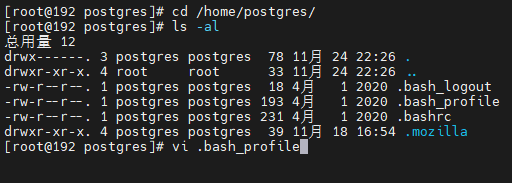
# 进入home/postgres目录可以看到.bash_profile文件。

[root@192 postgres]# cd /home/postgres/
[root@192 postgres]# ls -al
总用量 12
drwx------. 3 postgres postgres  78 11月 24 22:26 .
drwxr-xr-x. 4 root     root      33 11月 24 22:26 ..
-rw-r--r--. 1 postgres postgres  18 4月   1 2020 .bash_logout
-rw-r--r--. 1 postgres postgres 193 4月   1 2020 .bash_profile
-rw-r--r--. 1 postgres postgres 231 4月   1 2020 .bashrc
drwxr-xr-x. 4 postgres postgres  39 11月 18 16:54 .mozilla
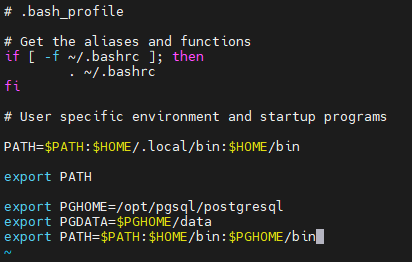
[root@192 postgres]# vi .bash_profile
# .bash_profile

# Get the aliases and functions
if [ -f ~/.bashrc ]; then
        . ~/.bashrc
fi

# User specific environment and startup programs

PATH=$PATH:$HOME/.local/bin:$HOME/bin

export PATH

# .bash_profile

# Get the aliases and functions
if [ -f ~/.bashrc ]; then
        . ~/.bashrc
fi

# User specific environment and startup programs

PATH=$PATH:$HOME/.local/bin:$HOME/bin

export PATH

export PGHOME=/opt/pgsql/postgresql
export PGDATA=$PGHOME/data
export PATH=$PATH:$HOME/bin:$PGHOME/bin
# 使环境变量生效

[root@192 postgres]# source .bash_profile

initdb初使化数据库
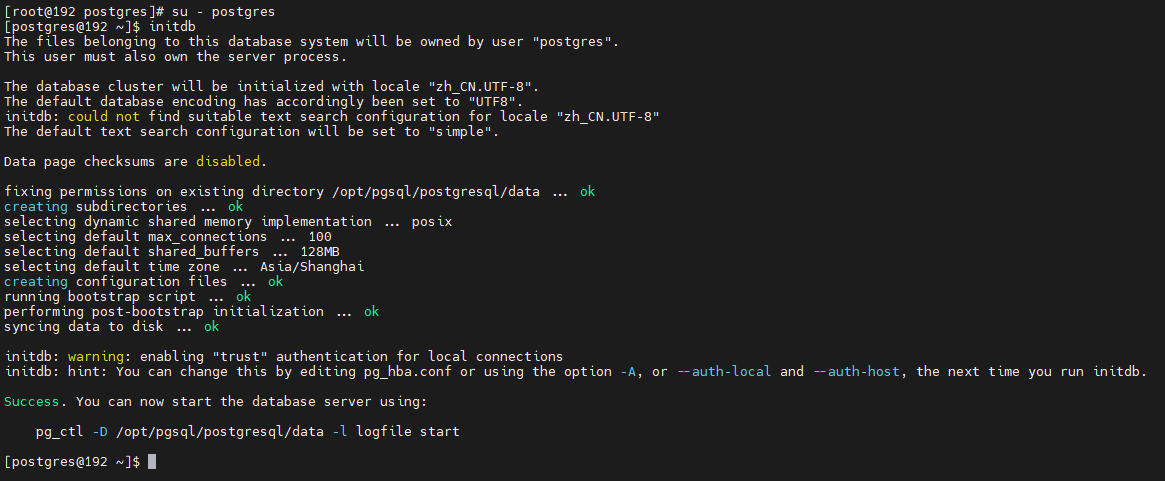
# 切换用户到postgres并使用initdb初使化数据库

[root@192 postgres]# su - postgres
[postgres@192 ~]$ initdb

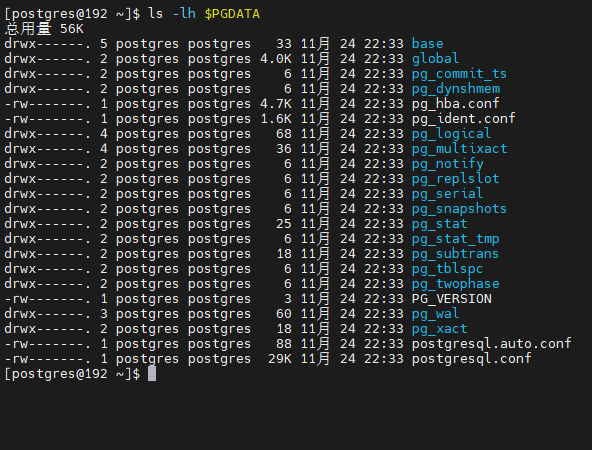
# 查看data目录
[postgres@192 ~]$ ls -lh $PGDATA
配置服务
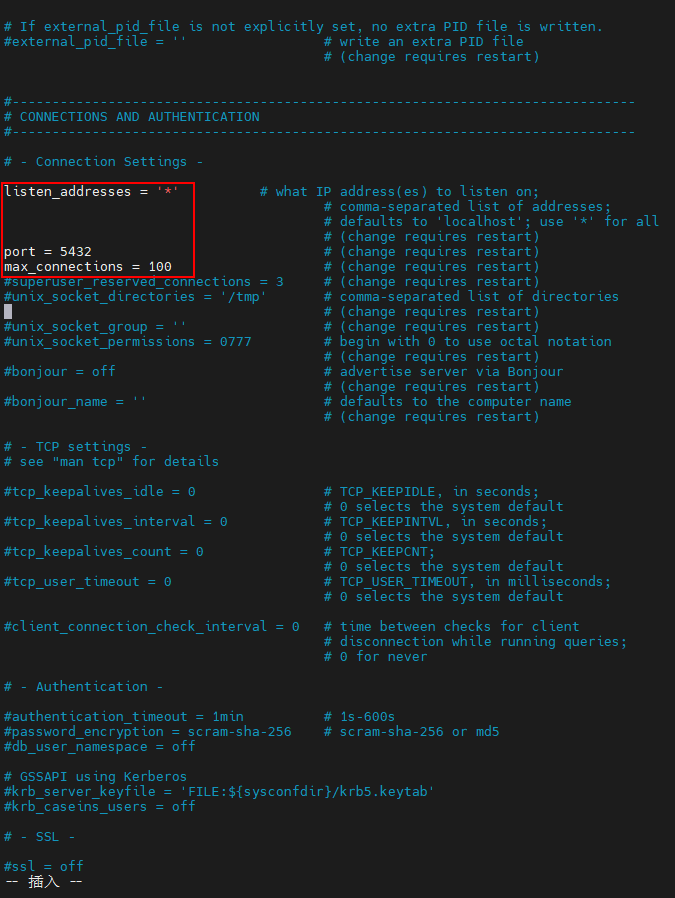
- 修改/opt/pgsql/postgresql/data目录下的两个文件
- postgresql.conf 配置PostgreSQL数据库服务器的相应的参数;
- pg_hba.conf 配置对数据库的访问权限;

vi postgresql.conf
listen_addresses = '*'

port = 5432

max_connections = 100
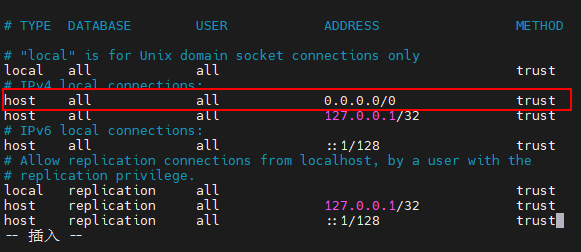
vi postgresql.conf
# "local" is for Unix domain socket connections only
local   all             all                                     trust
# IPv4 local connections:
# 添加
host    all             all             0.0.0.0/0               trust
host    all             all             127.0.0.1/32            trust
# IPv6 local connections:
host    all             all             ::1/128                 trust
# Allow replication connections from localhost, by a user with the
# replication privilege.
local   replication     all                                     trust
host    replication     all             127.0.0.1/32            trust
host    replication     all             ::1/128                 trust
设置开机自启动
- PostgreSQL的开机自启动脚本位于PostgreSQL源码目录的contrib/start-scripts路径下。
# linux文件即为linux系统上的启动脚本

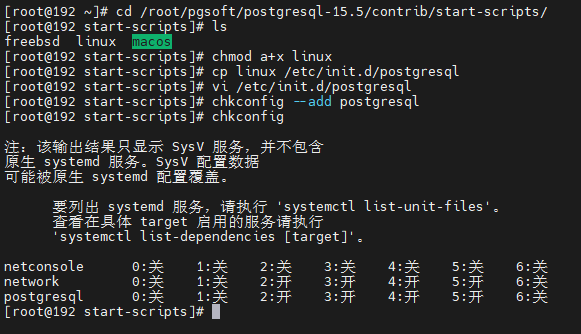
[root@192 ~]# cd /root/pgsoft/postgresql-15.5/contrib/start-scripts/
[root@192 start-scripts]# ls
freebsd  linux  macos
[root@192 start-scripts]#


# 切换为root用户,修改linux文件属性,添加X属性
[root@192 start-scripts]# chmod a+x linux

# 复制linux文件到/etc/init.d目录下,更名为postgresql
[root@192 start-scripts]# cp linux /etc/init.d/postgresql

# 修改/etc/init.d/postgresql文件的两个变量
[root@192 start-scripts]# vi /etc/init.d/postgresql

# 设置postgresql服务开机自启动
[root@192 start-scripts]# chkconfig --add postgresql
[root@192 start-scripts]# chkconfig

注:该输出结果只显示 SysV 服务,并不包含
原生 systemd 服务。SysV 配置数据
可能被原生 systemd 配置覆盖。

      要列出 systemd 服务,请执行 'systemctl list-unit-files'。
      查看在具体 target 启用的服务请执行
      'systemctl list-dependencies [target]'。

netconsole      0:关    1:关    2:关    3:关    4:关    5:关    6:关
network         0:关    1:关    2:开    3:开    4:开    5:开    6:关
postgresql      0:关    1:关    2:开    3:开    4:开    5:开    6:关
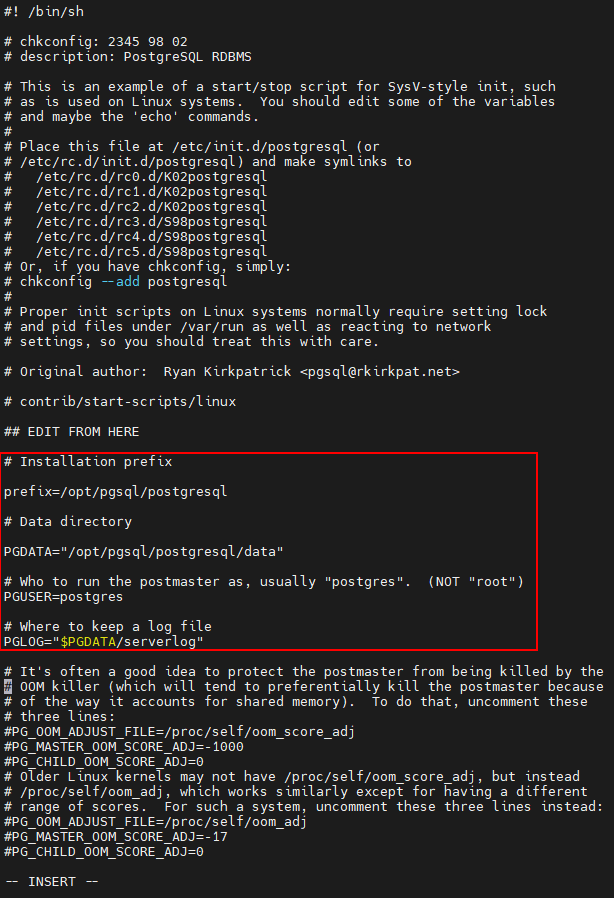
# 修改/etc/init.d/postgresql文件的两个变量

# Installation prefix

prefix=/opt/pgsql/postgresql

# Data directory

PGDATA="/opt/pgsql/postgresql/data"

# Who to run the postmaster as, usually "postgres".  (NOT "root")
PGUSER=postgres

# Where to keep a log file
PGLOG="$PGDATA/serverlog"
- 添加postgresql服务到防火墙
[root@192 start-scripts]# systemctl status firewalld
● firewalld.service - firewalld - dynamic firewall daemon
   Loaded: loaded (/usr/lib/systemd/system/firewalld.service; enabled; vendor preset: enabled)
   Active: active (running) since 六 2023-11-25 05:07:35 CST; 6h left
     Docs: man:firewalld(1)
 Main PID: 884 (firewalld)
   CGroup: /system.slice/firewalld.service
           └─884 /usr/bin/python2 -Es /usr/sbin/firewalld --nofork --nopid

11月 25 05:07:34 localhost.localdomain systemd[1]: Starting firewalld - dynamic firewall daemon...
11月 25 05:07:35 localhost.localdomain systemd[1]: Started firewalld - dynamic firewall daemon.
11月 25 05:07:36 localhost.localdomain firewalld[884]: WARNING: AllowZoneDrifting is enabled. This is considered an insecure configuration option. It will be removed in a future release. Ple...ling it now.
Hint: Some lines were ellipsized, use -l to show in full.
[root@192 start-scripts]# firewall-cmd --permanent --zone=public --add-service=postgresql
success
[root@192 start-scripts]# firewall-cmd --reload
success
[root@192 start-scripts]#

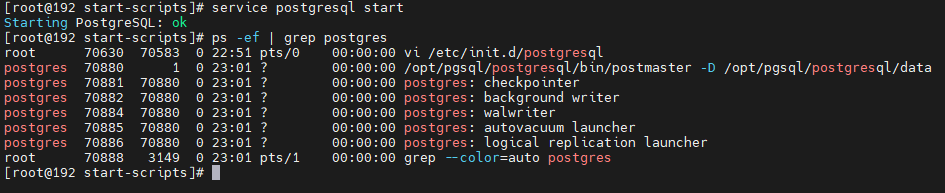
- 启动PostgreSQL服务
service postgresql start
- 查看PostgreSQL服务
ps -ef | grep postgres
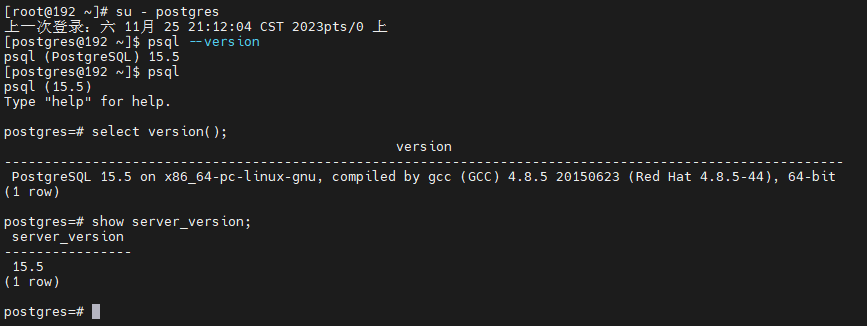
连接测试
[root@192 ~]# su - postgres
上一次登录:六 11月 25 21:12:04 CST 2023pts/0 上
[postgres@192 ~]$ psql --version
psql (PostgreSQL) 15.5
[postgres@192 ~]$ psql
psql (15.5)
Type "help" for help.

postgres=# select version();
                                                 version
---------------------------------------------------------------------------------------------------------
 PostgreSQL 15.5 on x86_64-pc-linux-gnu, compiled by gcc (GCC) 4.8.5 20150623 (Red Hat 4.8.5-44), 64-bit
(1 row)

postgres=# show server_version;
 server_version
----------------
 15.5
(1 row)
结语
- 备份: 在进行任何重要更改之前,务必备份数据库。这可以通过使用 pg_dump 工具创建数据库的文本备份;
- 监控和性能调优: 配置数据库以进行性能监控,并根据需要进行调整。PostgreSQL 提供了许多参数,可以根据数据库的工作负载进行优化;
- 安全性: 确保采取适当的安全措施,如配置合适的访问控制列表和加密连接;
- 文档: 参考 PostgreSQL 的官方文档以获取更多详细信息。官方文档对于配置选项和最佳实践提供了很多有用的信息;
- 定期更新: 定期检查 PostgreSQL 的更新,并考虑升级到最新的稳定版本,以获取新功能和性能改进;
「喜欢这篇文章,您的关注和赞赏是给作者最好的鼓励」
关注作者
【版权声明】本文为墨天轮用户原创内容,转载时必须标注文章的来源(墨天轮),文章链接,文章作者等基本信息,否则作者和墨天轮有权追究责任。如果您发现墨天轮中有涉嫌抄袭或者侵权的内容,欢迎发送邮件至:contact@modb.pro进行举报,并提供相关证据,一经查实,墨天轮将立刻删除相关内容。
