



大家好,最近公司正在进行AI大模型相关的活动。简单分享一下入门的第一个大模型API调用案例。
DEMO 程序架构图:
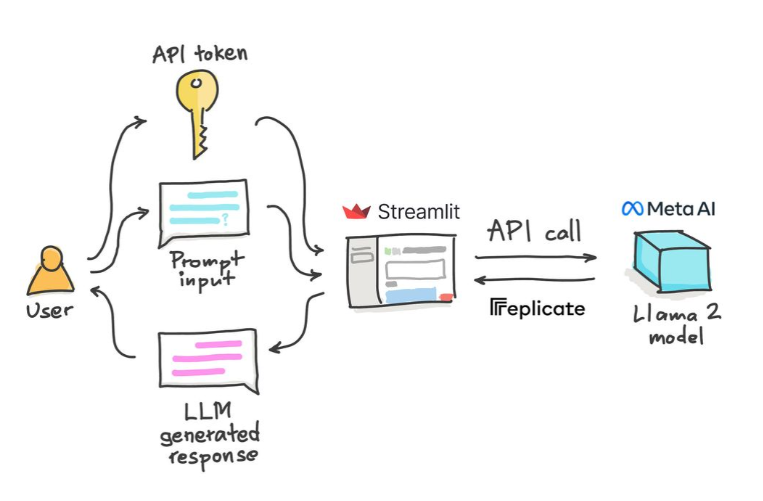
如果你也感兴趣,可以按照如下步骤做一下:
首先我们需要申请一个 api token: https://replicate.com/signin?next=/account/api-tokens
github 账号登录即可:
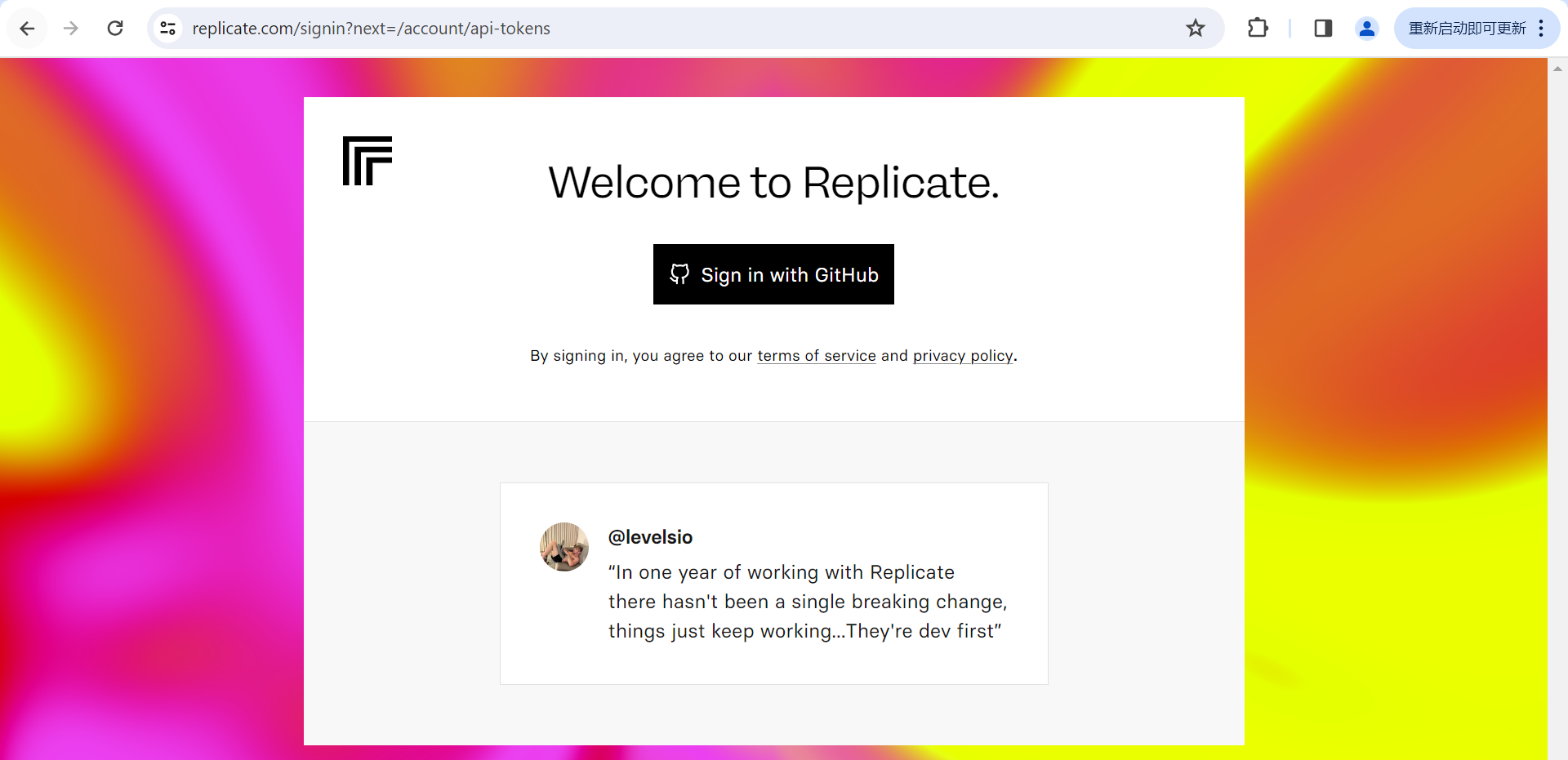

我们把生成的token 保存下来,以便未来在程序中调用使用。
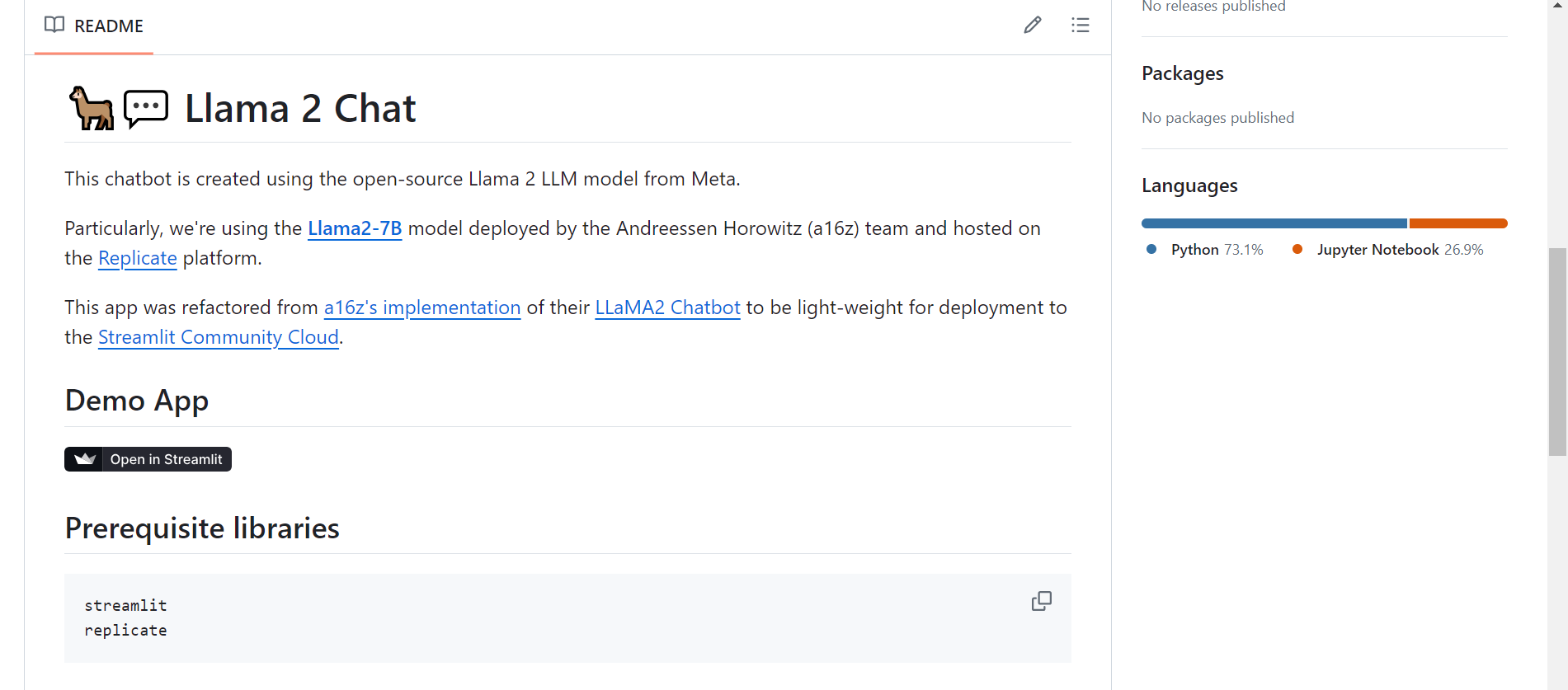
下一步,我们在github上下载一个chatbot 测试项目:(简单地说就是可以调用API的webpage)
python streamlit web框架开发的调用Llama2的聊天机器人网页。
https://github.com/dataprofessor/llama2?tab=readme-ov-file
我们本地下载项目:
Jason.ChenTJ@CN-L201098 MINGW64 /d/AI
$ git clone https://github.com/dataprofessor/llama2.git
Cloning into 'llama2'...
remote: Enumerating objects: 250, done.
remote: Counting objects: 100% (250/250), done.
remote: Compressing objects: 100% (114/114), done.
remote: Total 250 (delta 153), reused 224 (delta 133), pack-reused 0
Receiving objects: 100% (250/250), 60.28 KiB | 233.00 KiB/s, done.
Resolving deltas: 100% (153/153), done.
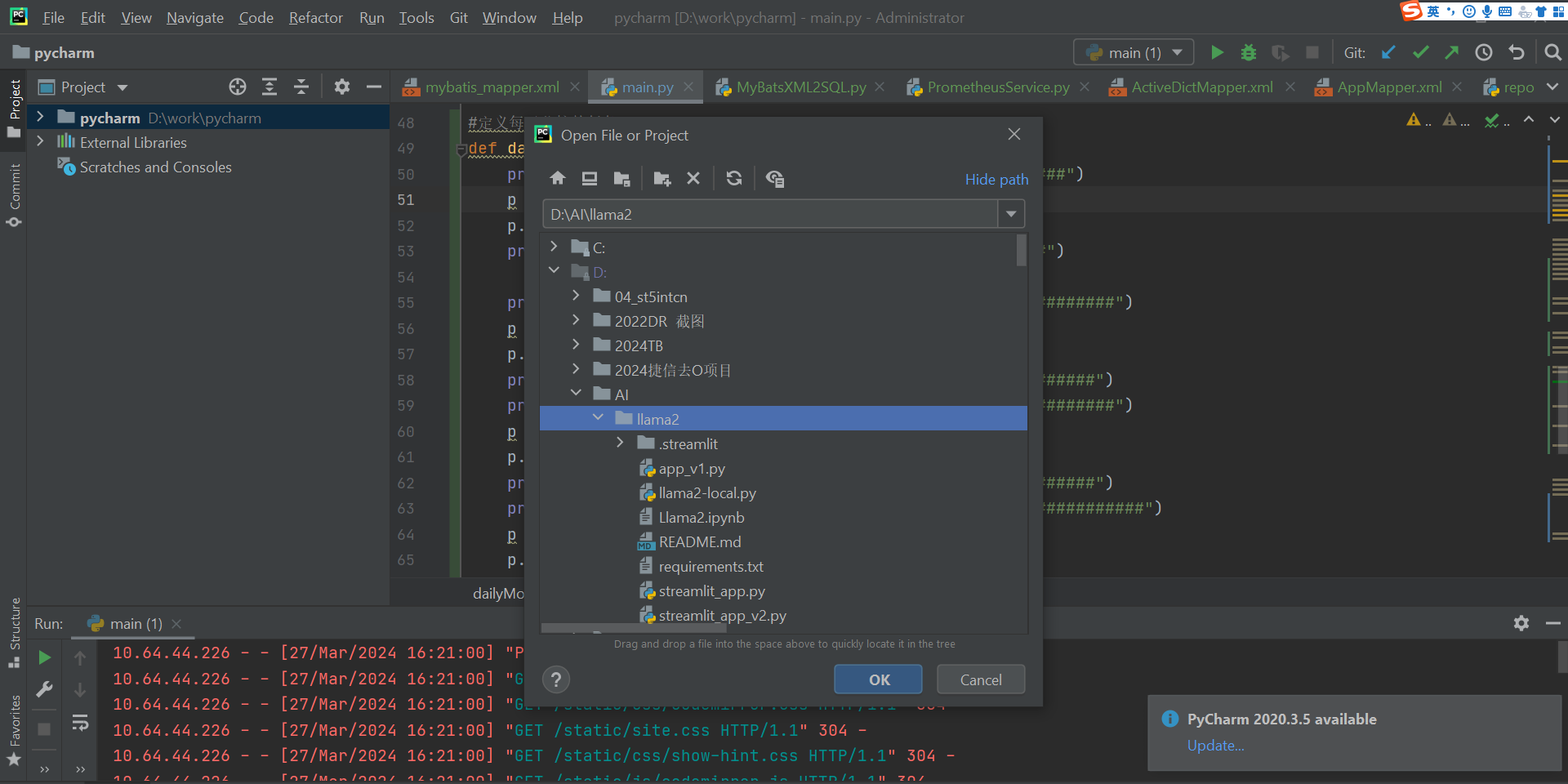
Python 客户端工具pycharm 导入项目:
requirements.txt 中依赖的包只有2个:(但是这2个包依赖的其他表包比较多,安装需要稳定的网络环境)
streamlit
replicate
我们可以手动安装导入这2个包:
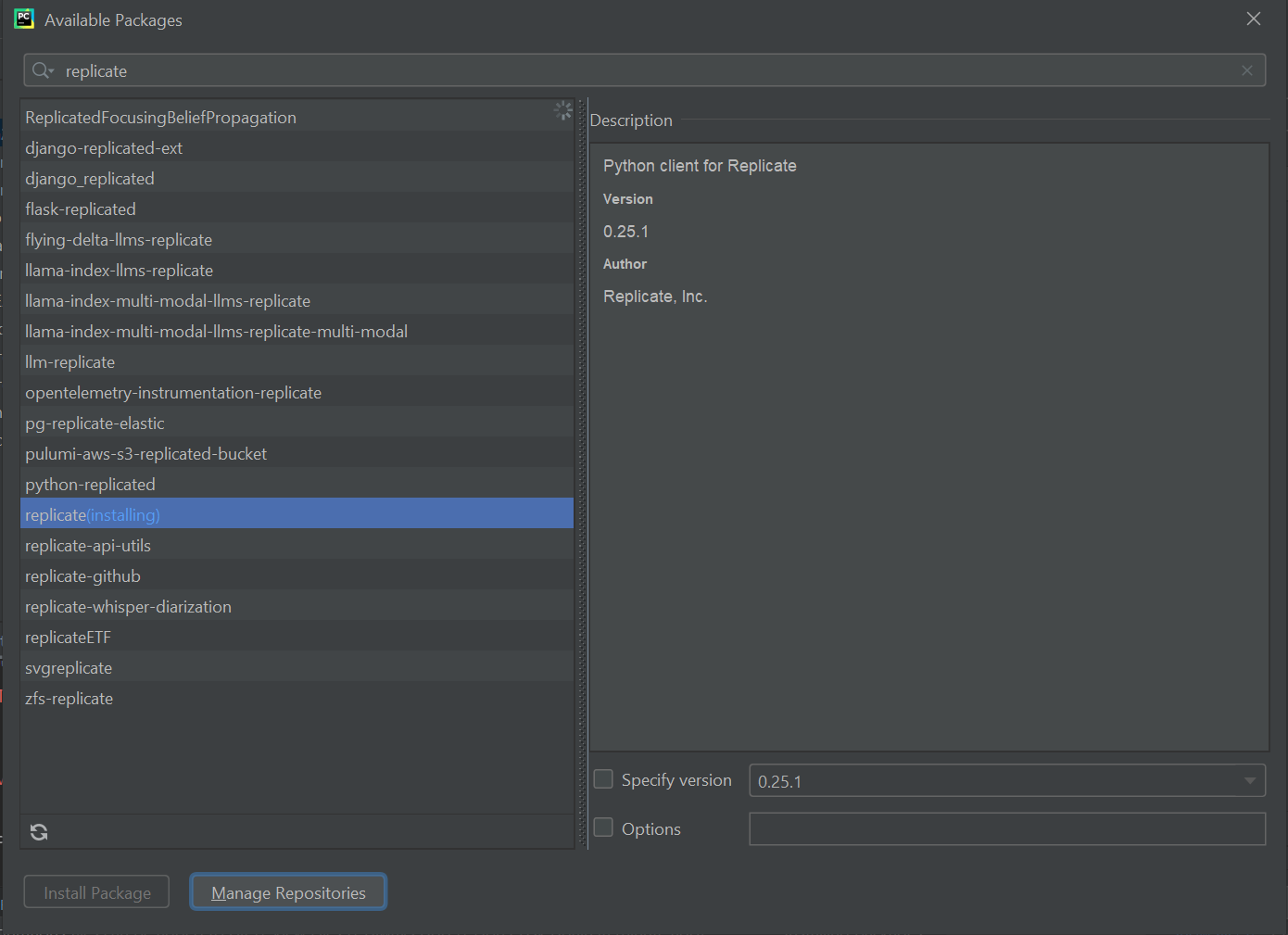
如果下载失败,可以选择国内的镜像
pip install -i https://pypi.tuna.tsinghua.edu.cn/simple streamlit
我们启动程序 steamlit_app.py 这个主程序:
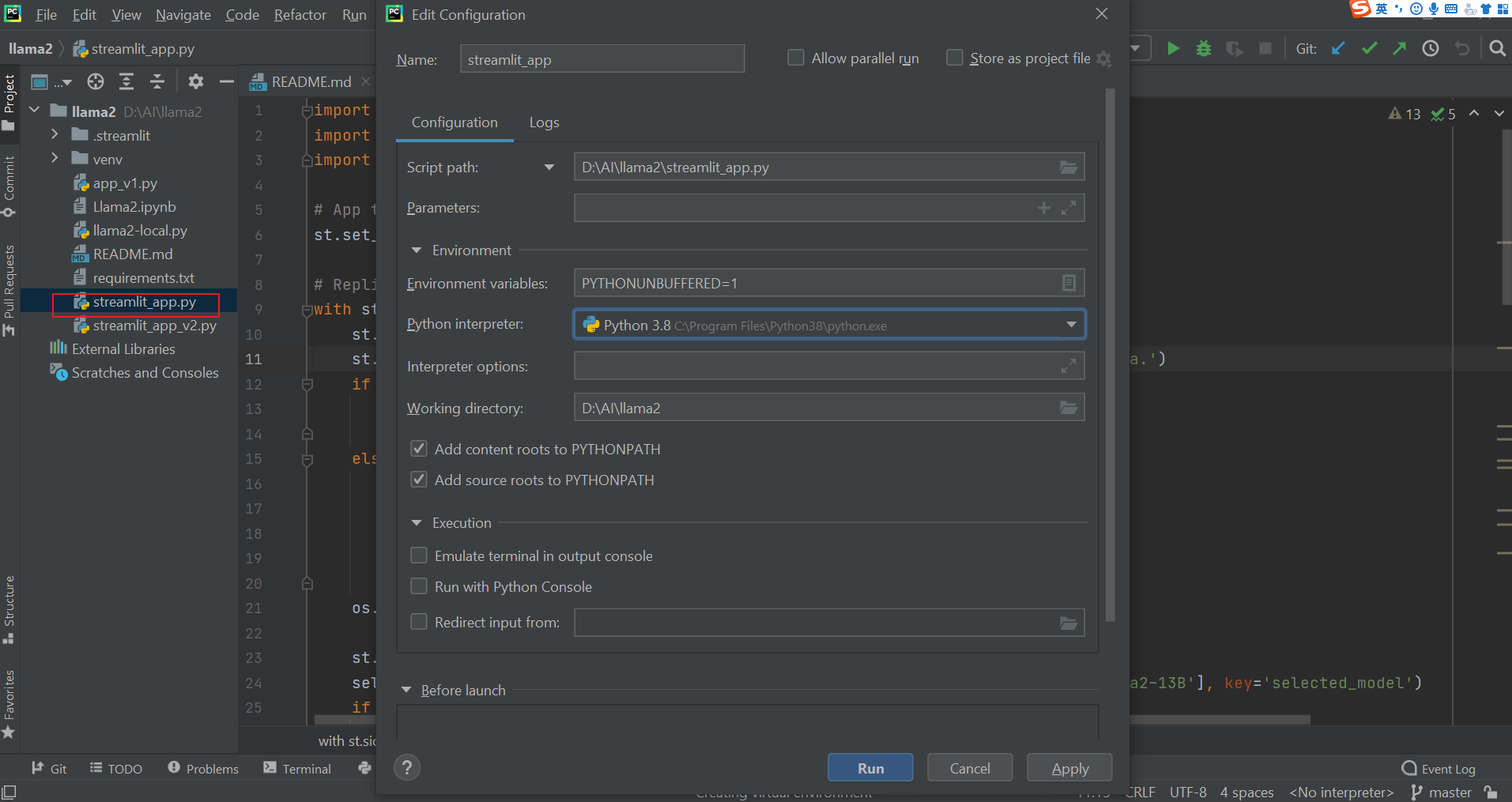
如果你启动的时候遇到类似的错误:
FileNotFoundError: No secrets files found. Valid paths for a secrets.toml file are: C:\Users\jason.chentj.streamlit\secrets.toml
尝试在 项目的文件夹.streamlit 创建 文件secrets.toml
启动命令为: streamlit run steamlit_app.py
(venv) D:\AI\llama2>streamlit run steamlit_app.py


  You can now view your Streamlit app in your browser.


  Local URL: http://localhost:8501
  Network URL: http://172.16.52.81:8501
我们可以通过网页来设置我们的toke:
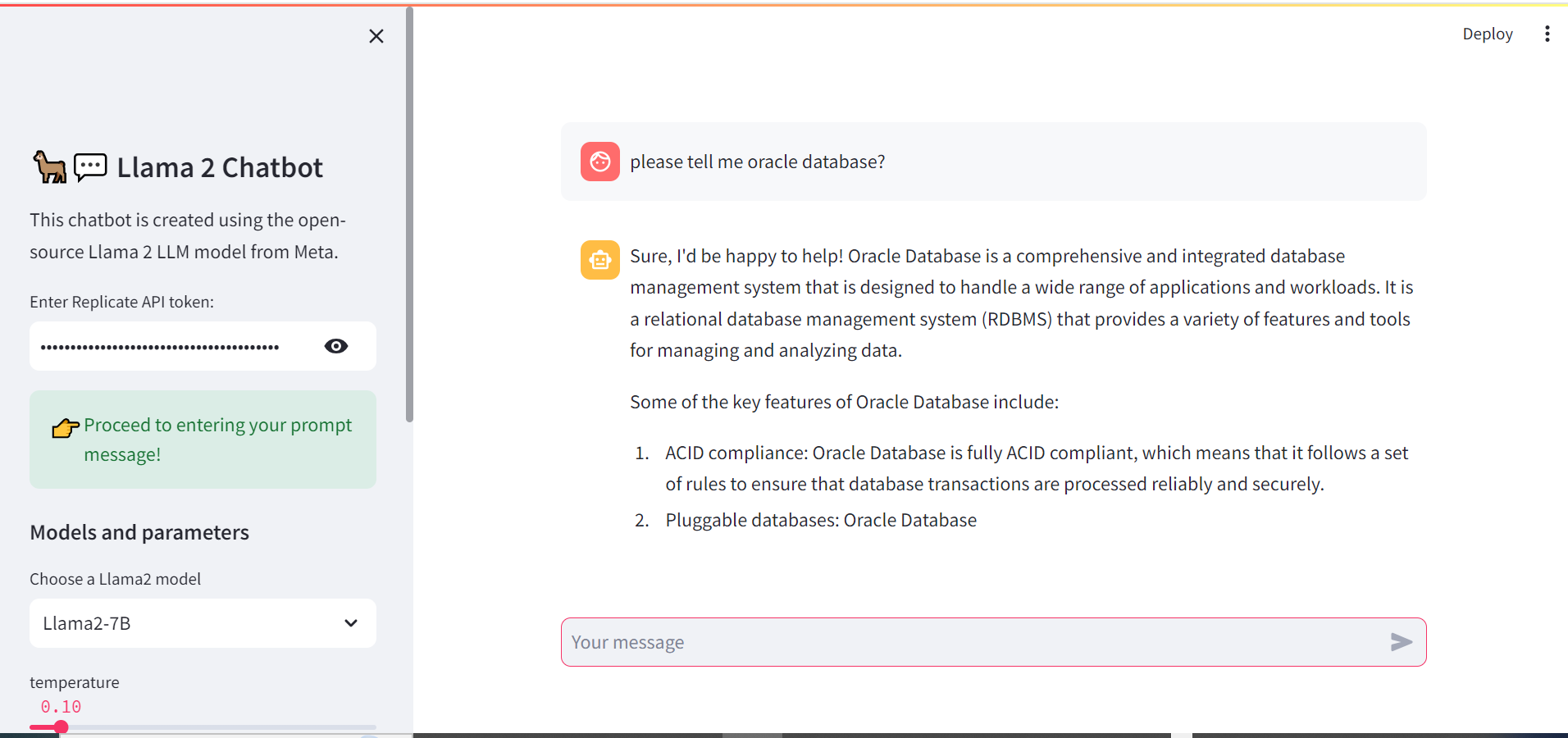
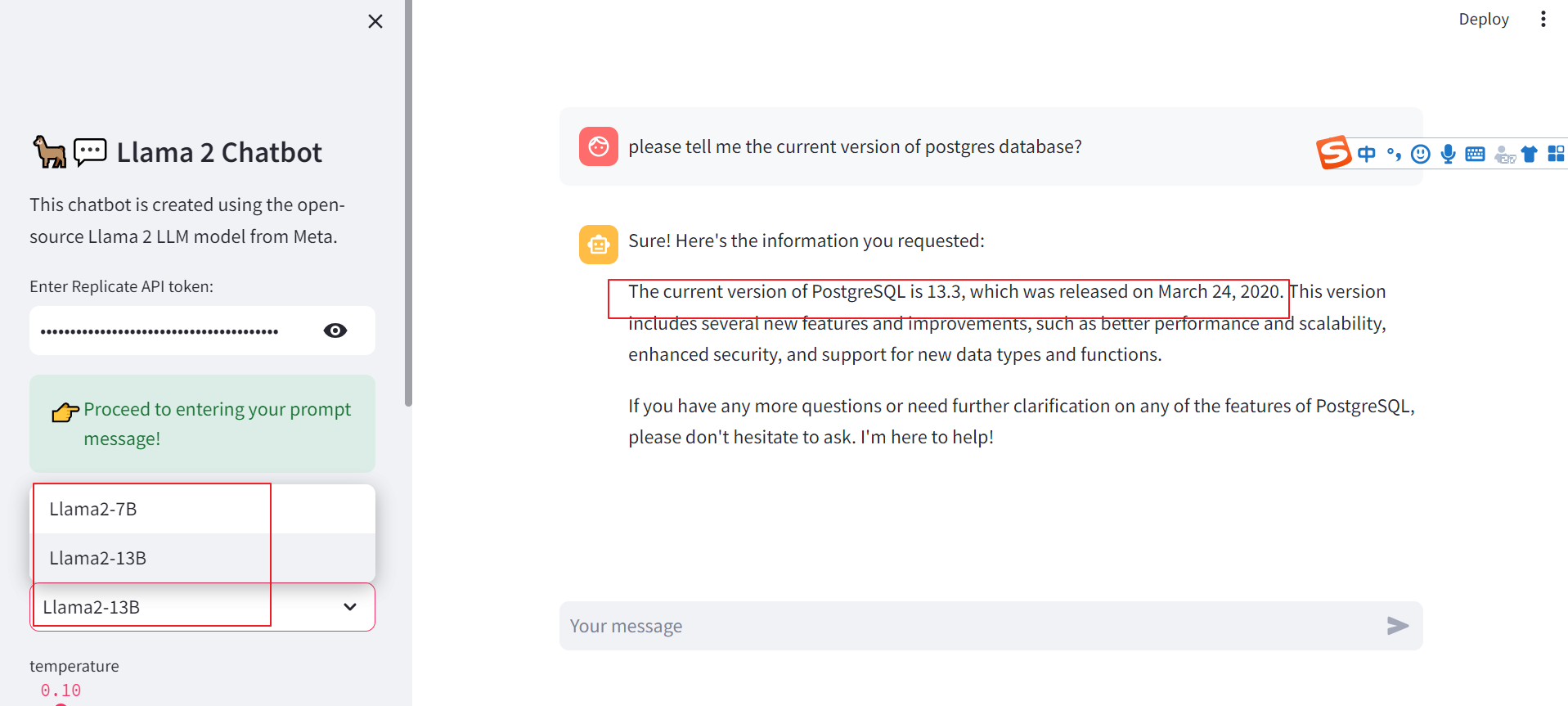
目前看2个模型llama-2-7b和llama-2-13b,还有待于训练。
我们可以尝试租用带有算力的云主机,自己训练一个基于数据库专业领域的私有大模型。
Have a fun 🙂 !
References:
https://blog.streamlit.io/how-to-build-a-llama-2-chatbot/
https://www.youtube.com/watch?v=J8TgKxomS2g
