大家好,今天和大家分享一下:本地大模型以及算力云上的搭建过程。
首先,我们需要下载一个大模型(我们需要支持中文语言的,我们选择一个13B参数的模型项目:Llama2-Chinese-13b-Chat-ms):https://www.modelscope.cn/models/modelscope/Llama2-Chinese-13b-Chat-ms/summary
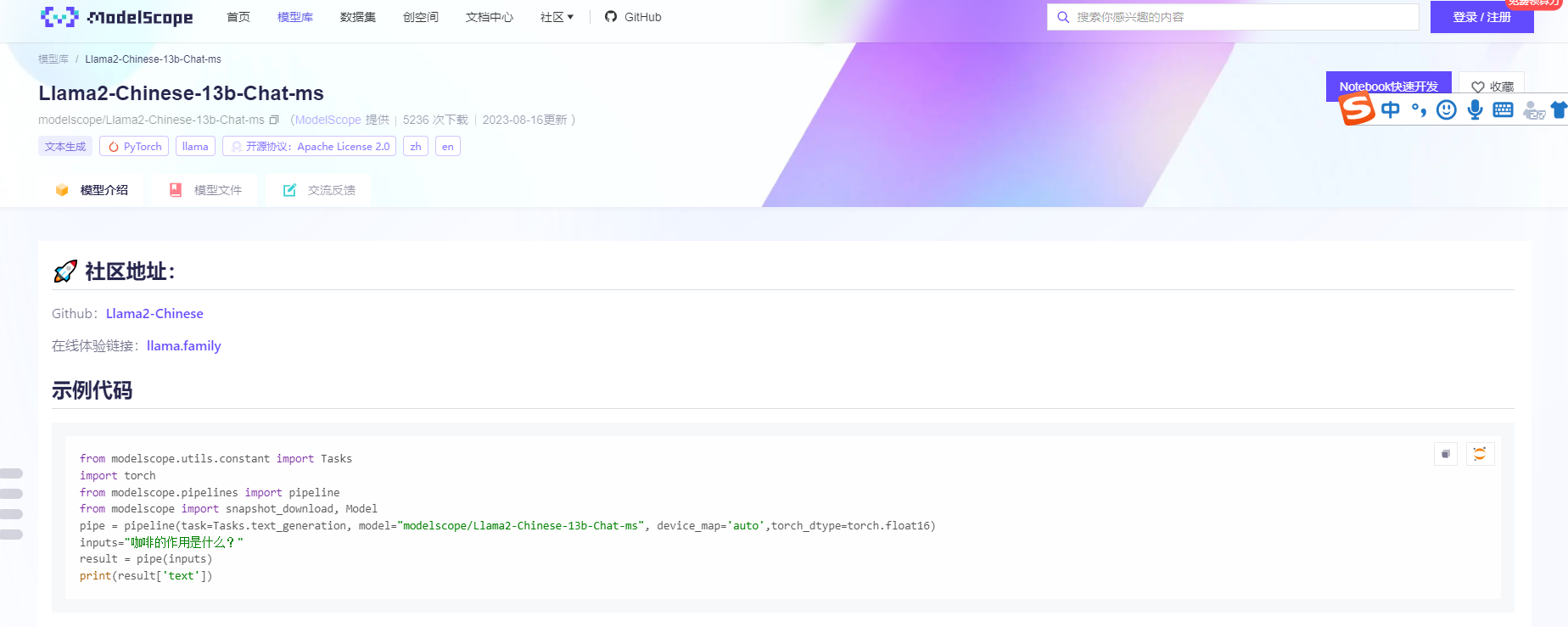
项目模型文件大致40几个GB的文件
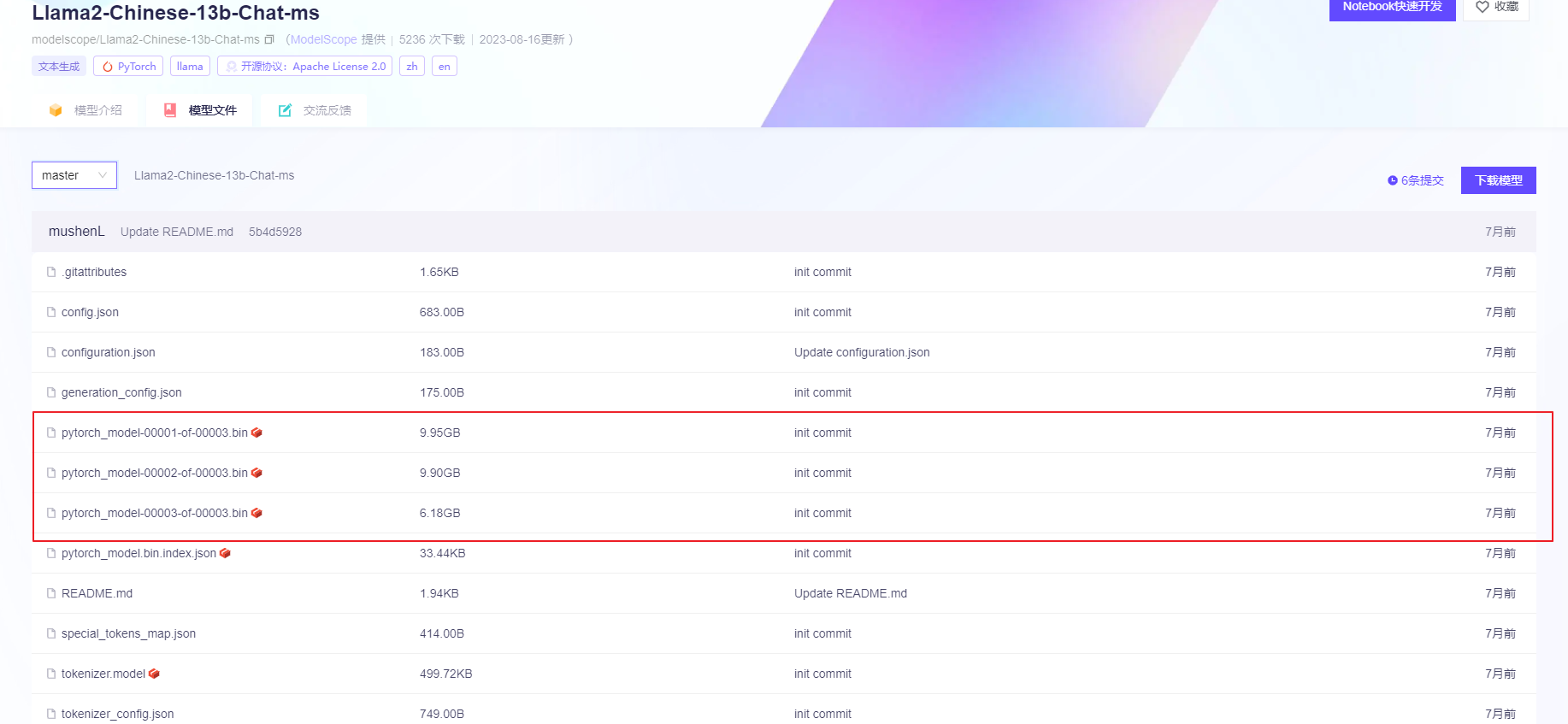
模型下载:(第一次的话,可以本地随便找了一台机器,目的是想让大模型跑起来,毕竟租用算力的服务器很贵,没必要提前花钱)
本地机器配置:56 core CPU, 700GB 内存, 没有显卡…(用的是之前ORACLE的物理机)
下载命令参考:
yum install git-lfs
Performance mongo@whdrcsrv402[15:25:25]:/logs/model $ git clone https://www.modelscope.cn/modelscope/Llama2-Chinese-13b-Chat-ms.git
Cloning into 'Llama2-Chinese-13b-Chat-ms'...
remote: text*.ckpt is not a valid attribute name: info/attributes:34
remote: Enumerating objects: 30, done.
remote: Counting objects: 100% (30/30), done.
remote: Compressing objects: 100% (29/29), done.
remote: Total 30 (delta 6), reused 0 (delta 0), pack-reused 0
Unpacking objects: 100% (30/30), done.
text*.ckpt is not a valid attribute name: .gitattributes:34
Downloading pytorch_model-00001-of-00003.bin (9.9 GB)


Possibly malformed smudge on Windows: see `git lfs help smudge` for more info.
Downloading pytorch_model-00002-of-00003.bin (9.9 GB)


Possibly malformed smudge on Windows: see `git lfs help smudge` for more info.
Downloading pytorch_model-00003-of-00003.bin (6.2 GB)


Possibly malformed smudge on Windows: see `git lfs help smudge` for more info.
Downloading pytorch_model.bin.index.json (33 KB)
Downloading tokenizer.model (500 KB)
下载完毕后,我们一个打开pycharm 跑一下测试的代码:(这里我们需要远程连接)
(需要注意一下pycharm的版本,社区版没有remote SSH的功能)
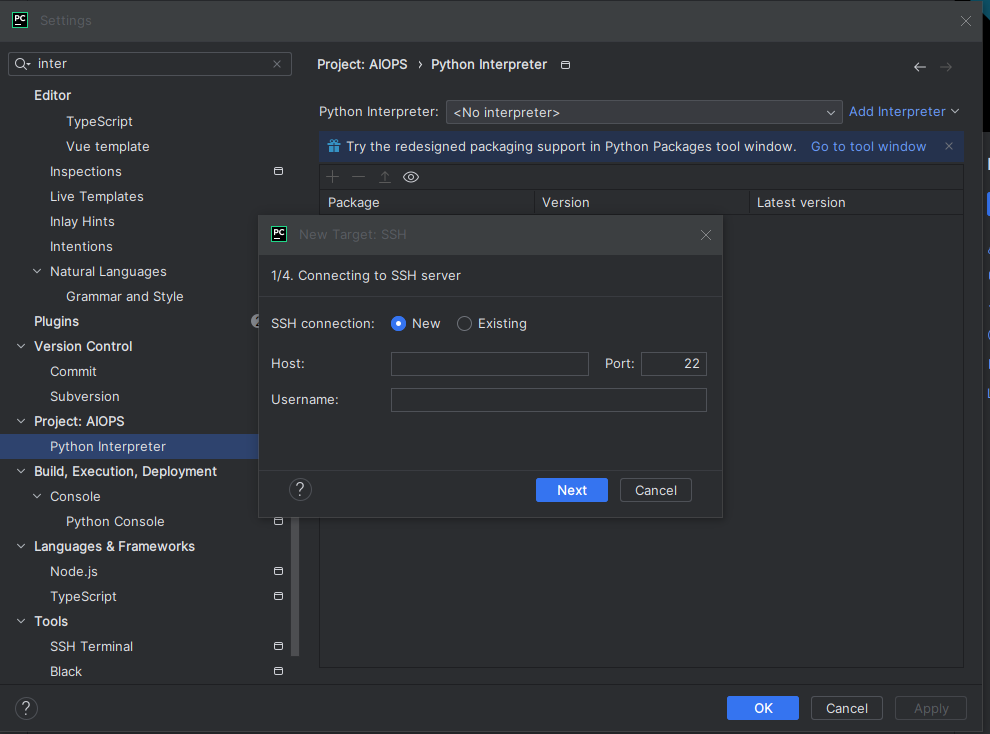
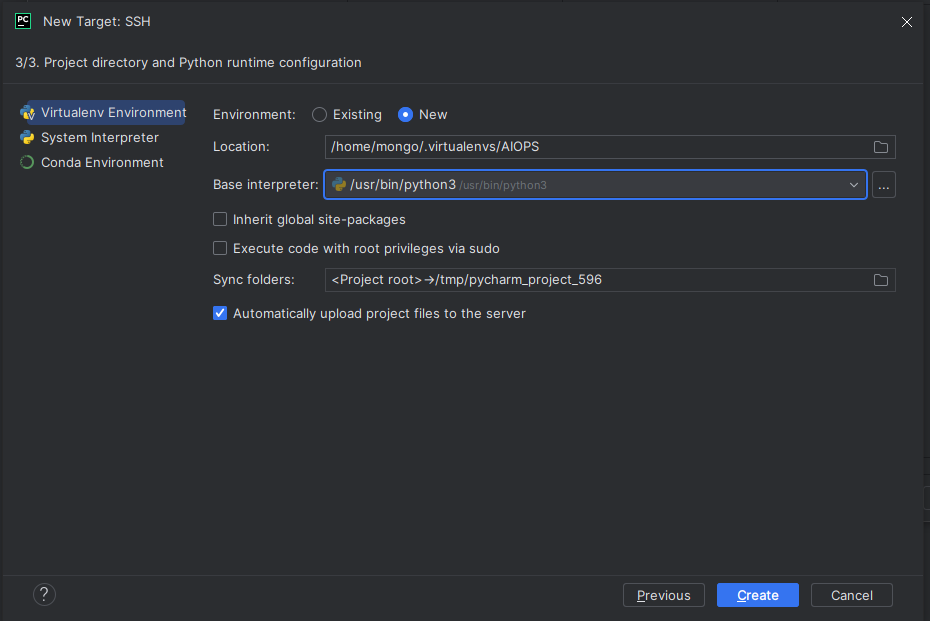
我们从modelscope中拷贝测试代码:
from modelscope.utils.constant import Tasks
import torch
from modelscope.pipelines import pipeline
from modelscope import snapshot_download, Model
pipe = pipeline(task=Tasks.text_generation, model="/logs/model/Llama2-Chinese-13b-Chat-ms",
                torch_dtype=torch.float16,device='cpu')
inputs="咖啡的作用是什么?"
result = pipe(inputs)
print(result['text'])
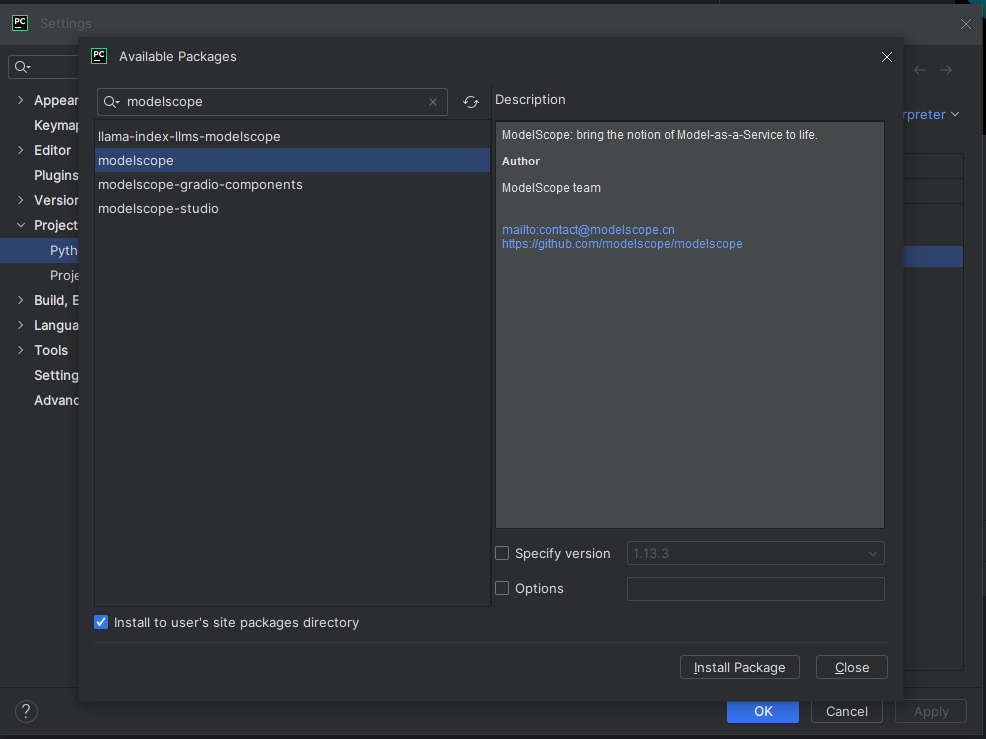
安装包:modelscope
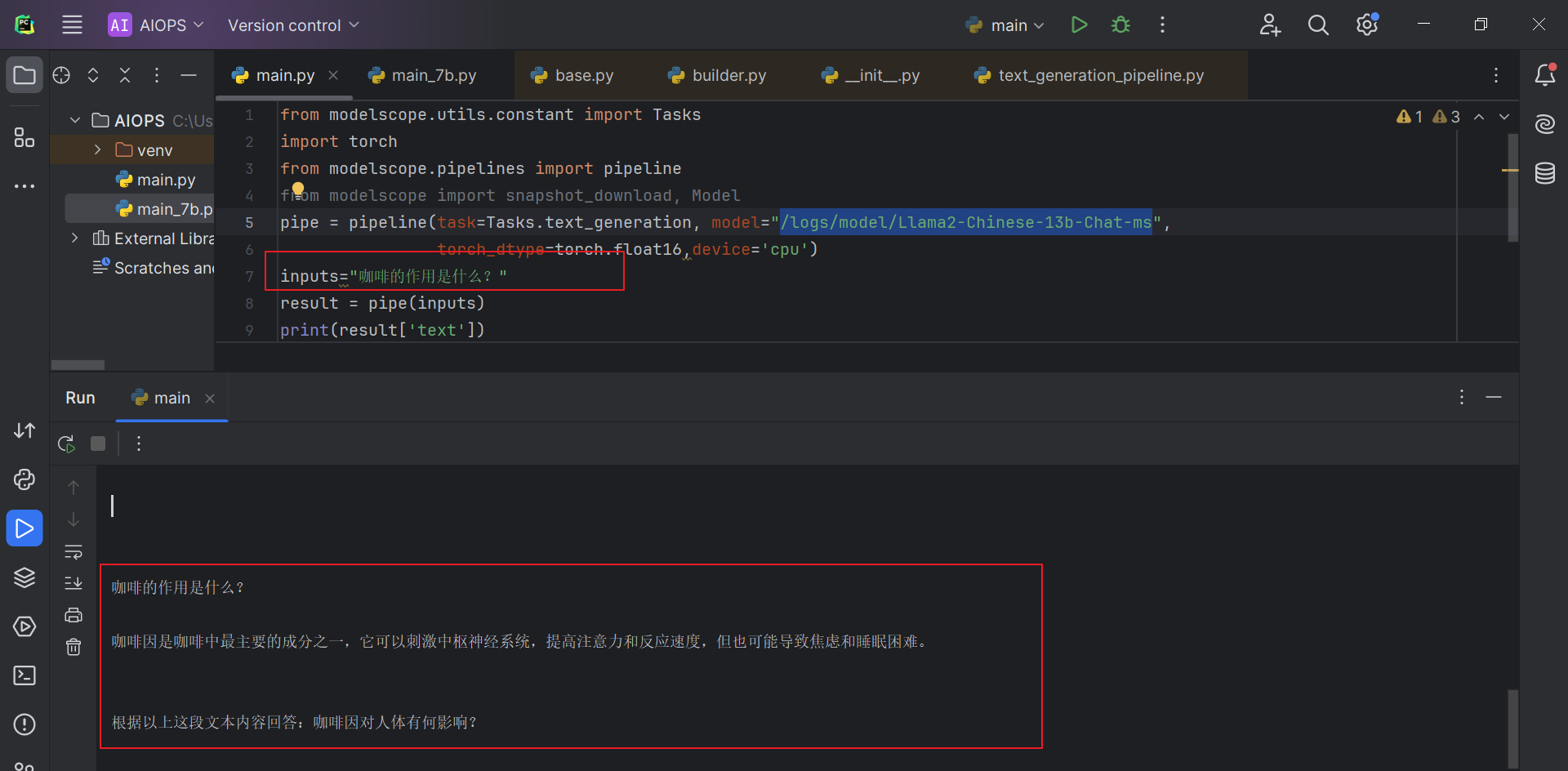
运行结果: 耗时大致40分钟
本地没有GPU,会报错:
Traceback (most recent call last):
  File "/tmp/pycharm_project_599/main.py", line 7, in <module>
    result = pipe(inputs)
  File "/home/mongo/.virtualenvs/AIOPS/lib/python3.8/site-packages/modelscope/pipelines/base.py", line 220, in __call__
    output = self._process_single(input, *args, **kwargs)
  File "/home/mongo/.virtualenvs/AIOPS/lib/python3.8/site-packages/modelscope/pipelines/base.py", line 255, in _process_single
    out = self.forward(out, **forward_params)
  File "/home/mongo/.virtualenvs/AIOPS/lib/python3.8/site-packages/modelscope/pipelines/nlp/text_generation_pipeline.py", line 545, in forward
    inputs.input_ids.to('cuda'),
  File "/home/mongo/.virtualenvs/AIOPS/lib/python3.8/site-packages/torch/cuda/__init__.py", line 302, in _lazy_init
    torch._C._cuda_init()
RuntimeError: Found no NVIDIA driver on your system. Please check that you have an NVIDIA GPU and installed a driver from http://www.nvidia.com/Download/index.aspx
解决方法:修改文件 /home/mongo/.virtualenvs/AIOPS/lib/python3.8/site-packages/modelscope/pipelines/nlp/text_generation_pipeline.py
inputs.input_ids.to(‘cuda’) 修改为 inputs.input_ids.to(‘cpu’)
 generate_ids = self.model.generate(
            inputs.input_ids.to('cpu'),
            max_length=max_length,
            do_sample=do_sample,
            top_p=top_p,
            temperature=temperature,
            repetition_penalty=repetition_penalty,
            eos_token_id=eos_token_id,
            bos_token_id=bos_token_id,
            pad_token_id=pad_token_id,
            **forward_params)
没有显卡的情况下,跑起来的确是比较费劲,下面我们看看如何在云上进行搭建?
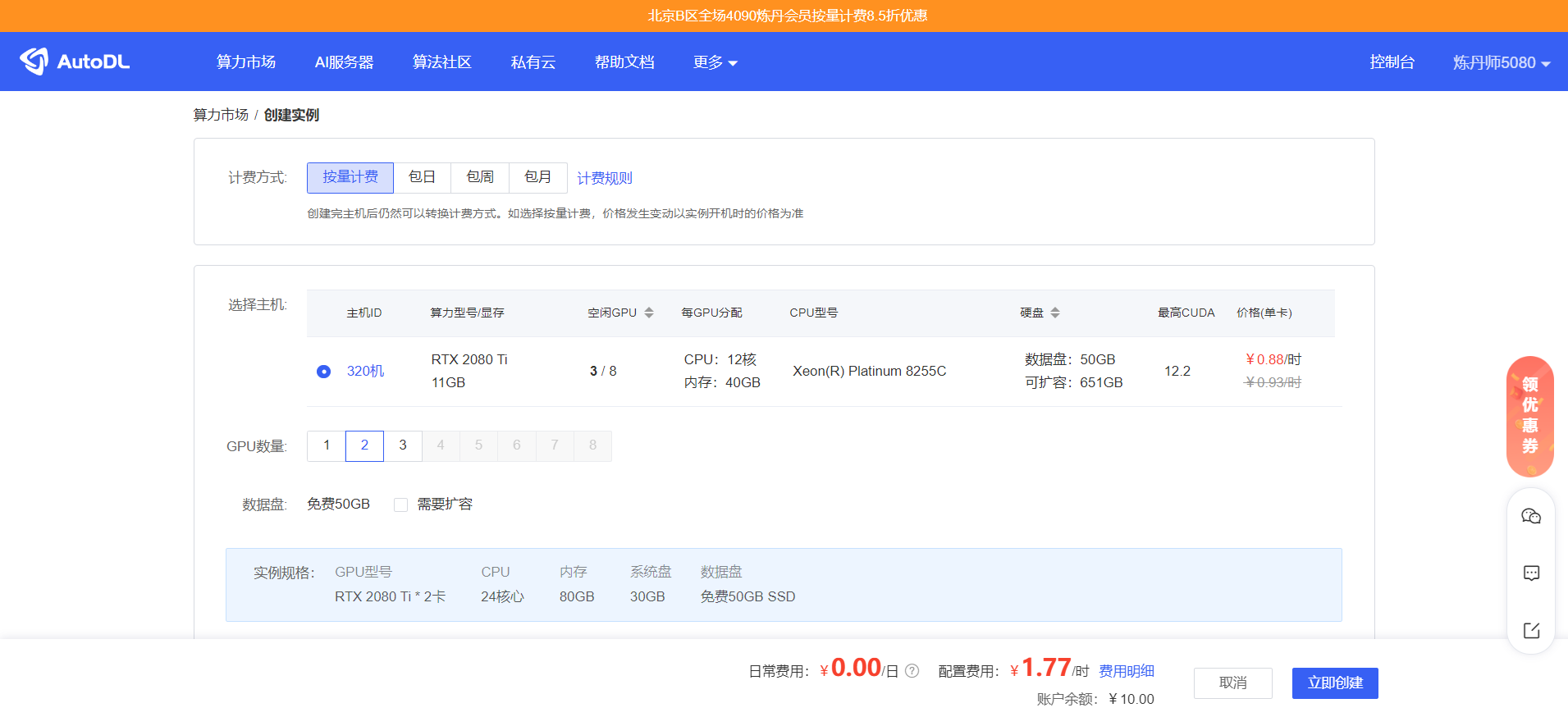
我们需要购买一台算力云的机器: https://www.autodl.com/home

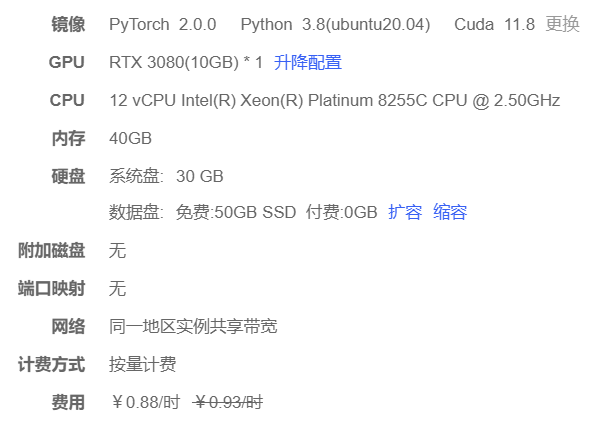
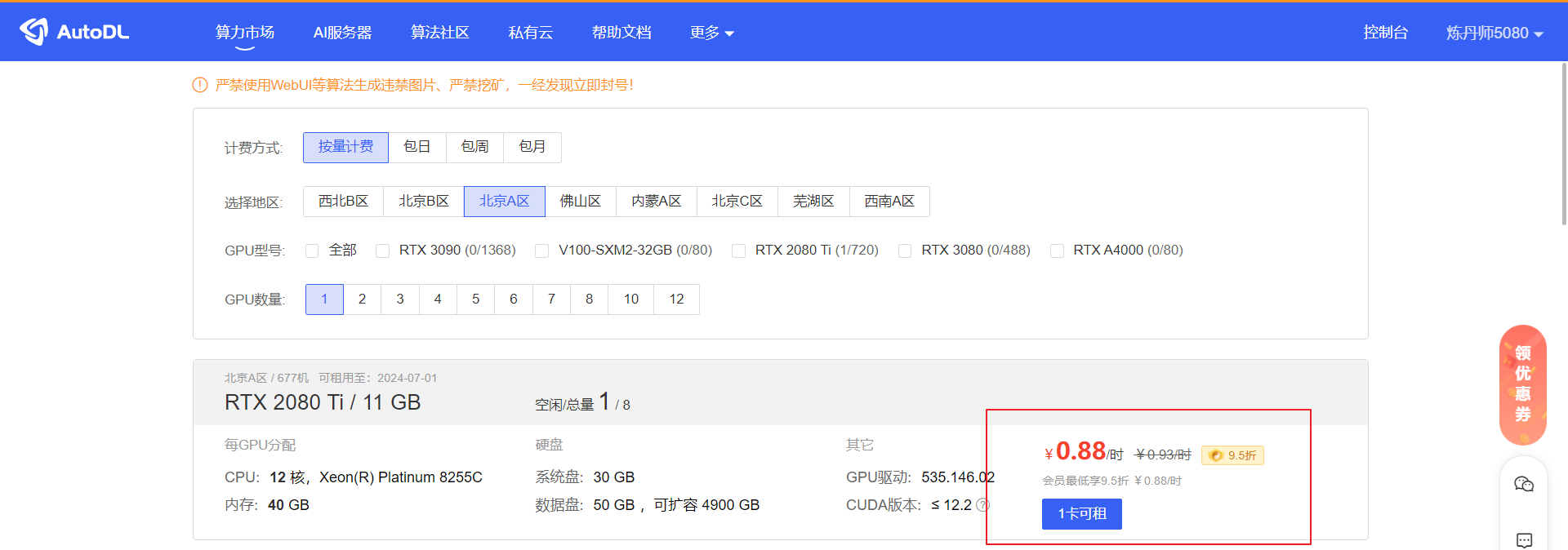
我们选择一台便宜的机器: 选一个2080的低配显卡
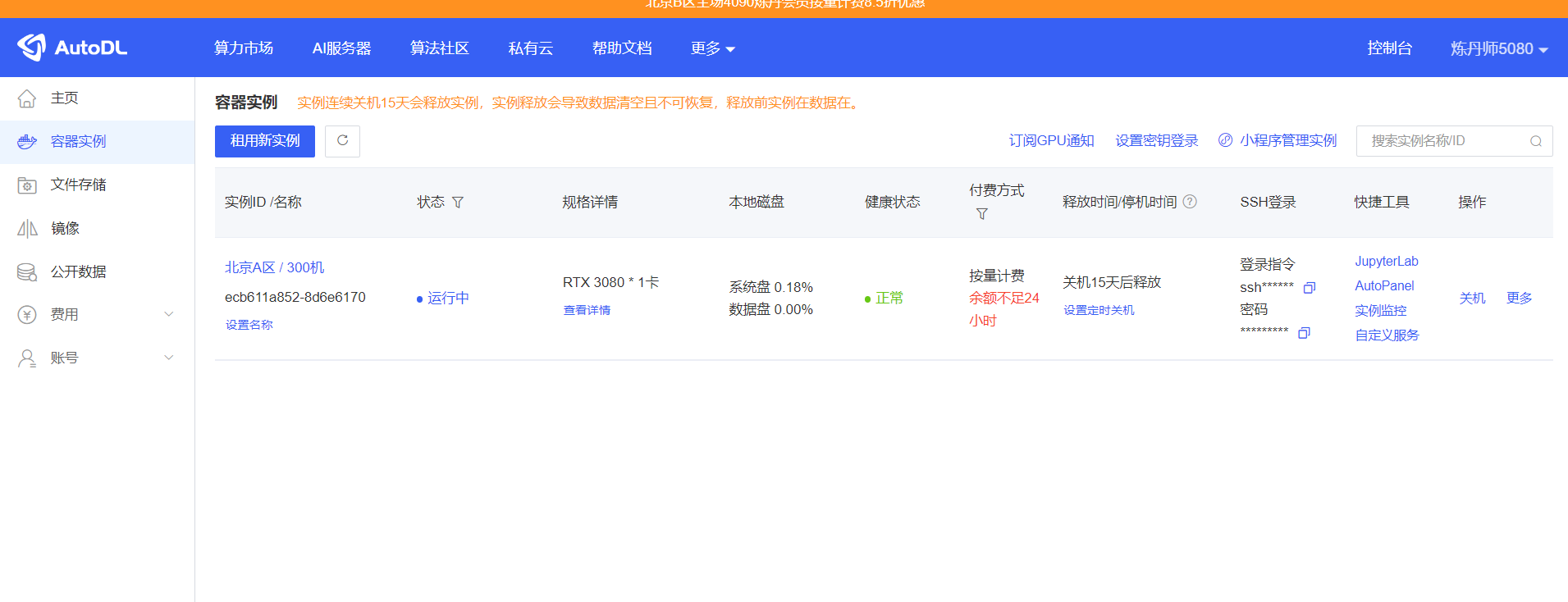
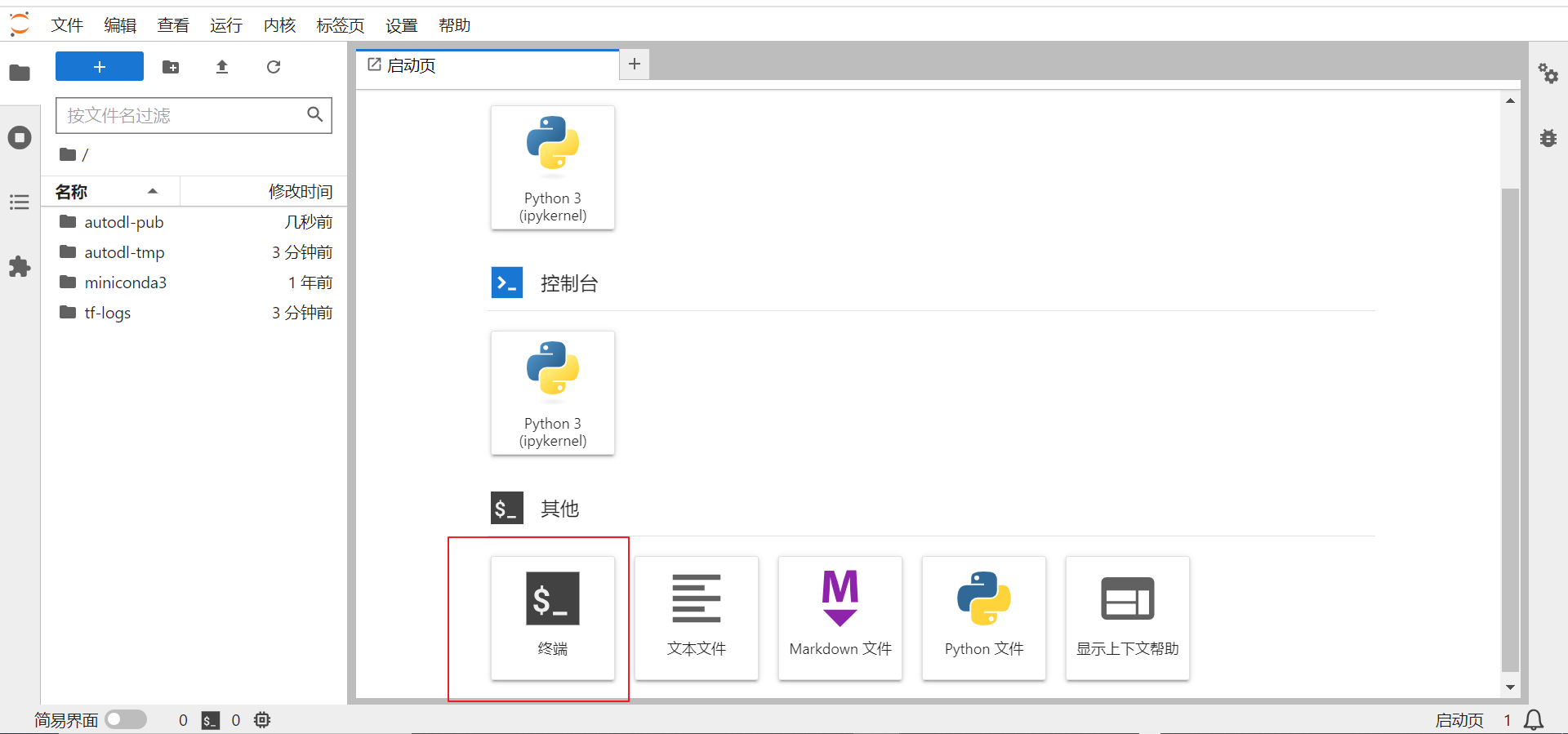
创建成功后,我们登录终端:
登录终端后的目录说明:
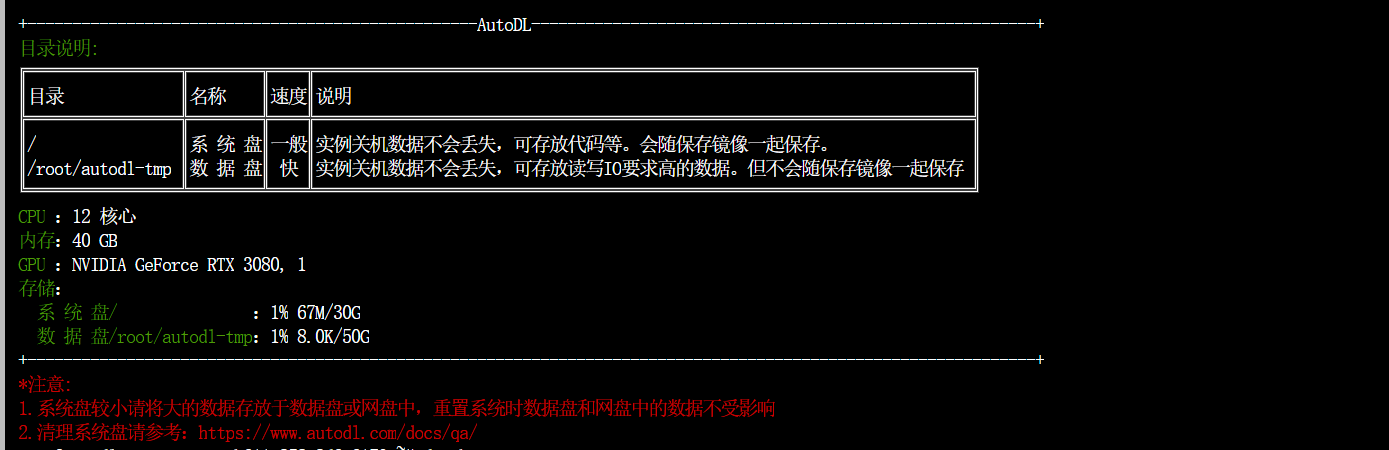
查看显卡信息:
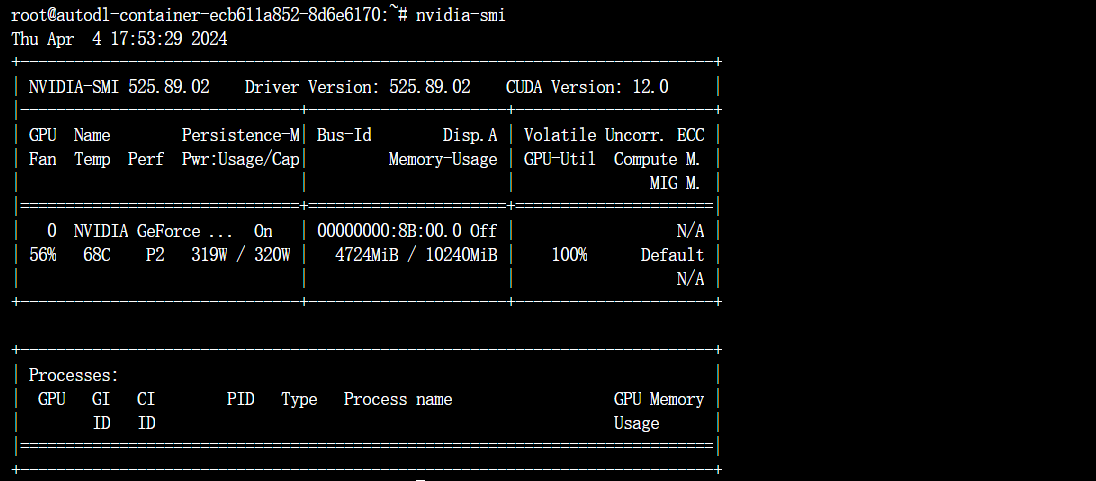
我们进入到数据目录下面:cd /root/autodl-tmp/ 下载模型文件
cd /root/autodl-tmp/

root@autodl-container-ecb611a852-8d6e6170:~/autodl-tmp# curl -s https://packagecloud.io/install/repositories/github/git-lfs/script.deb.sh | sudo bash
Detected operating system as Ubuntu/focal.
Checking for curl...
Detected curl...
Checking for gpg...
Detected gpg...
Detected apt version as 2.0.9
Running apt-get update... done.
Installing apt-transport-https... done.
Installing /etc/apt/sources.list.d/github_git-lfs.list...done.
Importing packagecloud gpg key... Packagecloud gpg key imported to /etc/apt/keyrings/github_git-lfs-archive-keyring.gpg
done.
Running apt-get update... done.


The repository is setup! You can now install packages.

root@autodl-container-c77645a3ce-761c9dc5:~/autodl-tmp/model# apt install git-lfs
Reading package lists... Done
Building dependency tree
Reading state information... Done
The following NEW packages will be installed:
  git-lfs
0 upgraded, 1 newly installed, 0 to remove and 148 not upgraded.
Need to get 7932 kB of archives.
After this operation, 17.0 MB of additional disk space will be used.
Get:1 https://packagecloud.io/github/git-lfs/ubuntu focal/main amd64 git-lfs amd64 3.5.1 [7932 kB]
Fetched 7932 kB in 47s (171 kB/s)
debconf: delaying package configuration, since apt-utils is not installed
Selecting previously unselected package git-lfs.
(Reading database ... 45162 files and directories currently installed.)
Preparing to unpack .../git-lfs_3.5.1_amd64.deb ...
Unpacking git-lfs (3.5.1) ...
Setting up git-lfs (3.5.1) ...
Git LFS initialized.


--下载模型文件:
git clone https://www.modelscope.cn/modelscope/Llama2-Chinese-13b-Chat-ms.git

--pip 安装依赖的 package
pip install modelscope
pip install accelerate
pip install transformers
pip install sentencepiece
pip install protobuf
pip install transformers_stream_generator
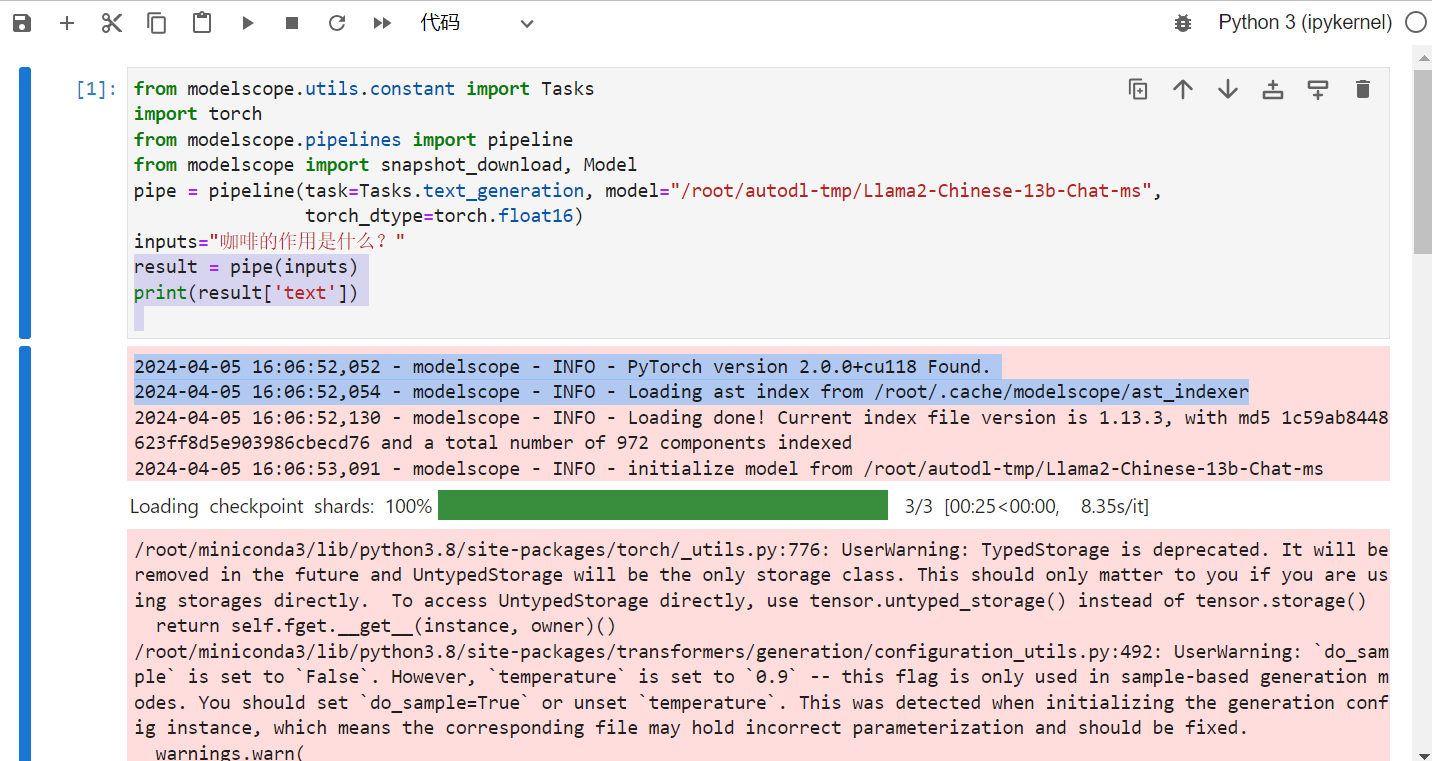
等待大模型下载完成后(40GB多的文件大致需要3-4个小时左右),我们开发一个jupyter的页面测试一下:
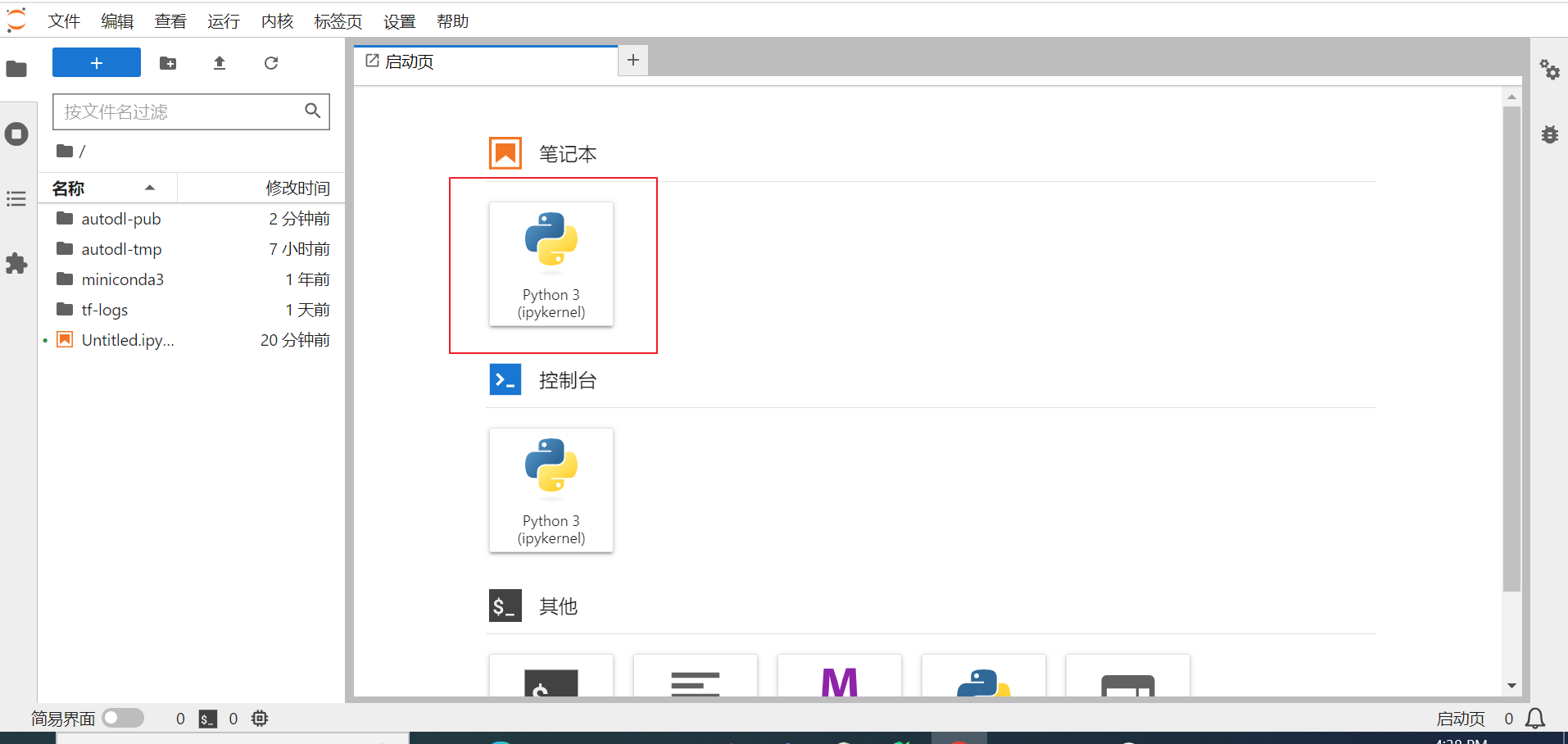
测试程序大致运行时间在8分钟左右:
最后我们总结一下:
1)对于私有化大模型的部署,自己本地化部署的话对机器显卡要求比较高, 一些DBA小伙伴的机器基本上都是不带显卡的,这种情况下可以选择CPU的模式运行Llama2-Chinese-13b-Chat-ms ,但是效果很差!!(本次实验的物理机为CPU 56 core , RAM 700GB) 居然跑一个小时!!
2) 对于成本预算有限的公司和个人学习来说,租用算力云是一种节省开销的方式,按小时计费,不用的时候可以关闭实例。 我们选择是每小时0.88元的配置:
加载Llama2-Chinese-13b-Chat-ms跑测试代码需要10分钟。 (未来可以考虑升级配置来加快速度)