



1.安装环境配置
1.1配置本地yum源
[root@kylintest2 yum.repos.d]# vim kylin_x86_64.repo #启动vim编辑yum源配置文件,并修改为以下配置###Kylin Linux Advanced Server 10 - os repo###[ks10-adv-local]name = local yumbaseurl = file:///mnt/cdromgpgcheck = 1gpgkey=file:///etc/pki/rpm-gpg/RPM-GPG-KEY-kylinenabled = 1
1.2同步本地时间
1.3配置本地环境
[root@kylintest2 ~]# vim etc/sysctl.conf
2.安装依赖关系
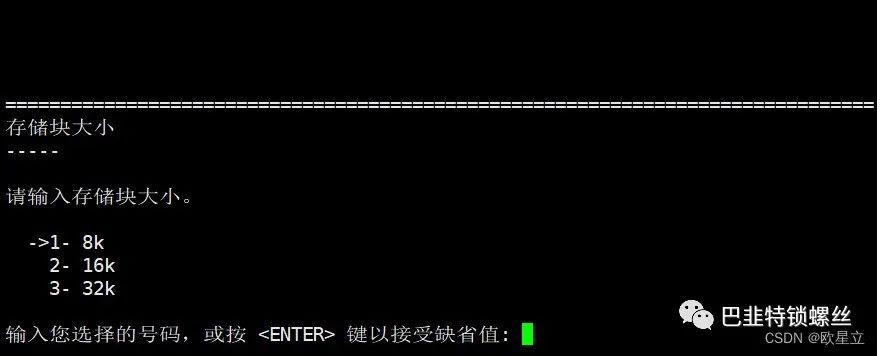
3.安装数据库
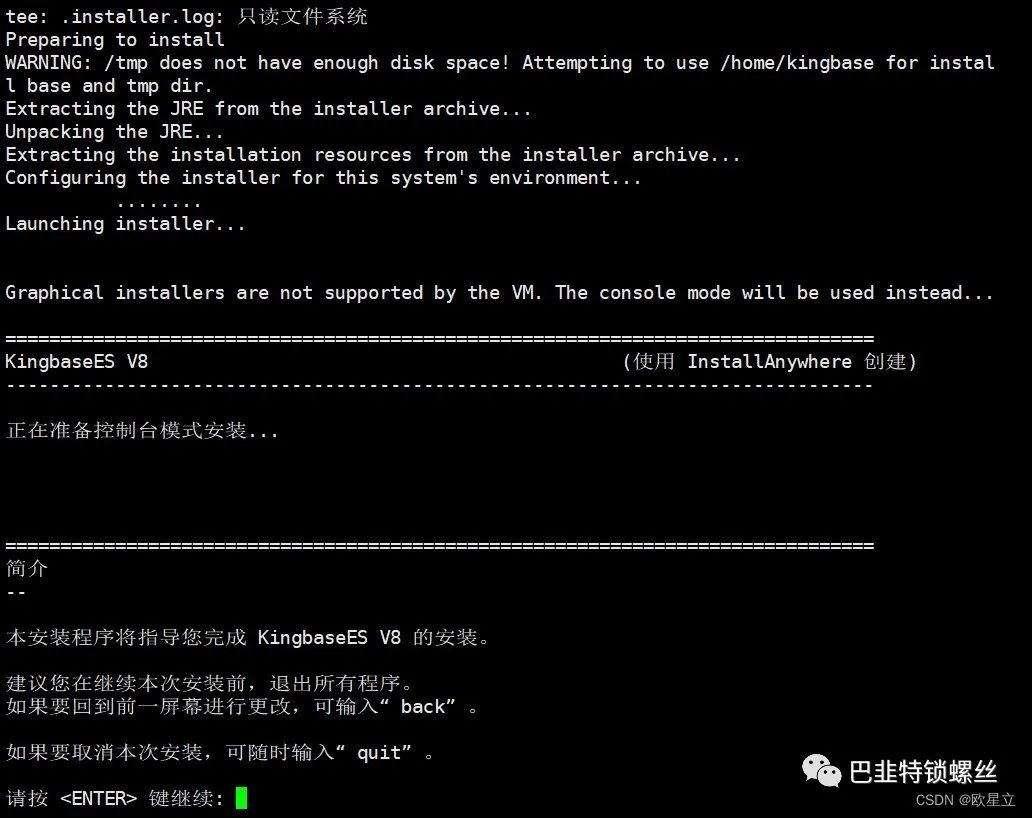
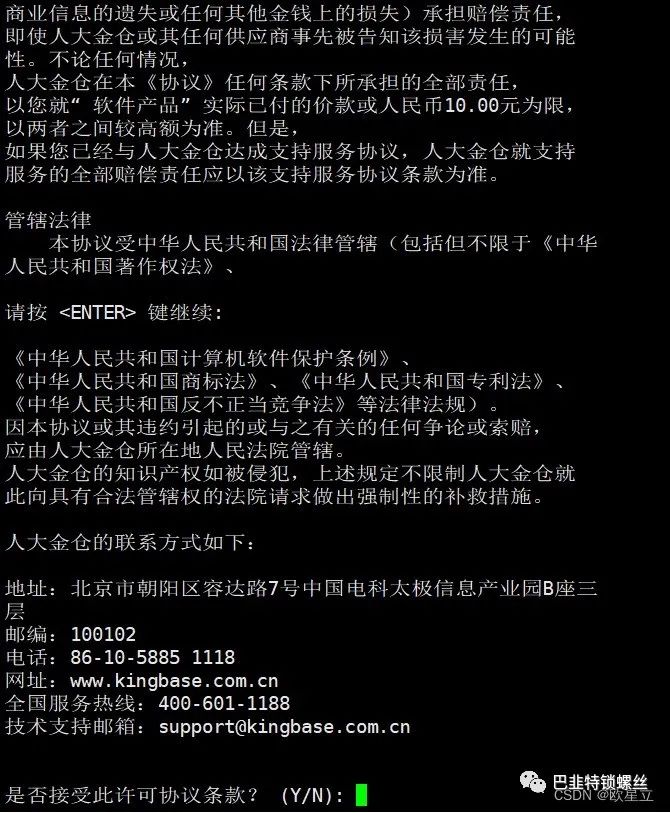
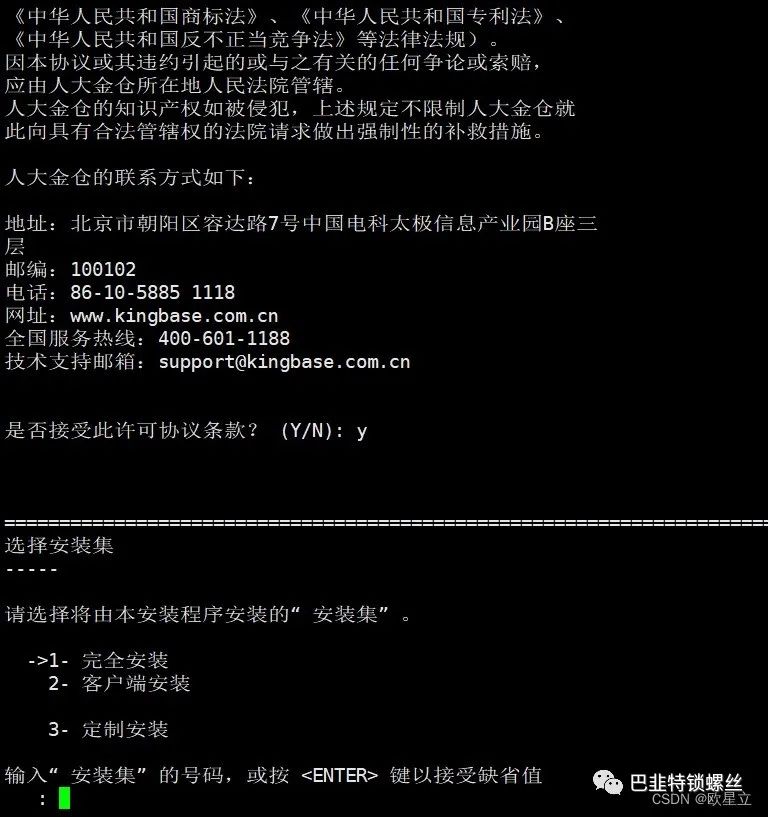

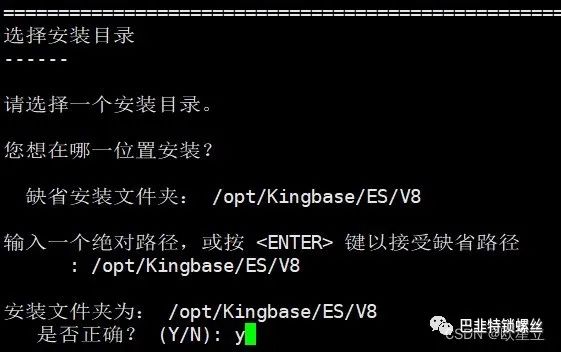
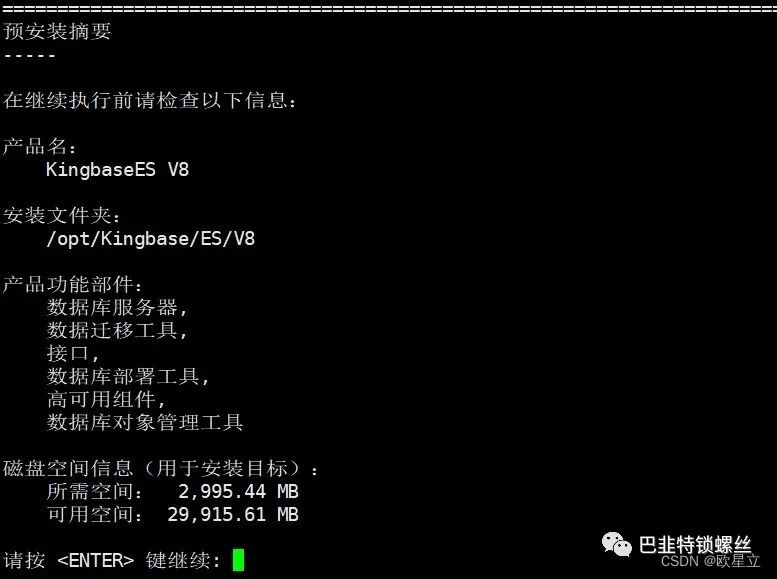
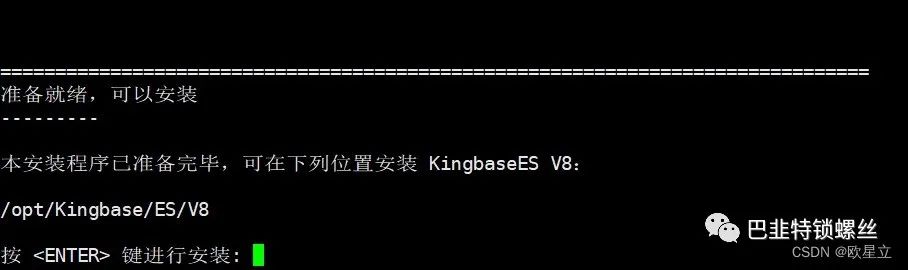
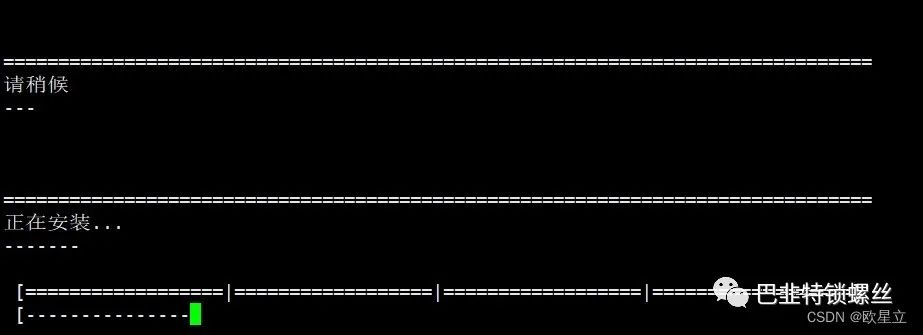
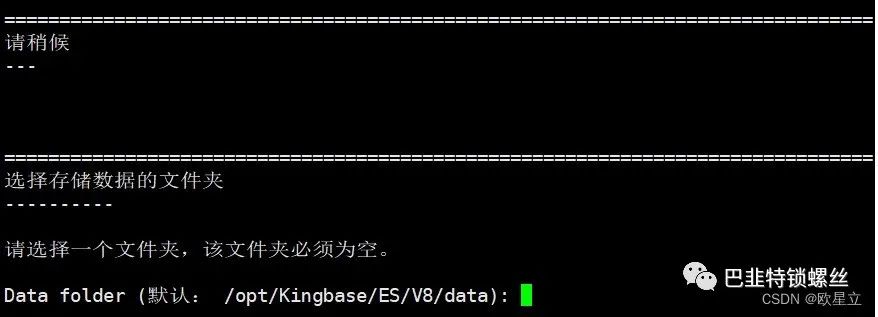

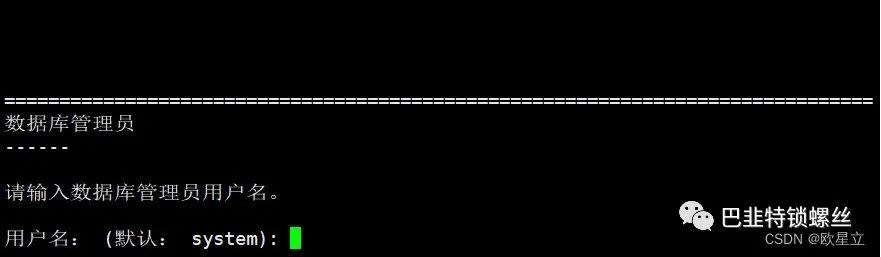

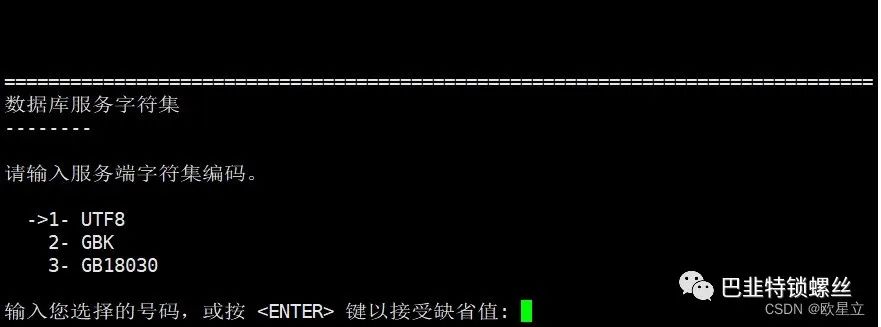
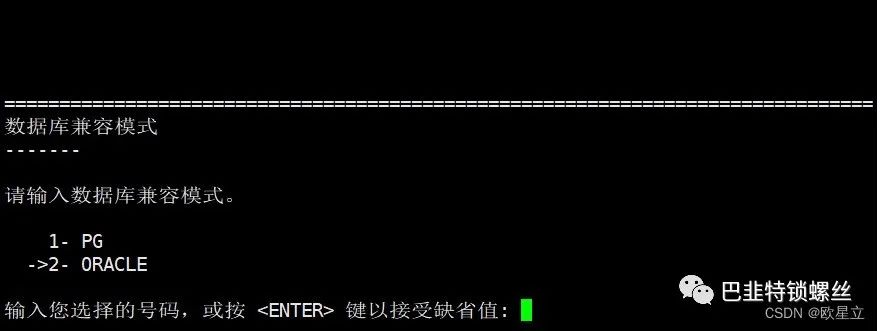
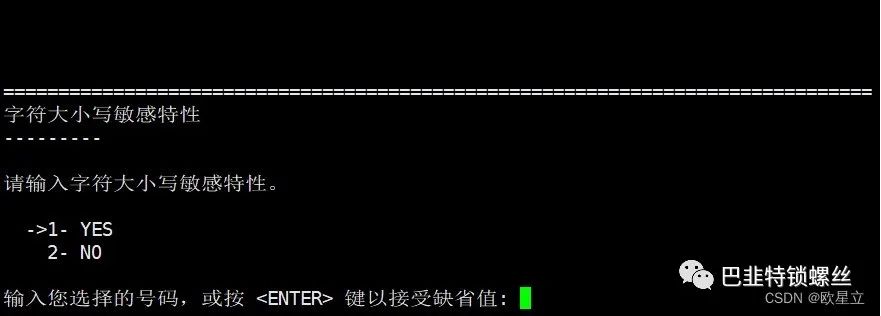

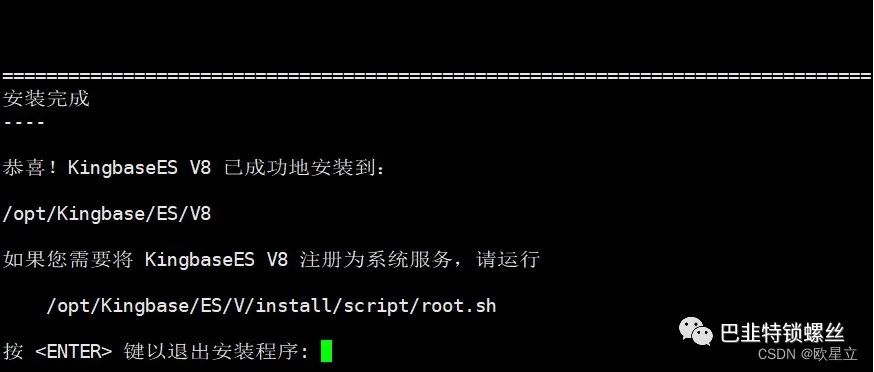
[root@kylintest2 ES]# /opt/Kingbase/ES/V8/install/script/root.shStarting KingbaseES V8:waiting for server to start.... doneserver startedKingbaseES V8 started successfully[root@kylintest2 ES]# chkconfig --list注:该输出结果只显示 SysV 服务,并不包含原生 systemd 服务。SysV 配置数据可能被原生 systemd 配置覆盖。要列出 systemd 服务,请执行 'systemctl list-unit-files'。查看在具体 target 启用的服务请执行'systemctl list-dependencies [target]'。kingbase8d 0:关 1:关 2:开 3:开 4:开 5:开 6:关
[root@kylintest2 ES]# service kingbase8d stop #停止数据库服务[root@kylintest2 ES]# service kingbase8d start #启动数据库服务[root@kylintest2 ES]# service kingbase8d status #查看数据库服务[root@kylintest2 ES]# service kingbase8d restart

版权声明:本文内容来自CSDN:欧星立,遵循CC 4.0 BY-SA版权协议上原文接及本声明。本作品采用知识共享署名-非商业性使用-禁止演绎 2.5 中国大陆许可协议进行可。原文链接:https://blog.csdn.net/weixin_44854666/article/details/128107171如有涉及到侵权,请联系,将立即予以删除处理。在此特别鸣谢原作者的创作。此篇文章的所有版权归原作者所有,与本公众号无关,商业转载建议请联系原作者,非商业转载请注明出处。
文章转载自巴韭特锁螺丝,如果涉嫌侵权,请发送邮件至:contact@modb.pro进行举报,并提供相关证据,一经查实,墨天轮将立刻删除相关内容。
