1.背景
2024年07年18日,收到一条告警短信:
2024-07-18T03:12:13+08:00 warning "Advanced Intrusion Detection Environment (AIDE) detected potential changes to software on this system. The changes are listed in /var/log/aide/aide.log and also at the end of this alert message. Summary : : Total number of files : 63379 Added files : 17158 Removed files : 0 Changed files : 2 "
2.排查过称
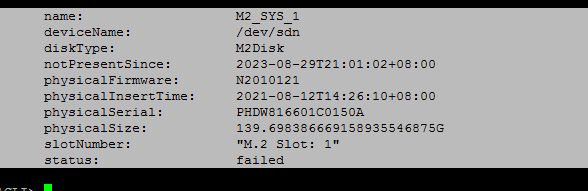
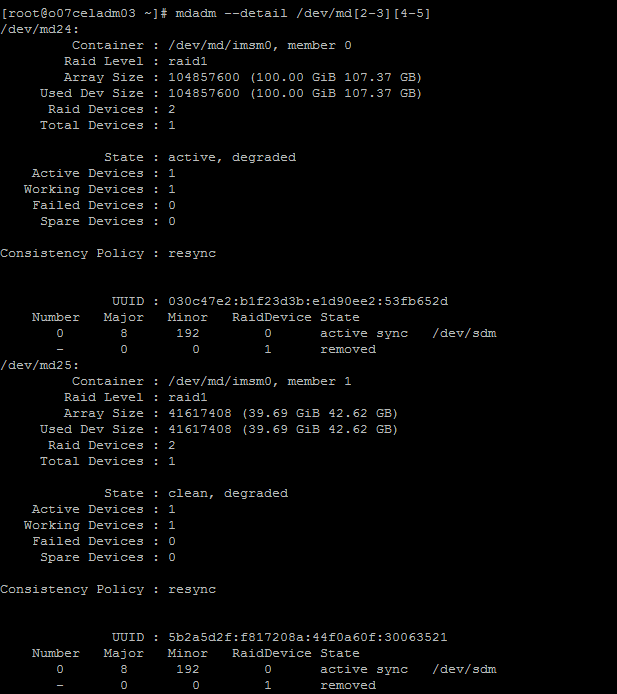
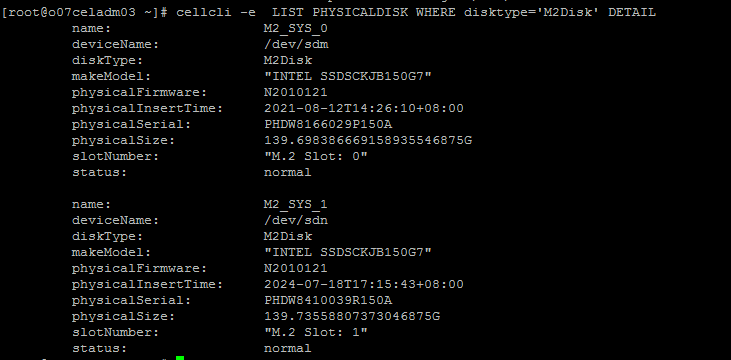
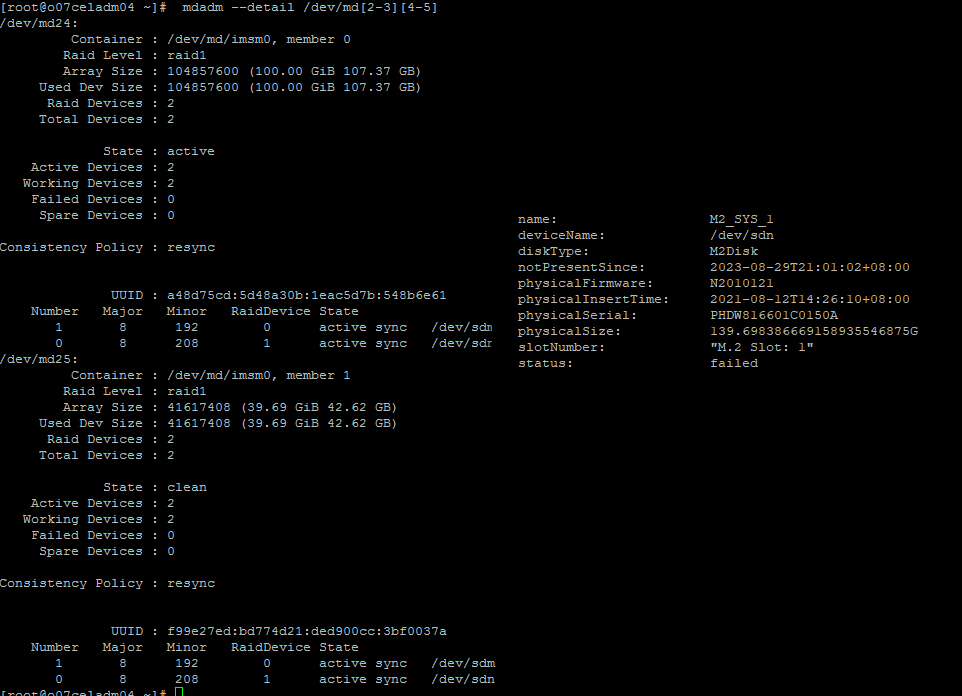
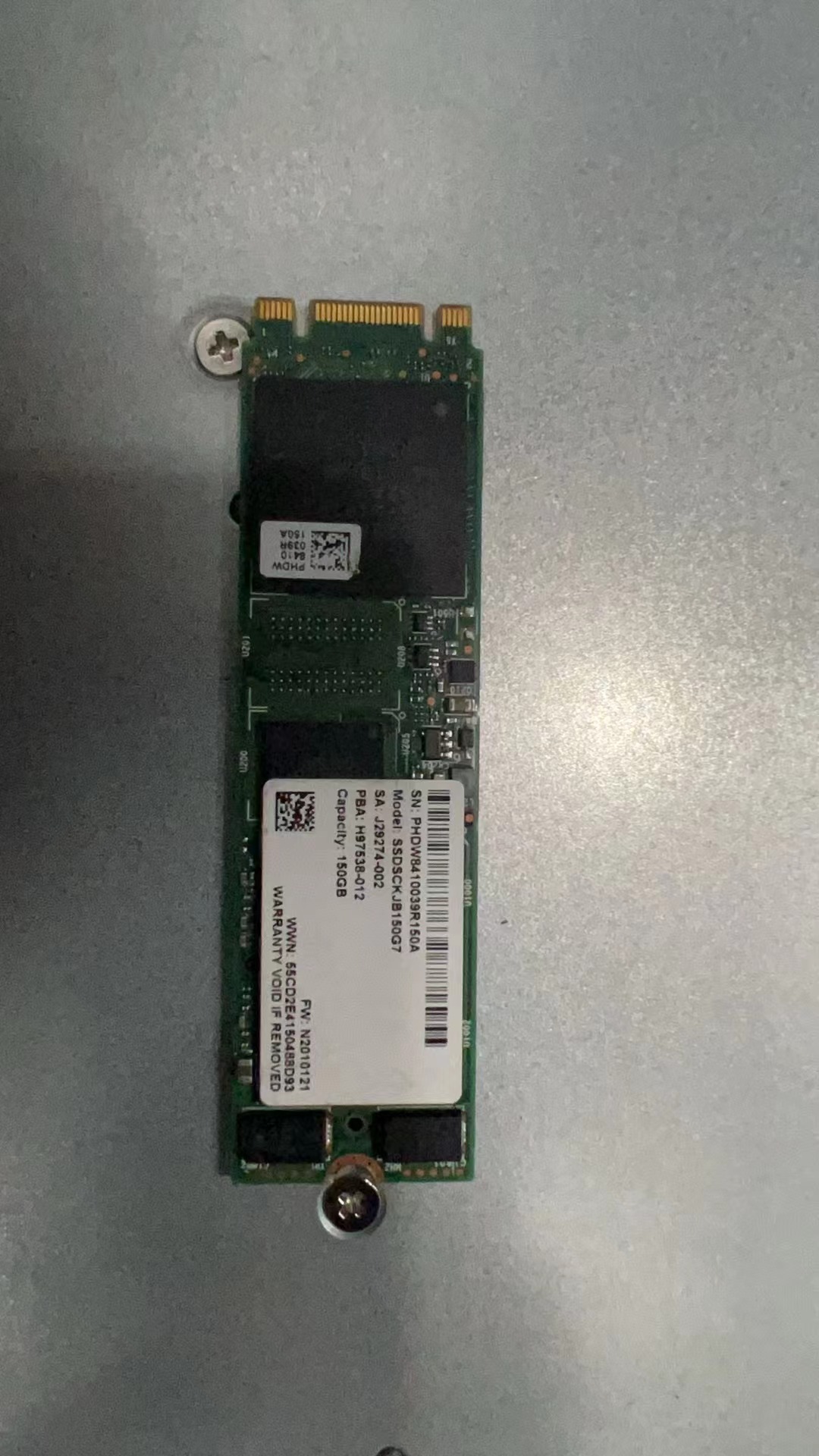
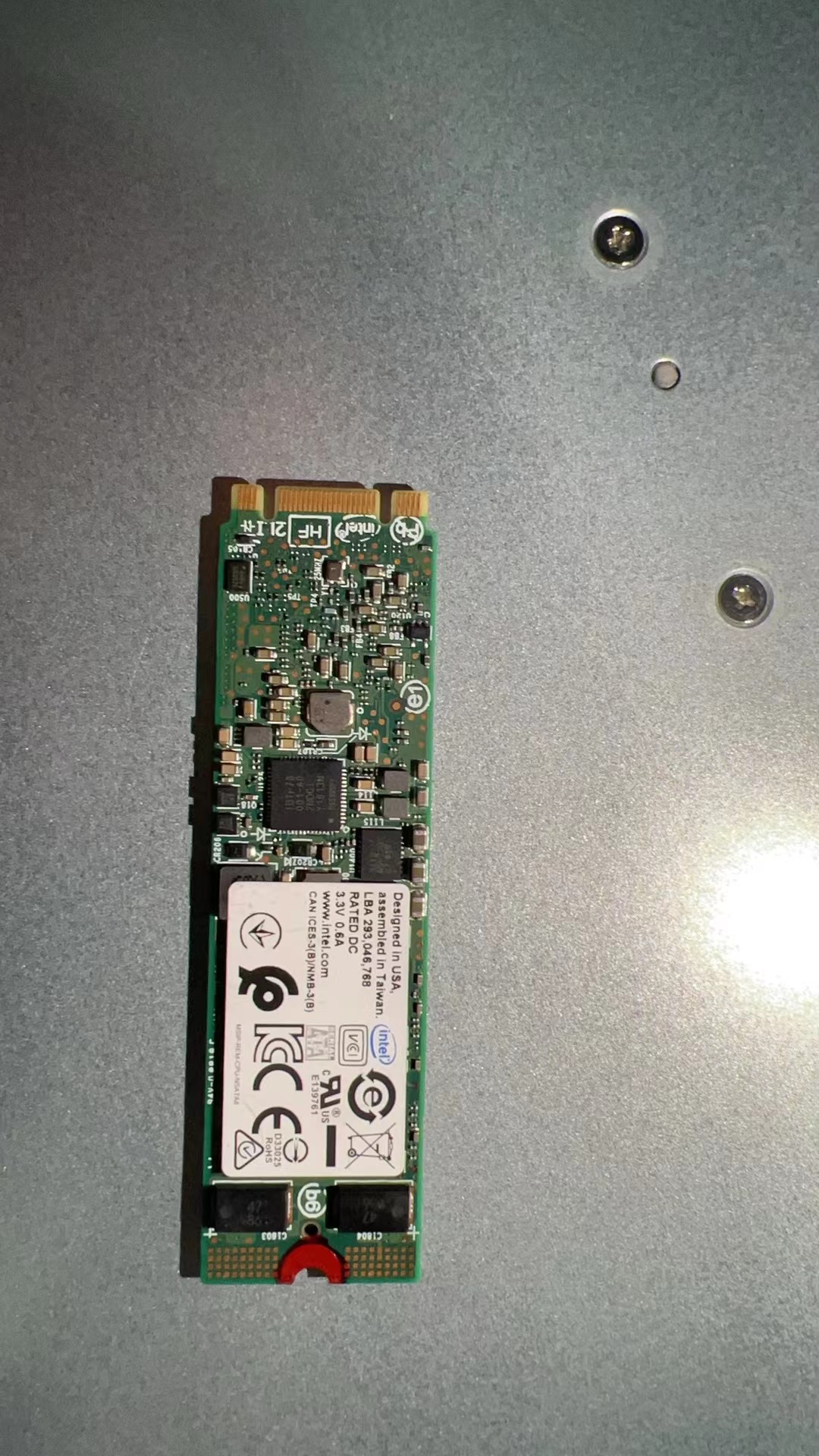
结论:第三台存储节点上的M2disk损坏
3.更改过称
1 Locate the cell that has the white LED lit.
2. Open the chassis and identify the M.2 disk by the slot number in Step 1. The amber LED
for this disk should be lit to indicate service is needed.
M.2 disks are hot pluggable, so you do not need to power down the cell before replacing
the disk.
3. Remove the M.2 disk:
4. Rotate both riser board socket ejectors up and outward as far as they will go.
The green power LED on the riser board turns off when you open the socket ejectors.
5. Carefully lift the riser board straight up to the remove it from the sockets.
6. Insert the replacement M.2 disk:
a. Unpack the replacement flash riser board and place it on an antistatic mat.
b. Align the notch in the replacement riser board with the connector key in the connector
socket.
c. Push the riser board into the connector socket until the riser board is securely seated
in the socket.

4.更换完成验证