



Nvidia NIM 平台允许开发人员对生成式 AI 模型进行推理。在本文中,我们将探讨如何使用 NIM API 来构建一个简单的 RAG 应用程序。对于向量数据库,我们将使用 Zilliz,这是流行的 Milvus 向量数据库的托管商业版本。
我们将使用 meta/llama3-8b-instruct 作为文本嵌入模型LLM,使用 nvidia/nv-embedqa-e5-v5 作为文本嵌入模型,并使用 Zilliz 进行语义搜索。
虽然本教程重点介绍基于云的 API,但本系列的下一部分将运行相同的 LLM,嵌入模型和向量数据库作为容器。
使用 NIM 的优点是 API 将与 GPU 计算机上本地运行的自托管容器 100% 兼容。在本地运行时,它们还可以利用 GPU 加速。
让我们开始构建应用程序。
步骤 1:为 NIM 创建 API 密钥
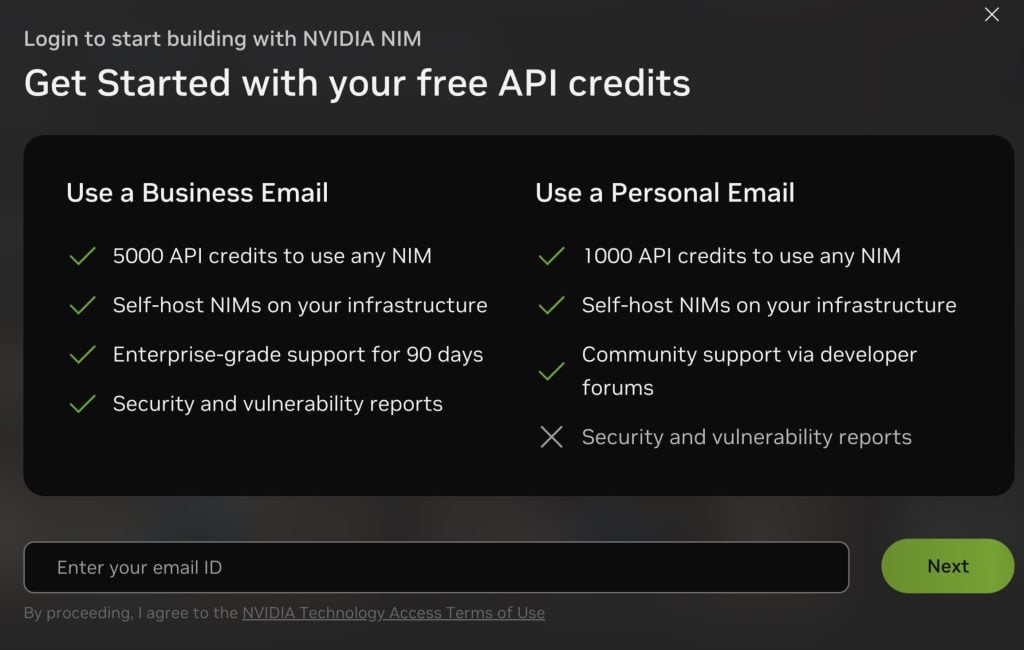
访问 NIM 目录并使用您的电子邮件地址注册以创建 API 密钥。

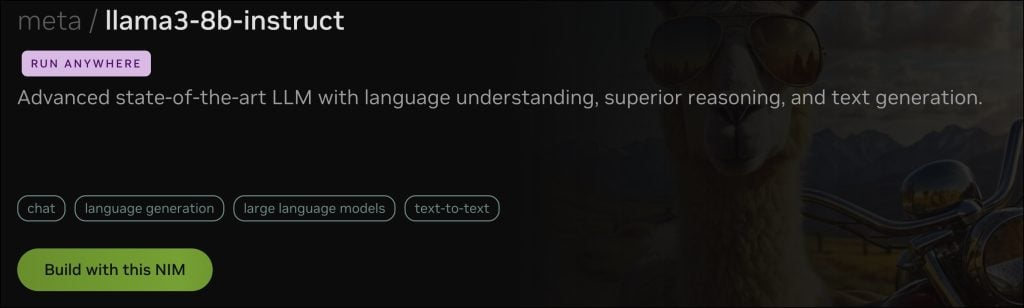
搜索 meta/llama3-8b-instruct 并点击 “Build with this NIM” 以创建 API 密钥。
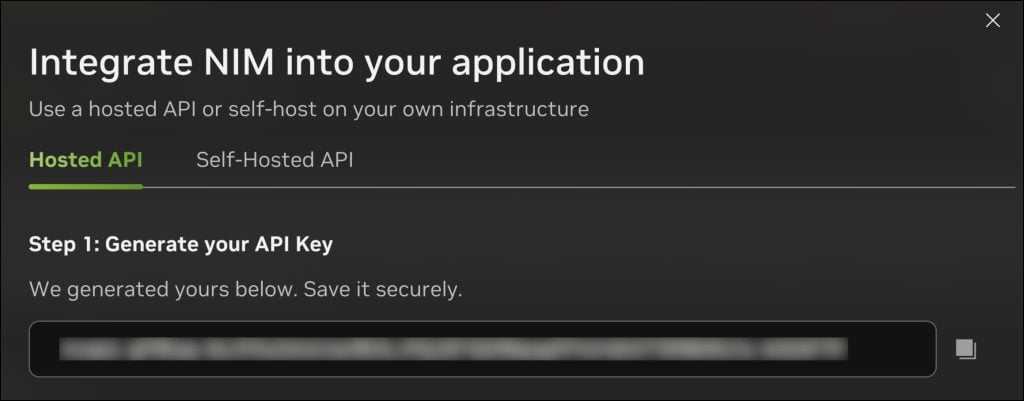
复制 API 密钥并将其保存在安全位置。
步骤 2:创建免费的 Zilliz 集群实例
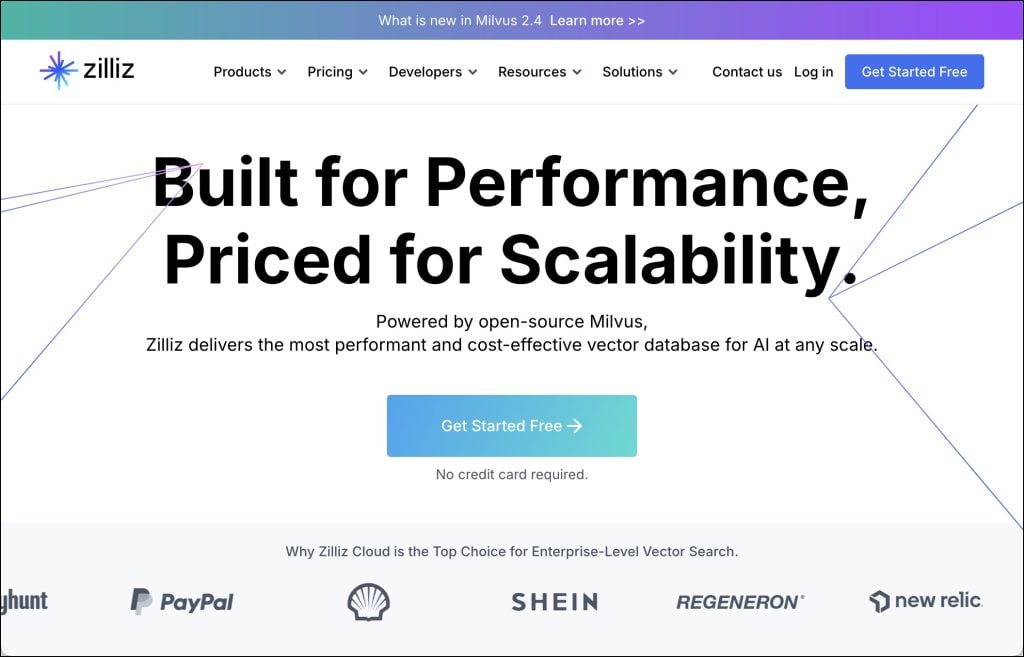
注册 Zilliz Cloud 并创建一个带有 100 美元积分的集群,这足以尝试本教程。
请确保已复制集群的终端节点 URI 和 API 密钥。
步骤三:创建环境配置文件
使用 URI 和 API 密钥创建一个 .env 文件。当我们访问 API 时,这会派上用场。当我们切换到本地端点时,我们只需要更新此文件。请确保这些值与在上述两个步骤中保存的值匹
LLM_URI="https://integrate.api.nvidia.com/v1"
EMBED_URI="https://integrate.api.nvidia.com/v1"
VECTORDB_URI="YOUR_ZILLIZ_CLUSTER_URI"
NIM_API_KEY="YOUR_NIM_API_KEY"
ZILLIZ_API_KEY="YOUR_ZILLIZ_API_KEY"
步骤 4:创建 RAG 应用程序
启动 Jupyter Notebook 并安装所需的 Python 模块。
!pip install pymilvus
!pip install openai
pip install python-dotenvfrom pymilvus import MilvusClient
from pymilvus import connections
from openai import OpenAI
from dotenv import load_dotenv
import os
import ast加载环境变量并初始化 LLM、嵌入和向量数据库的客户端。
load_dotenv()

LLM_URI=os.getenv("LLM_URI")
EMBED_URI=os.getenv("EMBED_URI")
VECTORDB_URI=os.getenv("VECTORDB_URI")

NIM_API_KEY=os.getenv("NIM_API_KEY")
ZILLIZ_API_KEY=os.getenv("ZILLIZ_API_KEY")
llm_client = OpenAI(
  api_key=NIM_API_KEY,
  base_url=LLM_URI
)

embedding_client = OpenAI(
 api_key=NIM_API_KEY,
 base_url=EMBED_URI
)

vectordb_client = MilvusClient(
    uri=VECTORDB_URI,
    token=ZILLIZ_API_KEY
)
下一步是在 Zilliz 集群中创建集合。
if vectordb_client.has_collection(collection_name="india_facts"):
    vectordb_client.drop_collection(collection_name="india_facts")

vectordb_client.create_collection(
    collection_name="india_facts",
    dimension=1024,
)
我们根据嵌入模型返回的向量大小将维度设置为 1,024。
让我们创建一个字符串列表,将它们转换为嵌入向量,并将它们摄取到数据库中。
docs = [
    "India is the seventh-largest country by land area in the world.",
    "The Indus Valley Civilization, one of the world's oldest, originated in India around 3300 BCE.",
    "The game of chess, originally called 'Chaturanga,' was invented in India during the Gupta Empire.",
    "India is home to the world's largest democracy, with over 900 million eligible voters.",
    "The Indian mathematician Aryabhata was the first to explain the concept of zero in the 5th century.",
    "India has the second-largest population in the world, with over 1.4 billion people.",
    "The Kumbh Mela, held every 12 years, is the largest religious gathering in the world, attracting millions of devotees.",
    "India is the birthplace of four major world religions: Hinduism, Buddhism, Jainism, and Sikhism.",
    "The Indian Space Research Organisation (ISRO) successfully sent a spacecraft to Mars on its first attempt in 2014.",
    "India's Varanasi is considered one of the world's oldest continuously inhabited cities, with a history dating back over 3,000 years."
]

def embed(docs):
    response = embedding_client.embeddings.create(
        input=docs,
        model="nvidia/nv-embedqa-e5-v5",
        encoding_format="float",
        extra_body={"input_type": "query", "truncate": "NONE"}
    )
    vectors = [embedding_data.embedding for embedding_data in response.data]
    return vectors

vectors=embed(docs)

data = [
    {"id": i, "vector": vectors[i], "text": docs[i], "subject": "history"}
    for i in range(len(vectors))
]

vectordb_client.insert(collection_name="india_facts", data=data)
然后,我们将创建一个辅助函数来从向量数据库中检索上下文。
def retrieve(query):
    query_vectors = embed([query])

    search_results = vectordb_client.search(
        collection_name="india_facts",
        data=query_vectors,
        limit=3,
        output_fields=["text", "subject"]
    )

    all_texts = []
    for item in search_results:
        try:
            evaluated_item = ast.literal_eval(item) if isinstance(item, str) else item
        except:
            evaluated_item = item

        if isinstance(evaluated_item, list):
            all_texts.extend(subitem['entity']['text'] for subitem in evaluated_item if isinstance(subitem, dict) and 'entity' in subitem and 'text' in subitem['entity'])
        elif isinstance(evaluated_item, dict) and 'entity' in evaluated_item and 'text' in evaluated_item['entity']:
            all_texts.append(evaluated_item['entity']['text'])

    return " ".join(all_texts)
这将检索前三个文档,附加每个文档中的文本并返回一个字符串。
有了检索器步骤,就可以创建另一个帮助程序函数来从 生成答案LLM了。
def generate(context, question):
    prompt = f'''
    Based on the context: {context}

    Please answer the question: {question}
    '''
    system_prompt='''
    You are a helpful assistant that answers questions based on the given context.\n
    Don't add anything to the response. \n
    If you cannot find the answer within the context, say I do not know.
    '''
    completion = llm_client.chat.completions.create(
      model="meta/llama3-8b-instruct",
      messages=[
        {"role": "system", "content": system_prompt},
        {"role": "user", "content": prompt}
      ],
      temperature=0,
      top_p=1,
      max_tokens=1024
    )
    return completion.choices[0].message.content
最后,我们将把这两个函数包装在另一个称为chat的函数中,该函数首先检索上下文,然后将其与用户发送的原始提示一起发送到 chatLLM。
def chat(prompt):
    context=retrieve(prompt)
    response=generate(context,prompt)
    return response
当我们调用该函数时,我们将看到来自上下文派生的LLM响应。
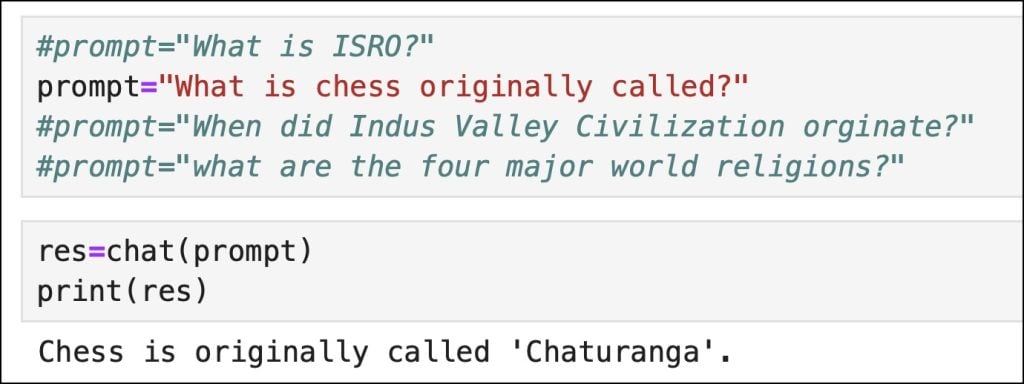
如您所见,响应基于向量数据库检索到的上下文。
在本系列的下一部分中,我们将在 GPU 加速的计算机上本地运行此 RAG 应用程序的所有组件。敬请关注。
原文作者:Janakiram MSV
Janakiram MSV是Janakiram & Associates的首席分析师,也是国际信息技术研究所的兼职教员。他还是 Google 合格的云开发人员、Amazon 认证的解决方案架构师、Amazon 认证的开发人员。
原文链接:https://thenewstack.io/build-a-rag-app-with-nvidia-nim-apis-and-a-vector-database/
