



哇,那个VSCode的终端好丑,一定要整理一下才可以。
转到这个目录
cd /usr/share/fonts/truetype/
下载我们的字体
sudo git clone https://github.com/abertsch/Menlo-for-Powerline.git
刷新字体
sudo fc-cache -f -v
回到 Vs Code的用户设置.json 中加入以下代码
"terminal.integrated.fontFamily": "Menlo for Powerline",
或者
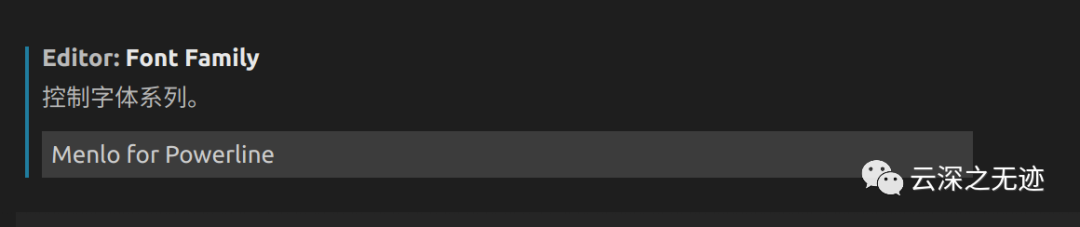
把以前的字删除
Menlo for Powerline
复制这个进去
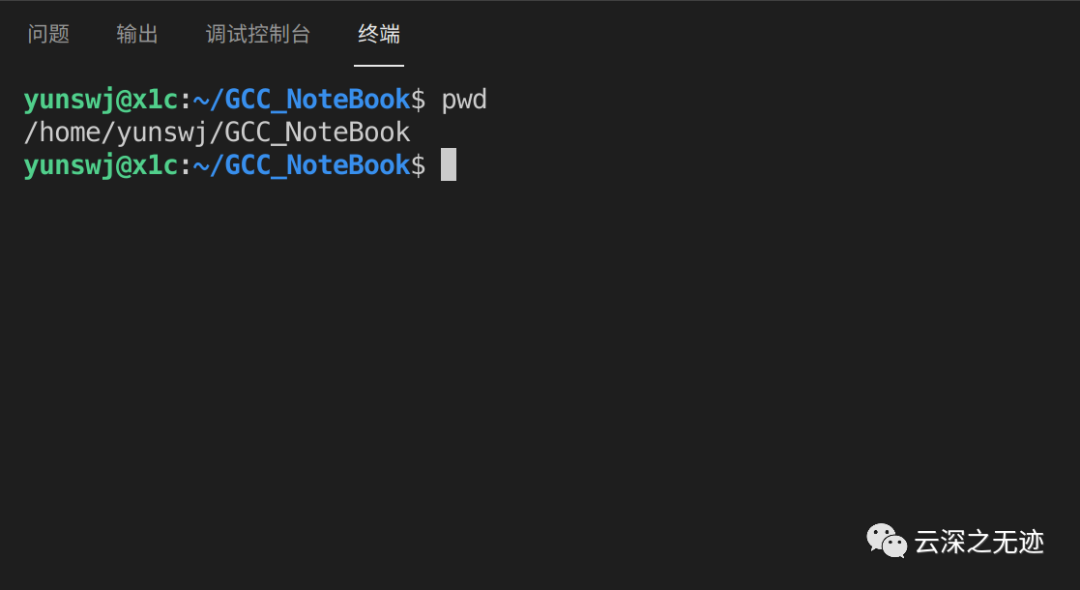
重启VSCode就好了
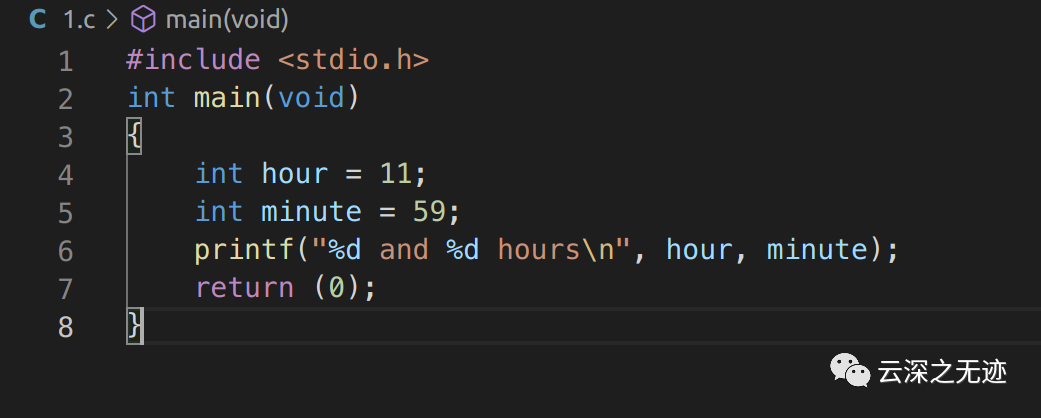
但是这个还不是最好看的字体
git clone https://github.com/cstrap/monaco-fontcd monaco-font./install-font-ubuntu.sh [url]
接下来执行这个命令,注意最后的[Url]
https://github.com/todylu/monaco.ttf/blob/master/monaco.ttf?raw=true
用这个做替换
git clone https://github.com/cstrap/monaco-fontcd monaco-font./install-font-ubuntu.sh https://github.com/todylu/monaco.ttf/blob/master/monaco.ttf?raw=true
如果偷懒就执行这个
http://jorrel.blogspot.it/2007/11/monaco-on-ubuntu.html => http://jorrel.googlepages.com/Monaco_Linux.ttfhttp://www.gringod.com/ => http://www.gringod.com/wp-upload/software/Fonts/Monaco_Linux.ttfhttps://gist.github.com/epegzz/1634235#file-monaco_linux-powerline-ttf => https://gist.github.com/epegzz/1634235/raw/4691e901750591f9cab0b4ae8b7c0731ebf28cce/Monaco_Linux-Powerline.ttfhttps://github.com/todylu/monaco.ttf => https://github.com/todylu/monaco.ttf/blob/master/monaco.ttf?raw=true
如果URL失效,可以使用这些替换
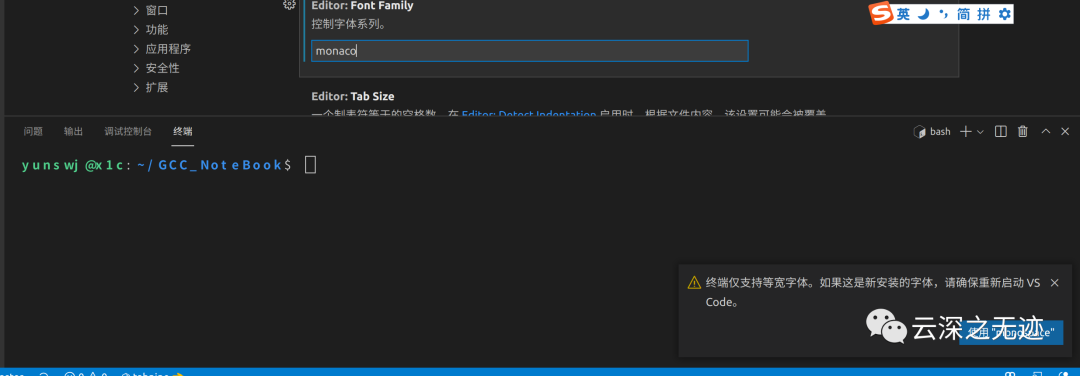
重新设置
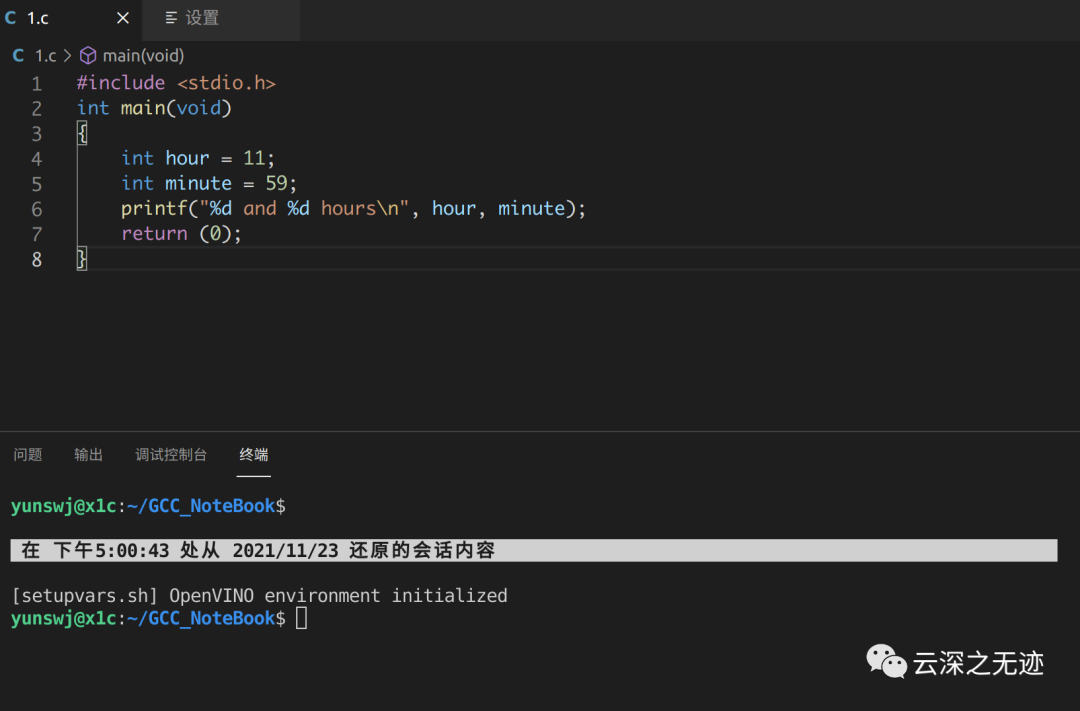
是不是很可爱

这个是安装字体成功的样子
#!/bin/bashURL=$1FILENAME=${URL##*/}FONT_DIR=/usr/share/fonts/truetype/custom/echo $FILENAMEecho $FONT_DIRecho "Start install"sudo mkdir -p $FONT_DIRecho "Downloading font"wget -c $URLecho "Installing font"sudo mv $FILENAME $FONT_DIRecho "Updating font cache"sudo fc-cache -f -vecho "Enjoy"
其实就是执行了这个脚本
我缺少一个笔记本:
https://www.typora.io/#linux
安装一下Typora
sudo apt-key adv --keyserver keyserver.ubuntu.com --recv-keys BA300B7755AFCFAEwget -qO - https://typora.io/linux/public-key.asc | sudo apt-key add -sudo add-apt-repository 'deb https://typora.io/linux ./'sudo apt-get updatesudo apt-get install typora
添加秘钥-加安装服务器-更新软件信息-安装
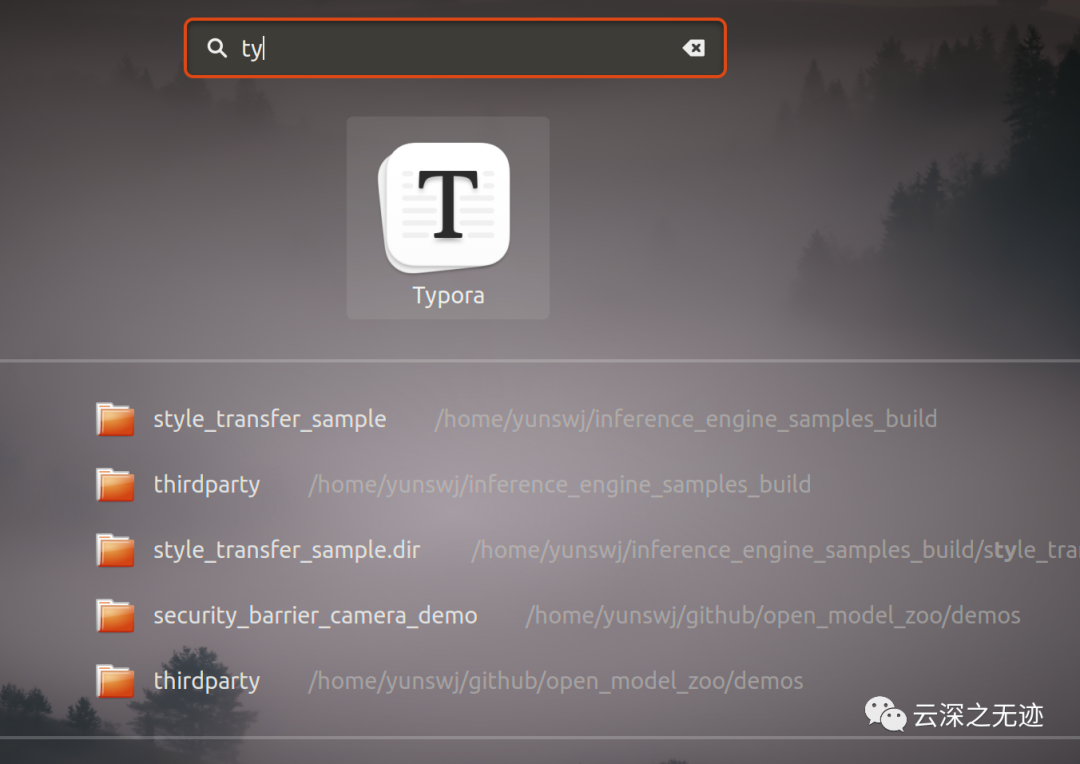
ok

封面
文章转载自云深之无迹,如果涉嫌侵权,请发送邮件至:contact@modb.pro进行举报,并提供相关证据,一经查实,墨天轮将立刻删除相关内容。
