下载 mssql-server-2019.repo 库配置文件
curl -o /etc/yum.repos.d/mssql-server.repo https://packages.microsoft.com/config/rhel/7/mssql-server-2019.repo
通过yum 安装 SQL Server
yum install -y mssql-server
配置 Microsoft SQL Server
/opt/mssql/bin/mssql-conf setup
Choose an edition of SQL Server:
1) Evaluation (free, no production use rights, 180-day limit)
2) Developer (free, no production use rights)
3) Express (free)
4) Web (PAID)
5) Standard (PAID)
6) Enterprise (PAID) - CPU Core utilization restricted to 20 physical/40 hyperthreaded
7) Enterprise Core (PAID) - CPU Core utilization up to Operating System Maximum
8) I bought a license through a retail sales channel and have a product key to enter.
Details about editions can be found at https://go.microsoft.com/fwlink/?LinkId=852748&clcid=0x409
Use of PAID editions of this software requires separate licensing through a Microsoft Volume Licensing program.
By choosing a PAID edition, you are verifying that you have the appropriate number of licenses in place to install and run this software.
Enter your edition(1-8):2
Details about editions can be found at https://go.microsoft.com/fwlink/?LinkId=852748&clcid=0x409
Use of PAID editions of this software requires separate licensing through a Microsoft Volume Licensing program.
By choosing a PAID edition, you are verifying that you have the appropriate number of licenses in place to install and run this software.
Enter your edition(1-8): 2
The license terms for this product can be found in
/usr/share/doc/mssql-server or downloaded from:https://go.microsoft.com/fwlink/?LinkId=855862&clcid=0x409
The privacy statement can be viewed at:https://go.microsoft.com/fwlink/?LinkId=853010&clcid=0x409
Do you accept the license terms? [Yes/No]:Yes
Enter the SQL Server system administrator password:
Confirm the SQL Server system administrator password:
Configuring SQL Server...
查看是否安装成功
systemctl status mssql-server
关闭防火墙
systemctl stop firewalld
systemctl disable firewalld
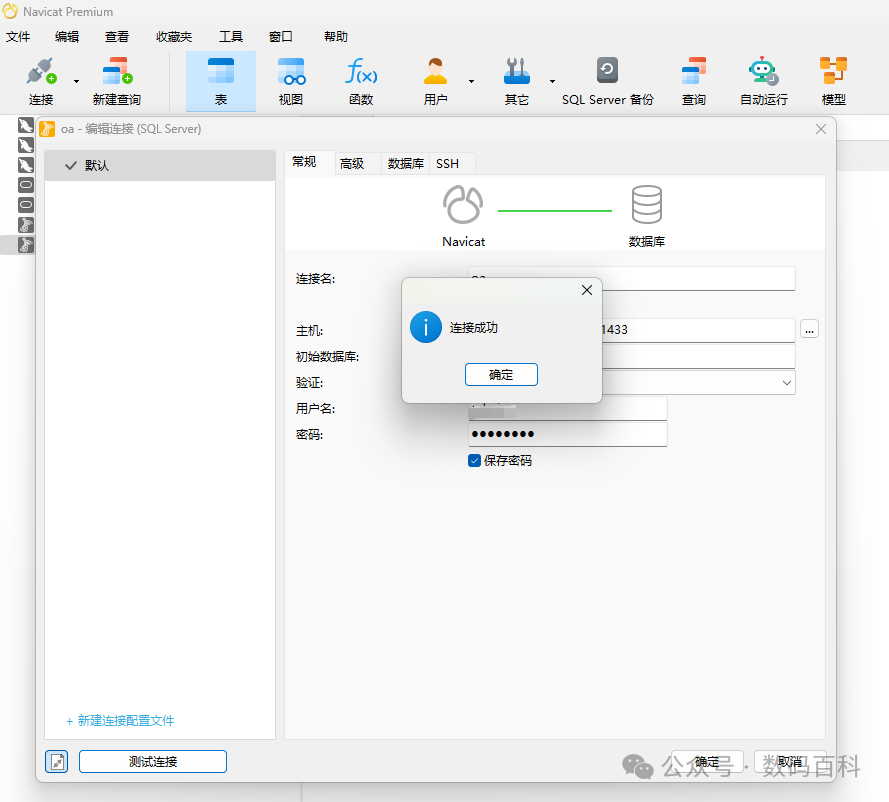
使用 Navicat连接
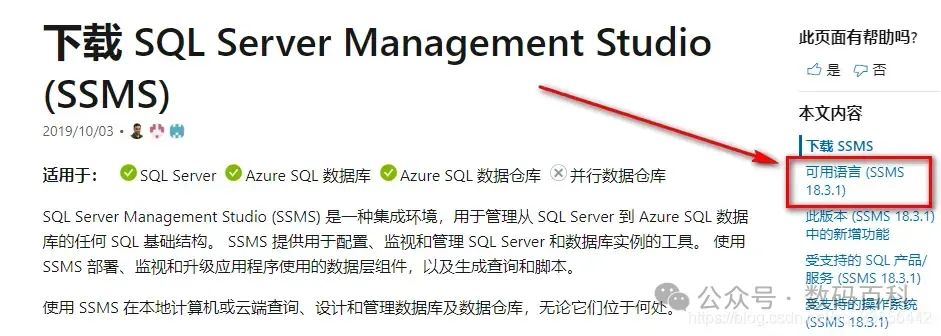
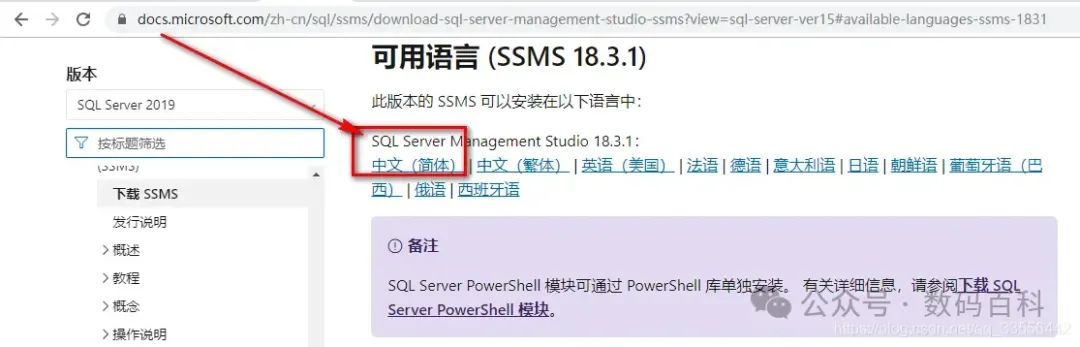
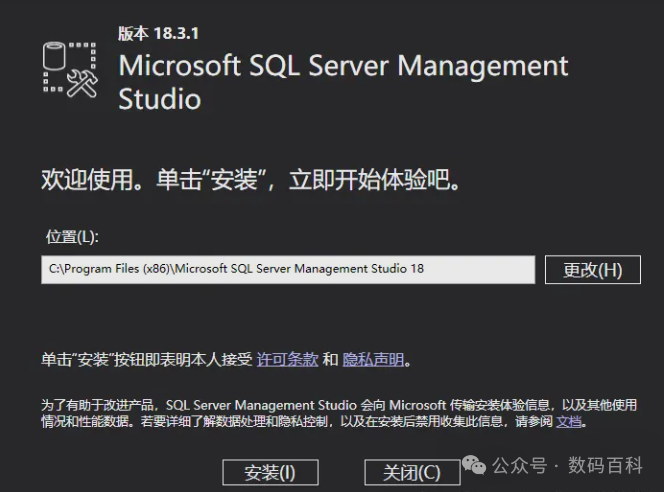
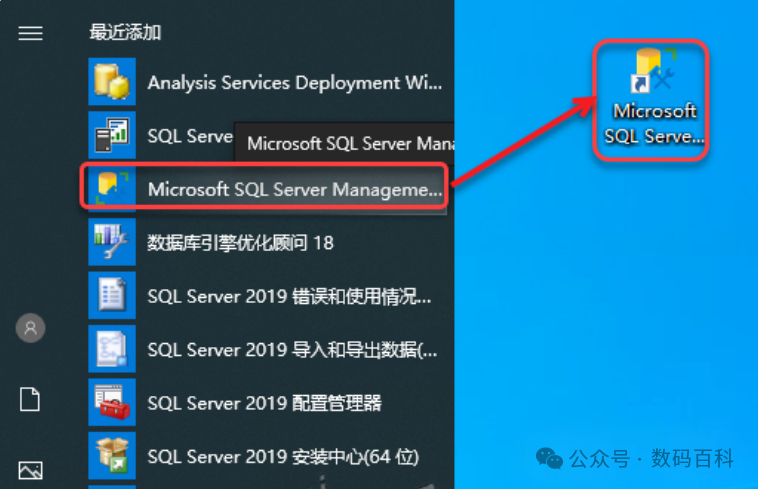
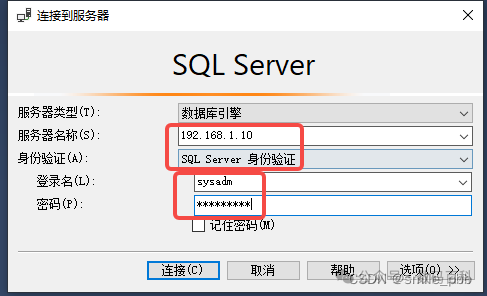
使用 Microsoft SQL Server Management Studio 18 连接
https://docs.microsoft.com/zh-cn/sql/ssms/download-sql-server-management-studio-ssms?view=sql-server-ver15