



Tips:一些记录,一些笔记

2024/05/29
WEDNESDAY
The proper function of man is to live, not live.
人的正确功能是生活,而不是生存。
01
tsParticles
通过「tsParticles」你可以非常便捷地实现各种炫酷的粒子特效。
官方网站:https://particles.js.org/
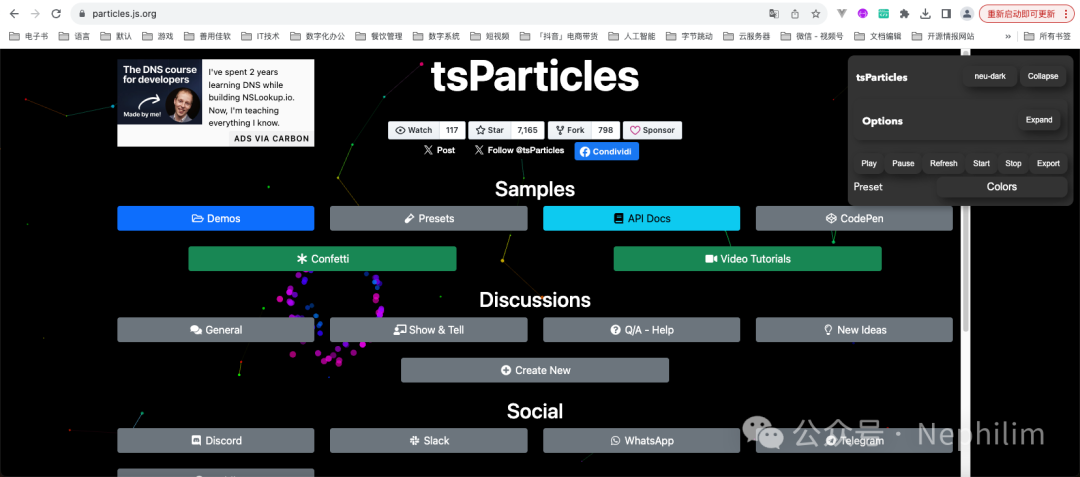
适配Vue3的前端框架版本:
https://github.com/tsparticles/vue3
官方Github:
https://github.com/tsparticles/tsparticles
首先,安装tsParticles「npm install @tsparticles/vue3」:
(base) adamhuan@Leviathan django_daily_media_frontend % npm install @tsparticles/vue3added 2 packages, and audited 347 packages in 3s73 packages are looking for fundingrun `npm fund` for detailsfound 0 vulnerabilities(base) adamhuan@Leviathan django_daily_media_frontend %
然后,在Vue3项目中引入。
全局配置文件「src/main.ts」:
// Vue3 粒子特效// --- 必须// npm install @tsparticles/vue3import Particles from "@tsparticles/vue3";// --- 二选一// --- 1// npm install tsparticlesimport { loadFull } from 'tsparticles'// --- 2// npm install @tsparticles/slim// import { loadSlim } from '@tsparticles/slim'// ... 更多的Vue.JS配置省略import App from './App.vue'const app = createApp(App)// 注册粒子特效到Vue.JS实例app.use(Particles,{init: async engine => {full tsParticlesawait loadFull(engine);slim version from '@tsparticles/slim'If you don't need Shapes or Animationsawait loadSlim(engine)},});
在我的项目中,该文件的完整内容如下:
// ------------------// 引入「模块」// ------------------// 样式// - Vue默认// import './assets/main.css'// - Tailwind CSSimport '@/assets/css/tailwind.css'// - Ant Design Vue// import 'ant-design-vue/dist/reset.css'// VUE.JSimport { createApp } from 'vue'// Vue.JS Cookies// import {VueCookies} from "vue-cookies";// PINIAimport { createPinia } from 'pinia'import piniaPluginPersistedstate from 'pinia-plugin-persistedstate'// Ant.Design VUE(全局完整注册)import Antd from 'ant-design-vue'// Vue3 粒子特效// --- 必须// npm install @tsparticles/vue3import Particles from "@tsparticles/vue3";// --- 二选一// --- 1// npm install tsparticlesimport { loadFull } from 'tsparticles'// --- 2// npm install @tsparticles/slim// import { loadSlim } from '@tsparticles/slim'// ------------------// 引入「文件」// ------------------import App from './App.vue'import router from './router'// ------------------// 实例化// ------------------const app = createApp(App)const pinia = createPinia()pinia.use(piniaPluginPersistedstate)// ------------------// VUE.JS「注册」// ------------------// app.use(VueCookies)app.use(router)app.use(Antd)app.use(pinia)// Vue3 粒子特效app.use(Particles,{init: async engine => {// full tsParticlesawait loadFull(engine);// slim version from '@tsparticles/slim'// If you don't need Shapes or Animations// await loadSlim(engine)},});// ------------------// VUE.JS「挂载 渲染」// ------------------app.mount('#app')
这样,将tsParticles注册到Vue.JS项目中的配置就完成了。
下面,就可以在具体的Vue页面中使用tsParticles了。
02
官方DEMO
官方样例地址:
https://github.com/tsparticles/vue3
其中「Demo config」
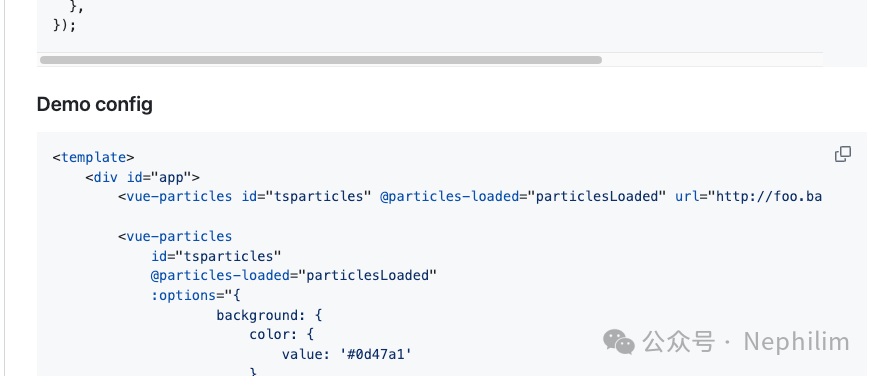
文件「About.vue」
<template><div id="app"><vue-particles id="tsparticles" @particles-loaded="particlesLoaded"/><vue-particlesid="tsparticles"@particles-loaded="particlesLoaded":options="{background: {color: {value: '#0d47a1'}},fpsLimit: 120,interactivity: {events: {onClick: {enable: true,mode: 'push'},onHover: {enable: true,mode: 'repulse'},},modes: {bubble: {distance: 400,duration: 2,opacity: 0.8,size: 40},push: {quantity: 4},repulse: {distance: 200,duration: 0.4}}},particles: {color: {value: '#ffffff'},links: {color: '#ffffff',distance: 150,enable: true,opacity: 0.5,width: 1},move: {direction: 'none',enable: true,outModes: 'bounce',random: false,speed: 6,straight: false},number: {density: {enable: true,},value: 80},opacity: {value: 0.5},shape: {type: 'circle'},size: {value: { min: 1, max: 5 }}},detectRetina: true}"></div></template>
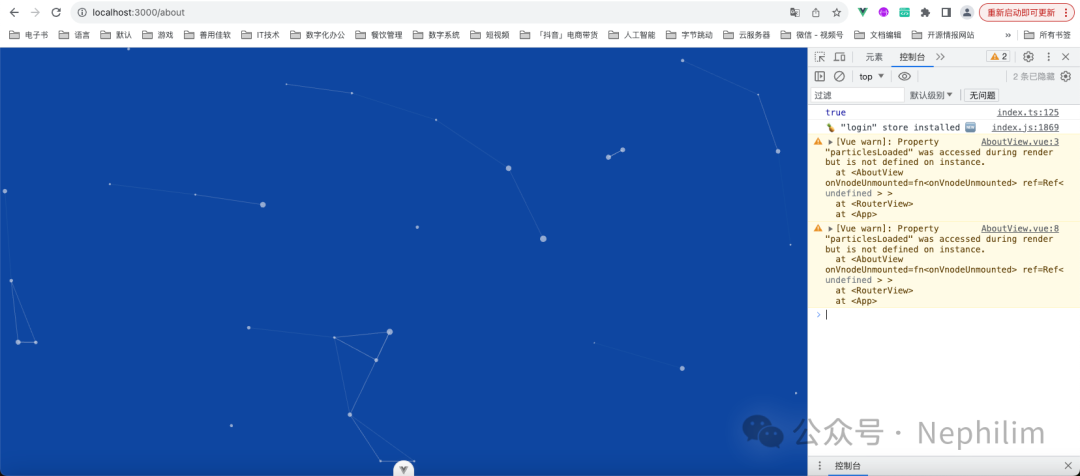
运行效果:
03
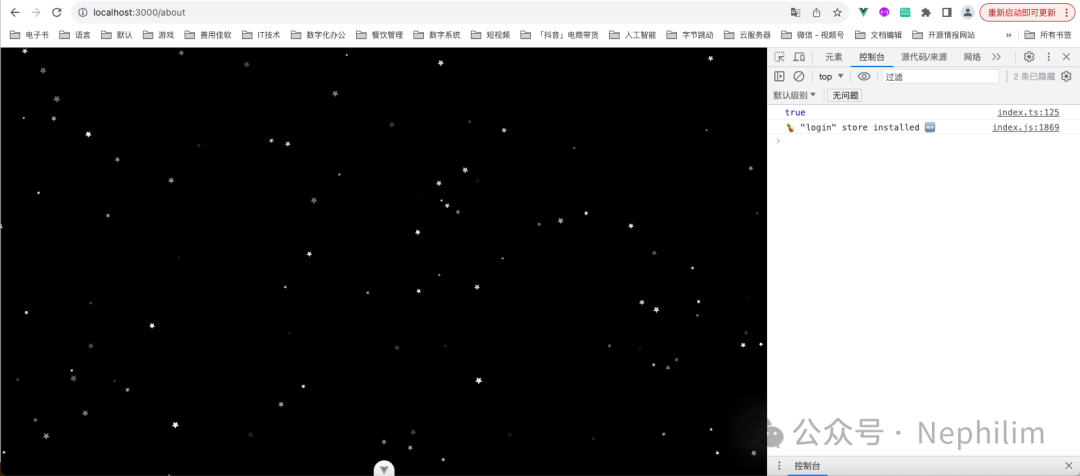
Stars
文件「src/main.ts」(只展示与tsParticles相关的代码部分)
// Vue3 粒子特效// --- 必须// npm install @tsparticles/vue3import Particles from "@tsparticles/vue3";// --- 二选一// --- 1// npm install tsparticlesimport { loadFull } from 'tsparticles'// --- 2// npm install @tsparticles/slim// import { loadSlim } from '@tsparticles/slim'// --- 其他import { loadStarsPreset } from "@tsparticles/preset-stars";// Vue3 粒子特效app.use(Particles,{init: async engine => {full tsParticlesawait loadFull(engine);slim version from '@tsparticles/slim'If you don't need Shapes or Animationsawait loadSlim(engine);其他await loadStarsPreset(engine);},});
文件「About.vue」
<template><vue-particles id="tsparticles":options="particlesOptions"></template><script setup lang="ts">// tsParticles library - https://github.com/matteobruni/tsparticlesconst particlesLoaded = async (container: any) => {console.log("Particles container loaded", container)}const particlesOptions = {particles: {shape: {type: "star", // starting from v2, this require the square shape script},},preset: "stars",}</script><style></style>
效果:
04
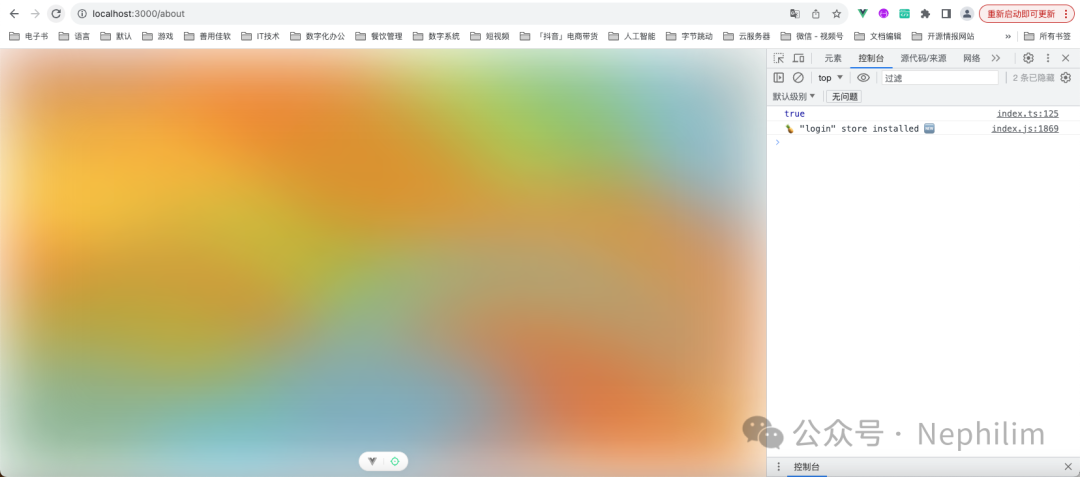
雾化玻璃
文件「About.vue」
<template><vue-particles id="tsparticles":options="particlesOptions"/></template><script setup lang="ts">// tsParticles library - https://github.com/matteobruni/tsparticlesconst particlesLoaded = async (container: any) => {console.log("Particles container loaded", container)}const particlesOptions = {fpsLimit: 60,fullScreen: { enable: true },particles: {number: {value: 50},shape: {type: "circle"},opacity: {value: 0.5},size: {value: 400,random: {enable: true,minimumValue: 200}},move: {enable: true,speed: 10,direction: "top",outModes: {default: "out",top: "destroy",bottom: "none"}}},interactivity: {detectsOn: "canvas",events: {resize: true}},style: {filter: "blur(50px)"},detectRetina: true,themes: [{name: "light",default: {value: true,mode: "light"},options: {background: {color: "#f7f8ef"},particles: {color: {value: ["#5bc0eb", "#fde74c", "#9bc53d", "#e55934", "#fa7921"]}}}},{name: "dark",default: {value: true,mode: "dark"},options: {background: {color: "#080710"},particles: {color: {value: ["#004f74", "#5f5800", "#245100", "#7d0000", "#810c00"]}}}}],emitters: {direction: "top",position: {x: 50,y: 150},rate: {delay: 0.2,quantity: 2},size: {width: 100,height: 0}}}</script><style></style>
效果:
END
温馨提示
如果你喜欢本文,请分享到朋友圈,想要获得更多信息,请关注我。
文章转载自Nephilim,如果涉嫌侵权,请发送邮件至:contact@modb.pro进行举报,并提供相关证据,一经查实,墨天轮将立刻删除相关内容。
