



Tips:一些记录,一些笔记

2024/04/02
TUESDAY
Without a purpose, life is depressed.
没有了目的,生活便郁闷无光。

01
概览
在本地部署谷歌的开源大模型,在本文档中需要经历下面几个步骤:
环境的准备:Docker
Open WebUI
Ollama
02
Docker
一、Install docker on Apple MacOS
官方文档:
https://docs.docker.com/desktop/install/mac-install/
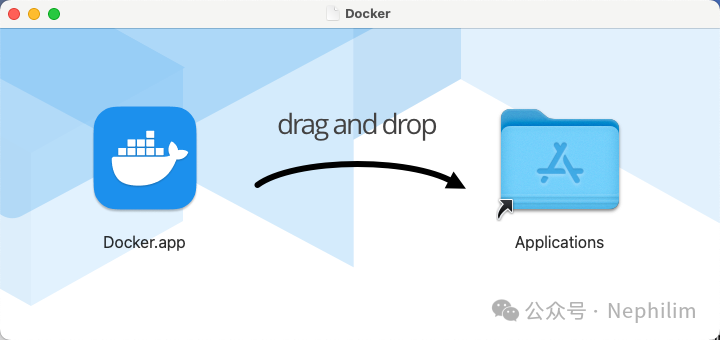
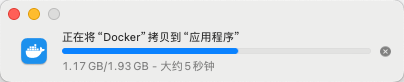
安装好了以后,通过「访达」(Founder)就可以启动了:
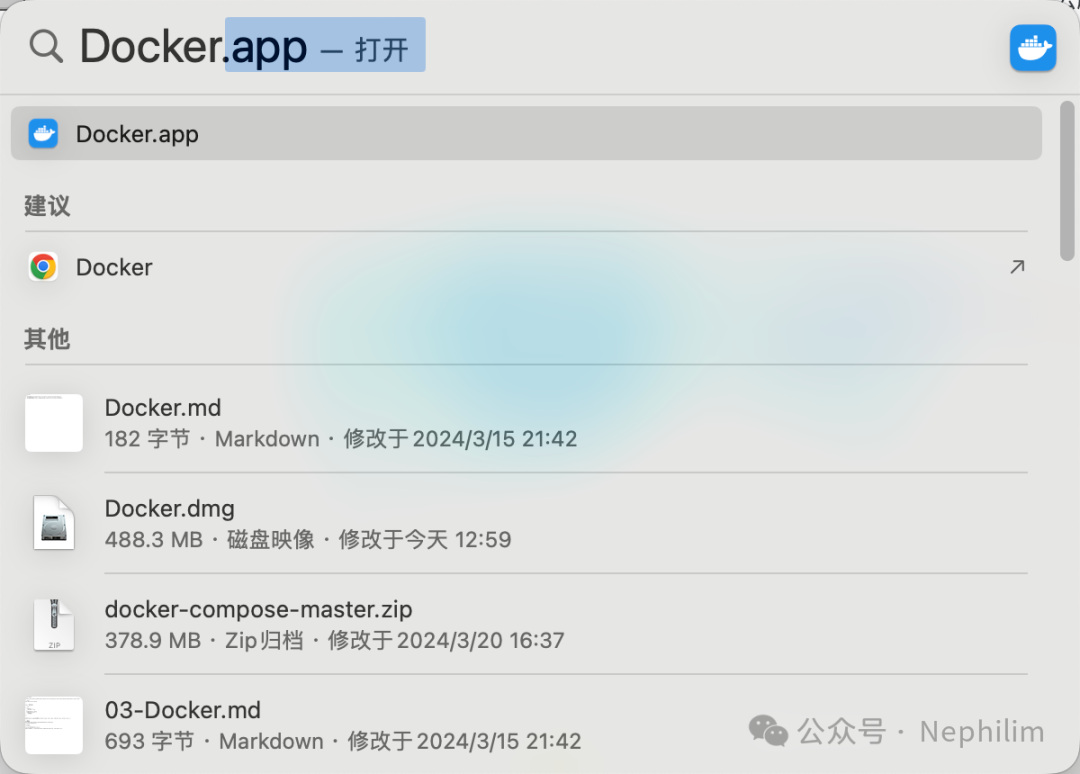
运行「Docker」

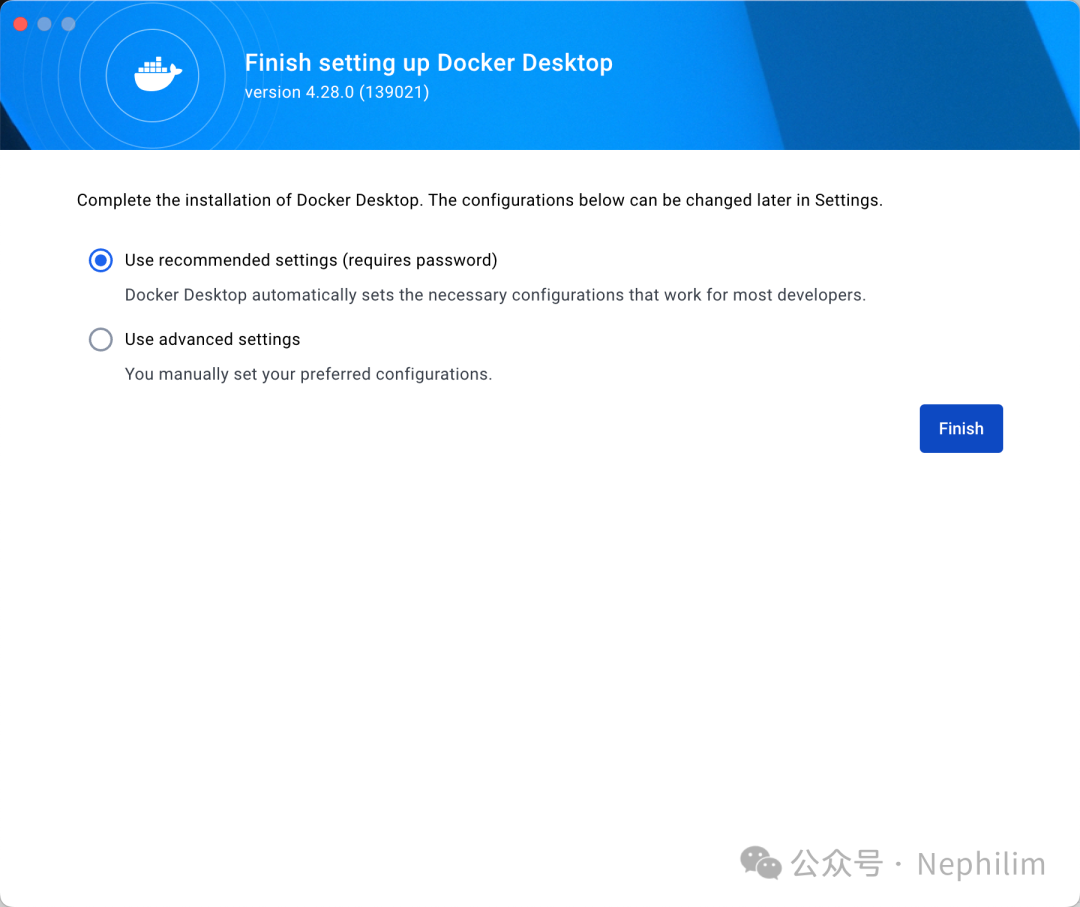
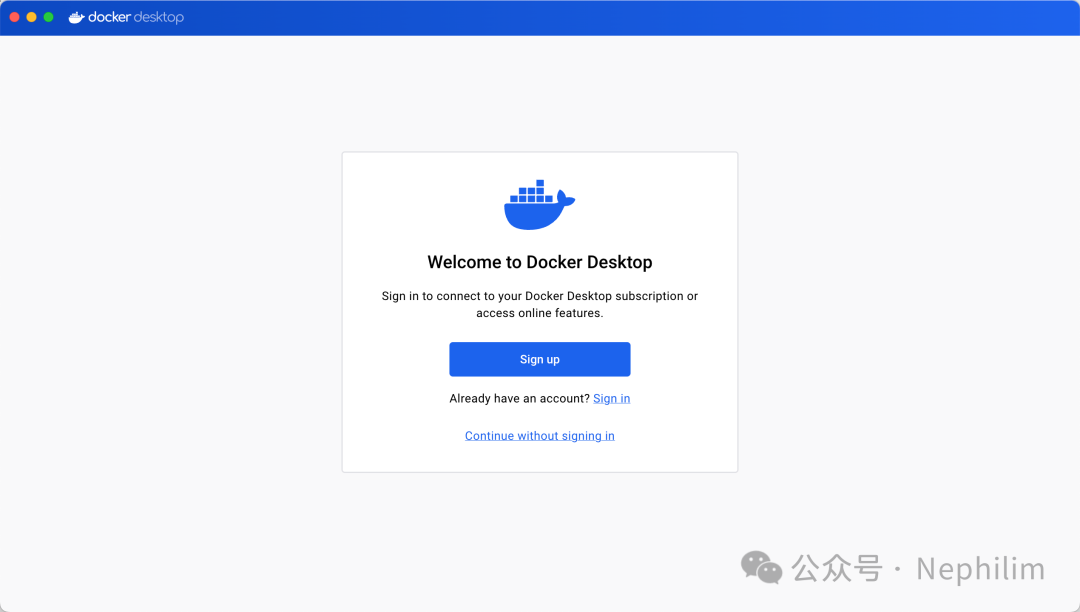
引导结束后,你最终可以看到「Docker」的工作台界面:
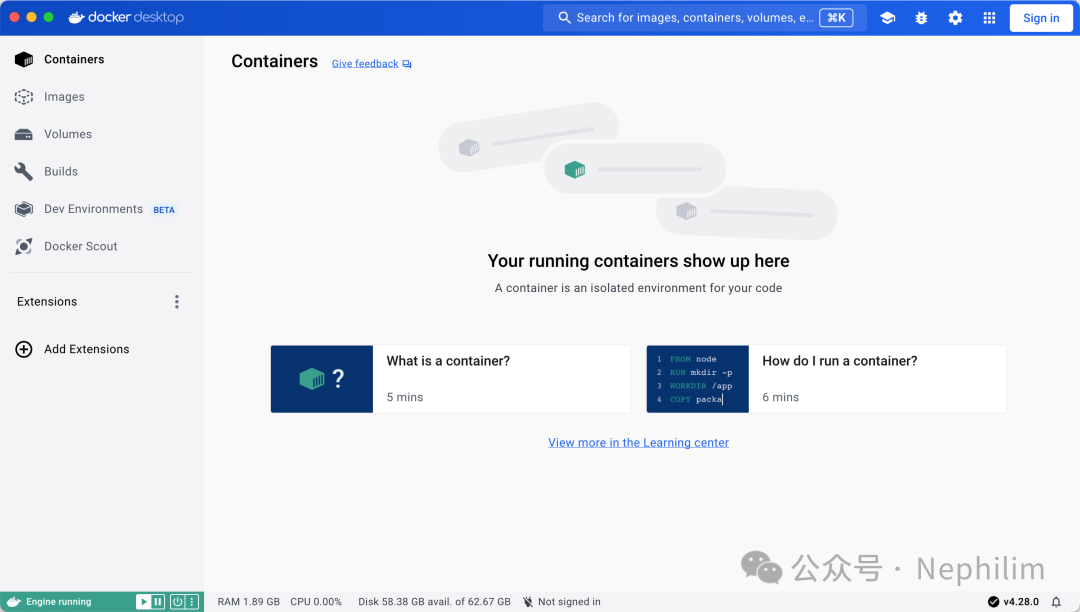
这个时候,在命令行中,你可以使用「docker」工具了:
Last login: Wed Mar 27 15:12:59 on ttys010(base) adamhuan@Leviathan ~ % whereis dockerdocker: usr/local/bin/docker(base) adamhuan@Leviathan ~ % which docker/usr/local/bin/docker(base) adamhuan@Leviathan ~ %
二、Install docker on Microsoft Windows
官方文档:
https://docs.docker.com/desktop/install/windows-install/
Docker Desktop for Windows:
https://desktop.docker.com/win/main/amd64/Docker%20Desktop%20Installer.exe
从官网上下载安装介质,然后图形化的安装:
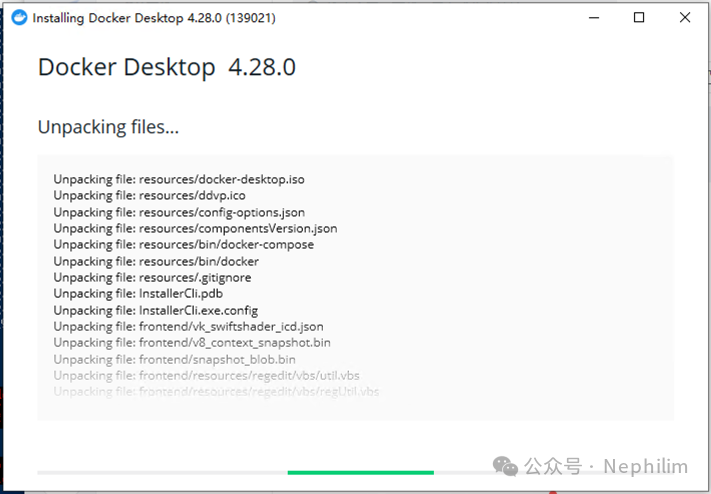
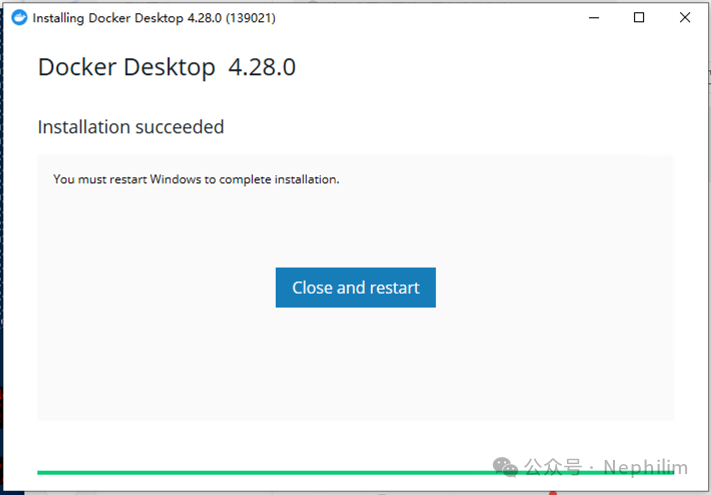
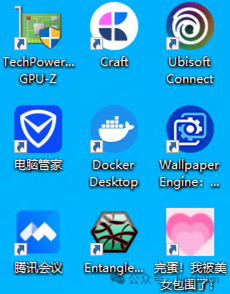
在MS Windows上,当你安装好了Docker Desktop之后,你会在桌面的图标上看到它:
03
Open WebUI
官方Github:
https://github.com/open-webui/open-webui
在命令行中,通过docker安装Open WebUI:
docker run -d -p 3000:8080--add-host=host.docker.internal:host-gateway-v open-webui:/app/backend/data--name open-webui--restart always ghcr.io/open-webui/open-webui:main
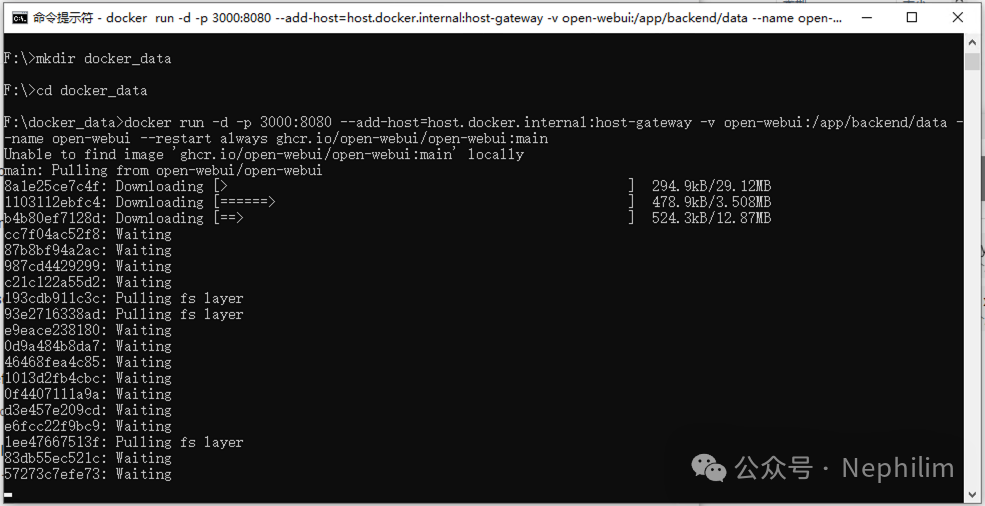
具体如下:
(base) adamhuan@Leviathan docker_data % docker run -d -p 3000:8080 --add-host=host.docker.internal:host-gateway -v open-webui:/app/backend/data --name open-webui --restart always ghcr.io/open-webui/open-webui:mainUnable to find image 'ghcr.io/open-webui/open-webui:main' locallymain: Pulling from open-webui/open-webui59f5764b1f6d: Pull complete55af26b7addf: Pull complete580c698f01d5: Pull complete20b492075b43: Pull complete17c53b71cbcc: Pull complete987cd4429299: Pull completec21c122a55d2: Pull completeec2d62a2123b: Pull completef62188549a15: Pull complete4f7f03c92081: Pull completefb105f1ec5b9: Pull completeca51603bbecf: Pull complete631dcc1a4eb9: Pull complete708739dad213: Pull complete5ab9043f479b: Pull completedb36446821cd: Pull complete890f83a904d4: Pull completee2f21ad68376: Pull completefe408694ff2e: Pull completeDigest: sha256:ec2bae1e5d0c4faab7b83414bcc39992a8c98ebcb1333131a82cffed88d9ba41Status: Downloaded newer image for ghcr.io/open-webui/open-webui:maine486f06c02fd00d8b3dc734655ad038584c984e49abce7c87ceb1ce899b22b3e(base) adamhuan@Leviathan docker_data %
然后,在Docker Desktop上就可以看到了:
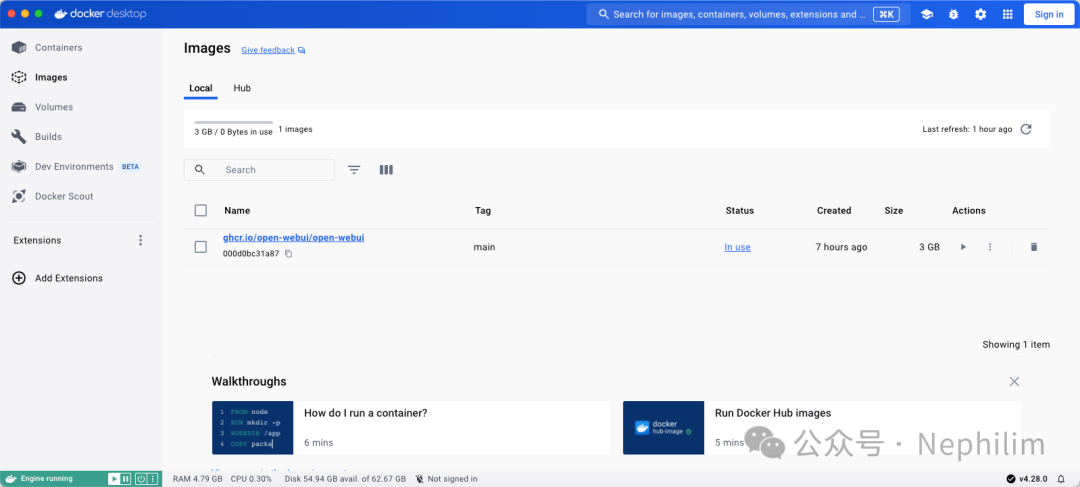
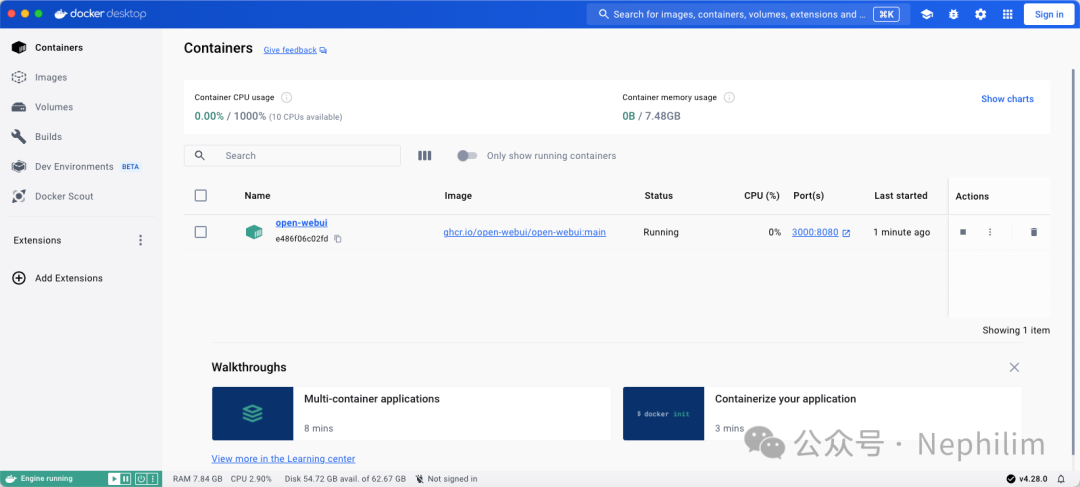
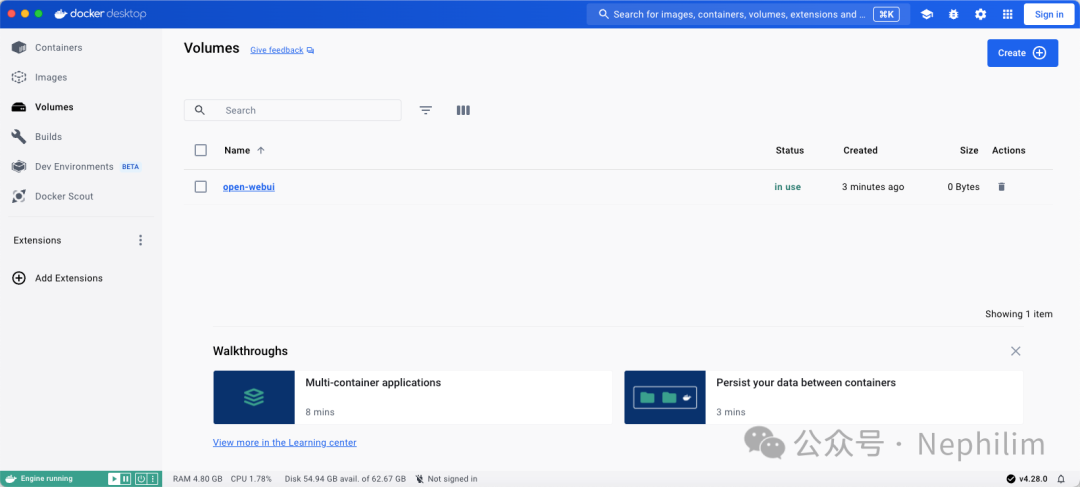
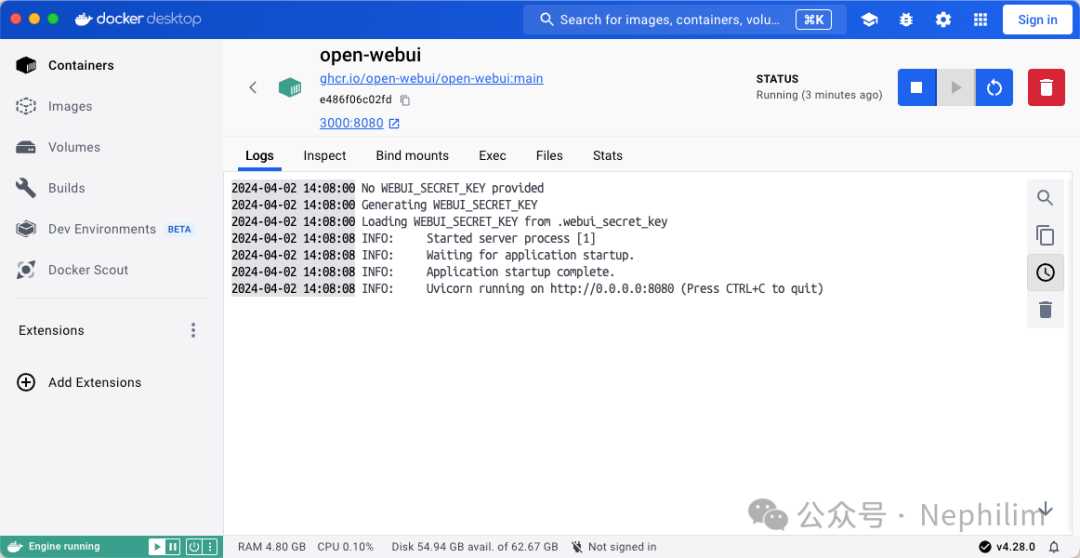
可以看到已经在端口「3000:8080」上运行了。
访问:http://localhost:3000/
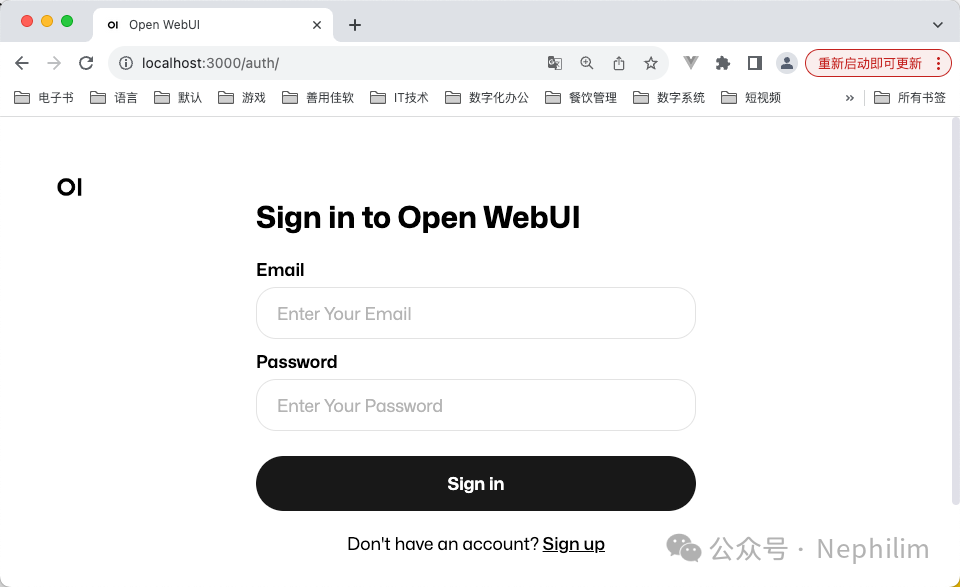
这里需要提供账户才能够登录,你可以通过「Sign Up」注册,注册信息随便写什么都可以,只要你之后能够记住。
成功登录后,你会看到这样的界面:
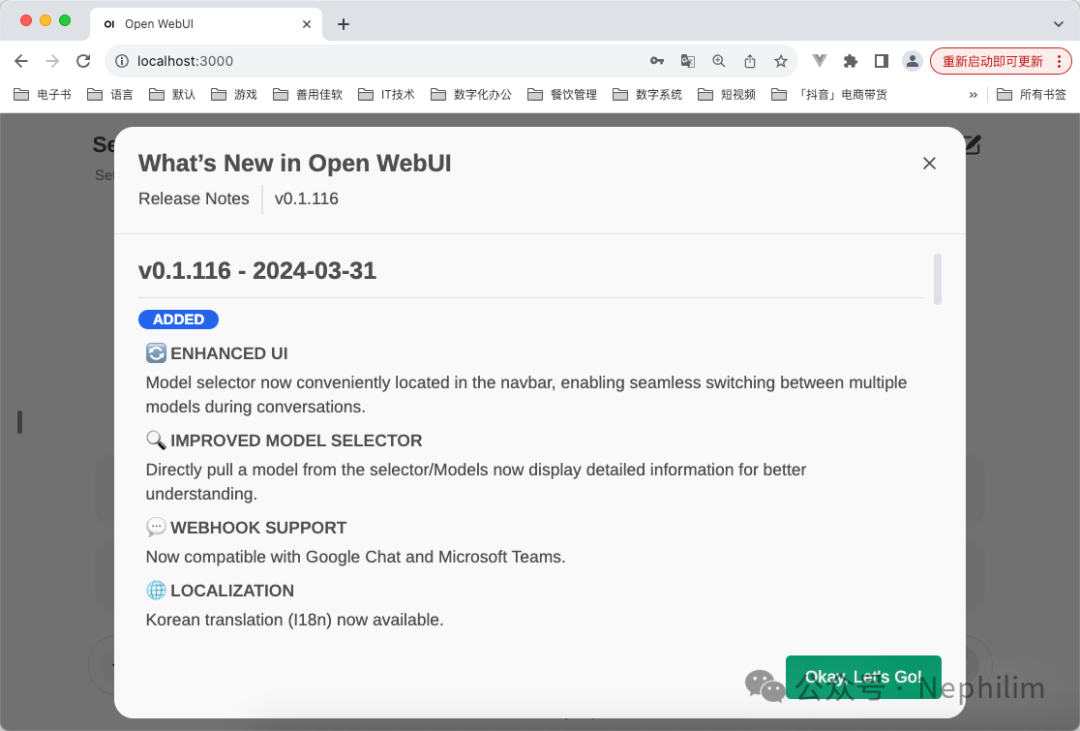
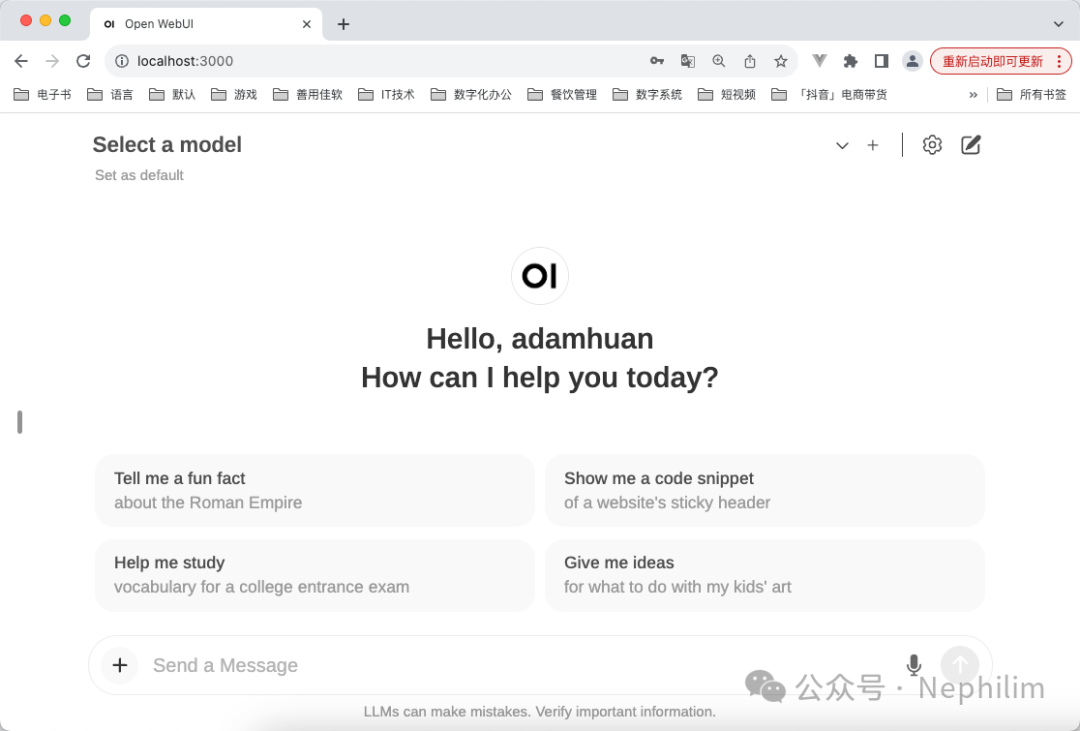
可以做出设置:
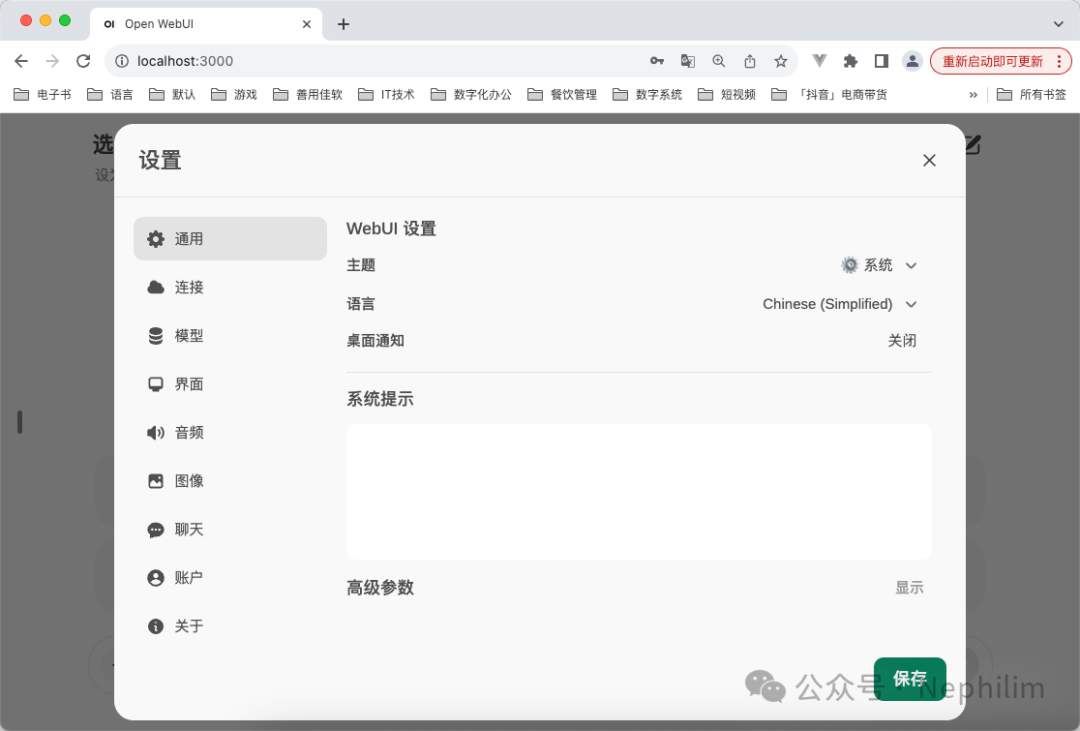
这里的具体配置(与Ollama关联),在后面还会继续涉及。
04
Ollama
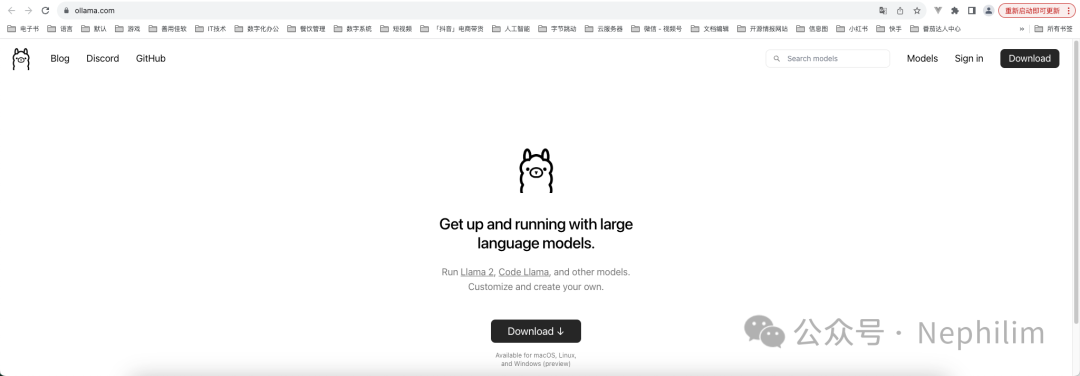
官方网站:
https://ollama.com/
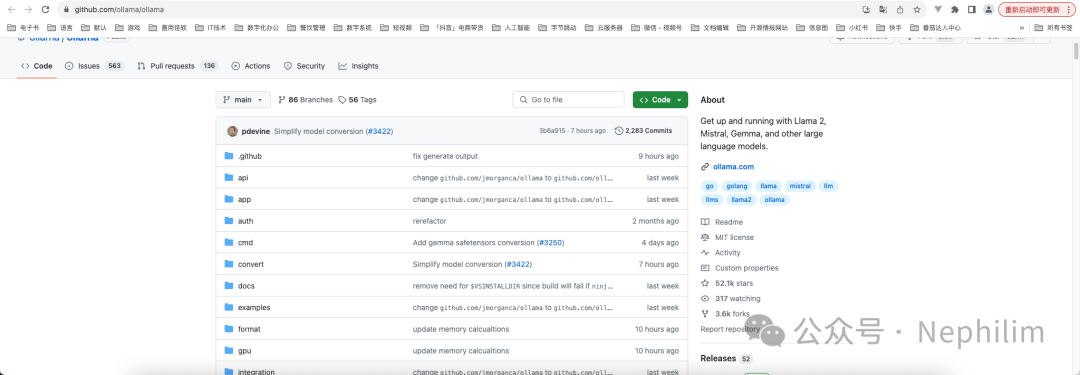
官方Github:
https://github.com/ollama/ollama
MacOS下载地址:
https://ollama.com/download/Ollama-darwin.zip
Linux:
curl -fsSL https://ollama.com/install.sh | sh
MS Windows:
https://ollama.com/download/OllamaSetup.exe
下载后,在本地安装(这里演示的是MacOS上的运行效果):
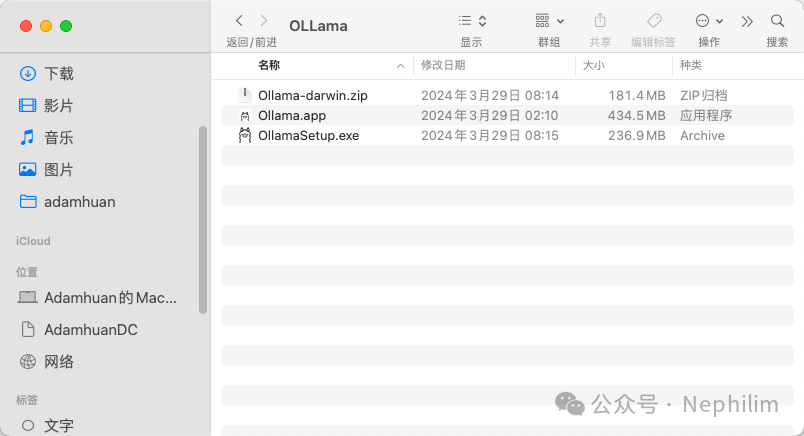
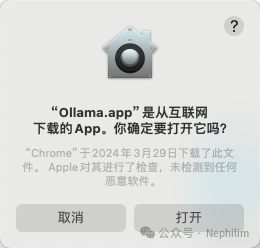
将解压后的「Ollama.app」运行后,就可以执行「ollama」命令行工具的安装:

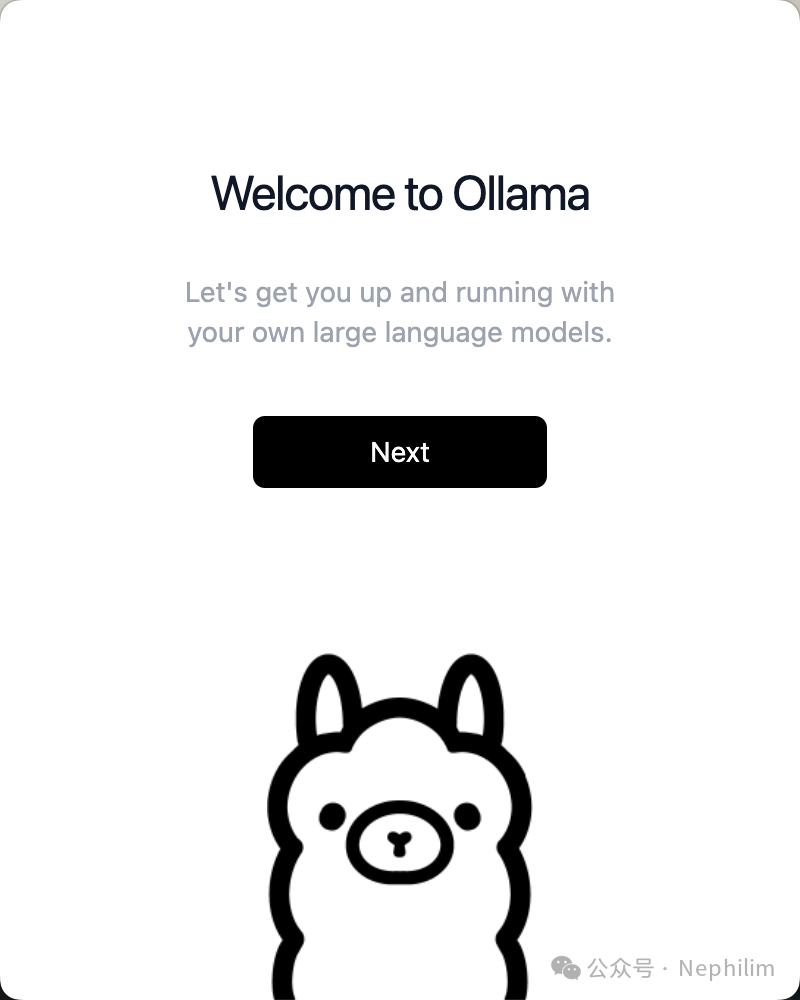
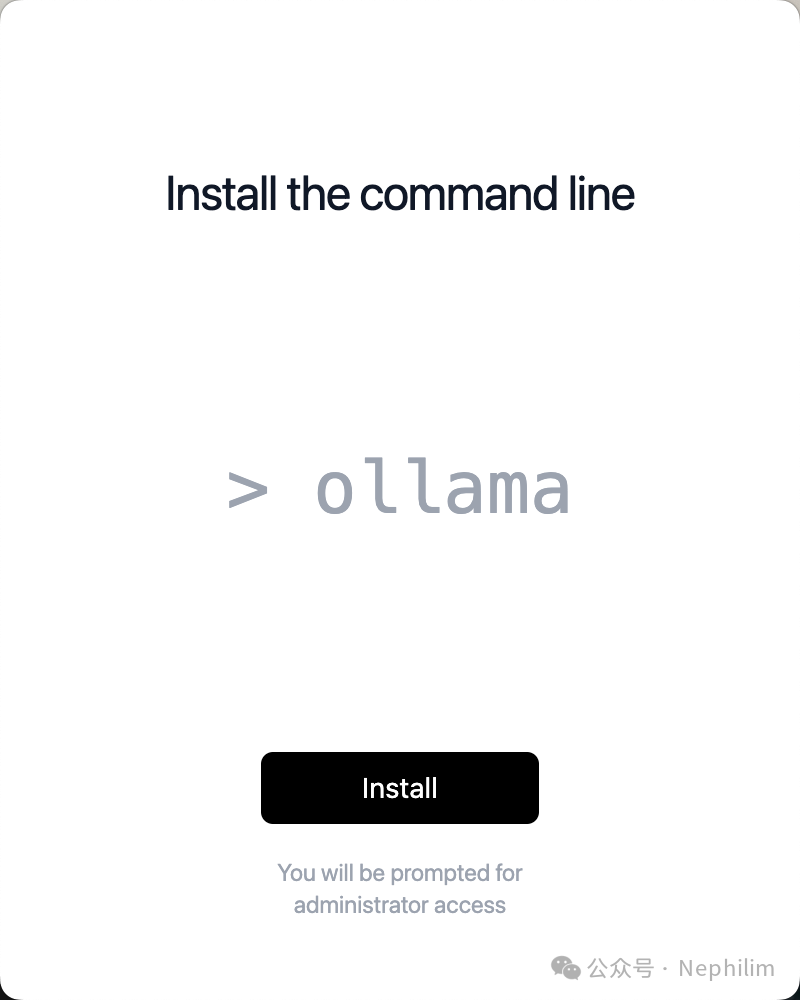
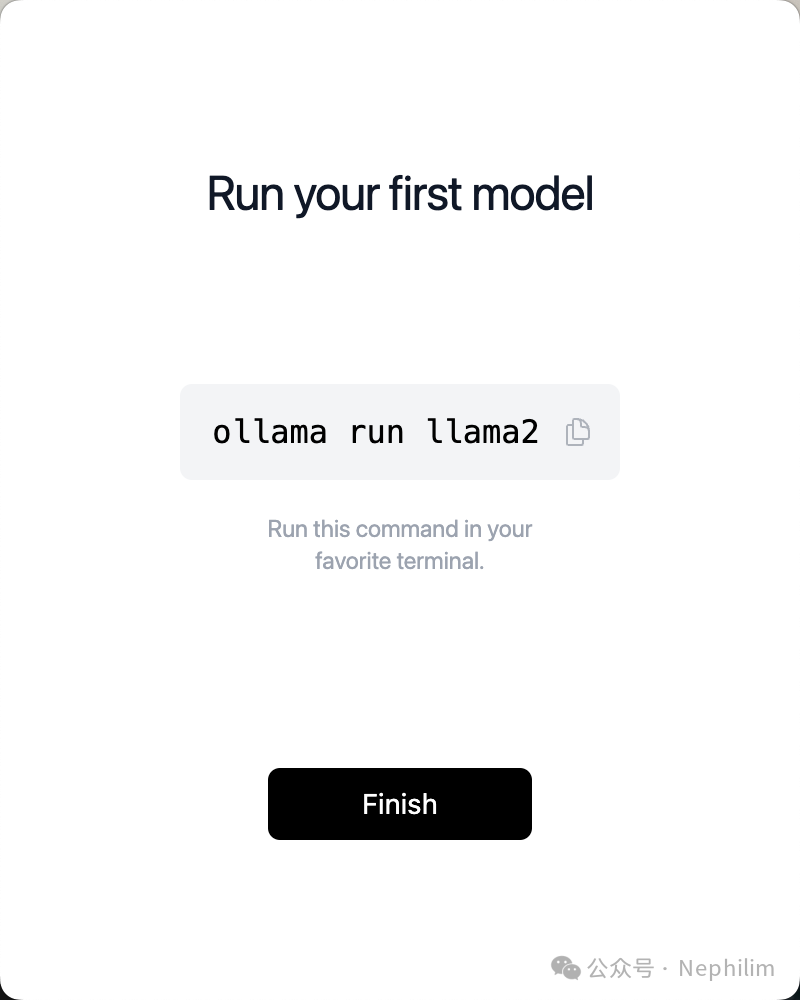
根据提示,运行以下命令就可以运行第一个大模型:
ollama run llama2
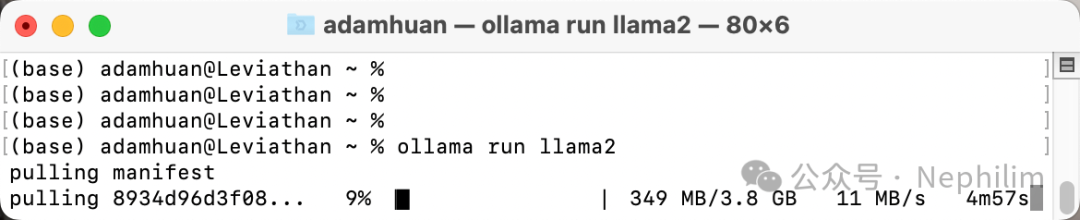
具体如下:
(base) adamhuan@Leviathan ~ % ollama run llama2pulling manifestpulling manifestpulling manifestpulling 8934d96d3f08... 100% ▕███████████████████████████████████████████████████████████▏ 3.8 GBpulling 8c17c2ebb0ea... 100% ▕███████████████████████████████████████████████████████████▏ 7.0 KBpulling 7c23fb36d801... 100% ▕███████████████████████████████████████████████████████████▏ 4.8 KBpulling 2e0493f67d0c... 100% ▕███████████████████████████████████████████████████████████▏ 59 Bpulling fa304d675061... 100% ▕███████████████████████████████████████████████████████████▏ 91 Bpulling 42ba7f8a01dd... 100% ▕███████████████████████████████████████████████████████████▏ 557 Bverifying sha256 digestwriting manifestremoving any unused layerssuccess>>> /?Available Commands:/set Set session variables/show Show model information/load <model> Load a session or model/save <model> Save your current session/bye Exit/?, /help Help for a command/? shortcuts Help for keyboard shortcutsUse """ to begin a multi-line message.>>> what's your nameI'm just an AI, I don't have a personal name. However, you can call me Chatbot or Assistant for convenience. How mayI help you today?>>> how to got successThe definition of success varies from person to person and culture to culture, but here are some general tips thatcan help you achieve your goals and define success on your own terms:1. Set clear and specific goals: Identify what you want to achieve and set measurable, attainable, relevant, andtime-bound (SMART) goals. Break down big goals into smaller, manageable ones.2. Develop a growth mindset: Believe that your abilities can be developed through hard work, dedication, andpersistence. Embrace challenges and view failures as opportunities for growth.3. Build positive habits: Create routines and rituals that support your goals and help you stay consistent. Use toolslike habit trackers or planners to monitor your progress.4. Surround yourself with supportive people: Find mentors, friends, or peers who share your values and goals.Collaborate with them, and learn from their experiences.5. Embrace lifelong learning: Acquire new knowledge and skills continuously. Read books, take courses, attendworkshops, or engage in discussions that help you grow personally and professionally.6. Practice self-care: Take care of your physical, mental, and emotional well-being. Exercise regularly, meditate,journal, or engage in other stress-reducing activities.7. Stay focused and motivated: Use productivity techniques like the Pomodoro Technique, which helps you stay focusedfor short periods of time. Celebrate small wins to keep yourself motivated.8. Be adaptable and resilient: Life is unpredictable, and things don't always go as planned. Develop copingstrategies and learn to bounce back from setbacks.9. Cultivate gratitude and positivity: Practice mindfulness and appreciate the present moment. Focus on the goodthings in your life and express gratitude for what you have.10. Stay true to yourself: Authenticity is key to achieving success that aligns with your values and beliefs. Don'tcompromise your integrity or pretend to be someone you're not to achieve success.Remember, success is a journey, not a destination. It requires patience, persistence, and self-awareness. Byfollowing these tips and staying committed to your goals, you can define success on your own terms and live afulfilling life.>>> /bye(base) adamhuan@Leviathan ~ %
可以看到,已经可以通过命令行使用大模型了;
但是通过命令行去使用不太方便,前面安装了Open WebUI,可以通过前端的页面去使用大模型。
05
Ollama「可选模型」
可以在Ollama的官方网站上看到看到它目前所支持的所有模型:
https://ollama.com/library
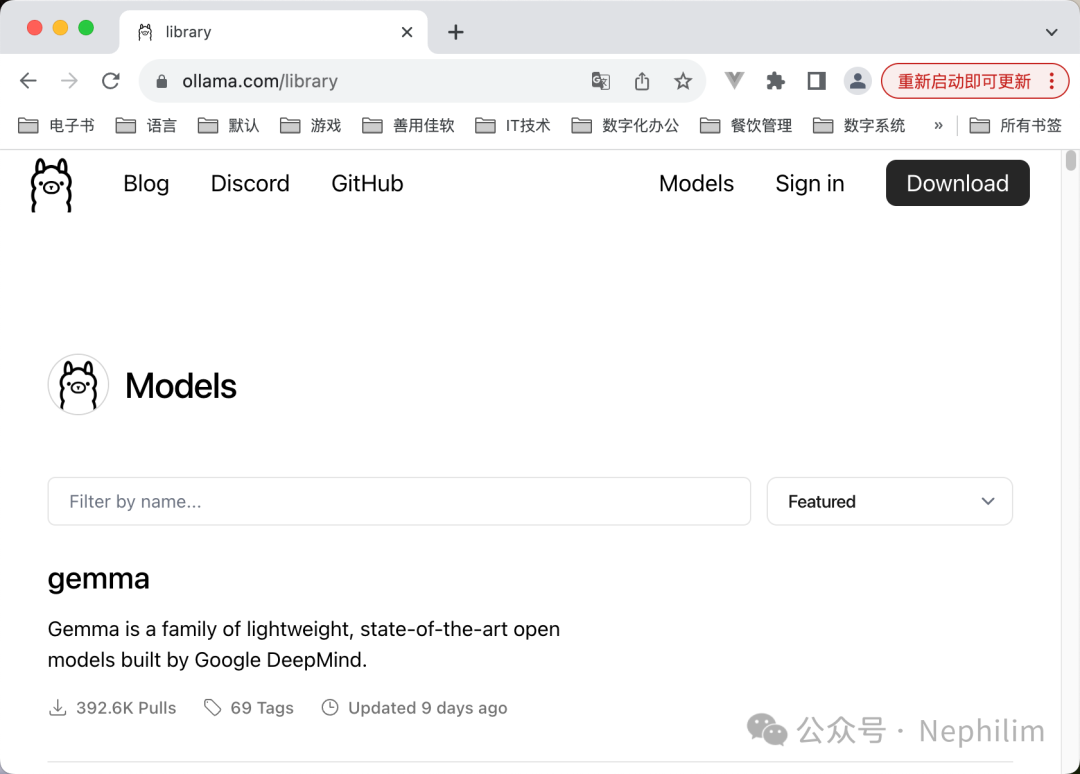
下面这个表格列举了目前可用的一些大模型的例子:
| Model | Parameters | Size | Download |
|---|---|---|---|
| Llama 2 | 7B | 3.8GB | ollama run llama2 |
| Mistral | 7B | 4.1GB | ollama run mistral |
| Dolphin Phi | 2.7B | 1.6GB | ollama run dolphin-phi |
| Phi-2 | 2.7B | 1.7GB | ollama run phi |
| Neural Chat | 7B | 4.1GB | ollama run neural-chat |
| Starling | 7B | 4.1GB | ollama run starling-lm |
| Code Llama | 7B | 3.8GB | ollama run codellama |
| Llama 2 Uncensored | 7B | 3.8GB | ollama run llama2-uncensored |
| Llama 2 13B | 13B | 7.3GB | ollama run llama2:13b |
| Llama 2 70B | 70B | 39GB | ollama run llama2:70b |
| Orca Mini | 3B | 1.9GB | ollama run orca-mini |
| Vicuna | 7B | 3.8GB | ollama run vicuna |
| LLaVA | 7B | 4.5GB | ollama run llava |
| Gemma | 2B | 1.4GB | ollama run gemma:2b |
| Gemma | 7B | 4.8GB | ollama run gemma:7b |
06
Open WebUI:选择大模型 并 使用
在命令行中通过Ollama「pull」了指定的大模型后,就可以在前端的Open WebUI上面选择了:
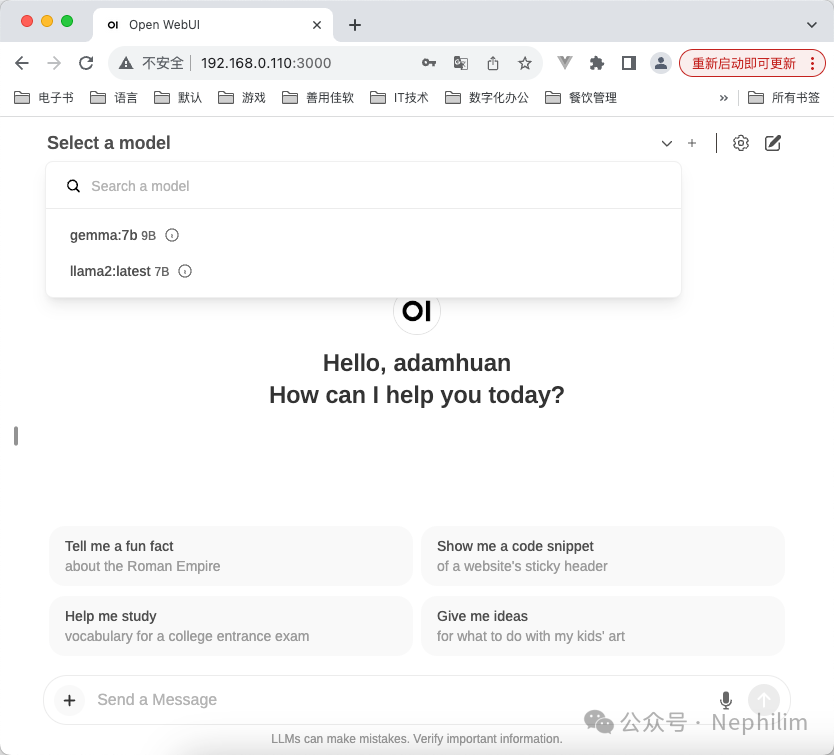
使用:
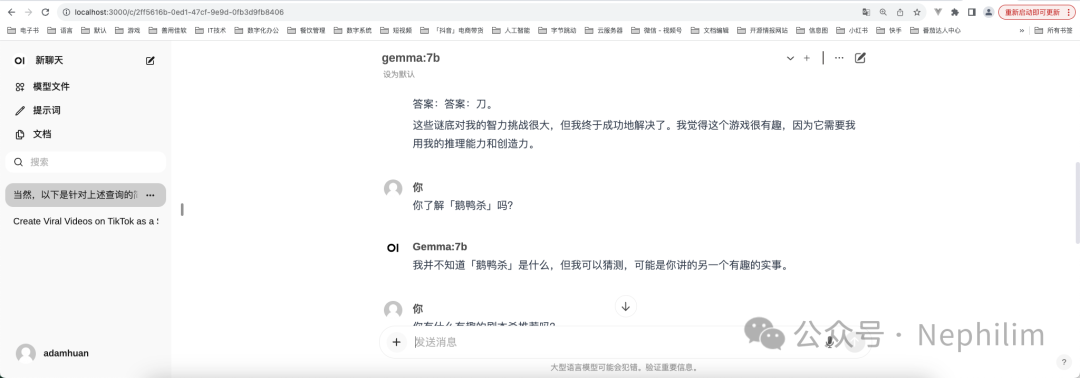
可以看到,我们已经可以通过网页的WebUI的方式使用大模型了。
END
温馨提示
如果你喜欢本文,请分享到朋友圈,想要获得更多信息,请关注我。
