



本文主要介绍三种收集VMware ESXi日志包的方法
(本文共计1232个字,预计阅读时间3分钟)
方法一、通过vSphere客户端
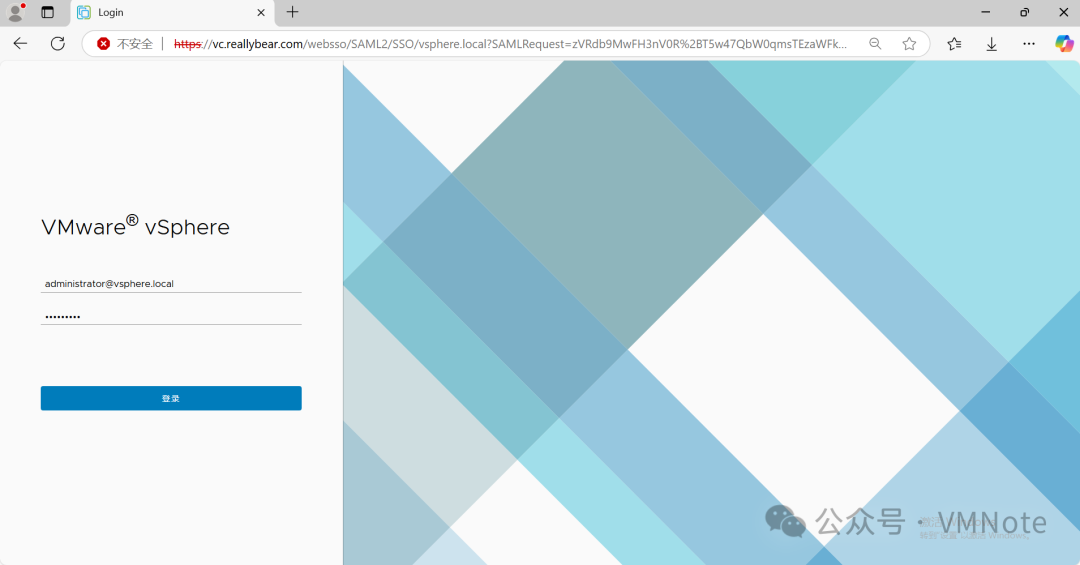
第1步,访问vSphere客户端(即vCenter Server的域名或IP地址),并根据提示输入管理员的账户和密码后进行登录
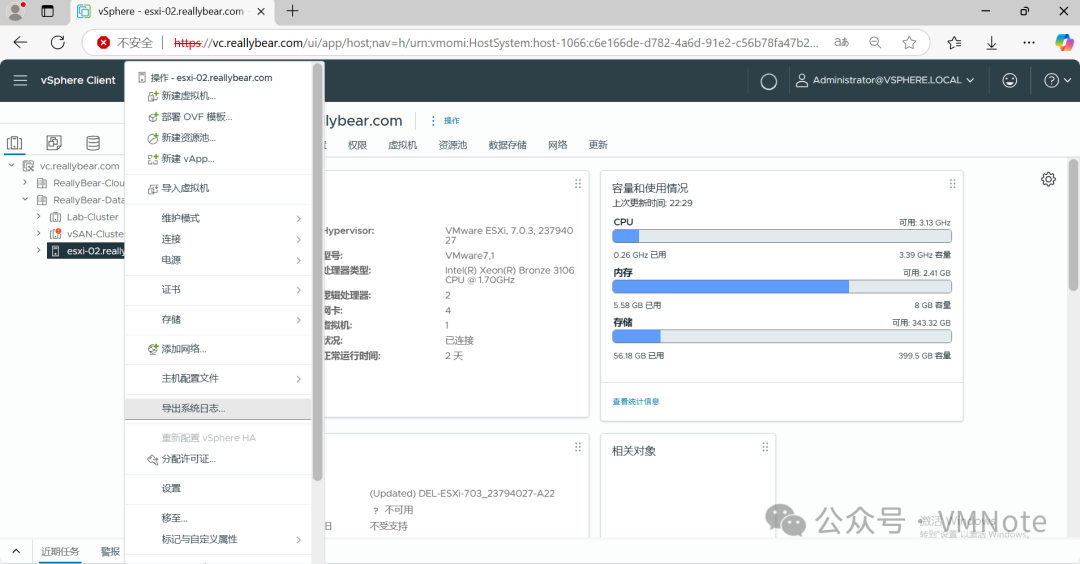
第2步,在主机清单界面,选择要收集日志的主机,然后右键选择“导出系统日志”
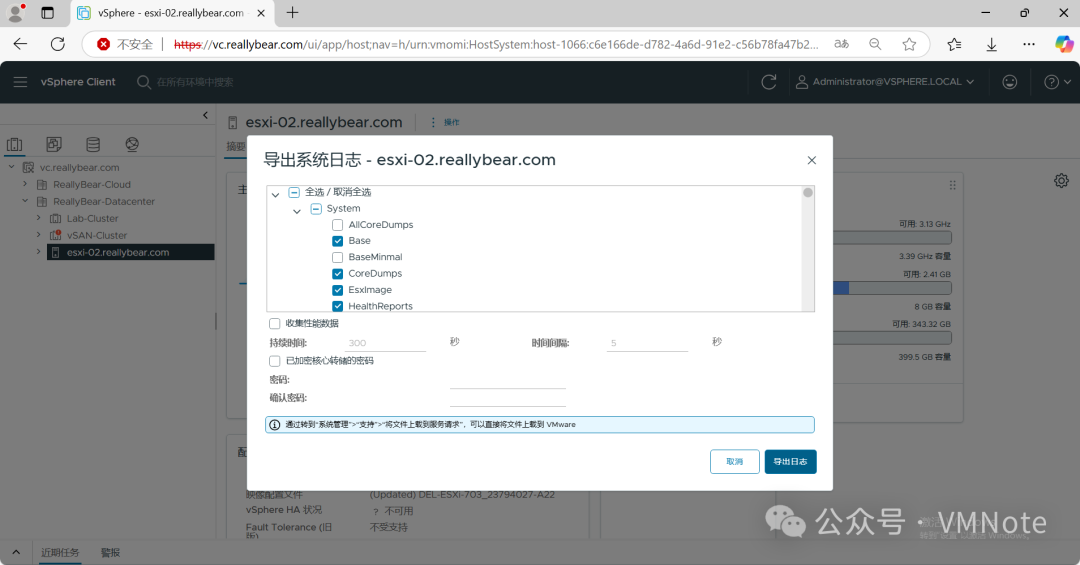
第3步,在导出系统日志页面,点击“导出日志”
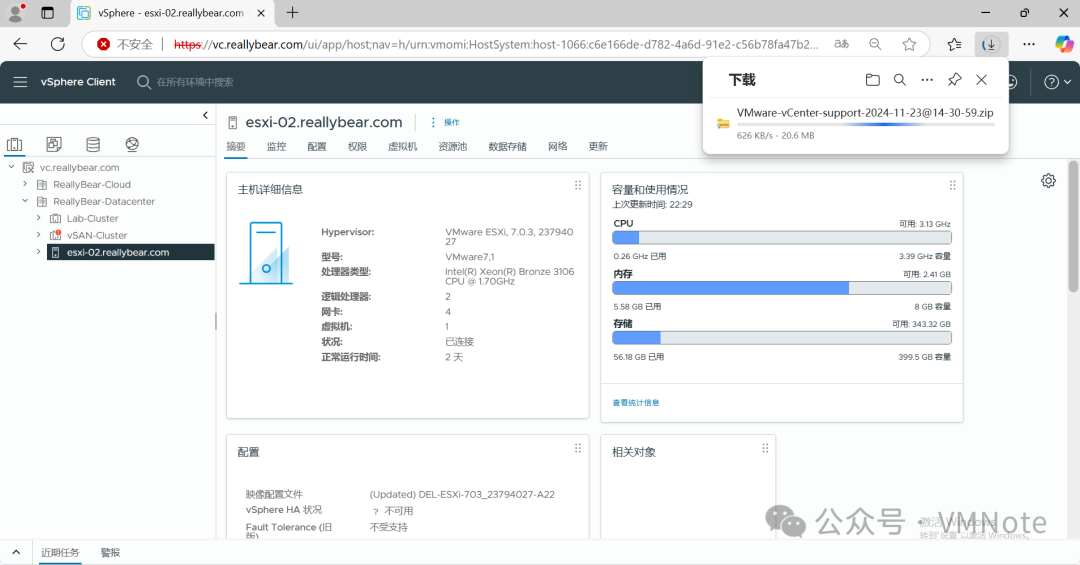
第4步,确认日志包已经开始下载
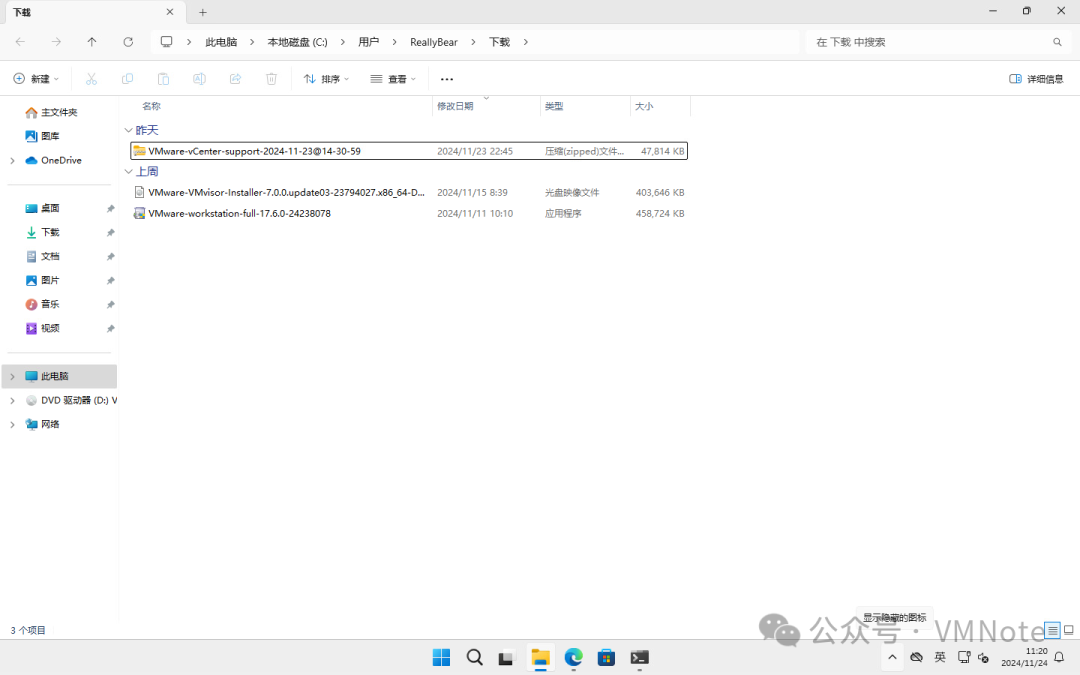
方法二、通过ESXi主机客户端
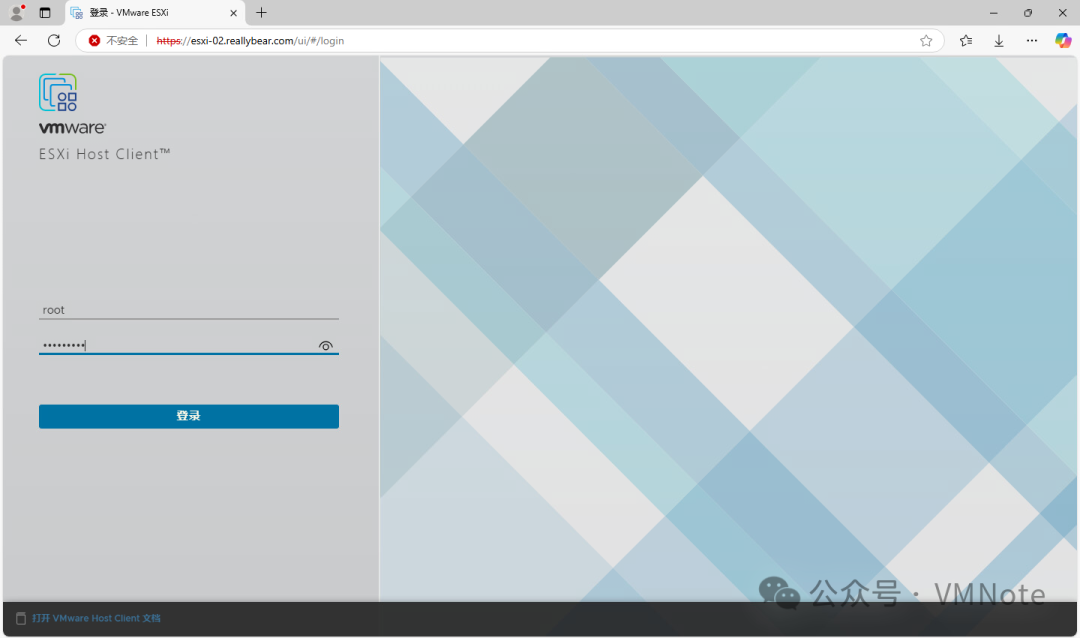
第1步,访问ESXi主机客户端(即ESXi的域名或管理IP地址),并根据提示输入管理的账户和密码后登录
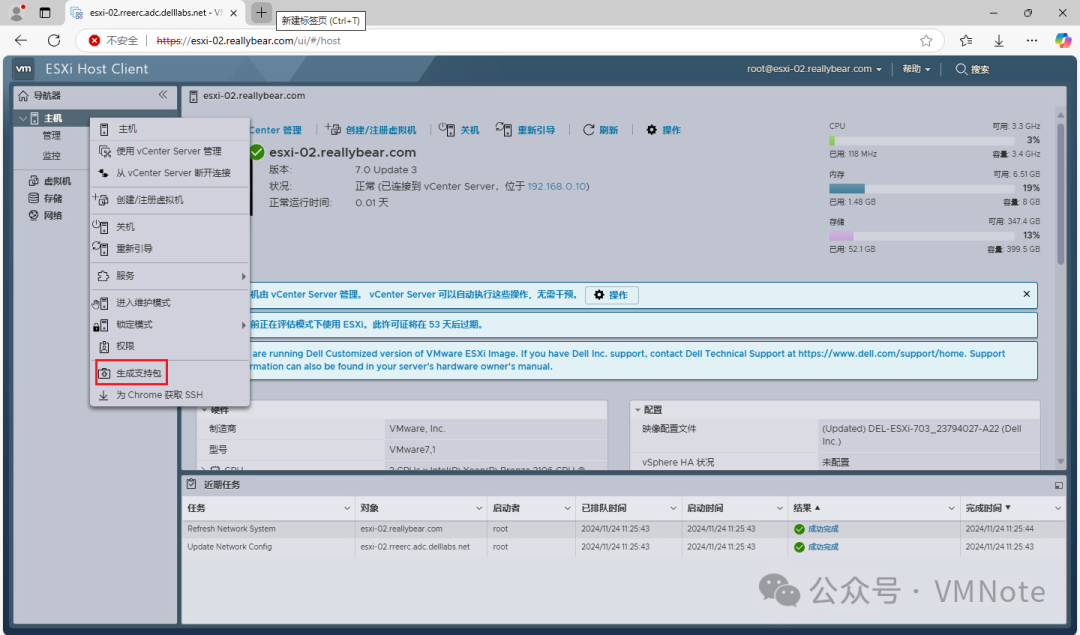
第2步,在ESXi主机客户端主页,选择主机,然后右键选择“生成支持包”
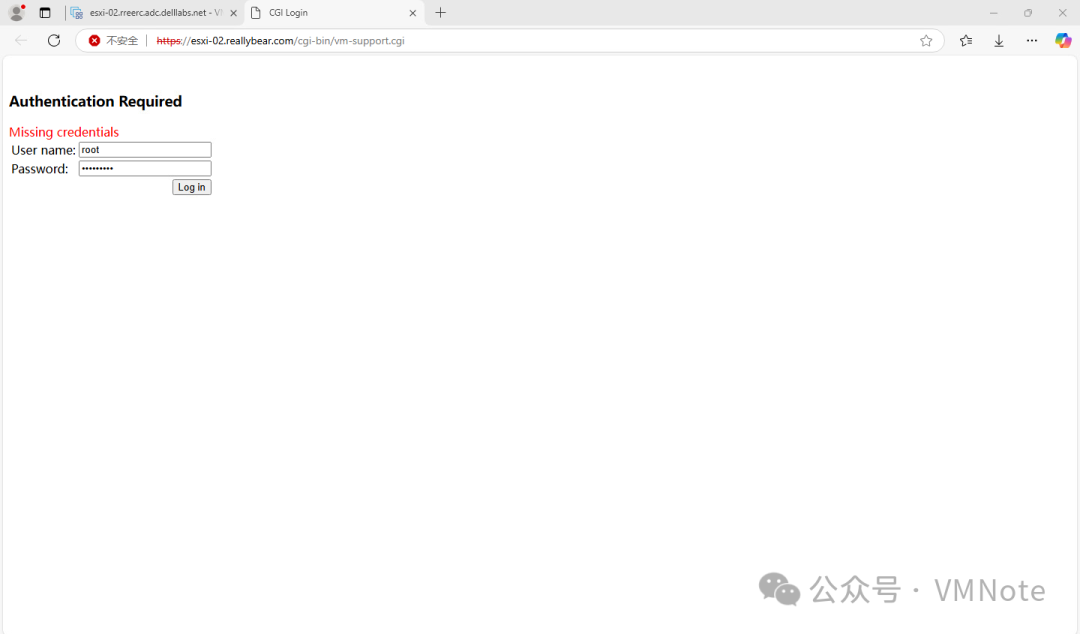
第3步,若有弹出授权验证页面,再次输入管理员的账户和密码进行登录
第4步,确认已经开始下载日志包
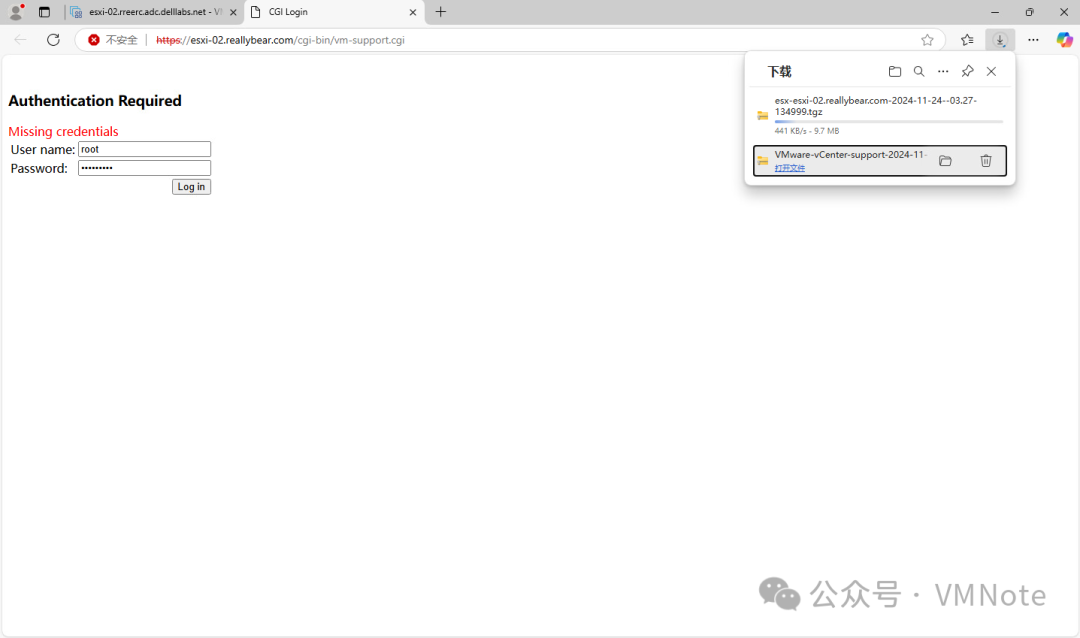
第5步,确认日志包下载完毕
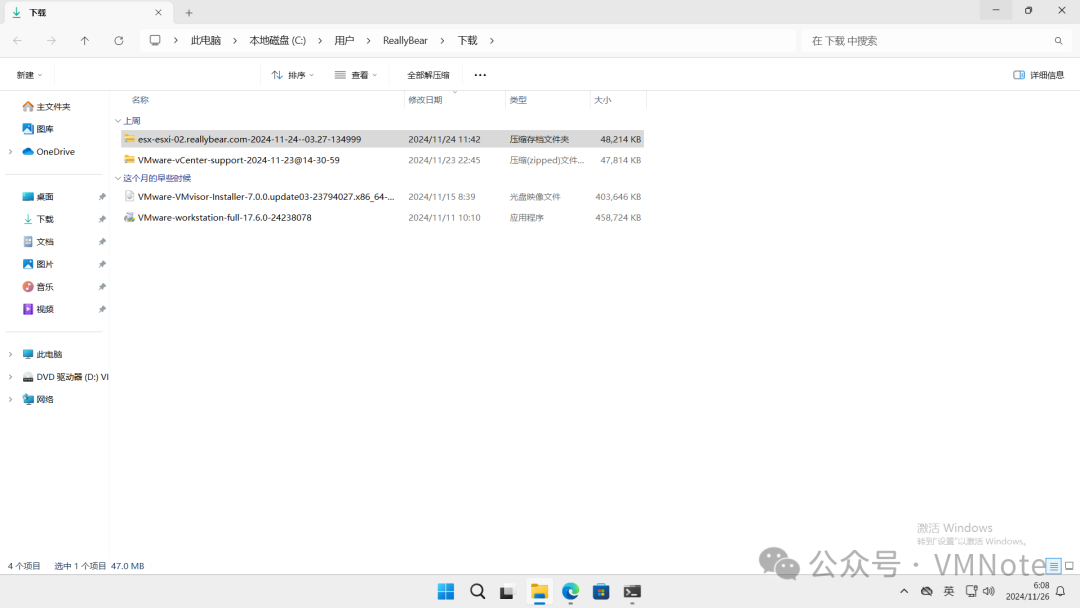
方法三、通过ESXi主机命令行
第1步,访问ESXi主机的命令行,具体步骤请参考:《如何开启VMware ESXi的SSH和Shell服务》
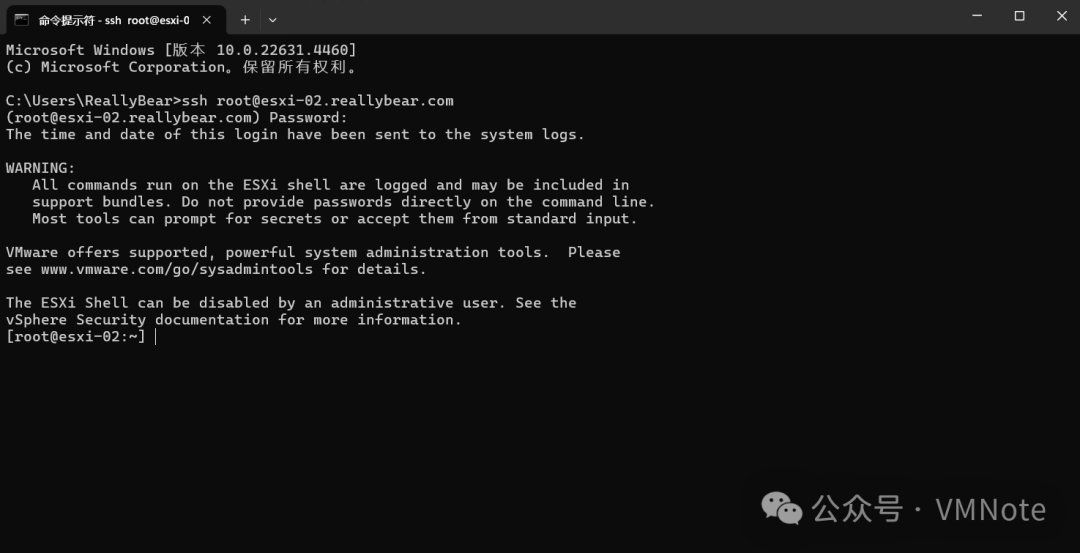
第2步,运行如下命令开始收集ESXi的日志包
[root@esxi-02:~] vm-support
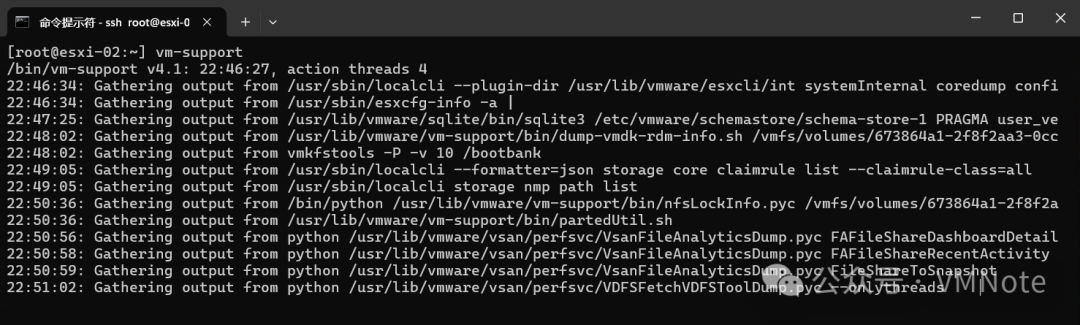
第3步,确认日志收集完毕

第4步,根据提示确认日志的保存位置,使用WinScp工具下载日志包,关于WinSCP软件的下载和连接esxi的具体步骤请【>>点这里<<】
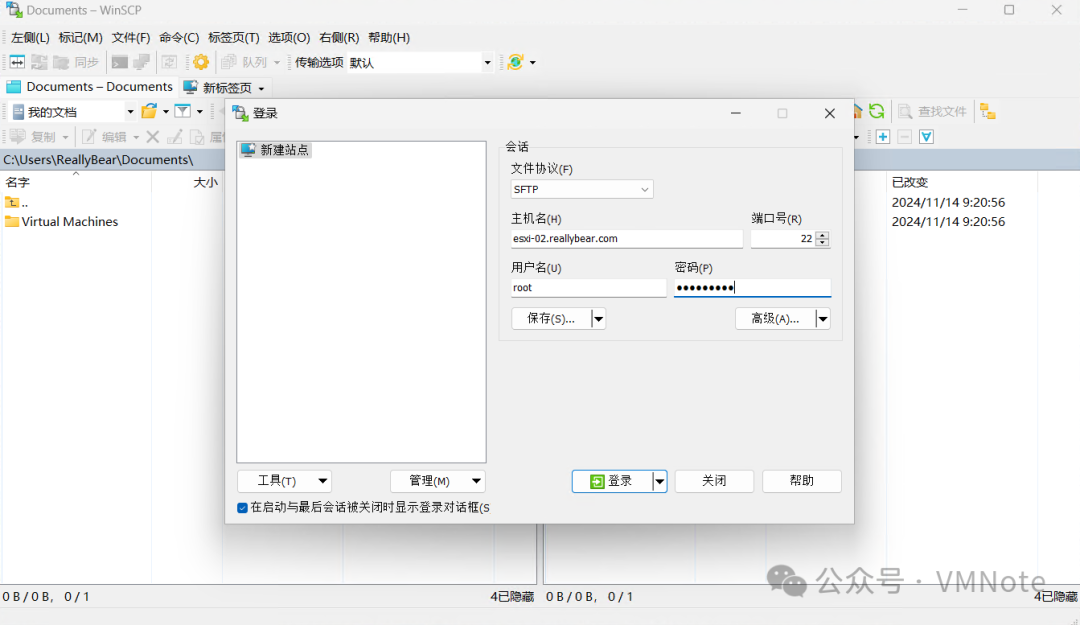
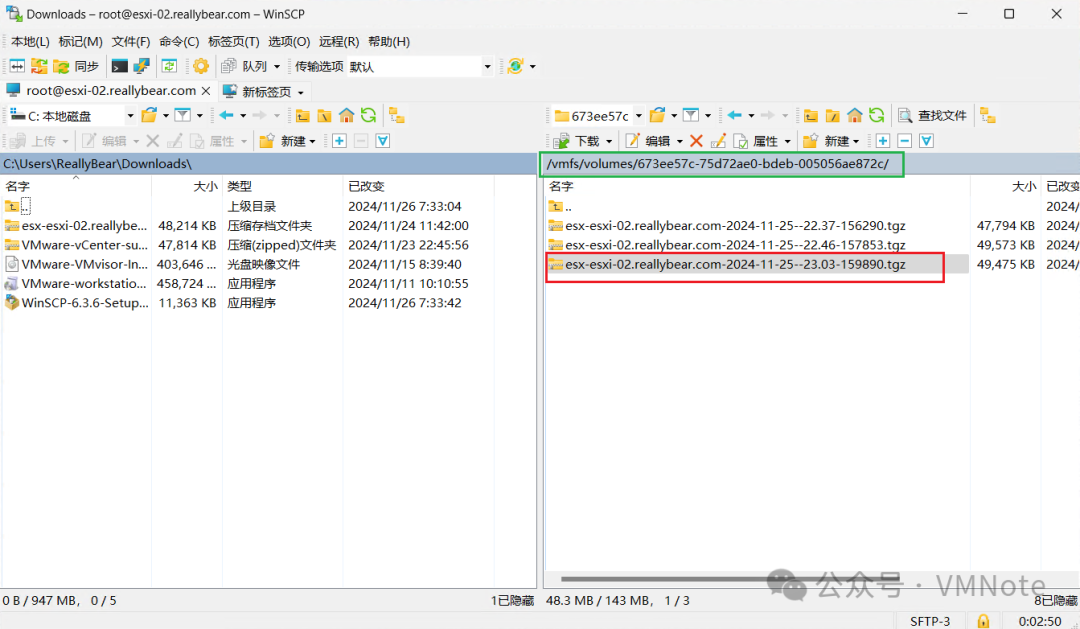
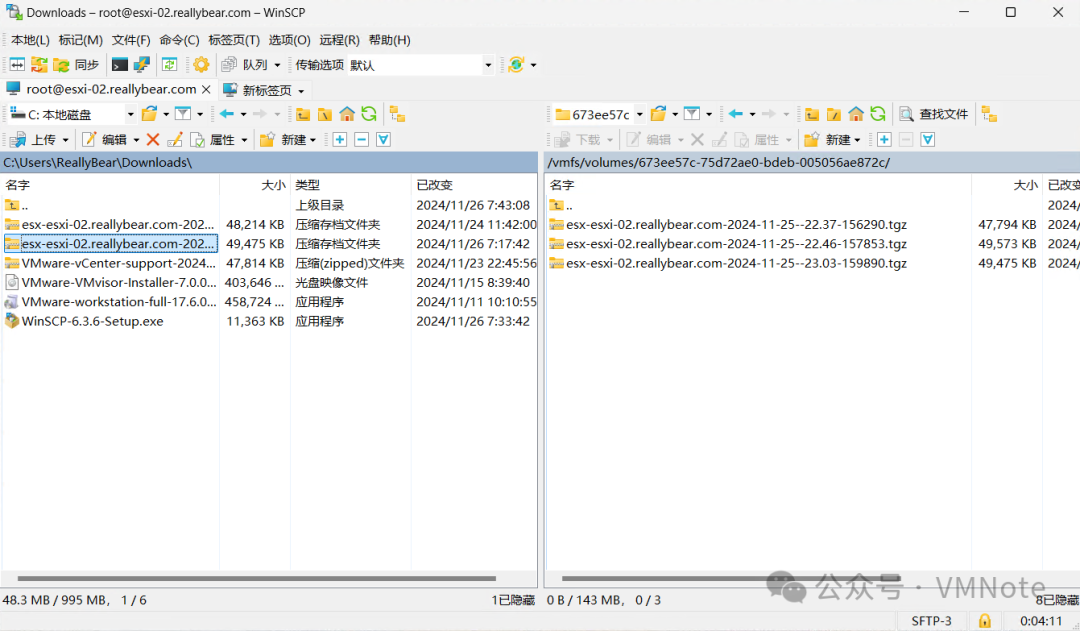
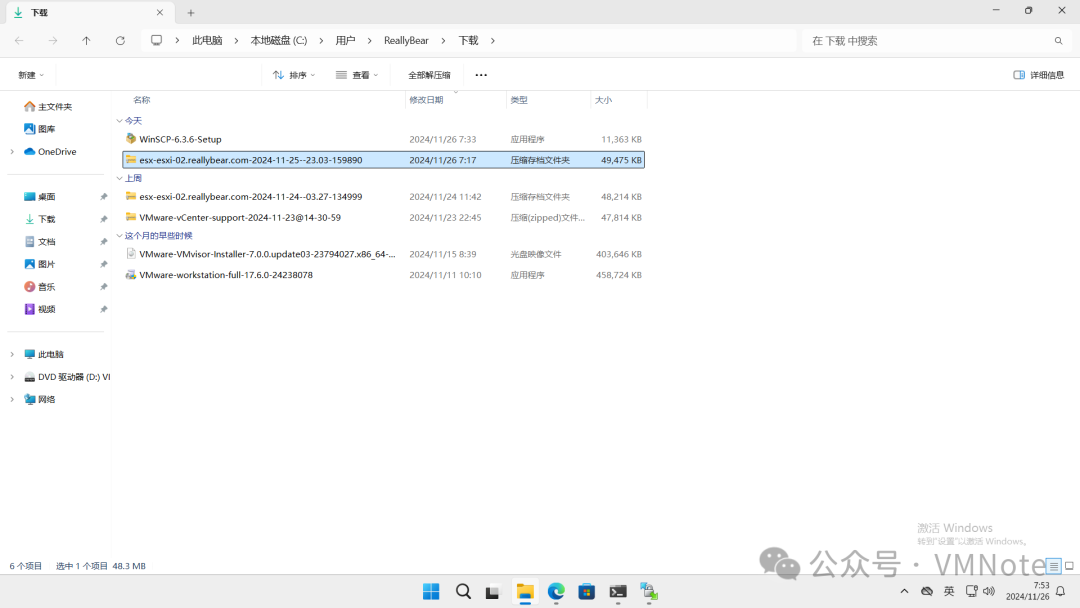
附:可以通过vm-support --help的命令查看vm-support的其它用法,比如可以在vm-support 命令后添加-w 路径/ 指定日志包的保存位置。
[root@esxi-02:~] vm-support --helpusage: vm-support [-h] [-g GROUPS] [-a MANIFESTS] [-e EXCLUDEMANIFESTS] [--manifestdir MANIFESTDIR] [-w WORKINGDIR] [-s] [-E ERRORFILE] [-l] [-z] [-o][--listmanifests] [-G] [-t] [-p] [-d DURATION] [-i INTERVAL] [-v VM] [-V] [--action-threads ACTIONTHREADS] [-L] [-D] [-q][--loglevel LOGLEVEL] [--version] [--allow-infinite-actions] [--default-timeout DEFAULTTIMEOUT] [--ignore-timeouts] [-r DIRECTORY][-x BUNDLE [DIRECTORY ...]]optional arguments:-h, --help show this help message and exitInput:-g GROUPS, --groups GROUPSSpecify manifest groups. See --listgroups.-a MANIFESTS, --manifests MANIFESTSSpecify manifest files. See --listmanifests.-e EXCLUDEMANIFESTS, --excludemanifests EXCLUDEMANIFESTSExclude the listed manifests. See --listmanifests.--manifestdir MANIFESTDIRLocation to search for manifest files.Output:-w WORKINGDIR, --workingdir WORKINGDIRArchive destination.-s, --stream Stream data to stdout.-E ERRORFILE, --errorfile ERRORFILEPrints (non-fatal) errors to specified file (overrides --quiet and --stream).-l, --listfiles At the end print all gathered files.-z, --zip Archive bundle in zip format. Default is a gzipped tar archive.-o, --obfuscate Obfucate hostname in archive path.List:--listmanifests List available manifests.-G, --listgroups List available manifest groups.-t, --listtags List available manifest tags.Perfomance measurement:-p, --performance Gather performance data.-d DURATION, --duration DURATIONDuration of performance monitoring (in seconds).-i INTERVAL, --interval INTERVALInterval between performance snapshots (in seconds).VM options:-v VM, --vm VM Gather detailed information about this specific VM (ie --vm <path to .vmx file>)-V, --listvms List registered VMs.Parallel execution:--action-threads ACTIONTHREADSSpecify the number of actions that will run in parallel.-L, --legacy Run in legacy mode (no parallel execution).Misc:-D, --dryrun Prints out the data that would have been gathered.-q, --quiet Output only the location of the bundle.--loglevel LOGLEVEL Set logging to specified level: 0-50 (0=most verbose).--version Display the version.--allow-infinite-actionsWait indefinitely for actions to finish. Use with caution.--default-timeout DEFAULTTIMEOUTSet default timeout (300s) for actions without a specified TIMEOUT option. It is ignored when --allow-infinite-actions is used.--ignore-timeouts Ignore TIMEOUTs as specified in manifest files and use the default timeout.Reconstruct vm-support bundle:-r DIRECTORY, --reconstruct DIRECTORYUnfragment a support bundle directory.-x BUNDLE [DIRECTORY ...], --extract BUNDLE [DIRECTORY ...]Extract and reconstruct support bundle.[root@esxi-02:~]
文章转载自VMNote,如果涉嫌侵权,请发送邮件至:contact@modb.pro进行举报,并提供相关证据,一经查实,墨天轮将立刻删除相关内容。
