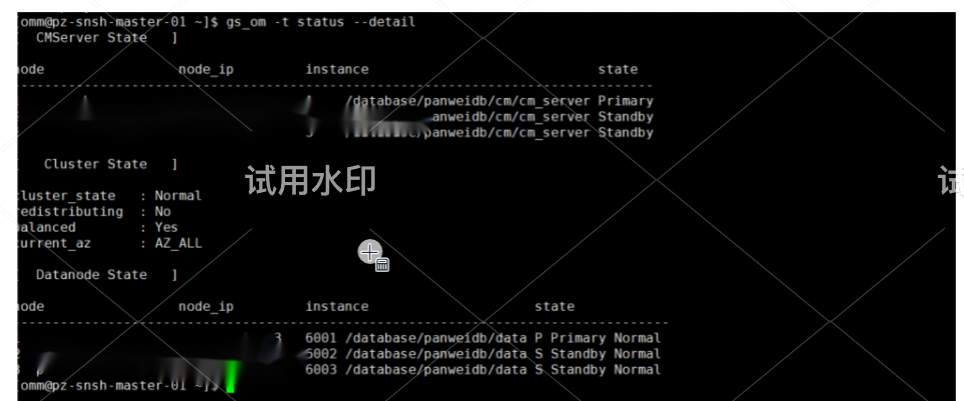
1安装panweidb 使用非标准ssh端口问题解决:
系统文件重新定义了ssh端口
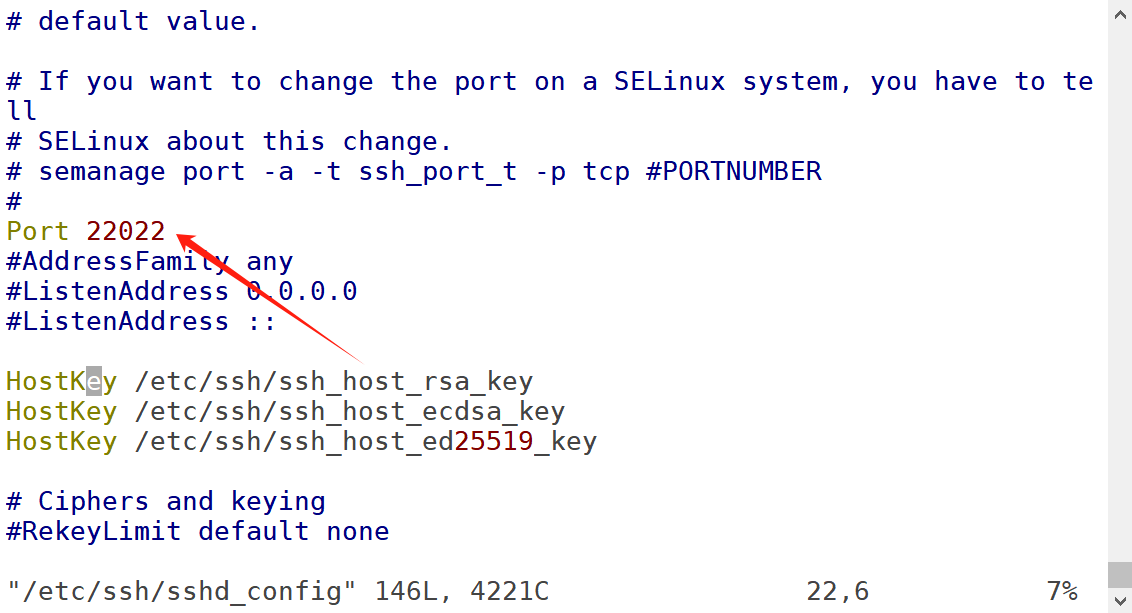
因此数据库集群配置文件中添加关于sshport的描述:
<PARAM name="sshPort" value="22222"/>
由于使用非默认端口 建议手动对root账户和omm账户做互信。
否则没有root密码会出现如下错误:
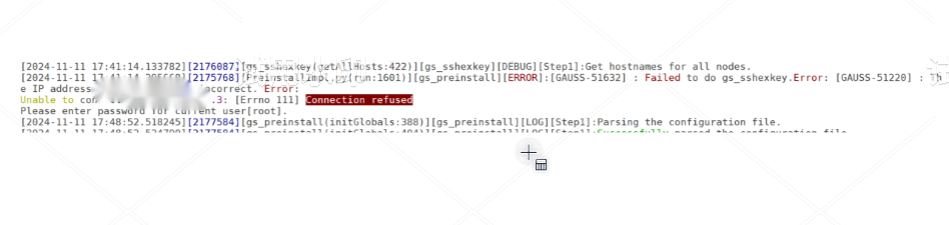
但是在preinstall过程中仍然可能出现问题:
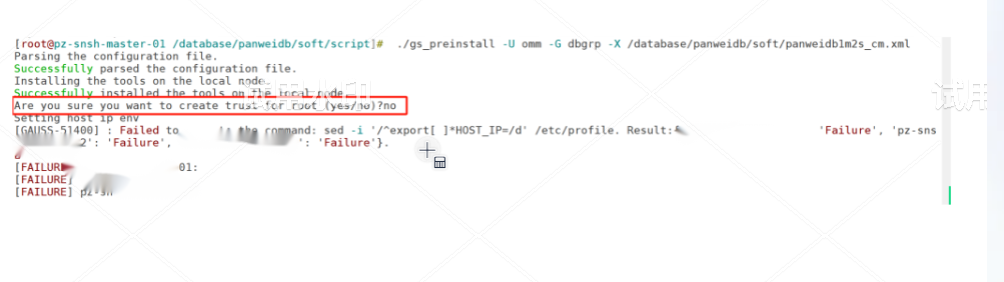
因此需要对root账户下面.ssh 目录下面添加config文件,
不但要对ip地址做互信,还需要对hostname做互信
Host ip 地址
HostName ip 地址
User root
Port 22022
IdentityFile ~/.ssh/oyg_key
Host ip 地址
HostName ip 地址
User root
Port 22022
IdentityFile ~/.ssh/oyg_key
Host ip 地址
HostName ip 地址
User root
Port 22022
IdentityFile ~/.ssh/oyg_key
Host ip 地址
HostName ip 地址
User root
Port 22022
IdentityFile ~/.ssh/oyg_key
Host ip 地址
HostName 1ip 地址
User root
Port 22022
IdentityFile ~/.ssh/oyg_key
Host hostname(真实的hostname)
HostName hostname(真实的hostname)
User root
Port 22022
IdentityFile ~/.ssh/oyg_key
Host hostname(真实的hostname)
HostName hostname(真实的hostname)
User root
Port 22022
IdentityFile ~/.ssh/oyg_key
Host hostname(真实的hostname)
HostName hostname(真实的hostname)
User root
Port 22022
IdentityFile ~/.ssh/oyg_key
在preinstall 过程中如果omm账户互信选择no 在非标准端口下 install过程中可能会出现以下错误:

因此仍然需要对hostname 以及ip 都配置互信
在以上问题解决之后,在install过程中:
会出现pssh命令无法返回结果:
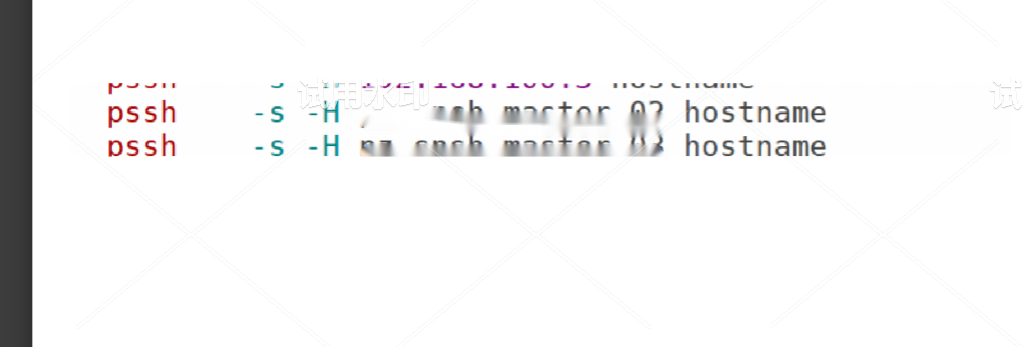
但是root账户可以正常执行。一次判断omm账户没有使用自定义端口:
Pssh命令也是调用系统的 ssh
因此需要对omm账户的config 单独添加 关于ip和hostname定义的配置
Host hostname(真实的hostname)
HostName hostname(真实的hostname)
User omm
Port 22022
IdentityFile ~/.ssh/id_rsa
Host hostname(真实的hostname)
HostName hostname(真实的hostname)
User omm
Port 22022
IdentityFile ~/.ssh/id_rsa
Host hostname(真实的hostname)
HostName hostname(真实的hostname)
User omm
Port 22022
IdentityFile ~/.ssh/id_rsa
Host ip 地址
HostName ip 地址
User omm
Port 22022
IdentityFile ~/.ssh/id_rsa
Host ip 地址
HostName ip 地址
User omm
Port 22022
IdentityFile ~/.ssh/id_rsa
Host ip 地址
HostName ip 地址
User omm
Port 22022
IdentityFile ~/.ssh/id_rsa
做完这些配置之后重新进行install 结果正常: