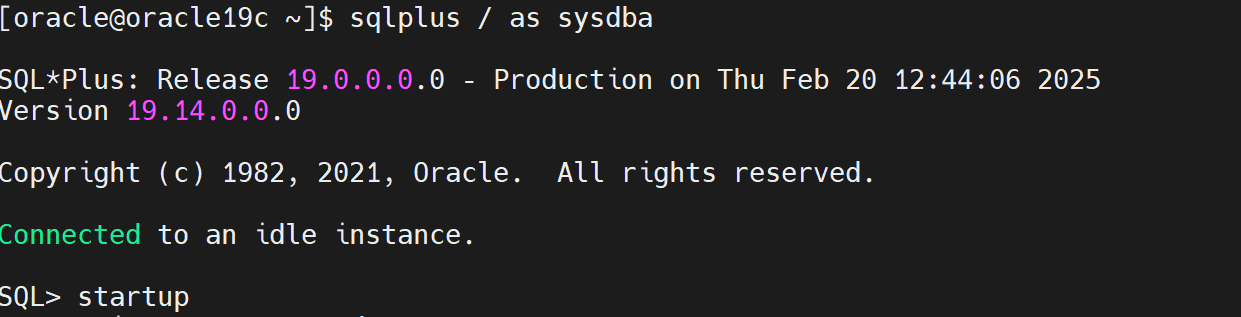
在进行Oracle 19C 打补丁33515361时发现一个报错,在正式补丁前进行模拟打补丁时发生的报错。
/u01/app/oracle/product/19.3.0/dbhome_1/OPatch/opatch apply -report
报错提示
[oracle@oracle19c 33515361]$ /u01/app/oracle/product/19.3.0/dbhome_1/OPatch/opatch apply -report
Oracle Interim Patch Installer version 12.2.0.1.28
Copyright (c) 2025, Oracle Corporation. All rights reserved.
Oracle Home : /u01/app/oracle/product/19.3.0/dbhome_1
Central Inventory : /u01/app/oraInventory
from : /u01/app/oracle/product/19.3.0/dbhome_1/oraInst.loc
OPatch version : 12.2.0.1.28
OUI version : 12.2.0.7.0
Log file location : /u01/app/oracle/product/19.3.0/dbhome_1/cfgtoollogs/opatch/opatch2025-02-20_12-03-15PM_1.log
Verifying environment and performing prerequisite checks...
Prerequisite check "CheckSystemCommandAvailable" failed.
The details are:
Missing command :fuser
UtilSession failed:
Prerequisite check "CheckSystemCommandAvailable" failed.
Log file location: /u01/app/oracle/product/19.3.0/dbhome_1/cfgtoollogs/opatch/opatch2025-02-20_12-03-15PM_1.log
OPatch failed with error code 73
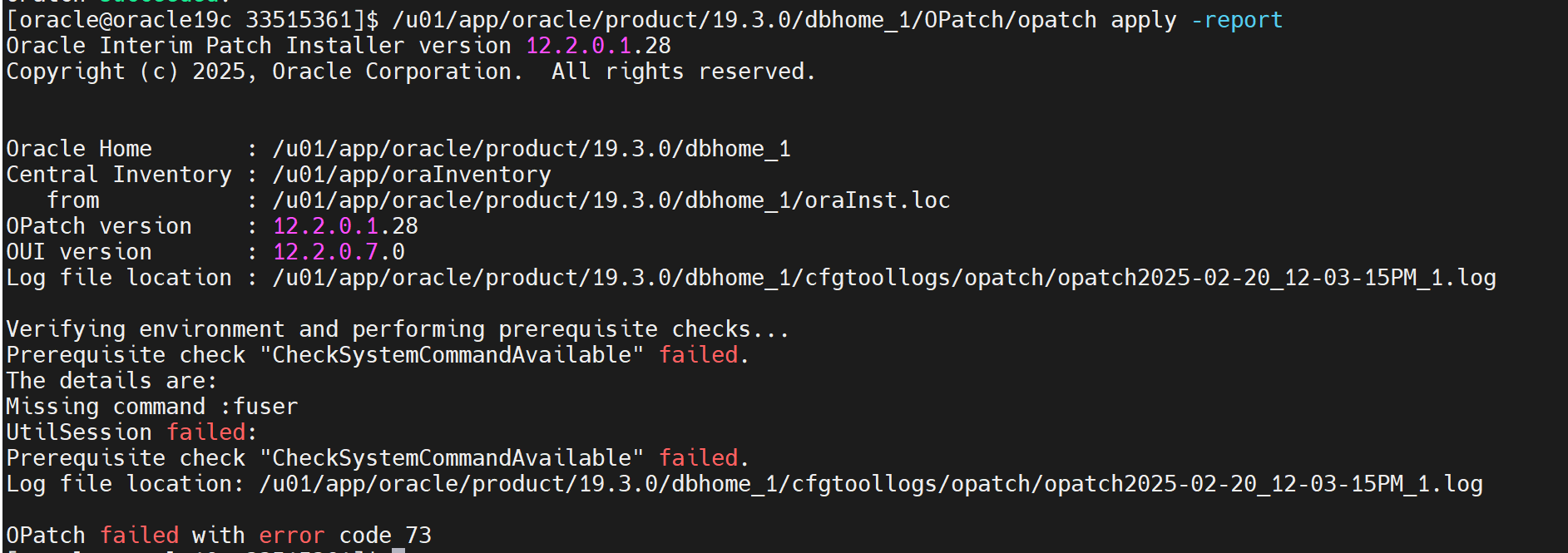
根据报错提示缺失fuser命令
fuser是一个在 Linux 系统中用于识别和显示正在使用某个文件、目录或套接字的进程的命令。它可以帮助系统管理员监控和管理文件的使用情况,以及处理被占用的资源。
解决办法:安装fuser
[root@oracle19c ~]# yum search fuser
Loaded plugins: product-id, search-disabled-repos, subscription-manager
This system is not registered with an entitlement server. You can use subscription-manager to register.
Repodata is over 2 weeks old. Install yum-cron? Or run: yum makecache fast
============================================================================== Matched: fuser =========
psmisc.x86_64 : Utilities for managing processes on your system
[root@oracle19c ~]# yum install -y psmisc
[root@oracle19c ~]# which fuser
/usr/sbin/fuser
安装完成后再次进行模拟补丁
/u01/app/oracle/product/19.3.0/dbhome_1/OPatch/opatch apply -report
模拟补丁成功

正式打补丁
/u01/app/oracle/product/19.3.0/dbhome_1/OPatch/opatch apply

补丁验证
$ORACLE_HOME/OPatch/opatch lsinventory

数据库也从19.3.0.0升级到了19.14.0.0