



一、虚拟机环境安装
1. 安装VMware Workstation 15 Player(免费):
https://www.vmware.com/products/workstation-player/workstation-player-evaluation.html
2. 安装Ubuntu 18.10(Desktop):
https://www.ubuntu.com/download/desktop
3. 安装git工具
打开terminal输入命令: sudo apt-get install git

二.比特币源码下载
1. 源码地址,Link:
https://github.com/bitcoin/bitcoin
2. 命令行获取源码:
git clone https://github.com/bitcoin/bitcoin
3. 选择比特币核心版本:
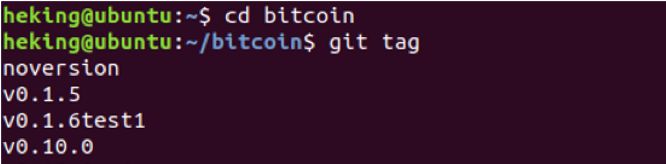
输入命令git tag 查看所有比特币版本
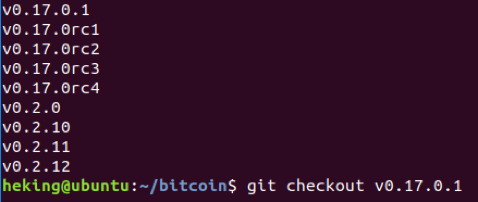
输入命令git checkout v0.17.0.1选择版本(建议选择最新的稳定版)
三.安装比特币编译和运行所需依赖包
1. 更新Ubuntu所有依赖包:sudo apt-get update
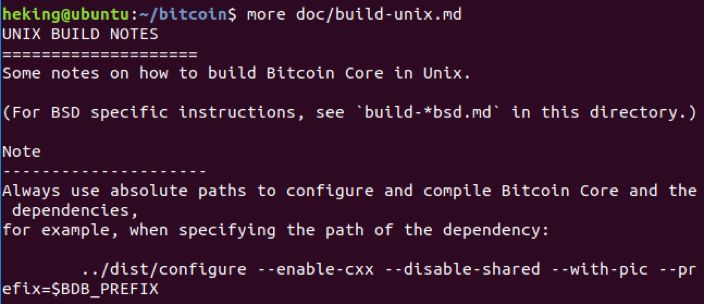
2. 查看编译bitcoind客户端的说明
3. 进入bitcoin文件夹输入命令:more doc/build.unix.md
4. 安装文档中提到的相关依赖:
sudo apt-get install build-essential
sudo apt-get install libtool
sudo apt-get install autotools-dev
sudo apt-get install automake
sudo apt-get install pkg-config
sudo apt-get install libssl-dev
sudo apt-get install libevent-dev
sudo apt-get install bsdmainutils
sudo apt-get install libboost-system-dev
sudo apt-get install libboost-filesystem-dev
sudo apt-get install libboost-chrono-dev
sudo apt-get install libboost-test-dev
sudo apt-get install libboost-thread-dev
sudo apt-get install software-properties-common
sudo add-apt-repository ppa:bitcoin/bitcoin
sudo apt-get update
sudo apt-get install libdb4.8-dev libdb4.8++-dev
sudo apt-get install libminiupnpc-dev
sudo apt-get install libzmq3-dev
sudo apt-get install libqt5gui5 libqt5core5a libqt5dbus5
sudo apt-get install qttools5-dev qttools5-dev-tools
sudo apt-get install libprotobuf-dev protobuf-compiler
sudo apt-get install libqrencode-dev
安装完所有的依赖过后执行./autogen.sh
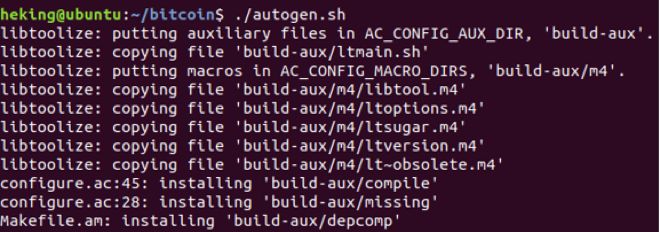
然后再执行./configure
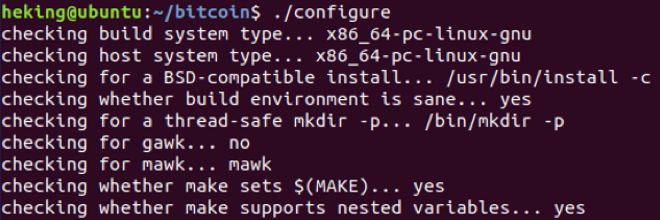
如果执行完./configure过后有报错,根据报错信息去安装对应的依赖即可。
四.编译安装
1. 编译: sudo make
2. 安装: sudo make install
安装好的文件路径:/usr/local/bin

五.配置核心节点
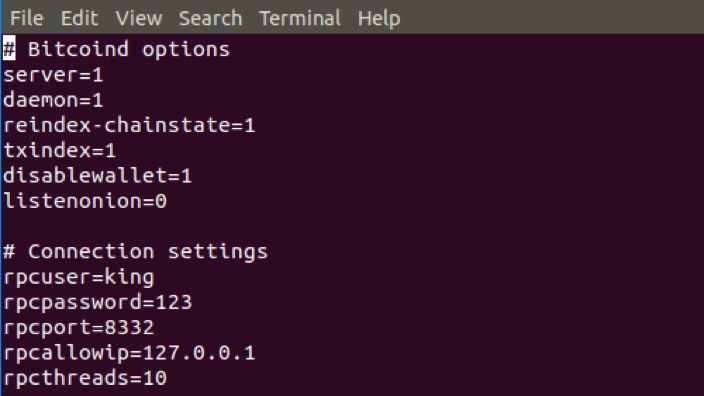
打开/home/user/.bitcoin,创建bitcoin.conf配置文件
输入命令:vi bitcoin.conf

输入配置信息:
# Bitcoind options
server=1
daemon=1
reindex-chainstate=1
txindex=1
disablewallet=1
listenonion=0
# Connection settings
rpcuser=username
rpcpassword=password
rpcport=8332
rpcallowip=127.0.0.1
rpcthreads=10
六.运行bitcoin-qt客户端
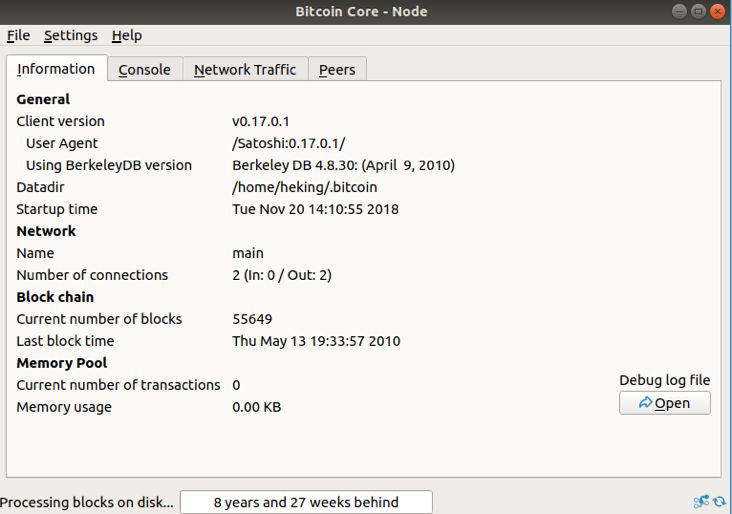
在安装路径下输入命令./bitcoin-qt运行bitcoin-qt

Bitcoin-qt正常运行,编译安装完成。
本文作者:何金
微信:HEKINGSS
(如果你在学习过程中,有相关的问题,可以通过微信的方式与其联系)
