openGauss每日一练第8天 | 分区表基础操作:openGauss分区表:分区表是把逻辑上的一张表根据某种方案分成几张物理块进行存储,这张逻辑上的表称之为分区表,物理块称之为分区。
分区表是一张逻辑表,不存储数据,数据实际是存储在分区上的。
一.1.1 创建分区表
–范围分区表
(
c1 int,
c2 CHAR(2)
)
partition by range (c1)
(
partition update_table_p0 values less than (50),
partition update_table_p1 values less than (100),
partition update_table_p2 values less than (150)
);
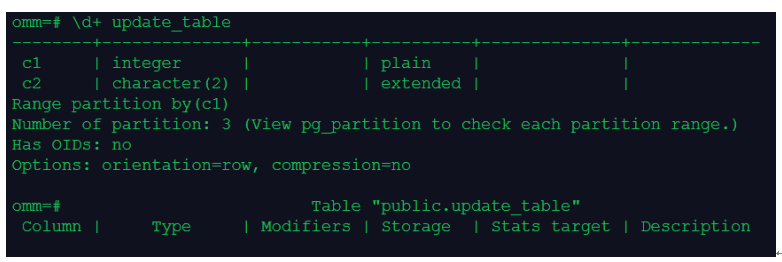
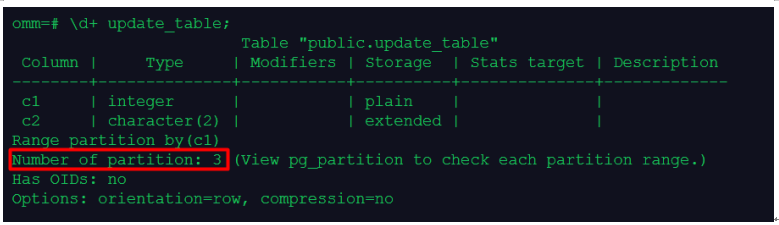
–查看分区表信息
\d+ update_table;
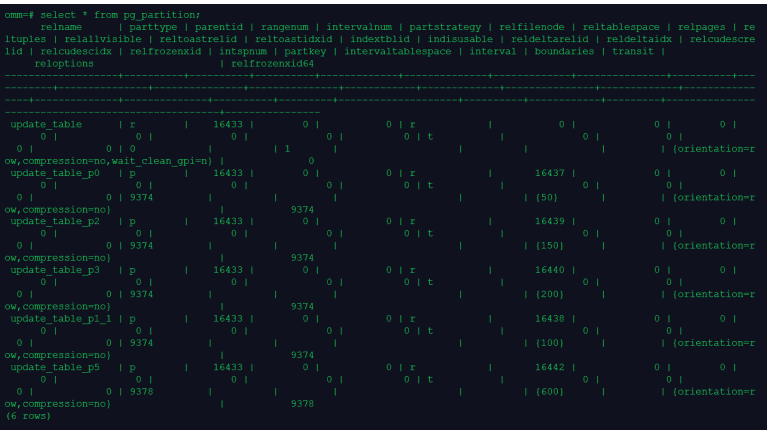
select * from pg_partition;
一.1.2 插入数据
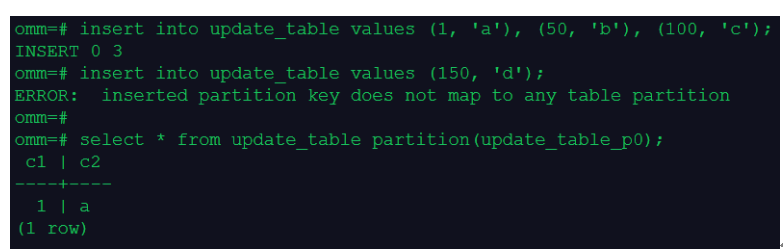
insert into update_table values (150, 'd');
select * from update_table partition(update_table_p0);
一.1.3 创建分区
alter table update_table add partition update_table_p3 values less than (200);
insert into update_table values (150, 'd');

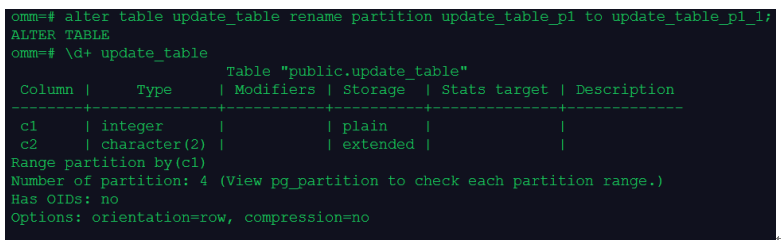
一.1.4 修改分区属性
alter table update_table rename partition update_table_p1 to update_table_p1_1;
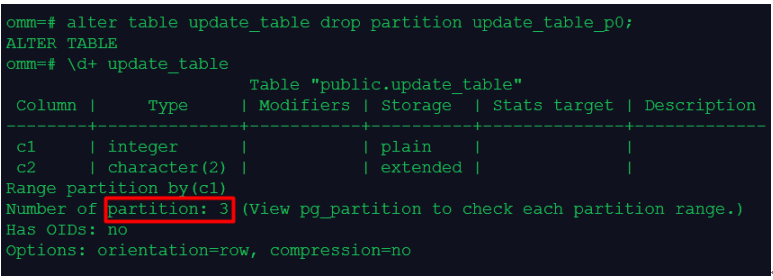
一.1.5 删除分区
alter table update_table drop partition update_table_p0;
一.1.6 删除分区表
drop table update_table;
一.1.7 课程作业
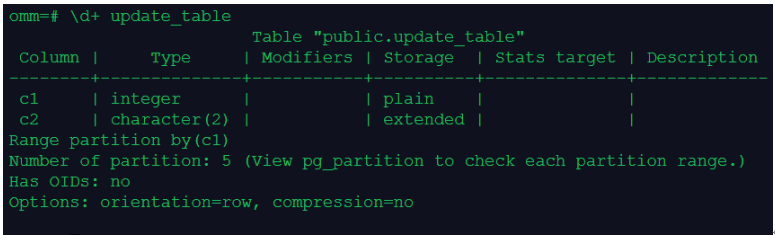
1.创建一个含有5个分区的范围分区表store,在每个分区中插入记录
create table update_table
(
c1 int,
c2 CHAR(2)
)
partition by range (c1)
(
partition update_table_p0 values less than (50),
partition update_table_p1 values less than (100),
partition update_table_p2 values less than (150),
partition update_table_p3 values less than (200),
partition update_table_p4 values less than (250)
);
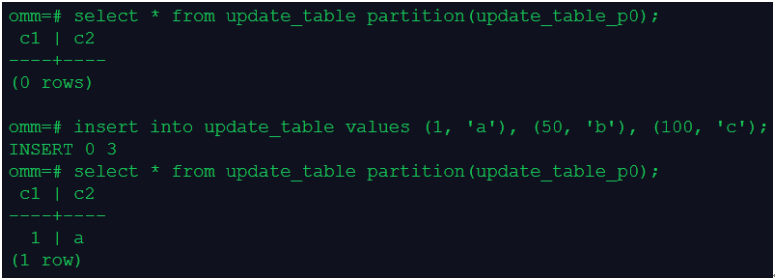
2.查看分区1上的数据
3.重命名分区2
alter table update_table rename partition update_table_p1 to update_table_p1_1;

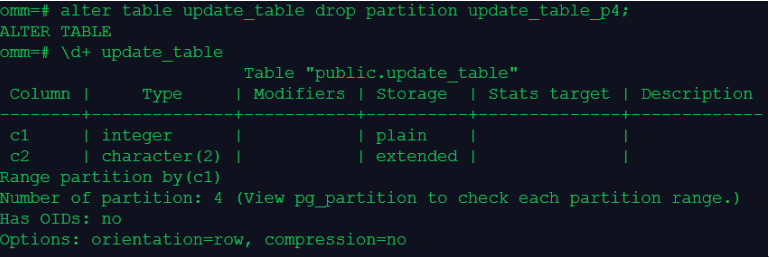
4.删除分区5
5.增加分区6
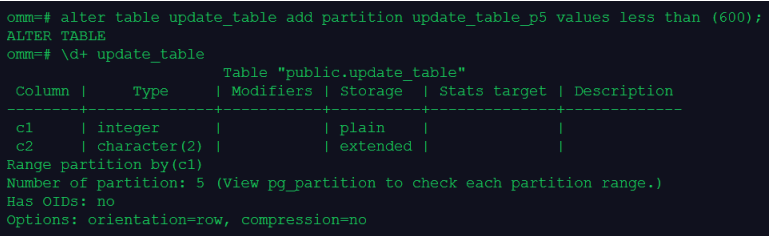
alter table update_table add partition update_table_p5 values less than (600);
6.在系统表pg_partition中查看分区信息