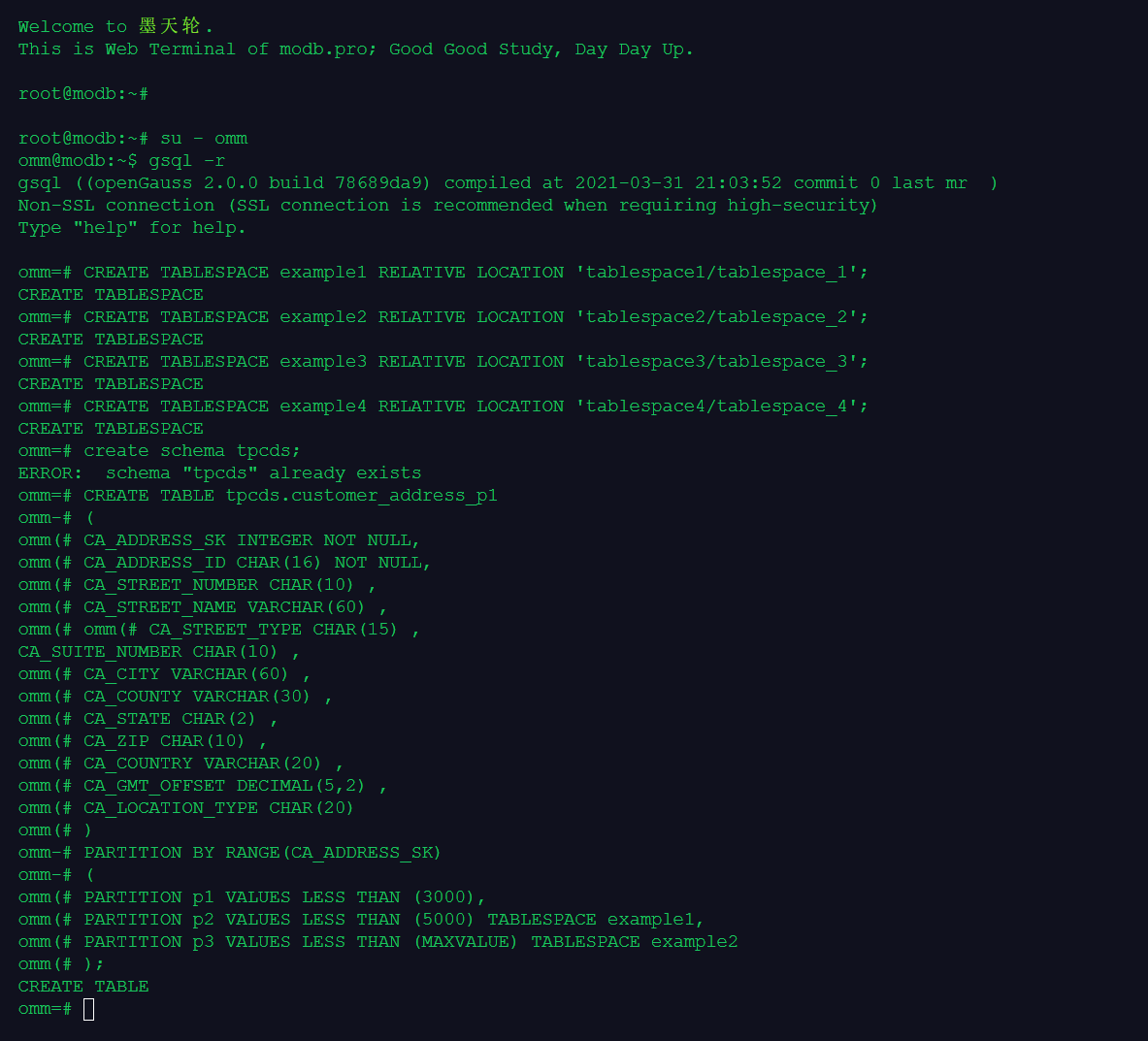
惯例,先做课堂练习:
创建分区1234
创建schema tpcds
创建分区表customer_address_p1
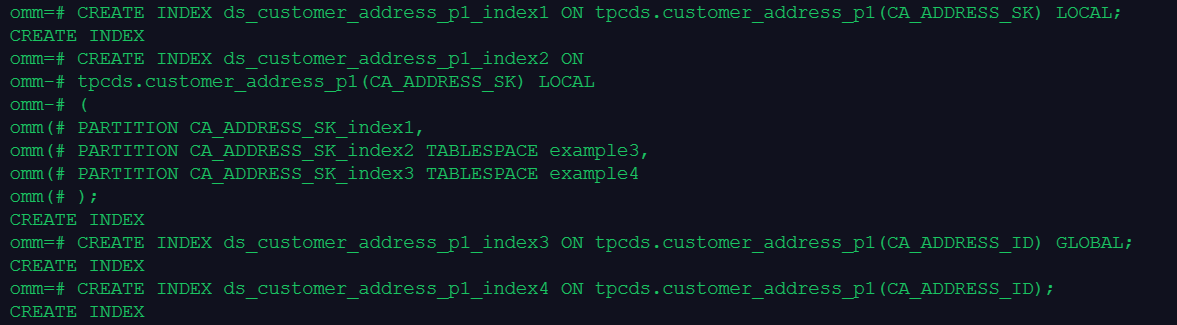
创建分区表索引:
分区表索引分为LOCAL索引与GLOBAL索引,LOCAL索引与某个具体分区绑定,而GLOBAL索引则对应整个分区表。(参看 https://opengauss.org/zh/docs/1.1.0/docs/Developerguide/CREATE-INDEX.html)
查看索引情况:
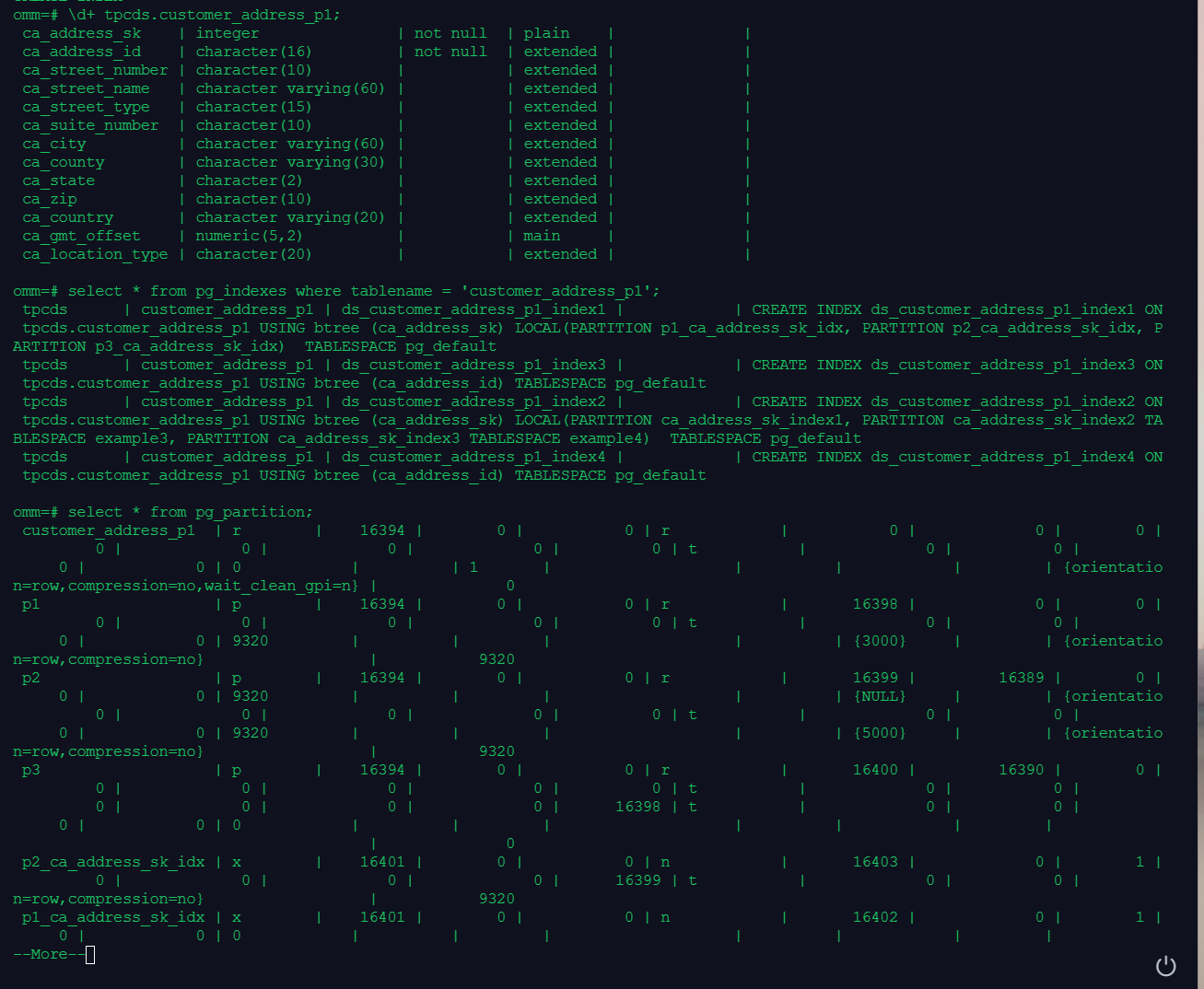
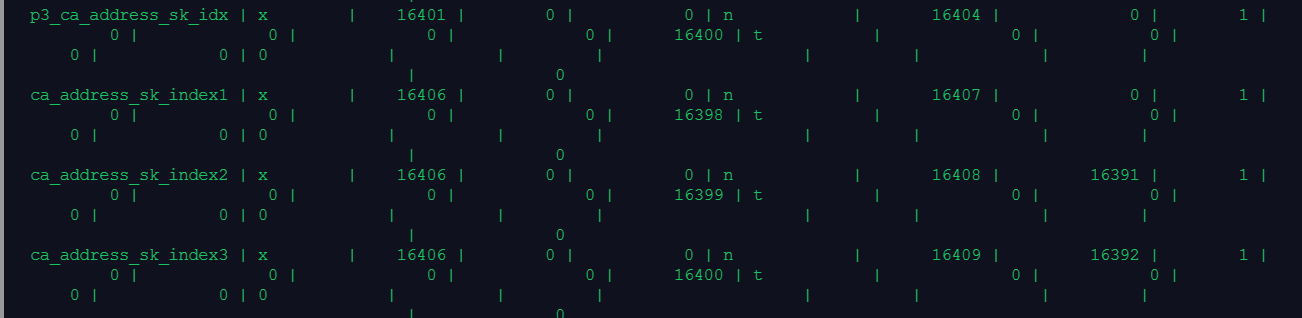
从pg_indexes表中可以看到4个索引,其中1,2是local索引,3,4是global索引。
修改分区表的索引的表空间:


重命名分区表索引:

重建索引:

从语法上来看,貌似比非分区表索引多了个partition关键字。
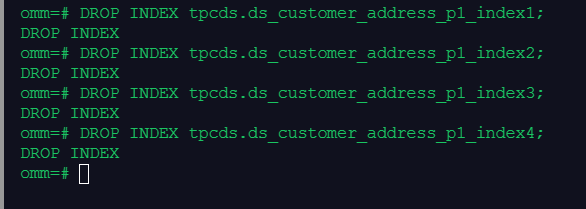
删除索引:
好了,开始做作业:
1.创建范围分区表products, 为表创建分区表索引1,不指定索引分区的名称,创建分区表索引2,并指定索引分区的名称,创建GLOBAL分区索引3
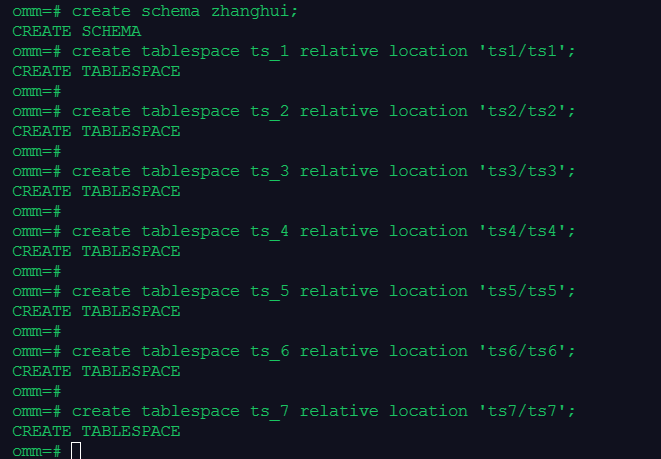
create schema zhanghui;
create tablespace ts_1 relative location 'ts1/ts1';
create tablespace ts_2 relative location 'ts2/ts2';
create tablespace ts_3 relative location 'ts3/ts3';
create tablespace ts_4 relative location 'ts4/ts4';
create tablespace ts_5 relative location 'ts5/ts5';
create tablespace ts_6 relative location 'ts6/ts6';
create tablespace ts_7 relative location 'ts7/ts7';
创建范围分区表products:
create table zhanghui.products
(
id integer,
name varchar(80)
)
partition by range(id)
(
partition prod1 values less than (1000) tablespace ts_1,
partition prod2 values less than (2000) tablespace ts_2,
partition prod3 values less than (MAXVALUE) tablespace ts_3
);
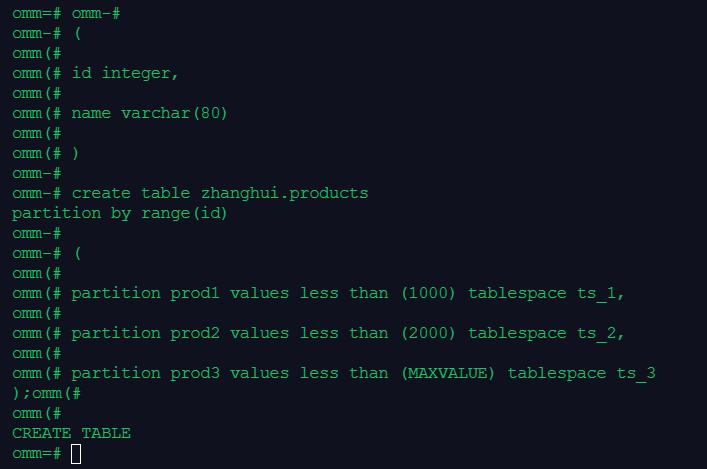
(截图乱序是实训环境的原因,具体代码根据前面来是没有问题的)
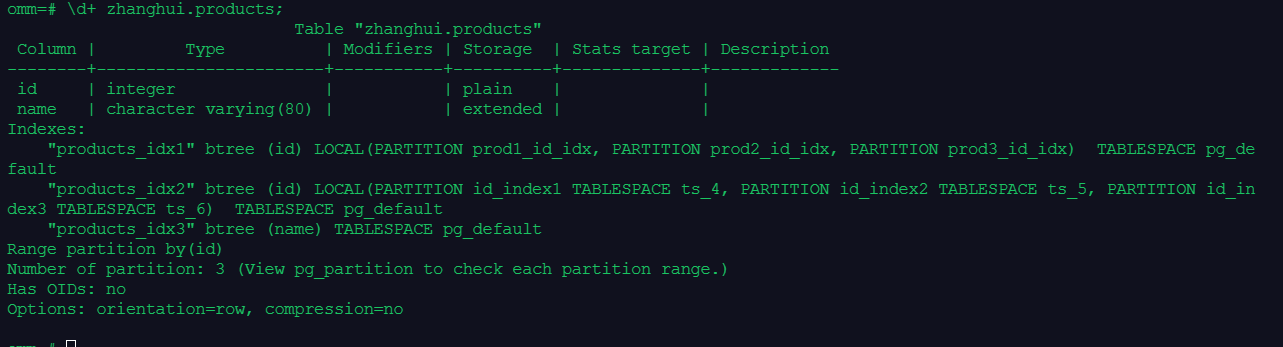
为表创建分区表索引1,不指定索引分区的名称
create index products_idx1 on zhanghui.products(id) local;

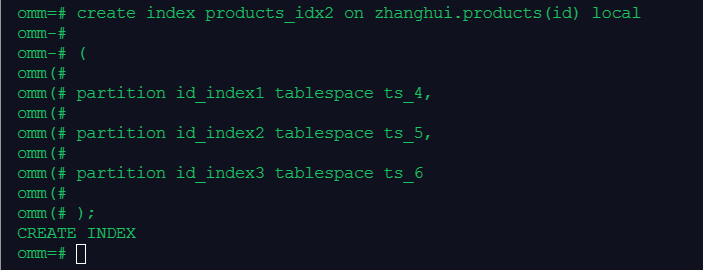
创建分区表索引2,并指定索引分区的名称
create index products_idx2 on zhanghui.products(id) local
(
partition id_index1 tablespace ts_4,
partition id_index2 tablespace ts_5,
partition id_index3 tablespace ts_6
);
create index products_idx3 on zhanghui.products(name) global;

\d+ zhanghui.products;
2.在分区表索引1上,修改分区表索引的表空间,重命名分区表索引
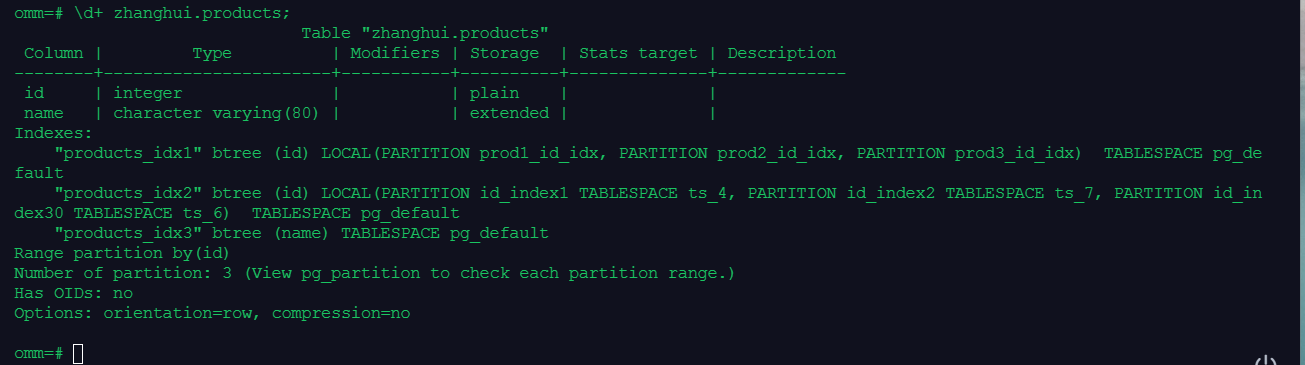
alter index zhanghui.products_idx2 move partition id_index2 tablespace ts_7;

alter index zhanghui.products_idx2 rename partition id_index3 to id_index30;

3.在分区表索引2上,重建单个索引分区和分区上的所有索引
reindex index zhanghui.products_idx2 partition id_index30;

reindex table zhanghui.products partition prod1 ;

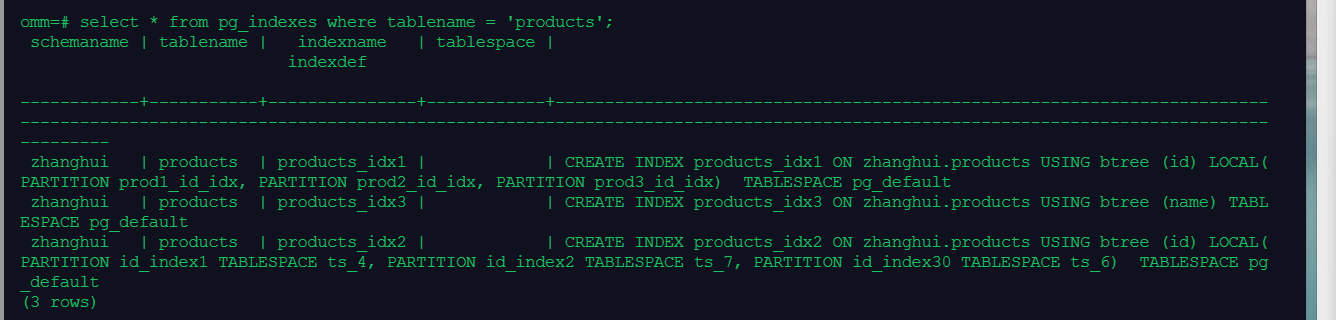
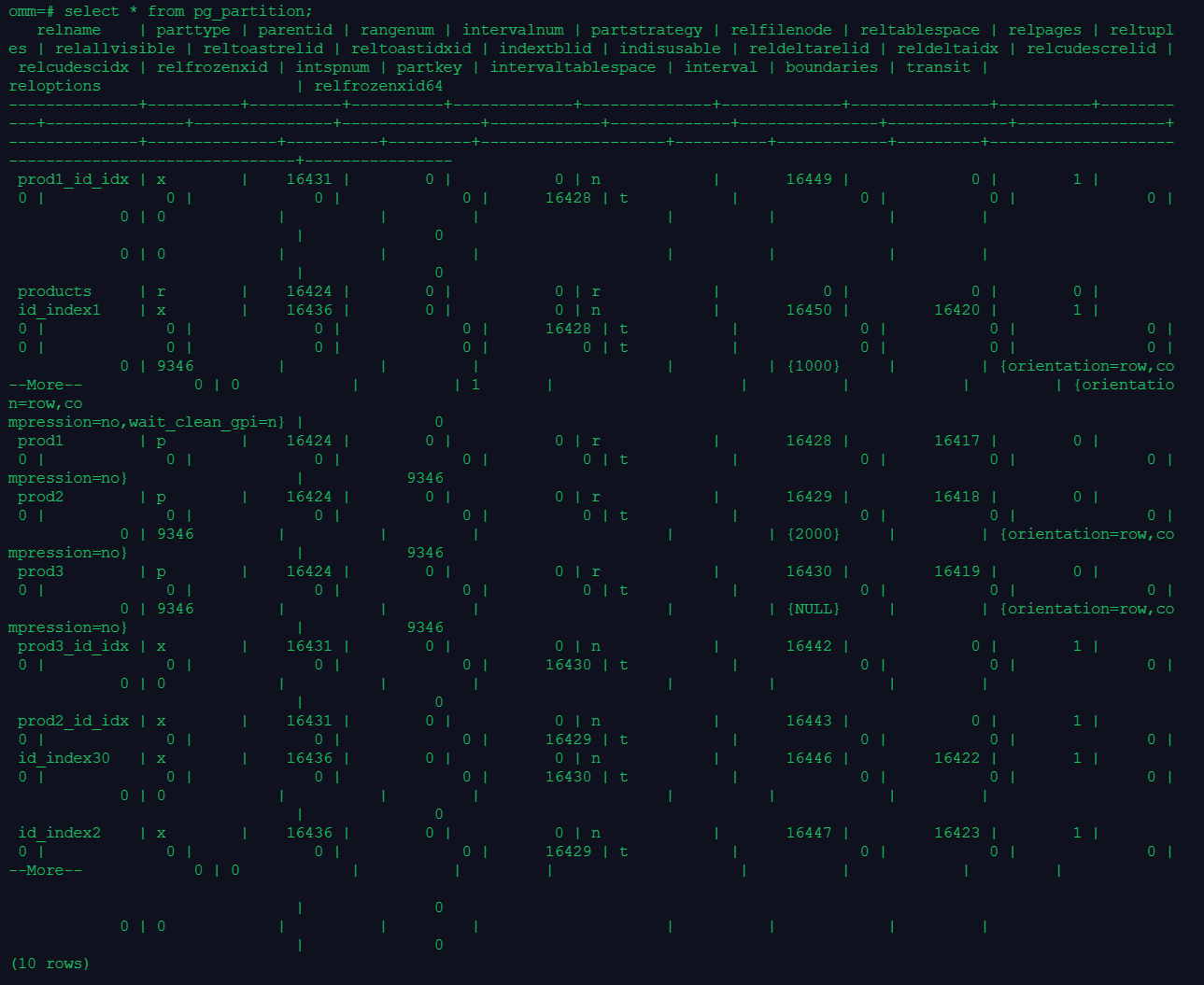
4.使用\d+、系统视图pg_indexes和pg_partition查看索引信息
\d+ zhanghui.products;
select * from pg_indexes where tablename = 'products';
select * from pg_partition;
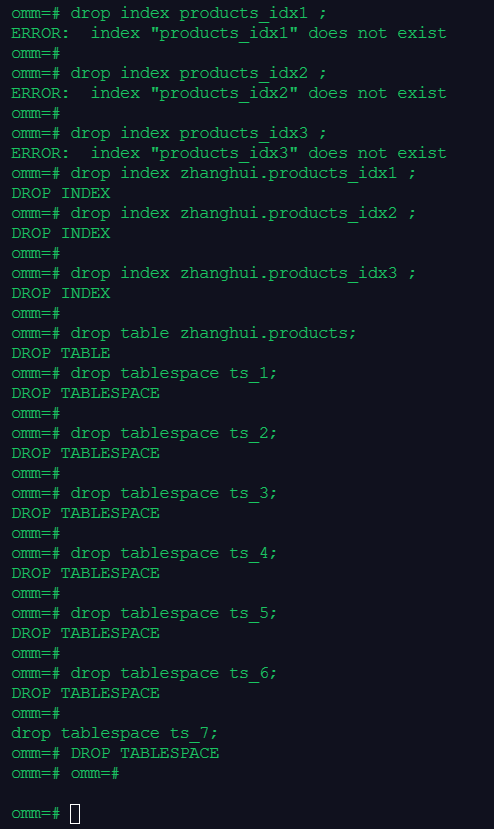
5.删除索引、表和表空间
drop index zhanghui.products_idx1 ;
drop index zhanghui.products_idx2 ;
drop index zhanghui.products_idx3 ;
drop table zhanghui.products;
drop tablespace ts_1;
drop tablespace ts_2;
drop tablespace ts_3;
drop tablespace ts_4;
drop tablespace ts_5;
drop tablespace ts_6;
drop tablespace ts_7;