




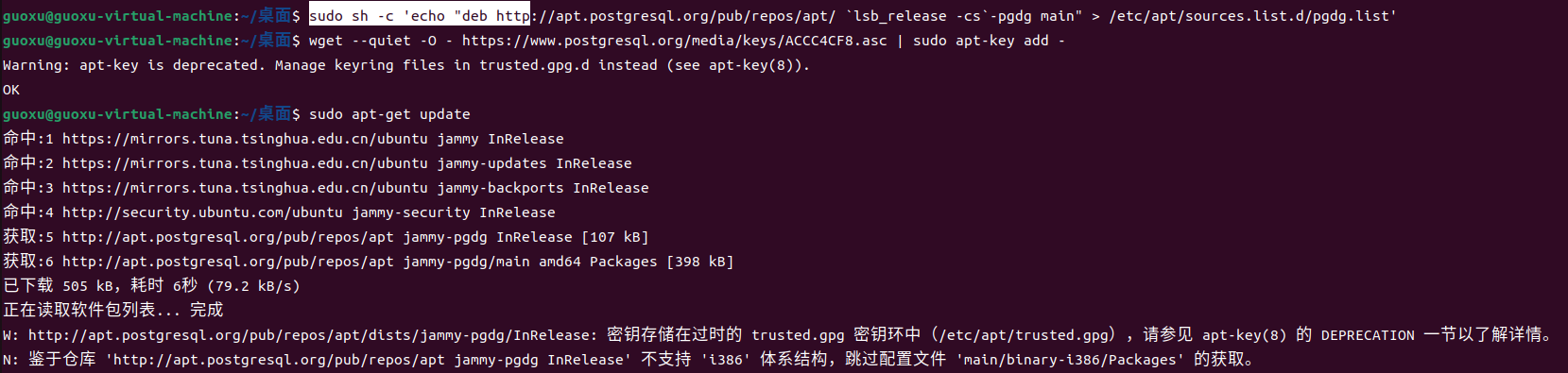
sudo sh -c 'echo "deb http://apt.postgresql.org/pub/repos/apt/ `lsb_release -cs`-pgdg main" > /etc/apt/sources.list.d/pgdg.list'
wget --quiet -O - https://www.postgresql.org/media/keys/ACCC4CF8.asc | sudo apt-key add -
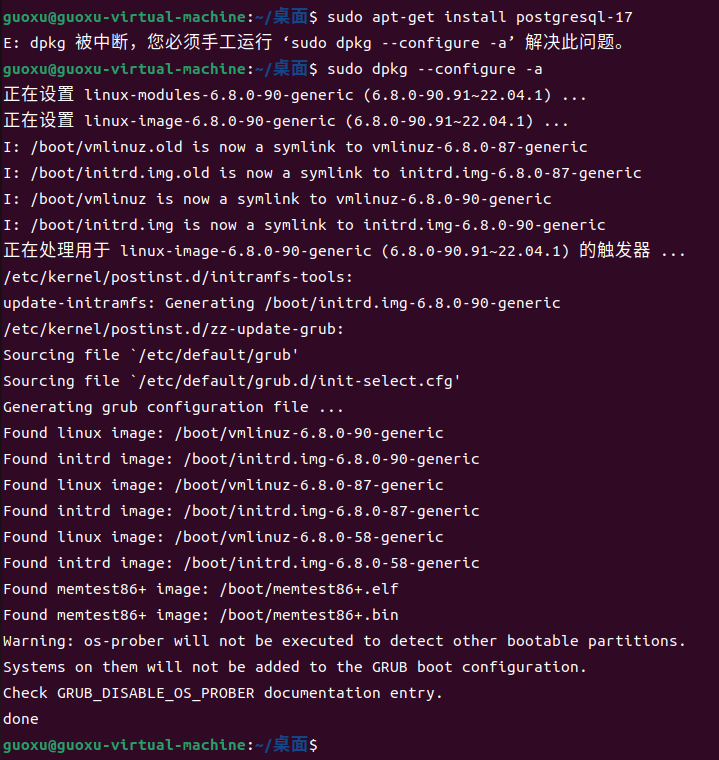
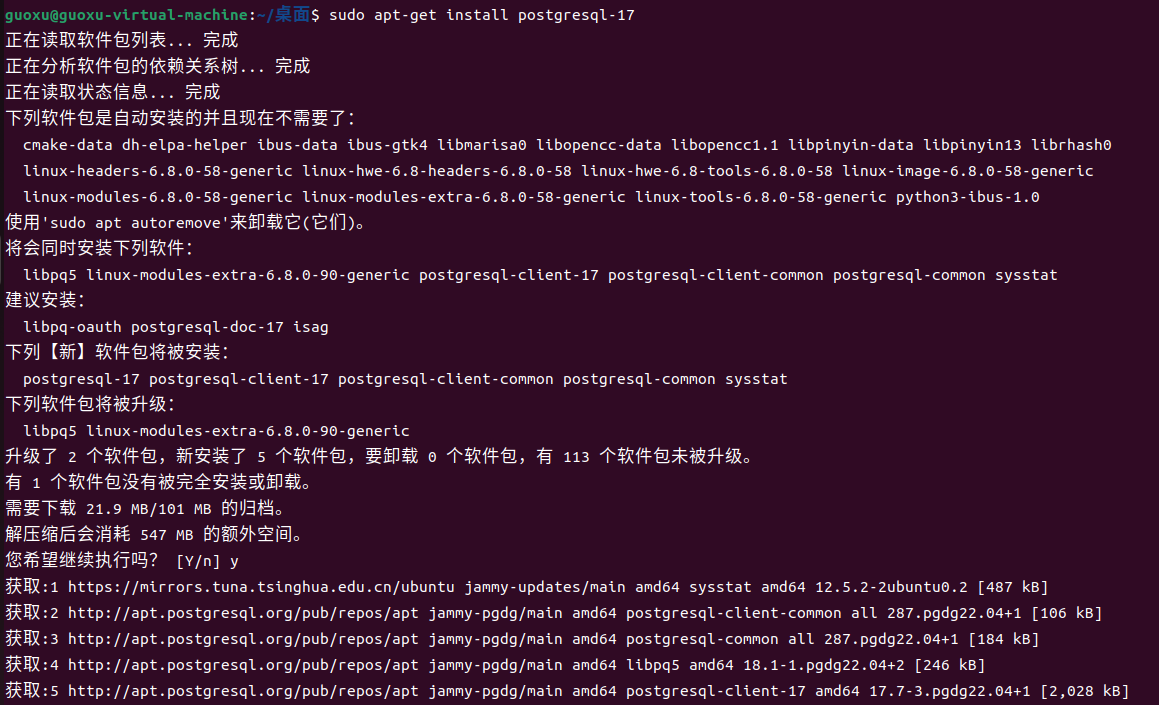
sudo apt-get install postgresql-17
sudo systemctl start postgresql
sudo systemctl enable postgresql
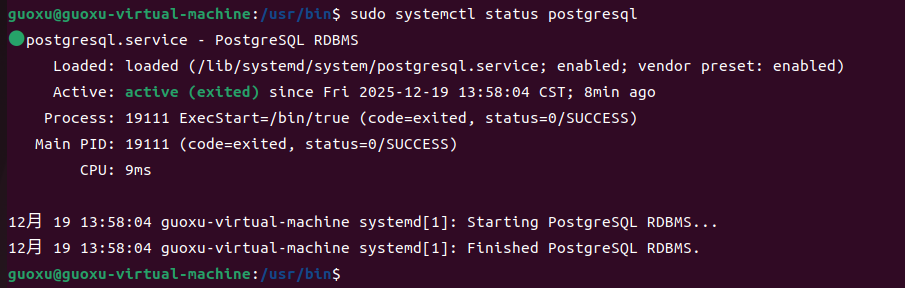
sudo systemctl status postgresql

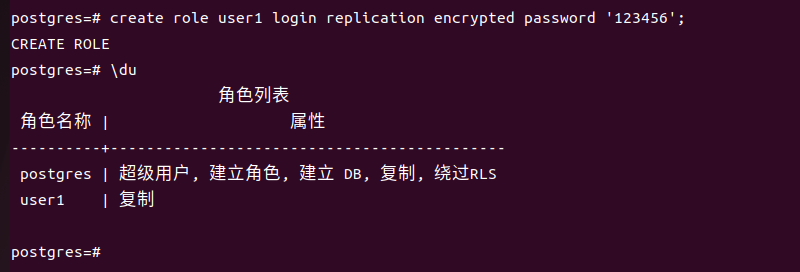
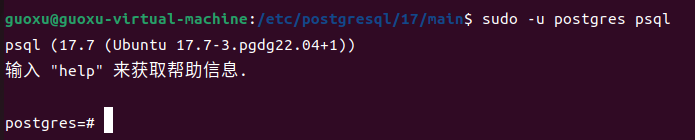
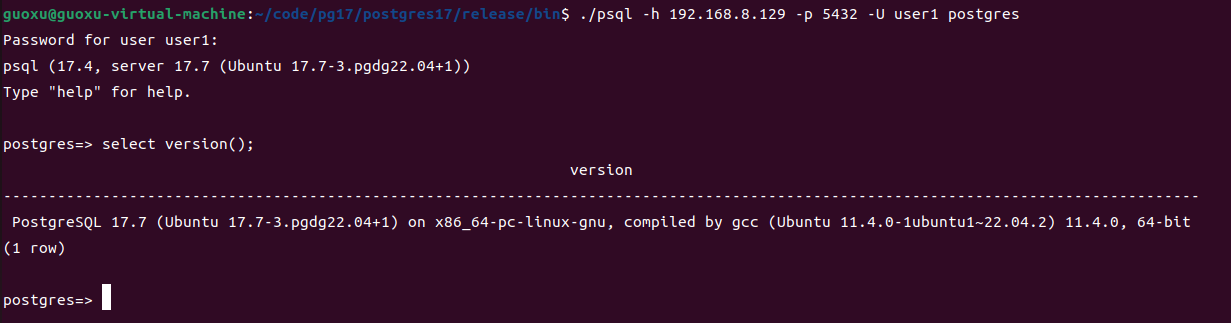
create role user1 login replication encrypted password '123456';
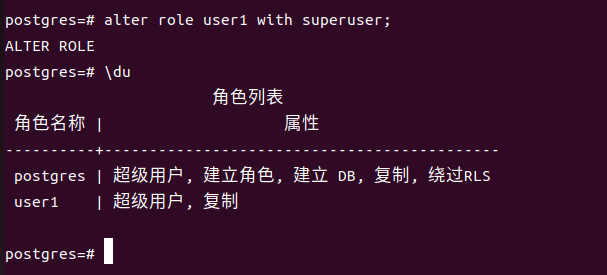
alter role user1 with superuser;
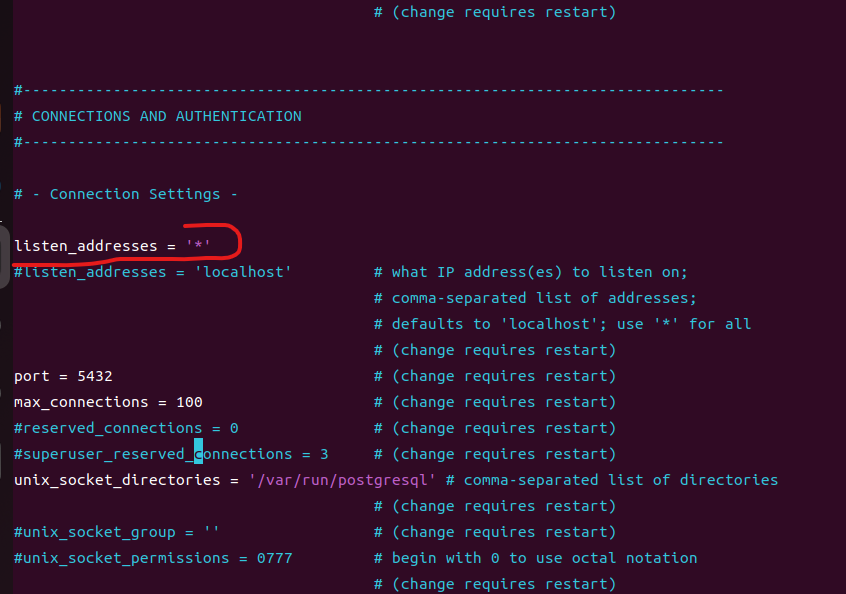
在配置文件 /etc/postgresql/17/main/postgresql.conf 中添加红线标注的行。
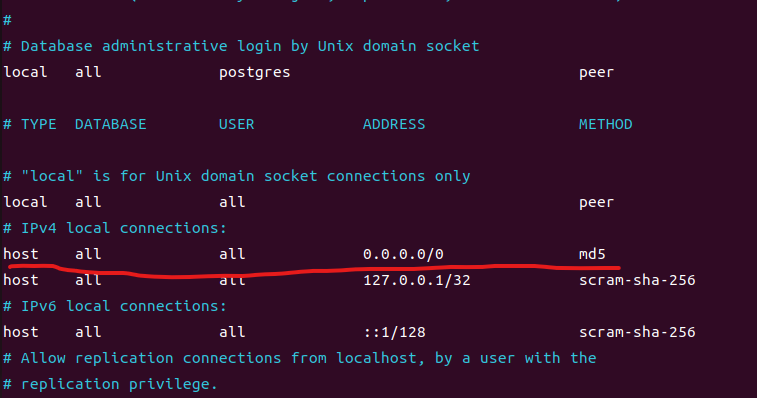
在配置文件 /etc/postgresql/17/main/pg_hba.conf 中添加红线标注的行。
(设置为all用于测试,权限较大,也可以只指定特定用户,例如上述步骤创建的user1。数据库也可以指定特定的数据库。)
「喜欢这篇文章,您的关注和赞赏是给作者最好的鼓励」
关注作者
【版权声明】本文为墨天轮用户原创内容,转载时必须标注文章的来源(墨天轮),文章链接,文章作者等基本信息,否则作者和墨天轮有权追究责任。如果您发现墨天轮中有涉嫌抄袭或者侵权的内容,欢迎发送邮件至:contact@modb.pro进行举报,并提供相关证据,一经查实,墨天轮将立刻删除相关内容。
