



你好,我是悟空。
作者介绍:
InfoQ 签约作者、蓝桥签约作者、阿里云专家博主、TiDB数据库专员
专注:用故事、大白话讲解Java、分布式、架构设计、数据库调优
技术公众号:悟空聊架构,3W+读者关注
个人博客:http://www.passjava.cn
GitHub: https://github.com/Jackson0714
背景
在系统上线前,我需要首次在生产环境搭建 MySQL 集群。过程中踩了几个坑,经过一步步填坑,最终顺利完成了集群的初始化搭建。
⚠️ 注意:开始部署时,各节点的数据库表中均无数据,因此可以尝试多种方式填坑。如果你的环境已有业务数据,请谨慎操作。
坑点一:添加节点时提示“已被添加到其他集群”
坑点描述
向当前集群添加某个节点时,提示该节点已经被添加到其他集群,导致添加失败。
解决方案
执行以下 SQL 清理节点上的残留 MGR 信息:
-- 停止组复制
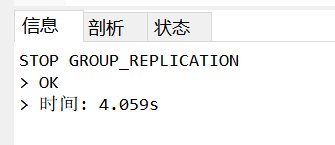
STOP GROUP_REPLICATION;

-- 关闭引导模式
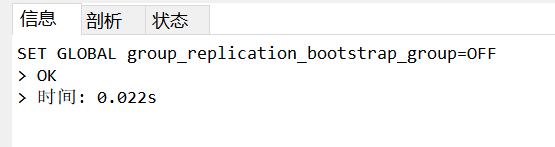
SET GLOBAL group_replication_bootstrap_group = OFF;

-- 方法1:重置所有二进制日志和 GTID(适用于无数据的新节点)
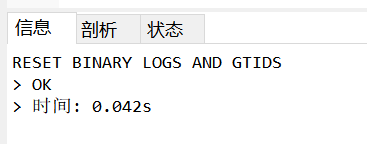
RESET BINARY LOGS AND GTIDS;

-- 方法2:重置副本设置(如果之前配置过)
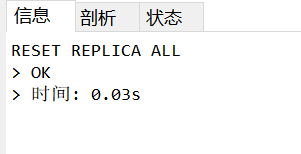
RESET REPLICA ALL;

-- 再次确认引导模式已关闭
SET GLOBAL group_replication_bootstrap_group = OFF;
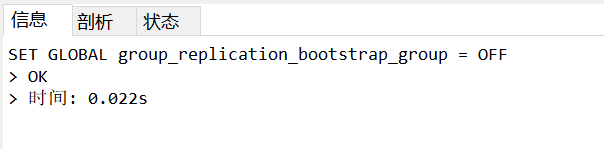
执行结果如下图所示:
坑点二:查看集群状态时无法识别节点 host
坑点描述
执行 cluster.status() 查询集群状态时,节点信息中提示主机名无法解析:
MySQL Error 2005: Could not open connection to ‘27037723176a:3306’: Unknown MySQL server host ‘27037723176a’ (-3)
在 192.168.3.15 上执行:
 MySQL  192.168.3.15:3306 ssl  JS > var cluster = dba.getCluster()
 MySQL  192.168.3.15:3306 ssl  JS > cluster.status()
{
    "clusterName": "prod_cluster",
    "defaultReplicaSet": {
        "name": "default",
        "primary": "27037723176a:3306",
        "ssl": "REQUIRED",
        "status": "OK_NO_TOLERANCE",
        "statusText": "Cluster is NOT tolerant to any failures.",
        "topology": {
            "27037723176a:3306": {
                "address": "27037723176a:3306",
                "memberRole": "PRIMARY",
                "memberState": "(MISSING)",
                "mode": "n/a",
                "readReplicas": {},
                "role": "HA",
                "shellConnectError": "MySQL Error 2005: Could not open connection to '27037723176a:3306': Unknown MySQL server host '27037723176a' (-3)",
                "status": "ONLINE",
                "version": "8.4.1"
            }
        },
        "topologyMode": "Single-Primary"
    },
    "groupInformationSourceMember": "27037723176a:3306"
}
填坑方案
-- 在 192.168.3.15 上执行
-- 查看组复制成员信息
SELECT * FROM performance_schema.replication_group_members;

-- 查看元数据中的实例信息
SELECT * FROM mysql_innodb_cluster_metadata.instances;
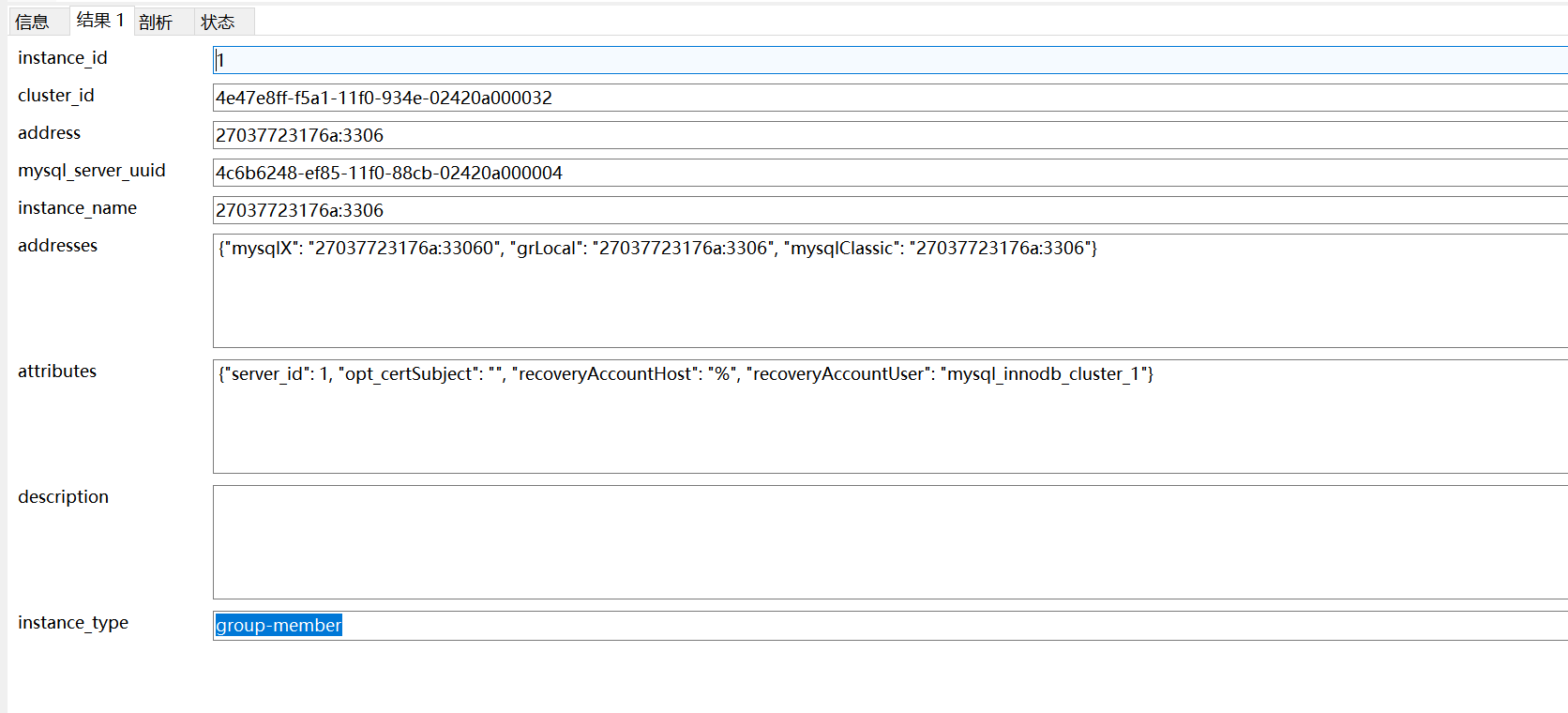
可以看到实例名显示为 27037723176a:3306,该名称与节点的 IP 或别名没有任何关联。这是因为当时使用容器部署 MySQL 所导致的问题。
最终解决方案:改用 MySQL 软件包(非容器)的形式直接安装,该问题得以解决。
坑点三:创建集群时提示 IP 地址不匹配
坑点描述
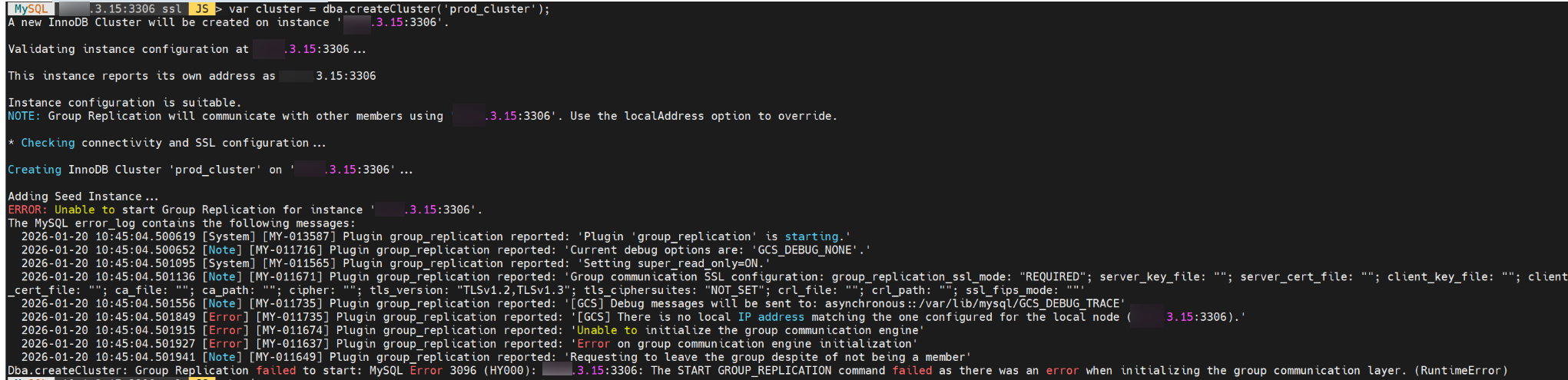
创建集群时出现错误,关键信息如下:
There is no local IP address matching the one configured for the local node (192.168.3.15:3306).
完整错误日志:
 MySQL  192.168.3.15:3306 ssl  JS > var cluster = dba.createCluster('prod_cluster');
A new InnoDB Cluster will be created on instance '192.168.3.15:3306'.

Validating instance configuration at 192.168.3.15:3306...

This instance reports its own address as 192.168.3.15:3306

Instance configuration is suitable.
NOTE: Group Replication will communicate with other members using '192.168.3.15:3306'. Use the localAddress option to override.

* Checking connectivity and SSL configuration...

Creating InnoDB Cluster 'prod_cluster' on '192.168.3.15:3306'...

Adding Seed Instance...
ERROR: Unable to start Group Replication for instance '192.168.3.15:3306'.
The MySQL error_log contains the following messages:
  2026-01-20 10:45:04.500619 [System] [MY-013587] Plugin group_replication reported: 'Plugin 'group_replication' is starting.'
  2026-01-20 10:45:04.500652 [Note] [MY-011716] Plugin group_replication reported: 'Current debug options are: 'GCS_DEBUG_NONE'.'
  2026-01-20 10:45:04.501095 [System] [MY-011565] Plugin group_replication reported: 'Setting super_read_only=ON.'
  2026-01-20 10:45:04.501136 [Note] [MY-011671] Plugin group_replication reported: 'Group communication SSL configuration: group_replication_ssl_mode: "REQUIRED"; server_key_file: ""; server_cert_file: ""; client_key_file: ""; client_cert_file: ""; ca_file: ""; ca_path: ""; cipher: ""; tls_version: "TLSv1.2,TLSv1.3"; tls_ciphersuites: "NOT_SET"; crl_file: ""; crl_path: ""; ssl_fips_mode: ""'
  2026-01-20 10:45:04.501556 [Note] [MY-011735] Plugin group_replication reported: '[GCS] Debug messages will be sent to: asynchronous::/var/lib/mysql/GCS_DEBUG_TRACE'
  2026-01-20 10:45:04.501849 [Error] [MY-011735] Plugin group_replication reported: '[GCS] There is no local IP address matching the one configured for the local node (192.168.3.15:3306).'
  2026-01-20 10:45:04.501915 [Error] [MY-011674] Plugin group_replication reported: 'Unable to initialize the group communication engine'
  2026-01-20 10:45:04.501927 [Error] [MY-011637] Plugin group_replication reported: 'Error on group communication engine initialization'
  2026-01-20 10:45:04.501941 [Note] [MY-011649] Plugin group_replication reported: 'Requesting to leave the group despite of not being a member'
Dba.createCluster: Group Replication failed to start: MySQL Error 3096 (HY000): 192.168.3.15:3306: The START GROUP_REPLICATION command failed as there was an error when initializing the group communication layer. (RuntimeError)
填坑方案
创建集群时,在命令中显式指定 localAddress 并强制覆盖:
var cluster = dba.createCluster('prod_cluster', {
    localAddress: '127.0.0.1:3306',
    force: true
});
💡 温馨提示:上述
localAddress使用了127.0.0.1,这仅在单机测试或多节点同机部署时有效。如果在真实生产环境(多个不同主机)中这样配置,会导致跨节点通信失败。建议根据实际网卡 IP 正确填写localAddress。
坑点四:添加节点时提示认证失败
坑点描述
向集群添加新节点时,提示认证异常,关键信息如下:
Cluster.addInstance: Authentication error during connection check (RuntimeError)
完整输出:
 MySQL  192.168.3.15:3306 ssl  JS > cluster.addInstance('root@192.168.3.16:3306')

NOTE: The target instance 'f11a8fb24d14:3306' has not been pre-provisioned (GTID set is empty). The Shell is unable to decide whether incremental state recovery can correctly provision it.
The safest and most convenient way to provision a new instance is through automatic clone provisioning, which will completely overwrite the state of 'f11a8fb24d14:3306' with a physical snapshot from an existing cluster member. To use this method by default, set the 'recoveryMethod' option to 'clone'.

The incremental state recovery may be safely used if you are sure all updates ever executed in the cluster were done with GTIDs enabled, there are no purged transactions and the new instance contains the same GTID set as the cluster or a subset of it. To use this method by default, set the 'recoveryMethod' option to 'incremental'.

Please select a recovery method [C]lone/[I]ncremental recovery/[A]bort (default Clone): C
Validating instance configuration at 192.168.3.16:3306...

This instance reports its own address as f11a8fb24d14:3306

Instance configuration is suitable.
NOTE: Group Replication will communicate with other members using 'f11a8fb24d14:3306'. Use the localAddress option to override.

* Checking connectivity and SSL configuration...
Cluster.addInstance: Authentication error during connection check (RuntimeError)
填坑方案
之前使用的是 MySQL 8 容器部署方式,后来改为直接使用 MySQL 软件包(非容器)安装,问题得到解决。推测是容器环境下的网络认证或用户权限机制导致了该异常。
总结
-
不要轻易使用
RESET BINARY LOGS AND GTIDS
该命令等同于RESET MASTER+ 清空 GTID 执行历史,会使节点丢失所有 binlog,无法用于恢复。仅适用于无业务数据的全新节点。 -
推荐提前预检节点配置
MGR 官方推荐使用dba.checkInstanceConfiguration()预先验证节点配置,能有效避免很多临时性报错。 -
生产环境建议配合 MySQL Router
不要让应用直接连接 Primary 节点,建议启用 MySQL Router 实现读写分离和故障自动切换。
