



背景:
数据库版本为:5.6.31
数据库引擎为: InnoDB
今天下午在创建表结构的时候提示
Index column size too large. The maximum column size is 767 bytes.
不能创建成功.
解决步骤:
5.6版本的官方文档文档中,显示.
By default, the index key prefix length limit is 767 bytes. See Section 13.1.13, “CREATE INDEX Syntax”. For example, you might hit this limit with a column prefix index of more than 255 characters on a TEXT or VARCHAR column, assuming a utf8mb3 character set and the maximum of 3 bytes for each character. When the innodb_large_prefix configuration option is enabled, the index key prefix length limit is raised to 3072 bytes for InnoDB tables that use DYNAMIC or COMPRESSED row format.
根据文档提示设置了参数 innodb_large_prefix
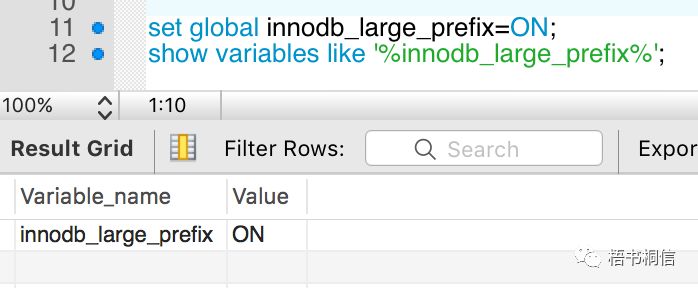
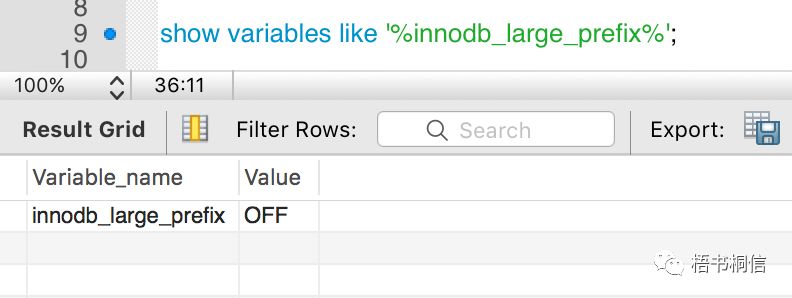
并在创建表的时候指定了row format为Compressed但是还是继续报这个错误.
CREATE TABLE `oauth_client_details` (`client_id` VARCHAR(256) NOT NULL,`resource_ids` VARCHAR(256) NULL,`client_secret` VARCHAR(256) NULL,`scope` VARCHAR(256) NULL,`authorized_grant_types` VARCHAR(256) NULL,`web_server_redirect_uri` VARCHAR(256) NULL,`authorities` VARCHAR(256) NULL,`access_token_validity` INT NULL,`refresh_token_validity` INT NULL,`additional_information` VARCHAR(4096) NULL,`autoapprove` VARCHAR(256) NULL,PRIMARY KEY (`client_id`))ENGINE = InnoDBDEFAULT CHARACTER SET = utf8mb4ROW_FORMAT = Compressed;
最终在询问了公司DBA后才知道还需要设置innodb_file_format 为 Barracuda格式,默认的格式为: Antelope
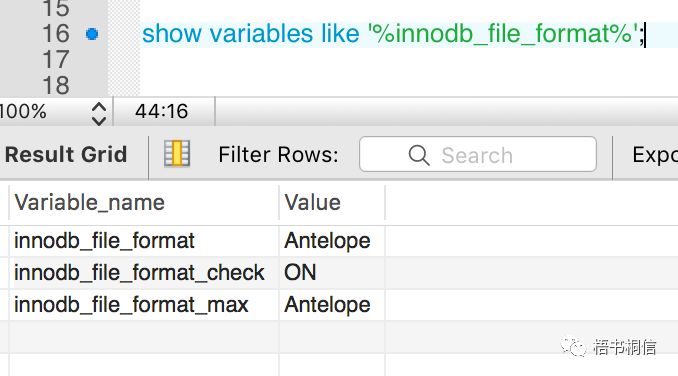
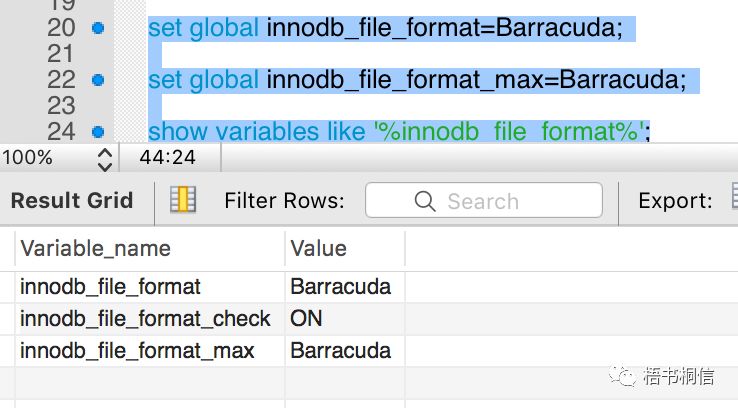
再次执行创建表语句,成功。
文章转载自梧书桐信,如果涉嫌侵权,请发送邮件至:contact@modb.pro进行举报,并提供相关证据,一经查实,墨天轮将立刻删除相关内容。
