



点击上方蓝字关注我们,一起涨姿势!


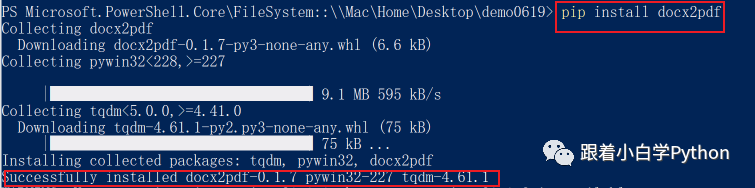
pip install docx2pdf
安装成功
usage: docx2pdf [-h] [--keep-active] [--version] input [output]

Example Usage:
Convert single docx file in-place from myfile.docx to myfile.pdf:
    docx2pdf myfile.docx
Batch convert docx folder in-place. Output PDFs will go in the same folder:
    docx2pdf myfolder/
Convert single docx file with explicit output filepath:
    docx2pdf input.docx output.docx
Convert single docx file and output to a different explicit folder:
    docx2pdf input.docx output_dir/
Batch convert docx folder. Output PDFs will go to a different explicit folder:
    docx2pdf input_dir/ output_dir/
positional arguments:
  input          input file or folder. batch converts entire folder or convert
                 single file
  output output file or folder

optional arguments:
  -h, --help     show this help message and exit
  --keep-active prevent closing word after conversion
  --version      display version and exit
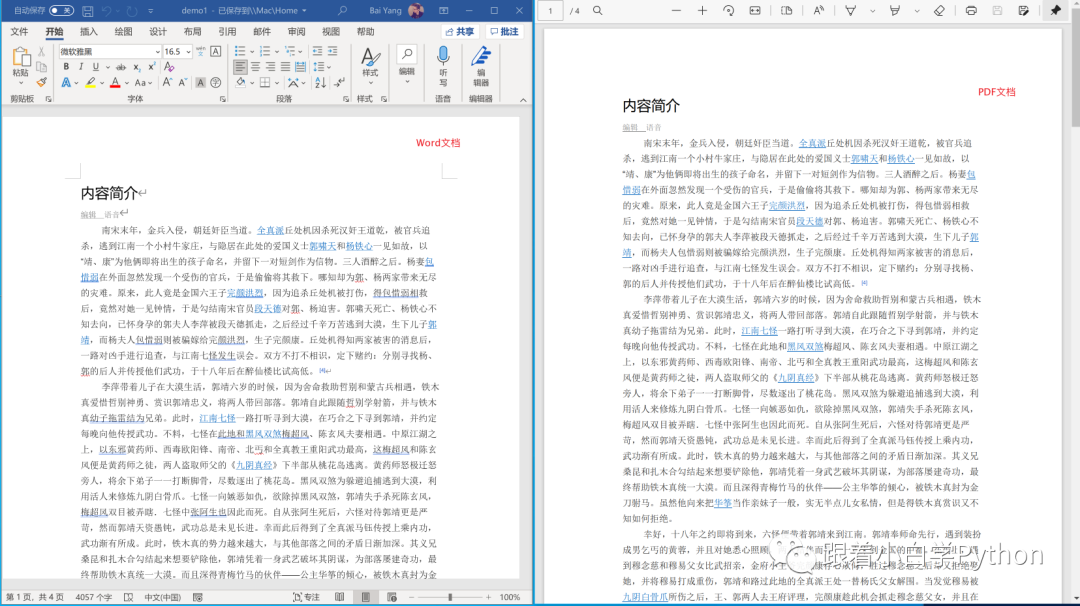
from docx2pdf import convert
convert("demo1.docx")
完成


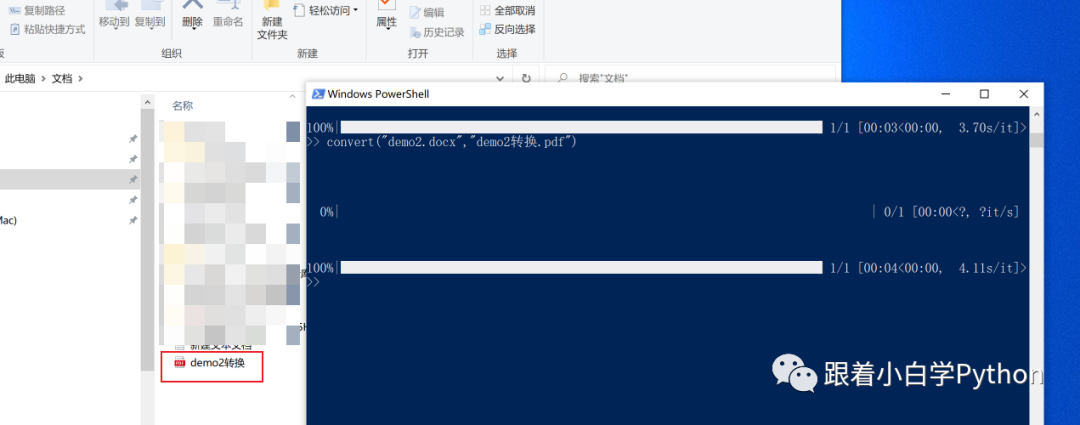
from docx2pdf import convert
convert("demo2.docx","demo2转换.pdf")
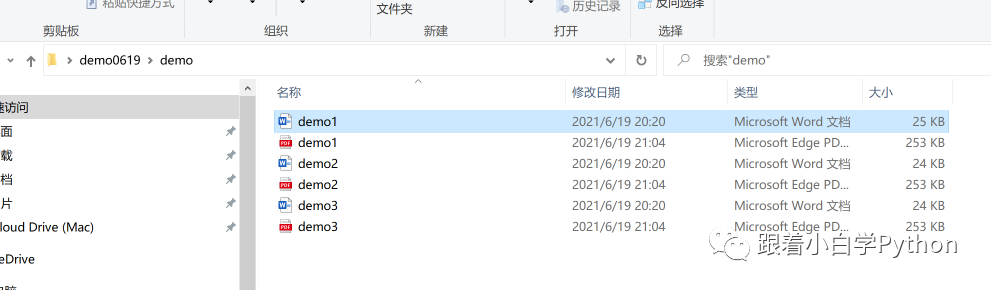
默认会输出在文档目录里
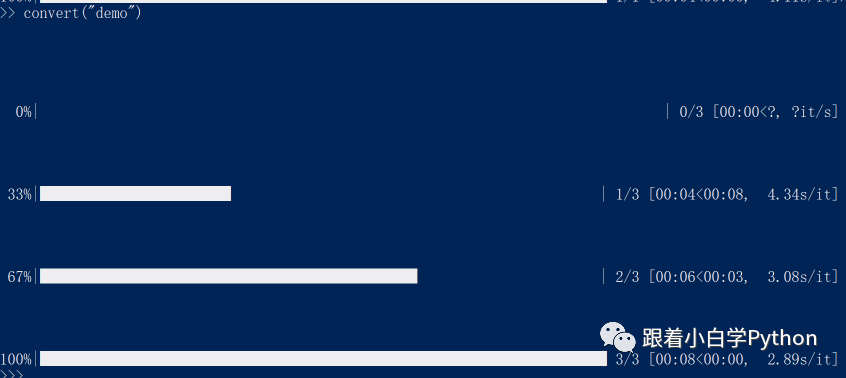
from docx2pdf import convert
convert("demo")
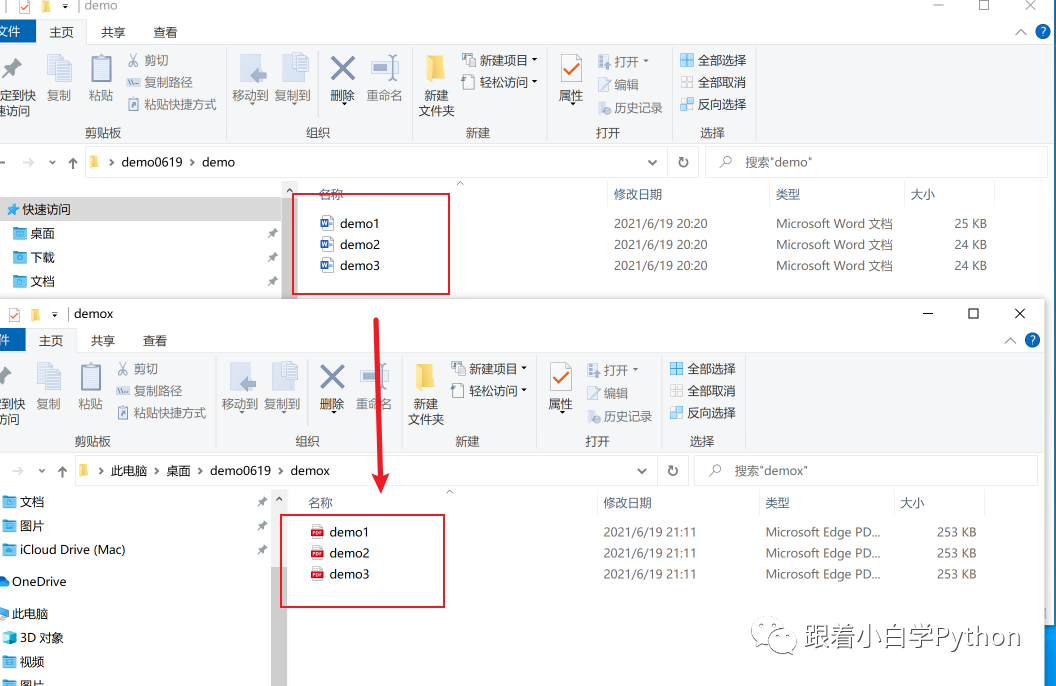
from docx2pdf import convert
convert("demo","demox")
效果如下

官方文档 https://pypi.org/project/docx2pdf/
扫码二维码获取更多精彩



点个在看你最好看

文章转载自跟着小白学Python,如果涉嫌侵权,请发送邮件至:contact@modb.pro进行举报,并提供相关证据,一经查实,墨天轮将立刻删除相关内容。
