



第二十天学习openGauss全文检索。
连接openGauss
su - omm
gsql -r
1.用tsvector @@ tsquery和tsquery @@ tsvector完成两个基本文本匹配
select 'China is a great country'::tsvector @@ 'China & great'::tsquery as result;
select 'country & great'::tsquery @@ 'Japan is a small place'::tsvector as result;
2.创建表且至少有两个字段的类型为 text类型,在创建索引前进行全文检索
create schema schema1;
create table schema1.tab(id int, body text, title text, last_mod_date date);
insert into schema1.tab values(1, 'China, officially the People''s Republic of China(PRC), located in Asia, is the world''s most populous state.', 'China', '2021-12-20'),(2, 'America is a rock band, formed in England in 1970 by multi-instrumentalists Dewey Bunnell, Dan Peek, and Gerry Beckley.', 'America', '2021-12-20'),(3, 'England is a country that is part of the United Kingdom. It shares land borders with Scotland to the north and Wales to the west.', 'England','2021-12-20');
--检索出在title或者body字段中包含china和asia的行
select title from schema1.tab where to_tsvector(title || ' ' || body) @@ to_tsquery('china & asia');
3.创建GIN索引
--为了加速文本搜索,可以创建GIN索引(指定China配置来解析和规范化字符串)
create index tab_idx_1 on schema1.tab using gin(to_tsvector('english', body));
--连接列的索引
create index tab_idx_3 on schema1.tab using gin(to_tsvector('english', title || ' ' || body));
4.清理数据
drop schema schema1 cascade;
上面实际操作截图如下:
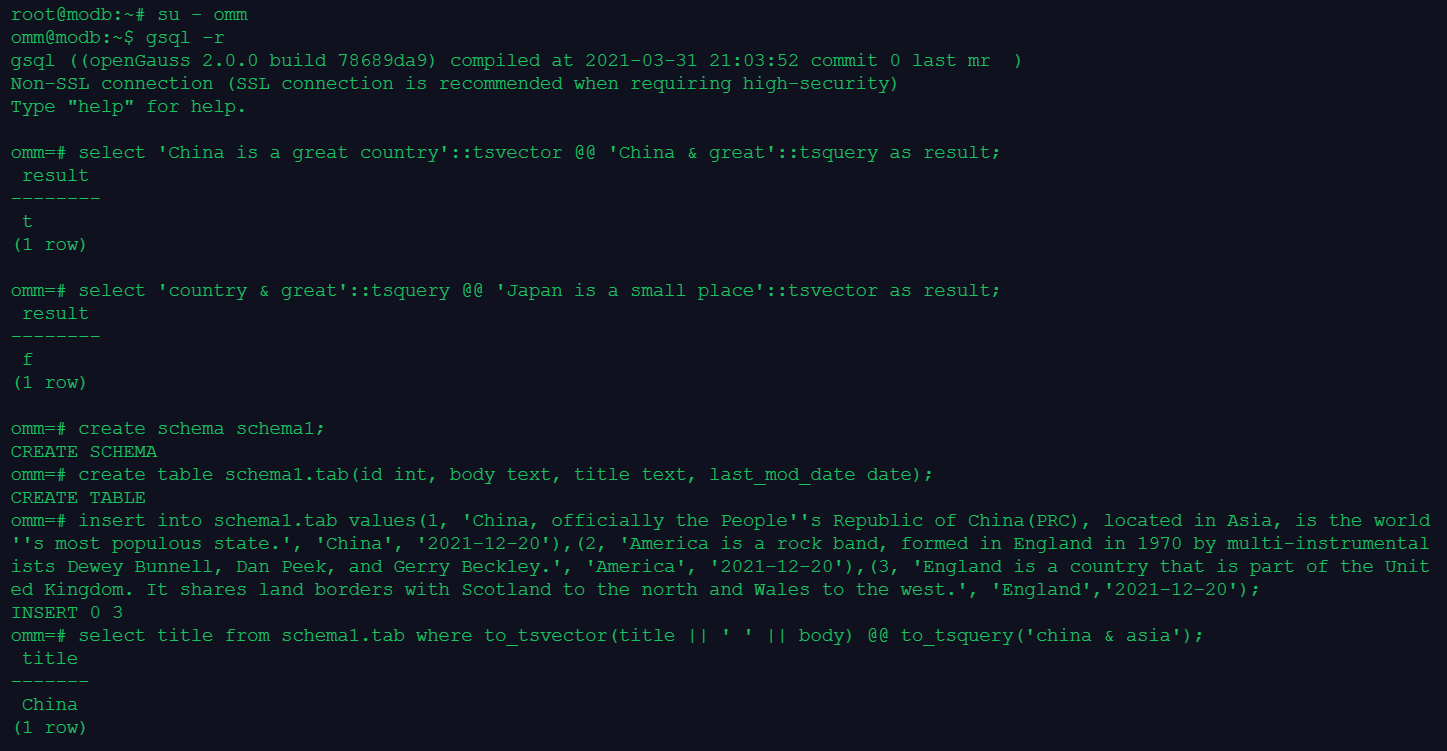

通过以上实操,学习到openGauss全文检索,了解到openGauss提供了两种数据类型用于支持全文检索。tsvector类型表示为文本搜索优化的文件格式,tsquery类型表示文本查询。全文检索基于匹配算子@@,当一个tsvector匹配到一个tsquery时,则返回true, tsvector和tsquery两种数据类型可以任意排序。
「喜欢这篇文章,您的关注和赞赏是给作者最好的鼓励」
关注作者
【版权声明】本文为墨天轮用户原创内容,转载时必须标注文章的来源(墨天轮),文章链接,文章作者等基本信息,否则作者和墨天轮有权追究责任。如果您发现墨天轮中有涉嫌抄袭或者侵权的内容,欢迎发送邮件至:contact@modb.pro进行举报,并提供相关证据,一经查实,墨天轮将立刻删除相关内容。
