



学习目标:学习openGauss导出数据
部分学习内容如下:
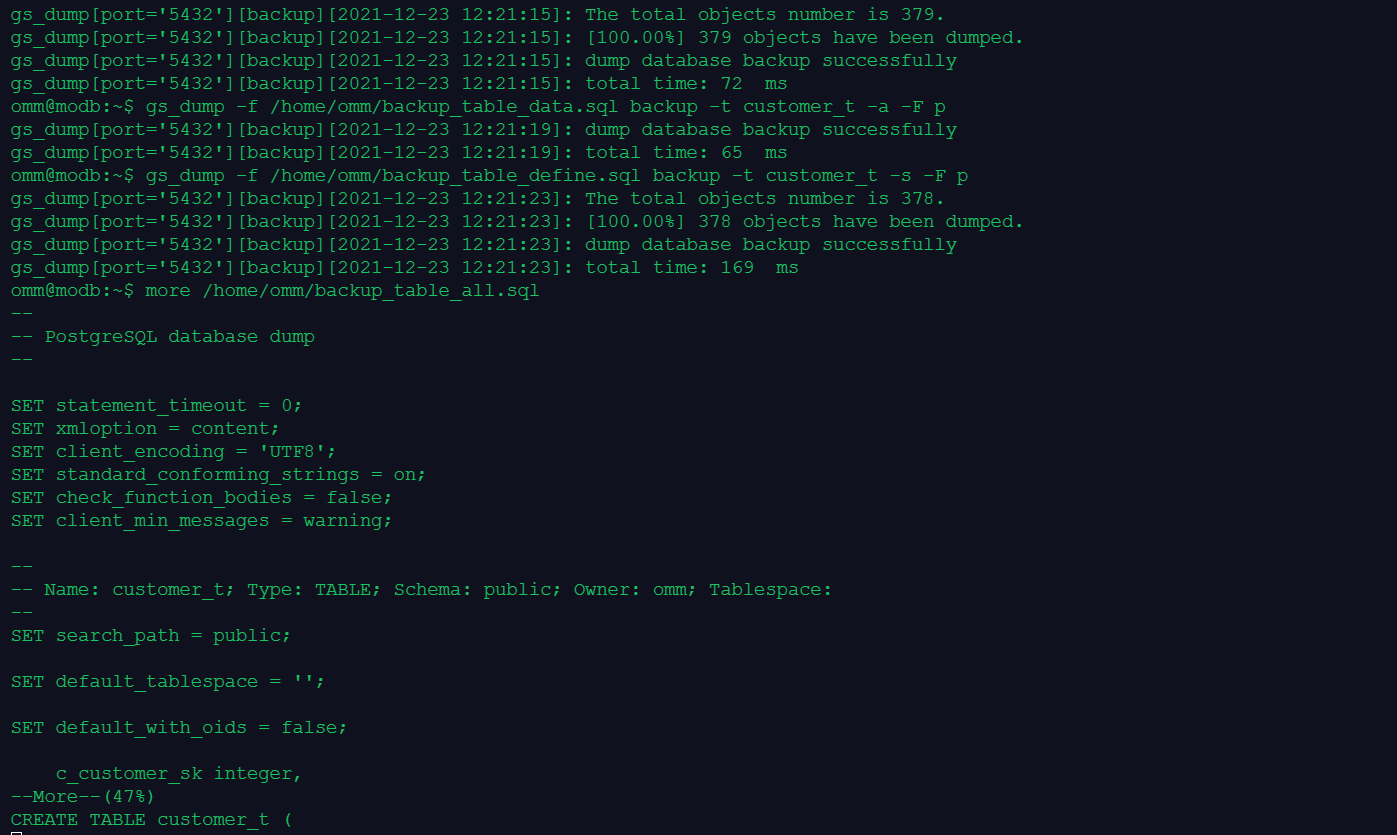
课程作业:
1.创建数据库tpcc,在数据库tpcc中创建模式schema1,在模式schema1中建表products
omm=# create database tpcc;
CREATE DATABASE
omm=# \c tpcc;
Non-SSL connection (SSL connection is recommended when requiring high-security)
You are now connected to database "tpcc" as user "omm".
tpcc=# create schema schema1;
tpcc=# CREATE SCHEMA
tpcc=# create table products(id int,name char(20));
CREATE TABLE
tpcc=# insert into products values(1,'open'),(2,'gauss'),(3,'data'),(4,'base');
INSERT 0 4
2.使用gs_dump工具以文本格式导出数据库tpcc的全量数据
tpcc=# \q
omm@modb:~$ gs_dump -f /home/omm/tpcc_database_all.sql tpcc
gs_dump[port='5432'][tpcc][2021-12-23 12:30:51]: The total objects number is 389.
gs_dump[port='5432'][tpcc][2021-12-23 12:30:51]: [100.00%] 389 objects have been dumped.
gs_dump[port='5432'][tpcc][2021-12-23 12:30:51]: dump database tpcc successfully
gs_dump[port='5432'][tpcc][2021-12-23 12:30:51]: total time: 100 ms
3.使用gs_dump工具以文本格式导出模式schema1的定义
omm@modb:~$ gs_dump -f /home/omm/tpcc_schema1_define.sql tpcc -n schema1 -s
gs_dump[port='5432'][tpcc][2021-12-23 12:31:04]: The total objects number is 378.
gs_dump[port='5432'][tpcc][2021-12-23 12:31:04]: [100.00%] 378 objects have been dumped.
gs_dump[port='5432'][tpcc][2021-12-23 12:31:04]: dump database tpcc successfully
gs_dump[port='5432'][tpcc][2021-12-23 12:31:04]: total time: 183 ms
4.使用gs_dump工具以文本格式导出数据库tpcc的数据,不包含定义
omm@modb:~$ gs_dump -f /home/omm/tpcc_database_data.sql tpcc -a -F p
gs_dump[port='5432'][tpcc][2021-12-23 12:31:42]: dump database tpcc successfully
gs_dump[port='5432'][tpcc][2021-12-23 12:31:42]: total time: 81 ms
5.删除表、模式和数据库
omm@modb:~$ gsql -r
gsql ((openGauss 2.0.0 build 78689da9) compiled at 2021-03-31 21:03:52 commit 0 last mr )
Non-SSL connection (SSL connection is recommended when requiring high-security)
Type "help" for help.
omm=# \c tpcc
Non-SSL connection (SSL connection is recommended when requiring high-security)
You are now connected to database "tpcc" as user "omm".
tpcc=# drop table products;
DROP TABLE
tpcc=# drop schema schema1;
DROP SCHEMA
tpcc=# \c omm
Non-SSL connection (SSL connection is recommended when requiring high-security)
You are now connected to database "omm" as user "omm".
omm=# drop database tpcc;
omm=# DROP DATABASE
