



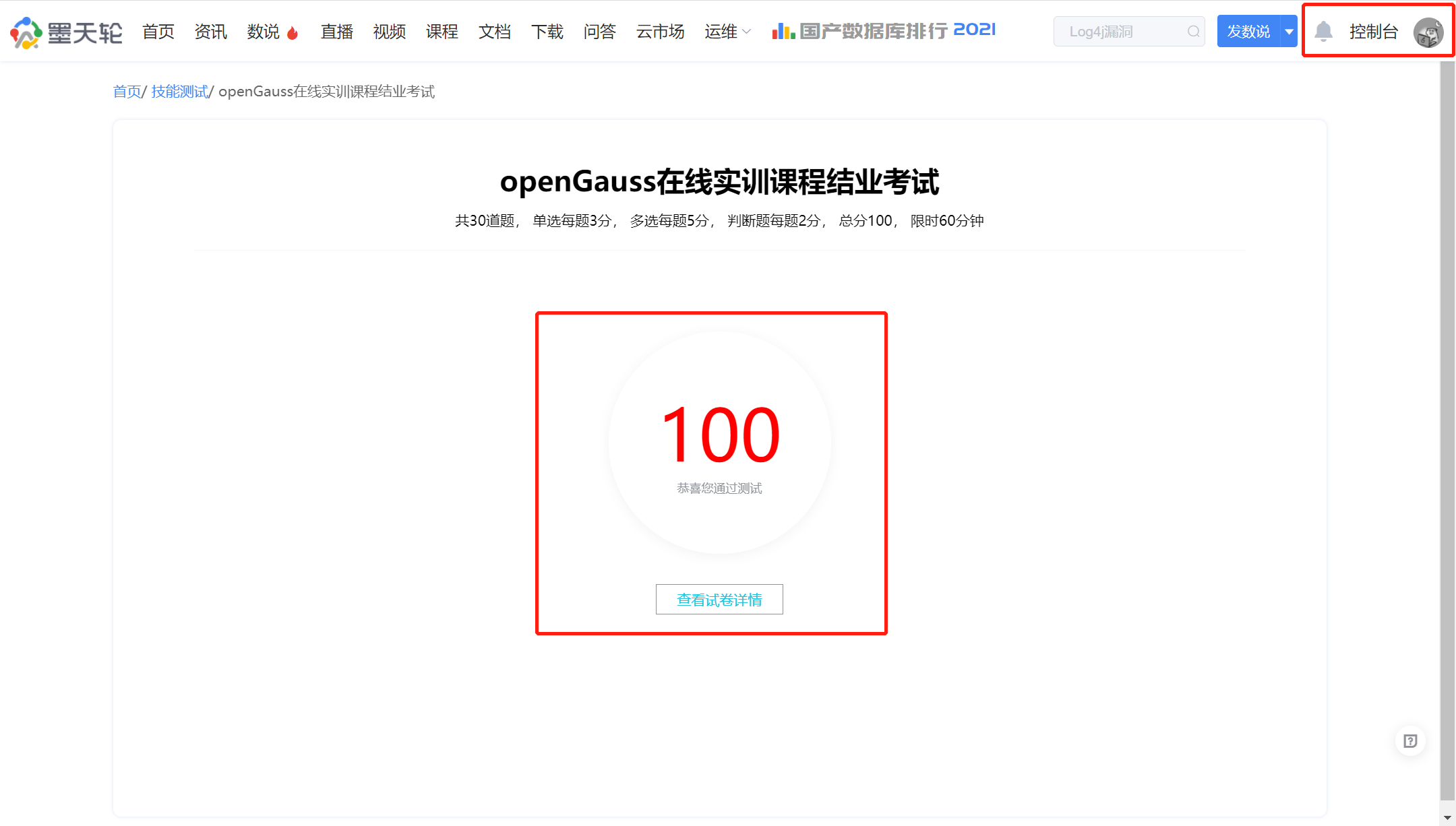
今天(2021年12月31日),我在12.26号无意间在朋友圈看到了Gauss松鼠会发的海报,于是看这个教程。进行了学习及考试,由于这几天太忙,现在把做的作业文章补上,12.26号下午和晚上都在做这个作业,大概22:00终于完成了实验的每日章节练习,并完成了考试,推荐给了一个朋友一起学习,一起测试,在共同努力下,考取了100分的好成绩,总体感觉这个课程还是很不错的,初步渐入的学习openGauss数据库,并且在12.30号还有活动直播:openGauss与PostgreSQL核心技术解读及优势对比"
章节练习一共21天,下面是第1天的作业内容。
1、学习openGauss创建表、插入记录、查询记录和删除表基本使用
1.创建一个表products
字段名 数据类型 含义
product_id INTEGER 产品编号
product_name Char(30) 产品名
category Char(20) 种类
-----------------------------------------
CREATE TABLE products
( product_id integer,
product_name char(30),
category char(20)
) ;
=========================
2.向表中插入数据,采用一次插入一条和多条记录的方式
product_id product_name category
1502 olympus camera electrncs
1601 lamaze toys
1700 wait interface Books
1666 harry potter toys
-----------------------------------------
INSERT INTO products (product_id, product_name, category) VALUES (1502, 'olympus camera','electrncs');
INSERT INTO products (product_id, product_name, category) VALUES (1601, 'lamaze','toys');
INSERT INTO products (product_id, product_name, category) VALUES (1700, 'wait interface','Books');
INSERT INTO products (product_id, product_name, category) VALUES (1666, 'harry potter','toys');
或者
INSERT INTO products (product_id, product_name, category) VALUES
(1502, 'olympus camera','electrncs'),
(1601, 'lamaze','toys'),
(1700, 'wait interface','Books'),
(1666, 'harry potter','toys');
3.查询表中所有记录及记录数
记录
select * from products;
记录数
select count(*) from products;
-----------------------------------------
4.查询表中所有category记录,并将查询结果按升序排序
select * from products order by category;
-----------------------------------------
5.查询表中category为toys的记录
select * from products where category = 'toys';
-----------------------------------------
6.删除表products
drop table products;
-----------------------------------------
