



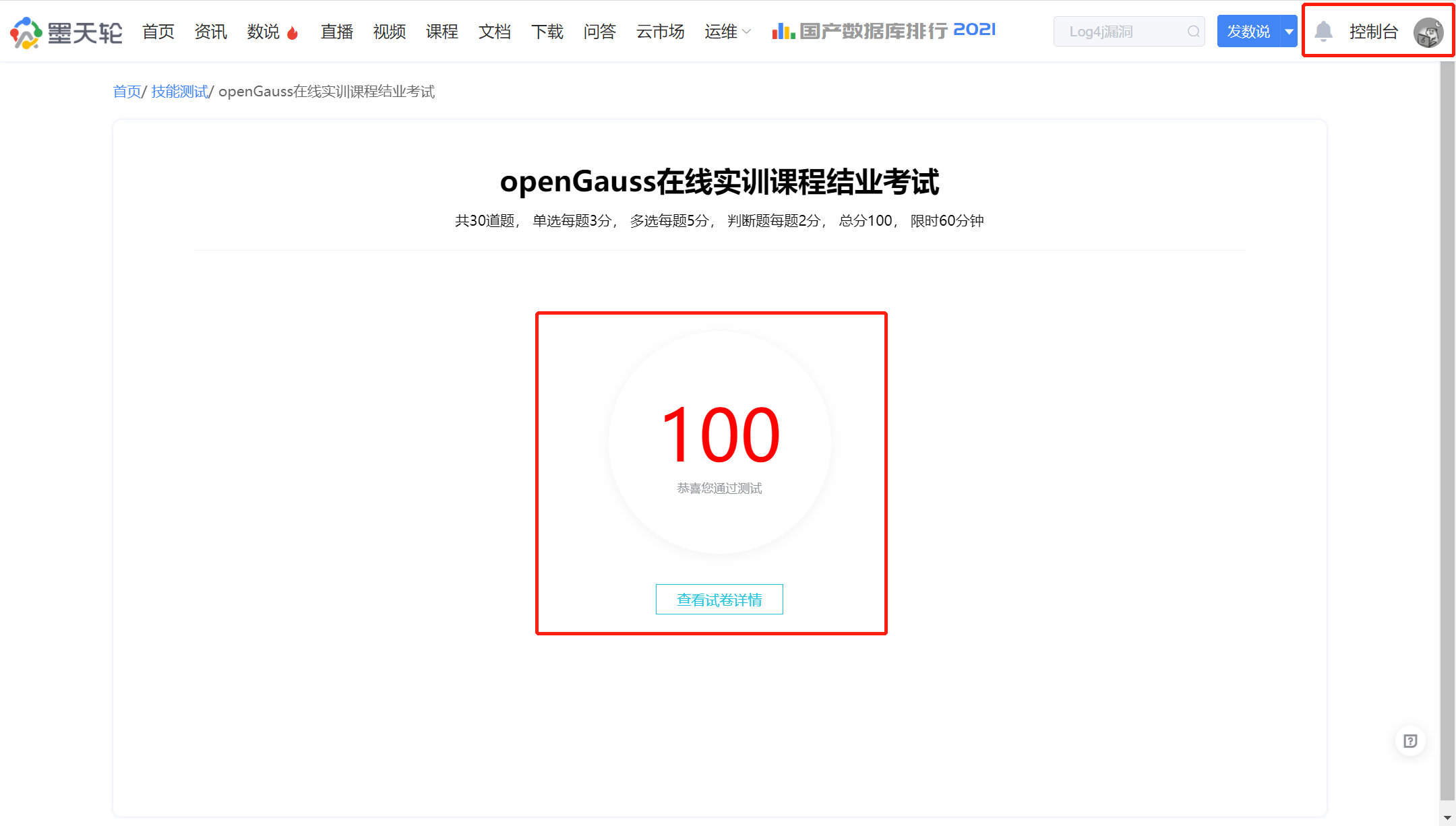
今天(2021年12月31日),我在12.26号无意间在朋友圈看到了Gauss松鼠会发的海报,于是看这个教程。进行了学习及考试,由于这几天太忙,现在把做的作业文章补上,12.26号下午和晚上都在做这个作业,大概22:00终于完成了实验的每日章节练习,并完成了考试,推荐给了一个朋友一起学习,一起测试,在共同努力下,考取了100分的好成绩,总体感觉这个课程还是很不错的,初步渐入的学习openGauss数据库,并且在12.30号还有活动直播:openGauss与PostgreSQL核心技术解读及优势对比"
章节练习一共21天,下面是第8天的作业内容。
8、学习openGauss分区表
课程作业
1.创建一个含有5个分区的范围分区表store,在每个分区中插入记录
create table update_table
(
c1 int,
c2 CHAR(2)
)
partition by range (c1)
(
partition update_table_p0 values less than (50),
partition update_table_p1 values less than (100),
partition update_table_p2 values less than (150),
partition update_table_p3 values less than (200),
partition update_table_p4 values less than (250)
);
insert into update_table values (1, 'a'), (50, 'b'), (100, 'c'),(150, 'd'), (200, 'e');
=========================
2.查看分区1上的数据
select * from update_table partition(update_table_p0);
=========================
3.重命名分区2
alter table update_table rename partition update_table_p1 to update_table_p1_1;
=========================
4.删除分区5
alter table update_table drop partition update_table_p4;
=========================
5.增加分区6
alter table update_table add partition update_table_p5 values less than (300);
insert into update_table values (250, 'f');
=========================
6.在系统表pg_partition中查看分区信息
\d+ update_table;
select * from pg_partition;
=========================
7.删除分区表
drop table update_table;
=========================
