



什么是Multipass?

官方说明:
Ubuntu VMs on demand for any workstation
Get an instant Ubuntu VM with a single command. Multipass can launch and run virtual machines and configure them with cloud-init like a public cloud. Prototype your cloud launches locally for free.
就是创建Ubuntu系统的虚拟机。
以前搭建Kafka、zookeeper集群的时候,总是会用visual box ,fusion(mac)等虚拟机技术。
1、下载镜像
2、创建虚拟机,选择镜像、设置系统属性
3、完成搭建
很巧地,前几天看到了装了个Ubuntu、Windows双系统。看到了Ubuntu界面,感觉比以前使用Ubuntu的时候漂亮了挺多。于是打开了Ubuntu的官网。ubuntu.com/, 无意间看到了multipass工具。于是尝试了下。觉得特别好用。对于那些不想花钱购买机器、又想有自己的多个linux系统的朋友,multipass很好用。而且关键的一点是用起来特别方便。
接下来我就把我使用multipass的操作记录下来。分享给大家。
安装multipass
打开multipass.run/
multipass支持linux、windows、mac平台使用。
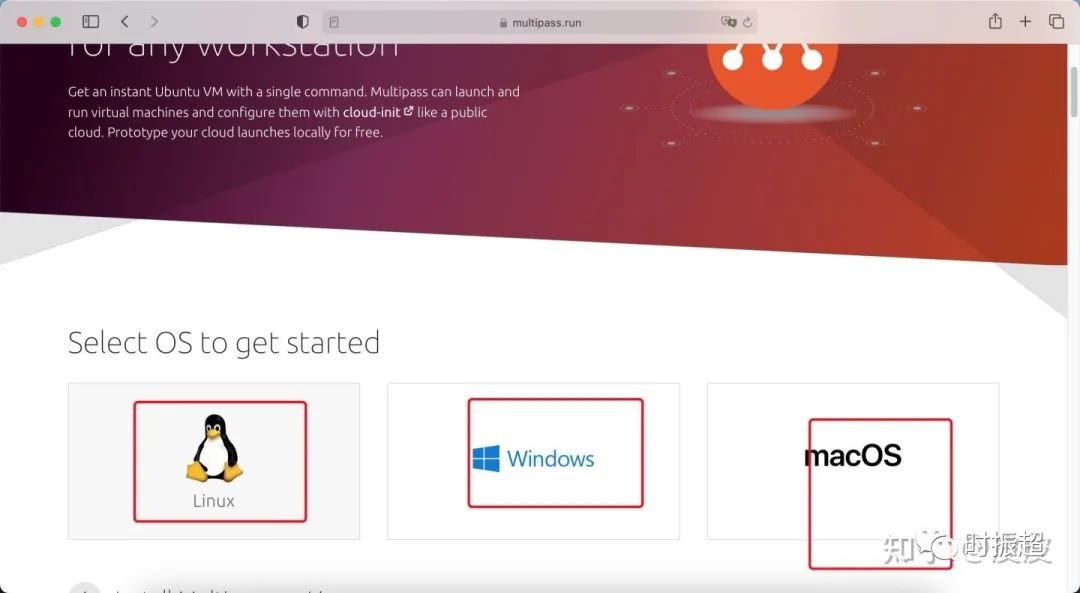
本人再次使用mac版本
安装有两种方式:
下载pkg包进行安装。
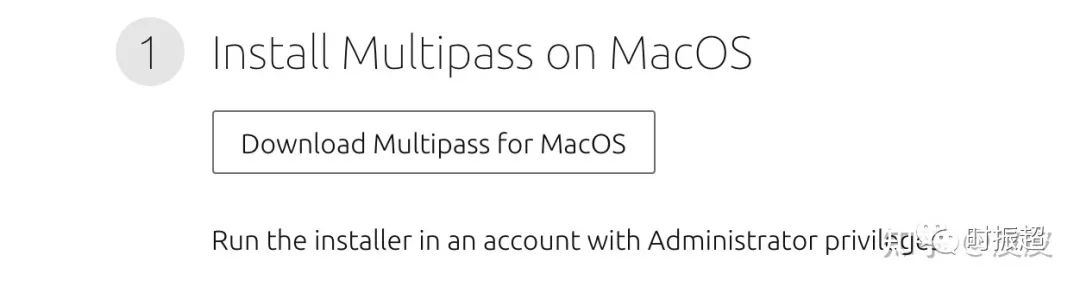
使用brew命令安装
brew install --cask multipass
验证安装是否成功
执行multipass
显示如下界面即代表成功
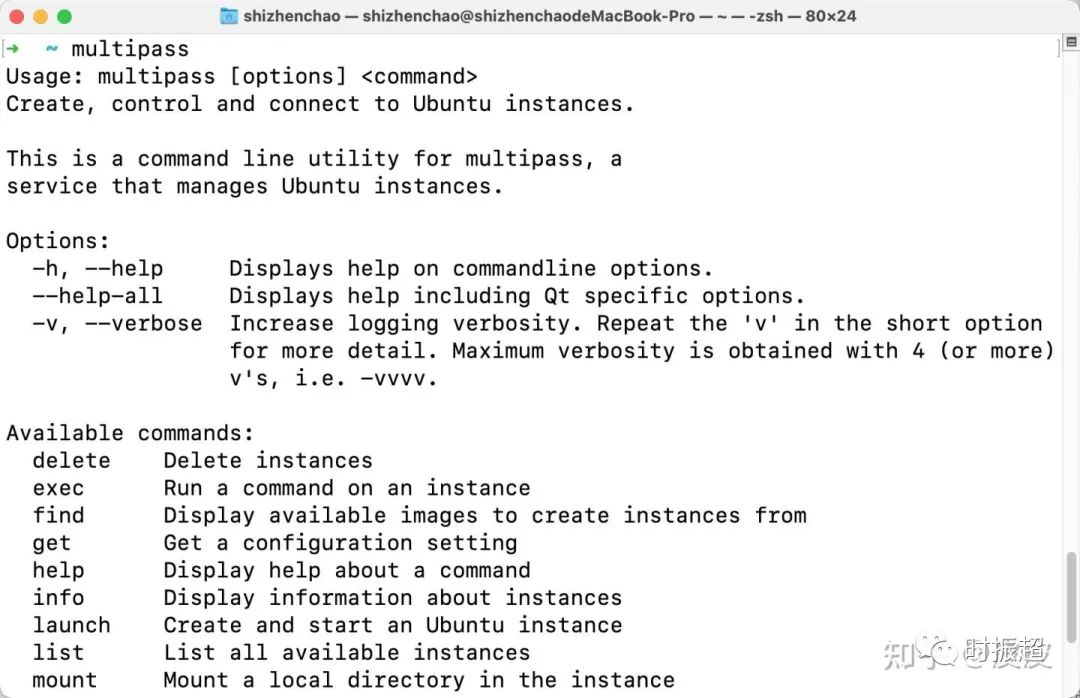
完整日志如下:
Usage: multipass [options] <command>
Create, control and connect to Ubuntu instances.

This is a command line utility for multipass, a
service that manages Ubuntu instances.

Options:
  -h, --help     Displays help on commandline options.
  --help-all     Displays help including Qt specific options.
  -v, --verbose  Increase logging verbosity. Repeat the 'v' in the short option
                 for more detail. Maximum verbosity is obtained with 4 (or more)
                 v's, i.e. -vvvv.

Available commands:
  delete    Delete instances
  exec      Run a command on an instance
  find      Display available images to create instances from
  get       Get a configuration setting
  help      Display help about a command
  info      Display information about instances
  launch    Create and start an Ubuntu instance
  list      List all available instances
  mount     Mount a local directory in the instance
  networks  List available network interfaces
  purge     Purge all deleted instances permanently
  recover   Recover deleted instances
  restart   Restart instances
  set       Set a configuration setting
  shell     Open a shell on a running instance
  start     Start instances
  stop      Stop running instances
  suspend   Suspend running instances
  transfer  Transfer files between the host and instances
  umount    Unmount a directory from an instance
  version   Show version details
列出了所有的命令已经命令的含义。
创建虚拟机
shell multipass launch -n vm1
launch可选择参数可使用multipass launch -h
查看。
这里介绍几个主要参数:
-n:指定虚拟机名称
-c:指定cpu核数
-m:指定内存大小
-d:指定硬盘大小
执行结果:

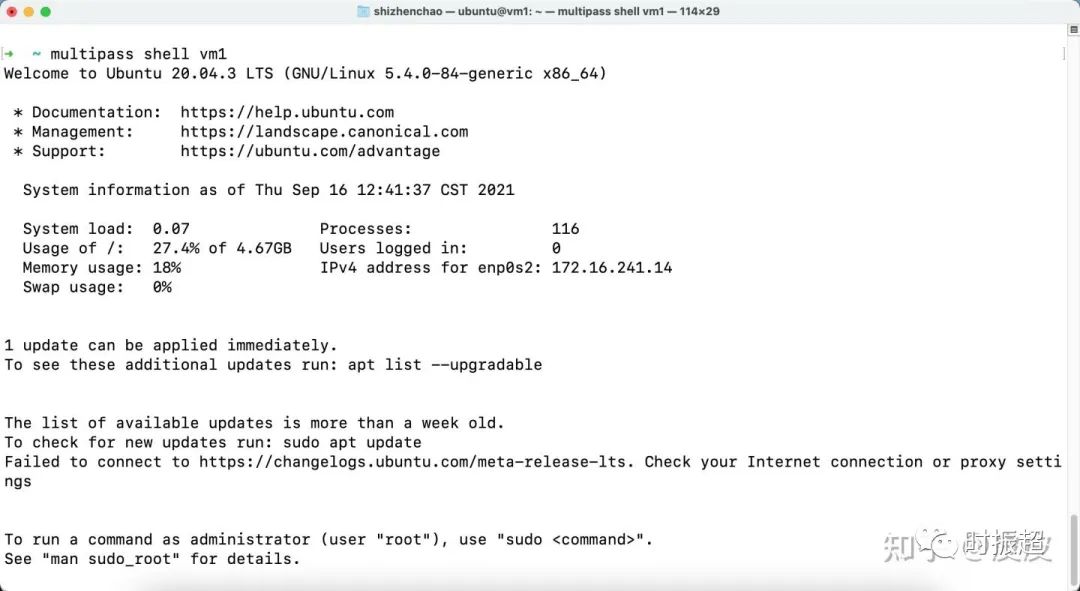
进入虚拟机
multipass shell vm1
也可以使用exec指令。
关闭虚拟机

启动虚拟机

删除虚拟机
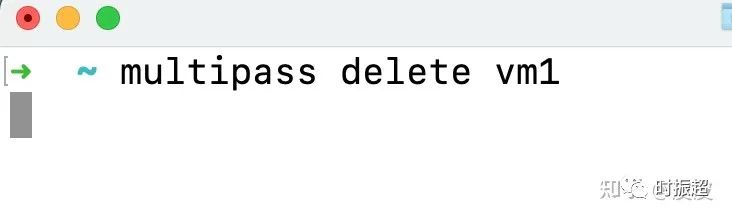
清楚删除的虚拟机
删除虚拟机后,重新使用一样的名字创建vm,是不成功的。

这时候需要清理删除的虚拟机后才能成功。
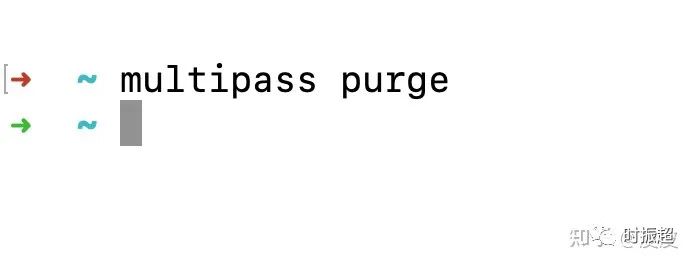
至此,multipass基本使用介绍完成。
本人使用该方式搭建各种集群。例如redis、kafka、zookeeper、kubernetes等。方便快捷!
梦想越是美丽,就越是显得遥不可及。可奇怪的是,一旦你下定了决心,很快地,那些梦想就一一成为了现实!
文章转载自时振超,如果涉嫌侵权,请发送邮件至:contact@modb.pro进行举报,并提供相关证据,一经查实,墨天轮将立刻删除相关内容。
