



原本想着使用 pstack 命令监控一下监听日志可没想到,Linux 系统默认没有这个命令。RedHat 公司
发行的 Linux 操作系统(RHEL,CentOS等等)虽提供了 pstack 工具,但要安装 gdb。
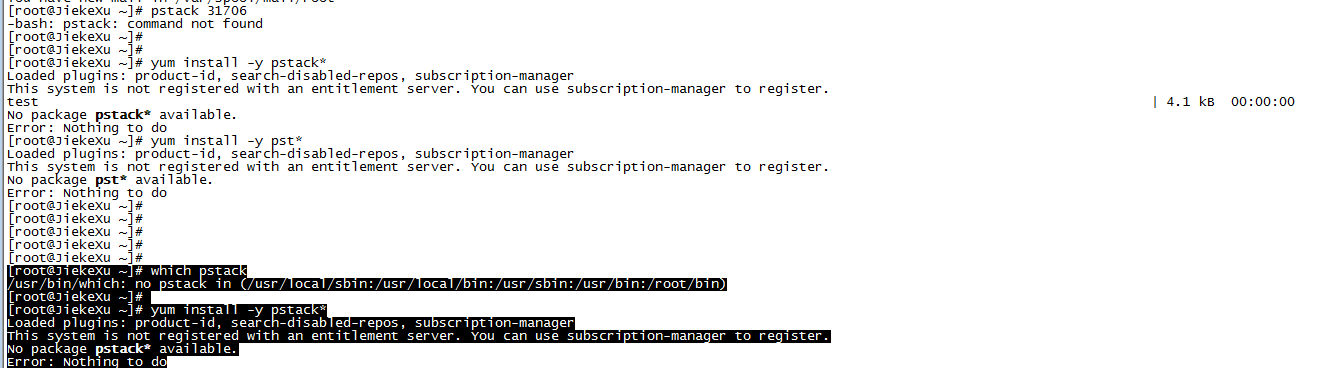
安装 gdb 会自带安装 pstack ,那先不管了,配置好本地 yum 源试试吧。
yum install gdb -y
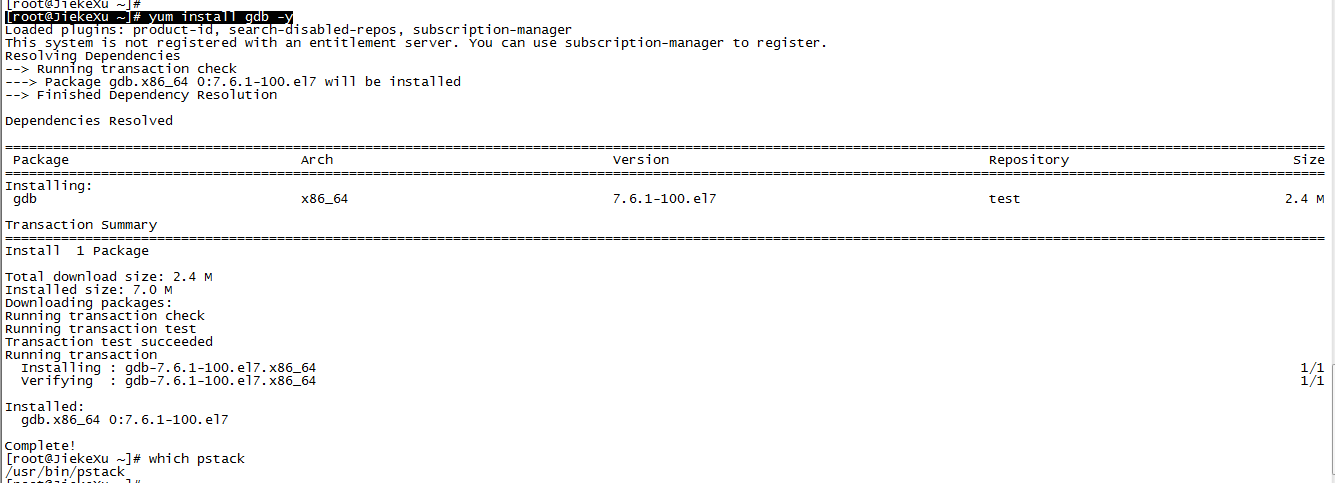
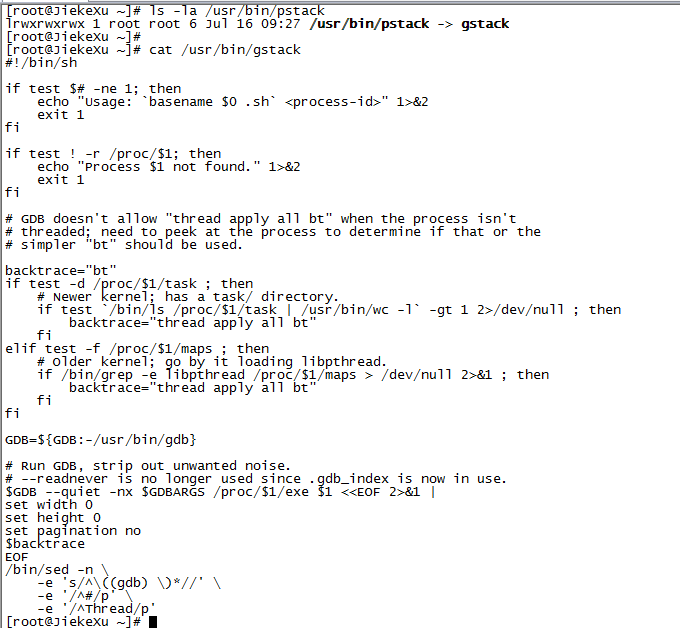
查看 pstack 是指向了 gstack 的符号链接。再看一下 gstack:
[root@JiekeXu ~]# cat /usr/bin/gstack
#!/bin/sh

if test $# -ne 1; then
    echo "Usage: `basename $0 .sh` <process-id>" 1>&2
    exit 1
fi

if test ! -r /proc/$1; then
    echo "Process $1 not found." 1>&2
    exit 1
fi

# GDB doesn't allow "thread apply all bt" when the process isn't
# threaded; need to peek at the process to determine if that or the
# simpler "bt" should be used.

backtrace="bt"
if test -d /proc/$1/task ; then
    # Newer kernel; has a task/ directory.
    if test `/bin/ls /proc/$1/task | /usr/bin/wc -l` -gt 1 2>/dev/null ; then
    backtrace="thread apply all bt"
    fi
elif test -f /proc/$1/maps ; then
    # Older kernel; go by it loading libpthread.
    if /bin/grep -e libpthread /proc/$1/maps > /dev/null 2>&1 ; then
    backtrace="thread apply all bt"
    fi
fi

GDB=${GDB:-/usr/bin/gdb}

# Run GDB, strip out unwanted noise.
# --readnever is no longer used since .gdb_index is now in use.
$GDB --quiet -nx $GDBARGS /proc/$1/exe $1 <<EOF 2>&1 |
set width 0
set height 0
set pagination no
$backtrace
EOF
/bin/sed -n \
    -e 's/^\((gdb) \)*//' \
    -e '/^#/p' \
    -e '/^Thread/p'
- 脚本要求一个参数:进程 ID。
- 然后通过检测 /proc 目录下进程子目录是否可读,来查看相应进程是否存在。
- 如果进程只有一个线程,那么使用 gdb 的 “bt” 命令打印线程堆栈信息,否则使用 “thread apply all bt” 命令。
- 最后调用 gdb,使用 “bt” 或 “thread apply all bt” 命令,并把输出重定向到 sed 工具,由 sed 工具打印出线程堆栈信息。
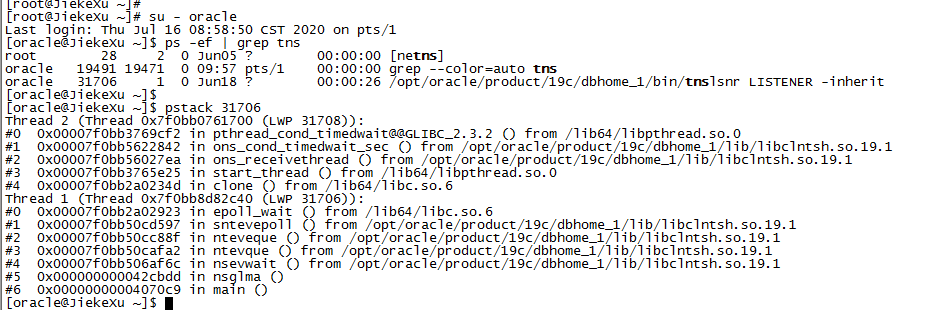
下面我们使用 pstack 跟踪一下 监听日志进程。
最后也使用操作系统跟踪命令跟踪 sqlplus 连接过程,从而观察跟踪文件。要是没有 strace 也需要安装一下。
yum install -y strace
Linux 系统的跟踪命令:
strace -o /tmp/sqlplus.log -T -tt -e trace=all sqlplus / as sysdba
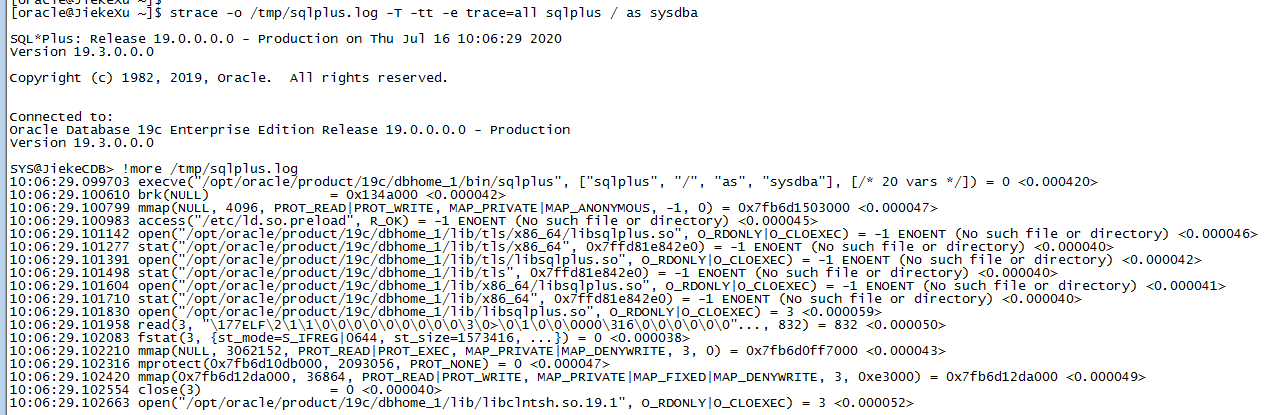
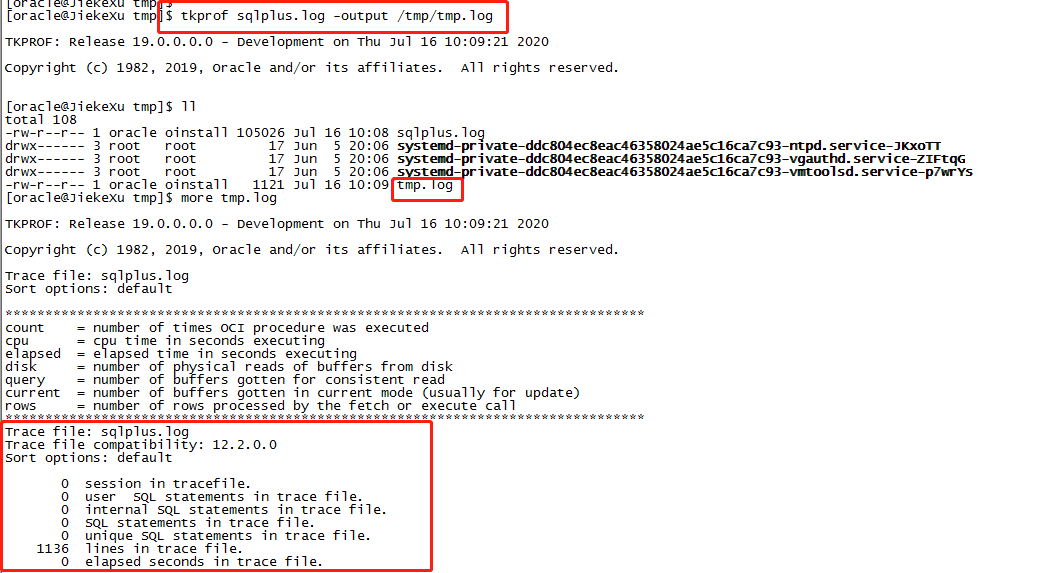
然后使用 tkprof 格式化一下 strace 文件,便可以看到一些有用的信息,我这里没有问题,故格式化后输出也很简单。
tkprof 文件名 -output 文件名
cat 文件名
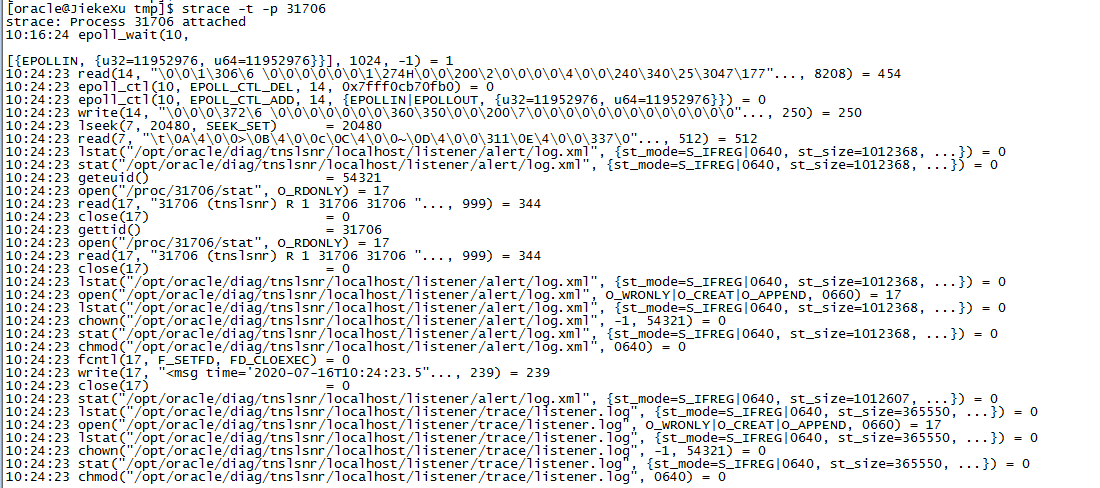
当然也可以使用 strace 加进程 pid 输出堆栈信息,不过就是不太友好,不容易看懂。
strace -t -p 31706
注意: HPUnix、AIX 跟踪 sqlplus 进程使用如下命令:
truss -dfaie -o /tmp/truss.log sqlplus / as sysdba
以前也使用 truss 命令解决过一登陆缓慢问题:SQLPLus 登陆 RAC 11.2.0.4 数据库缓慢问题完美解决方案

———————————————————————————————————
腾讯云:https://cloud.tencent.com/developer/user/5645107
墨天轮:https://www.modb.pro/u/4347
CSDN:https://blog.csdn.net/JiekeXu
公众号:JiekeXu之路
———————————————————————————————————
