

$ k9s help
K9s is a CLI to view and manage your Kubernetes clusters.

Usage:
  k9s [flags]
  k9s [command]

Available Commands:
  help        Help about any command
  info        Print configuration info
  version     Print version/build info

Flags:
  -A, --all-namespaces                 Launch K9s in all namespaces
      --as string                      Username to impersonate for the operation
      --as-group stringArray           Group to impersonate for the operation
      --certificate-authority string   Path to a cert file for the certificate authority
      --client-certificate string      Path to a client certificate file for TLS
      --client-key string              Path to a client key file for TLS
      --cluster string                 The name of the kubeconfig cluster to use
  -c, --command string                 Specify the default command to view when the application launches
      --context string                 The name of the kubeconfig context to use
      --demo                           Enable demo mode to show keyboard commands
      --headless                       Turn K9s header off
  -h, --help                           help for k9s
      --insecure-skip-tls-verify       If true, the server's caCertFile will not be checked for validity
      --kubeconfig string              Path to the kubeconfig file to use for CLI requests
  -l, --logLevel string                Specify a log level (info, warn, debug, error, fatal, panic, trace) (default "info")
  -n, --namespace string               If present, the namespace scope for this CLI request
      --readonly                       Disable all commands that modify the cluster
  -r, --refresh int                    Specify the default refresh rate as an integer (sec) (default 2)
      --request-timeout string         The length of time to wait before giving up on a single server request
      --token string                   Bearer token for authentication to the API server
      --user string                    The name of the kubeconfig user to use

Use "k9s [command] --help" for more information about a command.
$ k9s info
 ____  __.________
|    |/ _/   __   \______
|      < \____    /  ___/
|    |  \   /    /\___ \
|____|__ \ /____//____  >
        \/            \/

Configuration:   /Users/jess/.k9s/config.yml
Logs:            /var/folders/5l/c1y1gcw97szdywgf9rk1100m0000gn/T/k9s-jess.log
Screen Dumps:    /var/folders/5l/c1y1gcw97szdywgf9rk1100m0000gn/T/k9s-screens-jess
$ mkdir -p ~/.k9s/
$ touch ~/.k9s/config.yml
k9s:
  refreshRate: 2
  headless: false
  readOnly: false
  noIcons: false
  logger:
    tail: 200
    buffer: 500
    sinceSeconds: 300
    fullScreenLogs: false
    textWrap: false
    showTime: false
  currentContext: minikube
  currentCluster: minikube
  clusters:
    minikube:
      namespace:
        active: ""
        favorites:
       - all
        - kube-system
        - default
      view:
        active: dp
  thresholds:
    cpu:
      critical: 90
      warn: 70
    memory:
      critical: 90
      warn: 70
$ minikube status
host: Running
kubelet: Running
apiserver: Running
kubeconfig: Configured
k9s
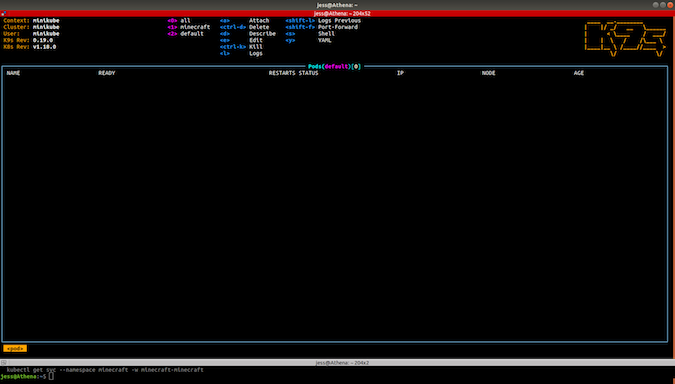
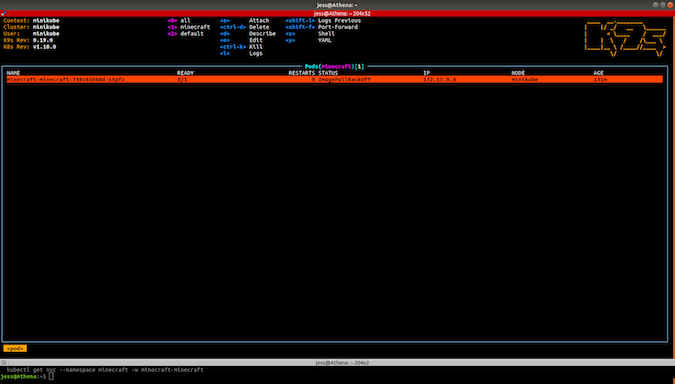
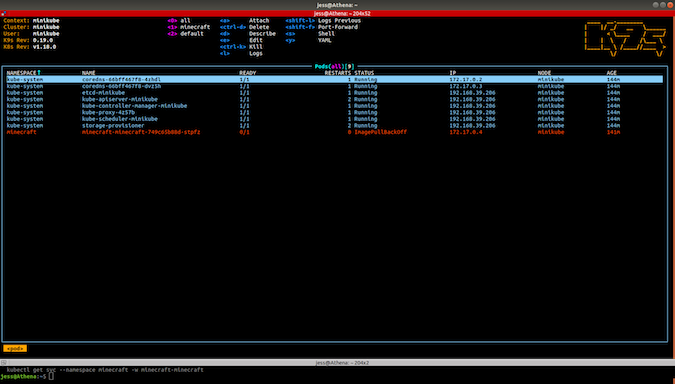
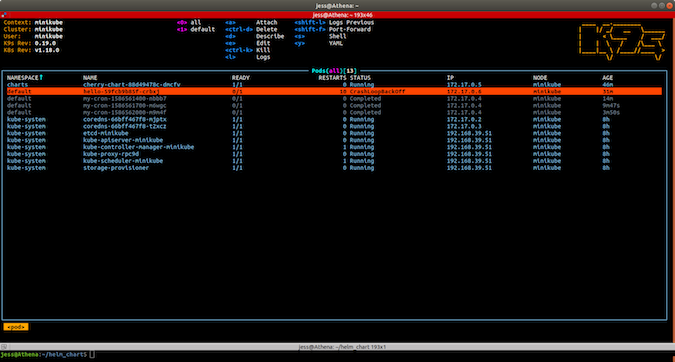
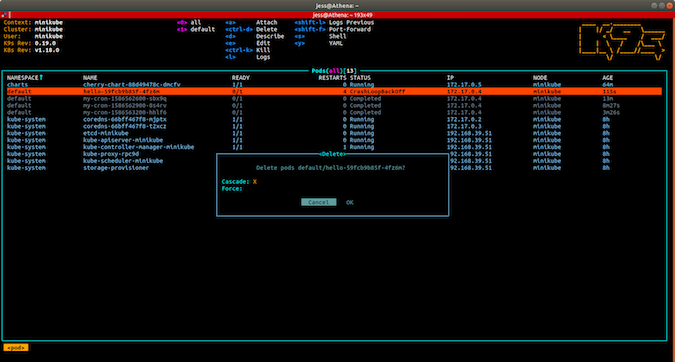
0 — 显示所有命名空间中的所有Pod
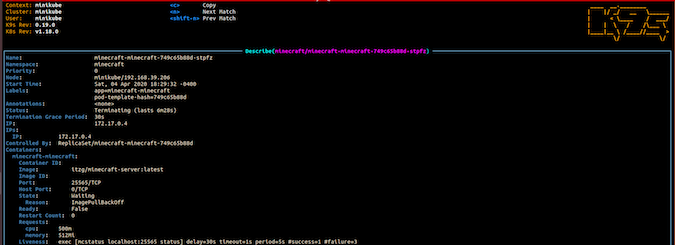
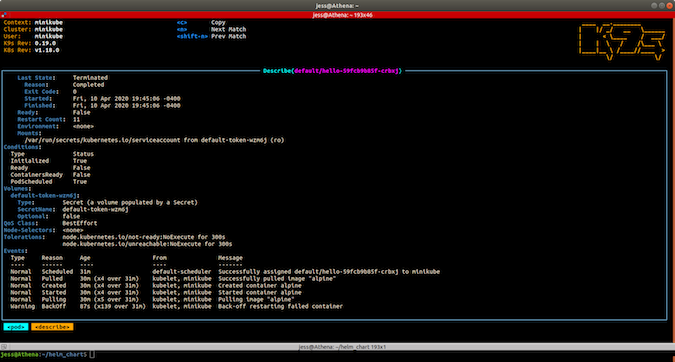
d — 描述选定的Pod
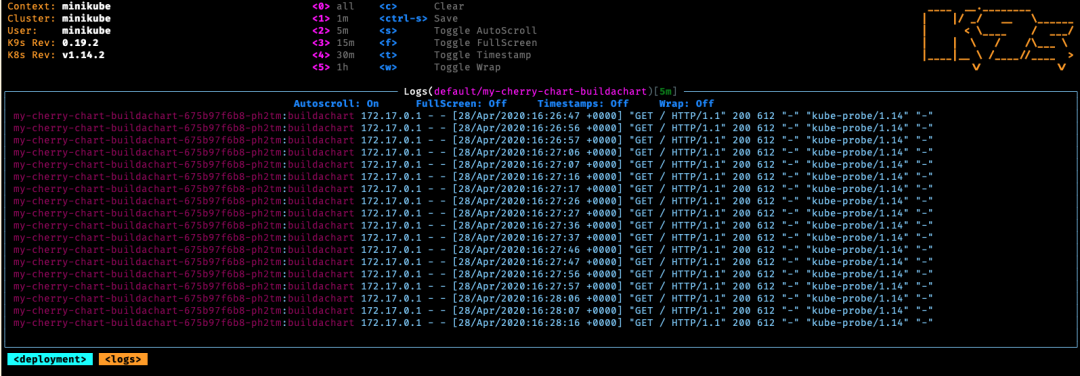
l — 显示所选Pod的日志
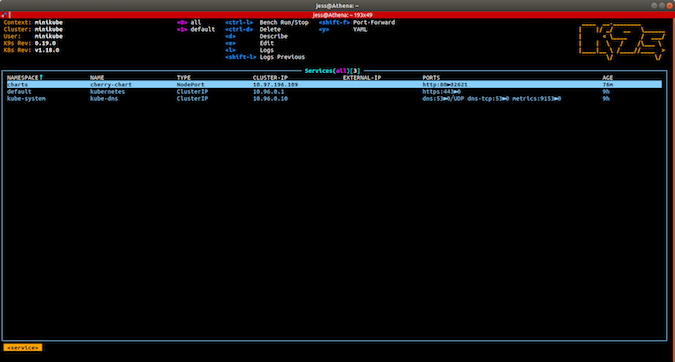
:svc — 跳转到服务视图。
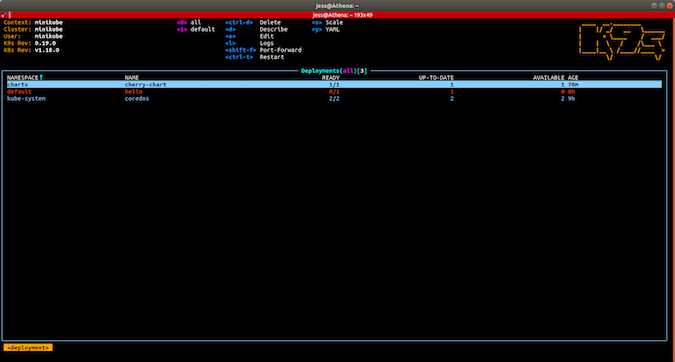
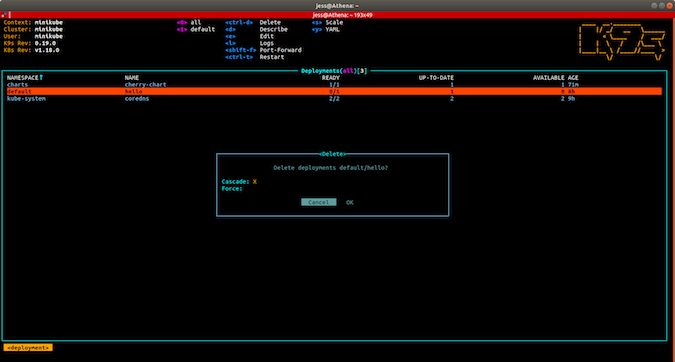
:deploy — 跳转到部署视图。
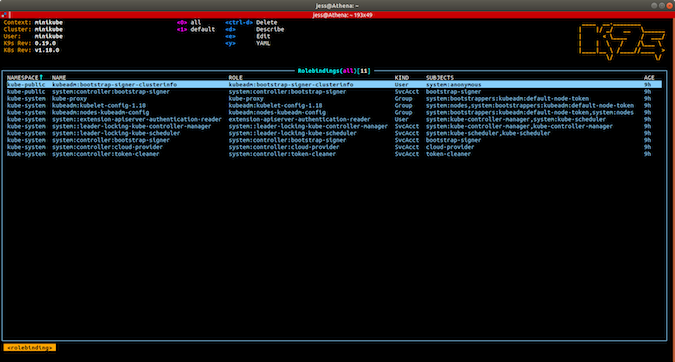
:rb — 跳至Rolebindings视图以进行基于角色的访问控制(RBAC)管理。
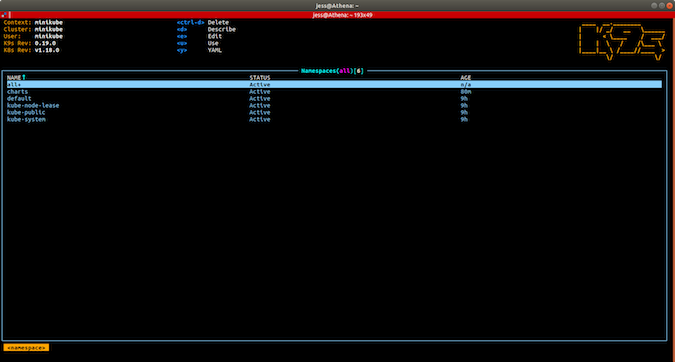
:namespace — 跳回到命名空间视图。
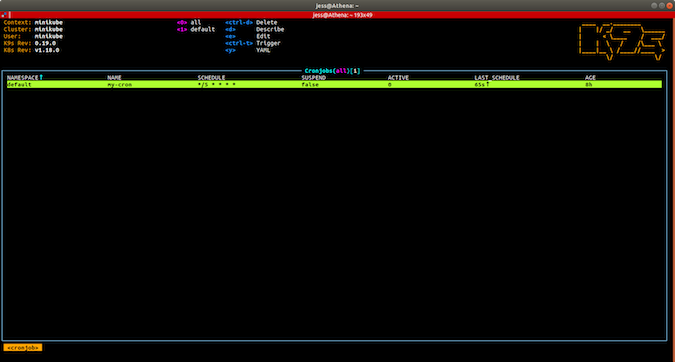
:cj — 跳转到cronjobs视图以查看集群中计划的作业。

调整放置config.yml文件的位置(你可以将它存储在版本控制的仓库中)
将自定义别名添加到alias.yml文件
在hotkey.yml文件中创建自定义热键
搜索可用的插件或编写自己的插件
https://github.com/derailed/k9s
https://github.com/derailed/k9s#k9s-configuration