Prometheus+grafana监控服务器及数据库实践笔记
Prometheus的安装
Prometheus安装脚本
vim setupprometheus.sh
#!/bin/bash
cd /opt
#下载
#wget https://github.com/prometheus/prometheus/releases/download/v2.19.2/prometheus-2.19.2.linux-amd64.tar.gz

#创建目录
mkdir /opt/prometheus
#解压
tar -zxf prometheus-2.19.2.linux-amd64.tar.gz -C /opt/prometheus --strip-components=1
#授权目录可执行
chown -R root:root /opt/prometheus
#启动
cd /opt/prometheus
nohup ./prometheus --config.file=prometheus.yml --storage.tsdb.retention=45d &
firewall-cmd --zone=public --add-port=9090/tcp --permanent
firewall-cmd --reload
执行脚本完成安装;
./setupprometheus.sh
Prometheus添加系统服务脚本
vim /etc/systemd/system/prometheus.service
[Unit]
Description=Prometheus Server
Documentation=https://prometheus.io/docs/introduction/overview/
After=network.target

[Service]
Type=simple
User=root
Restart=on-failure
ExecStart=/opt/prometheus/prometheus --config.file=/opt/prometheus/prometheus.yml --storage.tsdb.path=/var/lib/prometheus
Restart=on-failure
[Install]
WantedBy=multi-user.target
Prometheus启动
#启动脚本授权可执行
chmod +x /etc/systemd/system/prometheus.service
#系统服务配置重新加载
systemctl daemon-reload
#服务添加可随机启动
systemctl enable prometheus.service
#启动服务
systemctl start prometheus.service
#查看服务状态
systemctl status prometheus.service
grafana-server的安装
vim setupgrafana.sh
#!/bin/bash
#下载
wget https://dl.grafana.com/oss/release/grafana-7.0.5-1.x86_64.rpm
#安装
yum localinstall grafana-7.0.5-1.x86_64.rpm
#启动
/etc/init.d/grafana-server  start
firewall-cmd --zone=public --add-port=3000/tcp --permanent
firewall-cmd --reload
#写完要授权可执行
chmod +x setupgrafana.sh
#然后运行脚本安装
./setupgrafana.sh
node_exporter的安装
vim setupnode_exporter.sh
#!/bin/bash
cd /opt
mkdir -p /opt/prometheus/exporters
wget https://github.com/prometheus/node_exporter/releases/download/v1.0.1/node_exporter-1.0.1.linux-amd64.tar.gz
tar zxf node_exporter-1.0.1.linux-amd64.tar.gz -C /opt/prometheus/exporters
mv /opt/prometheus/exporters/node_exporter-1.0.1.linux-amd64 /opt/prometheus/exporters/node_exporter
chown -R root:root /opt/prometheus
cd /opt/prometheus
nohup ./exporters/node_exporter/node_exporter &
firewall-cmd --zone=public --add-port=9100/tcp --permanent
firewall-cmd --reload
添加到系统服务
写入node_exporter.service文件
vim /etc/systemd/system/node_exporter.service
在其中添加如下内容,然后保存退出
[Unit]
Description=Node Exporter
Wants=network-online.target
After=network-online.target

[Service]
User=root
ExecStart=/opt/prometheus/exporters/node_exporter/node_exporter

[Install]
WantedBy=default.target
#授权可执行
chmod +x /etc/systemd/system/node_exporter.service
#重载systemd系统
systemctl daemon-reload
#启动服务
systemctl start node_exporter
systemctl status node_exporter
systemctl enable node_exporter
mysqld_exporter的安装
vim setupmysqld_exporter.sh
#!/bin/bash
cd /opt
wget  https://github.com/prometheus/mysqld_exporter/releases/download/v0.12.1/mysqld_exporter-0.12.1.linux-amd64.tar.gz
tar zxf mysqld_exporter-0.12.1.linux-amd64.tar.gz -C /opt/prometheus/exporters
mv /opt/prometheus/exporters/mysqld_exporter-0.12.1.linux-amd64 /opt/prometheus/exporters/mysqld_exporter
chown -R root:root /opt/prometheus
cd /opt/prometheus
mysql -uroot -pPassword123+ -e"GRANT REPLICATION CLIENT, PROCESS ON *.* TO 'prom'@'localhost' identified by '123456';"
mysql -uroot -pPassword123+ -e"GRANT SELECT ON performance_schema.* TO 'prom'@'localhost';"


cat <<EOF >/opt/prometheus/exporters/.my.cnf
[client]
user=prom
password=123456
host=localhost
port=3306
socket=/tmp/mysql.sock #这个要看具体环境做调整,否则采集不到数据
EOF
启动数据抓取
chown -R root:root /opt/prometheus
cd /opt/prometheus/
nohup ./exporters/mysqld_exporter/mysqld_exporter --config.my-cnf="/opt/prometheus/exporters/.my.cnf" & #如果不用这个,可以按系统服务方式启动
firewall-cmd --zone=public --add-port=9104/tcp --permanent
firewall-cmd --reload
#添加到系统服务
#写入 mysqld_exporter.service文件
vim /etc/systemd/system/mysqld_exporter.service
#在其中添加如下内容,然后保存退出
[Unit]
Description=Mysqld Exporter
Wants=network-online.target
After=network-online.target

[Service]
User=root
ExecStart=/opt/prometheus/exporters/mysqld_exporter/mysqld_exporter --config.my-cnf=/opt/prometheus/exporters/.my.cnf

[Install]
WantedBy=default.target
#授予文件可执行权限
chmod +x /etc/systemd/system/mysqld_exporter.service
#重载systemd系统
systemctl daemon-reload
#启动服务
systemctl status mysqld_exporter
systemctl start mysqld_exporter
systemctl enable mysqld_exporter
alertmanager的安装配置
cd /opt/tools
tar zxf alertmanager-0.21.0.linux-amd64.tar.gz
mv alertmanager-0.21.0.linux-amd64 /opt/prometheus/alertmanager
cd /opt/prometheus/alertmanager/
mkdir -p /opt/prometheus/alertmanager/data
chown -R root:root /opt/prometheus
#添加启动文件
vim /usr/lib/systemd/system/alertmanager.service
[Unit]
Description=Alertmanager
After=network.target

[Service]
Type=simple
User=root
ExecStart=/opt/prometheus/alertmanager/alertmanager --config.file=/opt/prometheus/alertmanager/alertmanager.yml --storage.path=/opt/prometheus/alertmanager/data
Restart=on-failure

[Install]
WantedBy=multi-user.target
#授予文件可执行权限
chmod +x /usr/lib/systemd/system/alertmanager.service
#重载systemd系统
systemctl daemon-reload
#设置随机启动,启动等
systemctl enable alertmanager.service
systemctl start alertmanager.service
systemctl status alertmanager.service
prometheus.yml配置
vim /opt/prometheus/prometheus.yml
#my global config
global:
  scrape_interval:     15s # Set the scrape interval to every 15 seconds. Default is every 1 minute.
  evaluation_interval: 15s # Evaluate rules every 15 seconds. The default is every 1 minute.
  #scrape_timeout is set to the global default (10s).

#Alertmanager configuration
alerting:
  alertmanagers:
  - static_configs:
    - targets: ["localhost:9093"] #配置Alertmanager端口
      #- alertmanager:9093

#Load rules once and periodically evaluate them according to the global 'evaluation_interval'.
rule_files:
  #- "first_rules.yml"
  #- "second_rules.yml"
    - "rules.yml"       #添加告警规则
#A scrape configuration containing exactly one endpoint to scrape:
#Here it's Prometheus itself.
scrape_configs:
  #The job name is added as a label `job=<job_name>` to any timeseries scraped from this config.
  - job_name: 'prometheus'

    #metrics_path defaults to '/metrics'
    #scheme defaults to 'http'.

    static_configs:
    - targets: ['192.168.96.128:9090']


  - job_name: 'OS'
    static_configs:
    - targets: ['192.168.96.128:9100']
      labels:
          instance: '192.168.96.128'

    - targets: ['192.168.96.129:9100']
      labels:
          instance: '192.168.96.129'


  - job_name: 'mysql'
    static_configs:
    - targets: ['192.168.96.129:9104']
      labels:
          instance: '192.168.96.129'

    - targets: ['192.168.96.128:9104']
      labels:
          instance: '192.168.96.128'
邮件告警配置
[root@localhost alertmanager]# cat alertmanager.yml
global:                  #若所有的邮件配置使用相同的SMTP配置,则可以直接定义全局的SMTP配置
  smtp_smarthost: 'smtp.地址:端口'
  smtp_from: 'zabbix@szhtxx.cn'
  smtp_auth_username: 'zabbix@szhtxx.cn'
  smtp_auth_password: '邮箱密码'
  smtp_require_tls: false
  resolve_timeout: 1m

templates:
- '/opt/prometheus/alertmanager/template/email.tmpl'

route:                   #顶级路由必须匹配所有报警,因为他要接受所有报警,再分匹配到分支路由上
  group_by: ['alertname']   #满足group_by中定义标签名称,那么这些告警将会合并为一个通知发送给接收器。
  group_wait: 10s              #同一group的等待时间,在等待时间内当前group接收到了新的告警,这些告警将会合并为一个通知向receiver发送
  group_interval: 20s         #同一Gourp发送告警通知的时间间隔
  repeat_interval: 1h      #在连续告警触发的情况下,重复发送告警的时间间隔
  receiver: 'default-receiver'
  routes:                 #分支路由,可设置不同的匹配规则
  - receiver: 'default-receiver'
    match:              #匹配告警规则的key:value
      severity: 'critical'
  - receiver: 'chenjunyu'
    match_re:
      userid: '4403012691'

  - receiver: 'lumeifang'
    match_re:
      userid: '4403011340'
receivers:
- name: 'default-receiver'
  #webhook_configs:
  #- url: 'http://localhost:8090/adapter/wx'
  email_configs:
  - to: 'lumeifang@szhtxx.com'
    send_resolved: true  #告警解除发送恢复通知
- name: 'lumeifang'
  email_configs:
  - to: 'lumeifang@szhtxx.com'
    send_resolved: true
- name: 'chenjunyu'
  email_configs:
  - to: 'chenjunyu@szhtxx.com'
    send_resolved: true
inhibit_rules:
  - source_match:
      severity: 'critical'
    target_match:
      severity: 'warning'
    equal: ['alertname','job','instance']
企业微信机器人告警配置-alertmanager.yml
[root@prometheusserver alertmanager]# cat alertmanager.yml
global:
  resolve_timeout: 1m
templates:
- '/opt/prometheus/alertmanager/template/*.tmpl'

route:
  group_by: ['alertname']
  group_wait: 10s
  group_interval: 10s
  repeat_interval: 30m
  receiver: 'web.hook'
receivers:
- name: 'web.hook'
  webhook_configs:
  - url: 'http://localhost:8090/adapter/wx'
inhibit_rules:
  - source_match:
      severity: 'critical'
    target_match:
      severity: 'warning'
    equal: ['alertname', 'dev', 'instance']
企业微信机器人自动告警插件配置
[root@prometheusserver prometheusalert]# cat wx.js
exports.template = function(body) {

    var alerts = body.alerts;
    var bodystatus=body.status === 'firing' ? '待修复' : '已修复';
    var content = alerts.map(
        alert => {
            return [`# Name:${alert.labels.alertname}`, "## Annotations:"]
            .concat(Object.entries(alert.annotations).map(annotation => `${annotation[0]}:${annotation[1]}`))
            .join("\n")
        }
    ).concat(`告警状态:${bodystatus}`).join("\n\n");
    //var userids = alerts.map(item=>item.labels.userid);
    var mobiles = alerts.map(item=>item.labels.mobile);
    return {

        msgtype: "text",
        text: {
            "content": content,
            "mentioned_mobile_list":mobiles
        }
    }
}
邮件+企业微信机器人报警的配置
[root@localhost alertmanager]# cat alertmanager.yml
global:                  #若所有的邮件配置使用相同的SMTP配置,则可以直接定义全局的SMTP配置
  smtp_smarthost: 'smtp.mxhichina.com:465'
  smtp_from: 'zabbix@szhtxx.cn'
  smtp_auth_username: 'zabbix@szhtxx.cn'
  smtp_auth_password: '*************'
  smtp_require_tls: false
  resolve_timeout: 1m

templates:
- '/opt/prometheus/alertmanager/template/email.tmpl'

route:                   #顶级路由必须匹配所有报警,因为他要接受所有报警,再分匹配到分支路由上
  group_by: ['alertname']   #满足group_by中定义标签名称,那么这些告警将会合并为一个通知发送给接收器。
  group_wait: 10s              #同一group的等待时间,在等待时间内当前group接收到了新的告警,这些告警将会合并为一个通知向receiver发送
  group_interval: 20s         #同一Gourp发送告警通知的时间间隔
  repeat_interval: 1h      #在连续告警触发的情况下,重复发送告警的时间间隔
  receiver: 'default-receiver'
  routes:                 #分支路由,可设置不同的匹配规则
  - receiver: 'default-receiver'
    match:              #匹配告警规则的key:value
      severity: 'critical'
  - receiver: 'email'
    match_re:
      instance: '192.168.0.107'
receivers:
- name: 'default-receiver'
  webhook_configs:
  - url: 'http://localhost:8090/adapter/wx'
- name: 'email'
  email_configs:
  - to: 'lumeifang@szhtxx.com'
    send_resolved: true  #告警解除发送恢复通知
inhibit_rules:
  - source_match:
      severity: 'critical'
    target_match:
      severity: 'warning'
    equal: ['alertname','job','instance']
登录grafana
在浏览器输入:http://IP:3000 ,初次登录需要修改admin的密码

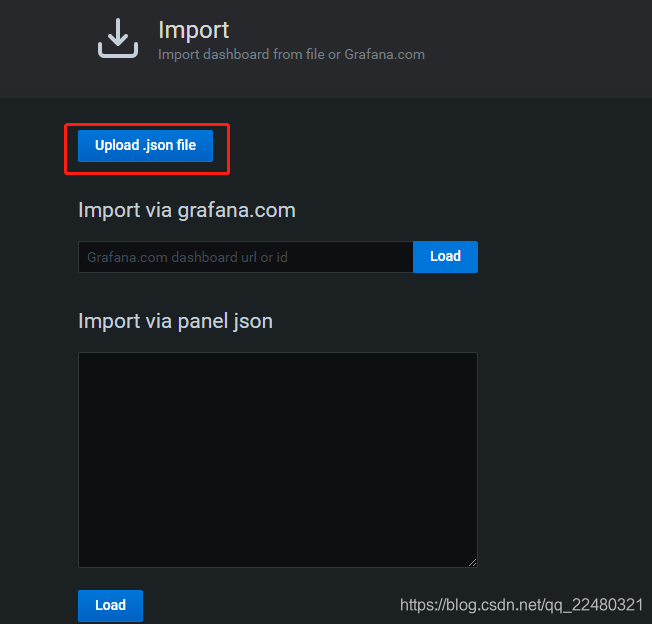
如果是还没有导入过仪表板,则导入一个,仪表板在:https://grafana.com/grafana/dashboards 下载

如下图,点击红框选择自己要导入的json模板,添加数据源
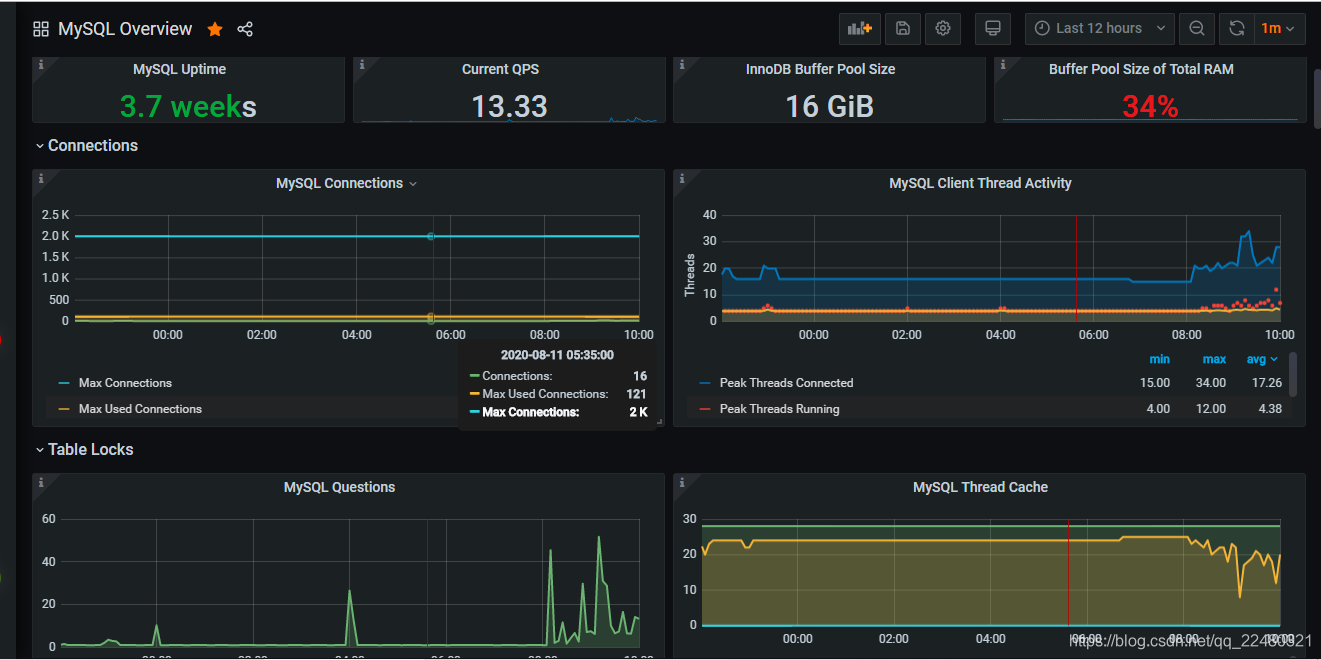
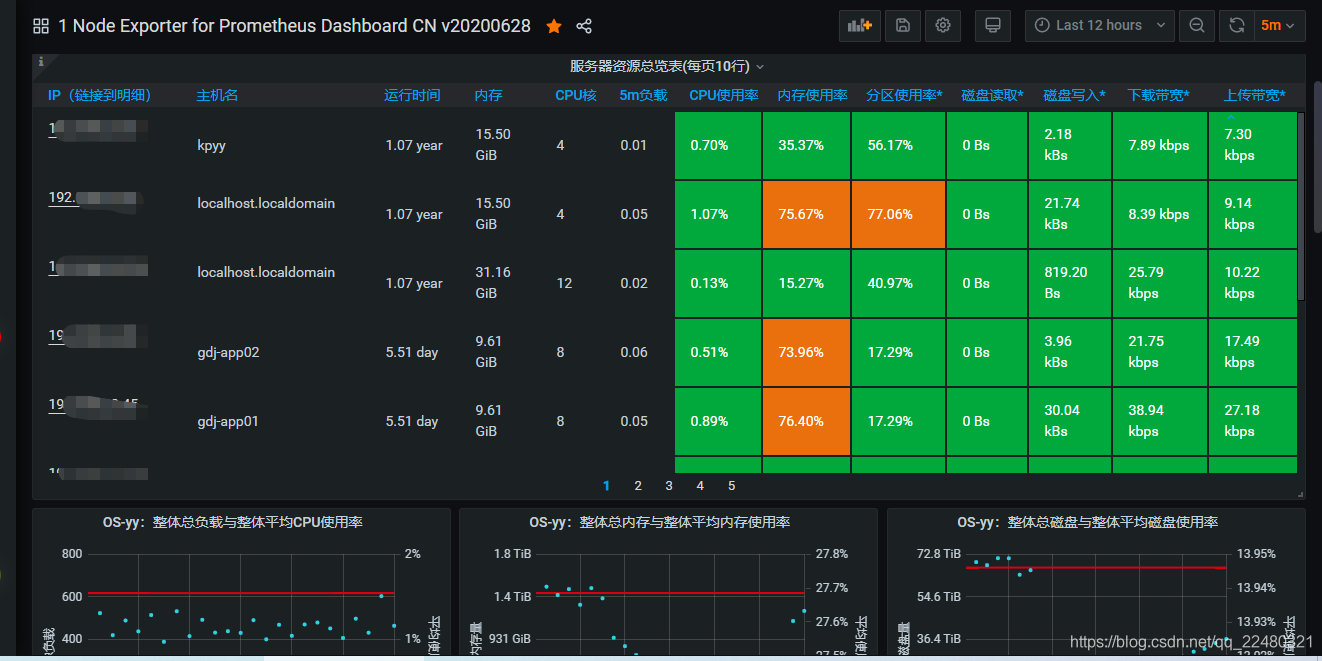
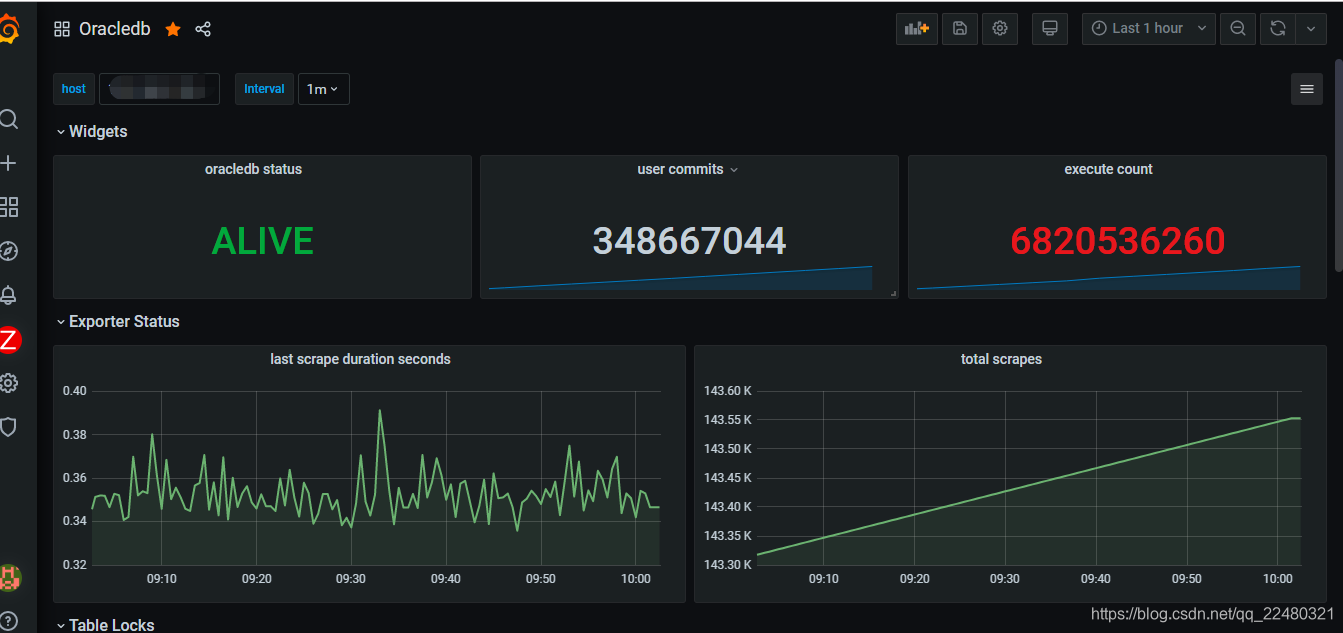
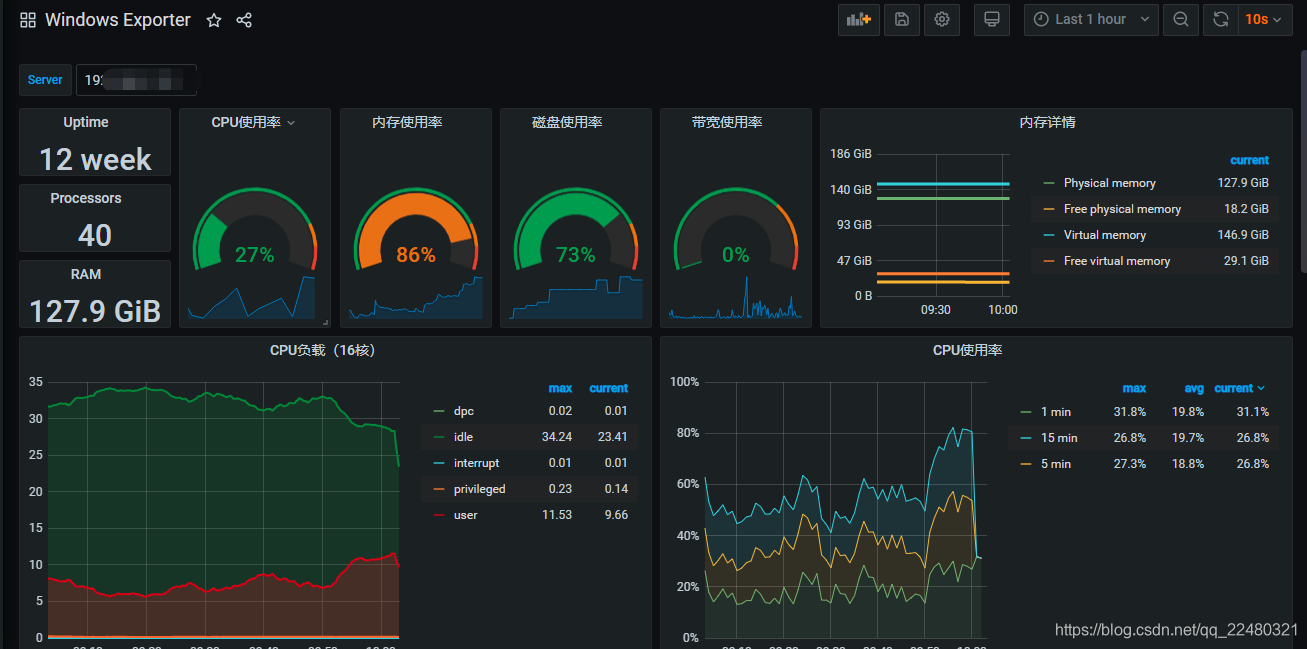
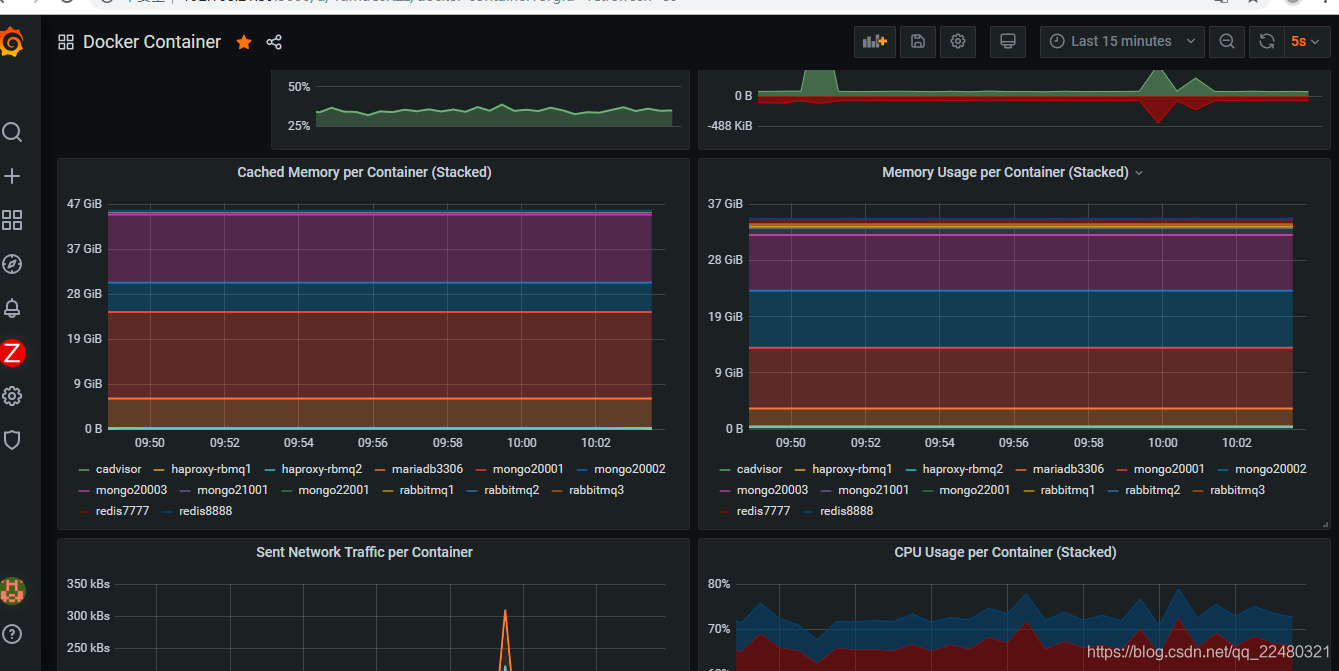
就可以看到炫酷的监控界面如下: