



在应用开发时,我们常需要将一些数据缓存到本地,以提升用户体验。比如在一个电商的 App 中,如果希望用户登录成功后,下次打开 App 可以自动登录,就需要将用户信息存储到缓存中。


鸿蒙 JS 开发模式提供了操作数据缓存的 API,首先需导入 storage 模块。
import storage from '@system.storage';
// 登录
    login() {
        fetch.fetch({
            url: this.url + "/user/login?phone=" + this.phone + "&pwd=" + this.pwd,
            responseType: "json",
            success: res => {
                let data = JSON.parse(res.data);
                console.info(JSON.stringify(data));
                if (0 != data.code) {
                    prompt.showToast({
                        message: data.msg,
                        duration: 3000
                    })
                } else {
                    let userInfo = data.data;
                    ......
                    // 写入缓存
                    storage.set({
                        key: "userPhone",
                        value: userInfo.mobile
                    });
                    storage.set({
                        key: "userPwd",
                        value: userInfo.password
                    })
                }
            }
        })
    },
注意,鸿蒙 JS 的数据缓存 API 是以 key:value 进行存取的,value 只能为 string 类型。
如存储其他类型,并不会失败而进入 fail 回调,但在使用 get( ) 的时候会无法取到对应 value 的。
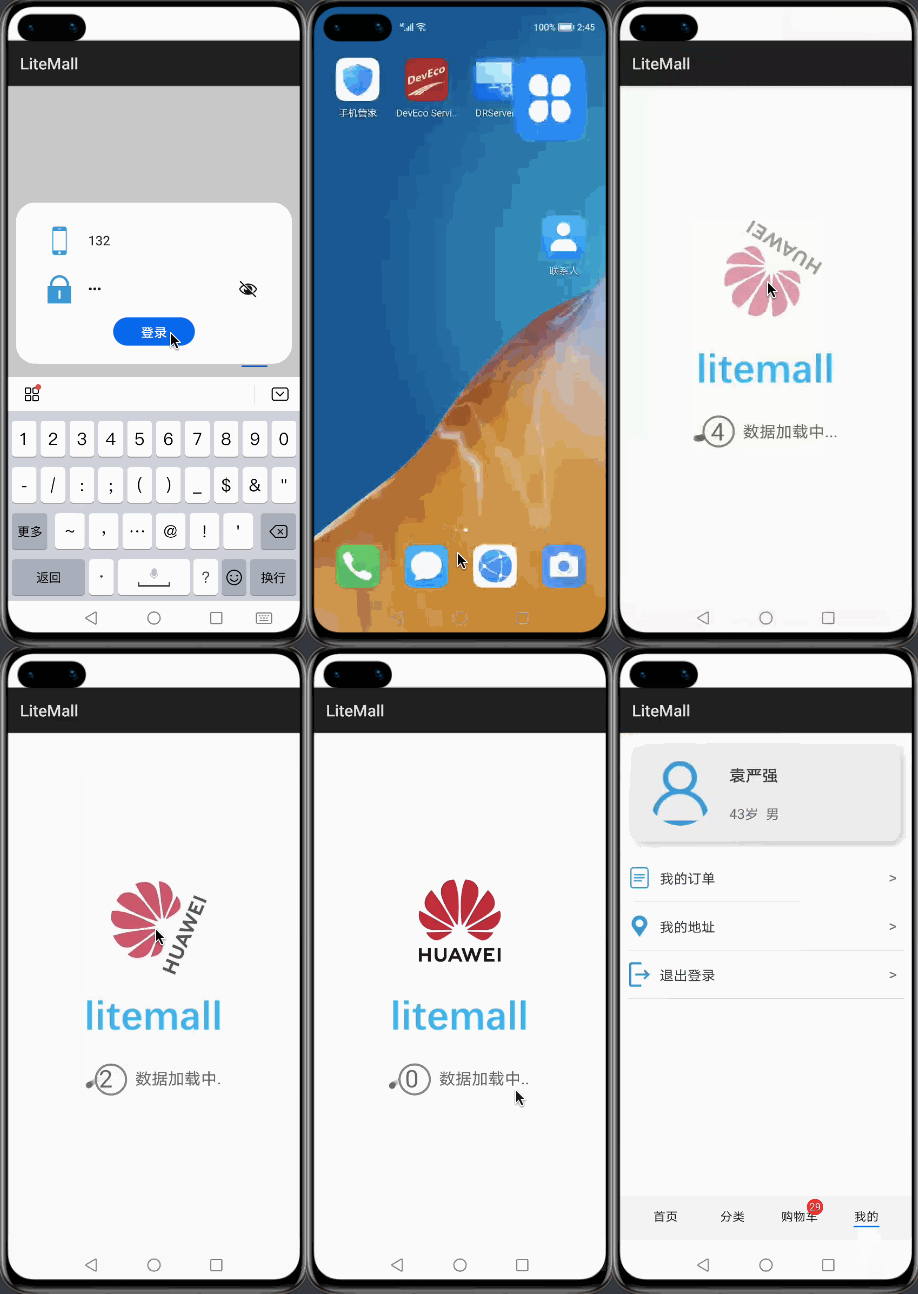
在进入 App 时,便可调用 storage.get( ) 取出缓存中的用户信息,通过给定 key,在 success 回调中会返回对应的 value。
    onShow() {
        // 从其他页面跳转回来,清除页面栈
        router.clear();
        // 从缓存取用户信息,自动登录
        storage.get({
            key: "userPhone",
            success: data => {
                if (data) {
                    this.phone = data;
                    storage.get({
                        key: "userPwd",
                        success: data => {
                            if (data) {
                                this.pwd = data;
                                this.login();
                            }
                        }
                    })
                }
            }
        })
        // 查询购物车数量
        if (this.userInfo && this.userInfo.id) {
            this.countCarts();
        }
    },
效果如下:
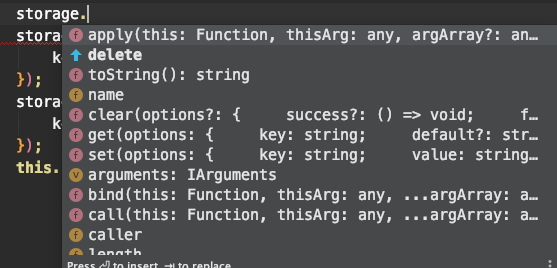
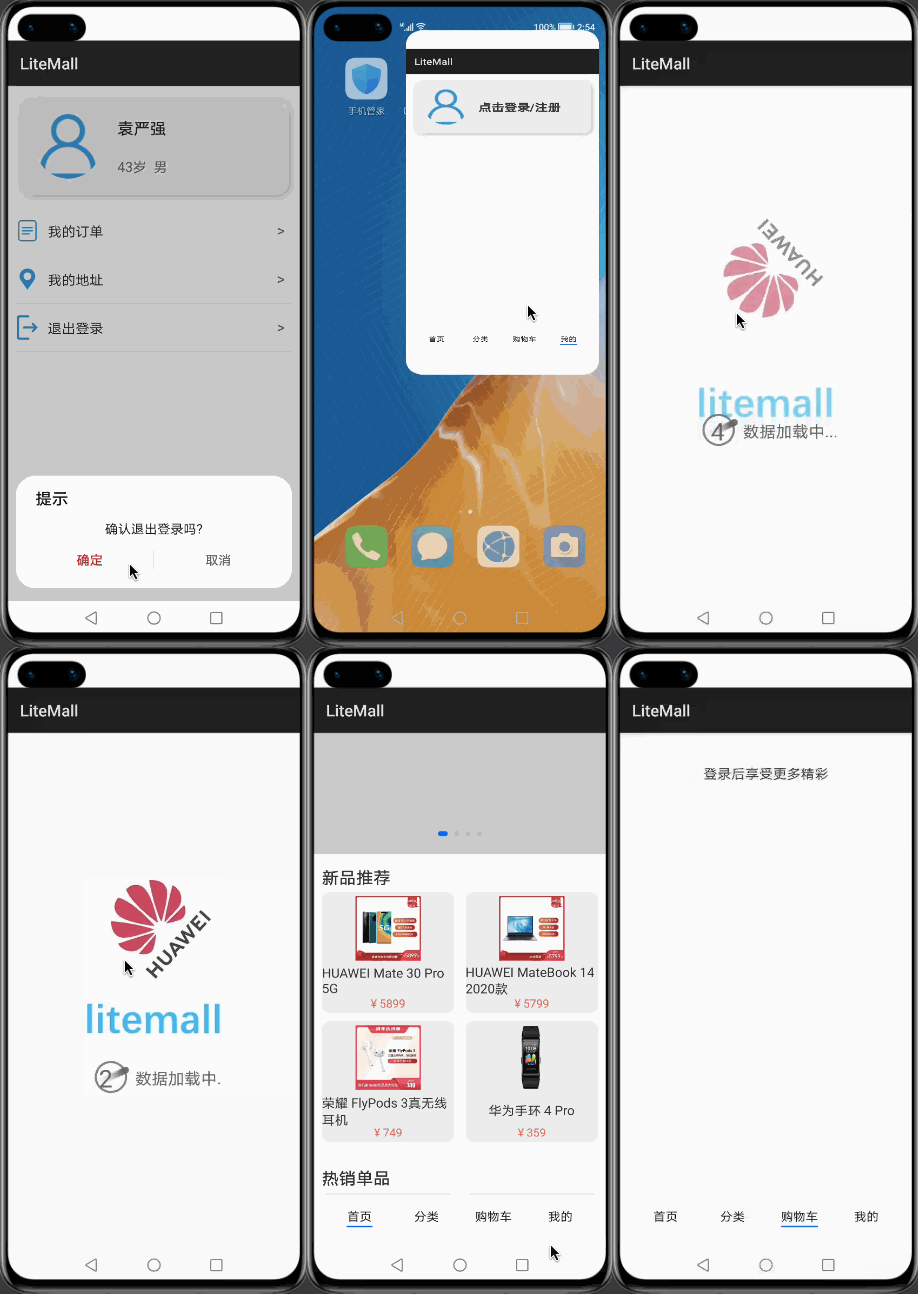
删除缓存中数据的 API 为 storage.delete( ),指定 key 即可删除对应数据。
在用户退出登录后,应清除缓存中的用户信息。
    // 退出登录
    exitLogin() {
        prompt.showDialog({
            title: "提示",
            message: "确认退出登录吗?",
            buttons: [
                {
                    text: "确定",
                    color: "#E20A0B"
                },
                {
                    text: "取消",
                    color: "#666666"
                }
            ],
            success: res => {
                if (res.index == 0) {
                    ......
                    // 删除缓存中用户信息
                    storage.delete({
                        key: "userPhone"
                    });
                    storage.delete({
                        key: "userPwd"
                    });
                    this.userInfo = null;
                }
            }
        })
    }
此外还有 storage.clear( ) 方法用于清空所有的数据缓存。
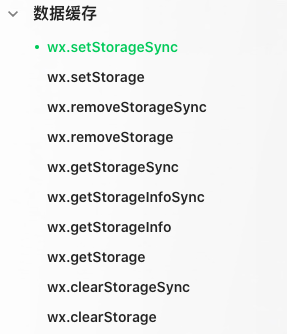
微信小程序提供了类似的操作数据缓存的方法,分为同步方法和异步方法,且数据的 value 可为任何能够通过 JSON.stringify 序列化的对象。
因此在从微信小程序切换到鸿蒙 JS 开发时,在数据缓存这里踩了坑。
👇扫码关注鸿蒙技术社区👇

点“阅读原文”了解更多
文章转载自鸿蒙技术社区,如果涉嫌侵权,请发送邮件至:contact@modb.pro进行举报,并提供相关证据,一经查实,墨天轮将立刻删除相关内容。
