



介绍TiDB在CentOS 7.6下的快速上手试用。TiDB 是一个分布式系统。最基础的 TiDB 测试集群通常由 2 个 TiDB 实例、3 个 TiKV 实例、3 个 PD 实例和可选的 TiFlash 实例构成。通过 TiUP Playground,可以快速搭建出上述的一套基础测试集群
1.下载安装tiup工具并更新环境变量
[root@node1 ~]# curl --proto '=https' --tlsv1.2 -sSf https://tiup-mirrors.pingcap.com/install.sh | sh
  % Total    % Received % Xferd  Average Speed   Time    Time     Time  Current
                                 Dload  Upload   Total   Spent    Left  Speed
100 6064k  100 6064k    0     0  5113k      0  0:00:01  0:00:01 --:--:-- 5117k
WARN: adding root certificate via internet: https://tiup-mirrors.pingcap.com/root.json
You can revoke this by remove /root/.tiup/bin/7b8e153f2e2d0928.root.json
Successfully set mirror to https://tiup-mirrors.pingcap.com
Detected shell: bash
Shell profile:  /root/.bash_profile
/root/.bash_profile has been modified to add tiup to PATH
open a new terminal or source /root/.bash_profile to use it
Installed path: /root/.tiup/bin/tiup
===============================================
Have a try:     tiup playground
===============================================
[root@node1 ~]# source .bash_profile
2.启动群集
[root@node1 ~]# tiup playground v5.2.1 --host 192.168.59.26
Starting component `playground`: /root/.tiup/components/playground/v1.6.0/tiup-playground v5.2.1 --host 192.168.59.26
Playground Bootstrapping...
Start pd instance
Start tikv instance
Start tidb instance
Waiting for tidb instances ready
192.168.59.26:4000 ... Done
Start tiflash instance
Waiting for tiflash instances ready
192.168.59.26:3930 ... Done
CLUSTER START SUCCESSFULLY, Enjoy it ^-^
To connect TiDB: mysql --comments --host 192.168.59.26 --port 4000 -u root -p (no password)
To view the dashboard: http://192.168.59.26:2379/dashboard
PD client endpoints: [192.168.59.26:2379]
To view the Prometheus: http://192.168.59.26:9090
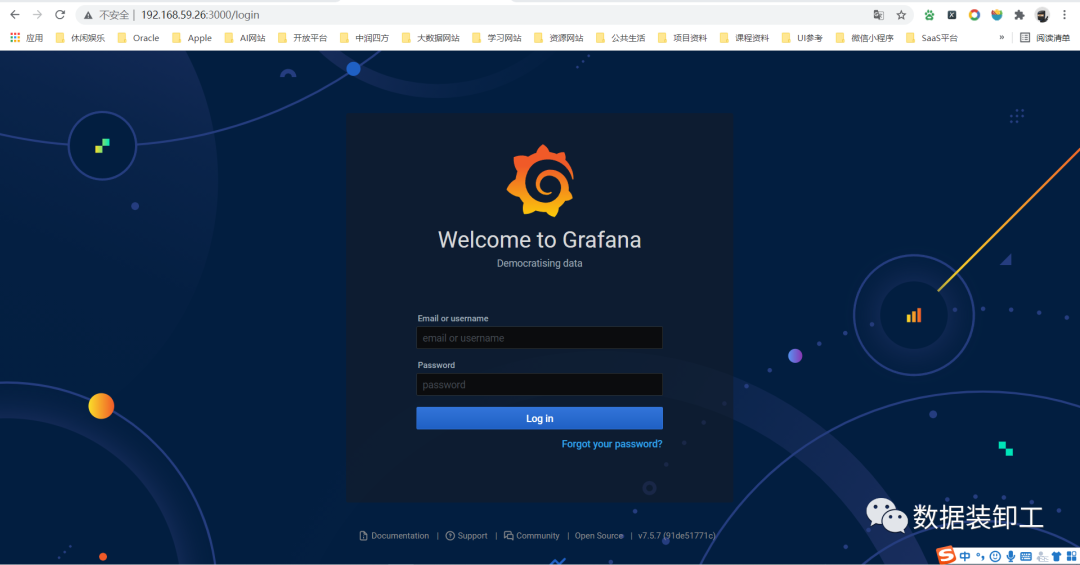
To view the Grafana: http://192.168.59.26:3000
3.登录验证
开启一个session,当前session不能断开。使用TiDB自带客户端连接,输入tiup client回车,如下图:
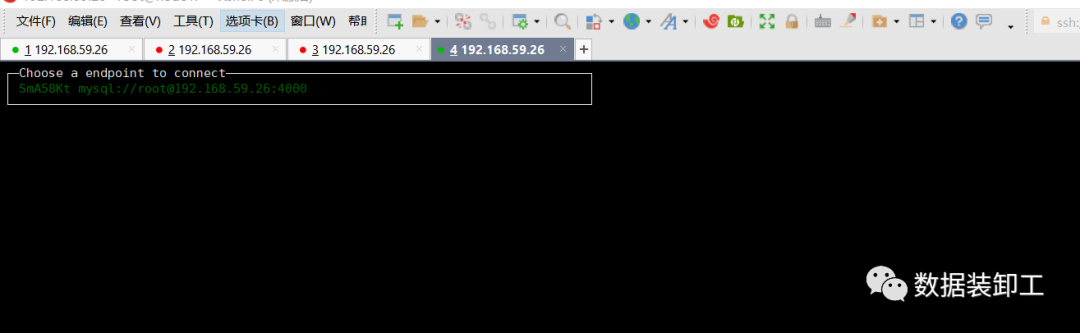
确认连接方式后再回车,链接到数据库。
[root@node1 ~]# tiup client
The component `client` version  is not installed; downloading from repository.
download https://tiup-mirrors.pingcap.com/client-v1.6.0-linux-amd64.tar.gz 4.05 MiB / 4.05 MiB 100.00% 17.47 MiB/s
Starting component `client`: /root/.tiup/components/client/v1.6.0/tiup-client
Connected with driver mysql (5.7.25-TiDB-v5.2.1)
Type "help" for help.

my:root@127.0.0.1:4000=> show databases;
      Database
--------------------
 INFORMATION_SCHEMA
 METRICS_SCHEMA
 PERFORMANCE_SCHEMA
 mysql
 test
(5 rows)
my:root@127.0.0.1:4000=> use test;
USE
my:root@127.0.0.1:4000=> show tables;
(0 rows)
my:root@127.0.0.1:4000=> create table a (id int,name varchar(30));
CREATE TABLE
my:root@127.0.0.1:4000=> select * from a;
(0 rows)
my:root@127.0.0.1:4000=> insert into a values(1,'deitylee');
INSERT 1
my:root@127.0.0.1:4000=> select * from a;
 id |   name
----+----------
  1 | deitylee
(1 row)
4.查看监控工具
TiDB 的 Prometheus 管理界面,密码默认空:
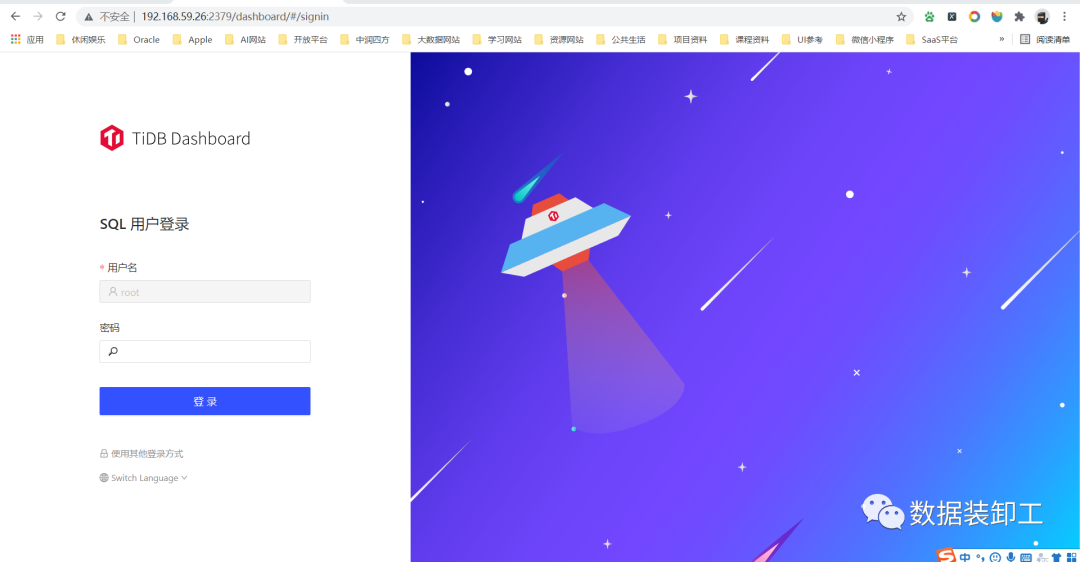
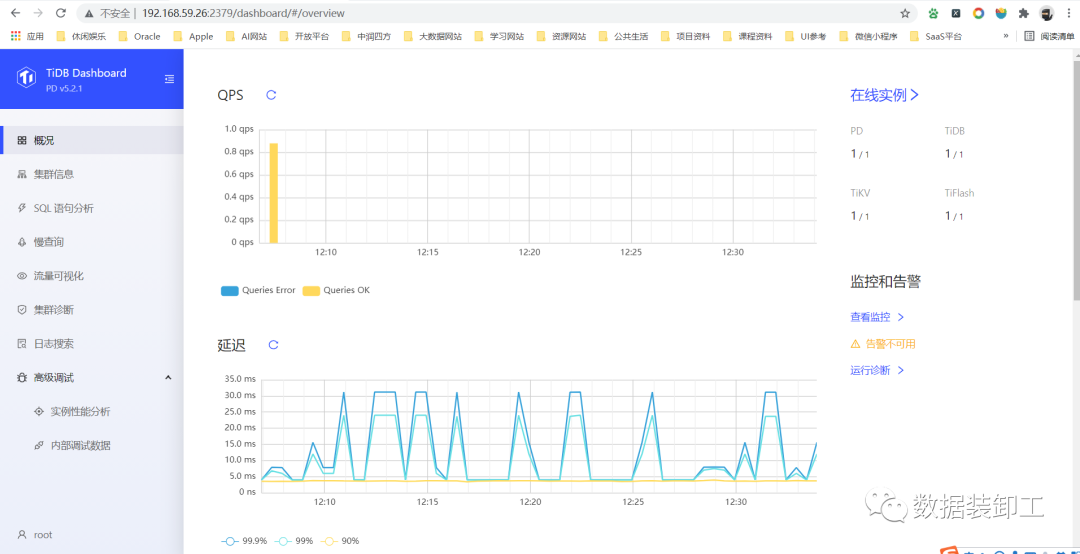
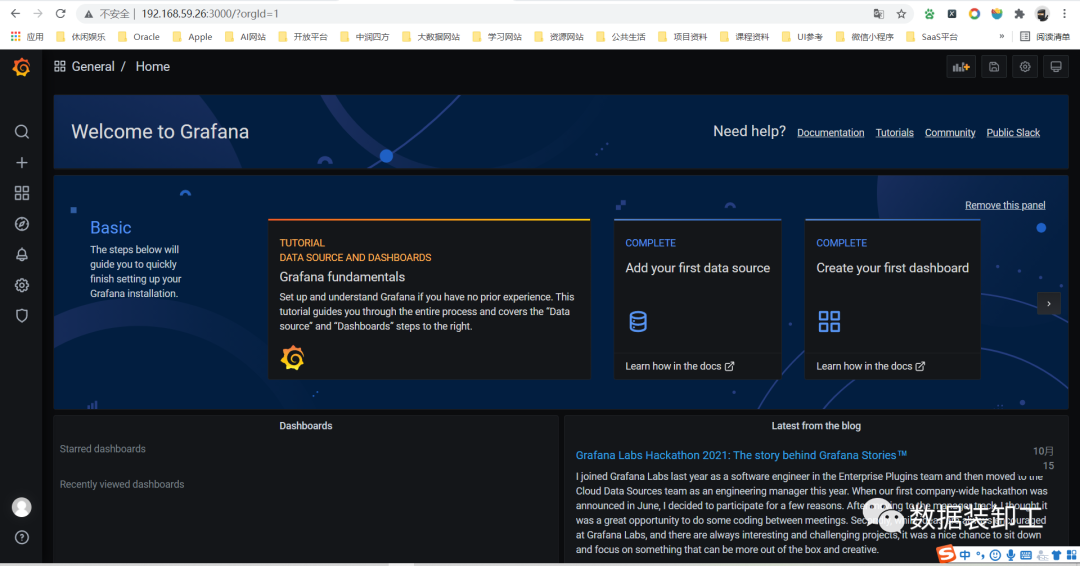
TiDB 的 Grafana 界面,默认用户名和密码都为admin:
5.退出并删除群集
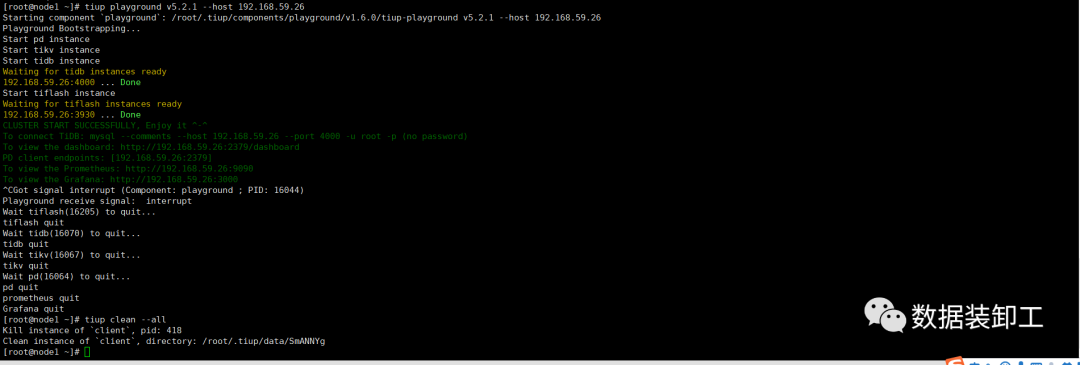
测试完成之后,可以通过执行以下步骤来清理集群:通过按下 ctrl + c 键停掉进程。执行以下命令 tiup clean --all
「喜欢这篇文章,您的关注和赞赏是给作者最好的鼓励」
关注作者
【版权声明】本文为墨天轮用户原创内容,转载时必须标注文章的来源(墨天轮),文章链接,文章作者等基本信息,否则作者和墨天轮有权追究责任。如果您发现墨天轮中有涉嫌抄袭或者侵权的内容,欢迎发送邮件至:contact@modb.pro进行举报,并提供相关证据,一经查实,墨天轮将立刻删除相关内容。
