



Python 的 pySMART 模块可以获取硬盘的接口类型、产品型号、序列号、容量、温度等硬件信息。
硬盘的SMART值,是一种硬盘健康状态指标。SMART的全称为“Self-Monitoring Analysis and Reporting Technology”。pySMART 是读取 SMART 值的模块,其中也包括硬盘的基本信息。
使用Python获取硬盘基本信息的方法如下:
C:\Users\Administrator> pythonPython 3.10.4 (tags/v3.10.4:9d38120, Mar 23 2022, 23:13:41) [MSC v.1929 64 bit (AMD64)] on win32Type "help", "copyright", "credits" or "license" for more information.>>>>>> from pySMART import Device>>> sda = Device('/dev/sda')>>> sda.model'Phison SM280128GPTCB2T-S112610'>>> sda.serial'A45A0772117400138250'>>> sda.is_ssdTrue>>> sda.interface'ata'>>> sda.size_raw'128 GB'>>> sda.temperature33
使用前要先安装 pySMART 模块
python -m pip install pySMART
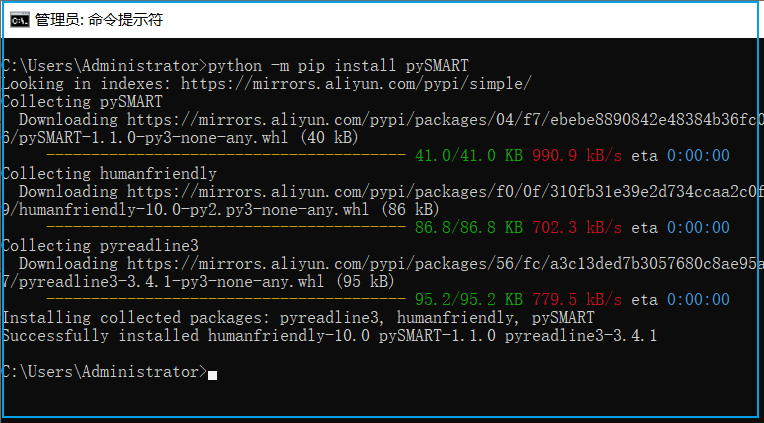
还需要安装 smartmontools,Windows 版下载地址为
https://sourceforge.net/projects/smartmontools/files/
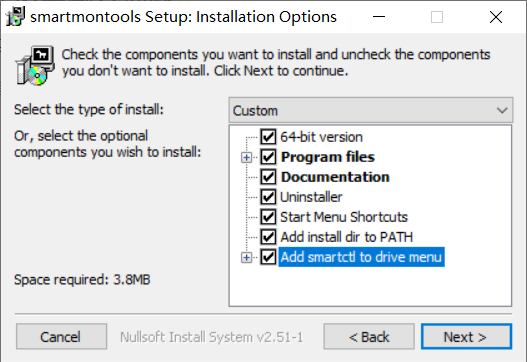
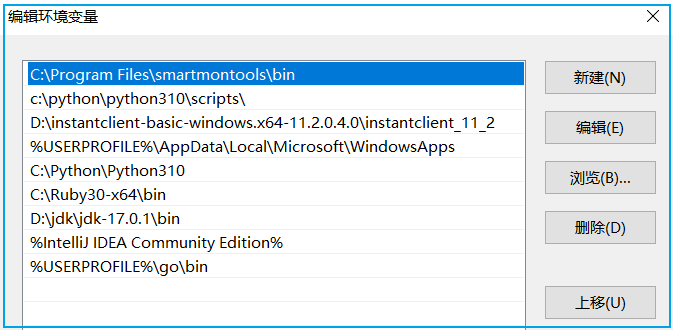
安装完 smartmontools 后,在PATH环境变量中会写入一条新的路径
在命令行中可以调用 smartctl 工具,其中 Windows 版和 Linux 版都可以使用sda, sdb 代替第一块盘或第二块盘。因为在 Windows 上这样写比较奇怪,实际上并不存在 sda,sdb,所以可以使用 pd0, pd1 来指定第一块盘,第二块盘,pd 代表的是 PhysicalDrive 即物理驱动。smartctl 工具的使用方法为:
smartctl -a dev/pd0orsmartctl -a dev/sda
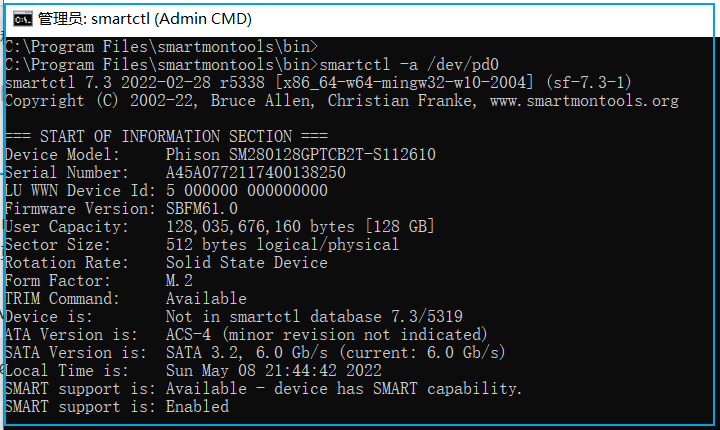
通过读 pySMART 的代码,我们知道,pySMART 实际上就是通过调用的 smartctl 工具来获取硬盘信息。
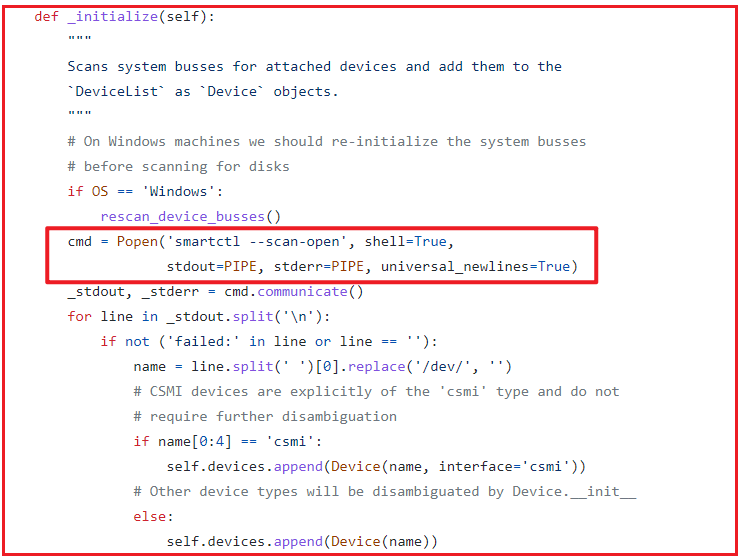
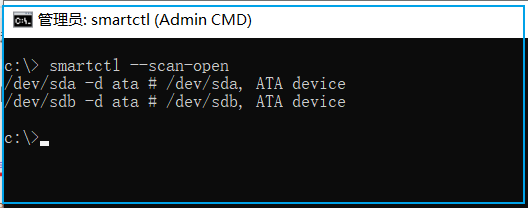
我们在命令行调用 smartctl 可以扫描出当前环境所拥有的硬盘:
smartctl --scan-open
在 pySMART 代码中,通过调用 Popen 获取 smartctl 执行的输出,解析输出来获取硬盘信息。smartctl 在 Windows 和 Linux 上使用方法类似,在 linux 上安装更方便:
apt-get install smartmontoolsoryum install smartmontools
我们使用 pySMART 获取了硬盘的基本信息,比如接口类型、型号、序列号、容量、温度。还有一些更专业的与硬盘健康状态相关的值,我们可以执行 smartctl 获取硬盘的 smart 值,比如执行命令
smartctl -x dev/pd0
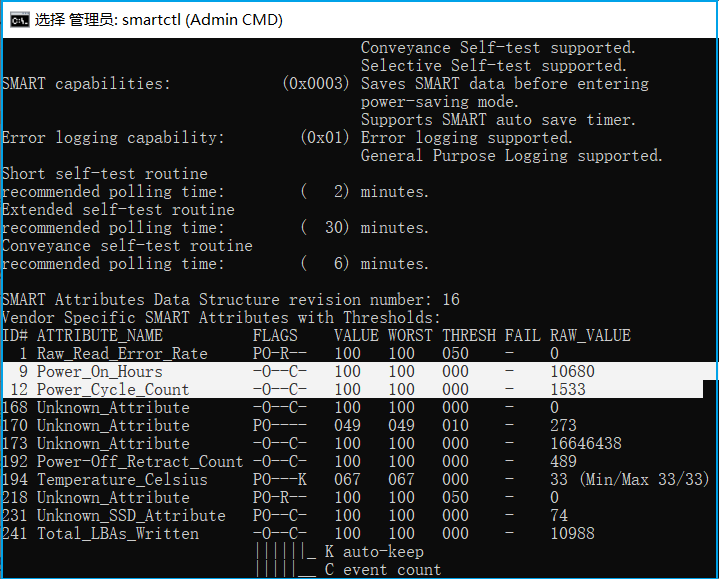
其中 Power_On_Hours 在线小时数为 10680 小时,Power_Cycle_Count 电源启停周期次数为 1533次,可以理解为电脑开关机了1533次,每次开关机,该数值都会增加。在 pySMART 中获取相应编号的参数值的方法为:
C:\> pythonPython 3.10.4 (tags/v3.10.4:9d38120, Mar 23 2022, 23:13:41) [MSC v.1929 64 bit (AMD64)] on win32Type "help", "copyright", "credits" or "license" for more information.>>> from pySMART import Device>>> pd0 = Device('/dev/pd0')>>> pd0.attributes[9].raw_int10680>>> pd0.attributes[12].raw_int1533
