



镜像下载、域名解析、时间同步请点击 阿里云开源镜像站
由于AI_Station 是使用容器构建环境的,而且只提供镜像上传下载功能,不为容易提供网络功能,因此需要在平台上把镜像拉取到本地,并安装一些必备软件然后再打包成镜像上传回去,因此需要在本地构建docker环境,于是如下:
安装GPG证书
curl -fsSL http://mirrors.aliyun.com/docker-ce/linux/ubuntu/gpg | sudo apt-key add -

写入软件源信息
sudo add-apt-repository "deb [arch=amd64] http://mirrors.aliyun.com/docker-ce/linux/ubuntu $(lsb_release -cs) stable"

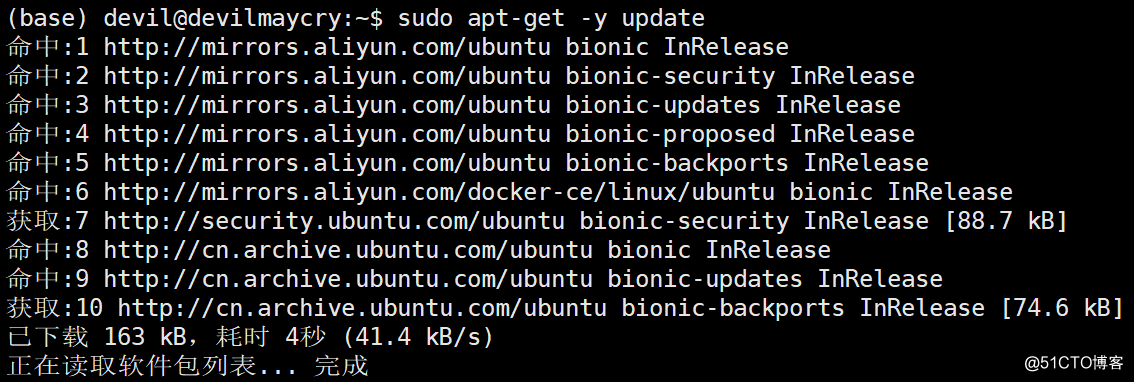
更新
sudo apt-get -y update
安装Docker-CE
安装最新版本:
sudo apt-get -y install docker-ce
或者本文中的安装指定版本:
查找Docker-CE的版本
apt-cache madison docker-ce
( 标红的第二列为版本号 )
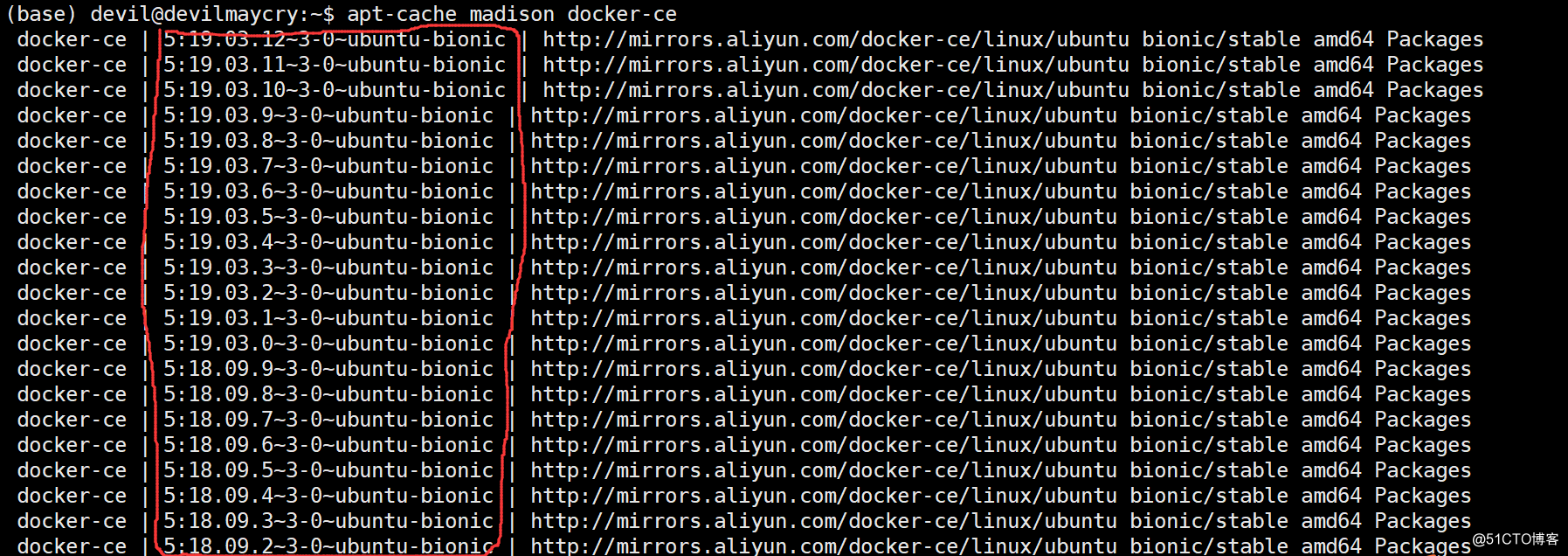
安装指定版本:(这里安装的版本为 5:18.09.93-0ubuntu-bionic )
sudo apt-get -y install docker-ce=5:18.09.9~3-0~ubuntu-bionic
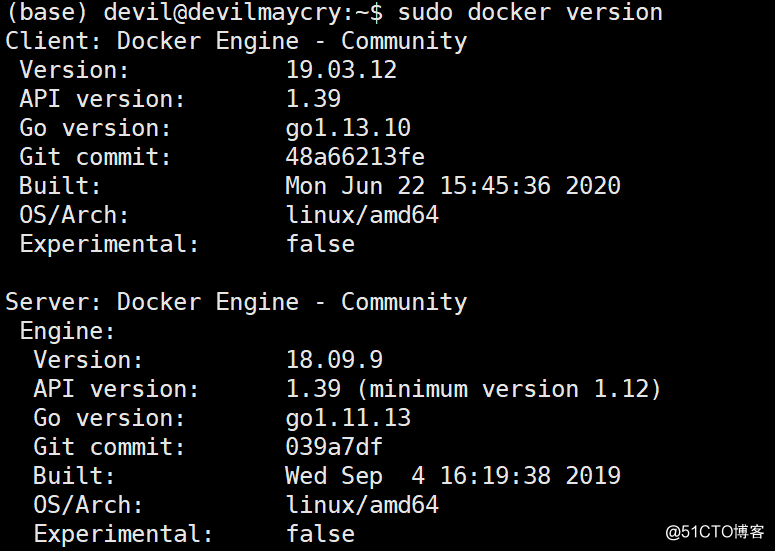
查看所安装的docker版本:
sudo docker version
将平台上常用的镜像拉取到本地(这里使用的是平台的ftp下载)

通过load方法,将镜像加载到本地:
docker load -i ******.tar
sudo docker load -i 14.14.14.100_5000_other_ubuntu18.04-python3.7.5-openssh7.6-jupyterlab1.2.3-inspur_latest.tar

查看本地的镜像:
sudo docker images
可以看到平台上的三个镜像已经全部导入。
本文转自:https://blog.51cto.com/u_15642578/5301231
「喜欢这篇文章,您的关注和赞赏是给作者最好的鼓励」
关注作者
【版权声明】本文为墨天轮用户原创内容,转载时必须标注文章的来源(墨天轮),文章链接,文章作者等基本信息,否则作者和墨天轮有权追究责任。如果您发现墨天轮中有涉嫌抄袭或者侵权的内容,欢迎发送邮件至:contact@modb.pro进行举报,并提供相关证据,一经查实,墨天轮将立刻删除相关内容。
