



华为的数字化产品生态确实做得好,无论是大家电,还是电子消费类的产品,都能通过软硬结合的形式串联起来,形成一整套的解决方案,各种设备,互通互联,其实不光华为,小米、格力、美的等厂商,都是靠着物联网、智能设备、软硬配合搭建自己的产品生态。但是这其中可能就产生一些"技术壁垒",例如华为的matepad,想让他当做ThinkPad笔记本的副屏,如果用的是华为笔记本,直接通过"华为电脑管家"客户端软件,就可以轻松实现多屏协作,然而,如果下载到非华为的电脑上安装,打开的时候,就会提示错误,
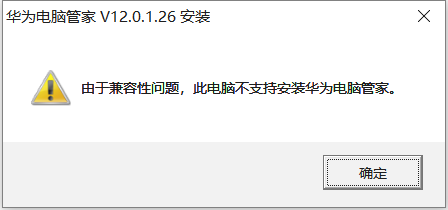
但是技术这事儿,其实都是人做的,能不能安装,兼容性问题,可能就是在代码上做了限制,民间还是有很多高手的。
基于官网的"华为电脑管家"客户端软件,有人做了改造,可以从知乎这篇文章(https://zhuanlan.zhihu.com/p/378347509?ivk_sa=1024320u)提供的网盘链接进行下载,以最新的"非华为电脑多屏协同-20220107鸿蒙版本.zip"为例,解压得到如下这些文件,
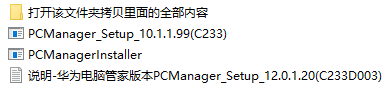
目前华为官网提供的"华为电脑管家"客户端软件最新的版本是12.0.1.20(C233
D003),如上所示的PCManager_Setup_10.1.1.99(C233).exe,只是改了文件名,两者其实是一样的版本。
P. S. https://consumer.huawei.com/cn/support/pc-manager/
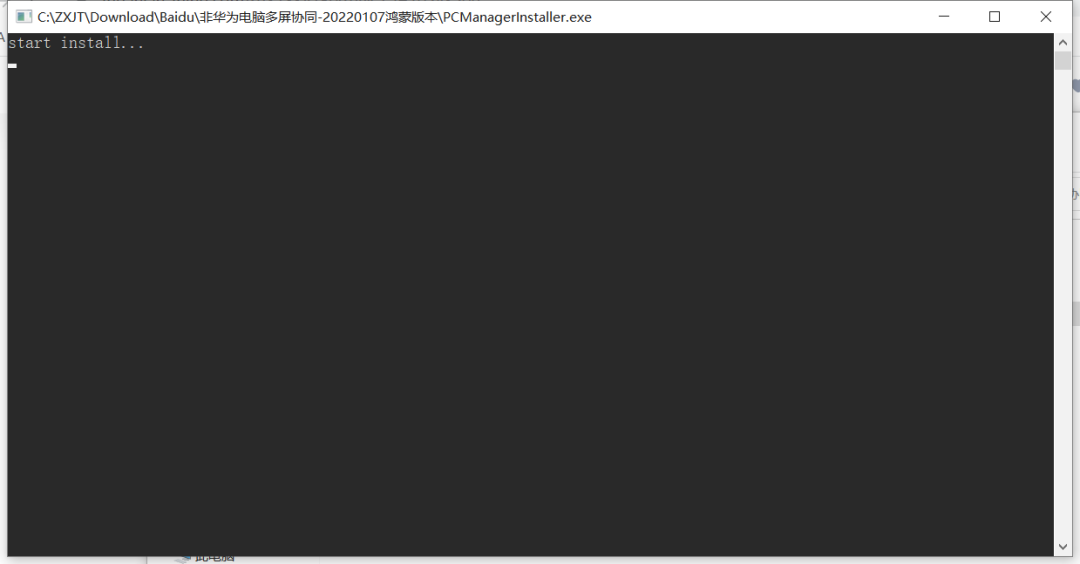
直接运行PCManager_Setup_10.1.1.99(C233).exe,就会启动一个bat,如下所示,应该在做预编译,
稍等片刻,就可以启动安装的界面了,绕开了之前的错误提示,

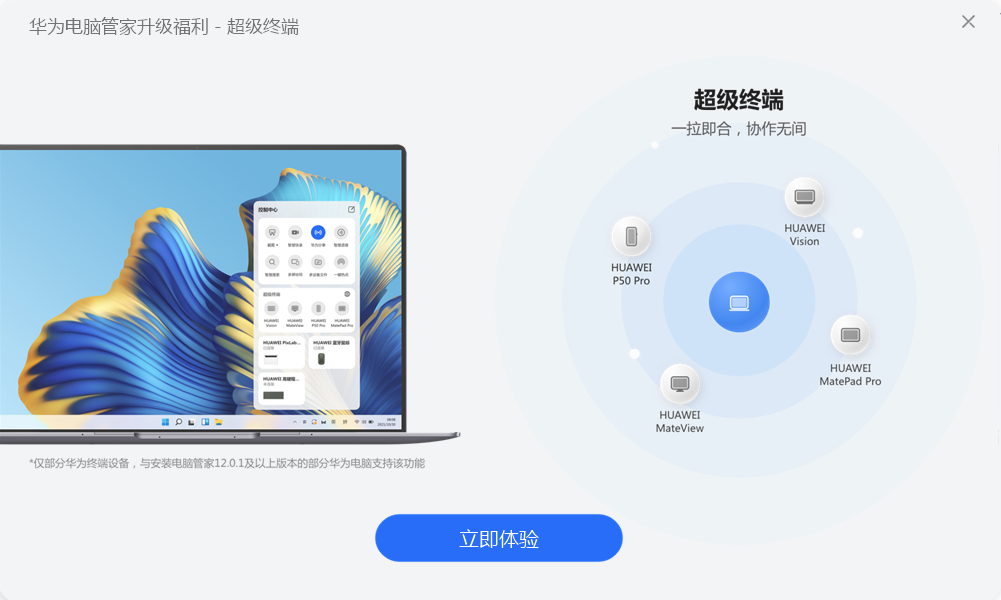
安装完成,不要点"立即体验",
进入"打开该文件夹拷贝里面的全部内容",
需要将version.ddl直接覆盖到客户端软件的安装路径,如下所示,
C:\Program Files\Huawei\PCManager

保险起见,config\HwExScreen\HwExScreenConfig.xml直接覆盖到客户端软件的安装路径C:\Program Files\Huawei\PCManager。
如果对这个文件有些兴趣,可以打开,其实他定义的是一些显示屏的分辨率等的配置信息,可以自行修改,
<?xml version="1.0" encoding="UTF-8"?><Expansion><!--视频编码相关配置--><DeviceConfig><Device><Type>Euler</Type><FpsThreshold>30</FpsThreshold><EncoderBitrate>16777216</EncoderBitrate><EncoderIdrInterval>5</EncoderIdrInterval></Device><Device><Type>Faraday</Type><FpsThreshold>58</FpsThreshold></Device><Device><Type>CezanneM</Type><DisplayFrequency>60</DisplayFrequency></Device></DeviceConfig><!--投屏分辨率相关配置--><ResolutionConfig><Mirror><FollowPC><Device><Type>Mach</Type><!--Mach系列降为1920*1280--><!--pad画面去适应电脑的分辨率,下面2个数值是设置电脑默认协同时候的分辨率--><PrimaryWidth>1920</PrimaryWidth><PrimaryHeight>1280</PrimaryHeight></Device><Device><Type>CezanneM</Type><PrimaryWidth>3000</PrimaryWidth><PrimaryHeight>2000</PrimaryHeight><PrimaryDpi>150</PrimaryDpi></Device><Device><Type>Morgan</Type><PrimaryWidth>2400</PrimaryWidth><PrimaryHeight>1600</PrimaryHeight></Device></FollowPC><FollowPad><!--电脑的画面去适应pad的分辨率--><Horizontal><Hide><PrimaryWidth>1920</PrimaryWidth><PrimaryHeight>1200</PrimaryHeight></Hide><Show><PrimaryWidth>1920</PrimaryWidth><PrimaryHeight>1280</PrimaryHeight></Show></Horizontal><Vertical><Hide><PrimaryWidth>1920</PrimaryWidth><PrimaryHeight>1200</PrimaryHeight></Hide><Show><PrimaryWidth>1920</PrimaryWidth><PrimaryHeight>1080</PrimaryHeight></Show></Vertical></FollowPad></Mirror><Extend><Horizontal><PrimaryWidth>1920</PrimaryWidth><PrimaryHeight>1280</PrimaryHeight><Hide><SecondaryWidth>1920</SecondaryWidth><SecondaryHeight>1200</SecondaryHeight></Hide><Show><SecondaryWidth>1920</SecondaryWidth><SecondaryHeight>1280</SecondaryHeight></Show></Horizontal><Vertical><PrimaryWidth>1920</PrimaryWidth><PrimaryHeight>1080</PrimaryHeight><Hide><SecondaryWidth>1920</SecondaryWidth><SecondaryHeight>1200</SecondaryHeight></Hide><Show><SecondaryWidth>1920</SecondaryWidth><SecondaryHeight>1080</SecondaryHeight></Show></Vertical></Extend></ResolutionConfig><MonitorResolutionConfig><Ratio3To2><Resolution Width="3000" Height="2000"/><Resolution Width="2520" Height="1680"/><Resolution Width="2400" Height="1600"/><Resolution Width="2160" Height="1440"/><Resolution Width="1920" Height="1280"/></Ratio3To2><Ratio16To9><Resolution Width="3840" Height="2160"/><Resolution Width="2560" Height="1440"/><Resolution Width="1920" Height="1080"/></Ratio16To9></MonitorResolutionConfig><!--超声波自动识别方位配置--><AutoDetect><!--支持超声特性机型,必须以分号结尾--><Support>CurieM;Morgan;</Support><!--默认音量阈值,识别超声最小系统音量--><MinVolumn>20</MinVolumn><!--默认喇叭间距,单位mm--><Margin>320</Margin><!--超声播放采样率--><SampleRate>48000</SampleRate><!--超声播放位深--><BitDepth>32</BitDepth><CurieM><MinVolumn>20</MinVolumn><Margin>320</Margin><SampleRate>48000</SampleRate><BitDepth>32</BitDepth></CurieM></AutoDetect><!--音频切换窗口屏蔽名单--><AudioSwitch><!--不支持音频切换机型,必须以分号结尾--><NoSupport>KeplerR;Heng;BohrK;NobelK;</NoSupport></AudioSwitch><!--intel显卡和RealtekWiFi驱动版本限制开关--><DriverLimitSwitch>0</DriverLimitSwitch><!--音频自动切换进程窗口关系名单,用于处理多进程多窗口等特殊三方应用--><AudioPassthroughWhiteList><process>WebMeeting.exe</process></AudioPassthroughWhiteList><AudioWindowFastMoveList><process>芒果TV.exe;WeChat.exe;tblive.exe;Video.UI.exe;wmplayer.exe</process></AudioWindowFastMoveList><AudioWindowProcBlackList><process>explorer.exe;HwExScreen.exe;PCManager.exe</process></AudioWindowProcBlackList></Expansion>
此时打开"华为电脑管家",
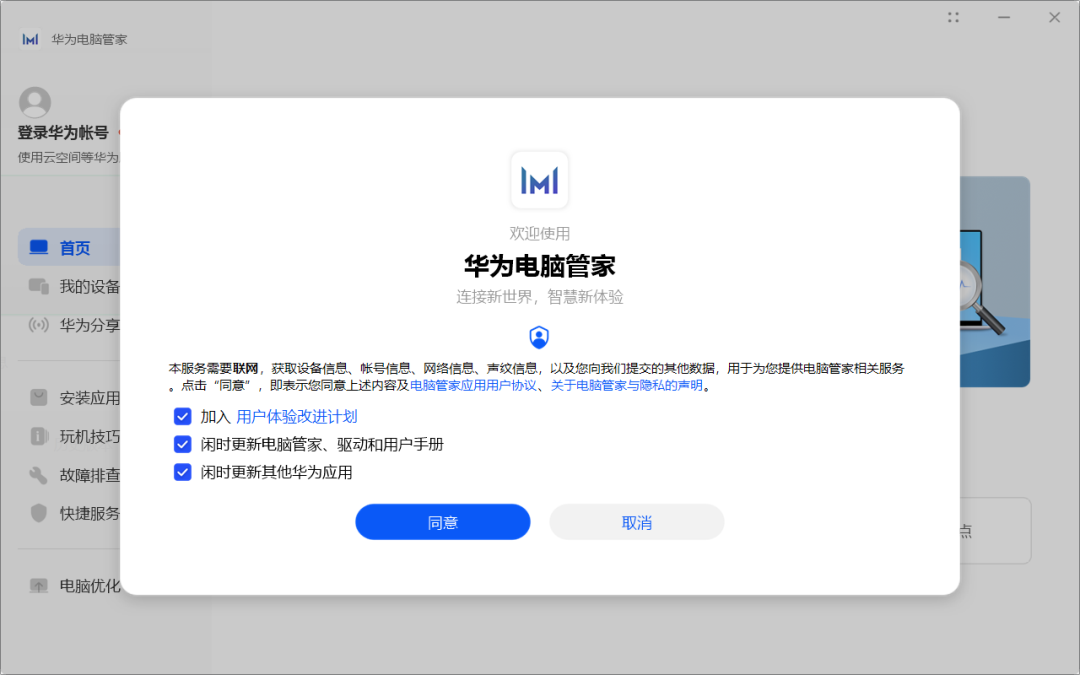
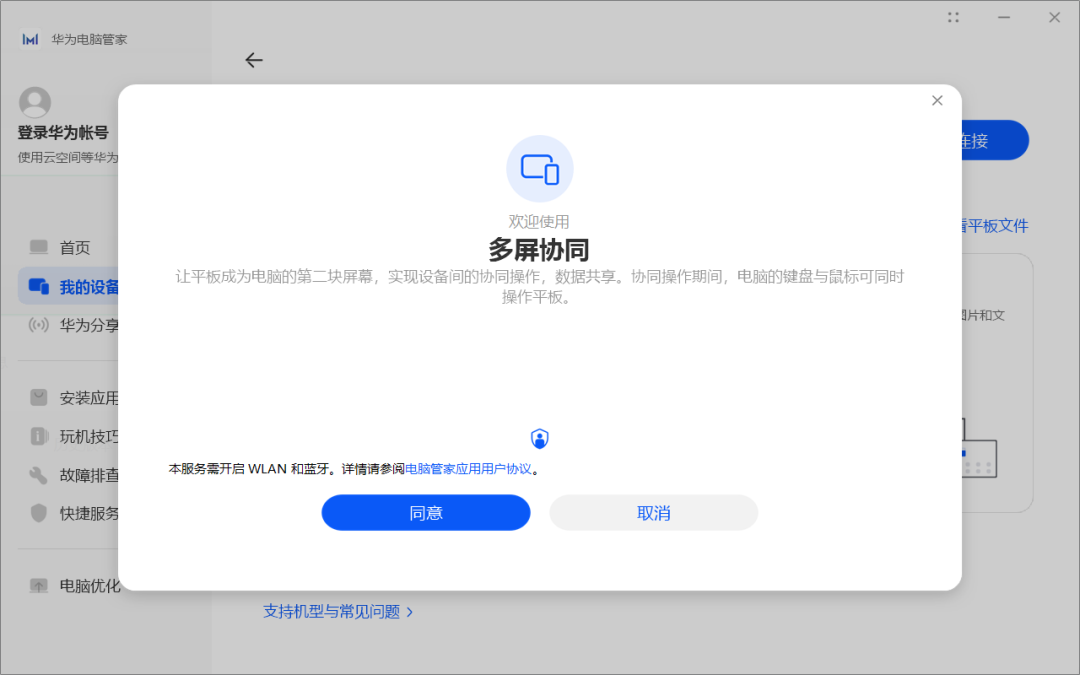
选择和电脑连接的多屏协同,并在笔记本电脑上进行确认,就可以让matepad和电脑连接上了,
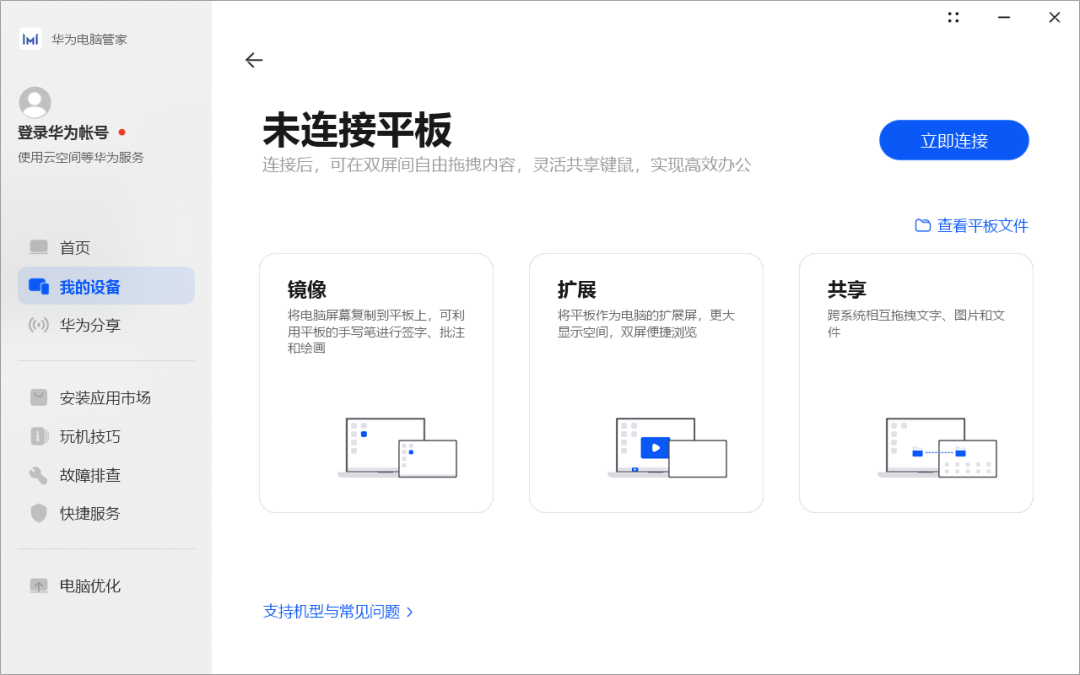
可以选择"镜像"、"扩展"、"共享"三种作为副屏的模式,
matepad作为副屏,就可以直接用了,因为matepad支持触屏,相当于让笔记本电脑支持了触屏功能。但是操作习惯上,略有不同,例如笔记本电脑的屏幕和matepad屏幕的左右顺序,需要通过"华为电脑管家"来设置,不能通过传统的Windows配置选项设置。
matepad作为笔记本电脑的副屏,他的移动性、便捷性等特点,还是能给工作效率带来一定的提升,再次让我们体会到了科技的力量。
参考资料,
https://zhuanlan.zhihu.com/p/378347509?ivk_sa=1024320u
https://post.smzdm.com/p/axl8nmr4/
近期更新的文章:
文章分类和索引:
