



今天给大家推荐一款超优秀的一统前端多框架UI组件库KPC。

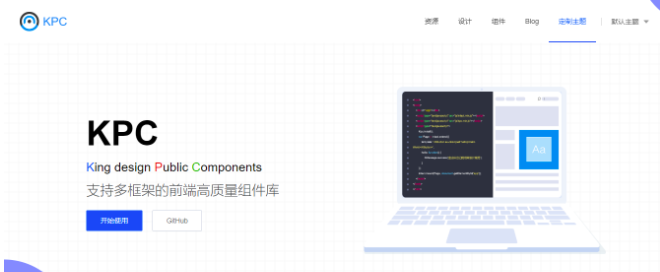
kpc 全称King Design Public Components,金山云团队开源的Intact/Vue/React/Angular多框架的前端高质量组件库。
特性
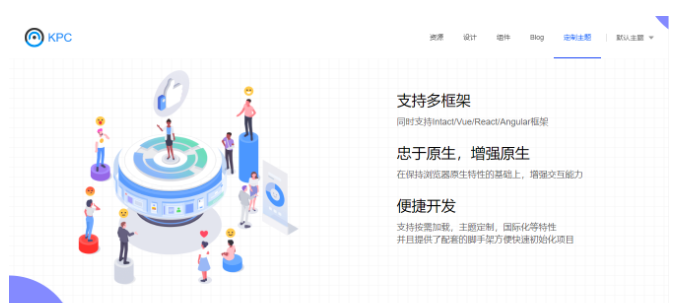
同时支持Intact/Vue/React/Angular多框架;
在保持浏览器原生特性的基础上,增强交互能力;
支持按需加载,主题定制,国际化等特性;
提供了自研脚手架方便快速初始化项目;
安装
Intact中安装
$ npm install kpc -S
Vue中安装
$ npm install kpc-vue -S
React中安装
$ npm install kpc-react -S
Angular中安装
$ npm install kpc-angular -S
快速使用
Intact中使用
import {Button, ButtonGroup} from 'kpc/components/button';<ButtonGroup> <Button>button1</Button> <Button>button2</Button></ButtonGroup>
Vue中使用
<template> <Button @click="hello">Hello World</Button></template><script>import {Button, Message} from 'kpc-vue';export default { components: { Button }, methods: { hello() { Message.success('Welcome to kpc world!'); } }}</script>
React中使用
import React from 'react';import {Button, Message} from 'kpc-react';class App extends React.Component { hello() { Message.success('Welcome to kpc world!'); } render() { return <Button onClick={this.hello}>Hello World</Button> }}
Angular中使用
import { Component, ViewEncapsulation } from '@angular/core';import { MessageComponent } from 'kpc-angular';@Component({ selector: 'app-root', template: ` <k-button type="primary" (click)="onClick()">Hello World</k-button> `, style: ` .k-button { margin: 10px; } `, encapsulation: ViewEncapsulation.None,})export class AppComponent { onClick() { MessageComponent.success('Welcome to kpc world!'); }}
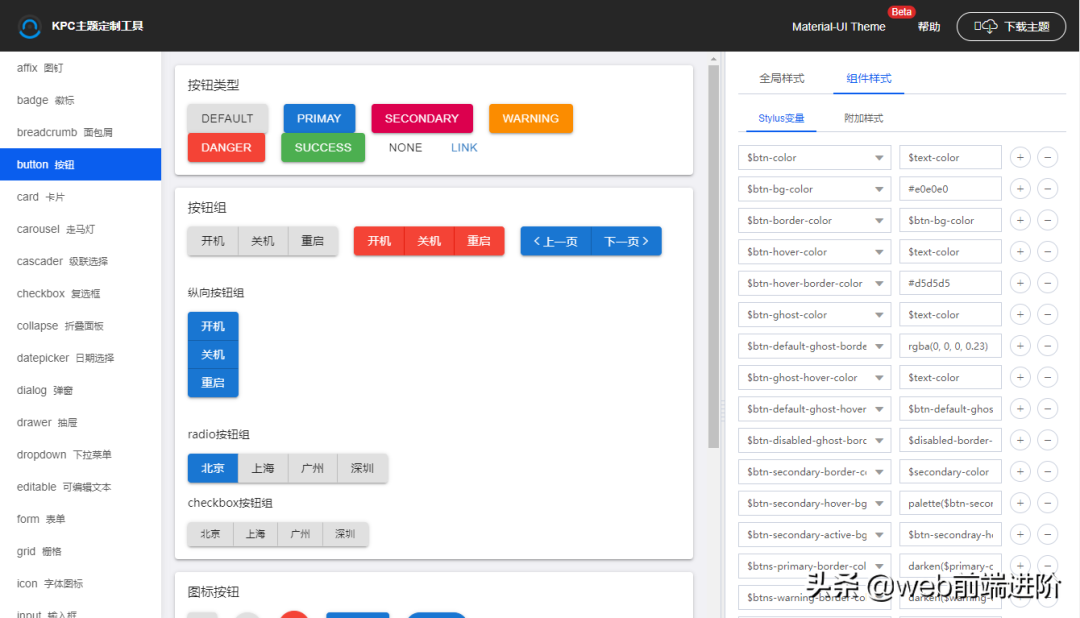
提供了非常丰富的超过45+组件,满足项目多样化需求。
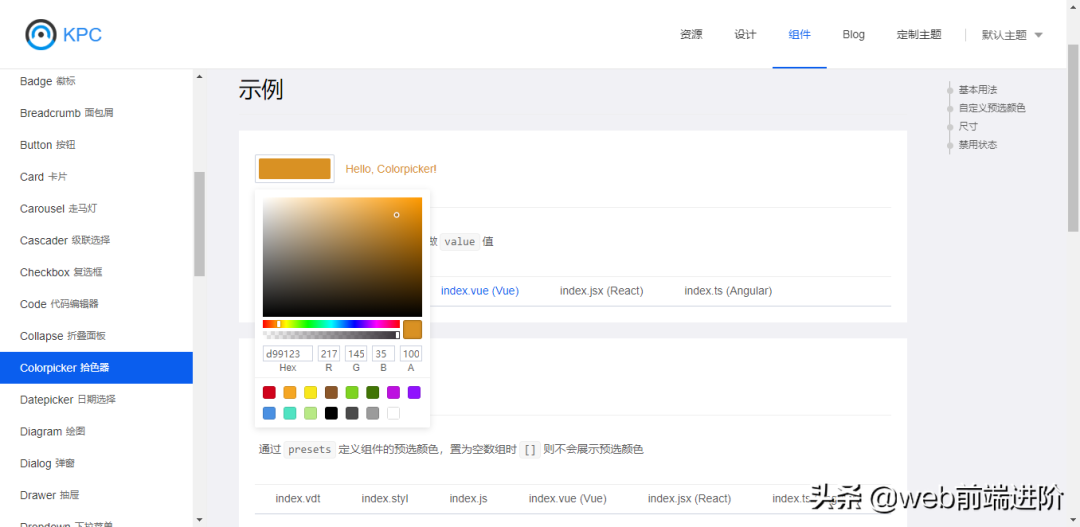
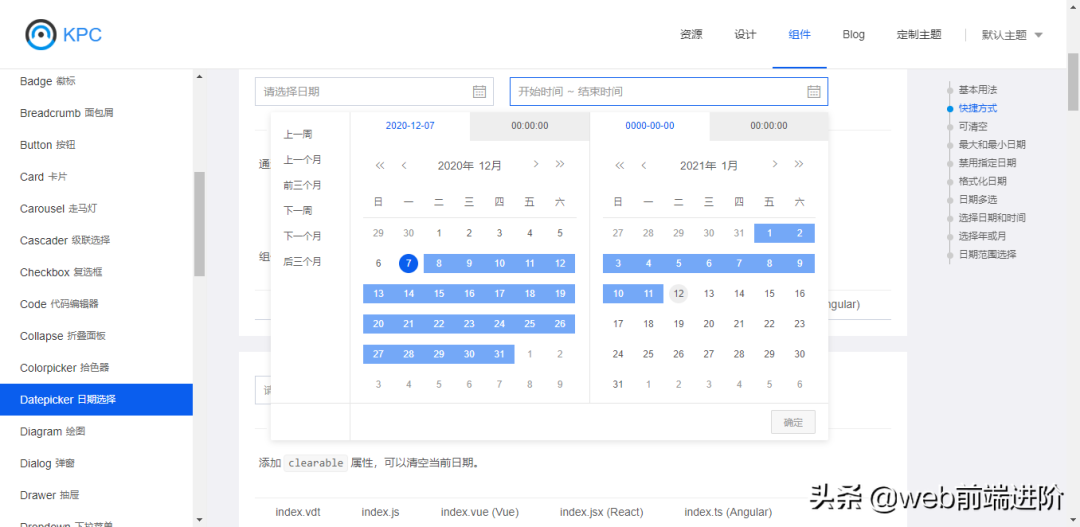
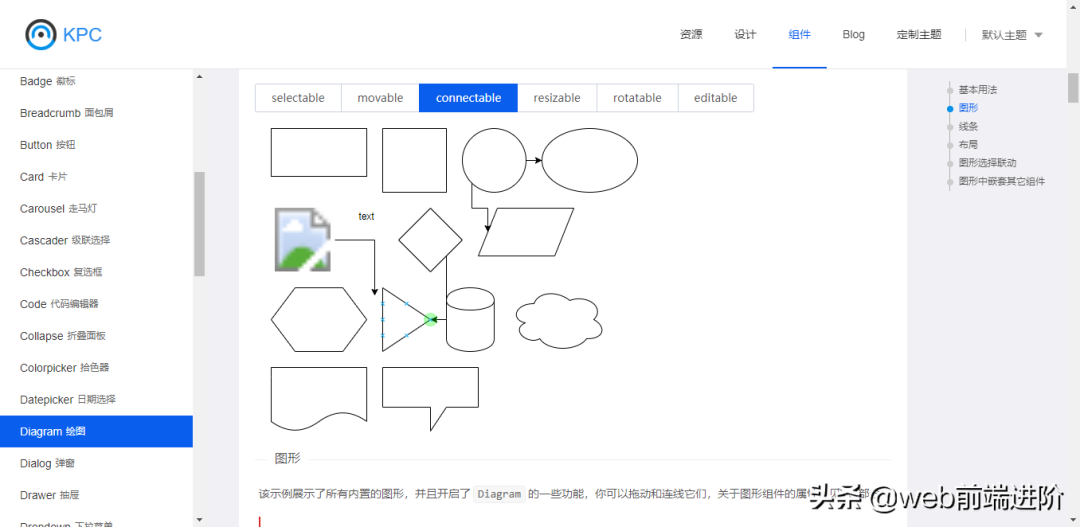

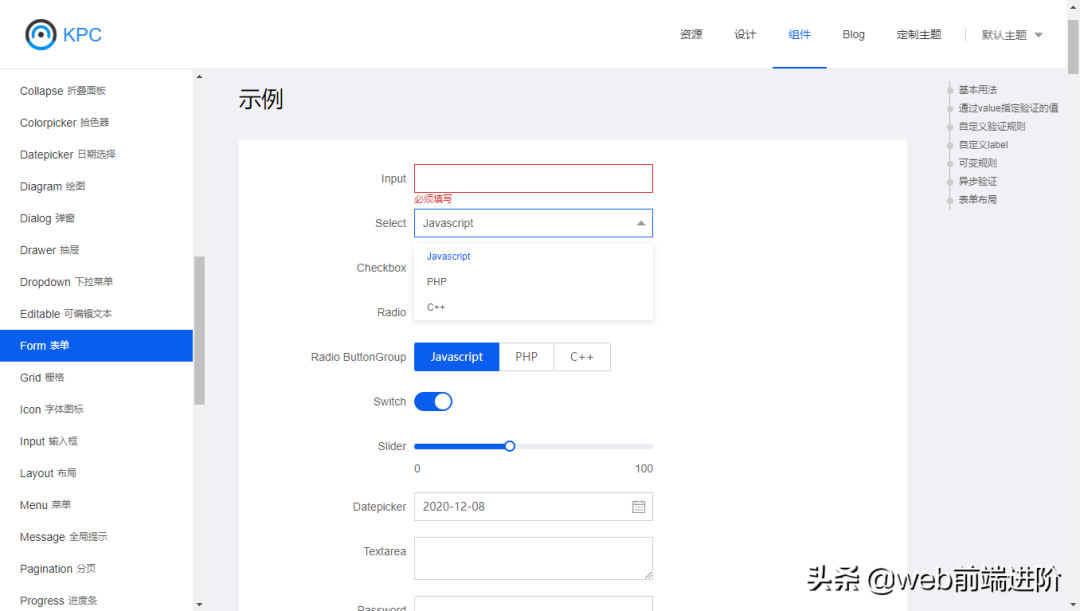
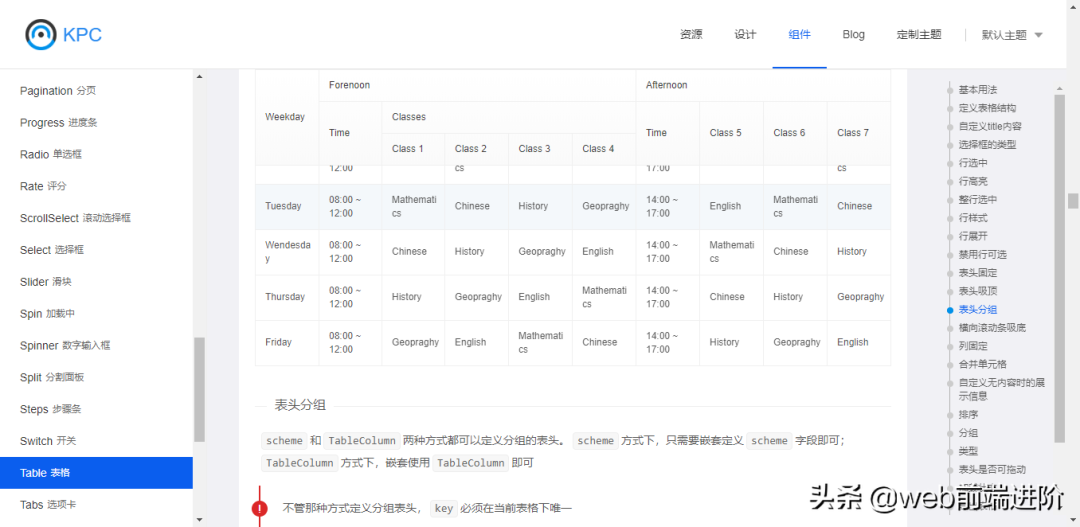
非常好的一款开源多框架UI库,需要的千万不要错过喔!
# 文档地址https://design.ksyun.com/# 仓库地址https://github.com/ksc-fe/kpc
好了,今天就分享到这里。如果大家感兴趣的话,可以去看一看哈。
来源:
https://www.toutiao.com/i6903542168405869060/
“IT大咖说”欢迎广大技术人员投稿,投稿邮箱:aliang@itdks.com

IT大咖说 | 关于版权
由“IT大咖说(ID:itdakashuo)”原创的文章,转载时请注明作者、出处及微信公众号。投稿、约稿、转载请加微信:ITDKS10(备注:投稿),茉莉小姐姐会及时与您联系!
感谢您对IT大咖说的热心支持!
相关推荐
推荐文章
文章转载自IT大咖说,如果涉嫌侵权,请发送邮件至:contact@modb.pro进行举报,并提供相关证据,一经查实,墨天轮将立刻删除相关内容。
