



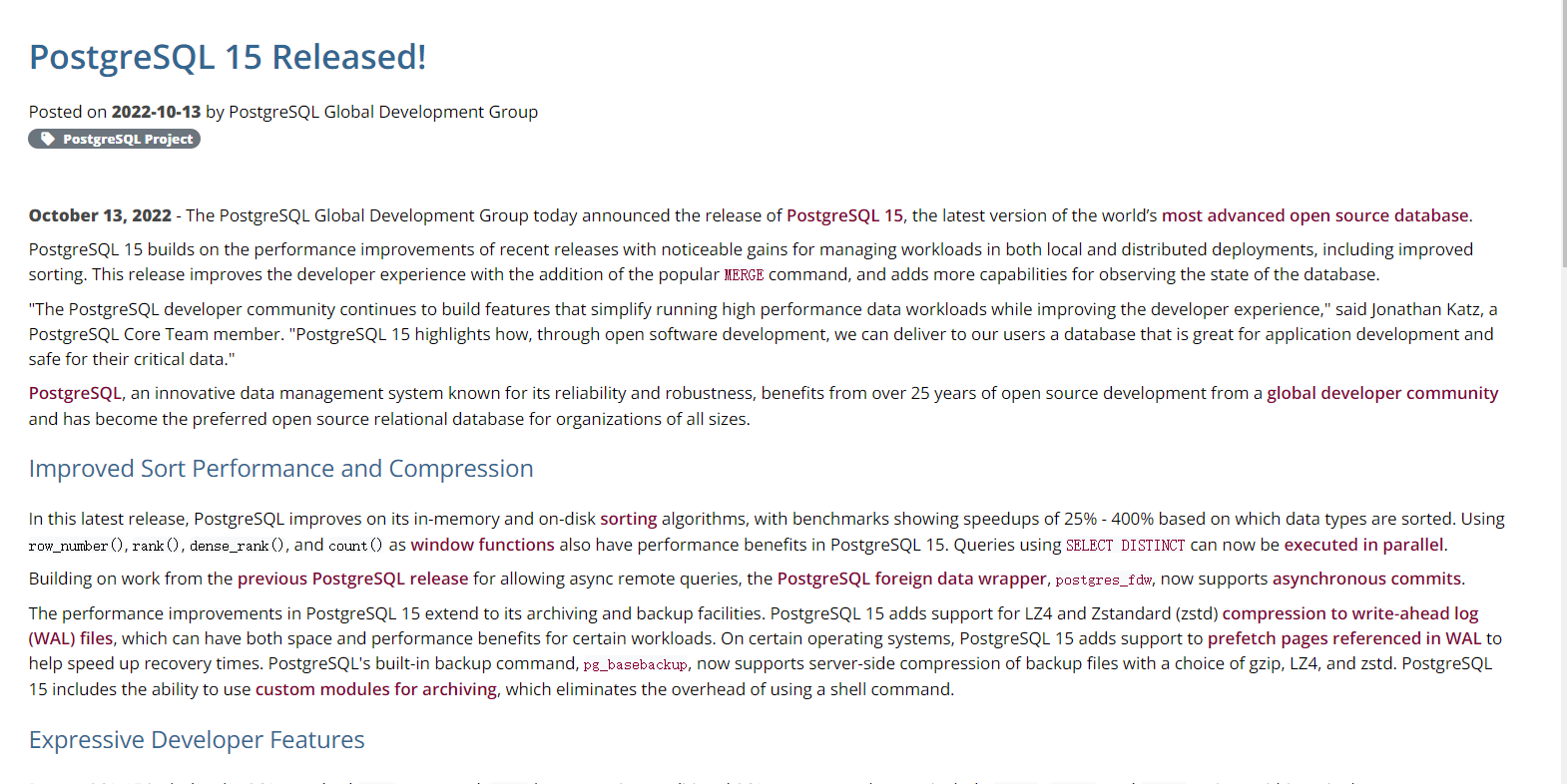
大家好,最近看到朋友圈的PG 大咖们 纷纷发布了 pg 15 正式发布的消息 ( 13th October 2022: PostgreSQL 15 Released!)。
作为PG的粉丝来说, 我也是下载了pg 15 正式版,来尝试一下上面的新的功能。
具体新的功能简介可以参数官方文档: https://www.postgresql.org/about/news/postgresql-15-released-2526/
正如官方的描述一样,添加和增强的主要功能如下:
MERGE:
加入了 MERGE 命令,这个对于习惯使用ORACLE 的开发者来说,确实是一个必要的功能。
PostgreSQL 15 builds on the performance improvements of recent releases with noticeable gains for managing workloads in both local and distributed deployments, including improved sorting. This release improves the developer experience with the addition of the popular MERGE command, and adds more capabilities for observing the state of the database.
Improved Sort Performance and Compression: 增强的排序和压缩功能
优化了排序的算法,增强了25%-400%的排序速度。
窗口函数的性能增强: row_number(),rank(),dense_rank(), count()
SELECT DISTINCT 的并行执行的支持
postgres_fdw, now supports asynchronous commits: 外部表支持异步提交
对于 WAL log 日志文件,从PG15开始支持压缩算法 LZ4 and Zstandard (zstd)
对于恢复来说,添加了 prefetch pages referenced in WAL 预先抓取WAL的功能, 提高了恢复的速度
对于备份来说, pg_basebackup 支持备份的压缩格式 gzip, LZ4, and zstd
支持 custom modules for archiving的命令操作
Expressive Developer Features:
对于开发者来说,主要是 支持merge 的语句功能,扩大对于正则表达式的支持: regexp_count(), regexp_instr(), regexp_like(), and regexp_substr()
新增 security_invoker 的角色,该角色针对view 有查询数据的功能,而不是使用view 的创建者。
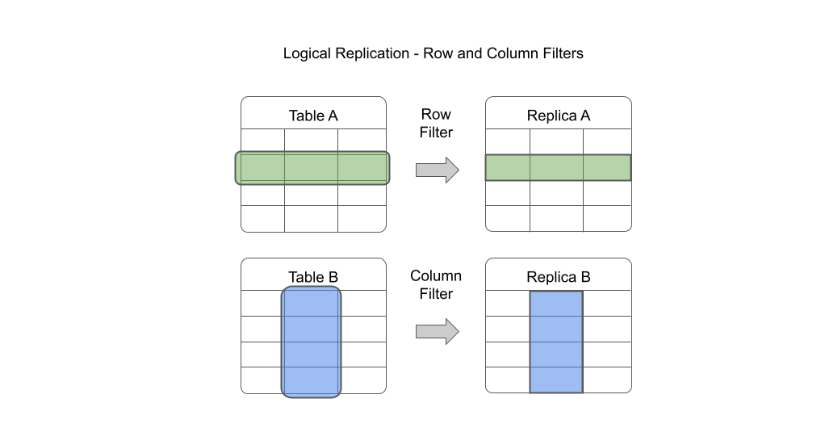
More Options with Logical Replication:
支持逻辑复制的更多选项: 行和列的过滤功能
逻辑复制中,支持2阶段提交
Logging and Configuration Enhancements:
日志方面的增强: 新增对于 jsonlog
一些其他的功能边话: Other Notable Changes: 其中有3个功能, 个人还是十分感兴趣的。
PostgreSQL server-level statistics are now collected in shared memory, eliminating both the statistics collector process and periodically writing this data to disk.
(server 级别的统计直接放入到了内存中,淘汰了之前后台进程 statistics collector 定期写入磁盘操作的这种机制)
PostgreSQL 15 makes it possible to make an ICU collation the default collation for a cluster or an individual database.
This release also adds a new built-in extension, pg_walinspect, that lets users inspect the contents of write-ahead log files directly from a SQL interface.
(这个extension 看着也是很实用的, 可以把 wal log 解析成为SQL 语句, 可以进一步加大数据同步的灵活性,为数据下游, 数据仓库,数据实时处理提供了更多的便利,这个可以日后研究一下)
PostgreSQL 15 also revokes the CREATE permission from all users except a database owner from the public (or default) schema.
(这个功能是很多人期待已久的,取消掉了默认的账户对于public 的create 权限)
PostgreSQL 15 removes both the long-deprecated “exclusive backup” mode and support for Python 2 from PL/Python.
以上属于纯理论的输出, 下面我们实际安装一下 PG 15 的正式版, 体验一下 logical replication 行列过滤功能。
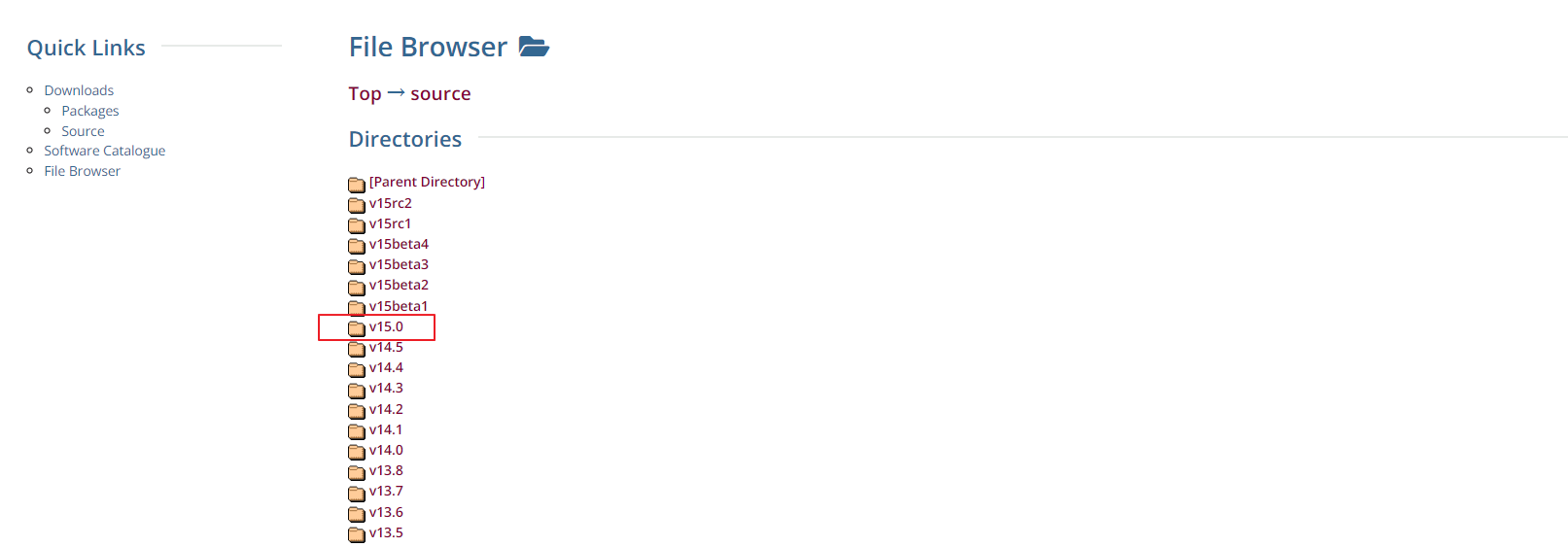
我们先下载软件: https://www.postgresql.org/ftp/source/
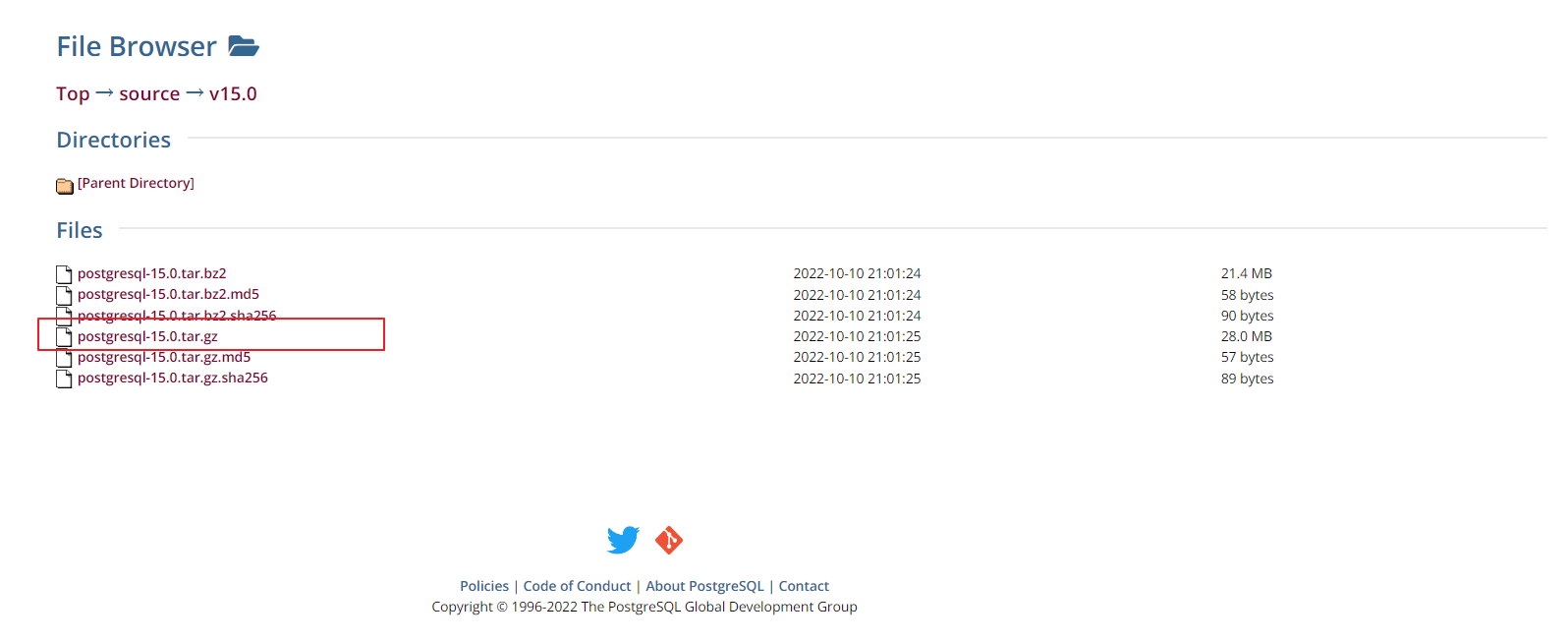
我们采用源码编译的方式安装:
INFRA [postgres@wqdcsrv3352 postgreSQL]# tar -xvf postgresql-15.0.tar.gz
INFRA [postgres@wqdcsrv3352 postgreSQL]# mv postgresql-15.0 postgresql15
INFRA [postgres@wqdcsrv3352 postgresql15]# ./configure --with-pgport=2008 --prefix=/opt/postgreSQL/postgres15
INFRA [postgres@wqdcsrv3352 postgresql15]# make && make install
初始化并启动数据库:
INFRA [postgres@wqdcsrv3352 postgresql15]# /opt/postgreSQL/postgres15/bin/initdb -D /data/postgreSQL/2008 -U postgres -W
/opt/postgreSQL/postgres15/bin/pg_ctl -D /data/postgreSQL/2008 -l logfile start
登录PG15:
INFRA [postgres@wqdcsrv3352 postgresql15]# psql -h /tmp -p 2008
postgres@[local:/tmp]:2008=#88770 select version();
                                                  version
-------------------------------------------------------------------------------------------------------------
PostgreSQL 15.0 on x86_64-pc-linux-gnu, compiled by gcc (GCC) 4.8.5 20150623 (Red Hat 4.8.5-44.0.3), 64-bit
(1 row)
我们测试一下 logical replication 的复制过滤功能:
行过滤
创建逻辑复制的账户:
postgres@[local:/tmp]:2008=#126326 create user logical_user replication login connection limit 10 encrypted password 'logical_user';
CREATE ROLE
创建需要同步的表:
postgres@[local:/tmp]:2008=#126326 create table t_order(id int  not null primary key , good_name varchar(200), location varchar(20));
CREATE TABLE

postgres@[local:/tmp]:2008=#27842 grant select on t_order to logical_user;
GRANT
我们在源端创建发布者: 创建发布者的时候,可以加入行的过滤条件 where (location=‘TJ’);
postgres@[local:/tmp]:2008=#126326 create publication pub_test for table t_order where (location='TJ');
CREATE PUBLICATION
查看发布者的定义: 这里注意我们连接的PSQL 也需要是 15version, 用之前的psql 客户端连接 不会显示 发布者的过滤条件 WHERE ((location)::text = ‘TJ’::text)
postgres@[local]:2008=#131049 \dRpub_test+
                            Publication pub_test
  Owner   | All tables | Inserts | Updates | Deletes | Truncates | Via root
----------+------------+---------+---------+---------+-----------+----------
postgres | f          | t       | t       | t       | t         | f
Tables:
    "public.t_order" WHERE ((location)::text = 'TJ'::text)
查看表上的发布者的方式: 这里注意我们连接的PSQL 也需要是 15version, 用之前的psql 客户端连接 不会显示 发布者的过滤条件 WHERE ((location)::text = ‘TJ’::text)
postgres@[local]:2008=#131049 \d+ t_order
                                                  Table "public.t_order"
  Column   |          Type          | Collation | Nullable | Default | Storage  | Compression | Stats target | Description
-----------+------------------------+-----------+----------+---------+----------+-------------+--------------+-------------
id        | integer                |           | not null |         | plain    |             |              |
good_name | character varying(200) |           |          |         | extended |             |              |
location  | character varying(20)  |           |          |         | extended |             |              |
Indexes:
    "t_order_pkey" PRIMARY KEY, btree (id)
Publications:
    "pub_test" WHERE ((location)::text = 'TJ'::text)
Access method: heap
在数据接收端,创建同步的表和订阅者:
postgres=# create table t_order(id int  not null primary key , good_name varchar(200), location varchar(20));
CREATE TABLE

postgres=# CREATE SUBSCRIPTION sub_test CONNECTION 'host=10.67.38.50 dbname=postgres application_name=logical_replication user=logical_user password=logical_user' publication pub_test;
NOTICE:  created replication slot "sub_test" on publisher
CREATE SUBSCRIPTION
测试在源端发布者上插入数据:
postgres@[local:/tmp]:2008=#27842 insert into t_order (id, good_name,location) values (1,'豆腐脑','TJ');
INSERT 0 1
postgres@[local:/tmp]:2008=#27842 insert into t_order (id, good_name,location) values (2,'煎饼果子','TJ');
INSERT 0 1
postgres@[local:/tmp]:2008=#27842 insert into t_order (id, good_name,location) values (3,'卤煮','BJ');
INSERT 0 1
postgres@[local:/tmp]:2008=#27842 insert into t_order (id, good_name,location) values (4,'小笼包','SH');
INSERT 0 1
我们在订阅端查询同步到的数据: 果然 上海的 小笼包 和 北京的 卤煮被过滤掉了
postgres=# select * from t_order;
id | good_name | location
----+-----------+----------
  1 | 豆腐脑    | TJ
  2 | 煎饼果子  | TJ
(2 rows)
列过滤:
我们来测试一下列的过滤: 发布端创建表并且屏蔽掉 salary 这一列
postgres@[local:/tmp]:2008=#27842 create table t_person (id int not null primary key , name varchar(20), salary decimal);
CREATE TABLE

postgres@[local:/tmp]:2008=#27842 create PUBLICATION pub_test_column for table t_person (id,name);
CREATE PUBLICATION
查看发布者的定义:
postgres@[local]:2008=#43336 \d+ t_person;
                                                Table "public.t_person"
Column |         Type          | Collation | Nullable | Default | Storage  | Compression | Stats target | Description
--------+-----------------------+-----------+----------+---------+----------+-------------+--------------+-------------
id     | integer               |           | not null |         | plain    |             |              |
name   | character varying(20) |           |          |         | extended |             |              |
salary | numeric               |           |          |         | main     |             |              |
Indexes:
    "t_person_pkey" PRIMARY KEY, btree (id)
Publications:
    "pub_test_column" (id, name)
Access method: heap

postgres@[local]:2008=#43336 \dRpub_test_column+


                        Publication pub_test_column
  Owner   | All tables | Inserts | Updates | Deletes | Truncates | Via root
----------+------------+---------+---------+---------+-----------+----------
postgres | f          | t       | t       | t       | t         | f
Tables:
    "public.t_person" (id, name)
在订阅端创建表和订阅者
postgres=# create table t_person (id int not null primary key , name varchar(20));
CREATE TABLE

postgres=# CREATE SUBSCRIPTION sub_test_column CONNECTION 'host=10.67.38.50 dbname=postgres application_name=logical_replication user=logical_user password=logical_user' publication pub_test_column;
NOTICE:  created replication slot "sub_test_column" on publisher
CREATE SUBSCRIPTION
测试发布端插入数据:
postgres@[local]:2008=#43336 insert into t_person values (1,'big bro', 1000000);
INSERT 0 1
postgres@[local]:2008=#43336 insert into t_person values (2,'jason', 200000);
INSERT 0 1
订阅端查询数据:
postgres=# select * from t_person;
id |  name
----+---------
  1 | big bro
  2 | jason
(2 rows)
Have a fun 🙂 !
