



本节实操课程学习表的约束、表的默认值和自增类型等相关概念和操作
1、准备实操环境
连接到openGauss数据库
su - omm
gsql  -r

2、创建表时定义列级约束
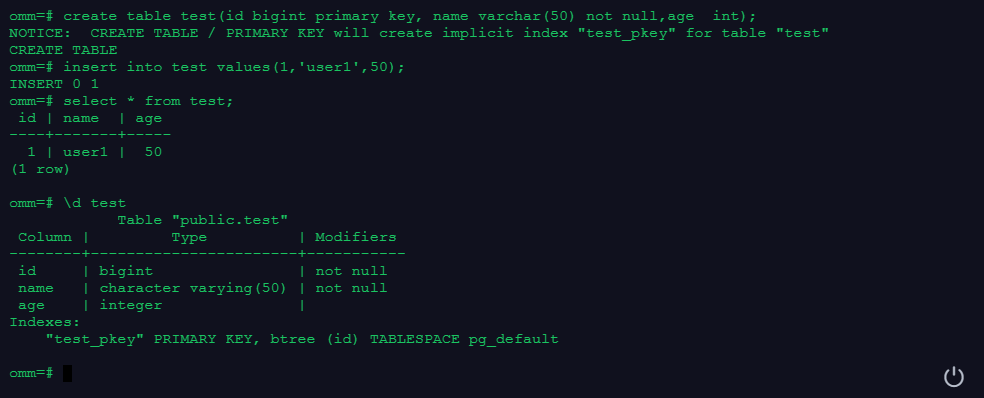
在列级定义了primary key约束(id列)和not null约束(name列)。
drop table if exists test;
create table test(id bigint primary key, name varchar(50) not null,age  int);

insert into test values(1,'user1',50);
select * from test;

\d test
3、创建表时定义表级约束
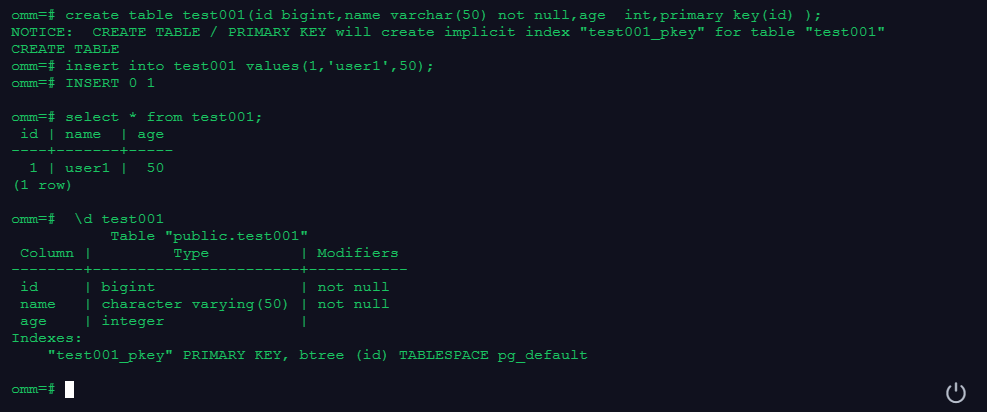
在表级定义了primary key约束(id列),在列级定义了not null约束(name列)。
drop table if exists test001;
create table test001(id bigint,name varchar(50) not null,age  int,primary key(id) );
insert into test001 values(1,'user1',50);
select * from test001;
 \d test001
4、为表的属性定义默认值
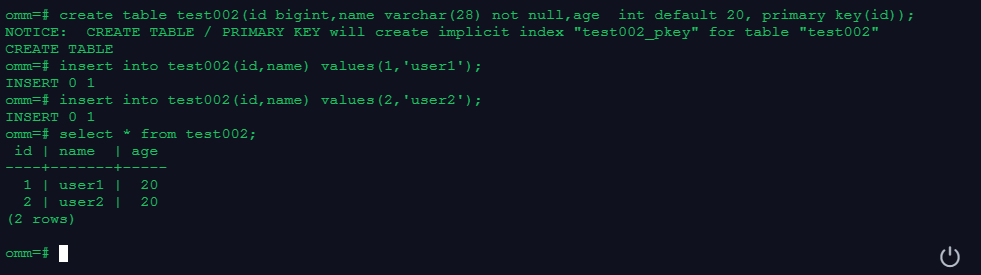
创建表的时候为表的某个列(age)定义默认值。
drop table if exists test002;
create table test002(id bigint,name varchar(28) not null,age  int default 20, primary key(id));

insert into test002(id,name) values(1,'user1');
insert into test002(id,name) values(2,'user2');

select * from test002;
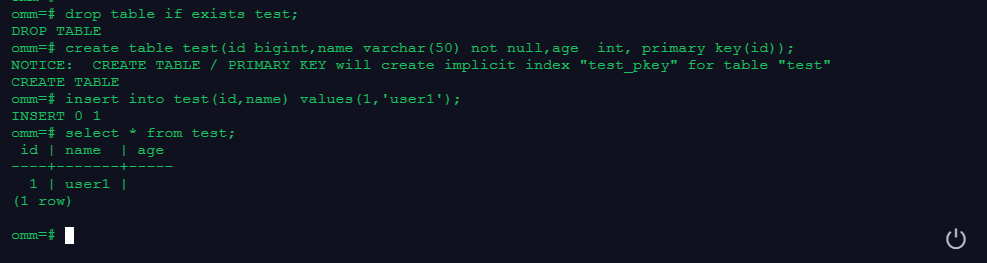
5、如果创建表时,没有为某列定义默认值,缺省的默认值为空值null
未定义age列的默认值。
drop table if exists test;
create table test(id bigint,name varchar(50) not null,age  int, primary key(id));
insert into test(id,name) values(1,'user1');
select * from test;
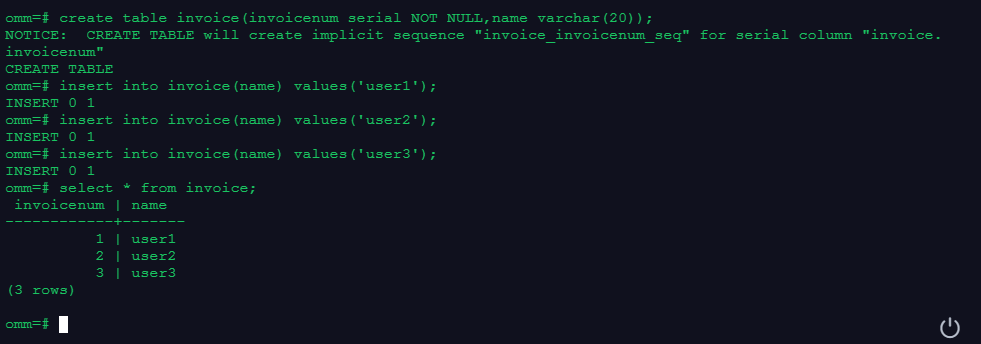
6、创建表时使用自增数据类型
商品的编号通常按顺序递增。这种情况可以使用serial数据类型。最简单方法直接使用serial数据类型。
drop table if exists invoice;
create table invoice(invoicenum serial NOT NULL,name varchar(20));

insert into invoice(name) values('user1');
insert into invoice(name) values('user2');
insert into invoice(name) values('user3');

select * from invoice;
7、使用现有的表创建新表
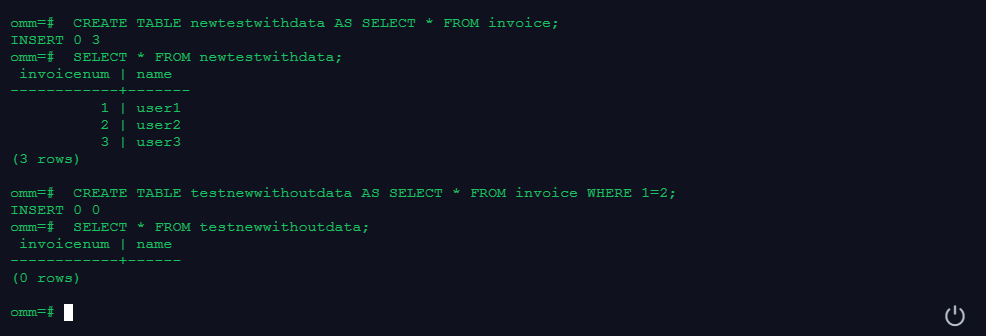
--执行下面的SQL语句,将创建新表,并且会将旧表的数据拷贝给新表:
 DROP TABLE if exists newtestwithdata;
 CREATE TABLE newtestwithdata AS SELECT * FROM invoice;
 SELECT * FROM newtestwithdata;

--执行下面的SQL语句,创建和旧表的表结构相同的新表,但是不会将旧表的数据拷贝给新表:
 DROP TABLE if exists testnewwithoutdata;
 CREATE TABLE testnewwithoutdata AS SELECT * FROM invoice WHERE 1=2;
 SELECT * FROM testnewwithoutdata;
「喜欢这篇文章,您的关注和赞赏是给作者最好的鼓励」
关注作者
【版权声明】本文为墨天轮用户原创内容,转载时必须标注文章的来源(墨天轮),文章链接,文章作者等基本信息,否则作者和墨天轮有权追究责任。如果您发现墨天轮中有涉嫌抄袭或者侵权的内容,欢迎发送邮件至:contact@modb.pro进行举报,并提供相关证据,一经查实,墨天轮将立刻删除相关内容。
