



安装postgresql 时遇见 An error occured executing the Microsoft VC+runtime installer
- 前几天在安装 postgresql 时遇见了 这个问题
There has been an error.An error occured executing the Microsoft VC+ runtime installer。
- 解决方式如下
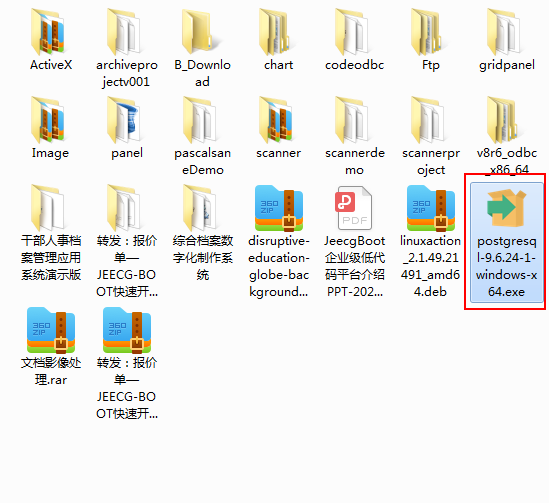
找到安装文件, 我的安装文件路径如下:

进入cmd ,然后将当前目录切换到程序的安装文件目录下
运行 postgresql-9.6.24-1-windows-x64.exe --install_runtimes 0
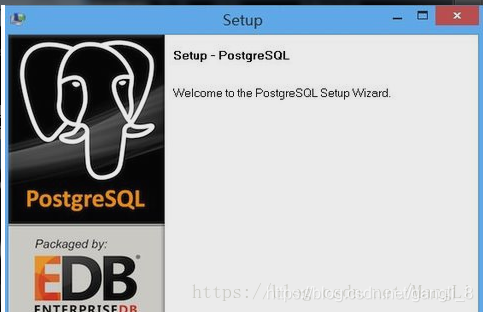
直接出来了postgresql 的安装界面(如下界面),一路next,安装成功,收工。

「喜欢这篇文章,您的关注和赞赏是给作者最好的鼓励」
关注作者
【版权声明】本文为墨天轮用户原创内容,转载时必须标注文章的来源(墨天轮),文章链接,文章作者等基本信息,否则作者和墨天轮有权追究责任。如果您发现墨天轮中有涉嫌抄袭或者侵权的内容,欢迎发送邮件至:contact@modb.pro进行举报,并提供相关证据,一经查实,墨天轮将立刻删除相关内容。
