



调试redux代码的工具,官方推荐的是redux-devtools-extension,安装好了之后,我们还需要在代码中配置一下才可以在浏览器中调试代码。
一,我们安装redux调试工具,是在Chrome中去安装的,自行安装
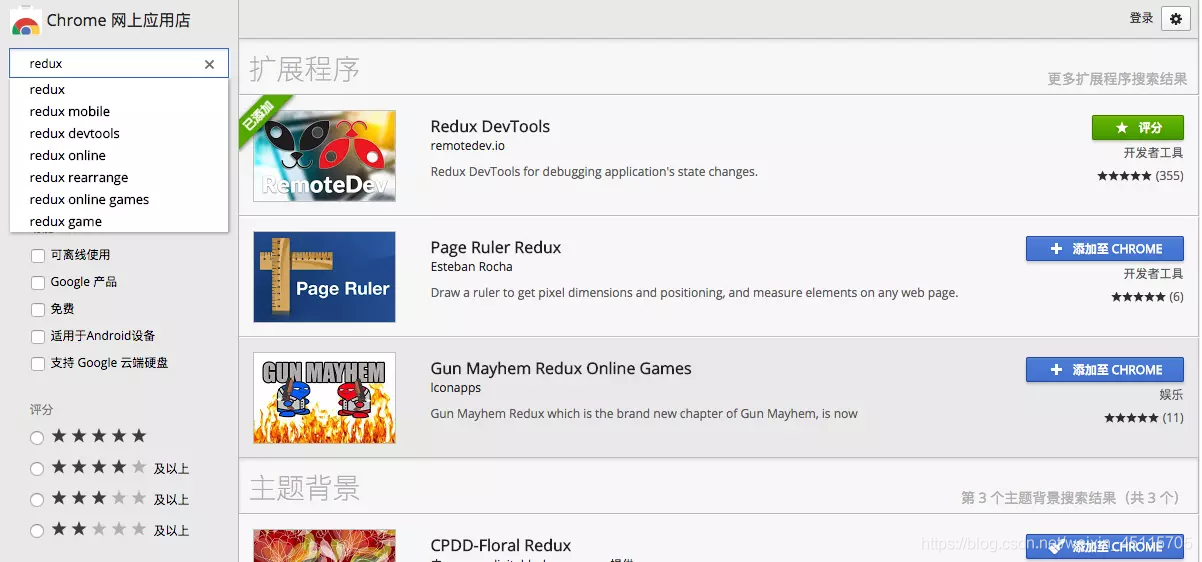
打开谷歌网上应用店:搜索redux,安装第一个即可
二,在代码中创建store的时候去判断window.devToolsExtension函数是否存在
更多配置可参考:官网链接
To specify extension’s options, use it like so:
const composeEnhancers =
  typeof window === 'object' &&
  window.__REDUX_DEVTOOLS_EXTENSION_COMPOSE__ ?
    window.__REDUX_DEVTOOLS_EXTENSION_COMPOSE__({
      // Specify extension’s options like name, actionsBlacklist, actionsCreators, serialize...
    }) : compose;

const enhancer = composeEnhancers(
  applyMiddleware(...middleware),
  // other store enhancers if any
);
const store = createStore(reducer, enhancer);
引入compose,并使用compose结合thunk和window.devToolsExtension结合起来:
store/index.js
import reducers from './reducers';
import thunk from 'redux-thunk';

const composeEnhancers =
  typeof window === 'object' &&
  window.__REDUX_DEVTOOLS_EXTENSION_COMPOSE__ ?
    window.__REDUX_DEVTOOLS_EXTENSION_COMPOSE__({}) : compose;

const enhancer = composeEnhancers(
  applyMiddleware(thunk),
);
const store = createStore(reducers, enhancer);


export default store;
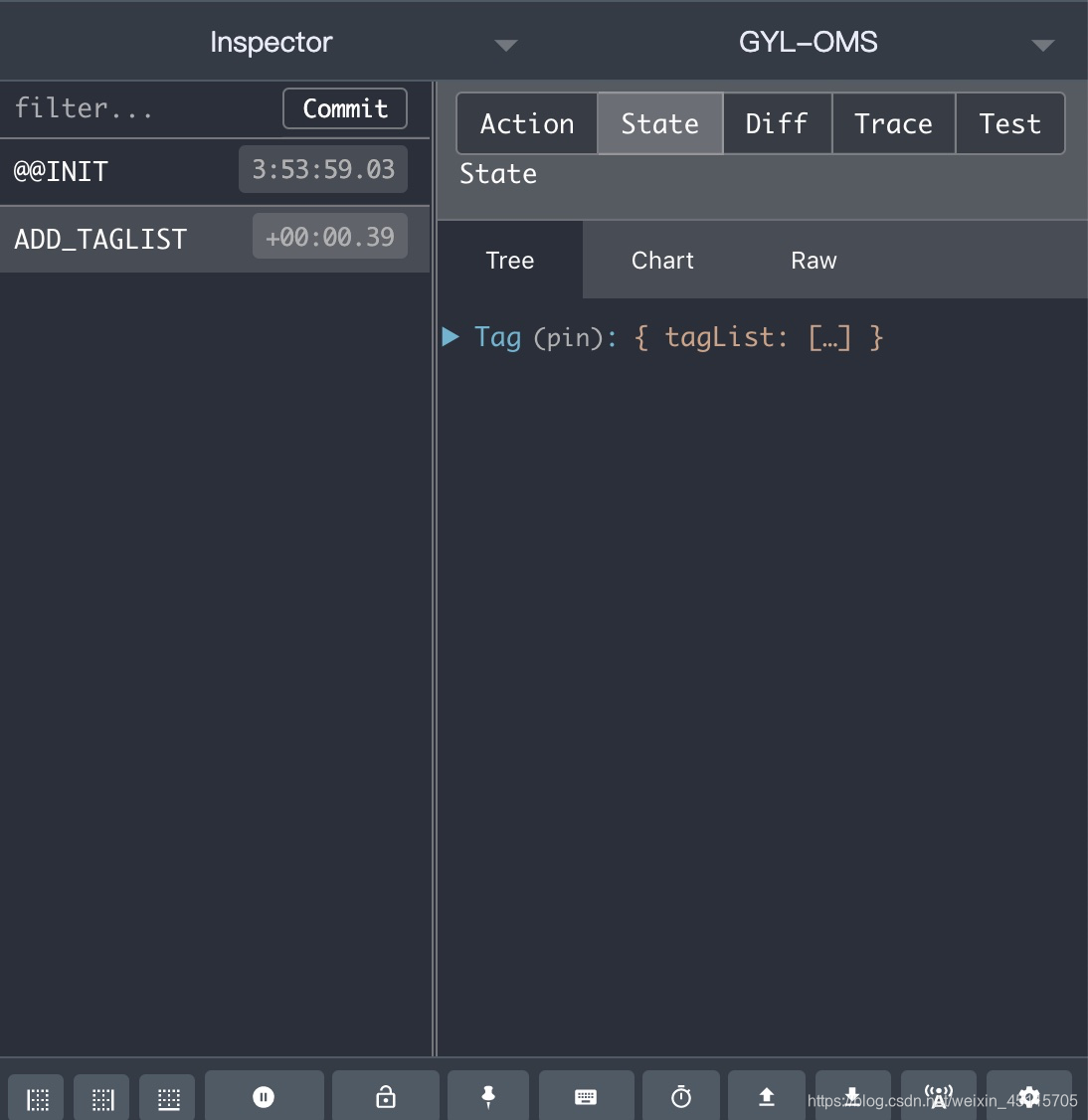
配置好后,我们在Chrome的调试窗的redux选项卡中可以实时看到state
更多配置和具体使用可参考官网。
PS:未来的你,一定会感谢今天拼命努力的自己!
「喜欢这篇文章,您的关注和赞赏是给作者最好的鼓励」
关注作者
【版权声明】本文为墨天轮用户原创内容,转载时必须标注文章的来源(墨天轮),文章链接,文章作者等基本信息,否则作者和墨天轮有权追究责任。如果您发现墨天轮中有涉嫌抄袭或者侵权的内容,欢迎发送邮件至:contact@modb.pro进行举报,并提供相关证据,一经查实,墨天轮将立刻删除相关内容。
