



查看 OceanBase 执行计划
内容:
1 .使用 BenmarkSQL 运行 TPC-C ,并发数不用很高,5~10 并发即可(根据机器资源)。
2. 分析 TPC-C TOP SQL,并查看 3条 SQL 的 解析执行计划 和 实际执行计划。
- 使用 BenmarkSQL 运行 TPC-C ,并发数不用很高,5~10 并发即可
环境配置:
下载BenmarkSQL : https://github.com/meiq4096/benchmarksql-5.0
解压缩:
unzip benchmarksql-5.0-master.zip
创建数据库:
obclient -h127.1 -uroot@obtenant#obdemo -P2883 -p -c -A Oceanbase
create database tpcc
grant all privileges on tpcc.* to test ;
设置超时:
set global ob_query_timeout=36000000000;
set global ob_trx_timeout=36000000000;
props.ob 配置
db=oracle
driver=com.alipay.oceanbase.obproxy.mysql.jdbc.Driver
conn=jdbc:oceanbase://127.1:2883/tpcc?useUnicode=true&characterEncoding=utf-8
user=test@obtenant#obdemo
password=test

warehouses=1
loadWorkers=1

terminals=2
//To run specified transactions per terminal- runMins must equal zero
runTxnsPerTerminal=0
//To run for specified minutes- runTxnsPerTerminal must equal zero
runMins=1
//Number of total transactions per minute
limitTxnsPerMin=0

//Set to true to run in 4.x compatible mode. Set to false to use the
//entire configured database evenly.
terminalWarehouseFixed=true

//The following five values must add up to 100
newOrderWeight=45
paymentWeight=43
orderStatusWeight=4
deliveryWeight=4
stockLevelWeight=4

// Directory name to create for collecting detailed result data.
// Comment this out to suppress.
resultDirectory=my_result_%tY-%tm-%td_%tH%tM%tS
osCollectorScript=./misc/os_collector_linux.py
osCollectorInterval=1
导入数据:
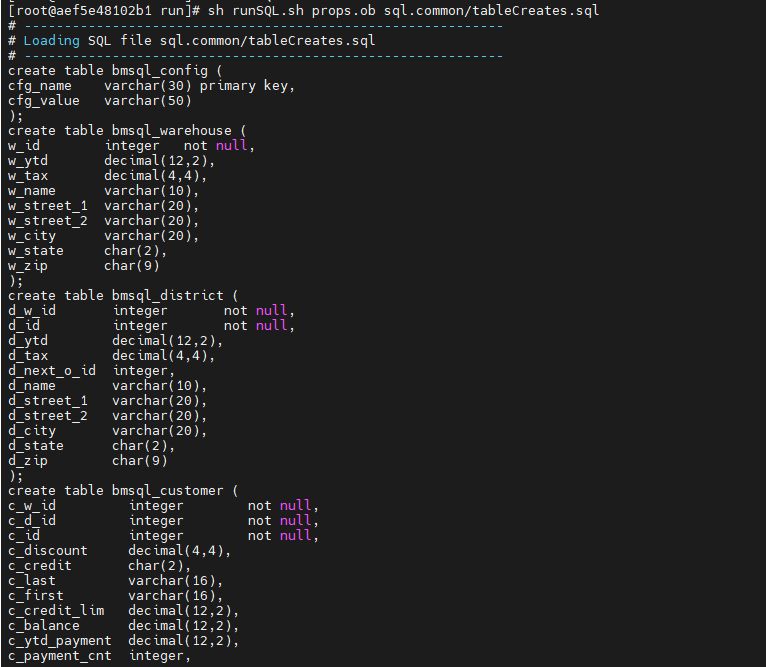
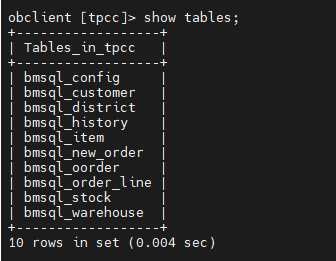
sh runSQL.sh props.ob sql.common/tableCreates.sql
加载数据
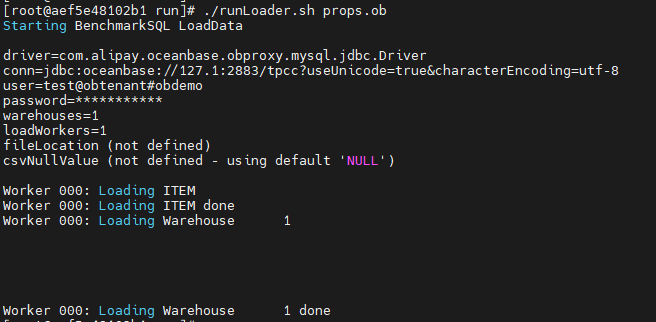
./runLoader.sh props.ob
手动创建索引提高效率
create index bmsql_customer_idx1 on bmsql_customer (c_w_id, c_d_id, c_last, c_first) local;
create index bmsql_oorder_idx1 on bmsql_oorder (o_w_id, o_d_id, o_carrier_id, o_id) local;
运行性能测试:
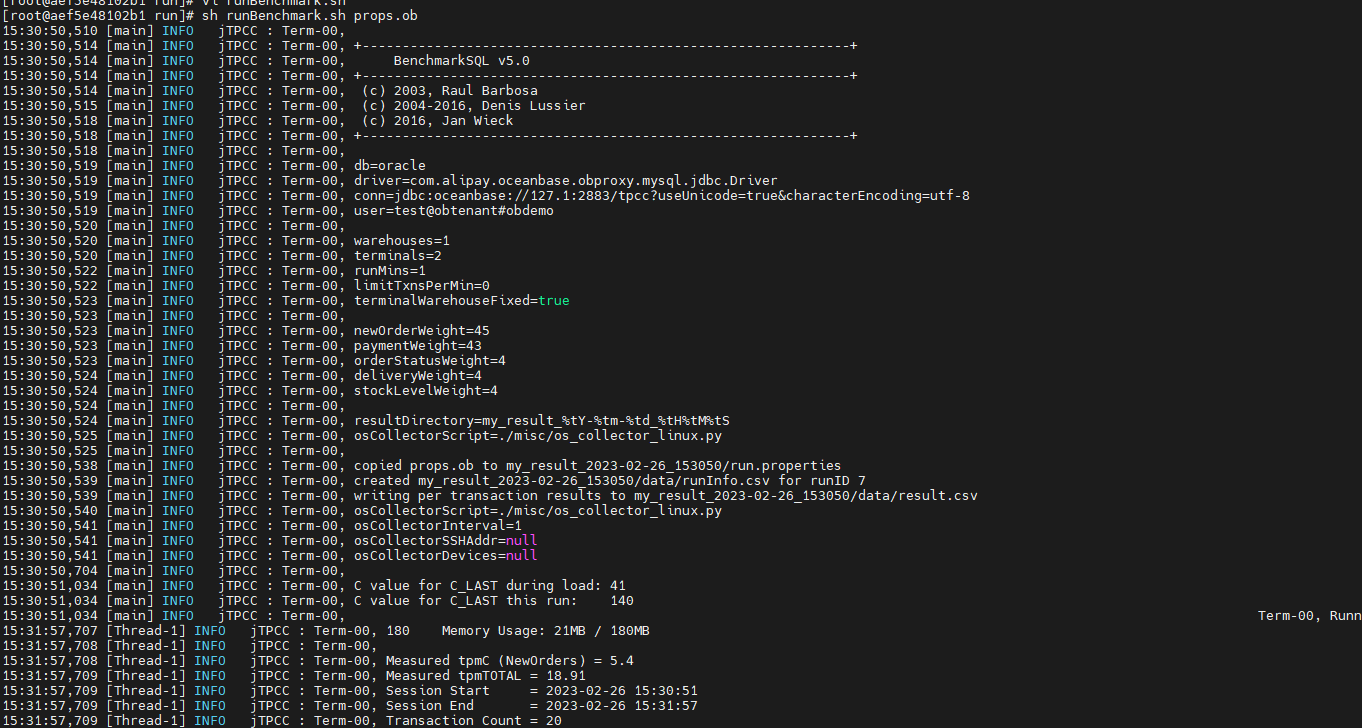
sh runBenchmark.sh props.ob
2. 分析 TPC-C TOP SQL,并查看 3条 SQL 的 解析执行计划 和 实际执行计划。
SELECT /*+ PARALLEL(15) */ avg_exe_usec,tenant_id, svr_ip, svr_port, sql_id, plan_id FROM oceanbase.gv$plan_cache_plan_stat WHERE tenant_id=1001 ORDER BY avg_exe_usec DESC LIMIT 10 ;
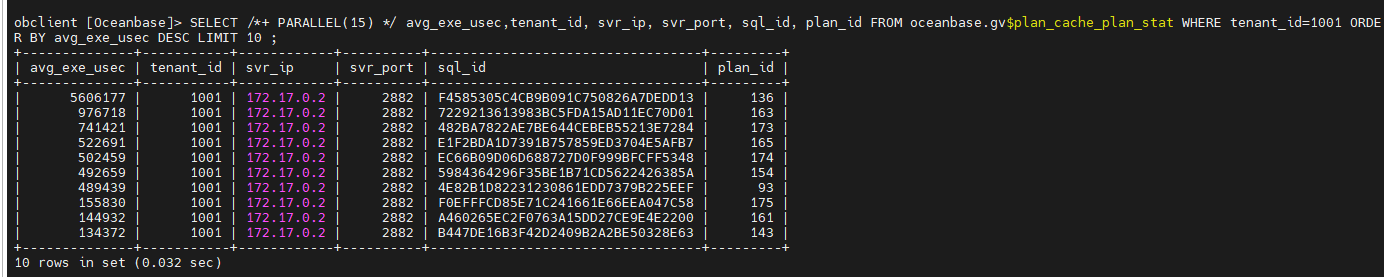
获取具体的SQL
select query_sql from gv$plan_cache_plan_stat where sql_id='B447DE16B3F42D2409B2A2BE50328E63';

使用gv$plan_cache_plan_explain查看sql实际执行计划:
select plan_line_id,operator,name,rows,cost from oceanbase.gv$plan_cache_plan_explain where ip ='172.17.0.2' and port='2882' and tenant_id='1001' and plan_id='143';

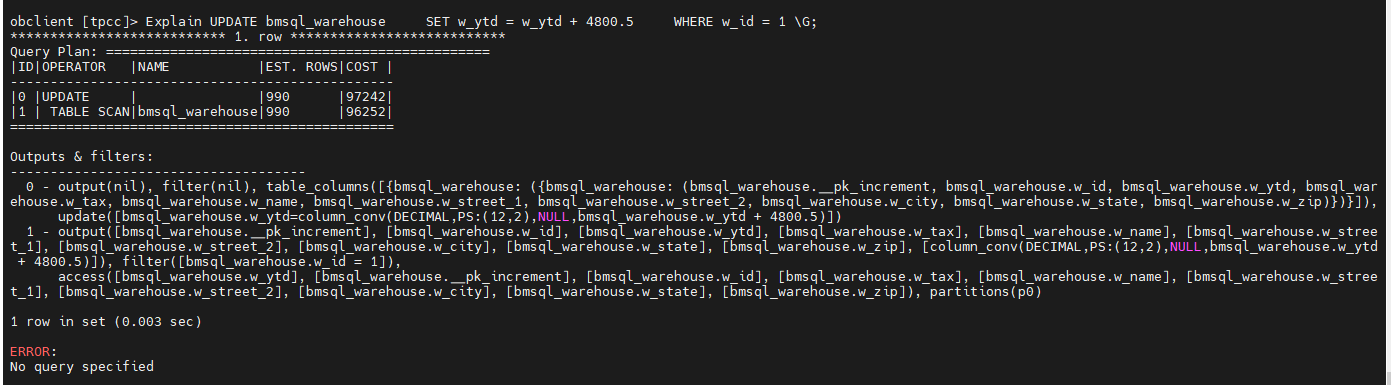
使用explain查看解析执行计划:
Explain UPDATE bmsql_warehouse SET w_ytd = w_ytd + 4800.5 WHERE w_id = 1
That is all !
