



Python 的 html2text 库可以将网页转为 markdown 格式。
html2text 的安装:
$ pip install html2textCollecting html2textDownloading html2text-2020.1.16-py3-none-any.whl (32 kB)Installing collected packages: html2textSuccessfully installed html2text-2020.1.16
我们以廖雪峰的博客为例将其中的requests介绍这一章转换为markdown,网页链接为:
https://www.liaoxuefeng.com/wiki/1016959663602400/1183249464292448
首先使用 requests 将 url 抓下来:
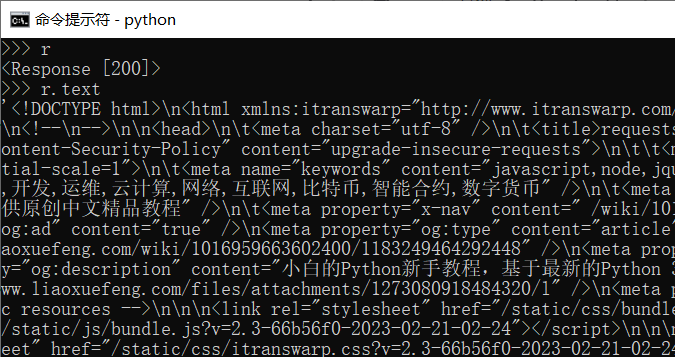
>>> import requests>>> url = 'https://www.liaoxuefeng.com/wiki/1016959663602400/1183249464292448'>>> url'https://www.liaoxuefeng.com/wiki/1016959663602400/1183249464292448'>>> r = requests.get(url)>>> r<Response [200]>>>> r.text
其中 r.text 已经是 html 文本了,通过写文件的方式可以将 r.text 写入文件中。
>>> f = open(r'd:\test.html', mode='w', encoding='utf-8')>>> f.write(r.text)85658>>> f.close()
html 格式的文本中有大量的特殊符号,可读性很差。
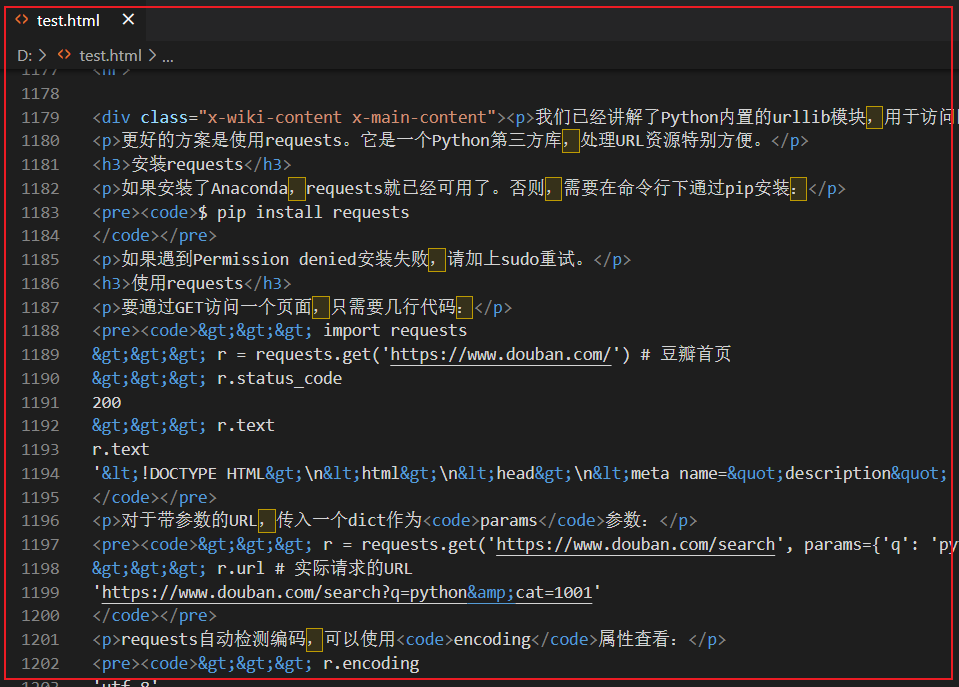
我们用 html2text 将其转换为 markdown 格式试试:
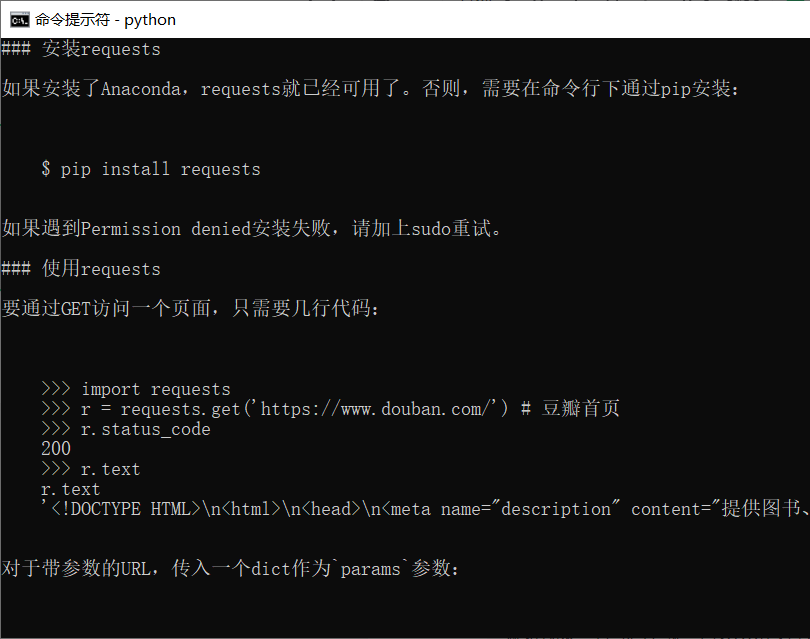
>>> import html2text>>> h = html2text.HTML2Text()>>> h.ignore_links = True>>> h.handle(r.text)>>> print(h.handle(r.text))
在 console 中打印出来,效果还是不错的,也可以保存至文件。
全文完。
如果转发本文,文末务必注明:“转自微信公众号:生有可恋”。
文章转载自生有可恋,如果涉嫌侵权,请发送邮件至:contact@modb.pro进行举报,并提供相关证据,一经查实,墨天轮将立刻删除相关内容。
