目录
01
—
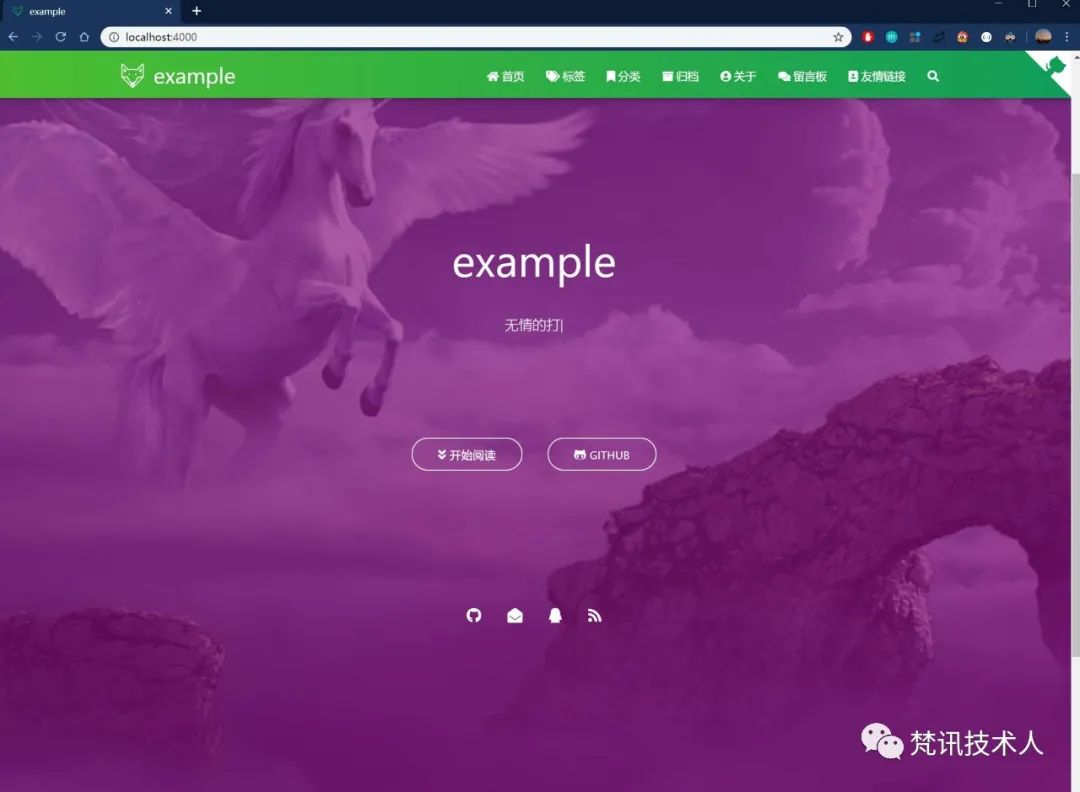
成品预览
02
—
准备工作
2.1 基础环境
基于上一篇已搭建好基本的项目。(详细请看链接:hexo搭建blog神器)
2.2 项目配置文件
项目根目录下的 _config.yml 文件(非themes的)就是该项目的配置文件,上一篇文章中只是涉及到修改其中的 delpoy部分的内容(即将文章推送到github上)。
详细配置内容如下(参见:https://hexo.io/zh-cn/docs/configuration):
# Site 站点配置title: Hexosubtitle: ''description: ''keywords:author: John Doelanguage: entimezone: ''# URL 网站url配置url: http://yoursite.comroot: /permalink: :year/:month/:day/:title/permalink_defaults:pretty_urls:trailing_index: true # Set to false to remove trailing 'index.html' from permalinkstrailing_html: true # Set to false to remove trailing '.html' from permalinks# Directory 目录source_dir: sourcepublic_dir: publictag_dir: tagsarchive_dir: archivescategory_dir: categoriescode_dir: downloads/codei18n_dir: :langskip_render:# Writing 写文章的配置new_post_name: :title.md # File name of new postsdefault_layout: posttitlecase: false # Transform title into titlecaseexternal_link:enable: true # Open external links in new tabfield: site # Apply to the whole siteexclude: ''filename_case: 0render_drafts: falsepost_asset_folder: falserelative_link: falsefuture: truehighlight:enable: trueline_number: trueauto_detect: falsetab_replace: ''wrap: truehljs: false# Home page setting 首页文章排序index_generator:path: ''per_page: 10order_by: -date# Category & Tag 分类和标签default_category: uncategorizedcategory_map:tag_map:# Extensions 本篇重点,使用的主题theme: landscapeps: 配置内容还是相对简单的,其他的一些配置就没有列出来了
03
—
Themes 准备
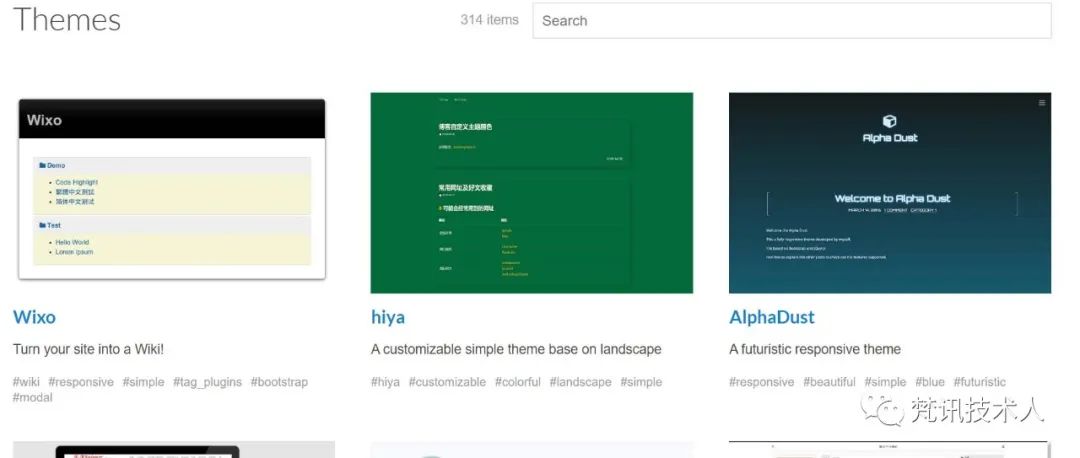
在hexo官网的主题页面(https://hexo.io/themes/),可以看到有很多的主题可供下载使用(目前显示有311个可供使用)。
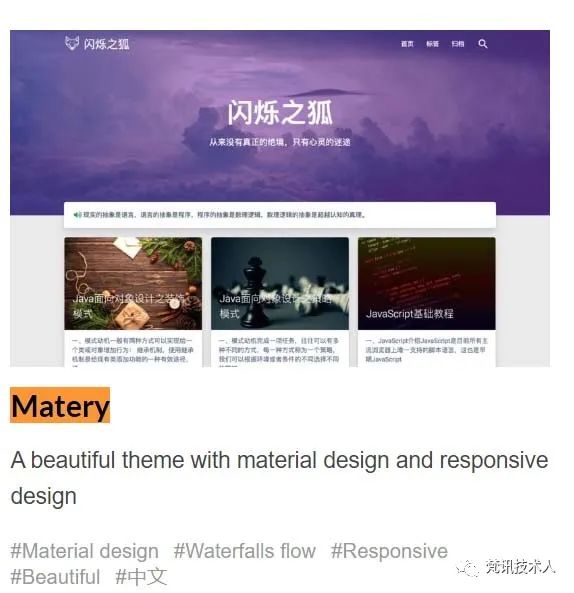
 本次要演示的例子是上篇中展示的,主题名称是:Matery。
3.1 Themes下载
主题github地址:https://github.com/blinkfox/hexo-theme-matery
(1)进入项目目录下的 themes文件夹,将仓库clone下来
git clone https://github.com/blinkfox/hexo-theme-matery.gitps: 这个步骤是真的慢,可以先去睡一觉
(2)在项目的配置文件中将 themes
由原本默认的 theme: landscape
改为 theme: hexo-theme-matery
# 项目中的 _config.yml# Extensions## Plugins: https://hexo.io/plugins/## Themes: https://hexo.io/themes/theme: hexo-theme-matery
(3)清空原本生成的静态文件,生成新的静态页面文件
# hexo clean 清除静态文件# hexo generate 生成新的静态文件hexo clean && hexo generate
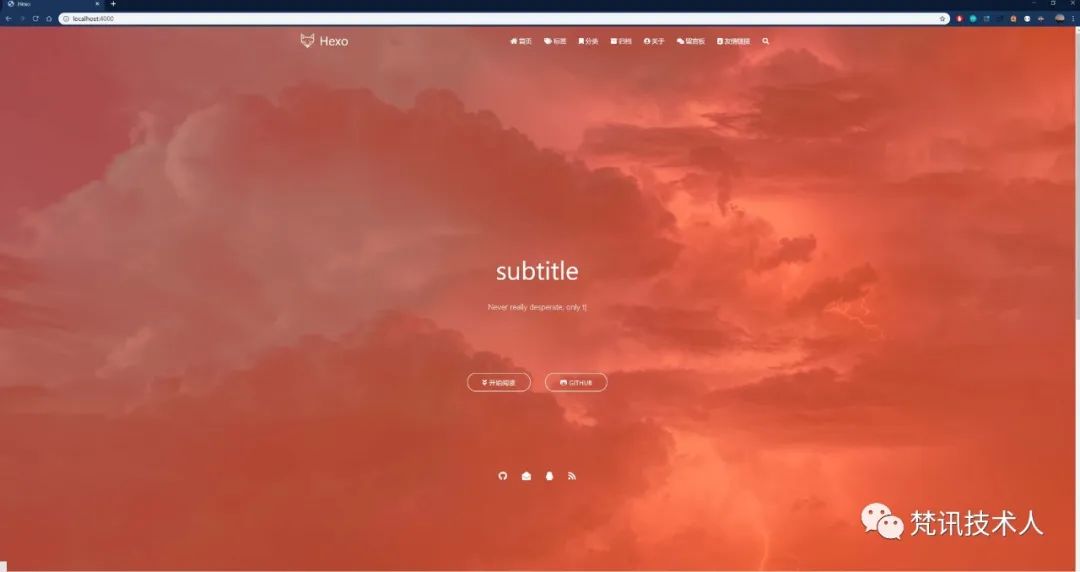
(4)启动服务器
hexo server
04
—
配置 Themes
至上一步,搭建切换至matery
主题后,任需要一些配置操作,才能完成blog的定制化。
4.1 新建menu页
分别新建categories、tags、about、contact、friends页面,对应博客最上方的多个标签。
# 新建命令分别为以下几个hexo new page "categories" # 用作展示所有分类hexo new page "tags" # 用作展示所有标签hexo new page "about" # 用作展示关于自我介绍的内容hexo new page "contact" # 用作展示所有留言信息hexo new page "friends" # 用作展示友情链接ps:(1) 在source目录下新建 _data目录,并新建 friends.json文件,用作友情链接的数据源(2) 需要在source目录下新建404页面文件,即 404.md
# friends.json 官方提供的数据样例[{"avatar": "http://image.luokangyuan.com/1_qq_27922023.jpg","name": "码酱","introduction": "我不是大佬,只是在追寻大佬的脚步","url": "http://luokangyuan.com/","title": "前去学习"}, {"avatar": "http://image.luokangyuan.com/4027734.jpeg","name": "闪烁之狐","introduction": "编程界大佬,技术牛,人还特别好,不懂的都可以请教大佬","url": "https://blinkfox.github.io/","title": "前去学习"}, {"avatar": "http://image.luokangyuan.com/avatar.jpg","name": "ja_rome","introduction": "平凡的脚步也可以走出伟大的行程","url": "https://me.csdn.net/jlh912008548","title": "前去学习"}]# 404 页面文件内容(至少)# 注意:使用md编辑器粘贴下方内容的时候(如:Typora),# 请保证编辑器不会生成新的格式(Typora会在外部生成 ``` ```),# 应当在源码模式下粘贴(指的是使用Typora)---title: 404date: 2018-09-30 17:25:30type: "404"layout: "404"description: "Oops~,我崩溃了!找不到你想要的页面 :("---
创建完毕,会在source文件夹下生成对应的子文件夹,每一个子文件夹内生成一个index.md
文件。
4.2 第三方插件安装
此处安装的第三方插件,一般为已安装的插件或者theme方推荐的插件,也可选用其他替代插件,详细的替换方法可去theme github查看:https://github.com/blinkfox/hexo-theme-matery/blob/develop/README_CN.md
4.2.1 代码高亮
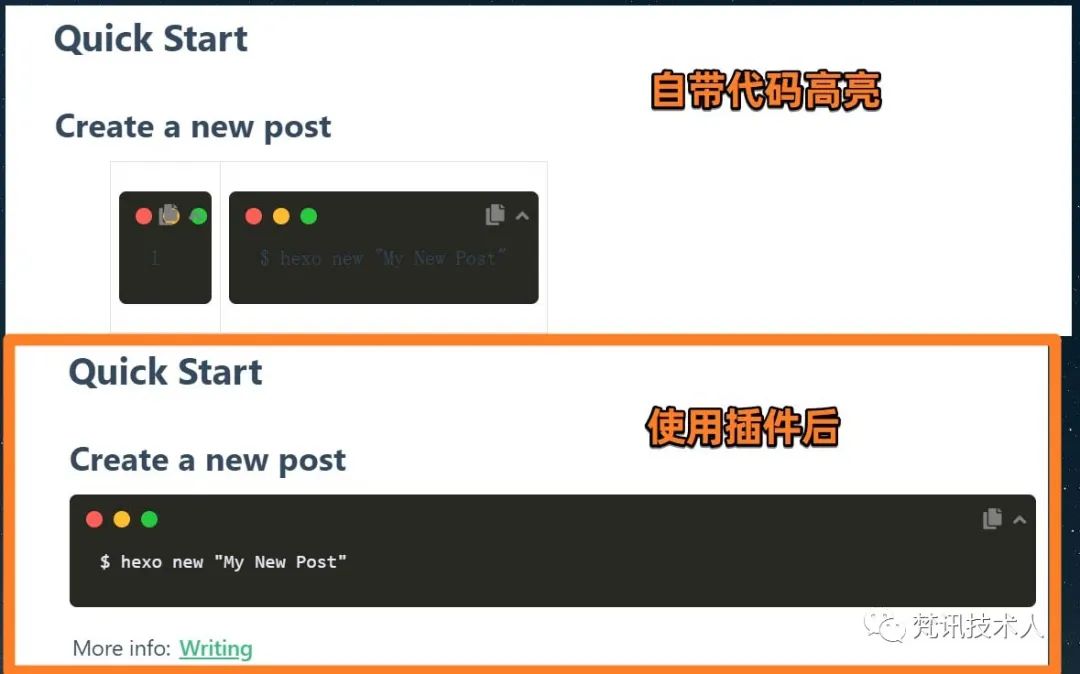
matery主题中使用hexo-prism-plugin
插件来做代码高亮。
npm i -S hexo-prism-plugin
需要改项目 _config.yml
(非theme)文件中的代码高亮配置。
# 添加时注意缩进与空格highlight:enable: falseprism_plugin:mode: 'preprocess' # realtime/preprocesstheme: 'tomorrow'line_number: false # default falsecustom_css:
4.2.2 内容搜索
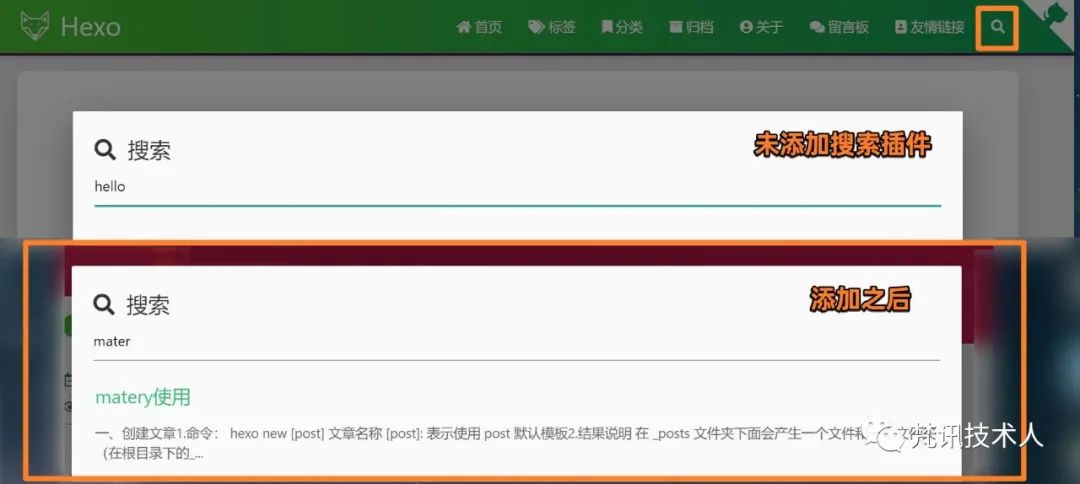
matery主题中使用 hexo-generator-search
插件作为内容搜索。
npm install hexo-generator-search --save
需要在项目 _config.yml
(非theme)文件中添加。
# 添加时注意缩进与空格search:path: search.xmlfield: post
4.2.3 中文链接转拼音
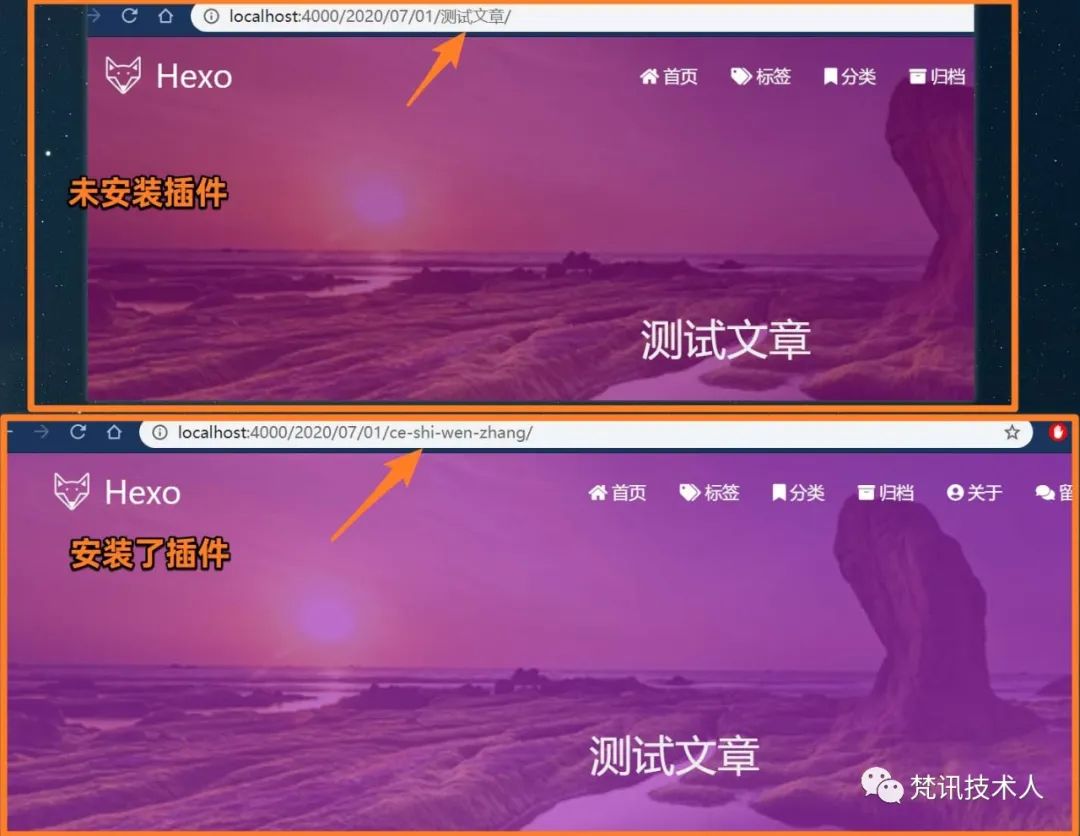
如果文章名称是中文的,生成的永久链接也会有中文,官方给的说法是:不利于 SEO
(对于这一块没有深入研究),且 gitment
评论对中文链接也不支持。
npm i hexo-permalink-pinyin --save
需要在项目 _config.yml
(非theme)文件中新增配置。
permalink_pinyin:enable: trueseparator: '-' # default: '-'
4.2.4 文章字数统计
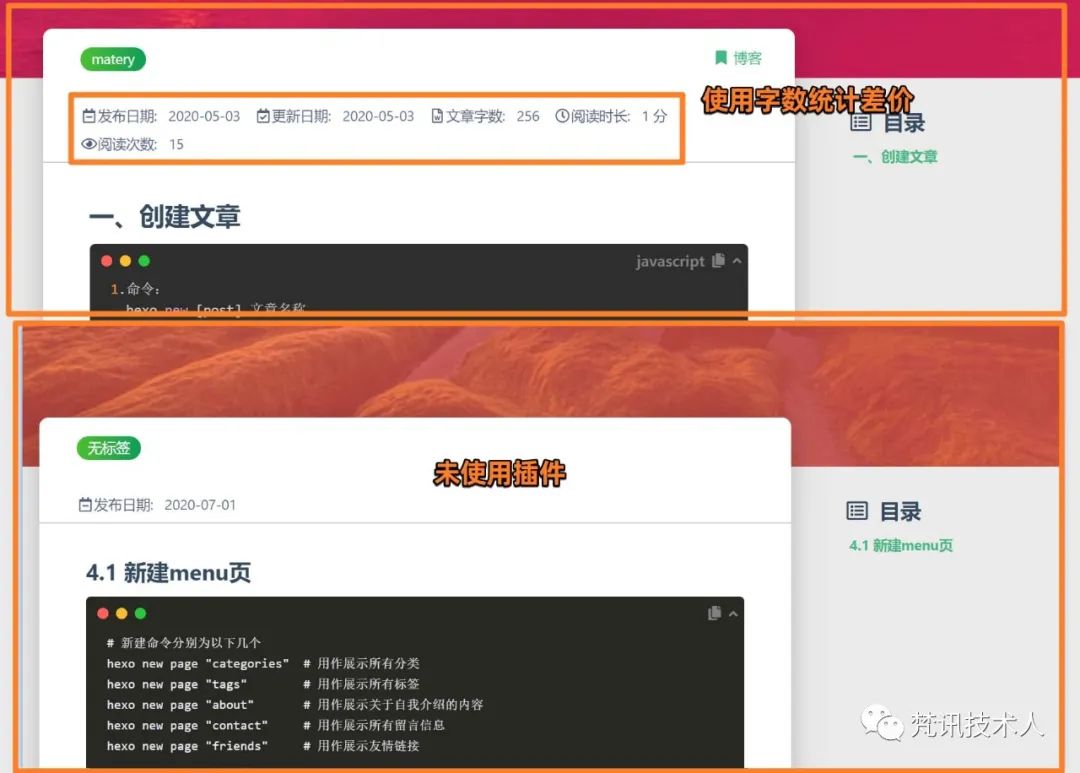
这个文章字数统计和阅读时长这样的信息,应该是从公众号开始兴起的吧,反正加上了会给人一种高level的感觉。
npm i --save hexo-wordcount
需要在Matery主题下的 _config.yml
(非项目)文件中激活配置。
postInfo:date: trueupdate: falsewordCount: false # 设置文章字数统计为 true.totalCount: false # 设置站点文章总字数统计为 true.min2read: false # 阅读时长.readCount: false # 阅读次数.
4.2.5 添加emoji表情支持
表情所传达的信息,很多时候是文字所表达不出的,所以自从知道了emoji之后,好多时候都不自觉的插个表情玩一玩,因此强烈建议安装😏😏😏。
npm install hexo-filter-github-emojis --save
需要在项目 _config.yml
(非theme)文件中新增配置。
githubEmojis:enable: trueclassName: github-emojiinject: truestyles:customEmojis:
注:其他的配置信息,可自行查阅官方文档和Theme文档内容进行调整。
05
—
总结
整体的配置流程相对固定,按照流程操作完就可以了,过程中出现的问题也都不难解决。完成上面的配置内容后,就可以开始创作大业了。